-
-
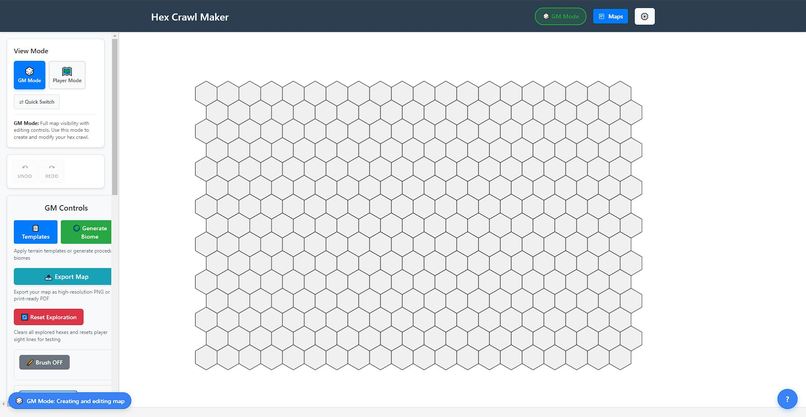
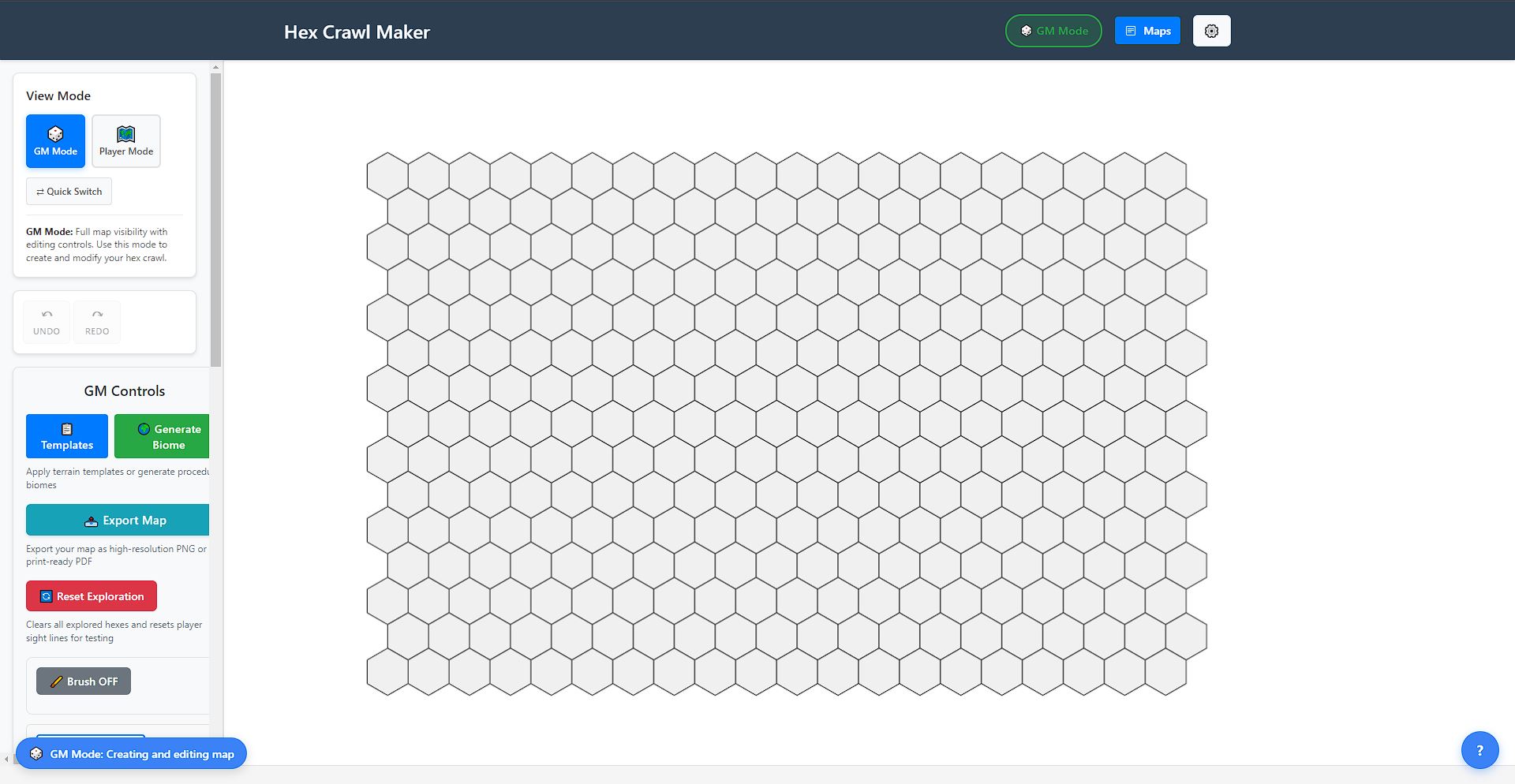
Landing Screen
-
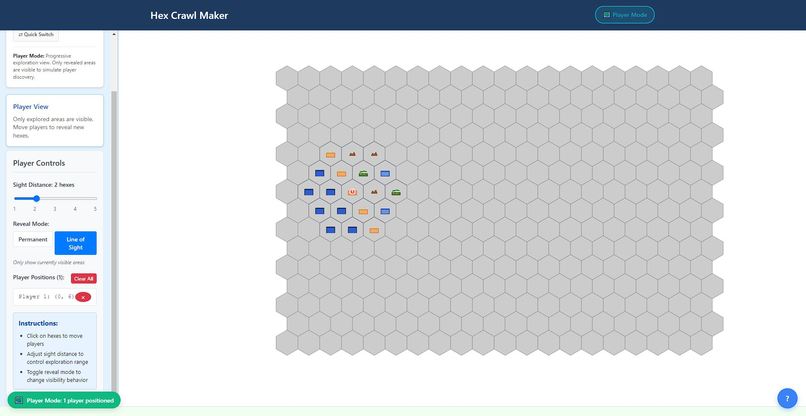
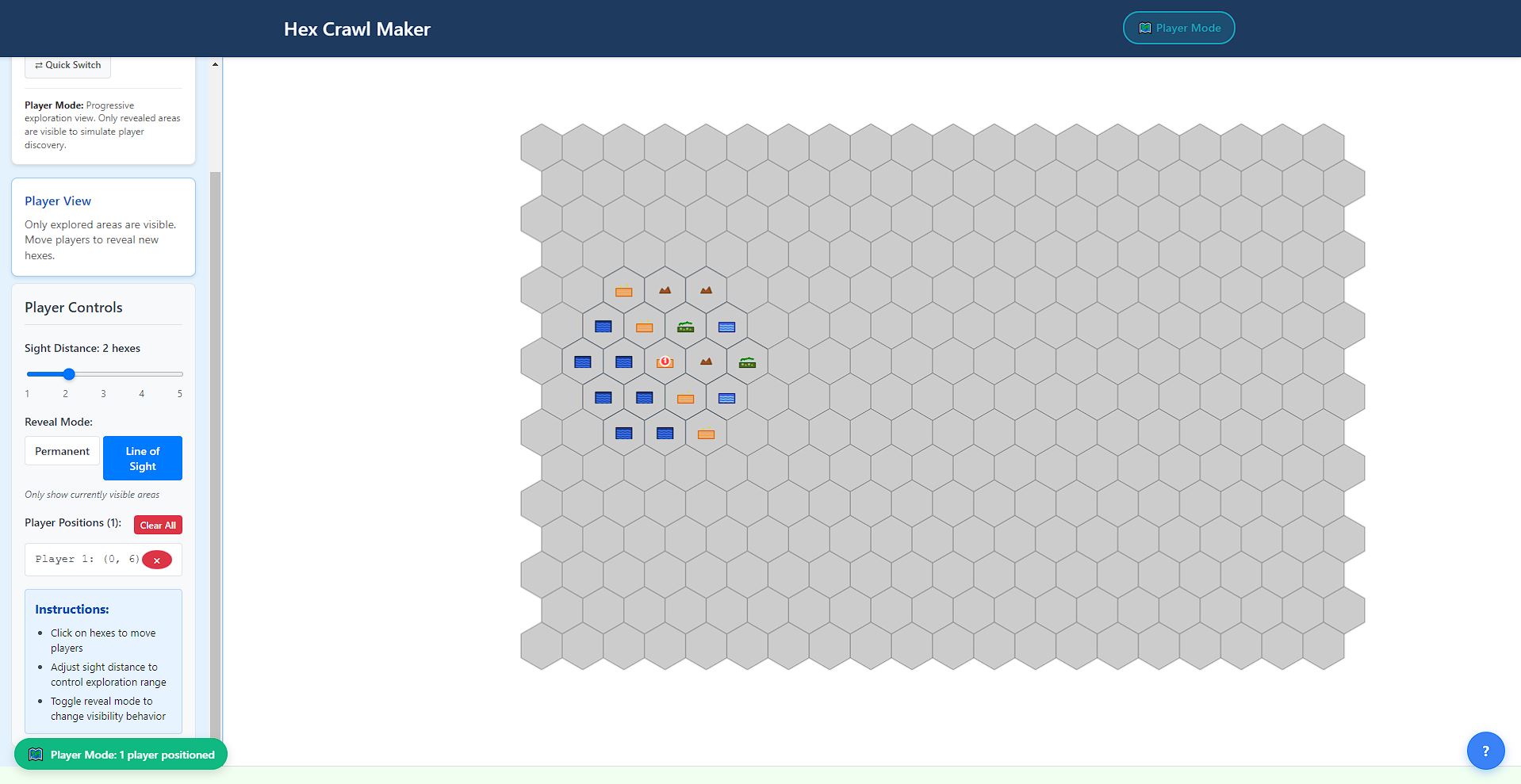
Player View
-
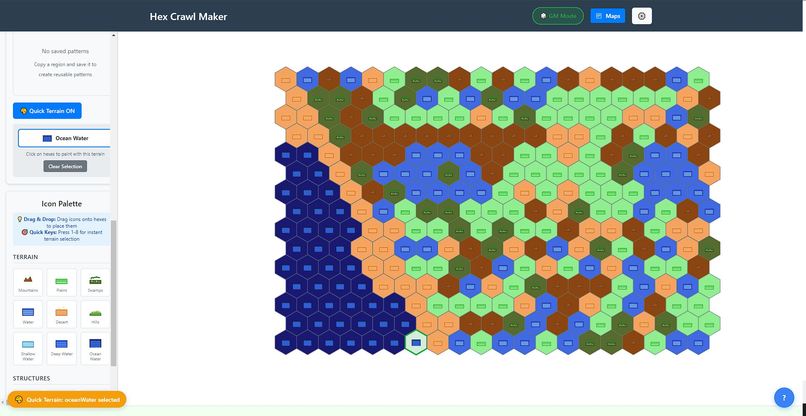
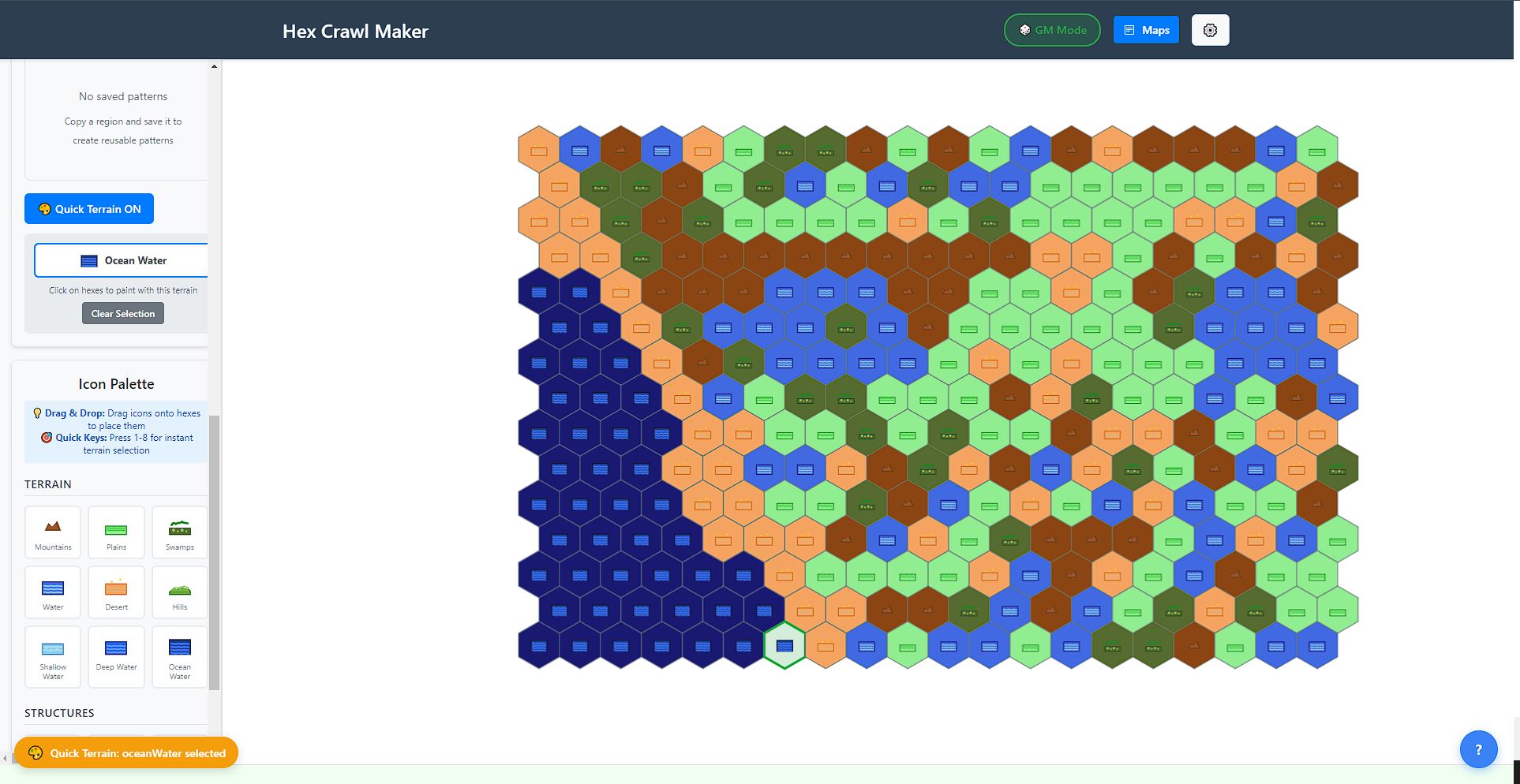
GM View
Inspiration
After running a series of hex-crawl games for friends, I wanted a way to project maps so everyone could easily follow along. This was especially important for a friend with low vision who needed the largest possible display to stay engaged with the group. That accessibility challenge inspired me to create Hex Crawler.
What it does
Hex Crawler is both a hex map editor/creator and a game aid for tabletop RPGs. It enables GMs to:
- Build maps from scratch or generate them procedurally with biomes.
- Edit and refine maps to fit their campaign.
- Use a “Player Mode” to project the map, dynamically revealing hexes as players explore.
This creates an immersive and accessible experience, keeping everyone on the same page during play.
How we built it
I used Kiro to generate and refine the project specifications until they were structured enough to act as a roadmap. From there, I organized the work into 26 discrete tasks, ensuring I could complete at least one task per day. This task-based approach, supported by iterative “vibe build” adjustments, gave the project structure while maintaining flexibility.
Challenges we ran into
- Testing overload: Kiro automatically created tests for every file, which was great at first. Over time, however, it began skipping errors. Eventually, it ignored so many that the project build entered an endless loop with over 1,100 TypeScript errors. The solution was pruning tests to restore functionality.
- Art and design limitations: Kiro attempted to generate SVGs and color schemes, but the results were often rough or mismatched. Enforcing strict frameworks like Bootstrap produced more consistent, professional results.
Accomplishments that we’re proud of
- Rapid development: The project went from idea to production deployment in a remarkably short time.
- Professional polish: Despite minimal manual art direction, the app looks polished and usable across multiple campaigns.
- Accessibility impact: Making the game more inclusive for players with vision challenges was a key success.
What we learned
- Keep AI-driven tools on track: letting them drift into unmanageable errors can stall progress.
- Proactive error management (removing excessive tests and rebalancing scope) is essential for keeping builds efficient.
- Strict design frameworks (like Bootstrap) help maintain visual consistency.
What’s next for Hex Crawler
- UI/UX improvements: polish the interface, refine styling, and add helper text.
- Onboarding support: include tutorial tiles to make the tool easier for new users.
- Community release: integrate into my website and share with the wider RPG community to encourage adoption and feedback.

Log in or sign up for Devpost to join the conversation.