-
-
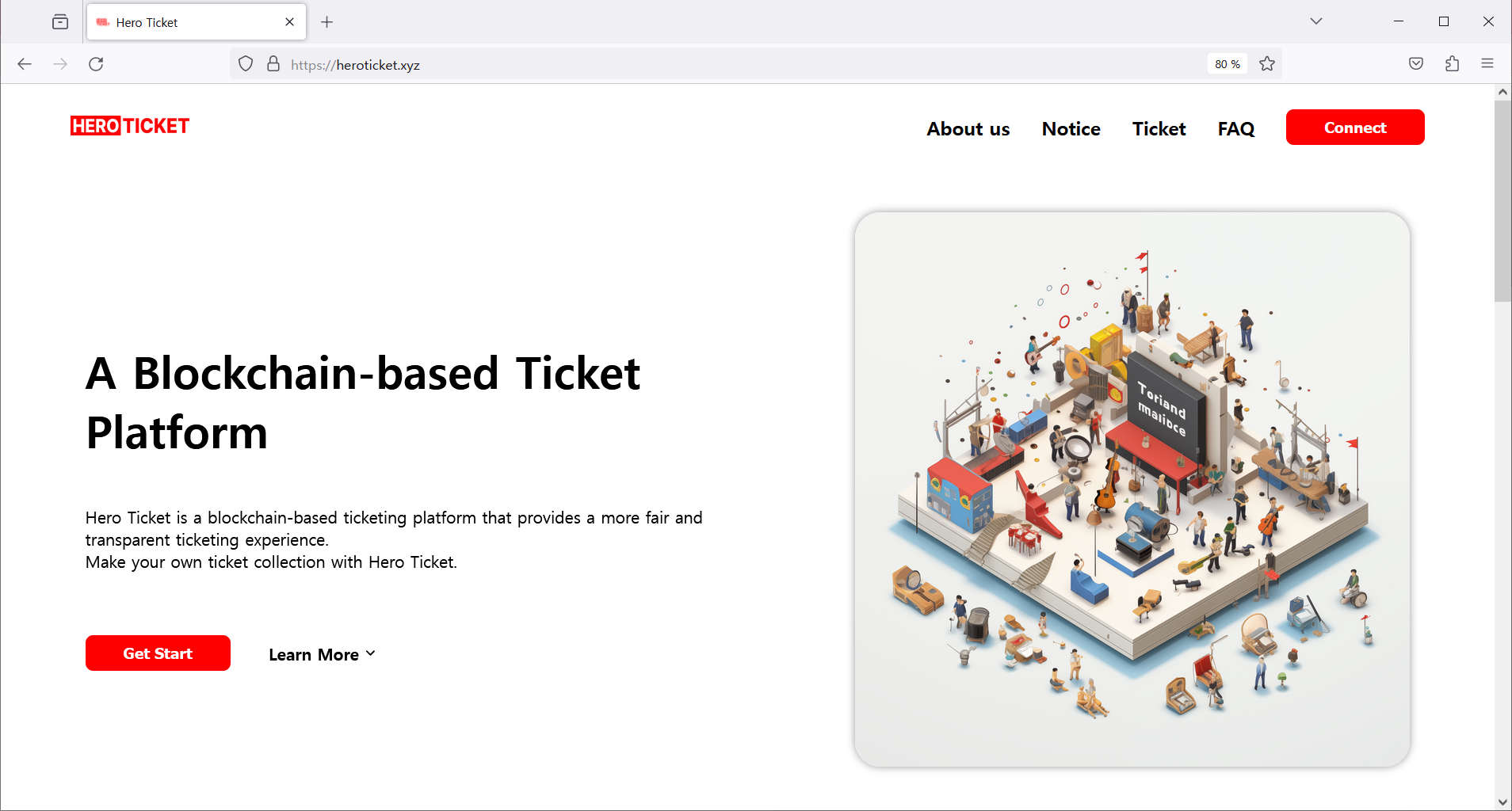
Homepage
-
Problem
-
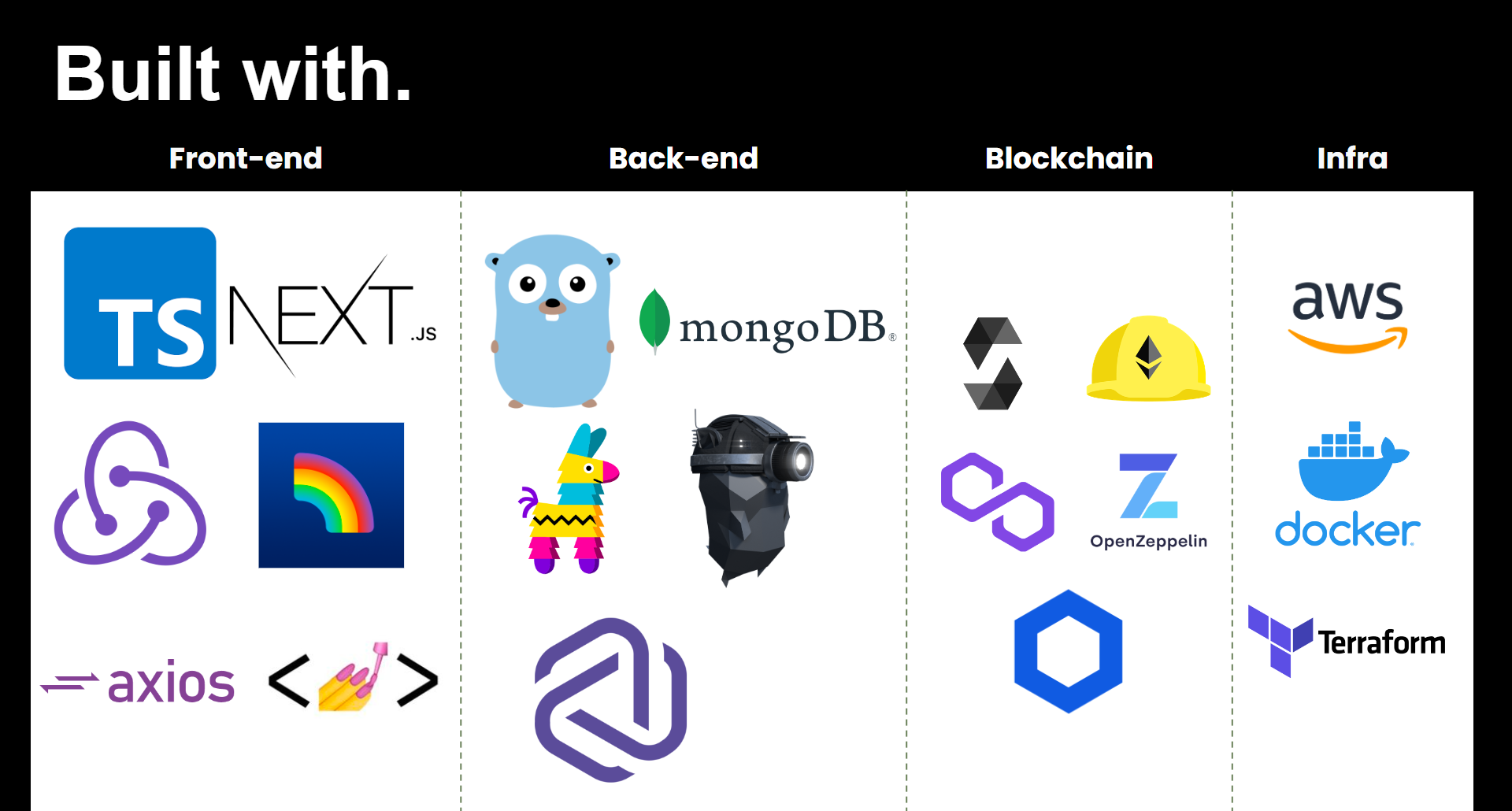
Built with
-
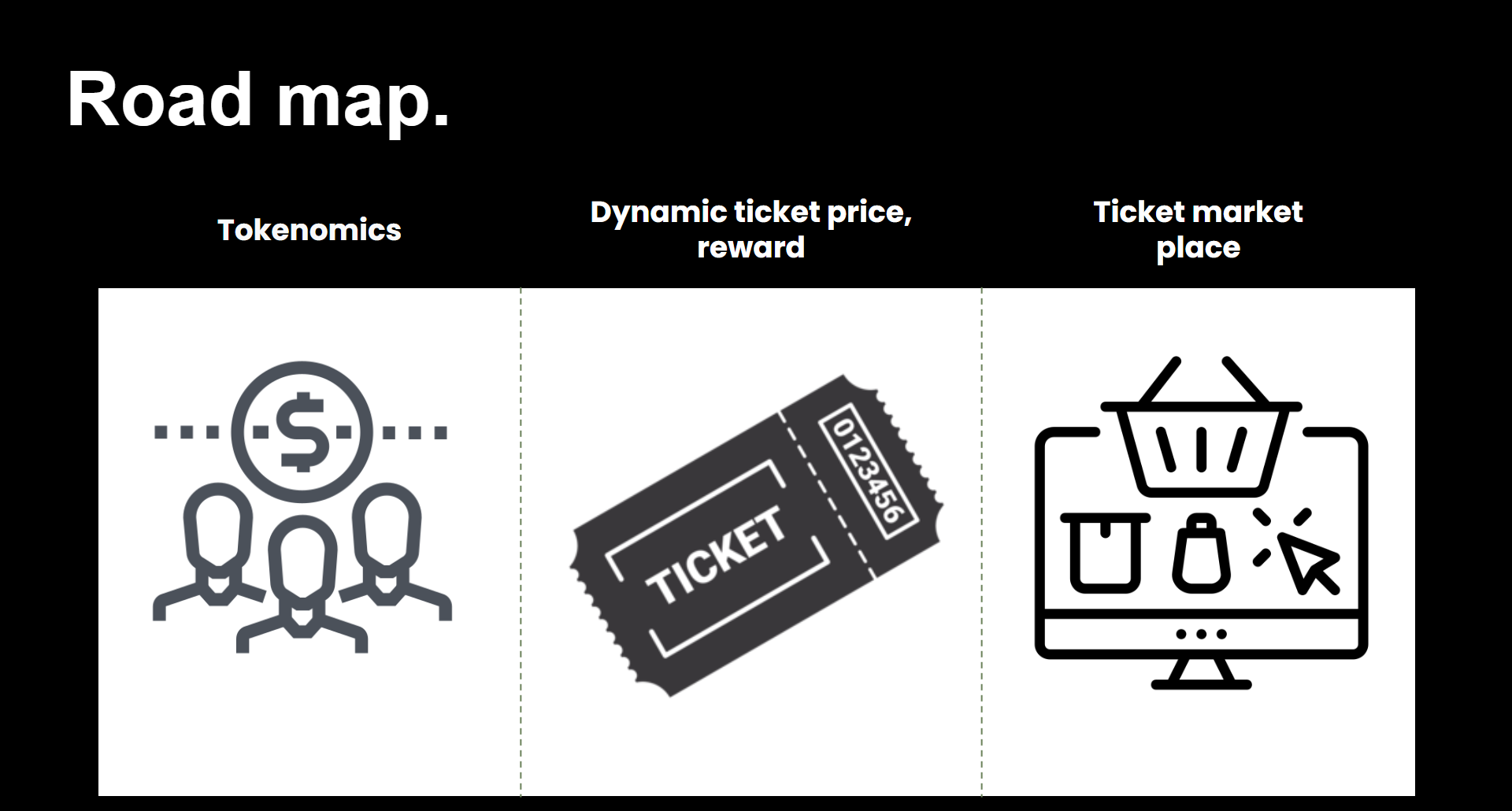
Roadmap
-
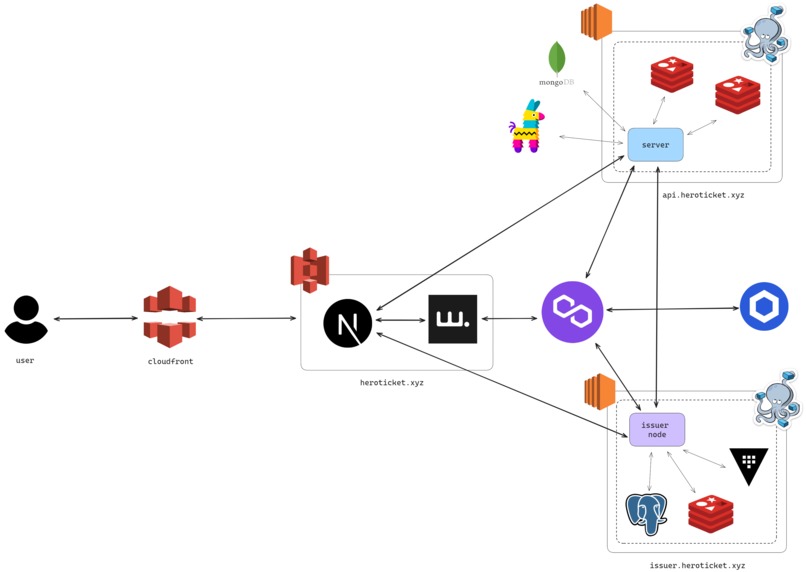
Service Architecture

Inspiration
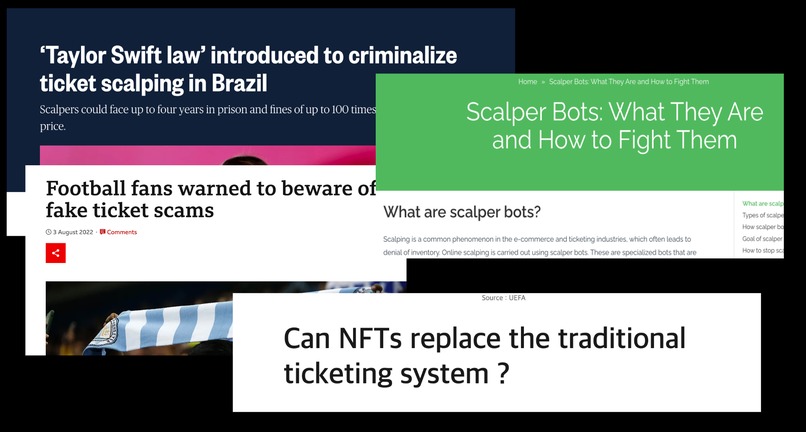
One of our team members still keeps the tickets to the NBA games watched in his childhood. It's an unforgettable memory and the tickets are an important catalyst for reminiscing. Compared to the past, the ticketing system has become more convenient, but problems such as ticket scalping and fake tickets have not been solved. Even now, there are a lot of ticket-buying bots and those who desperately want to buy tickets have to compete with them.
We've discussed how to solve these problems and we suggest a blockchain-based ticketing platform, Hero Ticket.
What it does
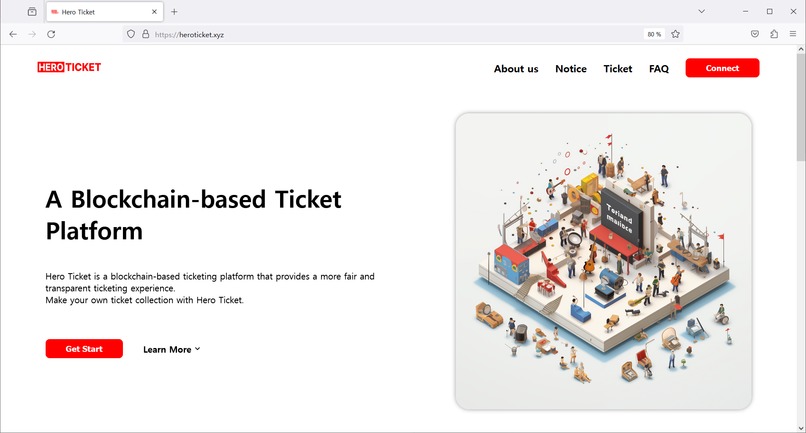
Hero Ticket is a blockchain-based ticketing platform that provides a more fair and transparent ticketing experience.
First, identity authentication is done through Polygon ID, which verifies the ticket purchaser's identity for each ticket purchase. This can prevent ticket scalping by only permitting the ticket purchaser to use the ticket. And because transactions can be tracked due to the nature of blockchain, it is possible to check whether the ticket issuer is the correct ticket issuer and the ticket purchaser is the correct ticket purchaser. It also prevents bots from purchasing tickets indiscriminately and allows users to purchase tickets more fairly.
Second, users can purchase tickets by ether or by using the platform's token. This allows users to purchase tickets more conveniently and allows them to receive additional benefits by using the platform's token. When purchasing tickets, the ticket is issued as an NFT and kept in the user's TBA account. This allows users to collect tickets and manage their ticket collections.
Finally, anyone with a valid identity can issue tickets. This allows anyone to issue tickets for events they want to hold. In ticket issuance, the issuer creates a ticket image using chainlink functions which utilize AI image generation. This allows the issuer to create a ticket image that is more unique and diverse than the existing ticket image. The issuer can set the price of the ticket and the number of tickets to be issued. This allows the issuer to issue tickets more flexibly.
How we built it
Smart Contract
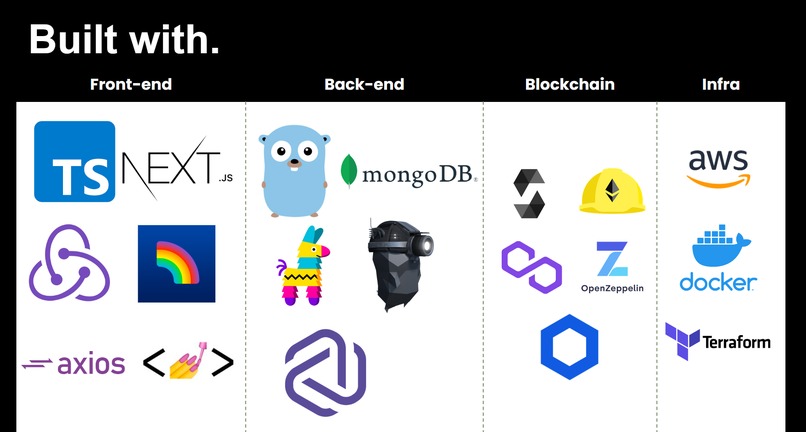
We built the smart contract using solidity and mainly used polygon mumbai testnet. We built the following contracts.
Ticket.sol : This contract is used to issue tickets. It implements the ERC721 standard and allows users to issue tickets as NFTs. The user who wants to buy a ticket by ether has to be set on the whitelist by the contract owner then can buy a ticket. The user who wants to buy a ticket by token just needs to have enough tokens. The issuer can set the price of the ticket, the number of tickets to be issued, and the sale duration. After the sale duration, the issuer can withdraw the ether or token received from the ticket sale.
TicketImageConsumer.sol : This contract is used to create a ticket image. It uses chainlink functions to invoke artificial intelligence to generate ticket NFT images.
ERC6551Account.sol, ERC6551AccountRegistry.sol : These contracts are used to create a TBA account.
NFTFactory.sol, HeroToken.sol : These contracts are used to create NFT and tokens utilized in the platform.
HeroTicket.sol : This contract is used to manage all contracts.
Backend
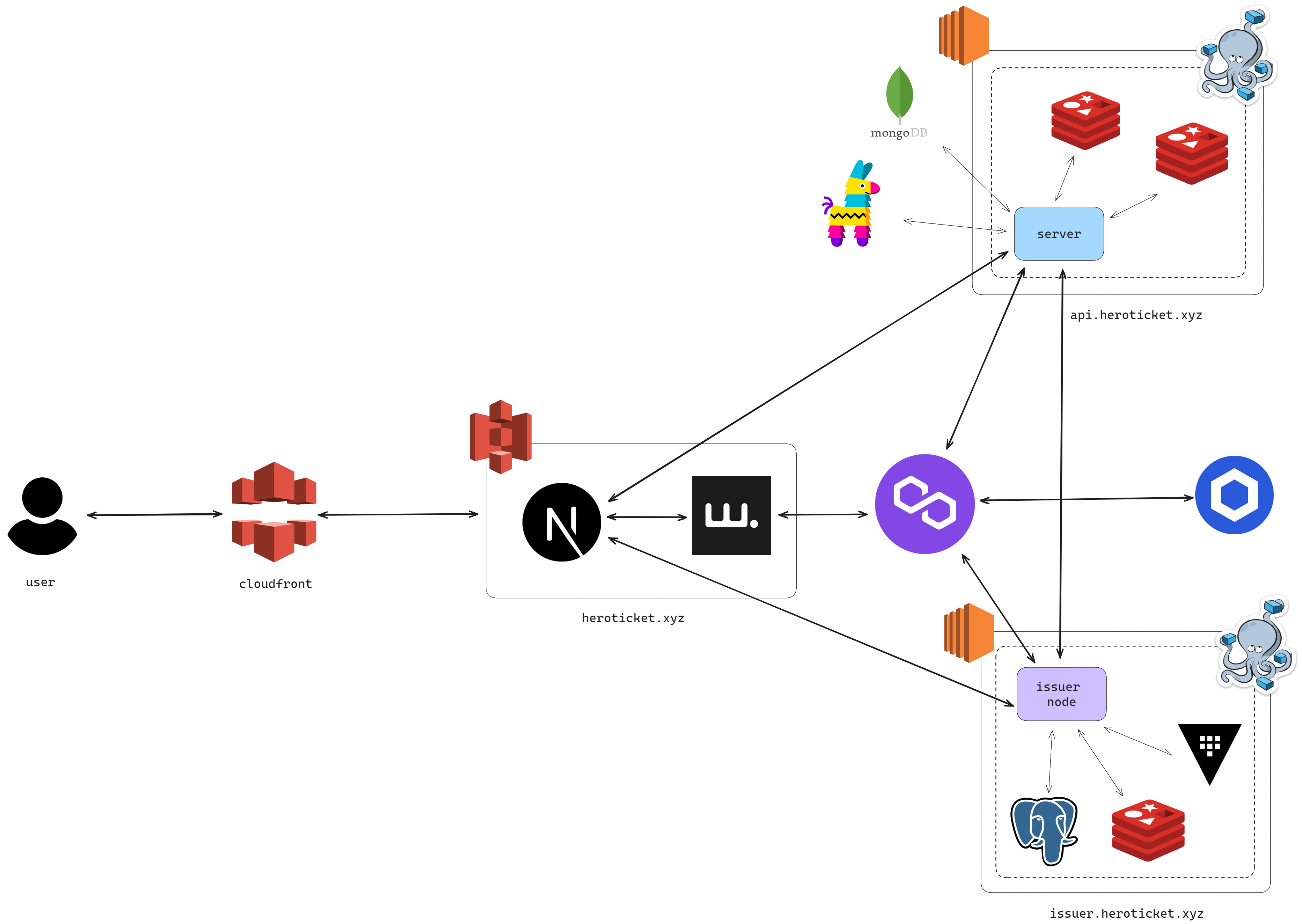
We built the backend using Go and used Geth to interact with the contract. The backend is composed of the main server and issuer server. We used the issuer node template provided by Polygon to run and deploy the issuer server. Following are the functions we built. You can check all the functions in the link at the bottom.
Login : used polygon ID to authenticate the user.
Register : get the user's account address to create a TBA account and bind it with polygon ID.
Ticket Issuance: get the form data from the user and create a ticket using the smart contract.
Ticket Purchase - Whitelist : used polygon ID to authenticate the user and add the user's TBA account to the whitelist. Purchasing tickets can be done on the frontend.
Ticket Purchase - Token : used polygon ID to authenticate the user, check the user's token balance, and purchase tickets at once. This process is more convenient than the whitelist process.
Claim Credential : used issuer server to create credentials and create the QR code for the credential. Ticket holders can claim the credential by scanning the QR code and storing it in the Polygon ID app.
Verify Credential : The issuer can verify the credential by showing the QR code to the user. If the credential generates valid proof, both the issuer and holder can get the success message.
Frontend
We built the frontend using Next.js and TypeScript. Some of smart contract functions are called directly from the frontend.
Request Ticket Image : The user can request a ticket image by entering the keyword and location. The request is directly sent to the wallet connected using wagmi and the wallet sends the request to the smart contract. The smart contract calls the chainlink function and the ticket image is created.
Ticket Purchase - Ether : The user completes the whitelist process can purchase tickets by ether.
Claim Settlement : The issuer of the ticket can claim the settlement after the sale duration. The issuer can get the ether or token received from the ticket sale.
Challenges we ran into
Identity authentication using polygon ID : It needs a callback URL with HTTPS protocol to use polygon ID. Whenever testing the polygon ID, ngrok was needed to create a temporary https URL. But it was not easy to use ngrok every time. So we purchased a domain and deployed the backend on AWS EC2.
Credential creation : We tried to build our issuer server but it was not easy. So we used the issuer node template provided by Polygon. This is also the main reason to deploy the backend on AWS EC2.
Integration of chainlink service : We thought a lot about how to integrate Chainlink service into our project. Chainlink functions were best suited for creating ticket images. However, learning how to use chainlink functions and integrating them into our project was not easy.
Synchronization of server and contract : We had to synchronize the server and contract to store and manage the user's ticket information. We first tried to use the event log to synchronize the server and contract. However, it was not easy to use the event log. So we decided to use external API to get the user's ticket information.
Accomplishments that we're proud
Integration of polygon ID : We successfully integrated polygon ID into our project. We successfully used polygon ID to authenticate the user. We also successfully created credentials and verified them.
Integration of chainlink service : We successfully integrated chainlink service into our project. We learned how to use chainlink functions and how to use them to create ticket images.
What we learned
Smart Contract
- We learned about ERC6551 and how to use it to create a TBA account.
- We learned how to use chainlink functions and how to integrate them into our project.
- We deployed several contracts and managed them through the main contract.
Backend
- We learned how to use polygon ID and how to build user-oriented services.
- We learned how to interact with the smart contract using Geth.
- We learned how to deploy the server on AWS and manage it.
- We learned how to generate API documents using Swagger.
Frontend
- We learned how to use wagmi and how to integrate it into our project.
- We learned how to call smart contract functions directly from the frontend.
What's next for Hero Ticket
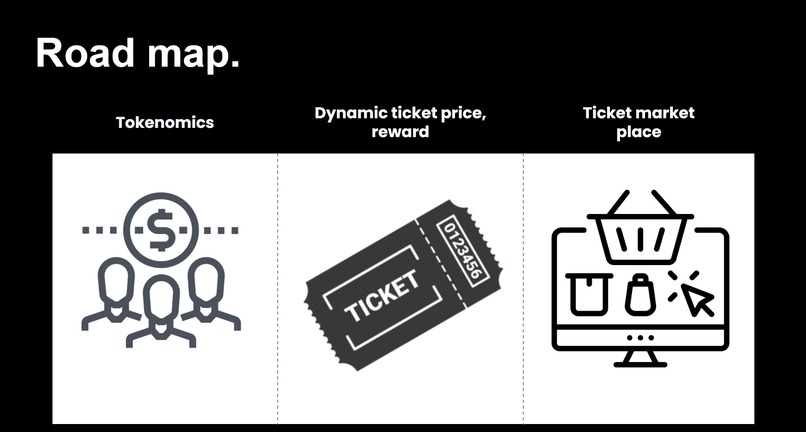
Concrete Tokenomics : We need to consider more concrete tokenomics. For now, most of the value is hard coded which means abusers can disrupt the system. We will use more mathematical models to determine the value of rewards and fees for each transaction.
Ticket Trading : We didn't consider ticket trading in this hackathon. But we will add the ability to trade between users by adding the ability to sell single tickets and collections of tickets you own. Also traceability of ticket trading will be added.
Ticket image creation : We noticed that the ticket image URL created by OPENAI is not permanent. So we will consider how to create a permanent ticket image.
Integration of KYC Verification : We only used polygon ID in a basic way. We will integrate KYC verification and make issuer decide who can buy tickets.
Stable Deployment : We deployed the project on AWS using AWS. However, deployment is not stable because we just learned only the basics of AWS. So network errors like 502 Bad Gateway and 504 Gateway Timeout occur frequently. We will fix this problem and make the deployment more stable.
Think about more decentralized : For now, contract owner takes a lot of control and most of contract functions are called from the backend. We will consider how to make the project more decentralized for more fair and transparent ticketing experience.
Built With
- amazon-web-services
- chainlink
- docker
- go
- hardhat
- nextjs
- polygonid
- solidity
- terraform
- typescript

Log in or sign up for Devpost to join the conversation.