-
-
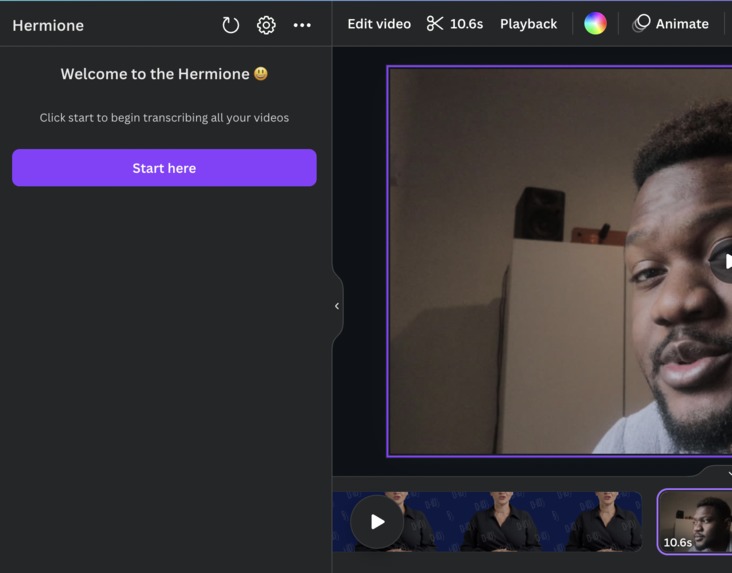
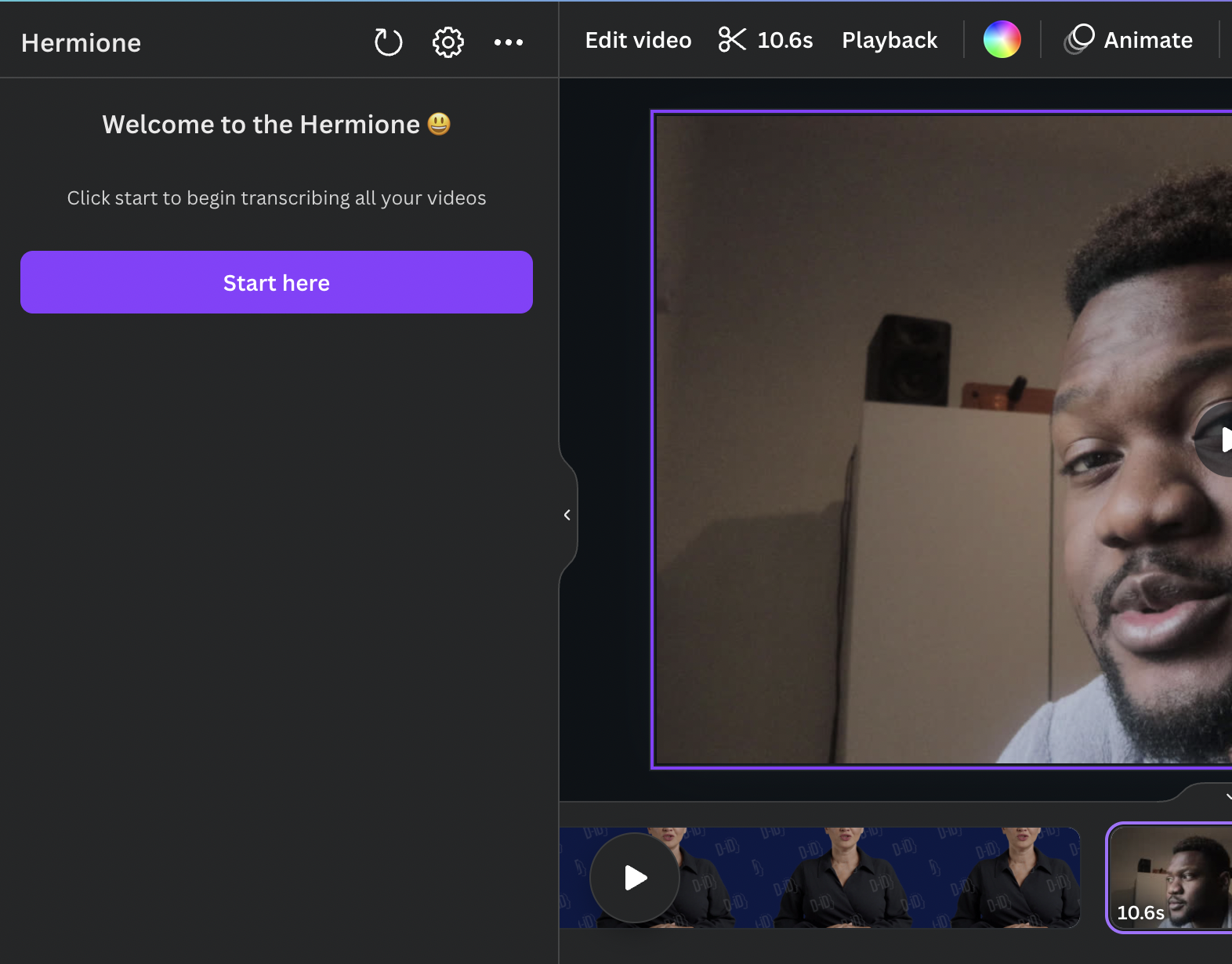
Initial screen
-
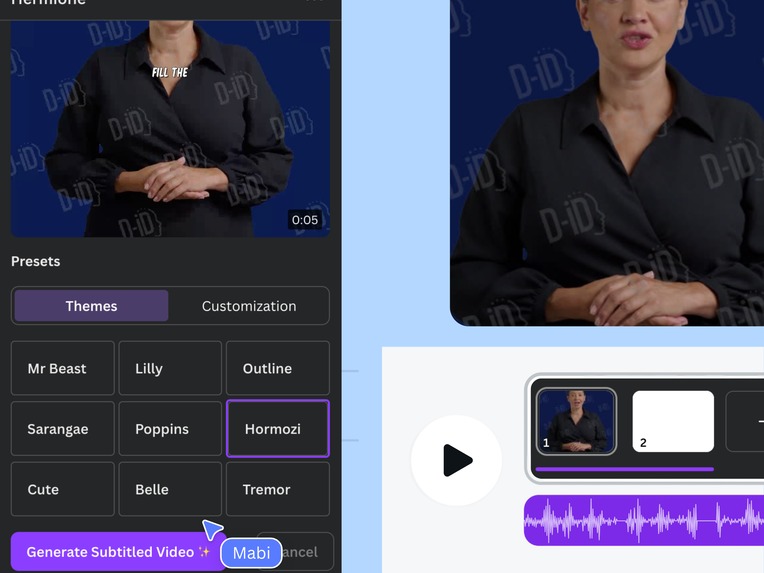
Preview Screen 1
-
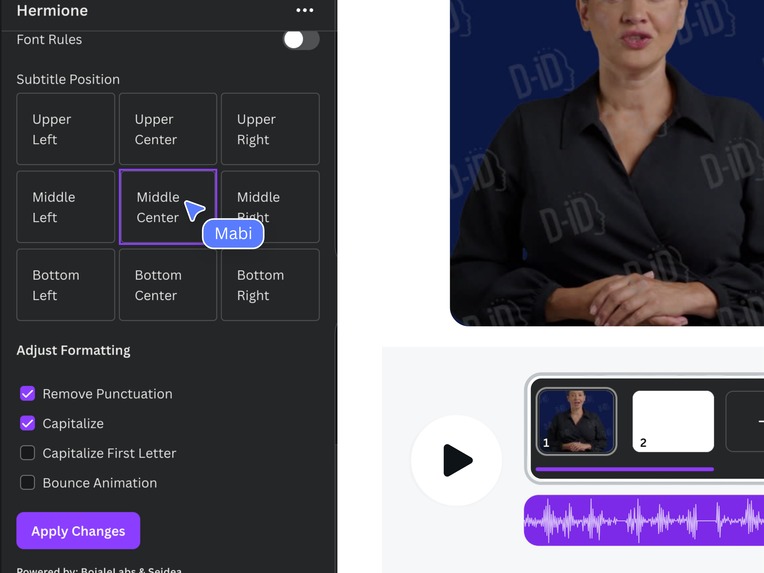
Preview Screen 2
-
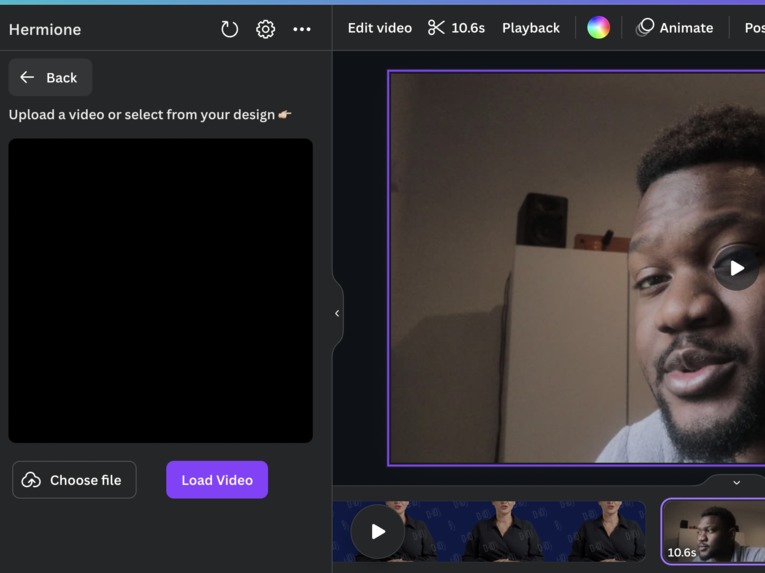
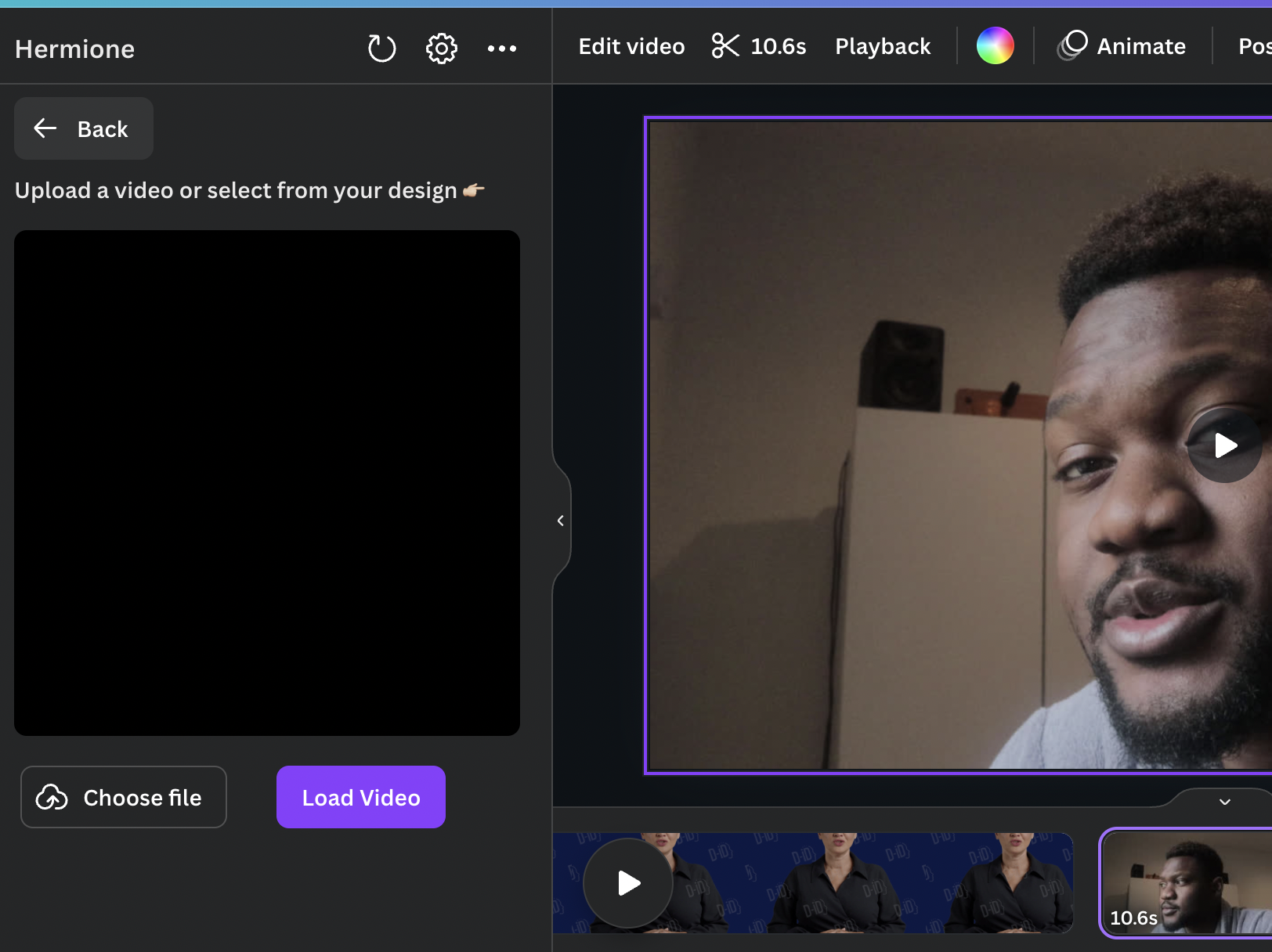
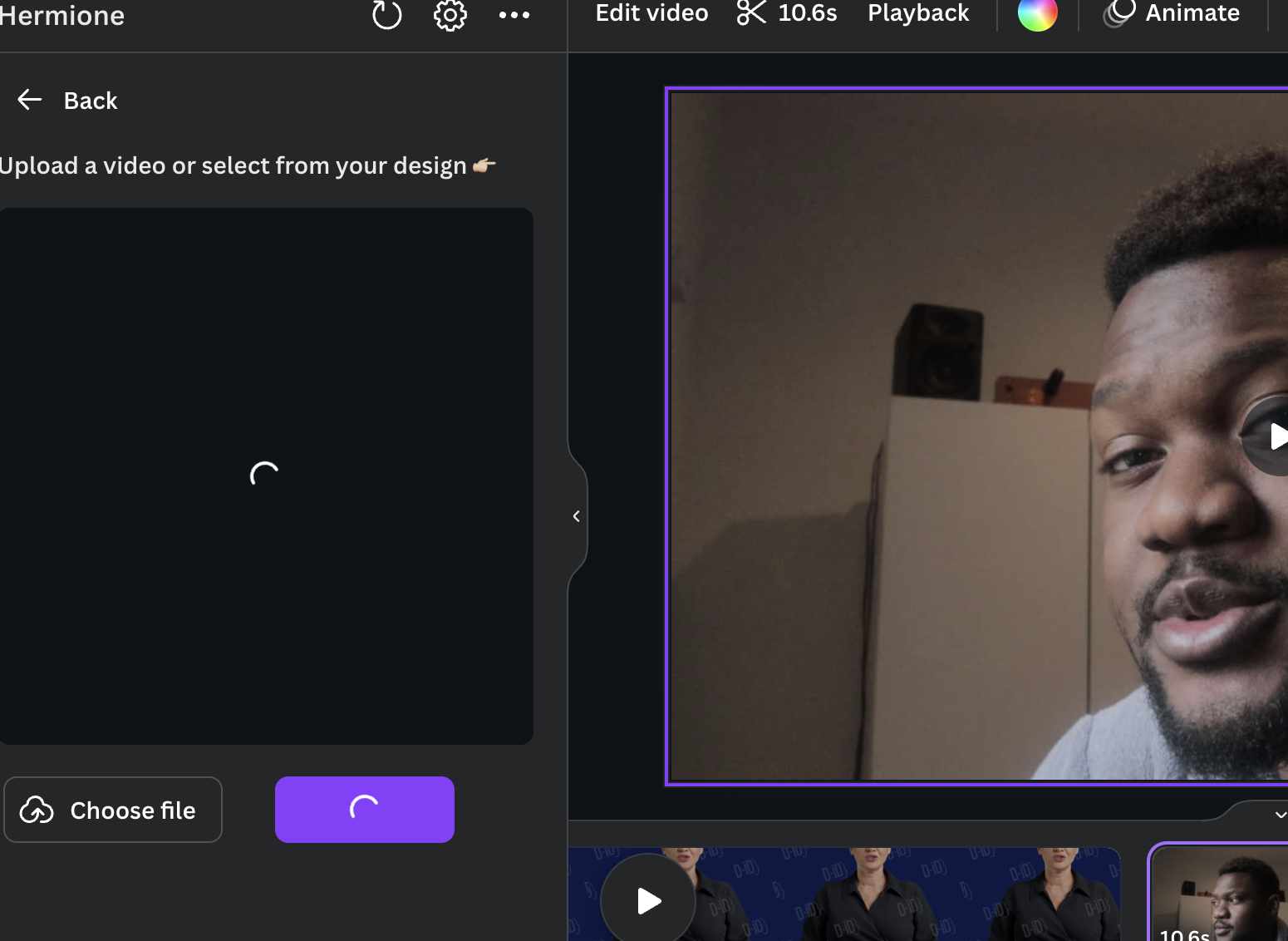
Upload your video or select video
-
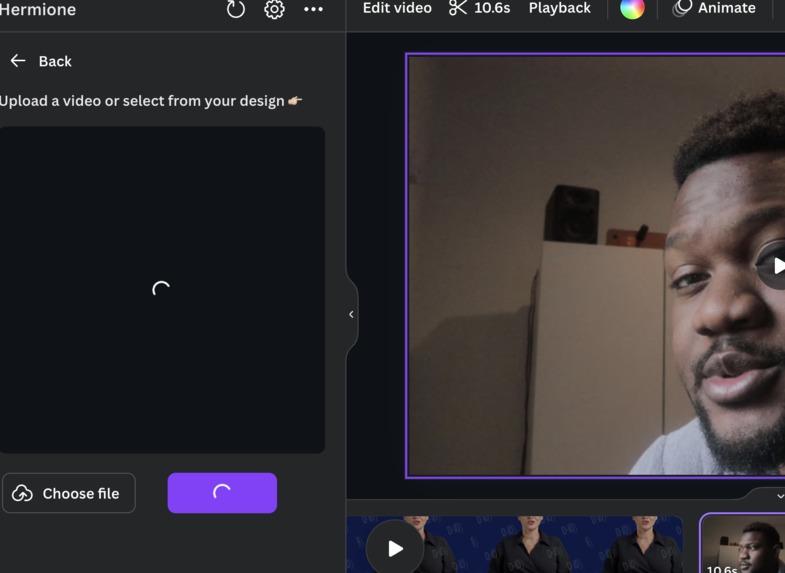
video loading and subtitle generating
-
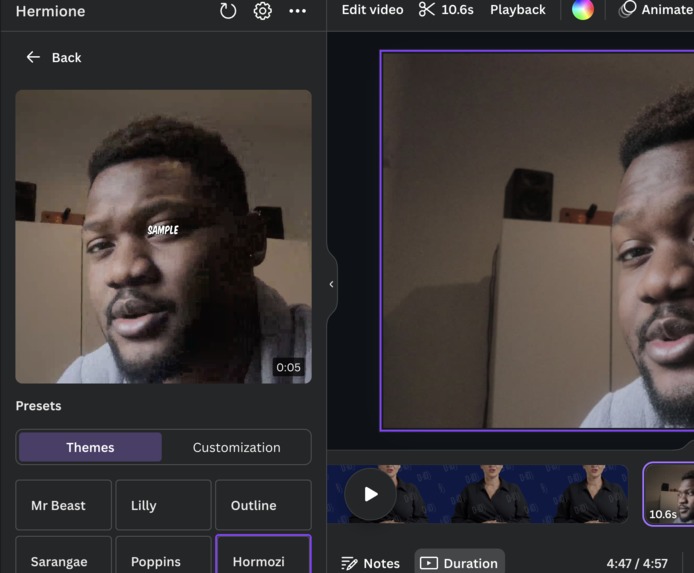
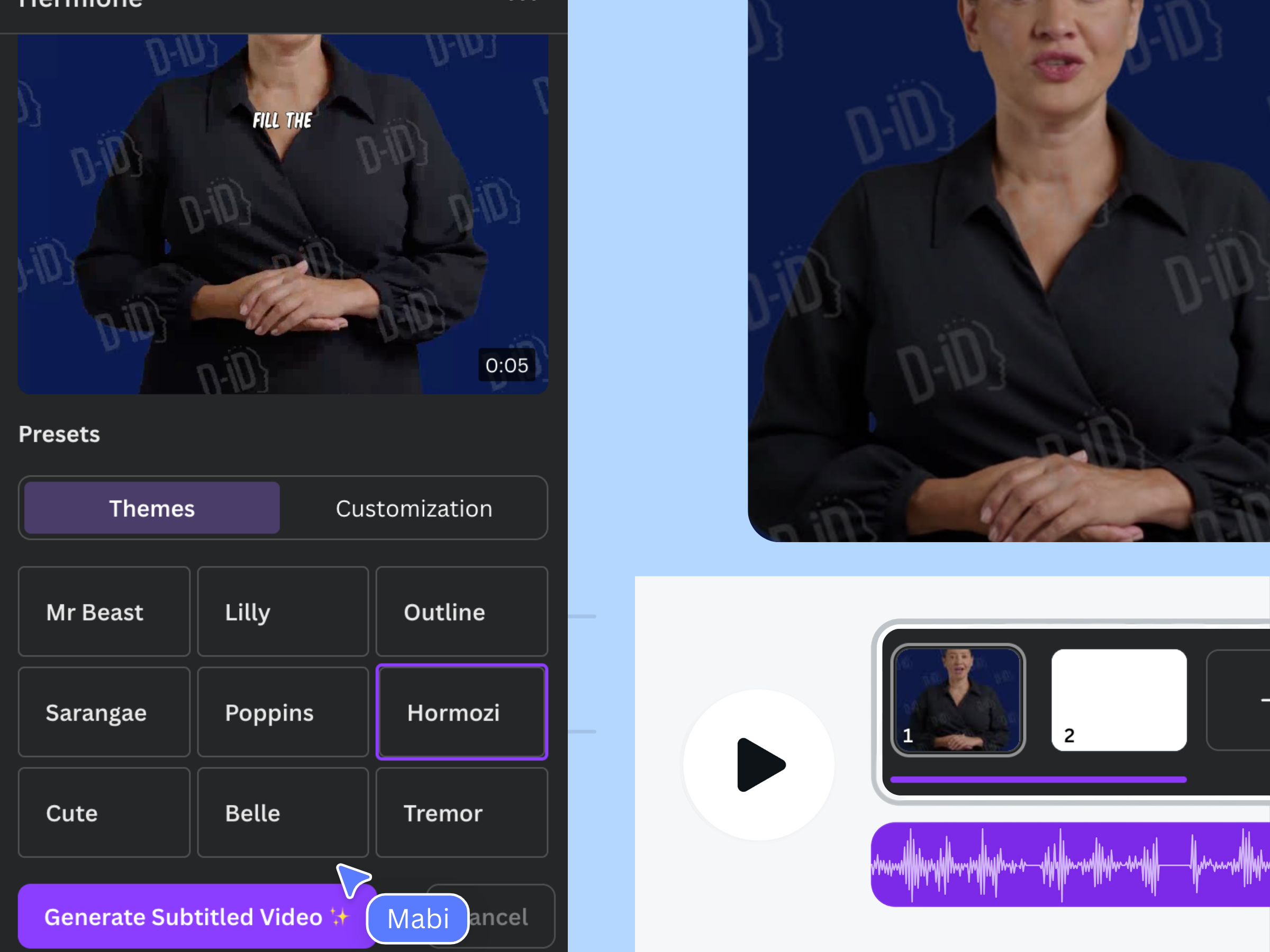
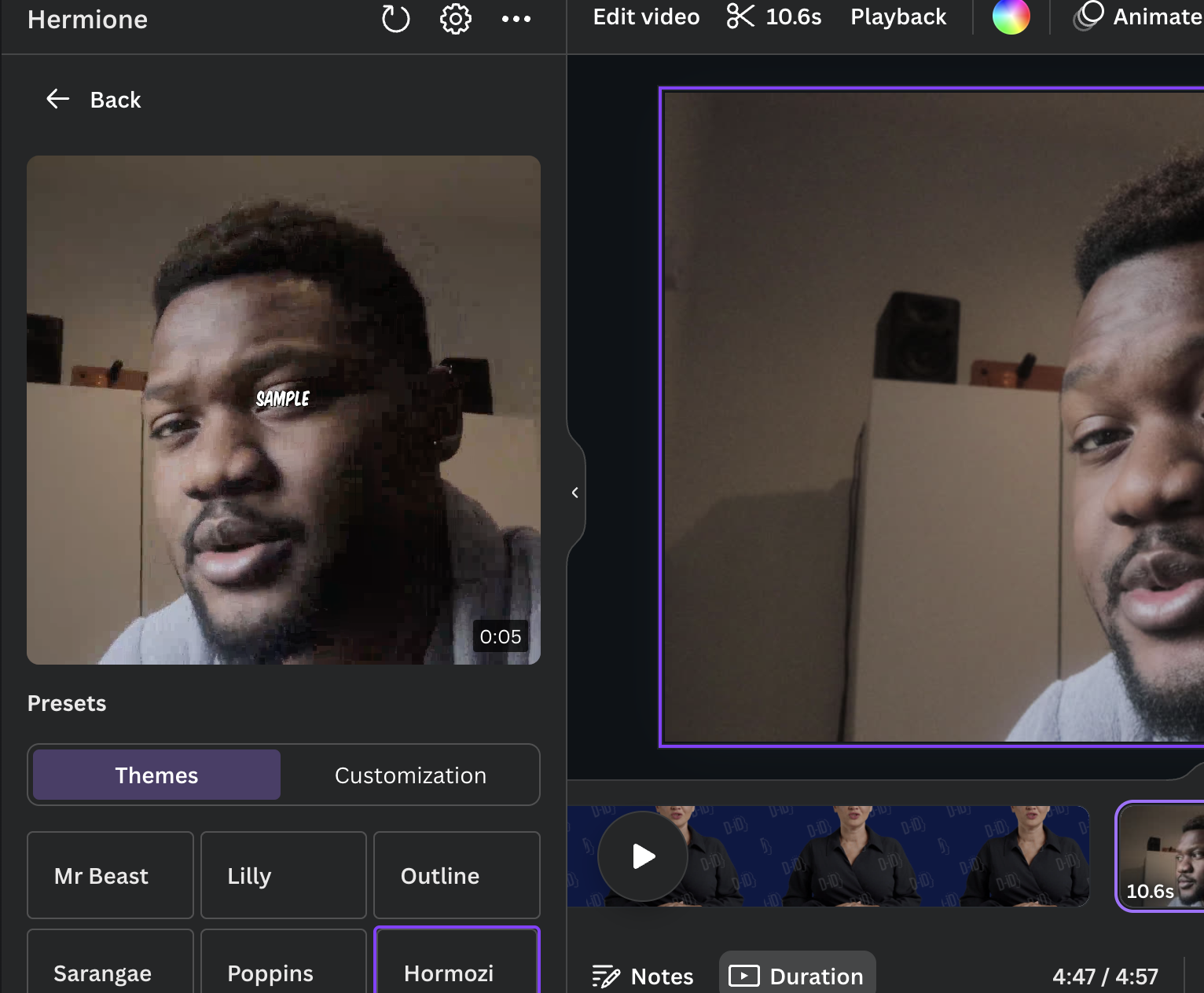
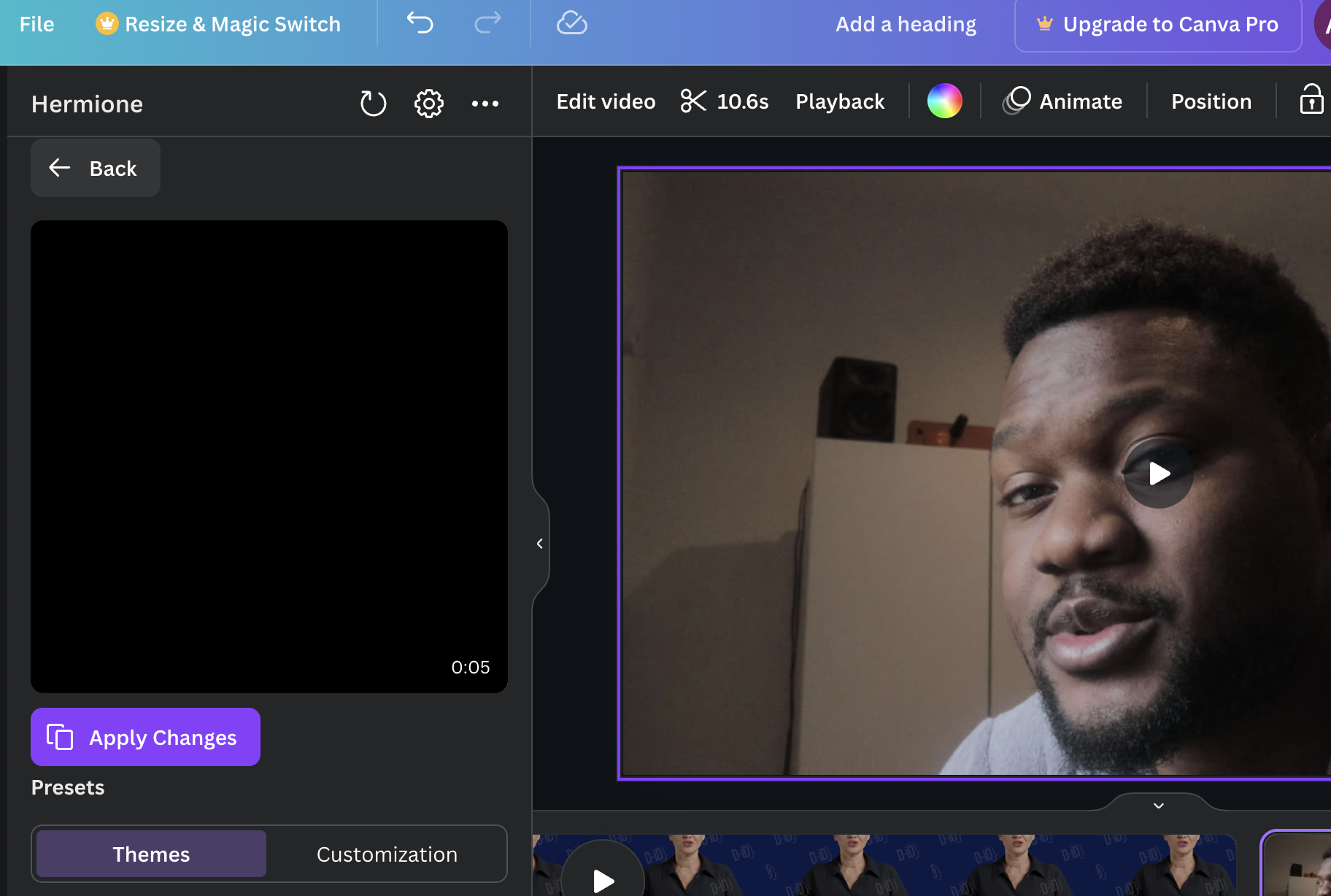
Preview generated, choose a theme you like from our preset
-
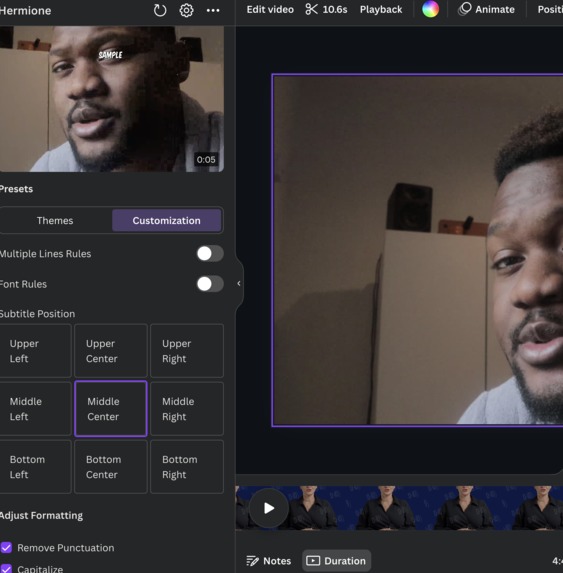
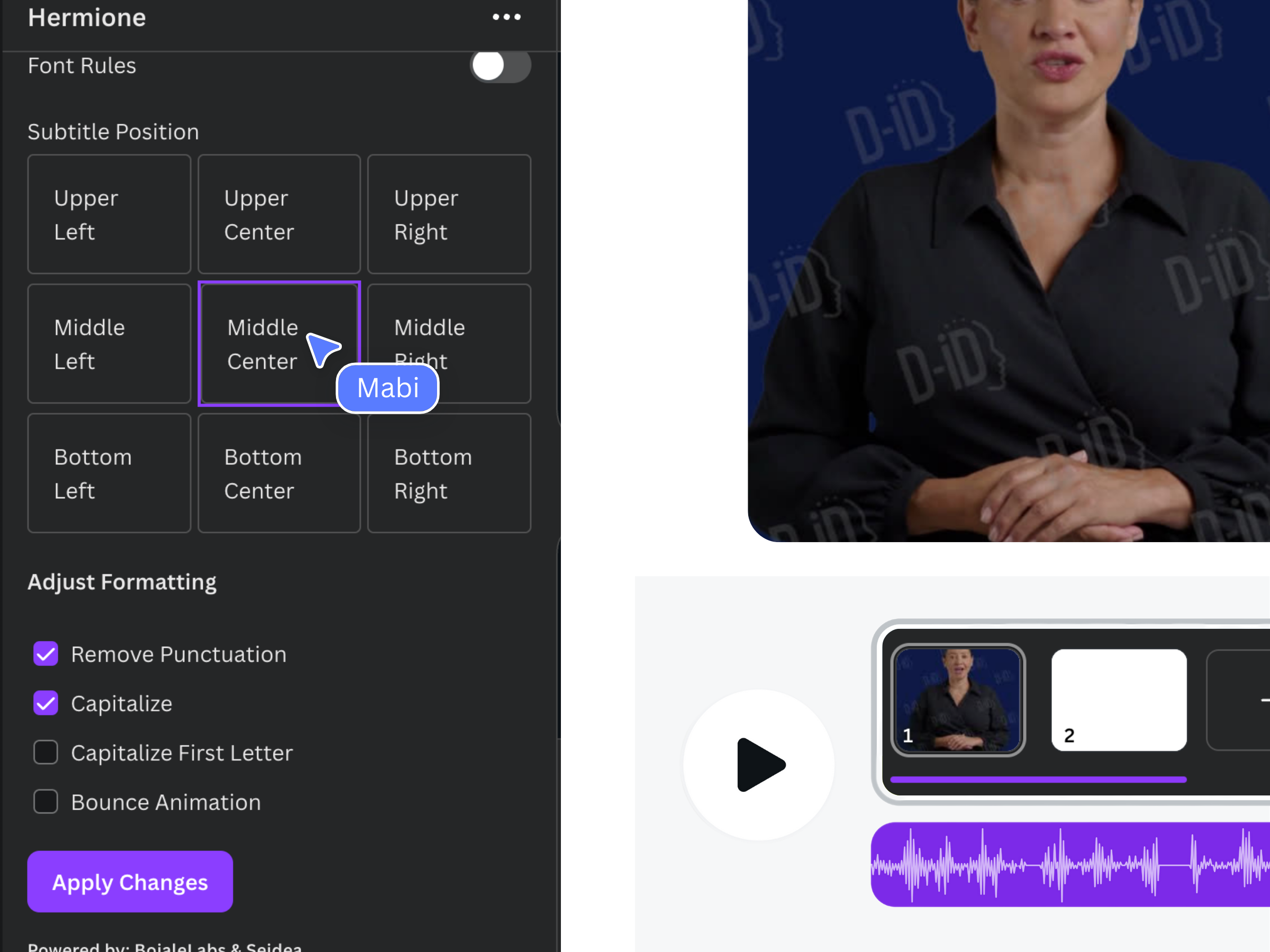
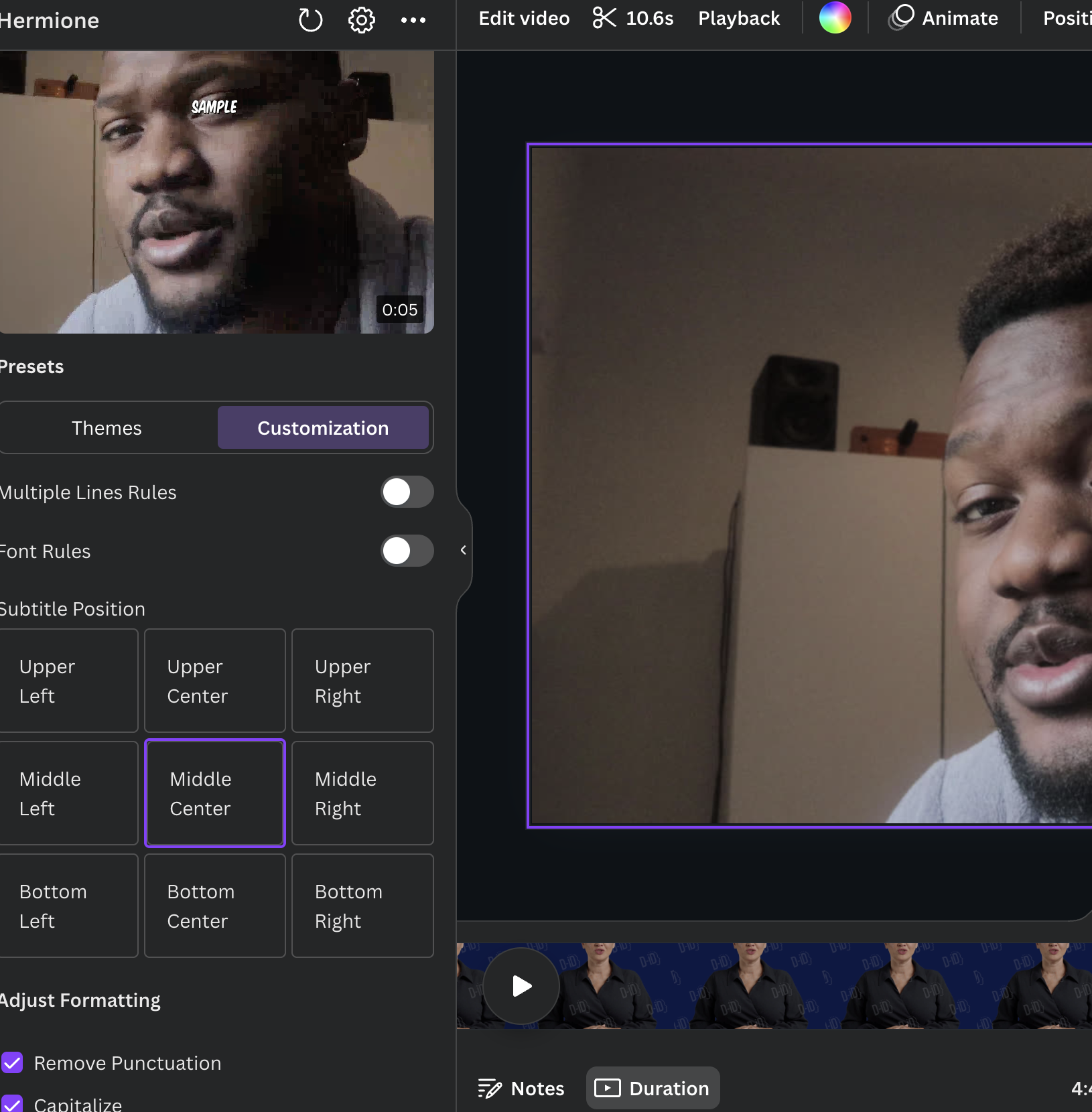
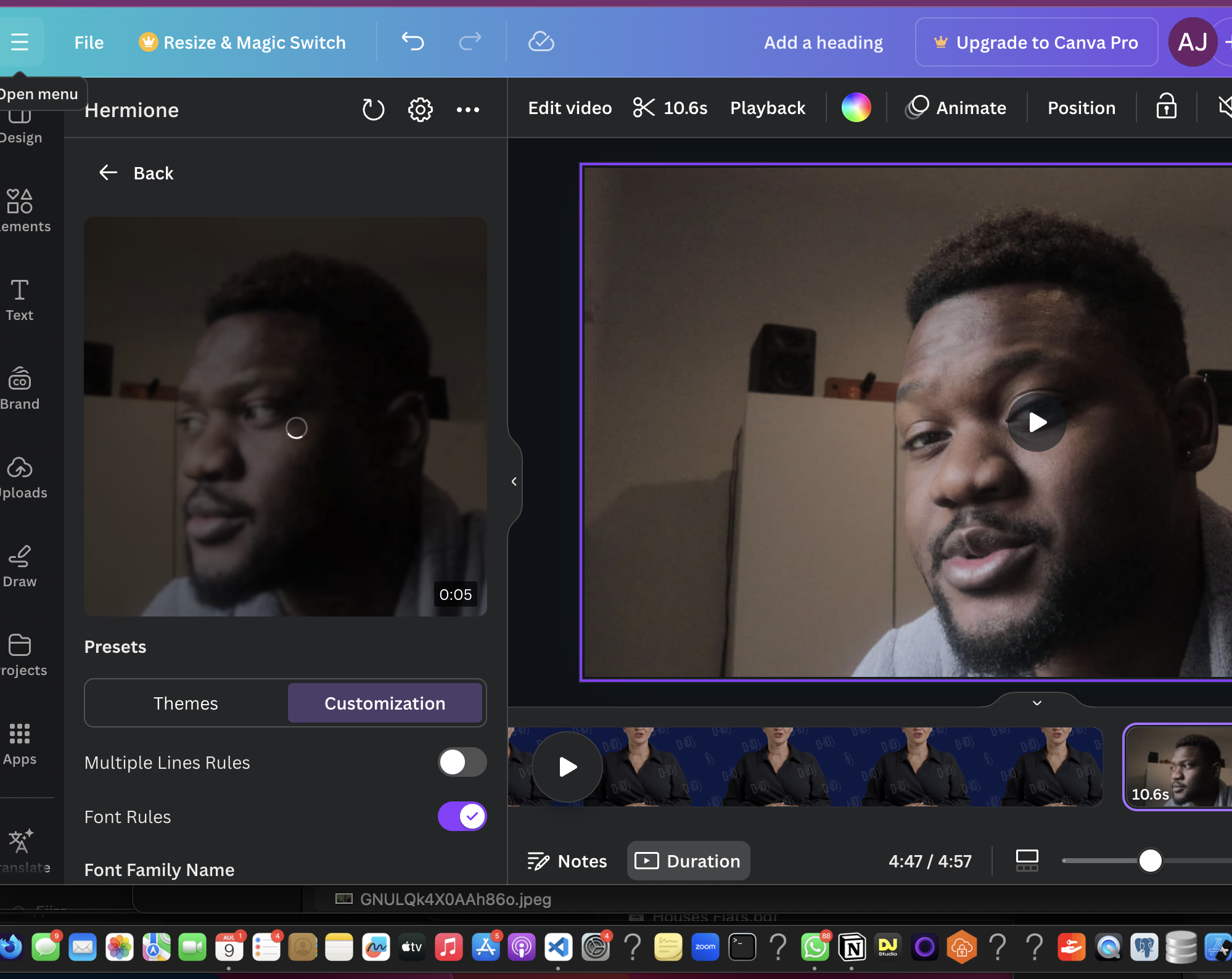
Choose the placement of the subtitles/captions or th
-
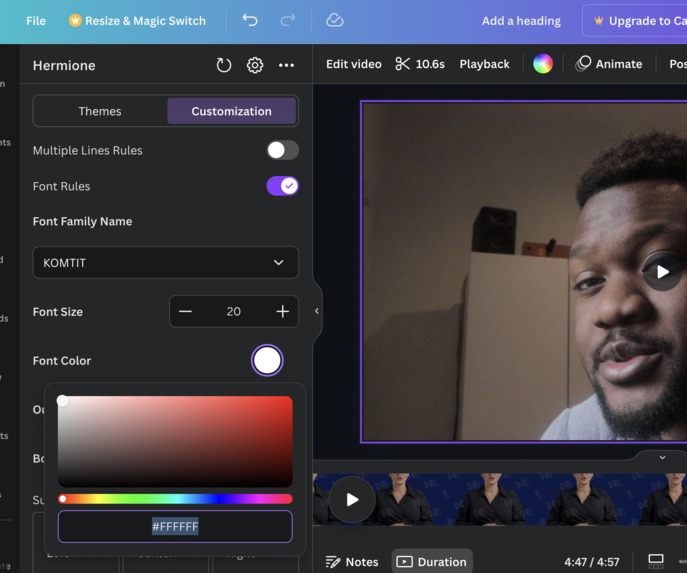
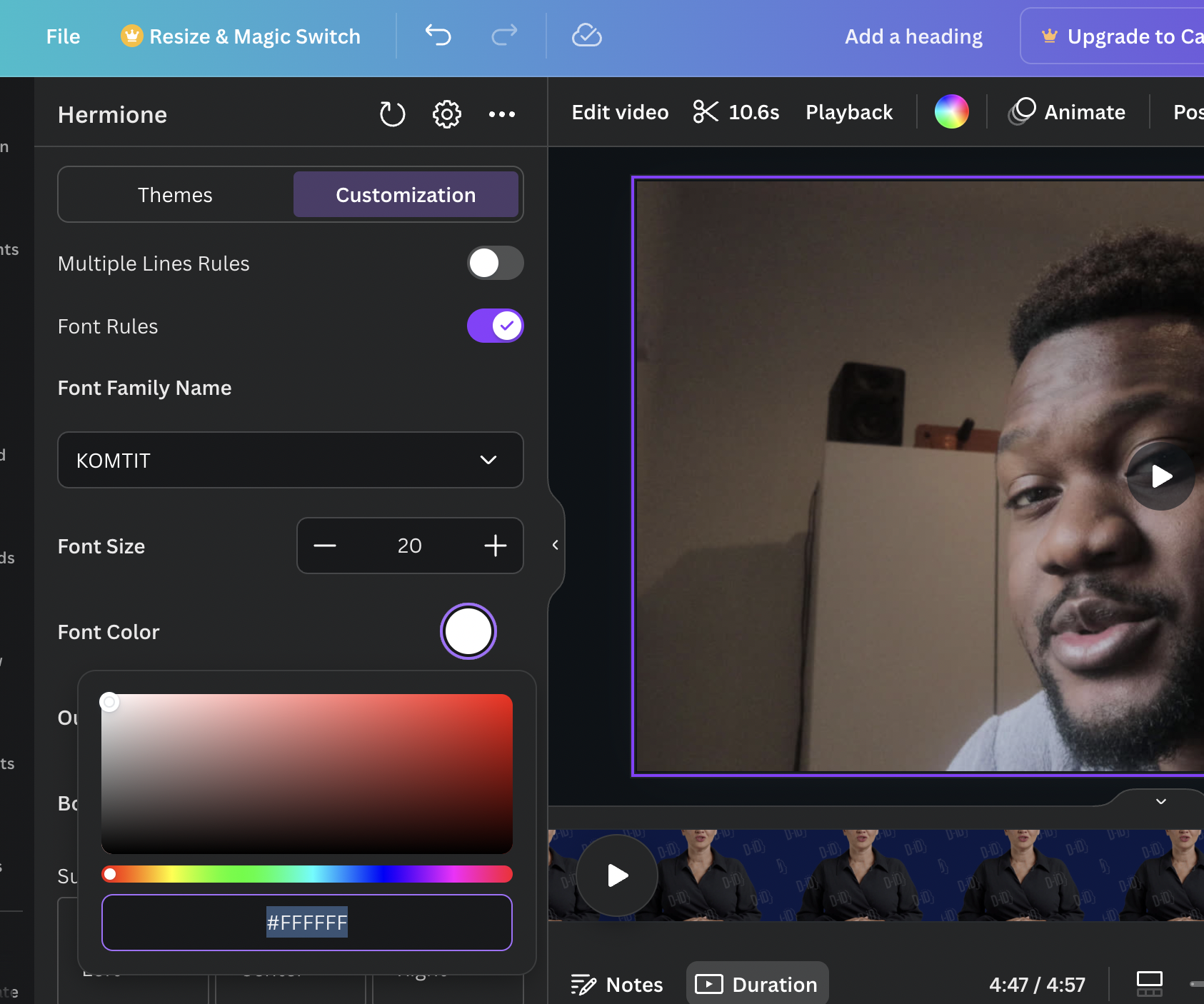
Choose the font color with the Canva color picker
-
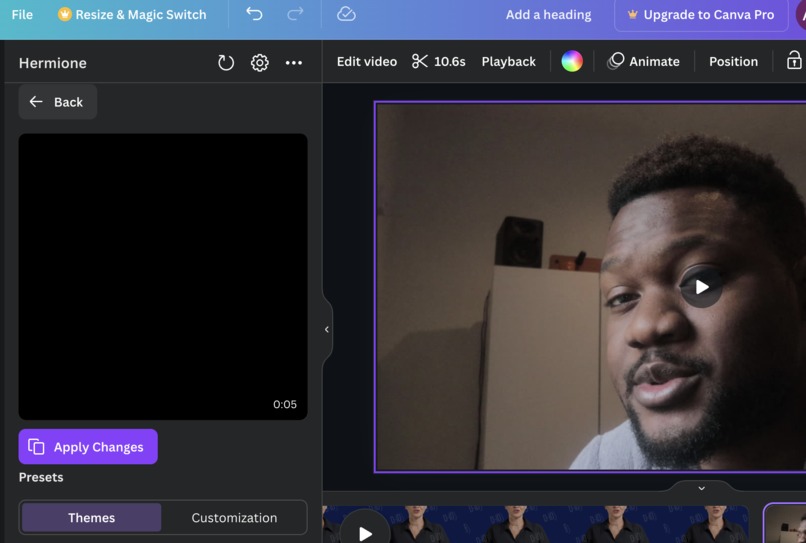
Apply the changes with this button
-
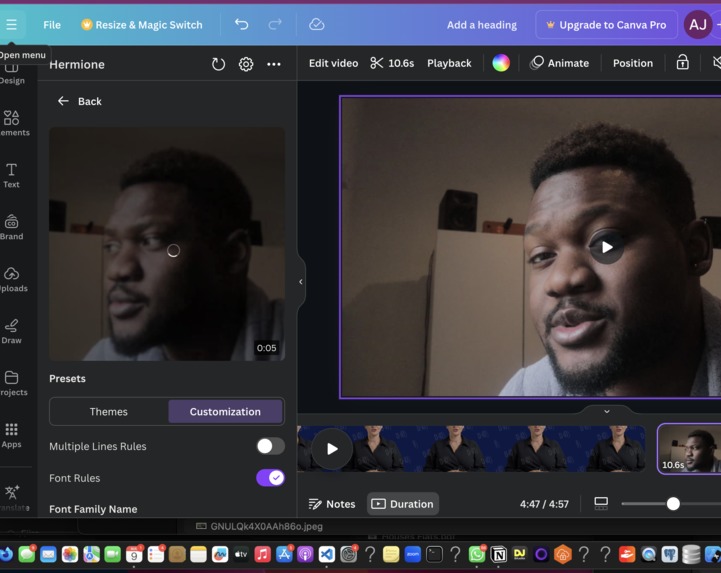
The interface is loading your prefrences and customization
-
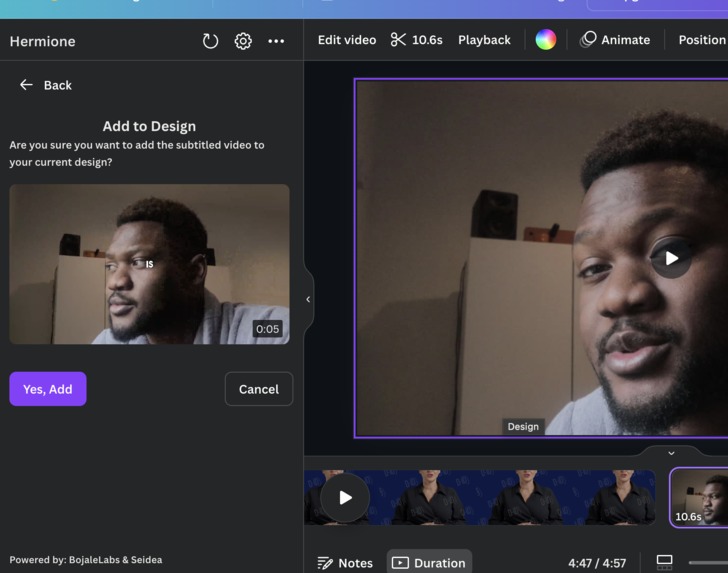
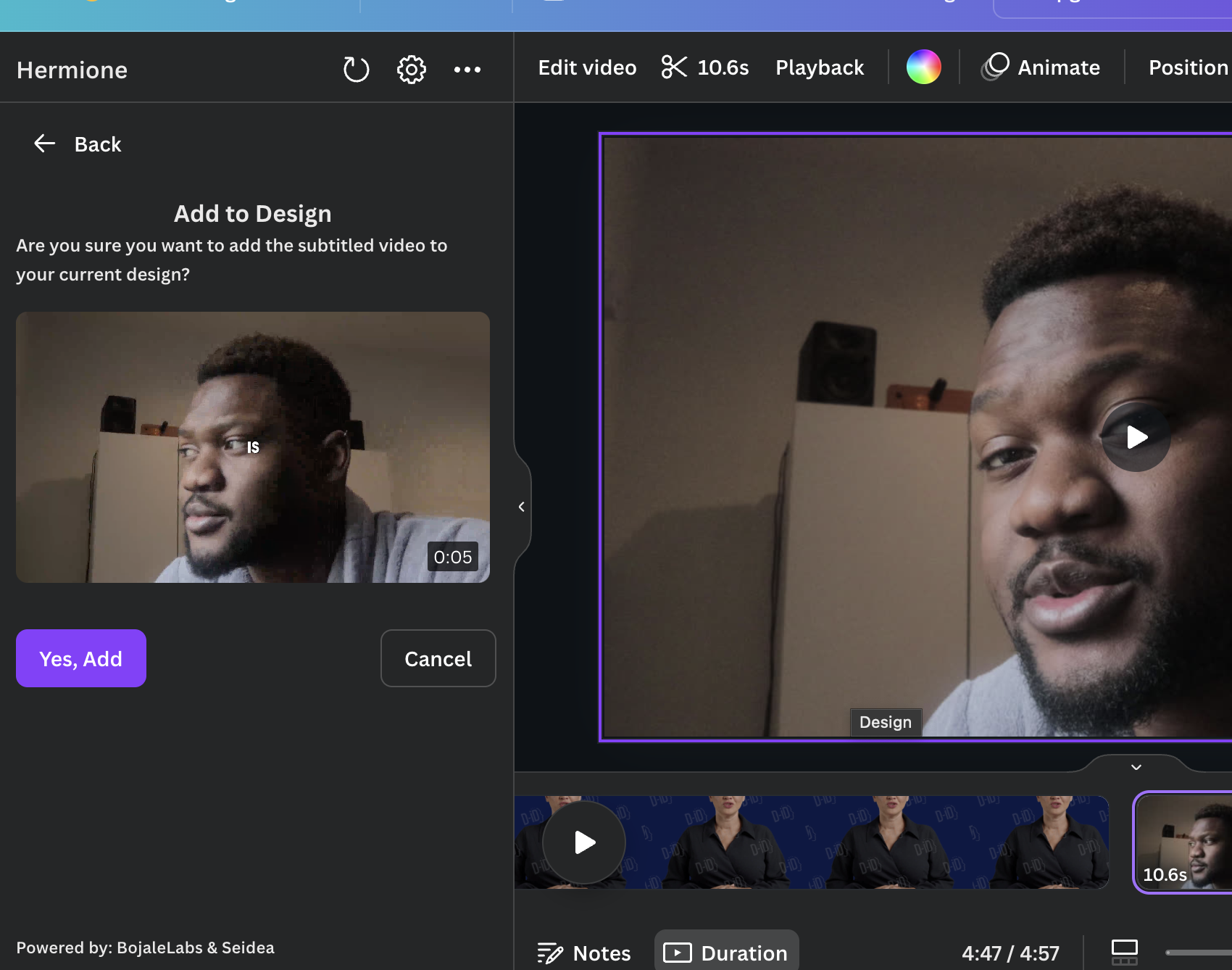
The final page where you add the newly created video to your canva
-
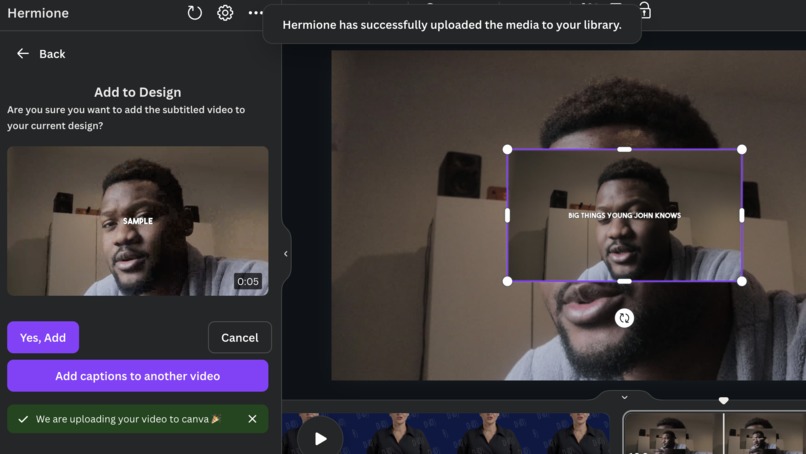
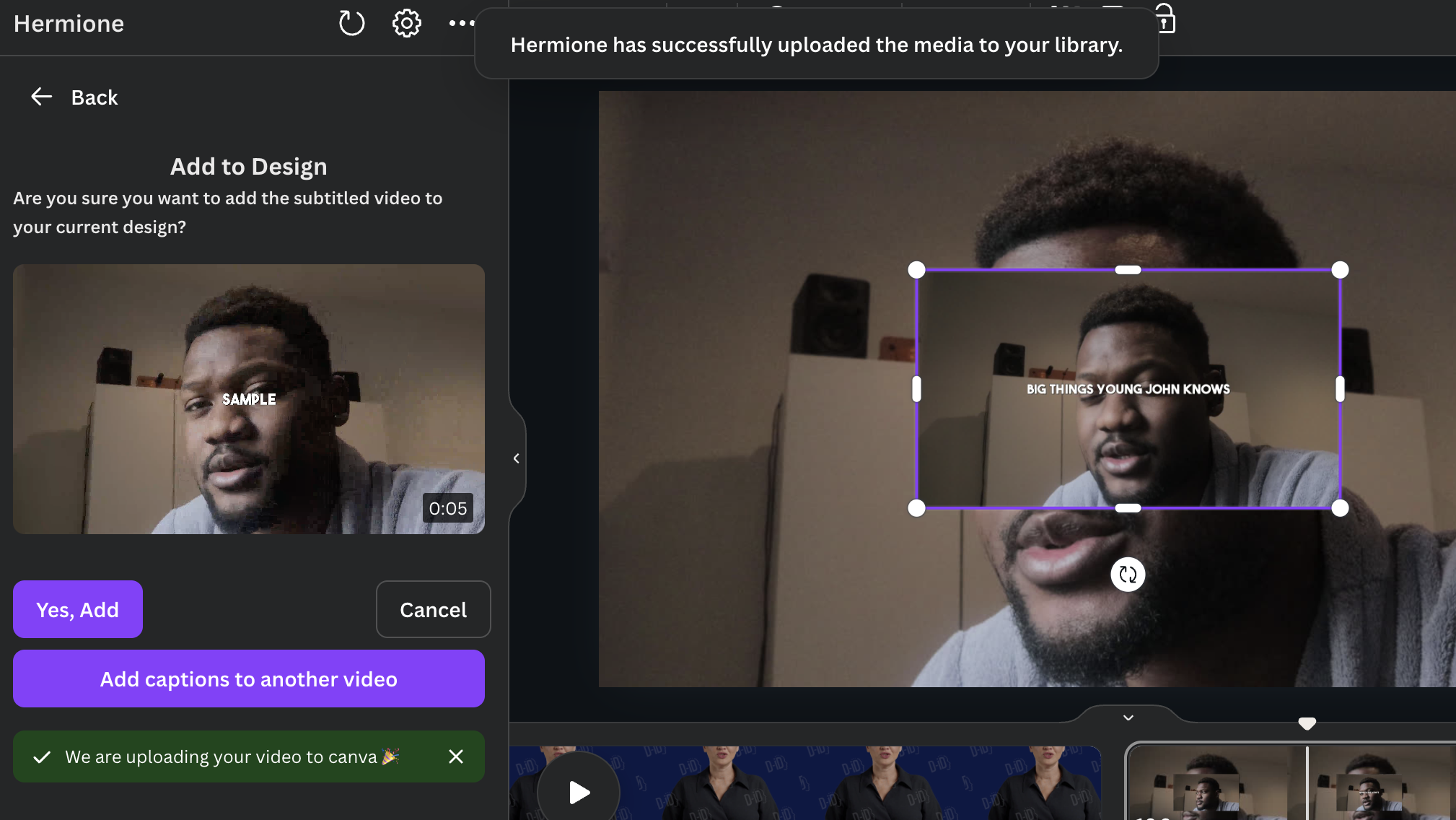
Video is added to your canvas! Now edit another video
Inspiration
Our creative journey began with Canva nine years ago, immersing ourselves in the world of design and visual storytelling. Last year, we ventured into video content, inspired by friends who were content creators.
We quickly identified a major challenge they faced: time-consuming transcriptions and limited customisation options for text styling. As the topic around neurodiversity and hidden disability has garnered global awareness, the need for accessible content has become increasingly evident. To ensure inclusivity for all viewers, captions are essential.
Exploring Canva, we encountered a significant roadblock: we wanted captions, and Canva didn’t yet offer the features we needed. While there was a basic version available, we craved something more—something that would allow us to animate, customise, and edit captions to ensure inclusivity for all viewers.
What it does
Our app takes any video a user sends us, creates the subtitles from the audio, and present a UI for users to make the captions more animated, customizable and editable.
How we built it
TDLR: We harnessed the power of the App SDK's Select API to select videos and replace them with new subtitled versions tailored to user preferences and configuration.
Detailed Process: We started thorough an exploration of existing tools in the market. We spoke to 40+ potential users and discovered common desires: more animated captions, the ability to caption multiple screens at once, accessibility tools and a product that wouldn’t break the bank. Armed with this knowledge, we set out to build a frontend using Canva's SDK tools.
We worked with AI models to transcribe the videos and our backend server that extract the audio and then organise the words on the video with our custom backend scripts. We then burn the subtitle to the videos and return them back to the user right into their canvas
Challenges we ran into
We had issues with using the Select and replace API and I documented by experience here : https://community.canva.dev/t/my-images-are-not-uploading-even-though-the-video-urls-are-working/4422
The video component from Canva UI kit was not previewing the videos fast enough for a snappy and fast user experience (we had to build a workaround).
We needed a grid-type component from Canva in multiple parts of the UI.
We needed a way for users to preview the videos really fast so we designed our backend to cache videos that users upload from Canva and we reuse that to help hasten up the latency of the request to our servers no matter how many times the user adjusts their customization(please see video and screenshot).
We reduced the latency (time waited) to 2 secs from 40 seconds everytime the user clicks to get a new preview.
We had to find a good AI model that won't have make users keep editing that transcriptions There wasn't good documentations for the subtitling tooling we are using, so we had to find a way to source these from the internet.
We needed a lot of components that we thought Canva would provide, for example; Video component, methods to reset a video back to its original state based on its id etc.
Accomplishments that we're proud of:
We implented user authentication to identify users. We directly added subtitled videos in the users canvas.
We heavily used the new SDK components listed here; e.g Button, Columns, Column, Text, Box,Rows, ImageCard, Title, Alert, SegmentedControl, FileInput, CopyIcon, ArrowLeftIcon using the @canva/app-ui-kit npm package
We built our Video component but in accordance with the design guidlines and UI style of Canva
We had to build our own grid component that persists its state so that users can come back to
We had to create our unique backend engine for creating the custom animated captions We spoke to 40+ potential users to create a useable frontend on Canva, that works perfectly on Mobile and on Desktop
What we learned
How to use the Selection API to select video in the users canvas and replace it with the subtitled video
How to use Canva's UI recommendation on the UX how that made the UX better for users
How to use Canva's authentication flow
How to make the experience faster and snappier for users overall
What's next for Hermione
We want to get to 50,000 users on Canva before the year runs out. We believe that by partnering with Canva, we can introduce even more styles and features, ensuring accessibility and including the ability to import existing user styles. Our goal is to create a truly integrated and inclusive product that enhances the creative journey for all users, allowing them to tell their stories in vibrant, animated ways.
Built With
- canva
- express.js
- node.js
- postgresql
- react
- render


Log in or sign up for Devpost to join the conversation.