-
-
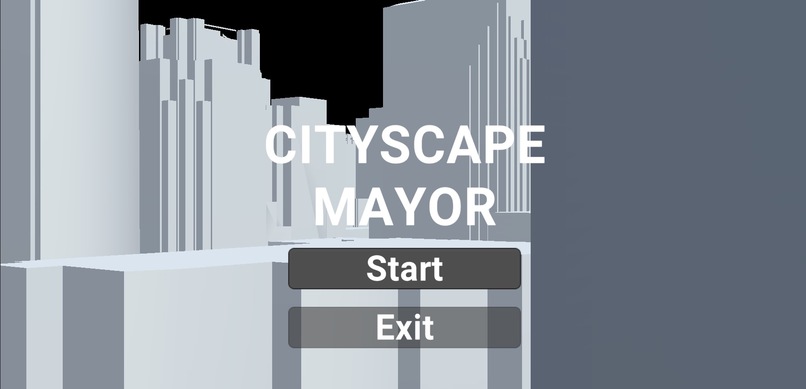
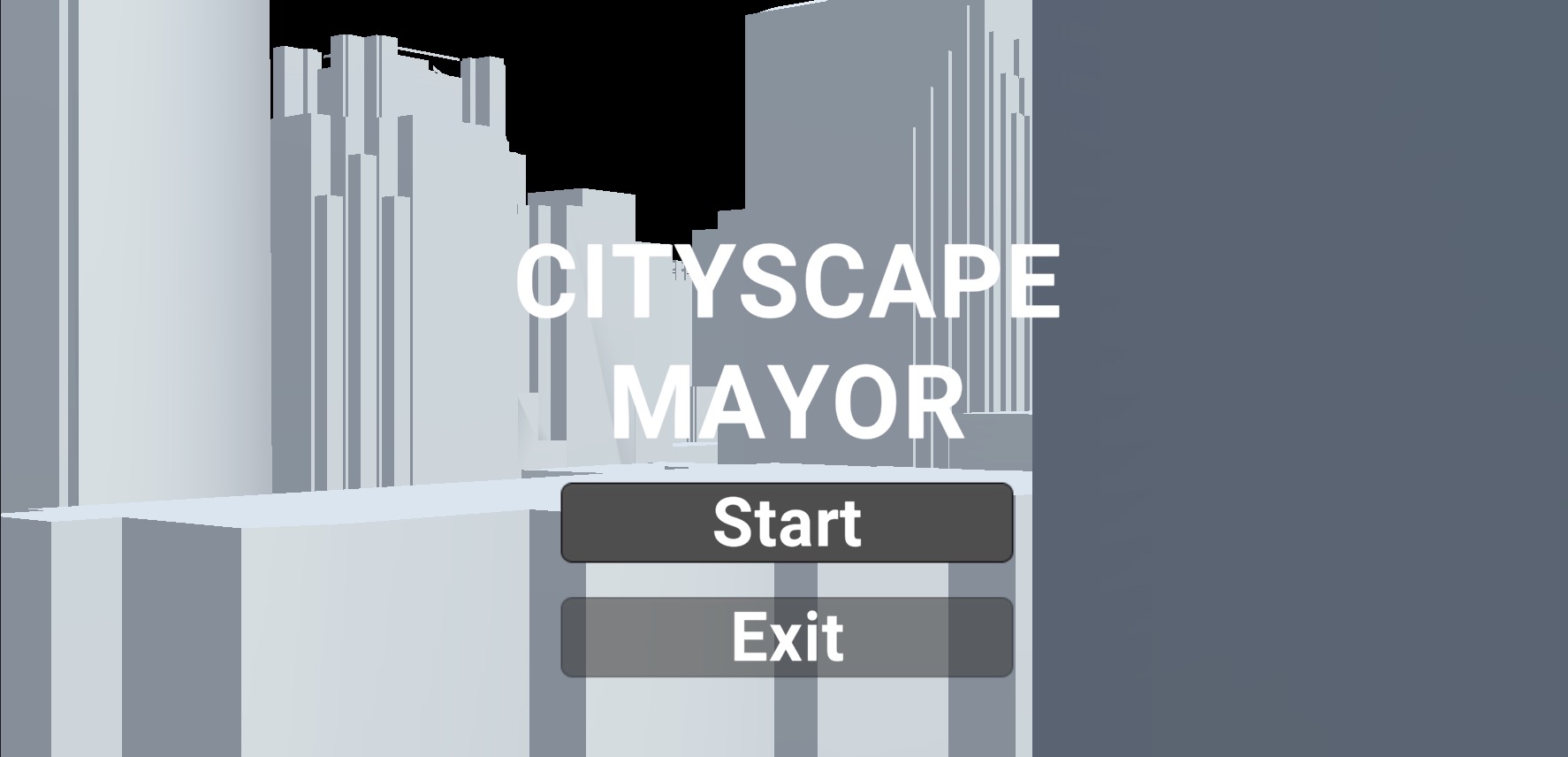
Title Screen
-
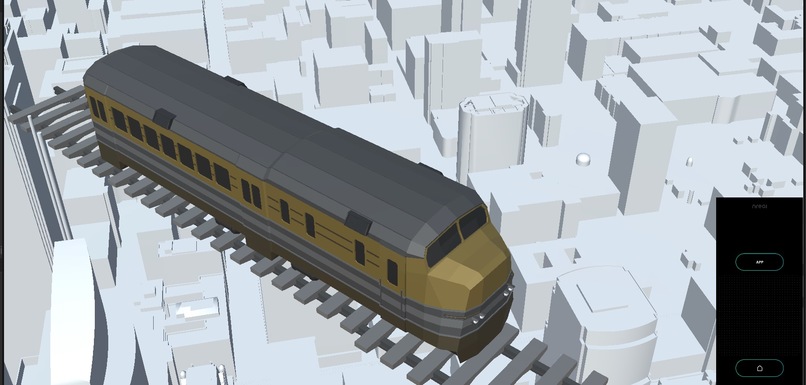
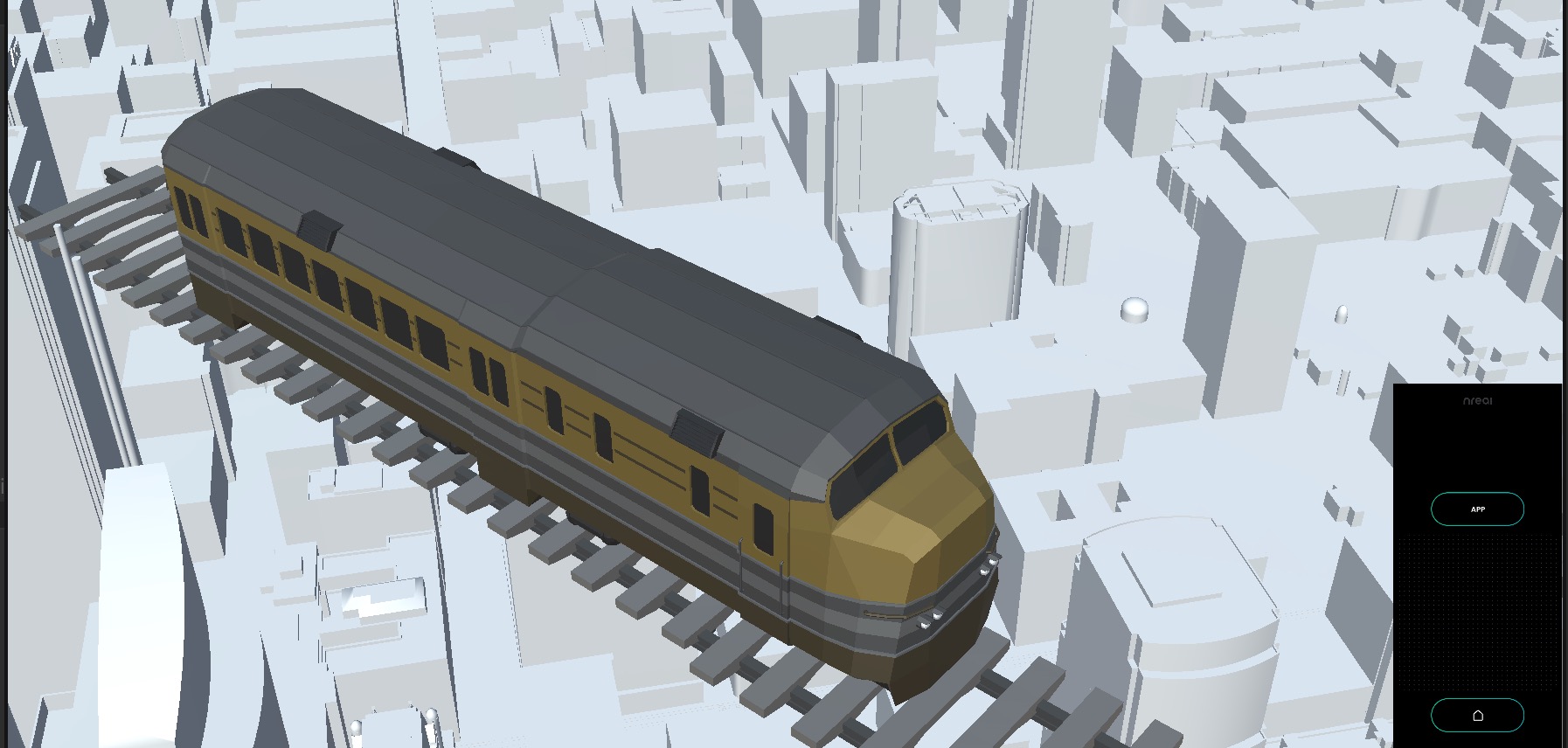
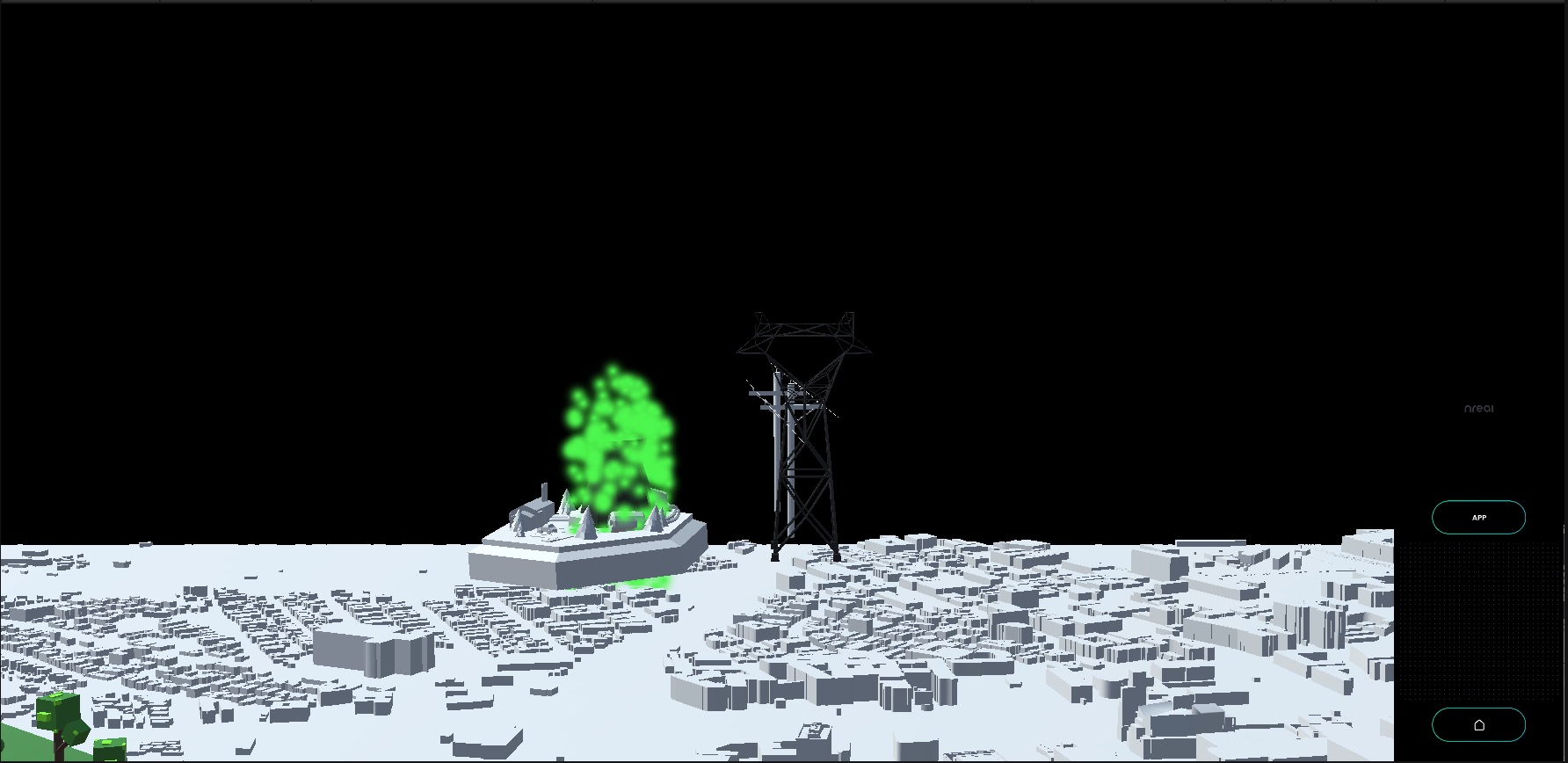
Public Transport Decision
-
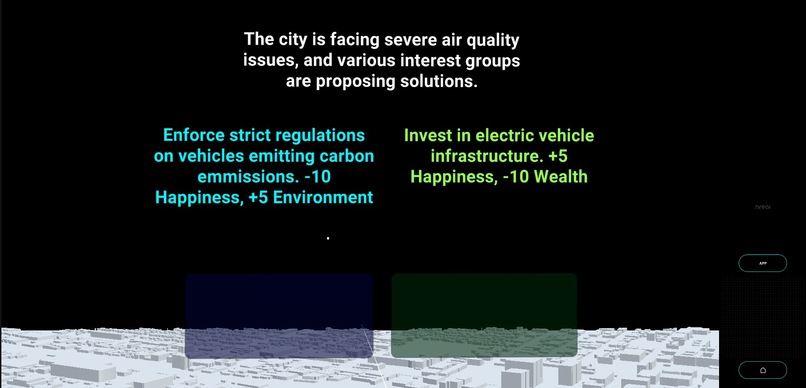
Air Pollution Decision
-
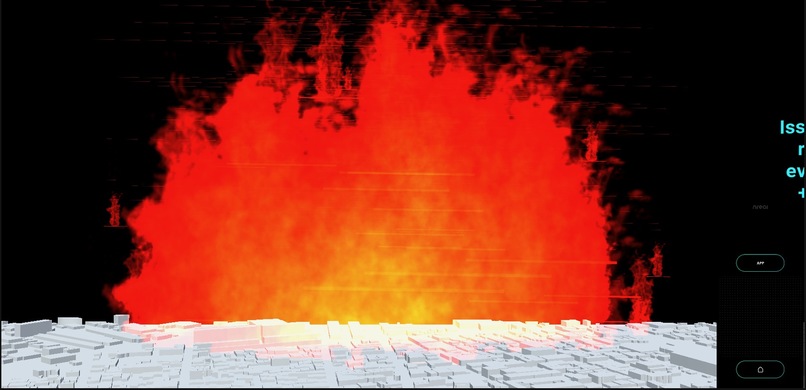
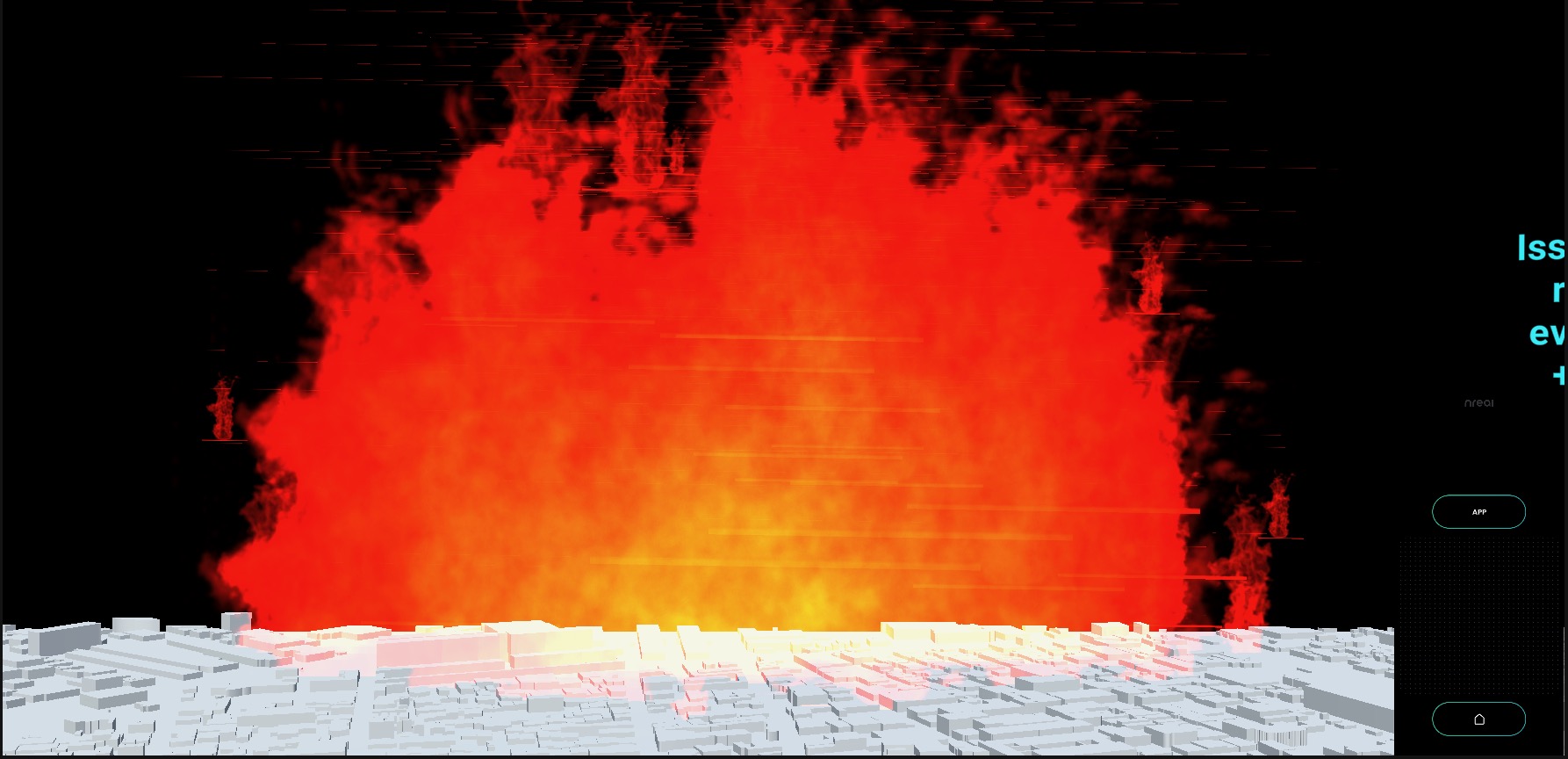
Wildfire Catastrophe Decision
-
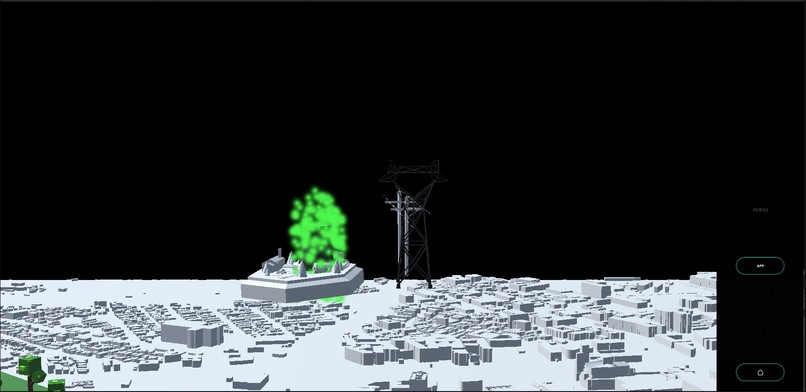
Alternative Energy Decision

Inspiration
We came up with Heritage because we thought being a mayor shouldn't be boring—it should be a blast. We wanted to make city planning cool and tie it to real-life consequences. So, think SimCity but with a dose of reality.
What it does
Heritage is like your city planning sidekick. You get to make decisions—zoning, policies, the whole shebang—and see what happens. It's not just points on a screen; you'll actually get a feel for how your choices affect your city's vibe, health, and eco-friendliness.
How we built it
We built Heritage with Unity and C#, and our XR tool of choice for this project was the Xreal Nreal AR glasses. We spent a while thinking about about various decisions mayors need to make on a daily basis -- and which decisions could be best visualized.
Challenges we ran into
We had trouble with the NReal raycasting system in making sure that the clicker would register a click when the user used the controller with the AR glasses on. We also had a couple troubles with getting animations and particle effects to show up in our demo.
Accomplishments that we're proud of
We're pumped that "Heritage" turned out to be as engaging as we hoped. It's not just a tool; it's a hands-on experience that teaches mayors about the nitty-gritty of their choices. We are also really happy with the way our transitions and mechanics of our game turned out!
What we learned
Building Heritage showed us that tools to help visually inform otherwise invisible effects of major decisions can be super valuable. On a more technical note, we noticed that there are some technical roadblocks that come up when trying to integrate two technologies (Unity and Nreal) together, but that's what made this weekend so fun!
What's next for Heritage
We would love to see Heritage expanded to state-level, country-level, or even world-level decisions. We all think this is a super engaging way for constituents and policymakers to get involved with community collaboration!

Log in or sign up for Devpost to join the conversation.