-
-
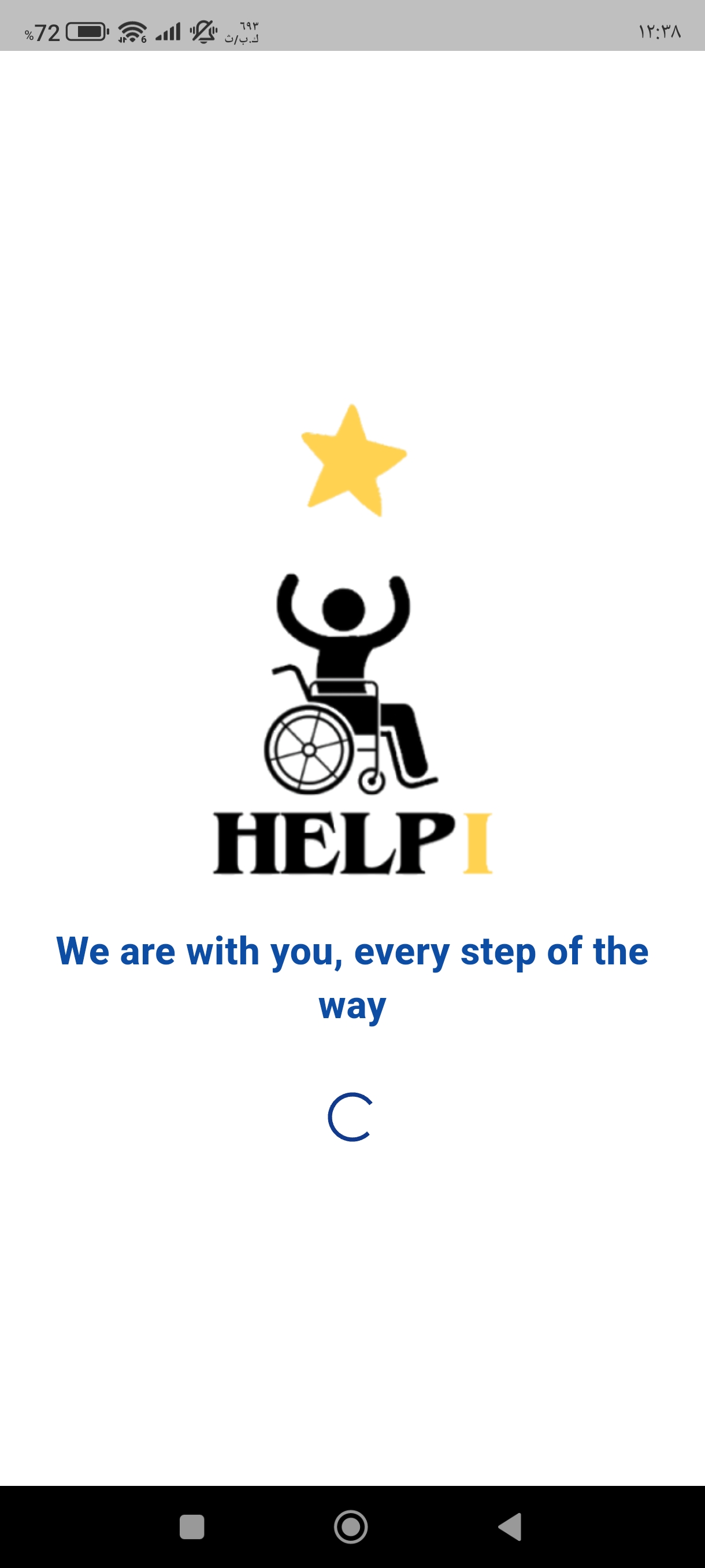
Splash screen of the "Help I" app featuring the welcome logo and the tagline "We are with you, every step of the way
-
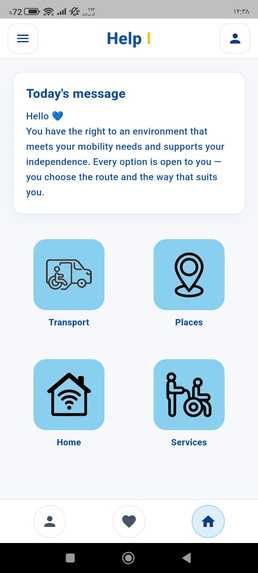
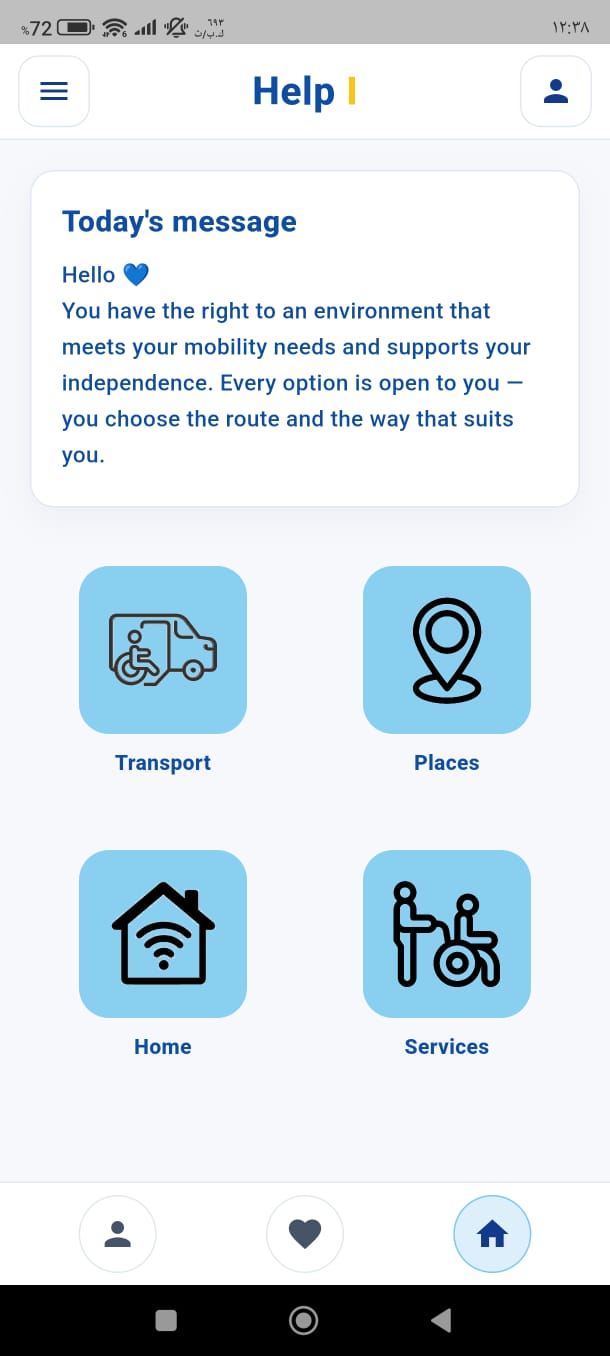
The main dashboard showing today's motivational message and the four core sections: Transport, Places, Home, and Services.
-
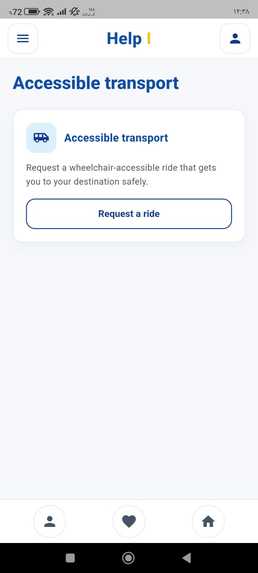
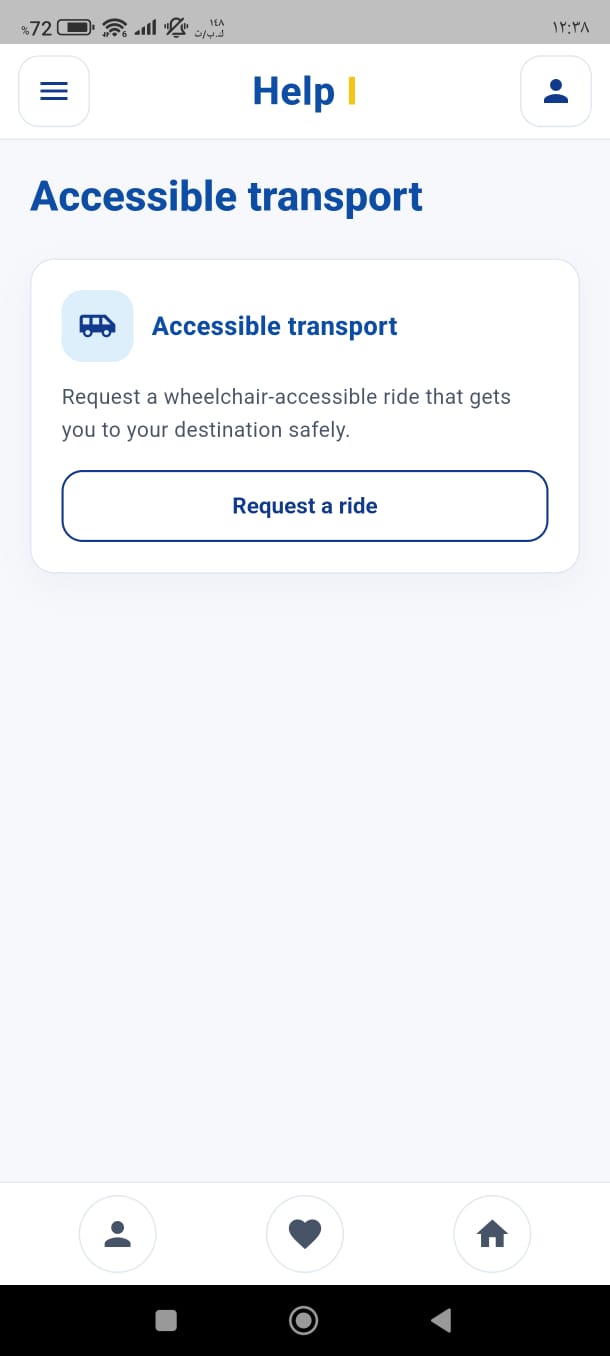
Accessible transport interface for requesting safe, wheelchair-accessible rides to your destination.
-
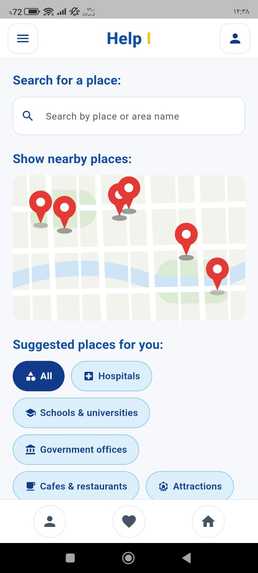
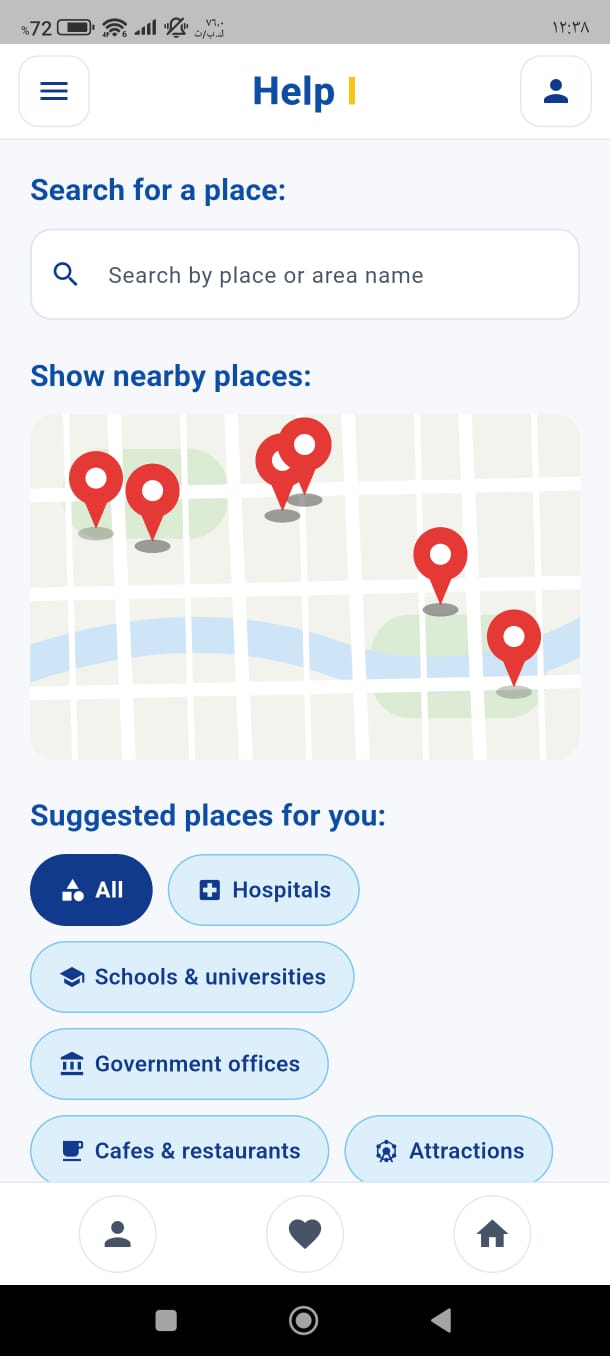
Interactive map for searching nearby locations and filtering them by accessibility categories.
-
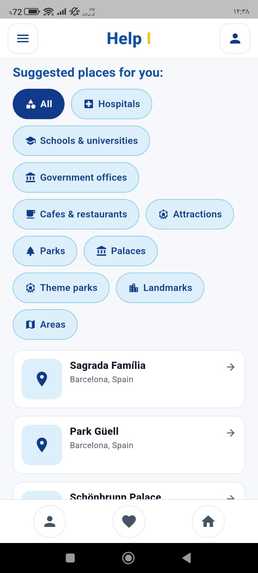
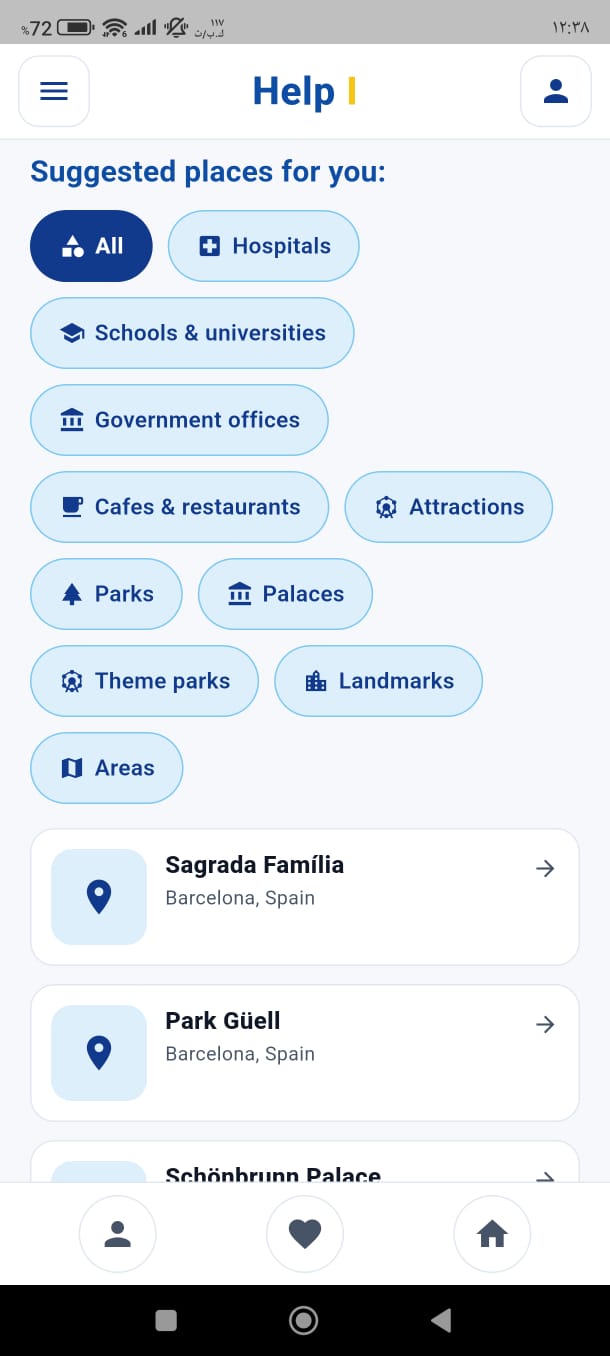
Browsing suggested places and categories like hospitals, universities, and parks to ease navigation.
-
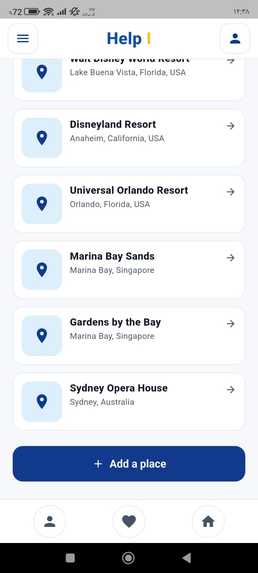
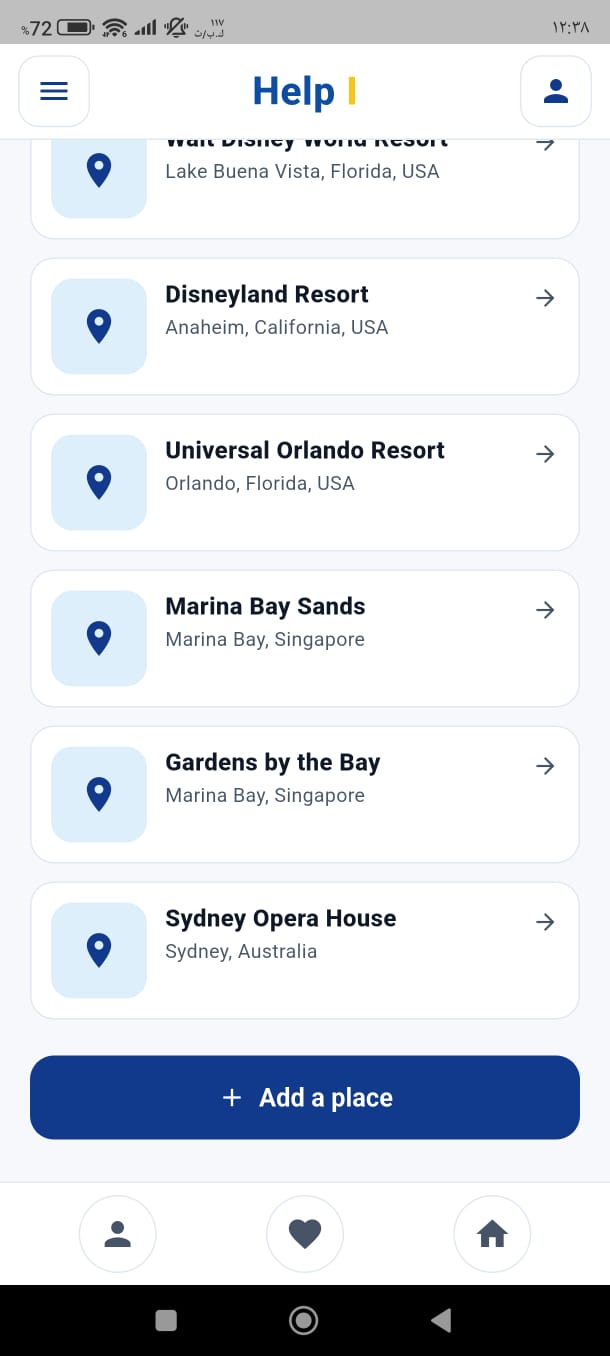
List of global landmarks with an option to add a new place to enhance community engagement.
-
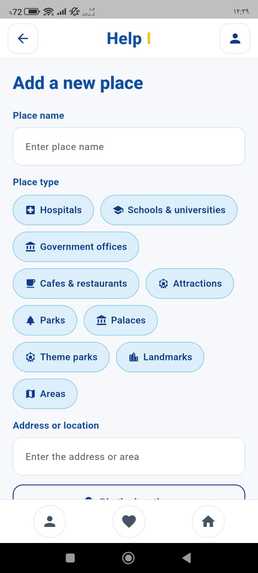
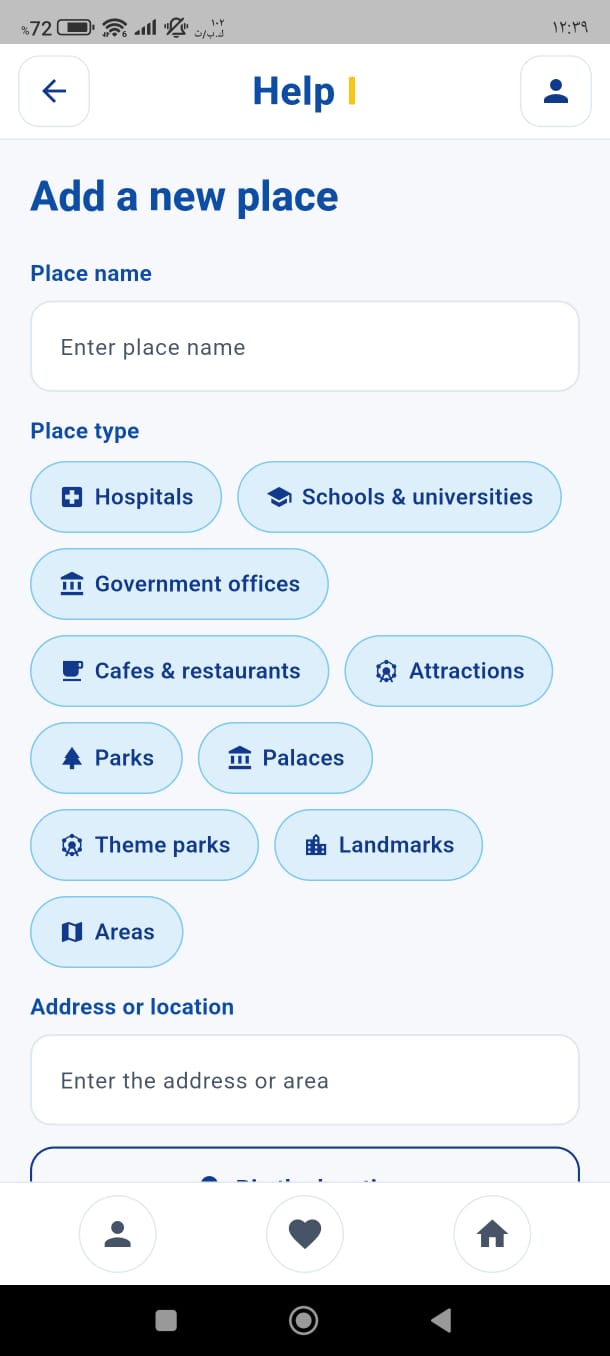
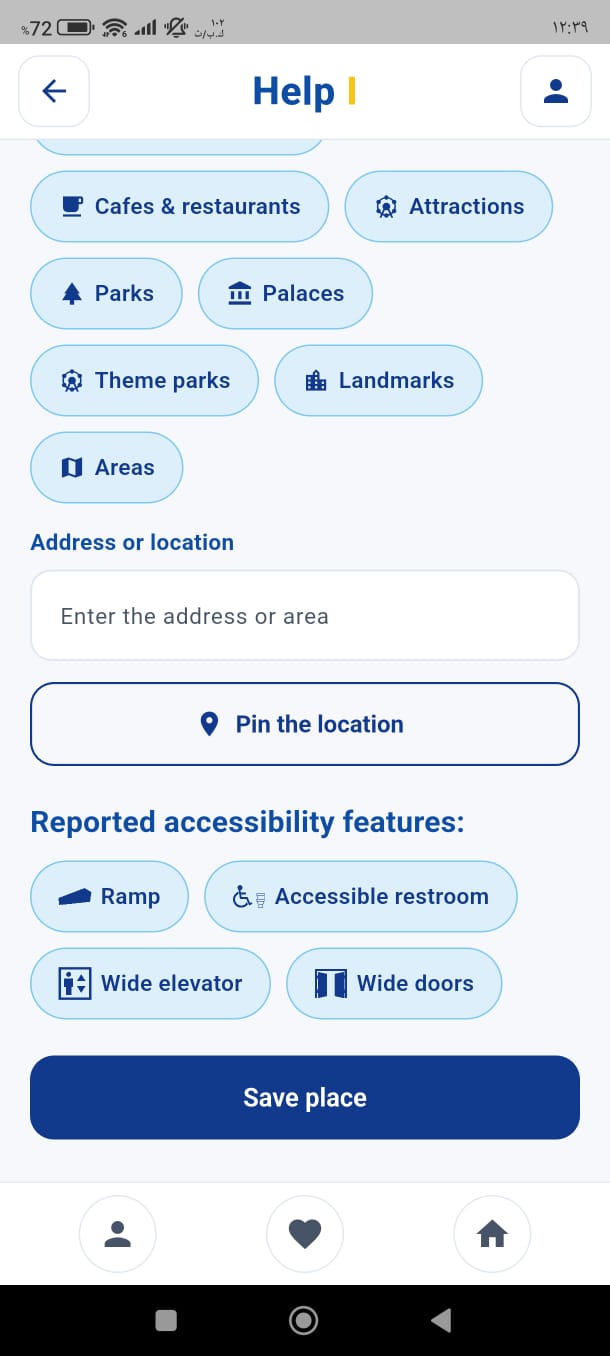
Form for adding a new place, pinning its location, and reporting available accessibility features (ramps, wide elevators).
-
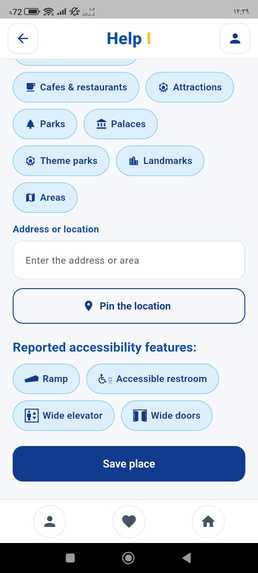
Form for adding a new place, pinning its location, and reporting available accessibility features (ramps, wide elevators).
-
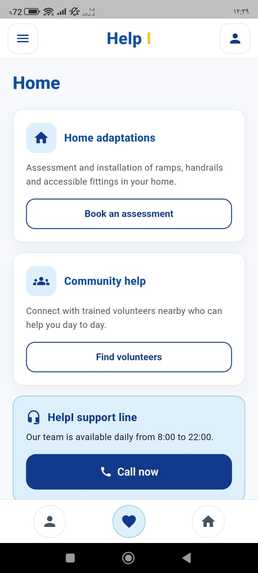
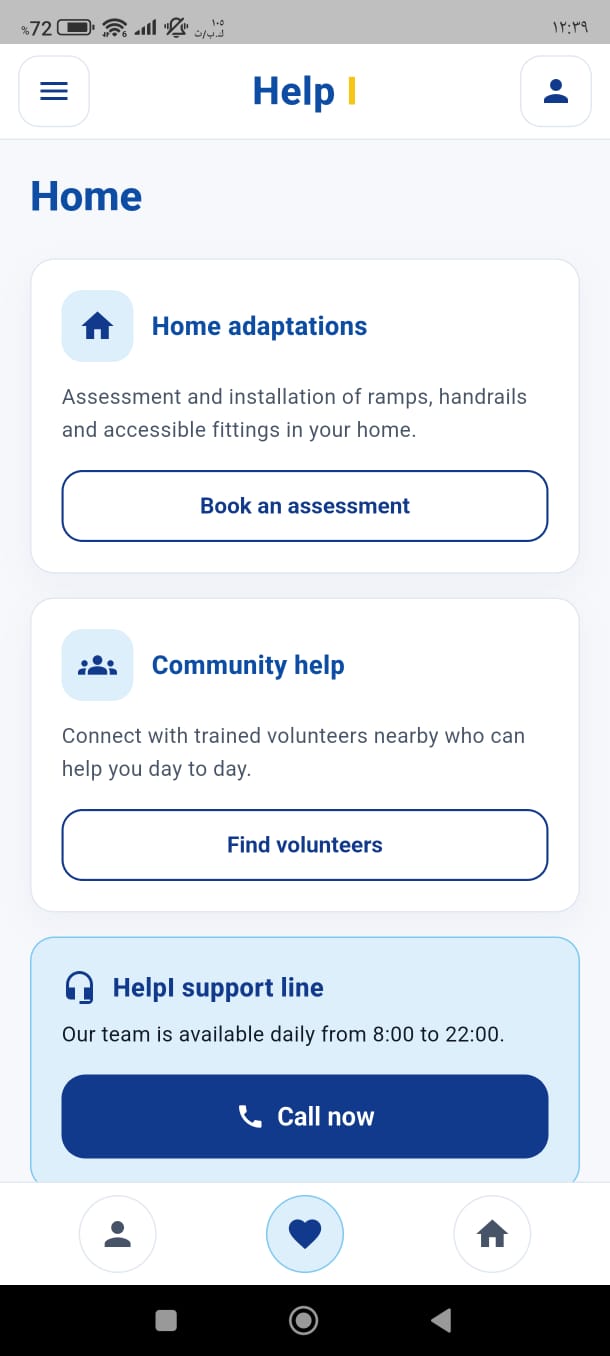
Home adaptations and community help section to connect with trained volunteers and the support line.
-
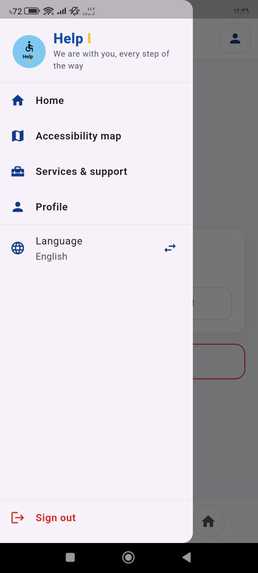
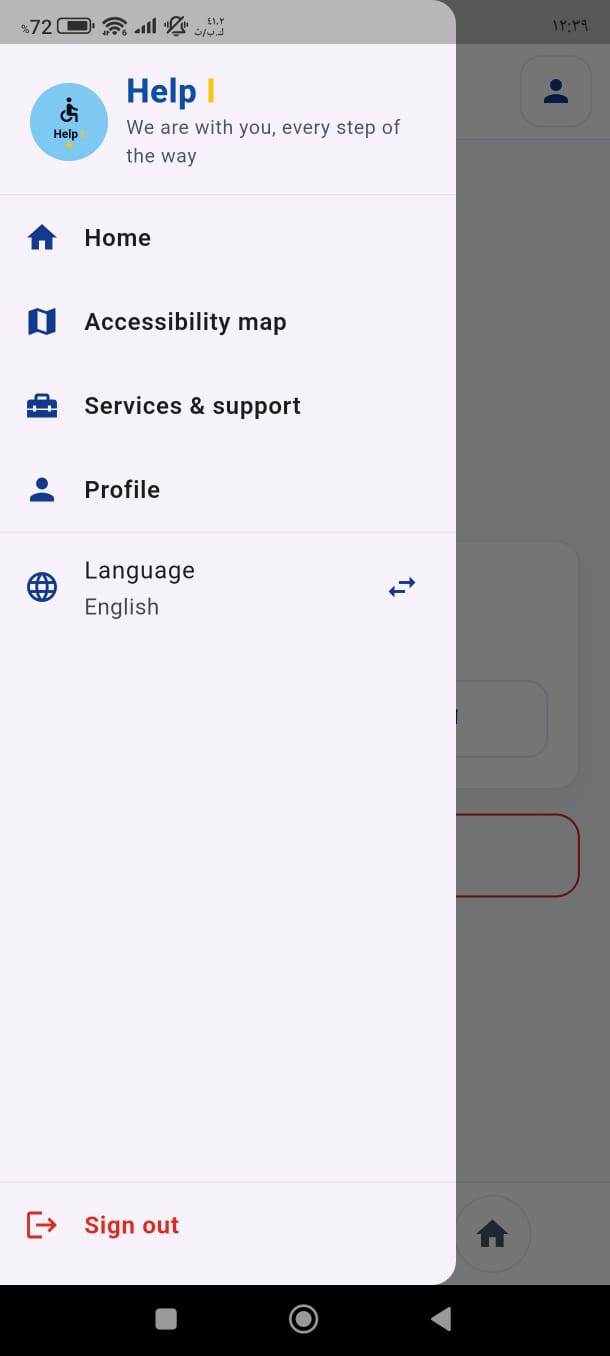
Side navigation menu for quick access between app sections, language settings, and sign-out.
Inspiration
People with motor disabilities often face a frustrating reality: arriving at a venue only to discover a lack of ramps, elevators, or accessible restrooms. This uncertainty limits their freedom and independence. HelpI was born to solve this exact problem by acting as a personal accessibility guide.
What it does
HelpI is a dedicated mobile application designed for individuals with motor disabilities. It provides pre-verified, accurate information about facility accessibility (such as ramps, elevators, wide doors, and accessible restrooms) before they visit, saving them from unpleasant surprises and helping them navigate life with confidence.
How we built it
- Design & UI/UX: Prototyped in Figma with a focus on high contrast, clear visual hierarchy, and accessibility guidelines.
- Frontend Development: Built using Flutter and Dart for a smooth, responsive cross-platform experience.
- Architecture & State Management: Organized with clean code principles to ensure scalability and ease of use.
Challenges we ran into
Balancing a clean, calming UI with essential functional requirements (like clear facility icons and quick location filtering) while keeping the user journey minimal and straightforward.
What we learned
The immense value of designing technology centered around real-world human needs, empathy, and social impact.
What's next for HelpI
Expanding the community-driven database to allow users to contribute and review more locations, integrating live navigation, and scaling the app to support broader accessibility needs.
Built With
- dart
- figma
- flutter
- mobile
- ui/ux

Log in or sign up for Devpost to join the conversation.