-
-
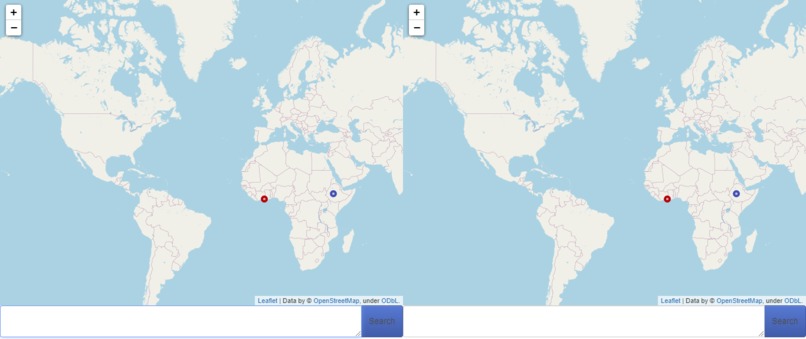
Image of the Site
Inspiration
We were inspired to create this heatmap from other maps and graphs representing climate change data. Satellite imagery and global data displays of general average temperatures across the world inspired us to try to create our own spin on climate change data representation by focusing on cities around the world. Heatmaps are typically used to represent data that is spread across a larger area while giving big attention to areas that are have higher data values. We initially decided on using a heatmap to show average global temperatures by showing areas with hotter temperatures with larger heatmap visualizations.
What it does
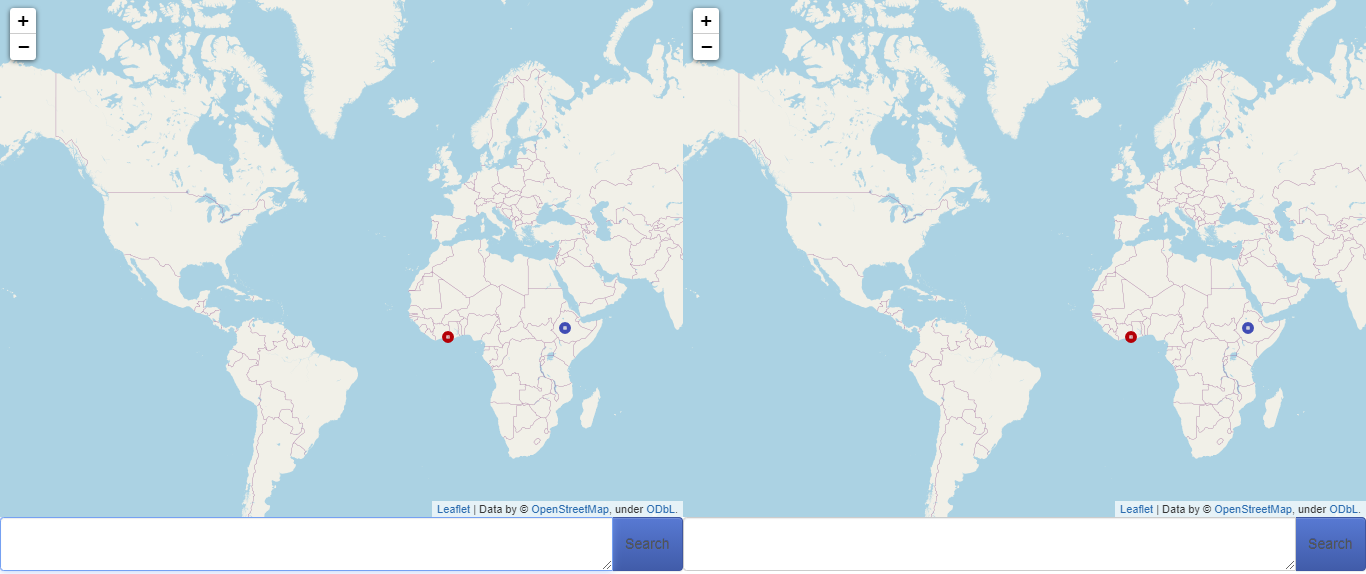
Our site displays two maps, both of which display the cities around the world and their annual temperature averages for a corresponding year. Data is displayed using points that appear on the map. On the bottom of the two maps is a menu where the user can select years and display data from two different times across the two maps. This allows the user to compare and contrast climate change data between years and see how temperatures globally have been on the rise.
How we built it
We started our design process by planning out a list of tasks to do, starting with designing a UI and planning out what our priority list would look like. We focused on properly rendering the map onto our site first, using VisualStudio Code to work together. We accessed a library of APIs, from Google Maps' own map layering API to Panda.
Challenges we ran into
One of the largest issues we faced was getting the Google Maps API to properly display on our site. We were originally using an API from the Google Developers Maps JavaScript API, which properly rendered on our site for a little bit, and then stopped working altogether.
Accomplishments that we're proud of
Being able to resolve the issues with the map API by finding another alternative to how we displayed our data really helped us to power through what we had left to do on the project. Although we had to curb our project away from the concept of a heatmap, we reiterated our map data to display our data in a new way.
What we learned
We learned about the wide world of APIs and how they could be implemented and edited within a project to produce different outputs. We were also able to understand that sometimes a change in direction with a project can lead you away form problems you might be facing.
What's next for Help! The World is on Fire!
Using similar map display code, we could allow our maps to display and compare average annual rainfall, average annual ocean temperatures, or even annual natural disasters around the world. Aside from climate data display, our program could be used to show the population of international cities, the locations of global news stories, or map out economic status worldwide. Our map data display code could even be narrowed down locally to map out crime history, housing prices over time, or even historical data within a smaller area.


Log in or sign up for Devpost to join the conversation.