-
-
Our bot icon, image: Flaticon.com
-
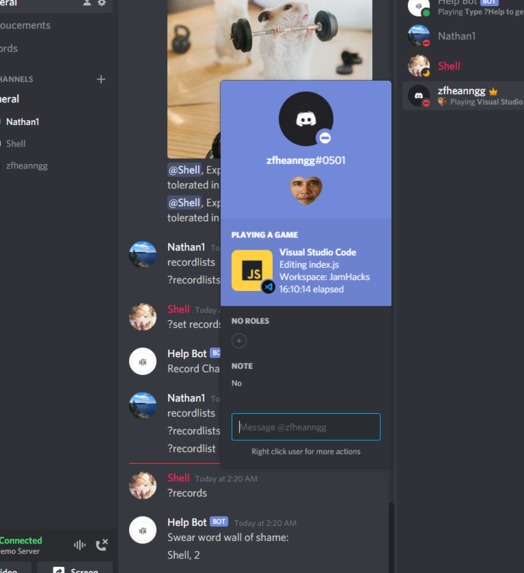
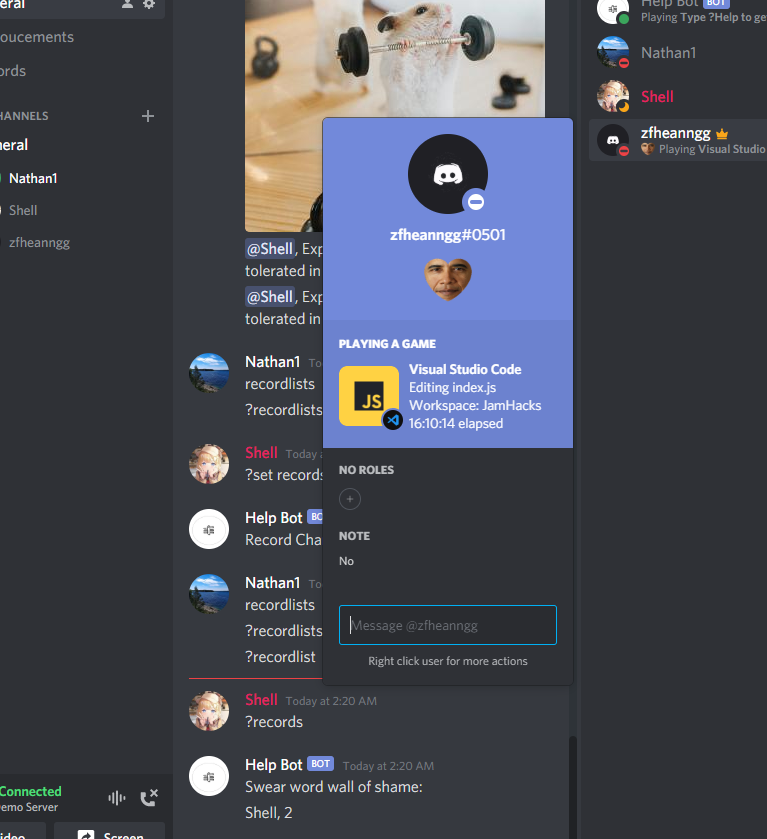
almost 17 consecutive hours logged on VS Code!
-
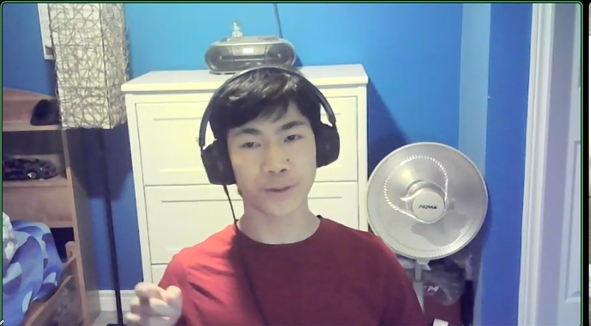
Nathan being filmed
-
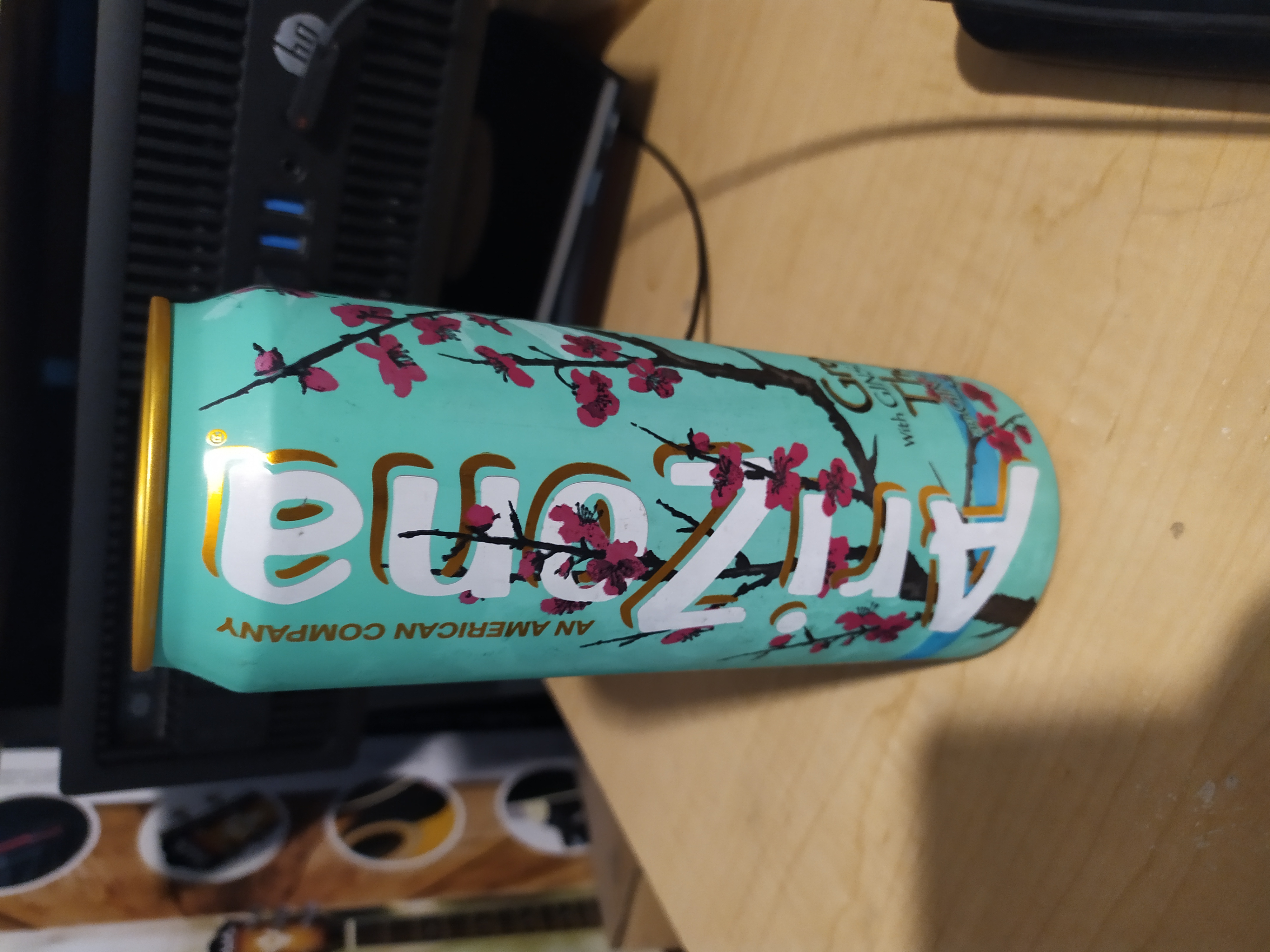
An iced tea I (Nathan) drank to keep me awake. Made me take like 6 bathroom breaks.
-
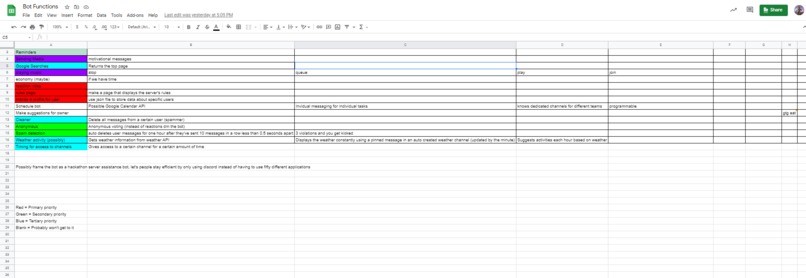
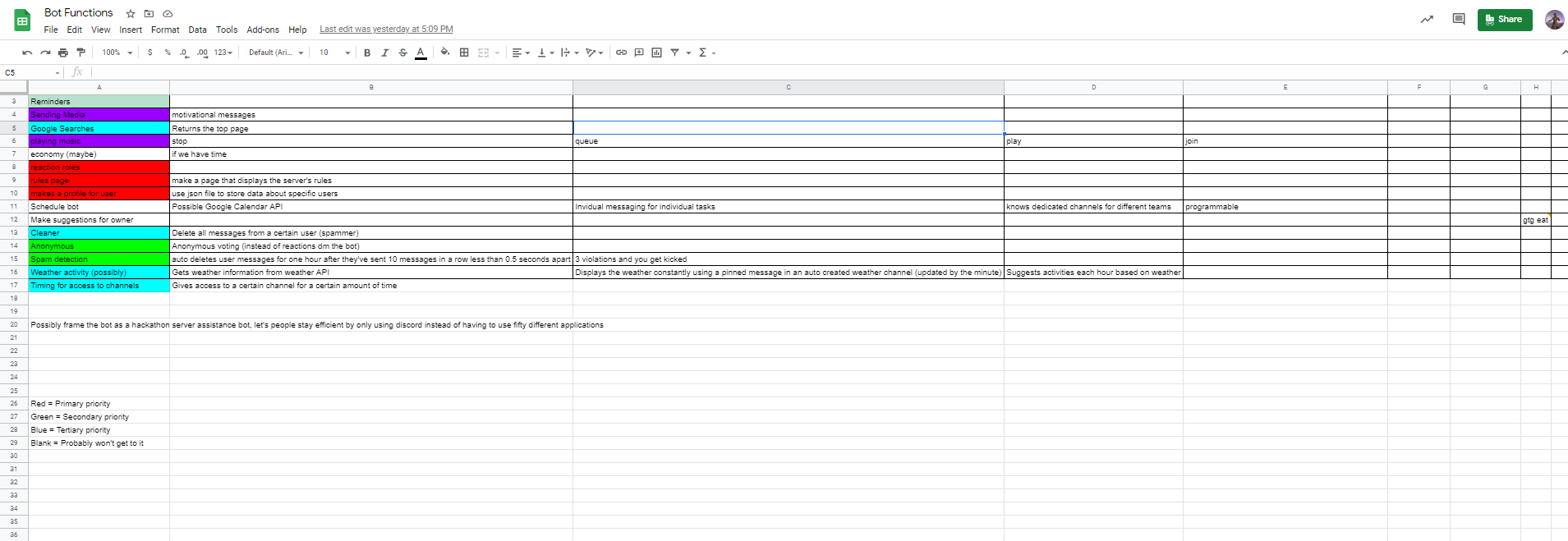
Our original planning sheet
-
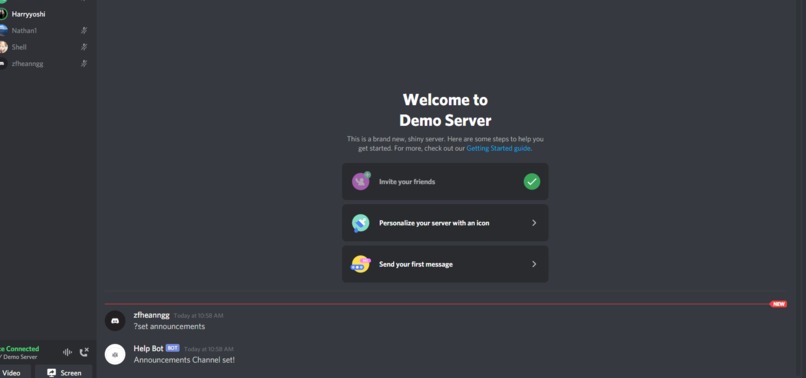
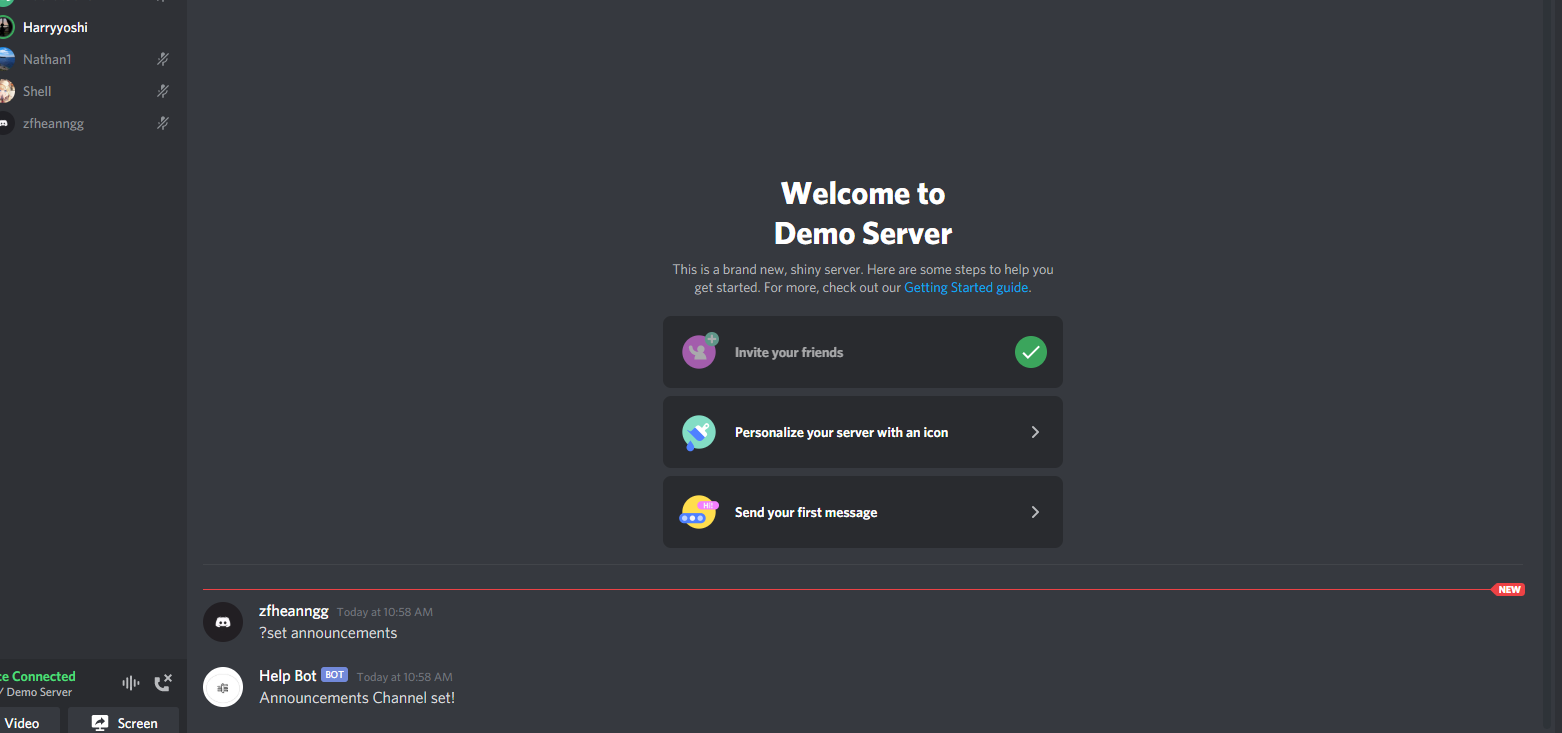
Testing our bot in a channel
Inspiration
During the coronavirus pandemic, our team has had many opportunities to familiarize ourselves with Discord. This means that we've come to love the good things, and dislike the bad things. For example, we love Discord's bot music-playing, fun features, and voice channels. We do not love having to add multiple bots for every function. The inspiration for the project really struck while we were brainstorming before the start of the hackathon. One of our team members had recently been experimenting with discord bots, and we thought of different ways we could improve on existing systems. We all agreed that one of the most annoying things was having to memorize all the meaningless prefixes. Many bots can play music, help manage your team, and keep servers clean, but the uniqueness of Help bot is its versatility. We felt that by creating a bot that was simple to use, multifaceted, and able to deliver excellently in all of its functions would create the perfect bot for hackathon servers or just normal servers. We wanted to make our bot as easy to use as possible, so we went with a common prefix, the question mark. We created an extensive help menu that lays out functionality of each function and teaches users how to use it. Finally, by making a single bot with multiple functions we removed the need for people to memorize multiple prefixes or bot names.
What it does
To solve this problem of meaningless prefixes and unnecessary bots in our discord servers, we simply created a bot that includes many of our favourite features found in normal bots, while staying simple and efficient. Our help bot reduces the need for tons of bots to be invited into a discord server to make full use of discord bot functionality. Some functions include:
Music, our bot allows any user to play music by typing ?play accompanied with the song’s title or url. It also gives users the ability to queue and skip songs, or stop the music entirely.
Censorship, our bot automatically detects a variety of profanity and obscene language. Upon detection the bot deletes the message, records who sent it, and keeps track of all violations on the swear word wall of shame, which can be called using the function ?records.
Announcements, using the ?announce function users can set, one-time, daily, or weekly announcements at a set time. Announcements can be named and accompanied by a message like “@everyone meeting now.”
Miscellaneous functions, when creativity is stagnant teams can use functions ?motivation, ?memes, and ?8ball, to generate motivational images, fun animal memes, and mysterious 8ball answers to spur creativity.
How we built it
To build our discord bot, we used a node.js module, called discord.js. Discord.js provided a method for us to interact with the Discord API in a way that was familiar yet challenging. Building the bot consisted of many google searches and countless visits to sites like “stack overflow” as we struggled to understand Discord.JS. However, with our collective knowledge, abilities, and the internet we got better at using basic Discord.js functions such as on.client functions, async functions, and message.channel.send.
Music is a great opportunity for teams to bond and connect with each other. Therefore, one of our top priorities was to implement a working music player. To play music, we used 3 different node modules, FFmpeg, ytdl, and yt-search. In short, yt-search takes a string input from the user of the bot, and returns the top search result on youtube and the URL. Then, FFmpeg is able to take a video MP4 format (the URL), and convert it into an audio MP3 format. Finally, the ytdl module takes this audio format created by FFmpeg, and plays the music through discord. These were the main modules/steps our group took to make the Help Bot.
Censorship, in order to censor messages we brainstormed multiple different approaches. We thought of iterating through every letter in a message, every word, parts of words, and wherever letters appeared in an order similar to a swear word. In the end we went with looking for swear words that were seperated from other words by spaces and not enclosed within words. Although this would catch fewer swear words, it would ensure that no words that weren’t swear words would be censored and allowed code to run efficiently.
Challenges we ran into
Since members were not always working at the same time, many problems arose when others couldn’t understand a member’s code. This meant some time was wasted trying to figure out how the code works.
One of the largest challenges we faced was playing music
Another challenge we ran into was the platform we used. Using VS Code allowed us to work at the same time but the code could only be run by one person, the owner.
Accomplishments that we're proud of
We have created a functional discord bot that exceeds expectations for its desired functionality. As our first hackathon, this accomplishment has given us a great start to our hackathon career. With the experience of our first hackathon, we can now work seamlessly in a group for future projects and hackathons.
What we learned
Doing this hackathon helped us to learn loads of new documentation to use for Javascript and Discord.js. We learned how to collaborate, delegate tasks to different members, problem solve, and create multiple functions for a discord bot.
What's next for Help Bot
More functions so it can be even more efficient.
Built With
- cron
- discord.js
- dotenv
- ffmpeg
- javascript
- node.js
- yt-search
- ytdl


Log in or sign up for Devpost to join the conversation.