-
-
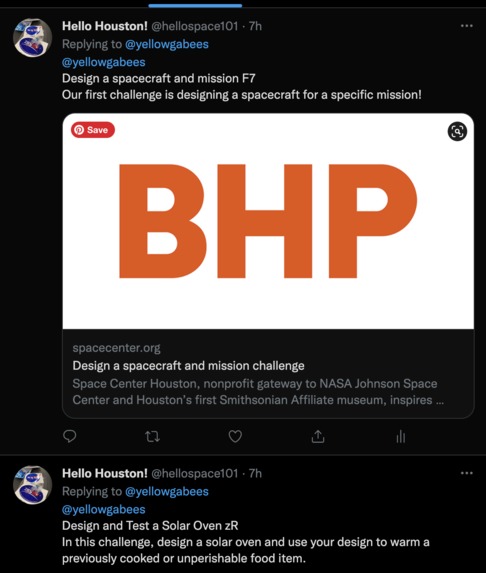
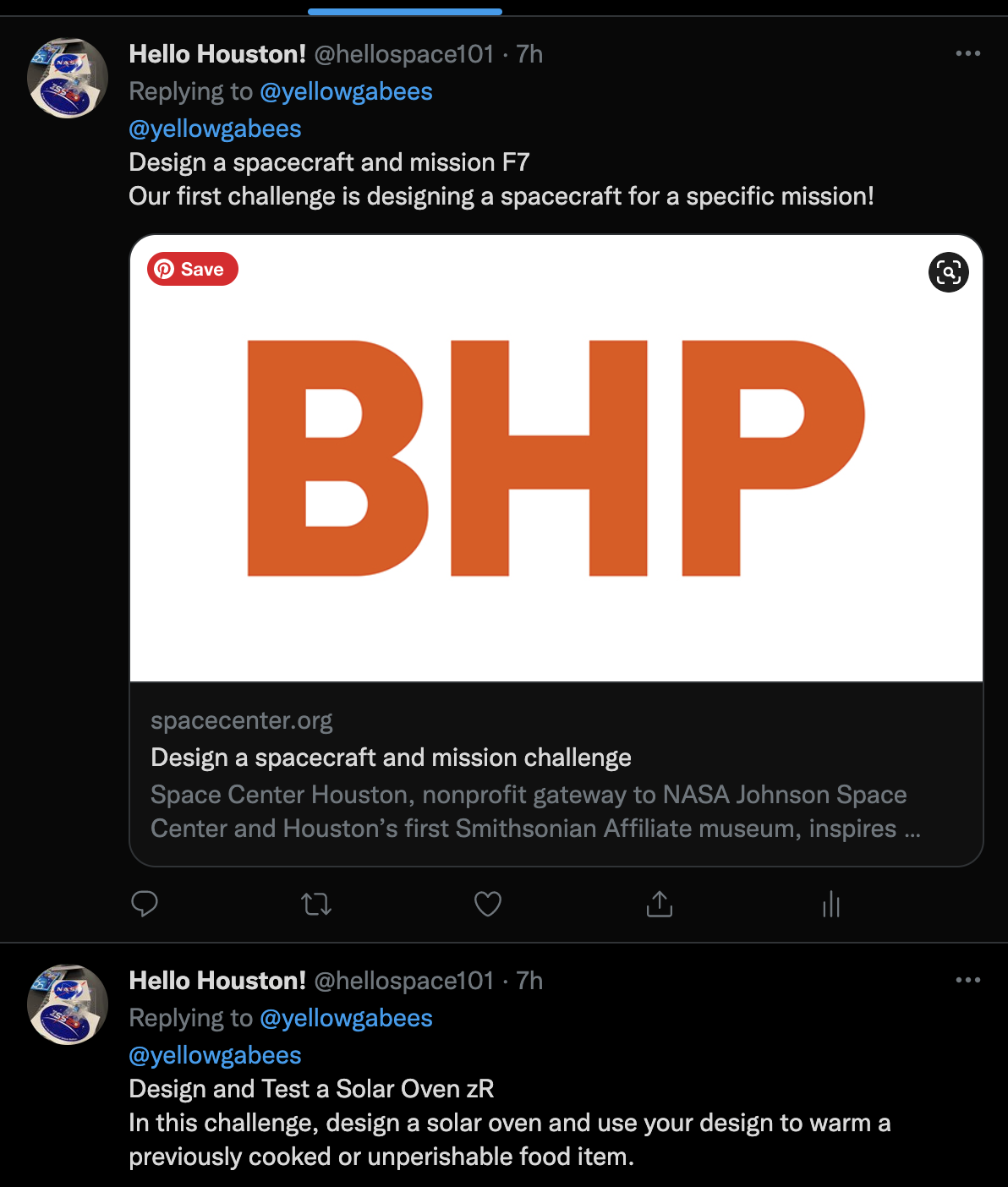
Example of replies
-
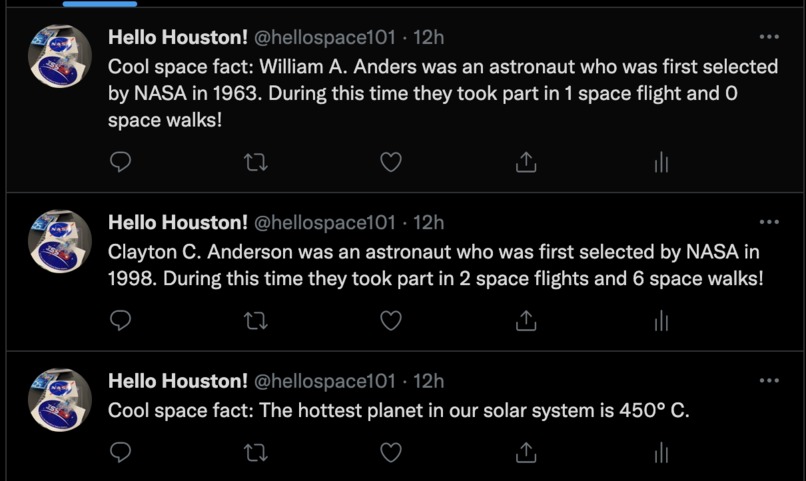
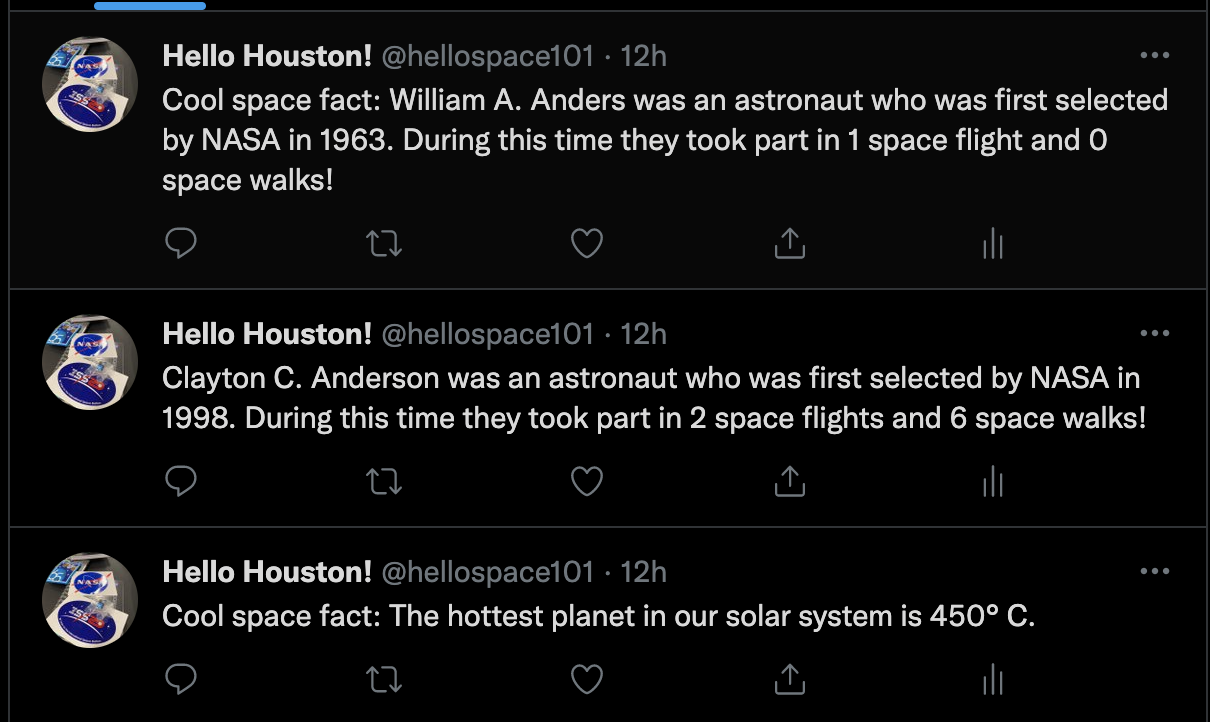
Examples of space facts
Inspiration
What better way to connect communities than through social media? Automation provides a hassle-free and quick way of keeping connected through social media. Examples of said automation are seen with the use of bots. Bots seem to have a negative connotation: thoughts of spam and inaccurate news may be your first thought. However, bots can also be used to maintain engagement in social media.
During the course of this hackathon, we created a Twitter account that functions as an automated bot to spread news and information about NASA JSC/Houston activities. Existing NASA twitter accounts may already use timed automation to send out tweets (@NASA_Johnson & @NASA). What are these accounts missing? A community aspect. Rarely (if ever) do these accounts actually interact with people through replies. Thus, we created @hellospace101. A Twitter bot that will reply to you based on the commands you tweet at it. For example, if you tag the account and use the #activitiesjsc2022, the bot will automatically reply to you with challenges found from the space center community website. These challenges can be done at-home with everyday items-- perfect for homeschool, classrooms, or just for leisure. The bot will also tweet out space facts throughout the day for educational purposes. These were the two functionalities we were able to create (and fully deploy!) throughout the hackathon, but this bot can be expanded upon to also automatically tweet out relevant events near Houston and/or act as a help-bot!
What it does
1) Reply to mentions and corresponding hashtag - tweets with #activitiesjsc2022 will be automatically replied with a DIY activity from the NASA JSC website (https://spacecenter.org/community-science/)
2) Tweet out 3 space facts a day - Crawled the web for space facts and created a CSV with said data. The bot will tweet out 3 in a specified interval
How we built it
- Python was used to code the entire project, utilizing Tweepy to access the Twitter API (v2) and pandas to manipulate csv data
- The app was successfully deployed using Heroku with the bot.py file being the designated worker. The app has since been on offline mode in Heroku to prevent rate limits from exceeding.
Challenges we ran into
- Tweepy using Twitter API v1 versus v2 (had to find more documentation for newer versions)
- Issues with OAuth and Deployment since it was our first time doing both
Accomplishments that we're proud of and what we learned
- Having the app deployed and fully functioning
- Learning how to use env variables and OAuth
- Getting the app to actually create tweets and interact with Twitterr


Log in or sign up for Devpost to join the conversation.