Inspiration
Imagine you're craving bananas, and you go the the store to grab some and they have NONE left. Who would want to waste their time on a pointless trip like that ever again. At HelloGroc, we aim to make this never happen to you again.
What it does
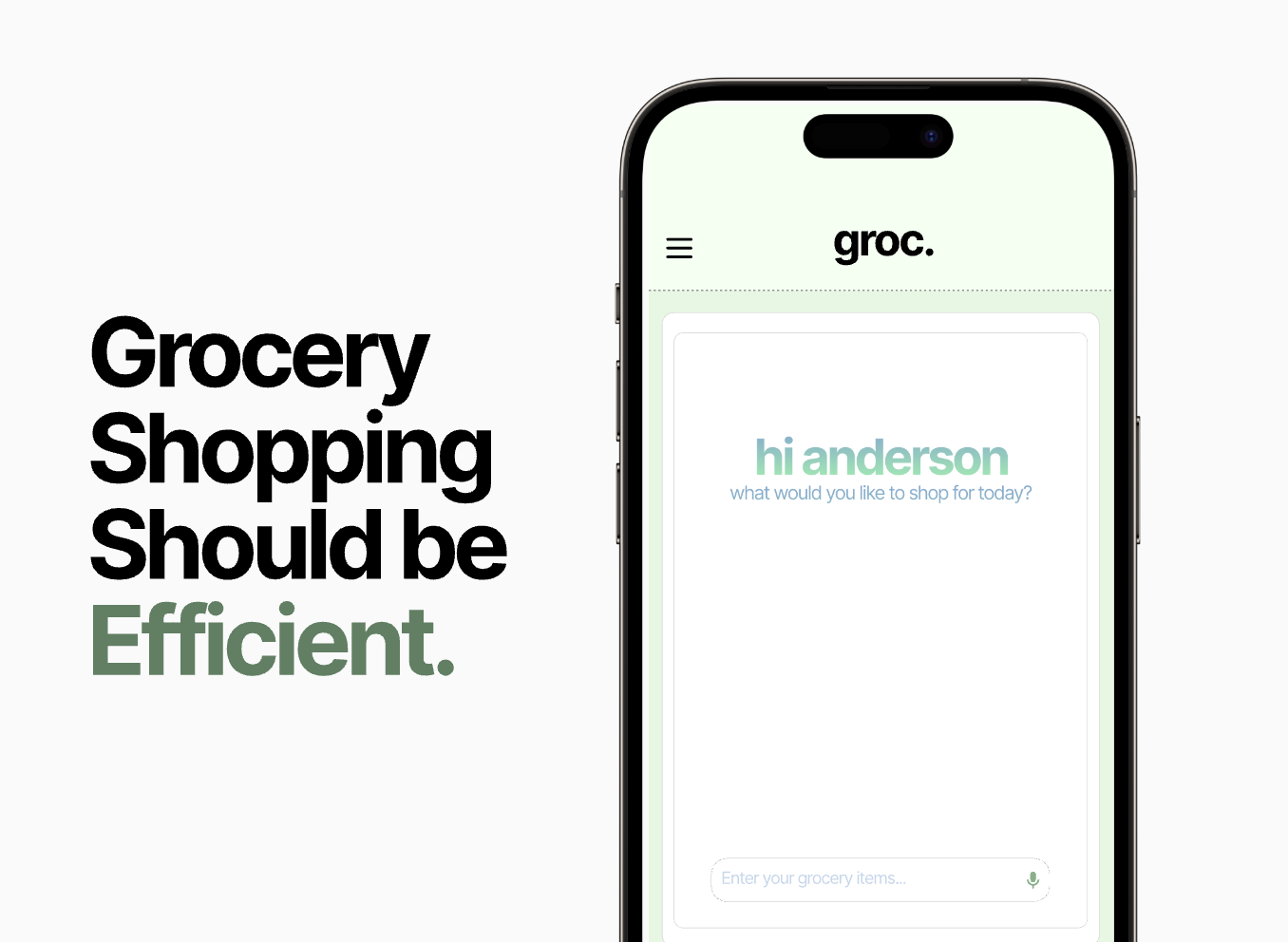
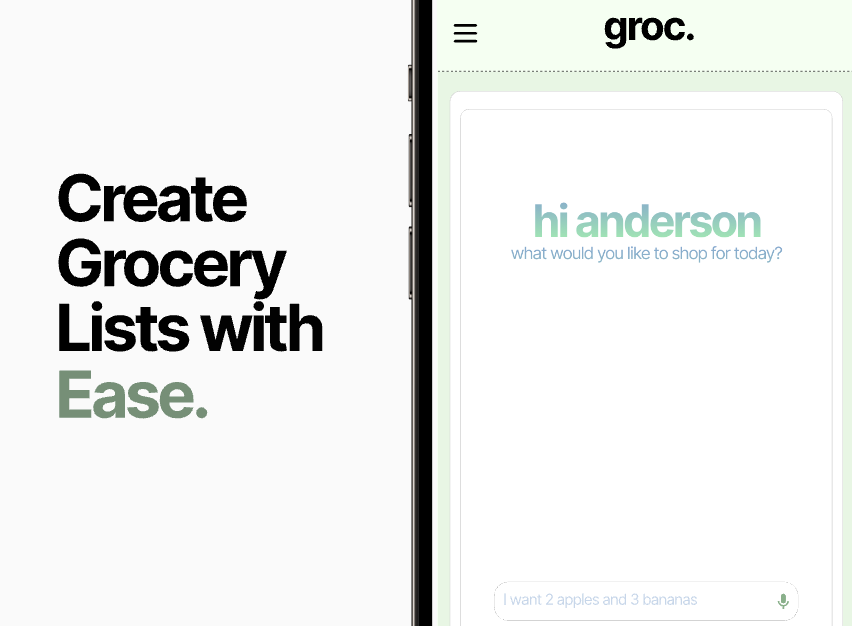
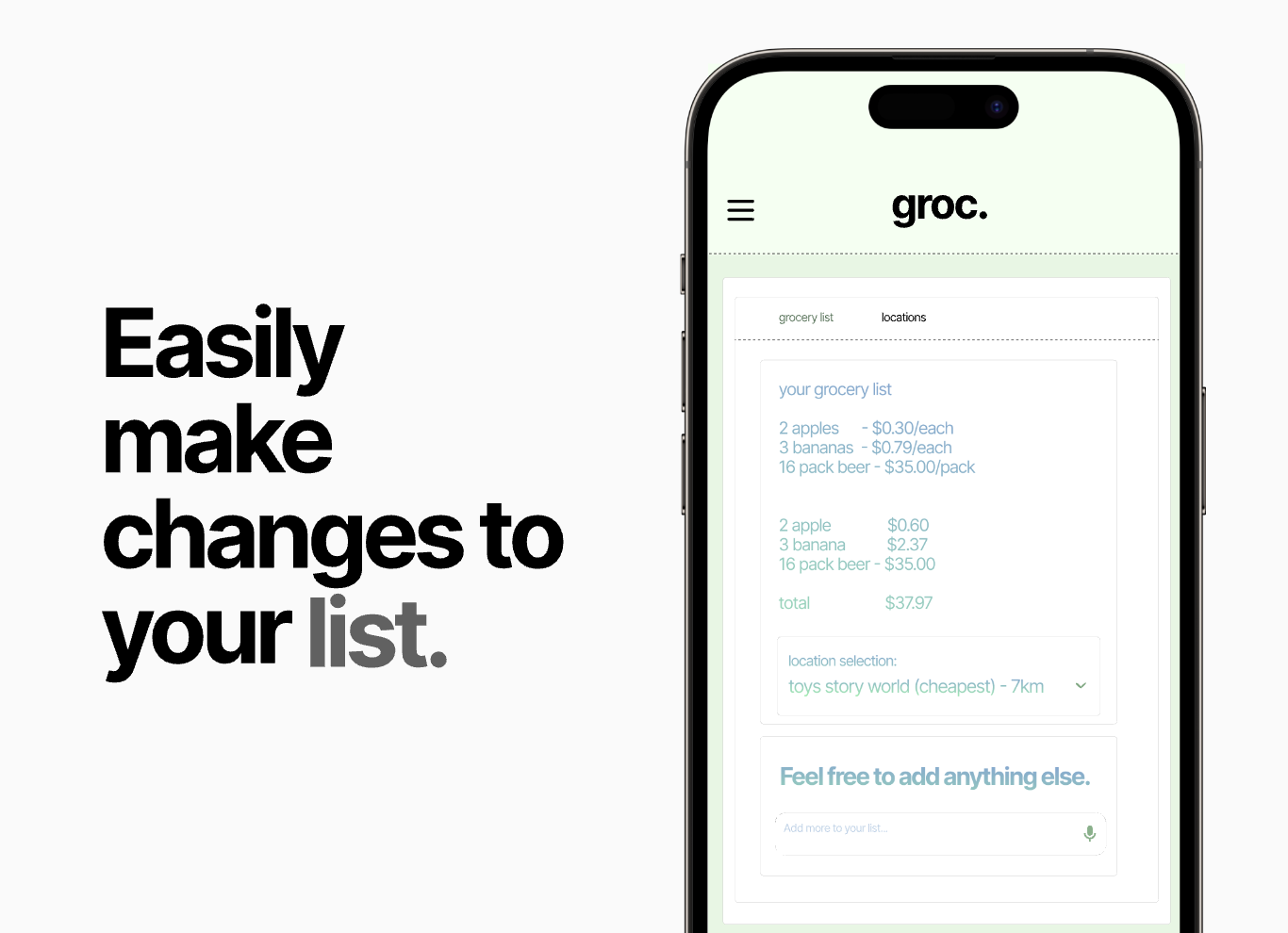
Enter your grocery list manually, or through an audio message and Groc will neatly create your grocery list for you.
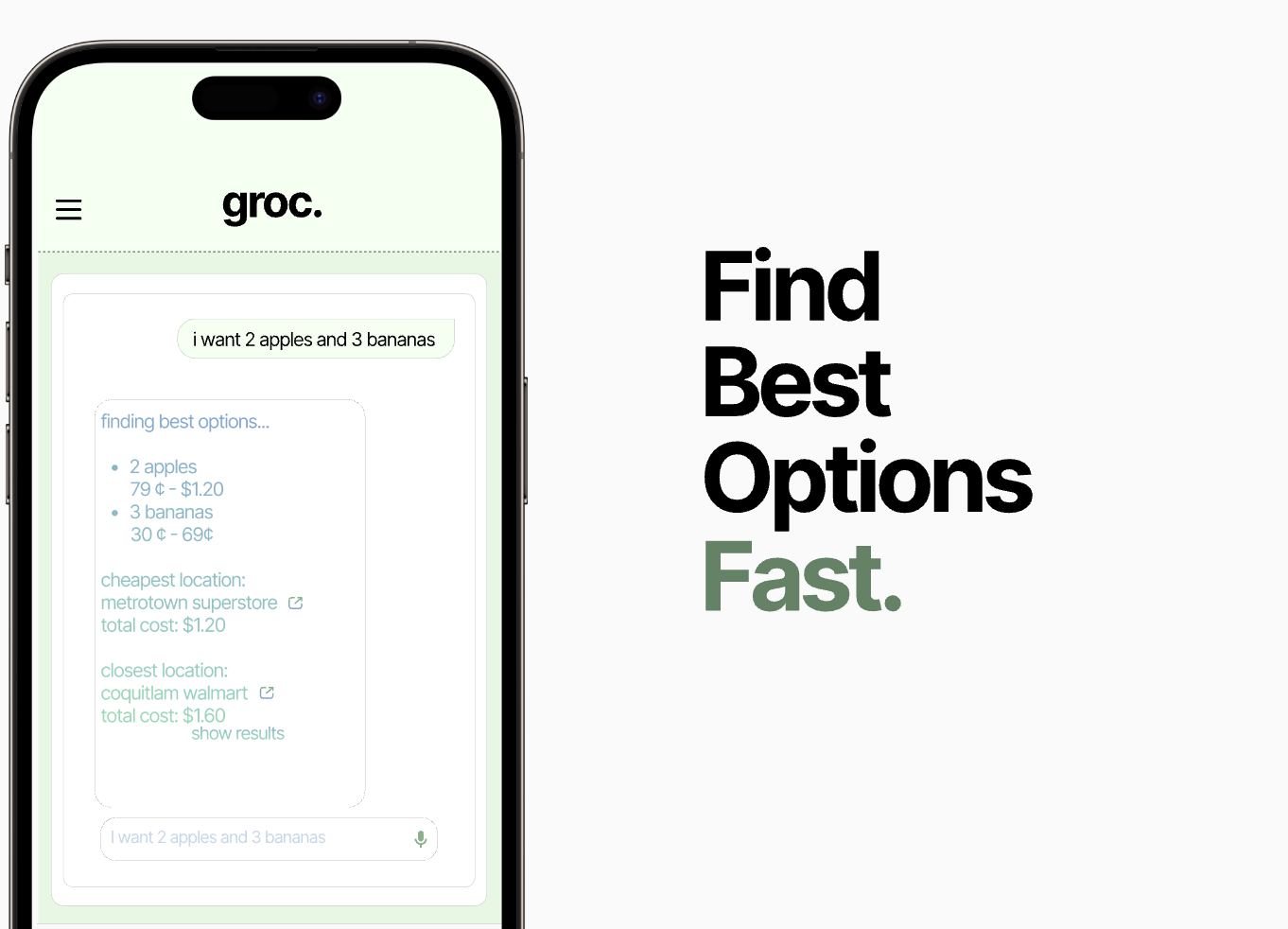
Groc then goes through our database of all the groceries that are available at your major retail stores that have all the foods that are in your grocery list such as Walmart, Costco, Superstore, etc and displays the range of cheapest to most expensive food.
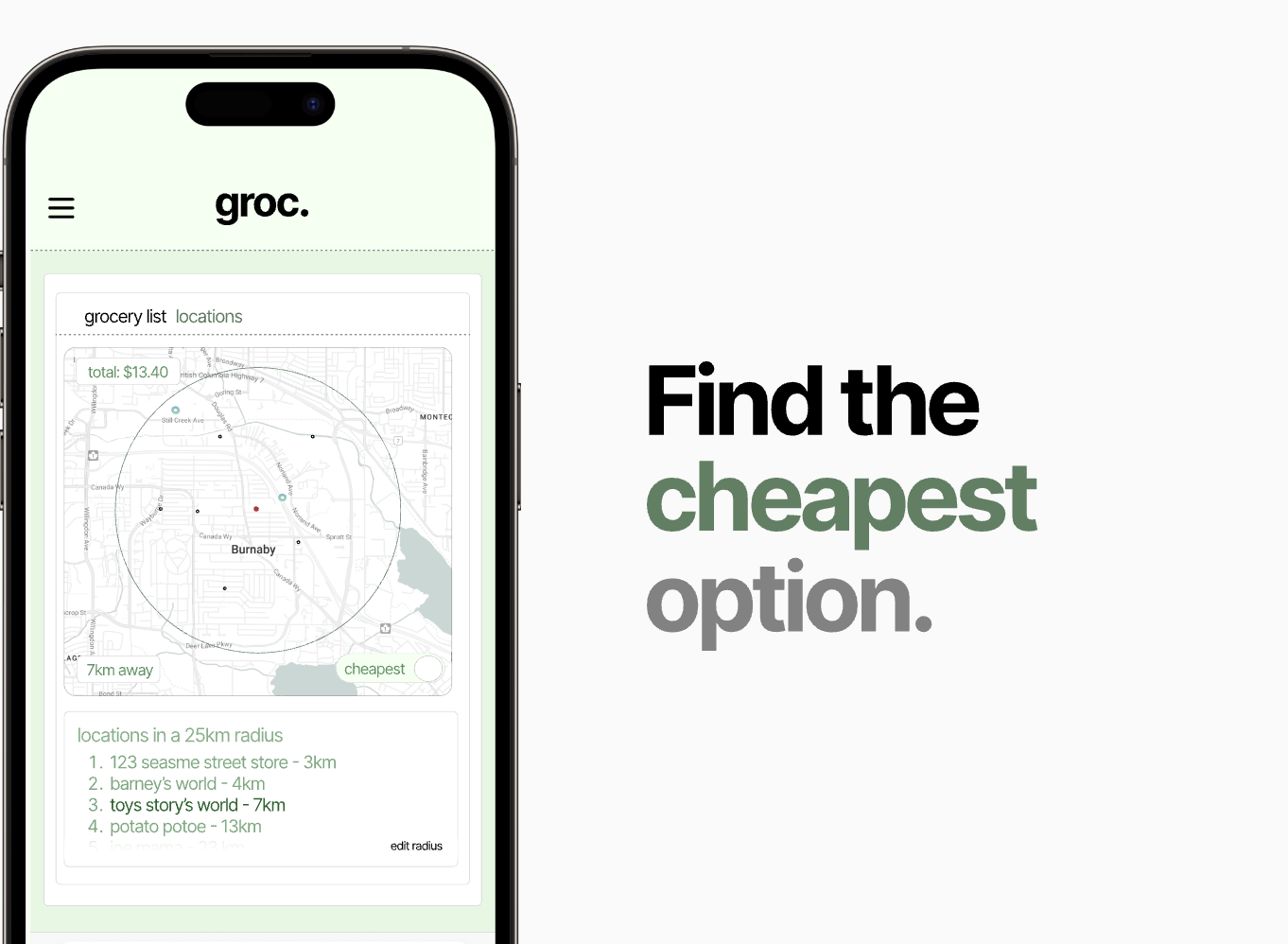
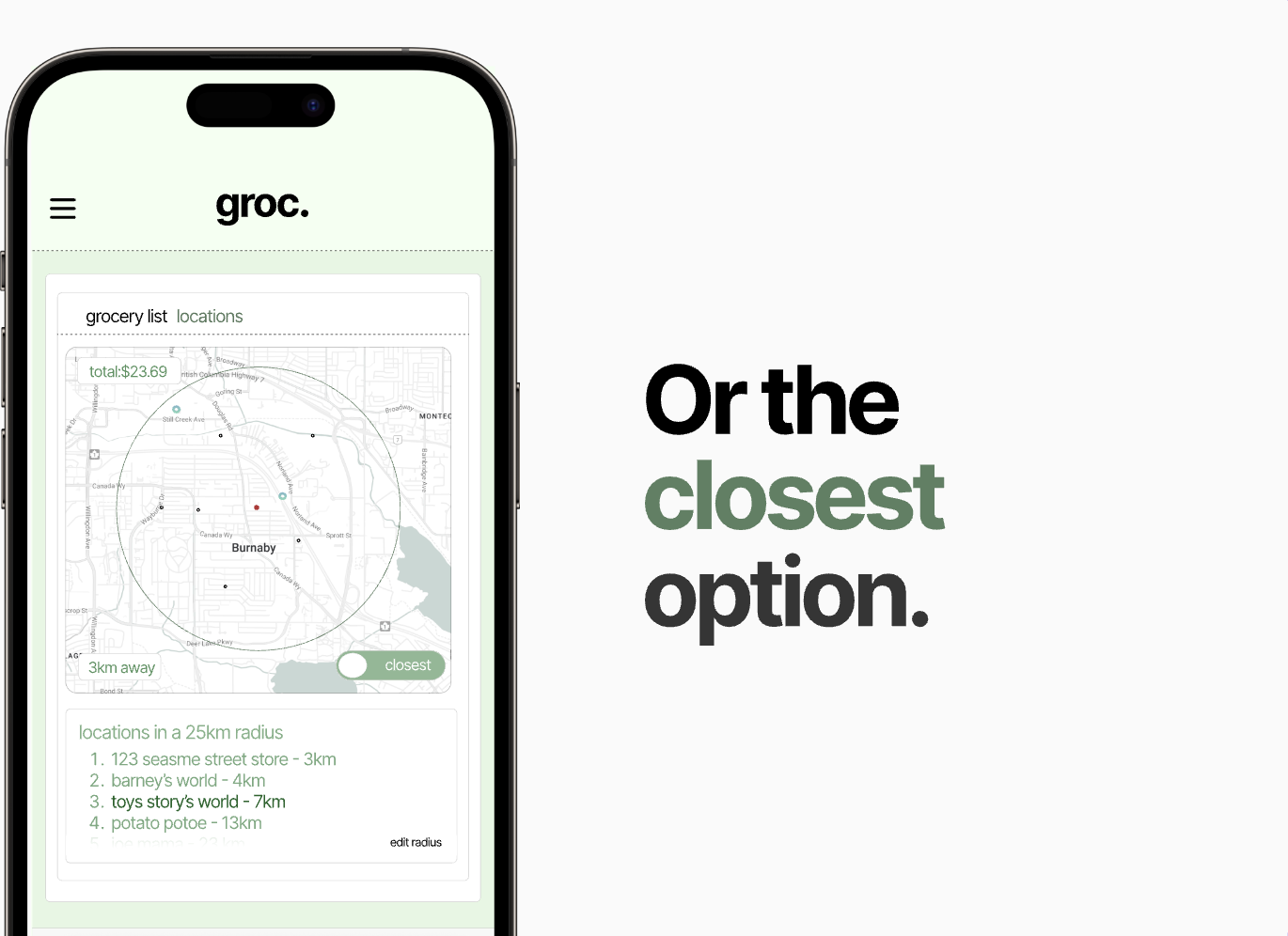
We then give you two main options: the cheapest store near you within a set radius you pick eg. 25km the closest store near you
If you need to add, you can easily write what you want in your list and it will automatically update.
How we built it
UI/UX : The color palette was selected to emphasize sustainability, as green often symbolizes an eco-friendly and future-conscious approach. It also aligns seamlessly with the grocery theme of HelloGroc, reflecting freshness and nature. This choice felt like the perfect fit for a grocery shopping app dedicated to reducing wasted trips and promoting smart, efficient shopping.
Figma was used for the prototyping and as a benchmark for the devs to follow.
Front-end Dev: React.js was used to create reactive and dynamic components with Tailwind.css for styles. The Google Maps Directions API was used to get user locations and allow users to retrieve locations of nearby stores in their area for parsing.
Back-end Dev: Our backend is built on Next.js routing principles following RESTful conventions, ensuring a scalable and efficient API structure. We use Supabase for database management, providing a seamless connection to our real-time data. The OpenAI API is employed to synthesize natural language input into well-structured shopping lists tailored to the user's needs.
Challenges we ran into
UI/UX: Figuring out how to easily create something that is responsive was difficult. This required thinking how the desings would change when shrinking the page, which affected how the initial and final design turned out. This is because this was the designer's second time working on an actual project to be shipped out and mostly had worked on mobile apps. However, after tinkering and playing around with styles, he was able to create a compelling high-fidelity prototype for the devs to work off of.
Front-end Dev: We faced challenges integrating API keys, aligning layouts with the design, implementing toggle functionality, and dynamically updating components with API data. Issues like refactoring user input to handle updates needed to be resolved.
Back-end Dev: In the backend, we faced challenges in designing robust APIs to handle complex data processing and ensure seamless communication with the frontend. Managing environment variables, such as API keys, required extra attention to maintain security while ensuring accessibility for dynamic operations. Integrating OpenAI for language processing and inference involved fine-tuning responses and optimizing performance for real-time interactions. Setting up and querying the Supabase database posed difficulties in structuring data efficiently for scalability and dynamic updates. Additionally, debugging inconsistencies between backend responses and frontend expectations tested our ability to troubleshoot and refine API workflows effectively.
Accomplishments that we're proud of:
UI/UX: We implemented a way of visual prototyping that we have never done before, and created a final demo video using Wondershare's Filmora. This created a very "Apple" type demonstration of our video which we thought was very slick, engaging and clean.
Front-end Dev: On the frontend, we successfully implemented a responsive and interactive user interface, integrated Google Maps for dynamic location visualization, and connected API data to dynamically display results. We resolved challenges with layout alignment, toggles, and API key handling to create a seamless user experience. On the backend, we set up a robust Supabase database, scraped and structured data effectively, and leveraged OpenAI for natural language processing and inference. Multiple API routes were developed to manage data flow between the database and frontend efficiently. Together, these accomplishments enable a smooth, real-time grocery planning experience for users.
Back-end Dev: To help users navigate the complexities of post-covid inflation, our platform integrates Google Maps API to create the most efficient route for shopping. The algorithm automatically selects the best combination of goods from various markets, ensuring the lowest possible price while considering location and time constraints.
What we learned
It is important to talk to your team about the exact structure/scope of the project. Without everyone on the same page; code can be implemented that is uneccesary that may waste time, and confusion may arrise when putting everything together. It is also nice to have seperate people for each role such as front-end dev, back-end dev and a designated UI/UX person.
We learned how to build a fully integrated application by connecting the frontend and backend seamlessly through dynamic APIs. On the frontend, we tackled challenges in UI design, Google Maps integration, and managing real-time updates, enhancing our skills in user experience optimization. On the backend, we explored data scraping, database management with Supabase, and advanced natural language processing using OpenAI to extract and process information effectively. Working with environment variables and debugging API key issues gave us insights into secure and efficient configuration handling. Overall, this project deepened our understanding of designing interactive, data-driven applications with a focus on scalability and responsiveness, due to the large amount of dynamic data we processed at a time.
Built With
- api
- figma
- google-maps
- javascript
- next.js
- openai
- python
- react.js
- superbase
- t3stack
- tailwind

Log in or sign up for Devpost to join the conversation.