Inspiration
We wanted a simple Forge app to participate in the Forge Quest and learn Atlassian's cloud development platform while aiming for the special swag reward.
What it does
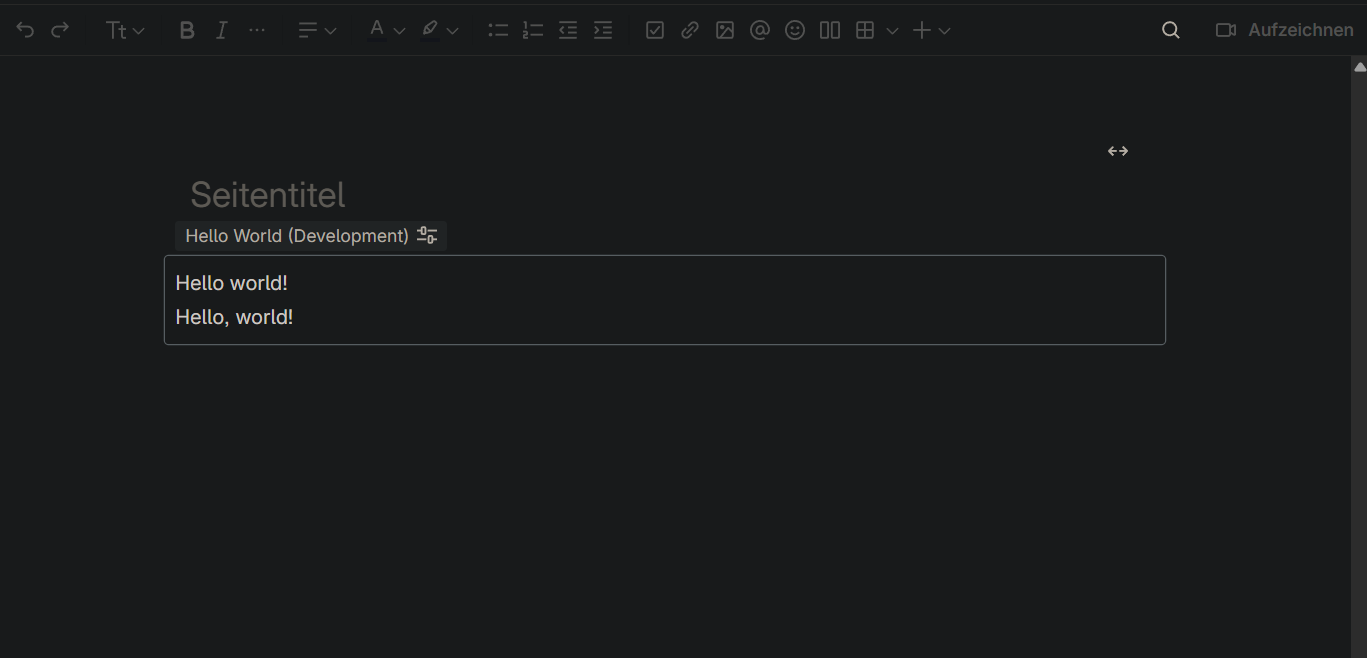
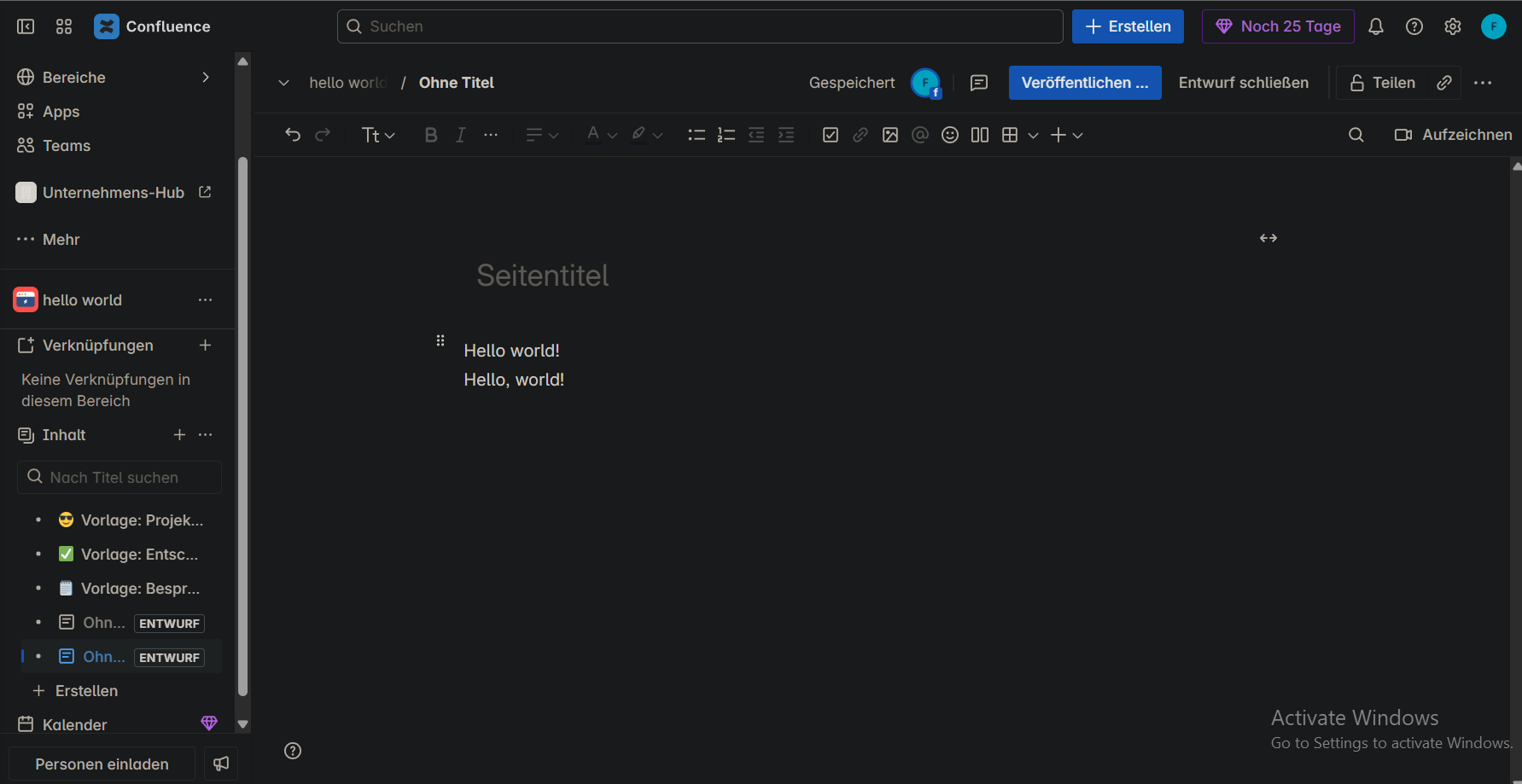
A minimal Confluence macro that displays a friendly "Hello Forge Quest!" message, showing how easy it is to build and deploy a Forge app.
How we built it
Using Atlassian Forge CLI, React-based Forge UI components, and Confluence macros, we created a serverless app running on Forge’s Node.js 18 runtime.
Challenges we ran into
Understanding Forge's strict manifest.yml format and connecting the macro function to the correct handler required careful debugging and manifest validation.
Accomplishments that we're proud of
Successfully deploying a working Forge app that runs inside Confluence and registering it as a macro within the Forge ecosystem.
What we learned
How Forge apps use manifest.yml to define permissions, modules, and runtimes; and how to build simple UI components with @forge/ui library.
What's next for hello world
Add interactivity and more advanced features like fetching user data, integrating with Jira APIs, or making the macro configurable by users.

Log in or sign up for Devpost to join the conversation.