Inspiration
I was inspired by the idea of seamlessly extending Confluence with native UI components using Forge. Atlassian’s Forge platform, especially the UI Kit and intuitive CLI, offered an exciting gateway into building lightweight tools that blend directly into the product.
What it does
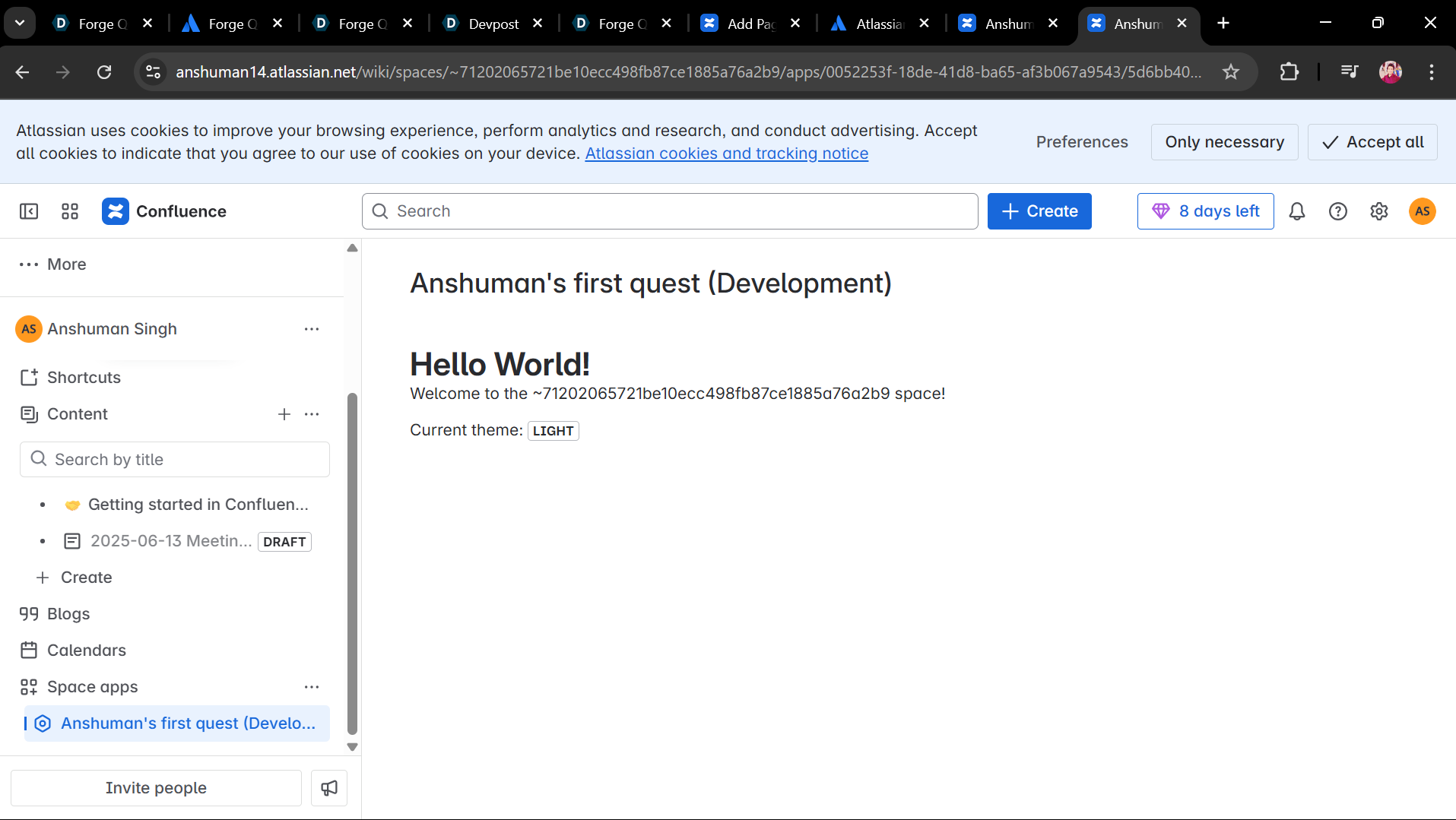
This app injects a basic macro into a Confluence space page. It initially displays “Hello World!” using UI Kit components and then updates dynamically via a backend resolver—demonstrating how the front‑end and back‑end communicate within Forge.
How we built it
1.Used forge create, selecting the UI Kit + confluence-space-page template. 2.Modified manifest.yml to define modules, permissions, and the unique app ID. 3.In src/frontend/index.jsx, rendered UI Kit components (Heading, Text) and invoked backend logic via @forge/bridge. 4.Wrote resolver in src/resolvers/index.js to return the “Hello World!” message. 5.Deployed the app using forge deploy and installed it with forge install onto a Confluence dev site
Challenges we ran into
1.Figuring out how the UI component connects to the backend resolver via the invoke bridge took a bit of trial and error. 2.Correct YAML formatting in manifest.yml (module, permissions) led to minor deployment errors.
3.Ensuring proper scopes and permissions in Forge to allow seamless deployments was tricky.
Accomplishments that we're proud of
1.Successfully built and deployed a working Confluence macro app. 2.Integrated backend logic and frontend using Forge’s resolver and bridge pattern. 3.Enhanced the UI by swapping simple tags for larger elements to better match native Confluence styling
What we learned
1.The full Forge development cycle: scaffold → modify → build → deploy → install.
2.Roles of different files (manifest.yml, index.jsx, resolver code).
3.How to use @forge/bridge to connect UI Kit components to resolver functions.
4.Troubleshooting permissions and deployment issues with Forge CLI.
What's next for Hello World
1.Personalize content: fetch and display the current user’s name using Confluence’s REST API. 2.Add interactivity: build simple forms or interactive elements (buttons, inputs) using additional UI Kit components. 3.Data integration: display Confluence page or user metadata.

Log in or sign up for Devpost to join the conversation.