-
Weather App
Inspiration
As part of Atlassian Forge Quest, I set out to create something practical, hands-on, and directly integrated with Jira. That’s how the Jira Weather Gadget App came to life. The guided challenge offered a great structure to explore Forge, and building this app helped me connect the dots between frontend development, APIs, and Atlassian’s platform. By the end of it, I felt more confident working with Forge and better equipped to build functional Jira tools.
What it does
The app enhances Jira by embedding real-time weather updates right into the dashboard. Here’s what it offers:
Accepts city and country from the user
Converts the input into accurate latitude and longitude
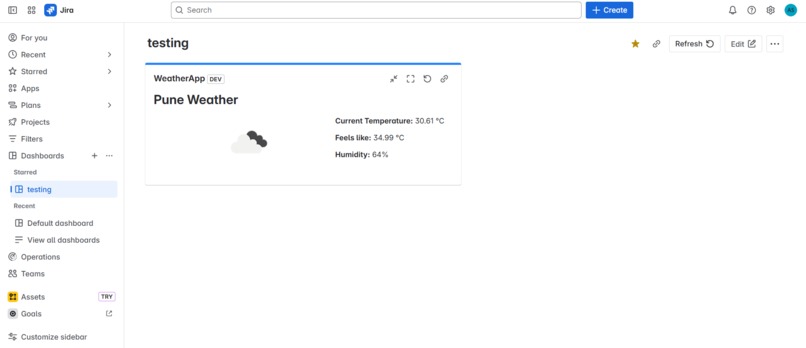
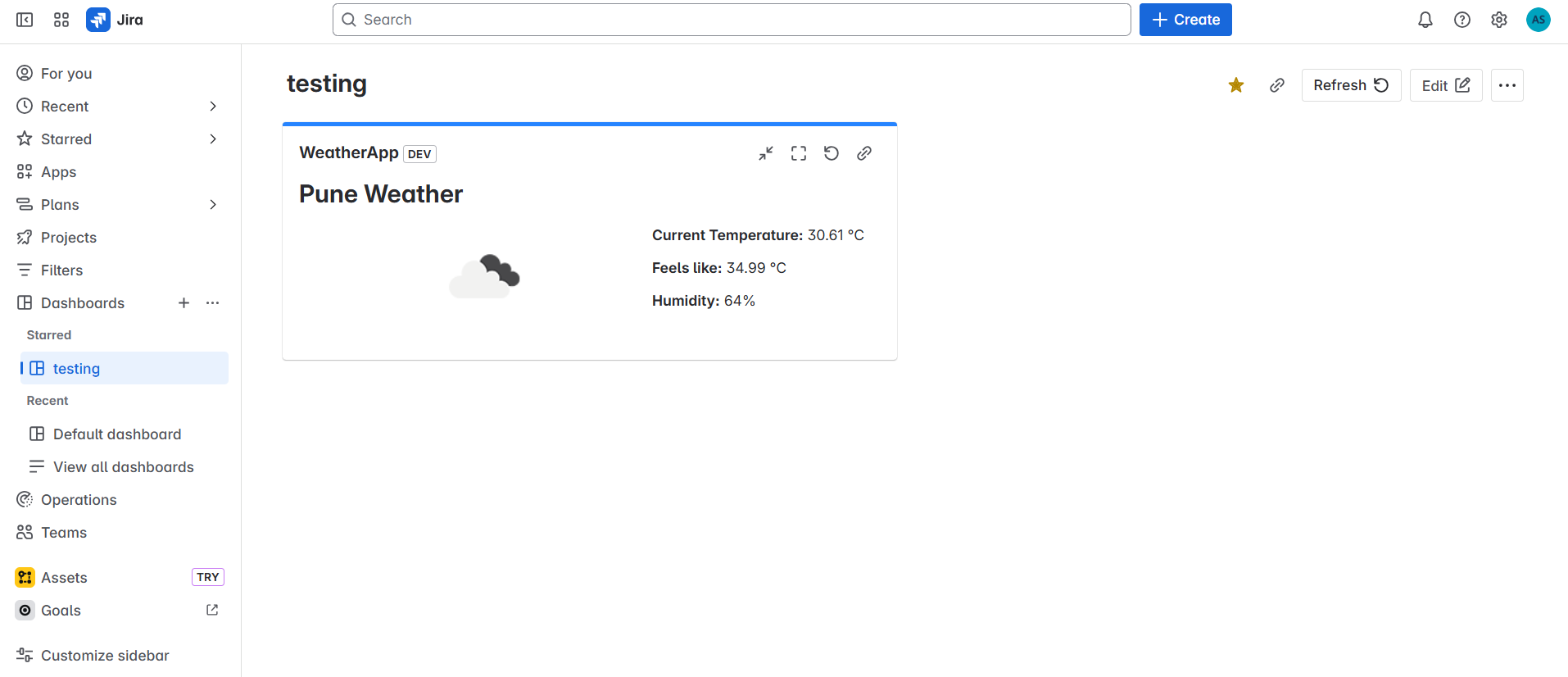
Fetches live weather details (Temperature, Feels Like, Humidity, Conditions)
Displays the data in a clean, lightweight UI
It adds a personal touch to the workspace—useful for remote teams, planning, or just staying informed.
How we built it
This gadget is built entirely using the Forge platform with React and UI Kit components. Here's how it works under the hood:
UI Kit powers the app's interface with efficient, server-rendered components
Forge Bridge facilitates communication between frontend and backend
The app calls OpenWeatherMap APIs, including both:
Geocoding API (to convert location input to coordinates)
Current Weather API (to fetch live weather data)
Layout and design were crafted using xcss, Box, and Inline—offering a responsive, Jira-native look and feel.
Challenges we ran into
One challenge was that weather data couldn't be fetched using just city names—it required geographic coordinates. To solve this, I added a resolver function on the backend to handle location lookup using OpenWeather's Geocoding API. This function returns the coordinates needed to fetch weather info, creating a seamless experience for the user.
Accomplishments that we're proud of
Some milestones I’m proud of:
Fully integrated React with Forge’s UI Kit to deliver a smooth user interface
Completed the Forge Quest from start to finish
Learned how to build a production-ready app using Jira’s native tools
Gained solid understanding of async operations in Forge apps (using invoke and view)
What we learned
Throughout this journey, I explored:
The Forge CLI and how to scaffold, deploy, and manage apps
UI Kit best practices for building efficient Jira interfaces
How to securely connect front and backend logic via Forge Bridge
Real-time API handling and state updates in a Jira environment
The event-driven structure that powers Forge apps
What's next for Jira Weather Gadget App
I’m excited to keep expanding this app. Here are a few features I plan to add:
Support for multiple locations, so users can track more than one place
Detailed forecasts, including wind, pressure, and hourly predictions
Theme-aware UI, to match various Jira dashboard styles or preferences


Log in or sign up for Devpost to join the conversation.