-
Forge app
Inspiration
As a MERN Stack developer exploring DevOps and cloud platforms, I was excited to dive into Atlassian Forge. The idea of building cloud apps for Jira and Confluence using a modern, serverless framework motivated me to take on the Forge Quest challenge.
What it does
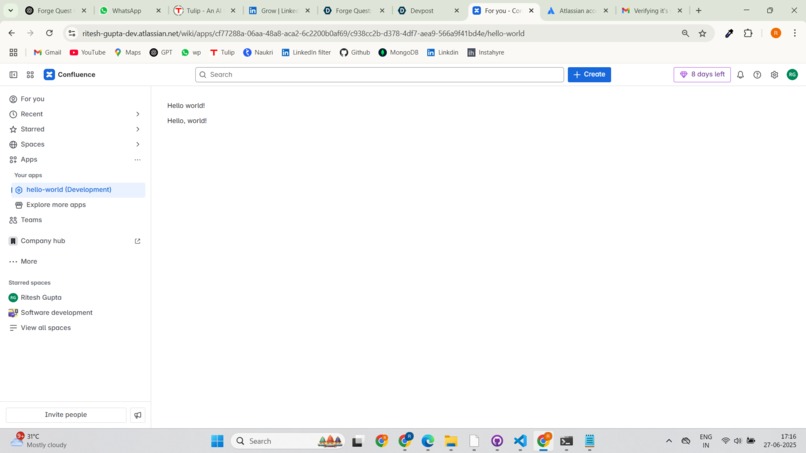
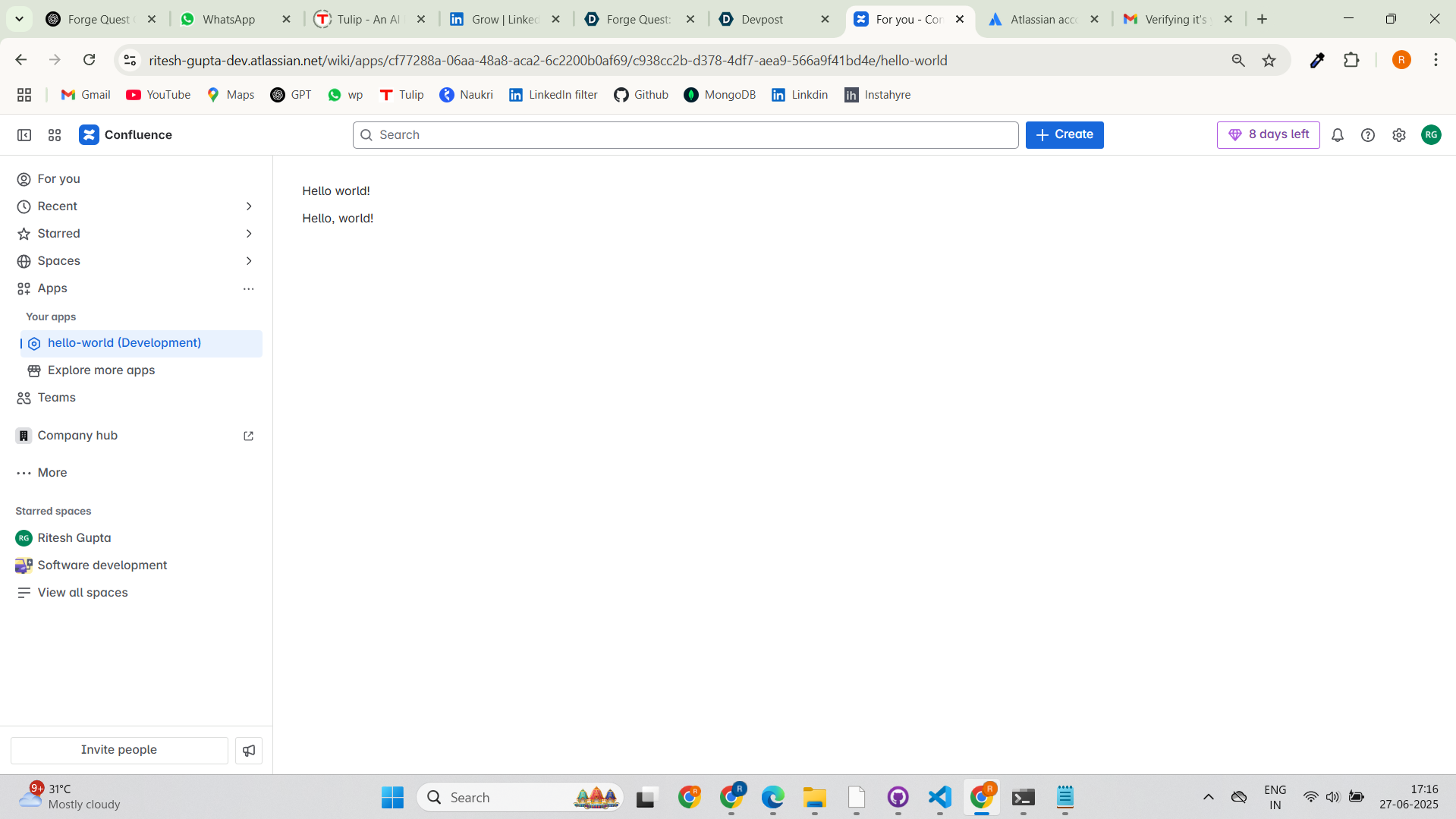
This project is a simple Hello World Forge app created using the confluence-global-page template. It adds a new global page to Confluence and renders a custom UI message — ideal for testing Forge fundamentals.
How we built it
- Installed and configured Node.js and Forge CLI
- Used the Forge
createcommand to generate the app with the Hello World template - Deployed the app using
forge deployand installed it on my Confluence dev instance - Verified the app through the Confluence UI and took a screenshot as required
Challenges we ran into
Initially, I wasn’t familiar with how Atlassian Forge CLI worked on Windows. Some Unix-based commands didn’t work as expected, but with some research and Atlassian documentation, I overcame those hurdles quickly.
Accomplishments that we're proud of
- Successfully deployed my first Forge app in Confluence
- Understood the full Forge development lifecycle
- Took my first step toward building productivity-enhancing tools for Atlassian products
What we learned
- Basics of Forge platform, CLI, and app structure
- Deployment workflow for Forge cloud apps
- How to integrate custom apps inside Confluence
What's next for Hello World Forge App
I plan to level up to the Apprentice challenge in Forge Quest, and later build more advanced Forge apps that automate Jira workflows or enhance Confluence collaboration.
Built With
- atlassian-confluence
- forge-cli
- javascript
- node.js
- serverless
- ui-kit


Log in or sign up for Devpost to join the conversation.