-
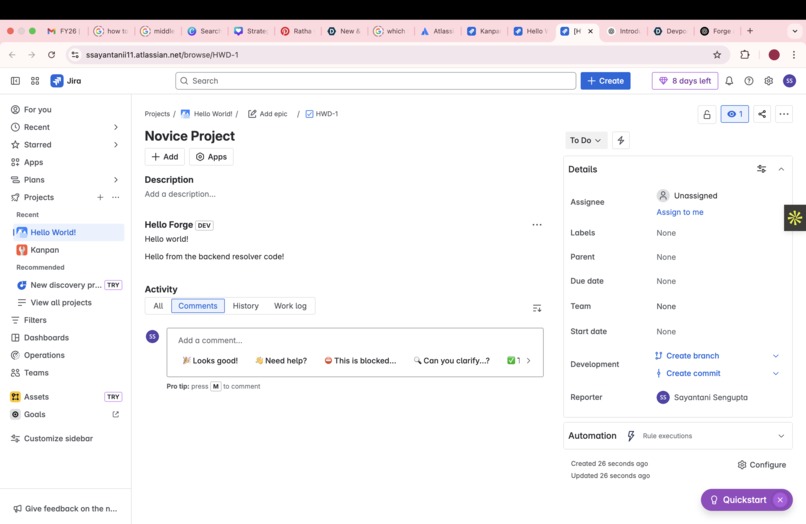
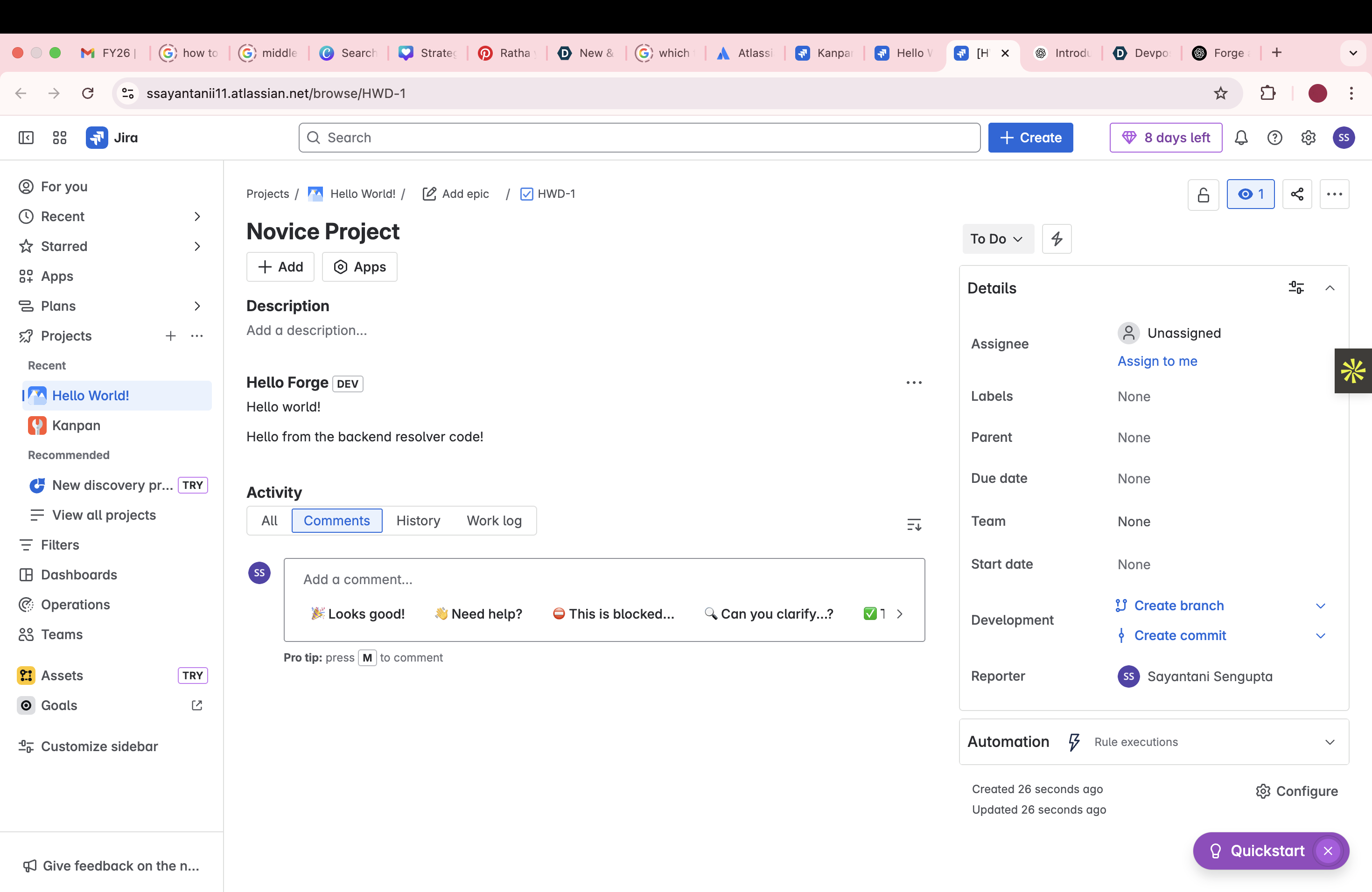
Screenshot of the app
About the Project
This project marks my first step into Atlassian Forge development — a simple "Hello World" app built for Jira.
🚀 What Inspired Me
As someone who enjoys learning new technologies, I was genuinely curious about how apps are built and deployed within platforms like Jira. I had never worked with Atlassian Forge before, and I wanted to push myself out of my comfort zone and explore something completely new. This project was less about the output and more about the process — understanding how things work behind the scenes and building the confidence to experiment with new tools.
🧠 What I Learned
- The fundamentals of the Atlassian Forge platform
- How to set up a Forge app using the CLI
- Deploying apps to a Jira development environment
- Understanding how Forge handles authentication, permissions, and UI components
🔧 How I Built It
- Installed the Forge CLI and set up my development environment.
- Created a Forge app using the
forge createcommand. - Used the
custom-uitemplate to display a basic "Hello World" message. - Deployed the app and installed it in my Jira development site using
forge deployandforge install.
⚠️ Challenges I Faced
- Understanding the permission scopes required to interact with Jira.
- Errors caused by missing or misconfigured manifest.yml settings.
- Getting familiar with Forge-specific terminology and deployment flow.

Log in or sign up for Devpost to join the conversation.