-
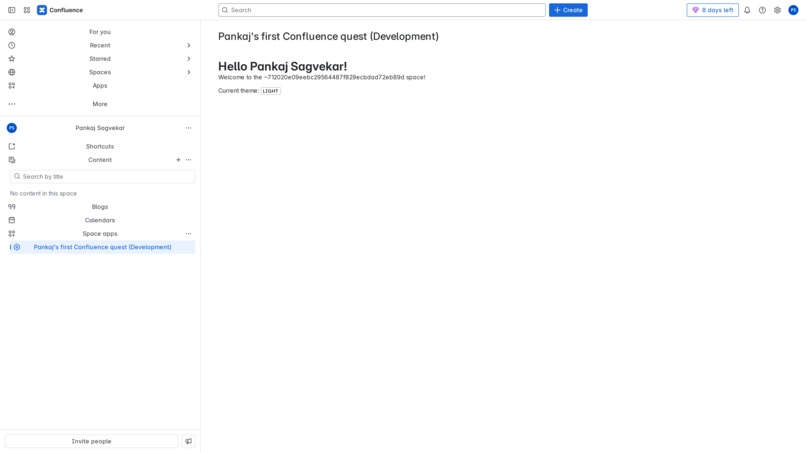
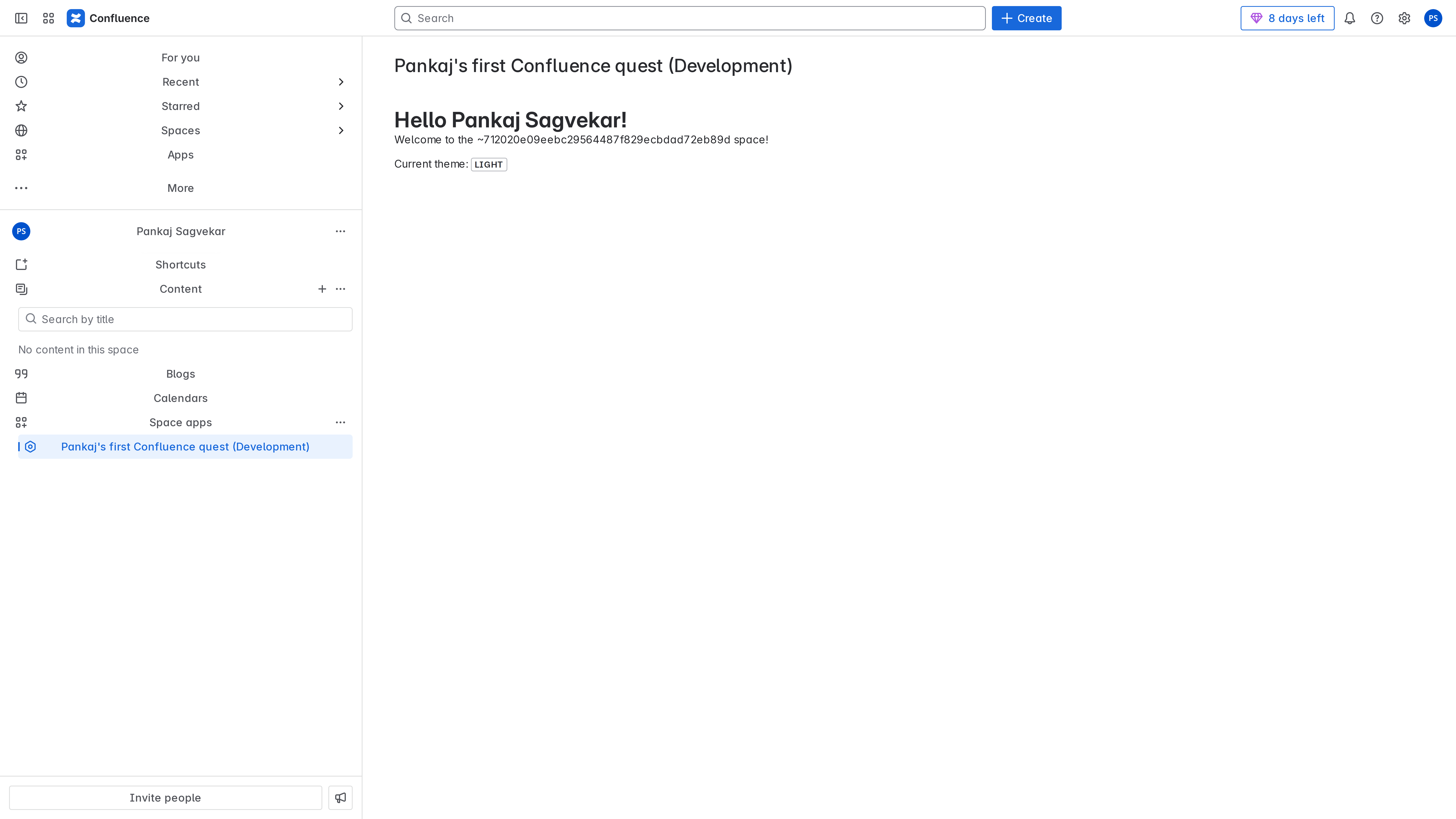
Screenshot Of The App
Inspiration
I was inspired to build this project because I wanted to explore Atlassian Forge and see how easy it is to build apps for Confluence and try out something new. I aimed to create a Novice Level hello world Confluence.
What it does
This app provides a simple greeting directly inside Confluence. It enhances the user experience by displaying personalized message without leaving the Atlassian product UI.
How we built it
I started by setting up the Forge development environment and creating the project scaffold with the CLI. Using Forge UI Kit, I built the app interface and implemented core functionality with Forge resolvers. I tested the app iteratively using Forge tunneling to see live updates inside Confluence.. Finally, I packaged and deployed the app for submission. The docs were very helpful
Challenges we ran into
- Figuring out the right permissions and scopes required for the app.
- Debugging UI refresh and state management in Forge UI Kit.
Accomplishments that we're proud of
- Successfully built and deployed a fully functional Forge app integrated seamlessly into Confluence UI.
- Implemented dynamic UI components using Forge UI Kit / Custom UI for a smooth user experience.
- Completed the project within the Forge Quest timeline while learning new skills.
What we learned
- How to use the Forge CLI for development, testing, and deployment.
- Working with Forge UI Kit and Custom UI to build interactive user interfaces.
- Integrating APIs
- Troubleshooting common Forge development challenges.
What's next for Hello Forge
- Exploring analytics to track app usage and improve user engagement.
- Experimenting with Forge Functions to add serverless backend capabilities.


Log in or sign up for Devpost to join the conversation.