-
Hello Confluence by ME, Dipanshu Rawat
Inspiration
As a newcomer to Atlassian Forge and app development, I wanted to explore how to extend Confluence's functionality. The Hello World app was a way to dive into Forge’s developer tools, understand how apps are built and deployed, and gain hands-on experience with Atlassian’s ecosystem.
What it does
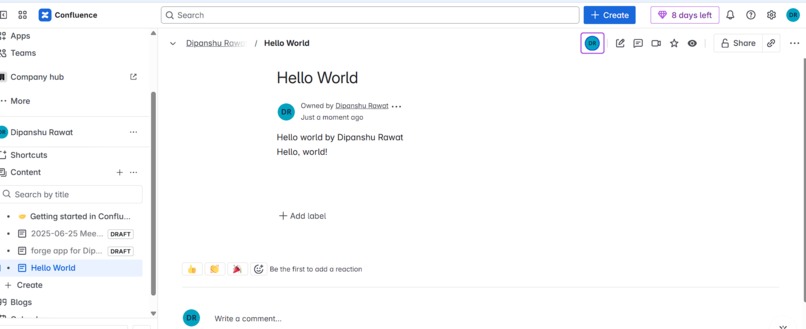
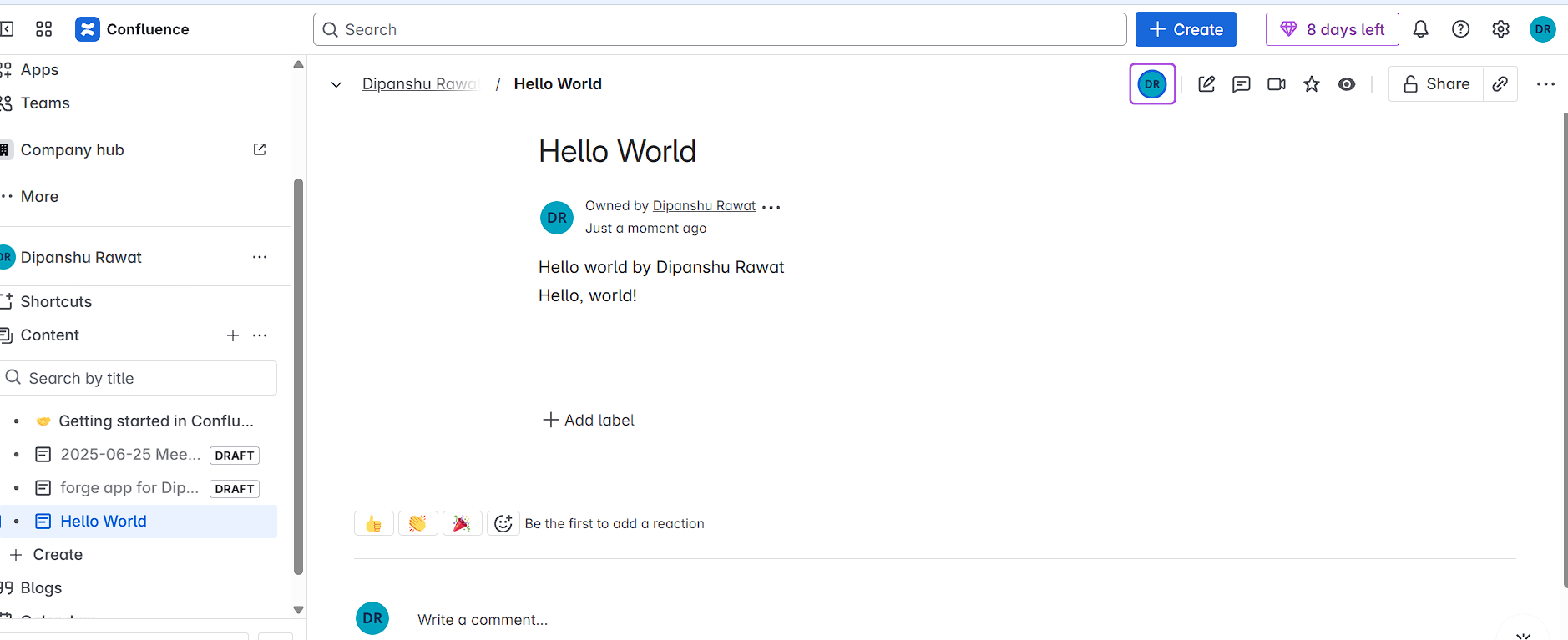
This is a simple Confluence Forge app that creates a macro you can insert into Confluence pages. When added to a page, the macro displays a “Hello World” message using Forge’s UI Kit. It demonstrates how Forge apps can be embedded and rendered directly within Atlassian products.
How we built it
Used the Forge CLI to create a new app using the confluence-macro template. Selected Confluence and UI Kit for the project type. Modified the manifest.yml file to set up the macro title. Used basic JSX in index.jsx to render the “Hello World” message. Deployed the app using forge deploy and installed it to my developer Confluence site with forge install. Inserted the macro into a Confluence page and verified it works.
Challenges we ran into
Accidentally installed the app on Jira instead of Confluence and had to troubleshoot how to remove and reinstall properly. Faced errors with site URLs and deployments (like invalid site URL errors or app not showing). It was confusing at first how Forge apps actually show up — I expected a separate web app but learned it's embedded into Confluence pages.
Accomplishments that we're proud of
Successfully created, deployed, and ran my first Forge app from scratch. Learned how Forge CLI, manifest files, and UI Kit components work together. Gained confidence working with the Atlassian Developer Console and CLI tools.
What we learned
Forge apps are different from traditional web apps — they run inside Atlassian products. Understanding how to debug installations, manage environments, and configure apps properly. The power of UI Kit for creating lightweight embedded tools inside Confluence.
What's next for Hello Confluence
Enhance it to fetch and display real-time Confluence data using the REST API. Add user input via UI Kit components. Turn it into a utility macro that provides value, like dynamic content generation or page summaries.


Log in or sign up for Devpost to join the conversation.