-
-
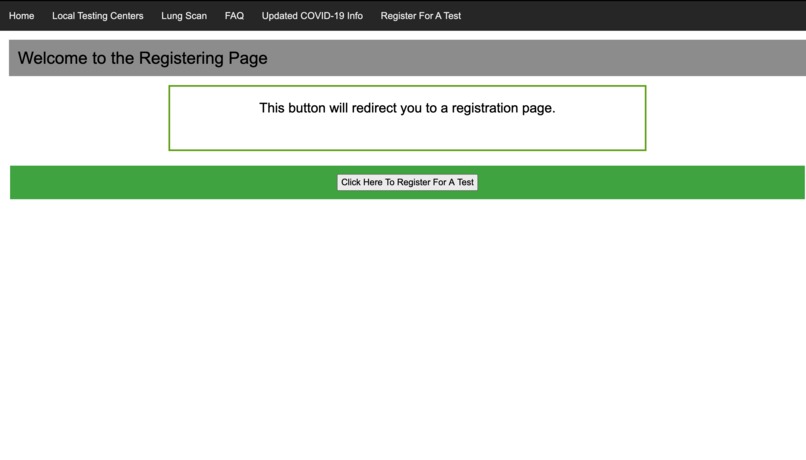
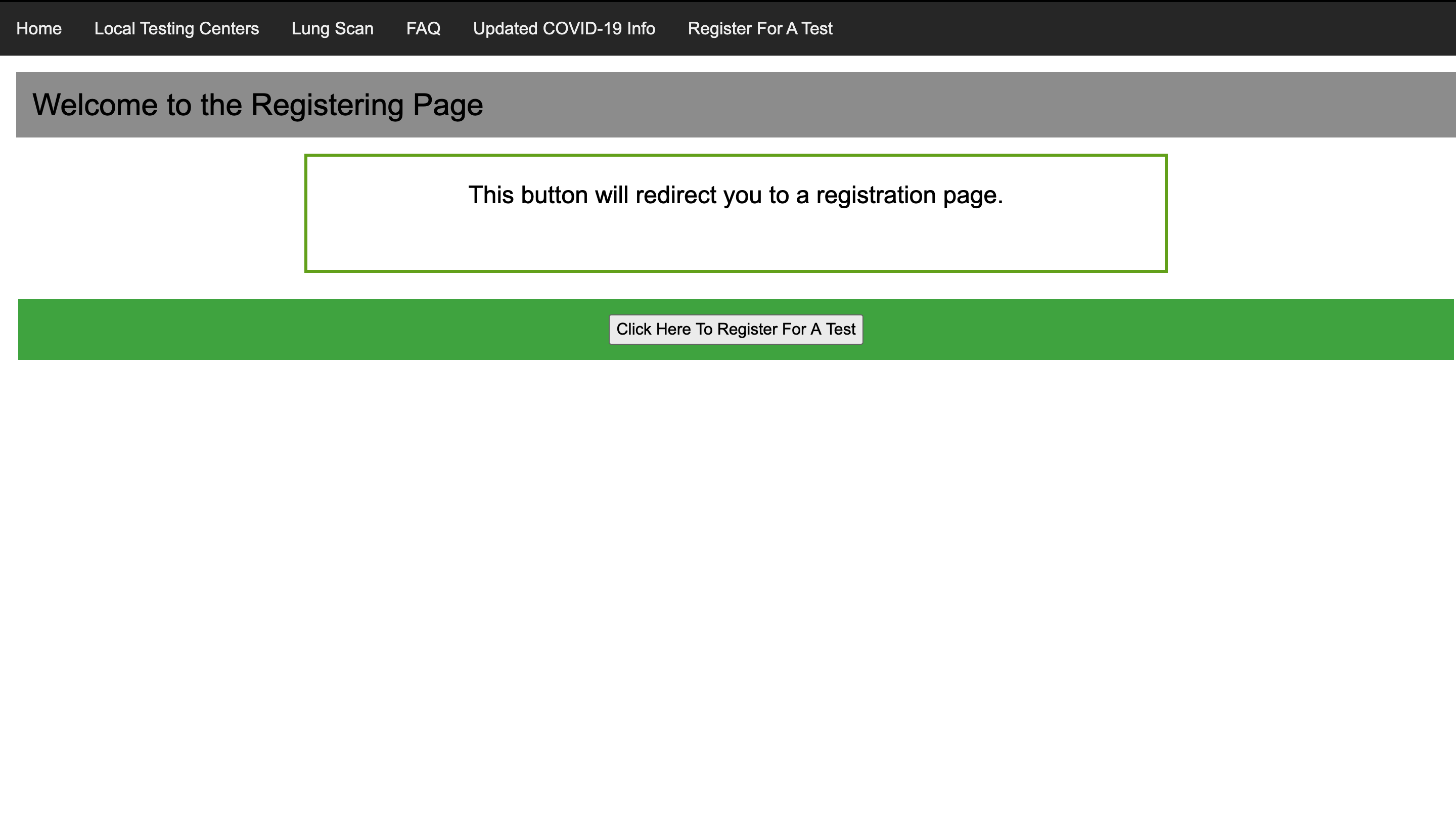
Our site's register for a test page. It features a button that will redirect to a site that will allow users to register for tests.
-
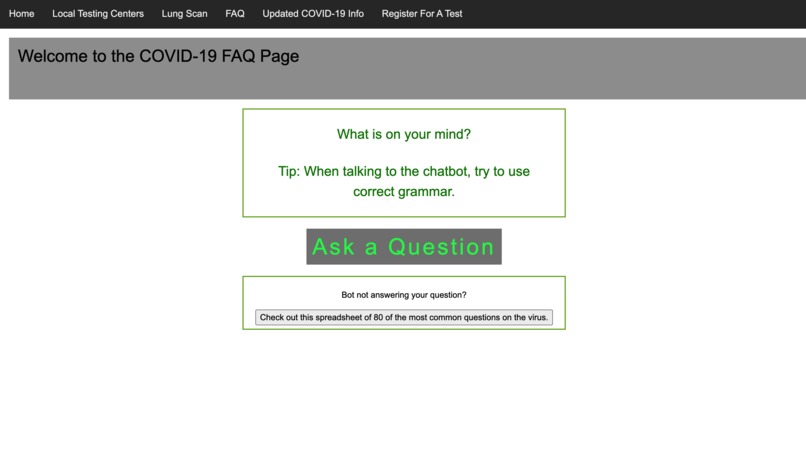
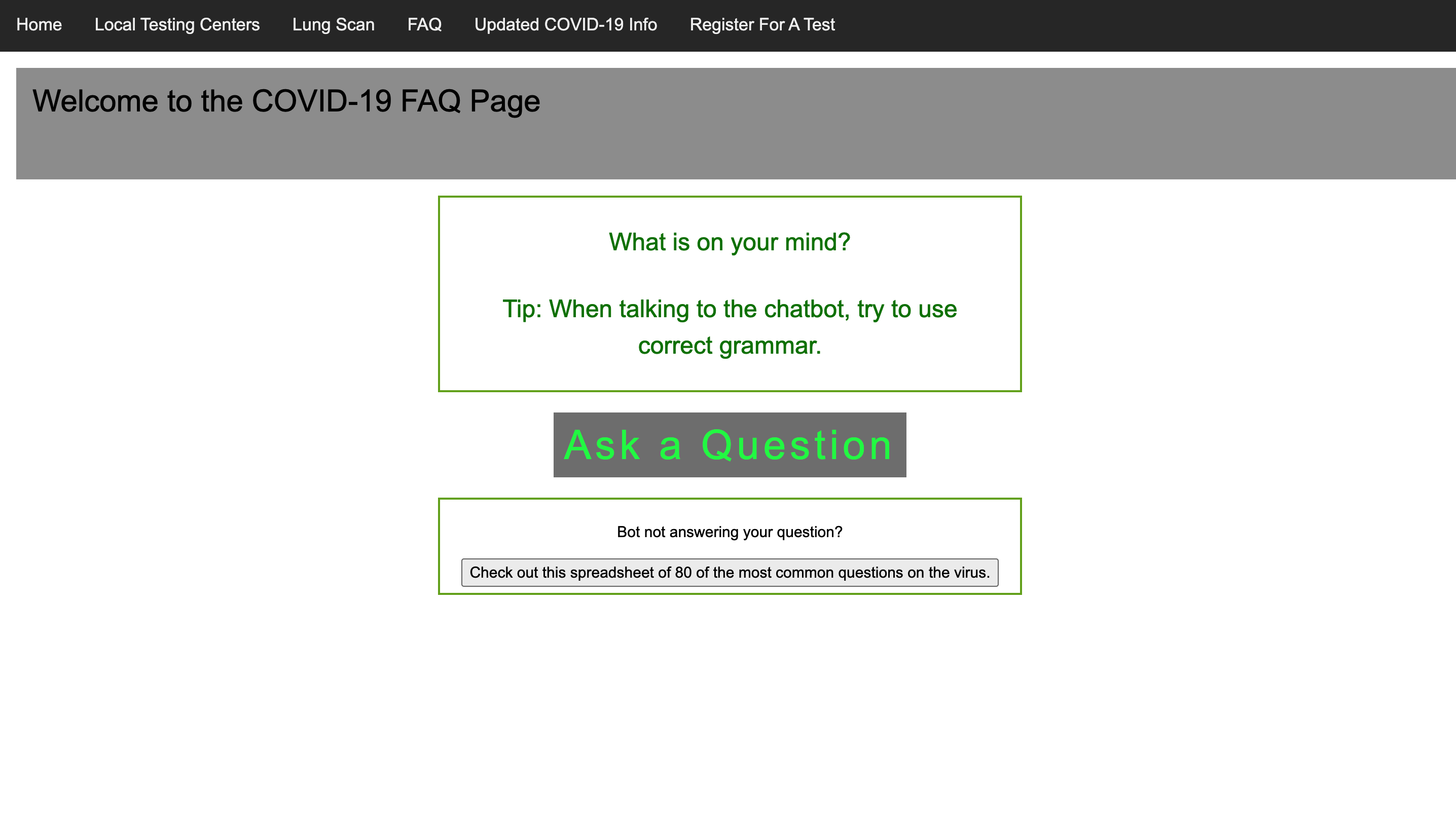
Covy — our site's resident chatbot. By pressing the ask a question button, users can speak and ask a question. Covy will speak back.
-
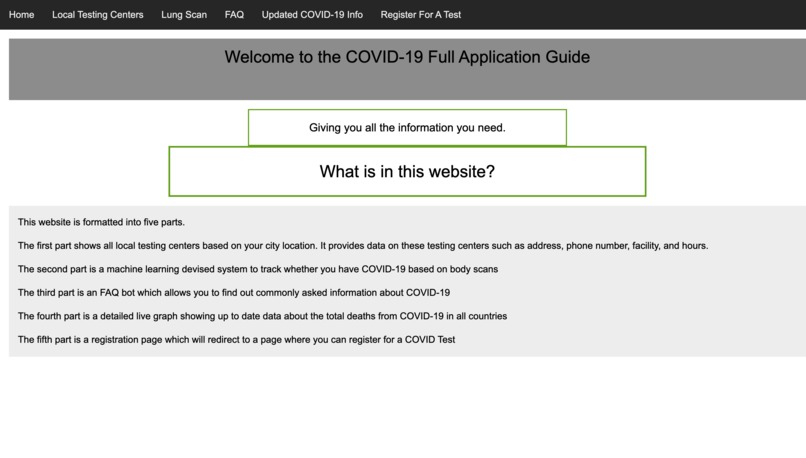
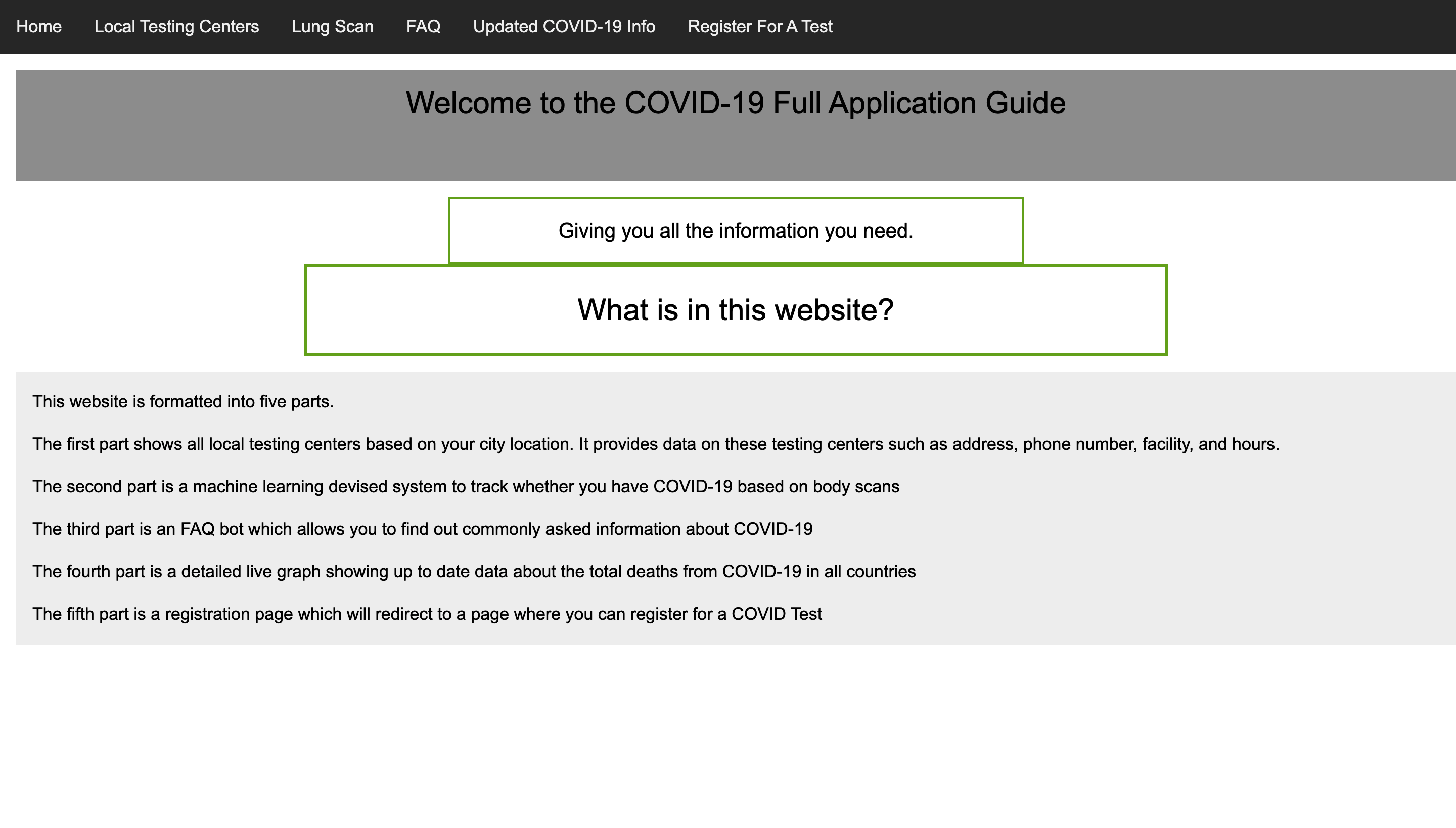
Our website's home page.
-
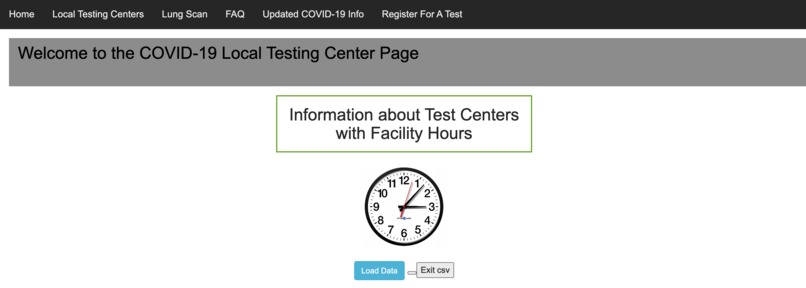
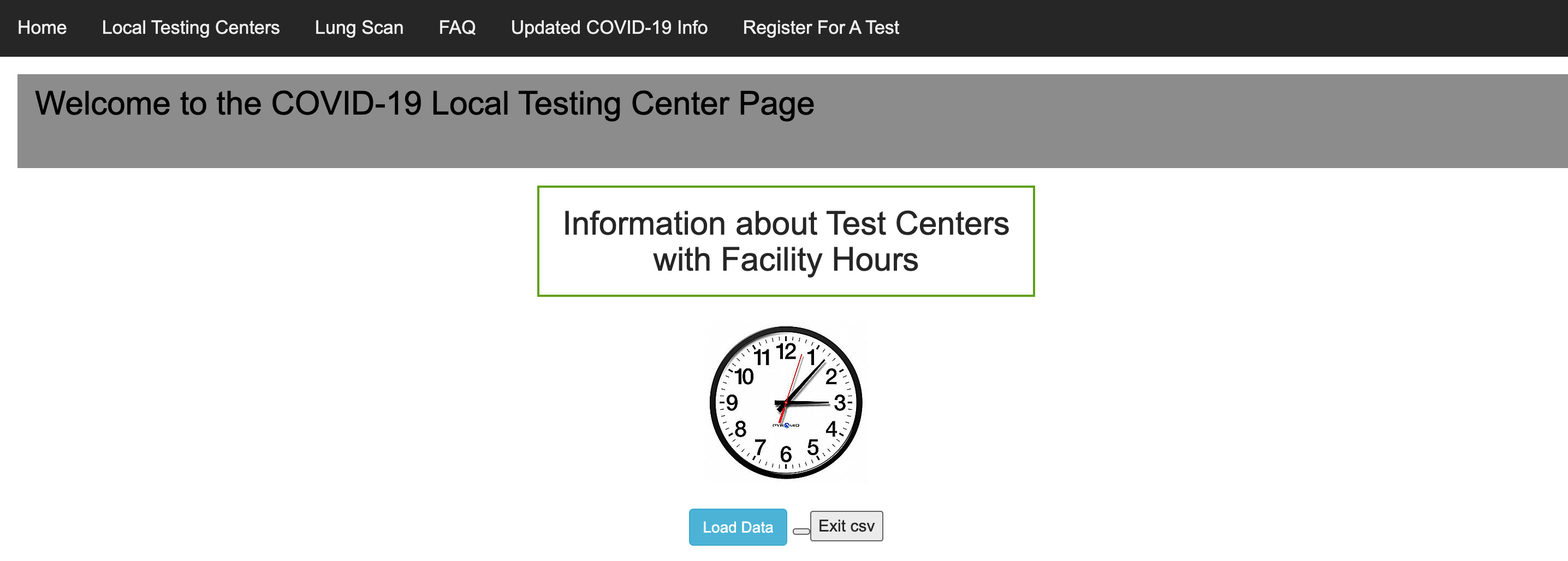
Our site's local testing center page. From this page, users can see info about nearby COVID testing centers like eligibility, hours, etc.
-
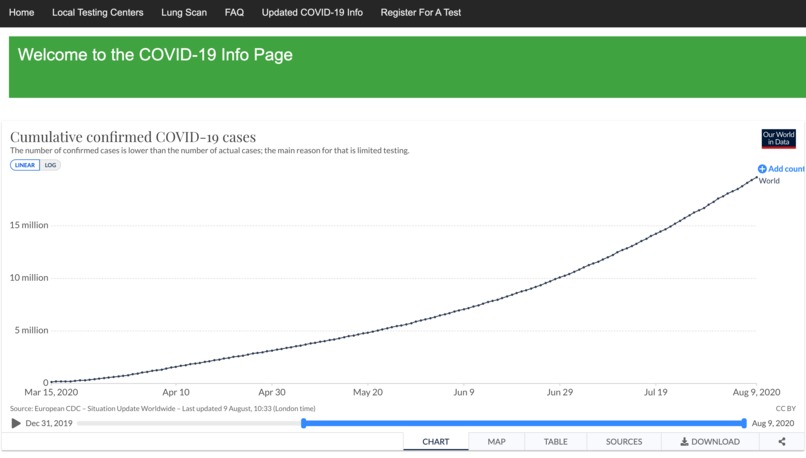
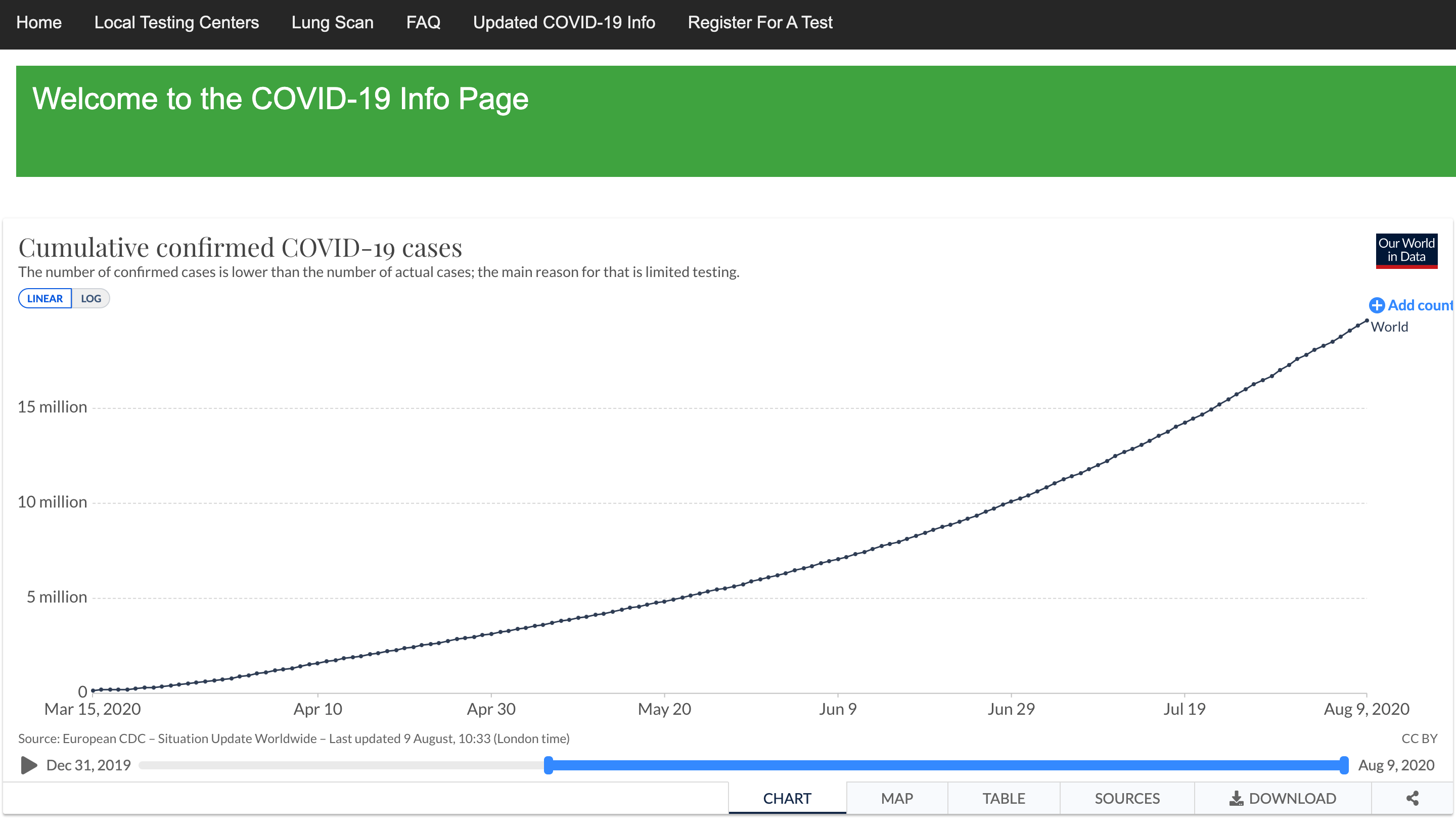
A chart of Covid case increase around the world. It can also be changed to show case increase for individual countries.
-
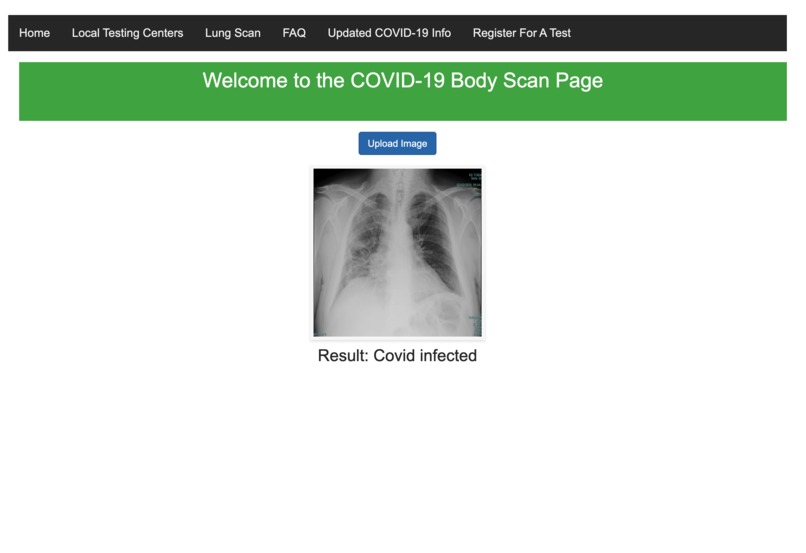
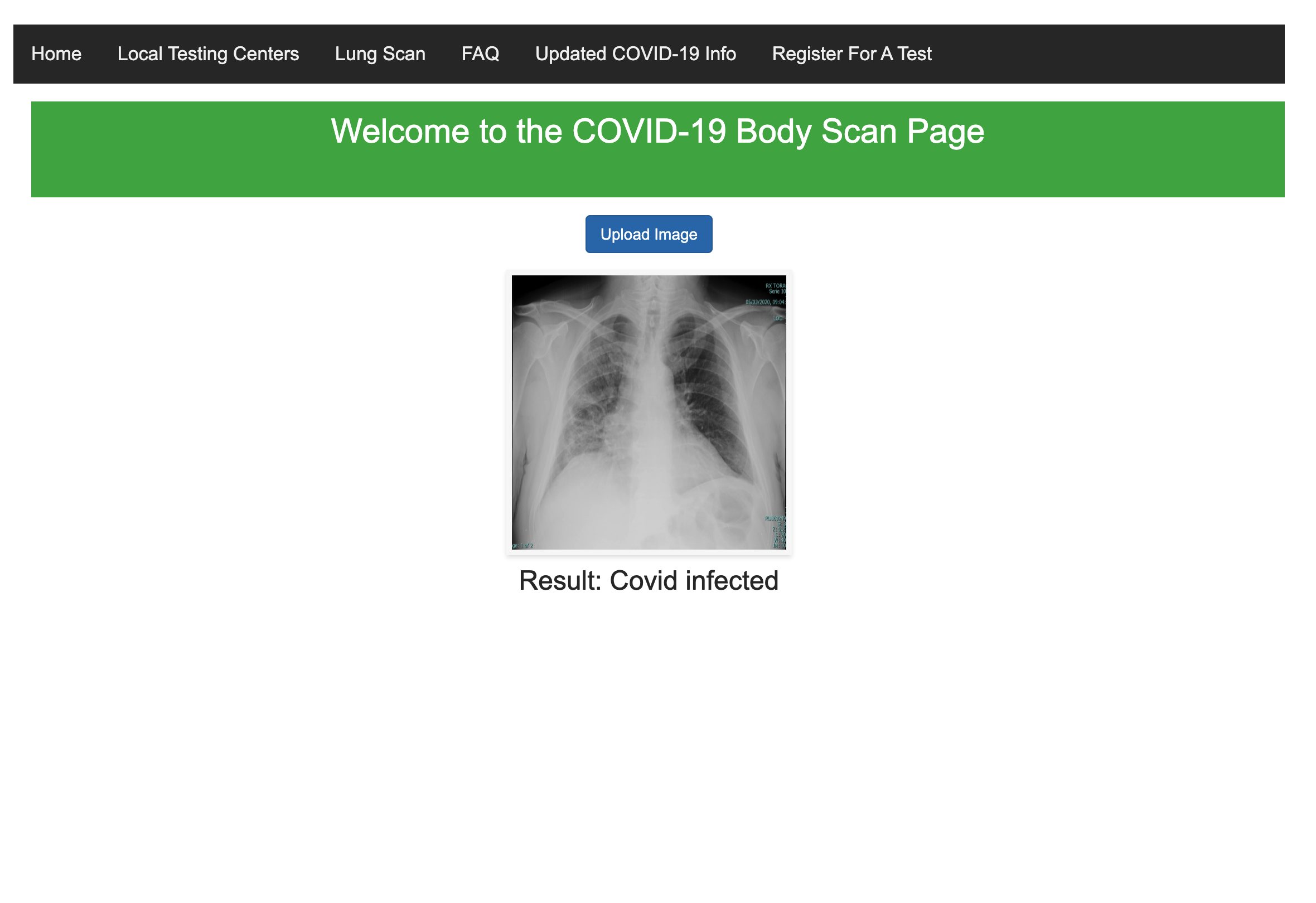
Our website's CT Lung classifier page. Users can upload a local image of a CT lung scan for Classification as COVID infected or normal.
-
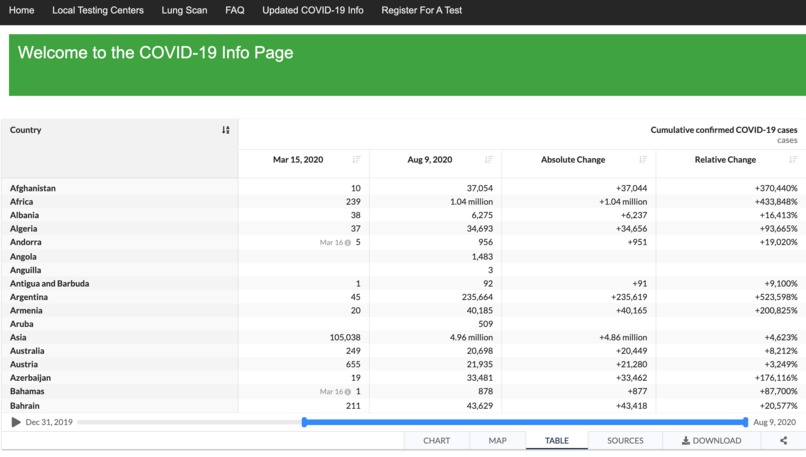
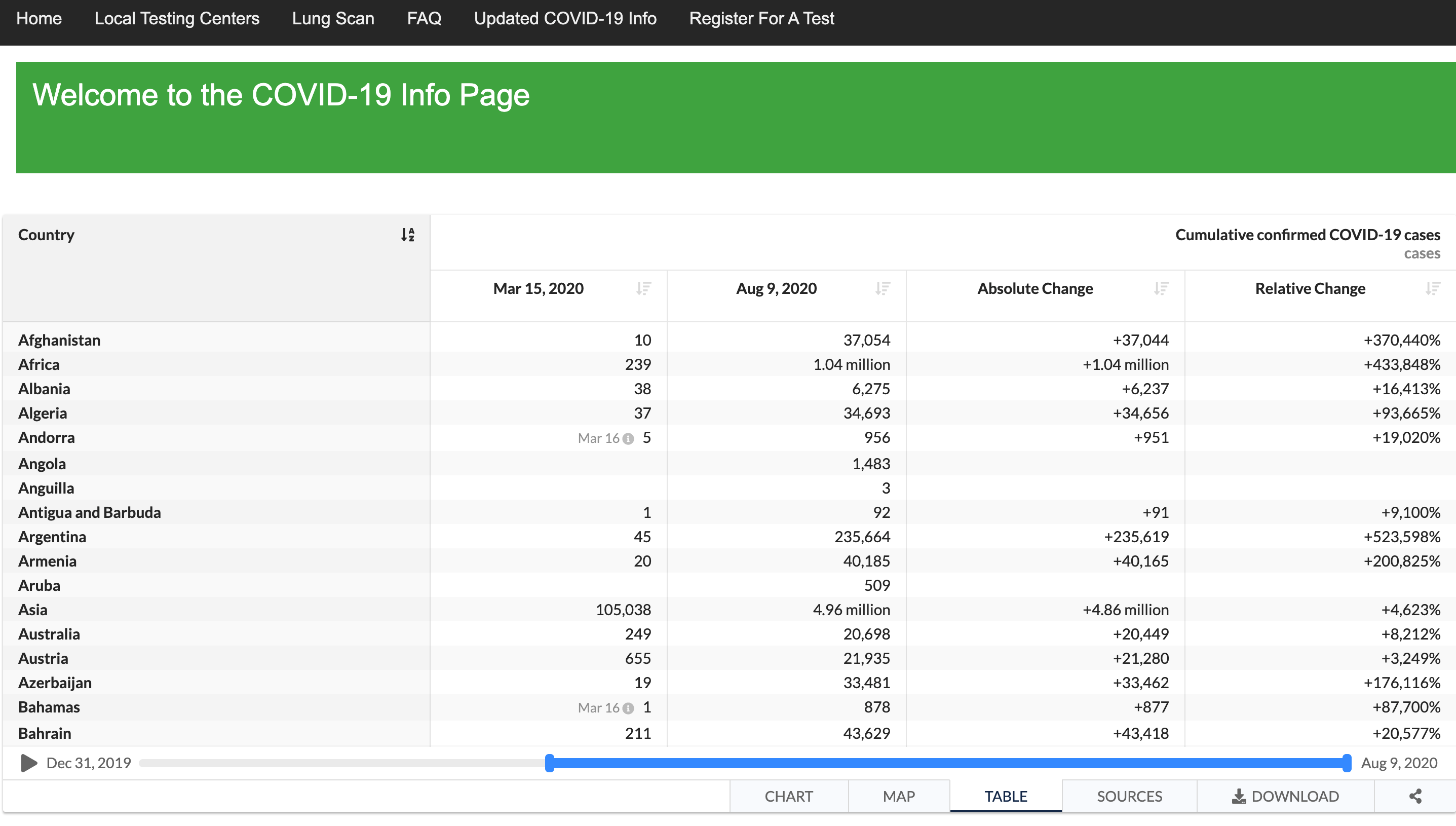
An additional part of the info page. It displays a table of COVID cases for each country, along with percent increase in case numbers.
-
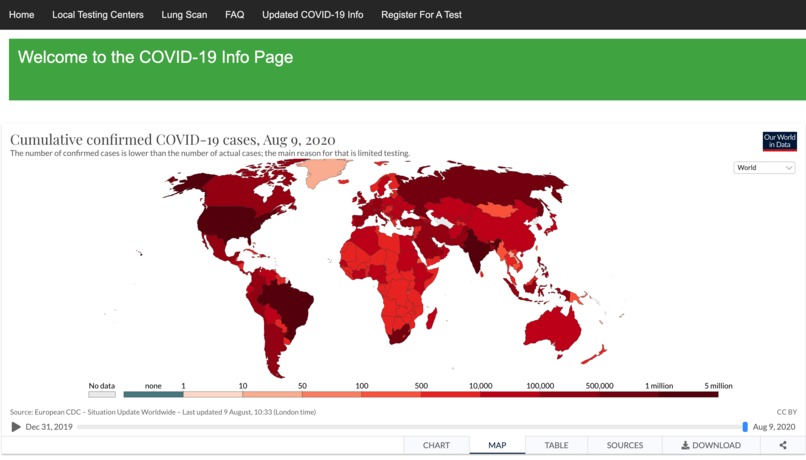
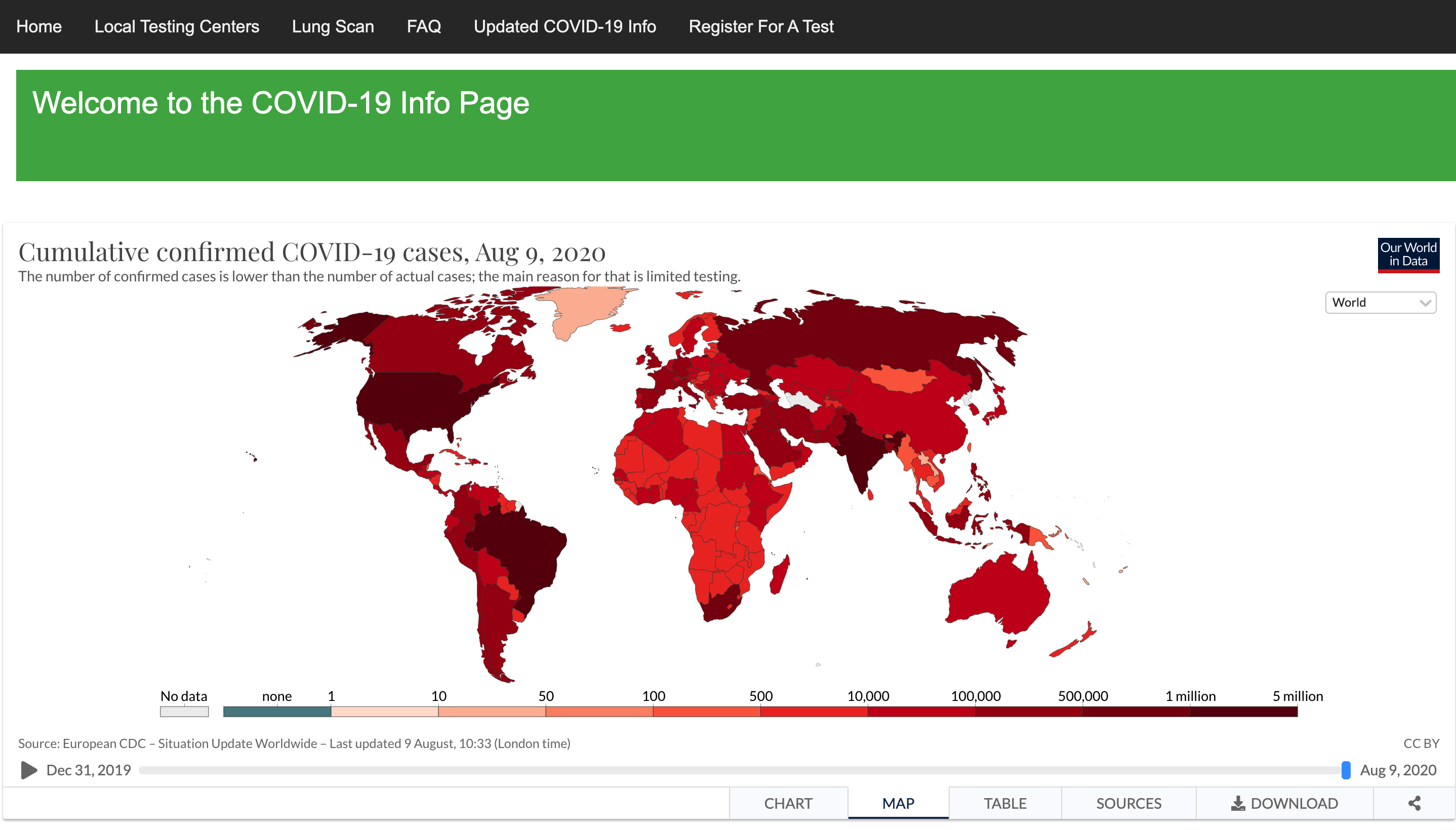
Our website's info page. It can display a heatmap of COVID hotspots around the globe.
Inspiration
We wanted to go beyond a typical information website and make it interactive through utilizing different forms of user engagement. We also wanted to provide a place where users can come for accurate and reliable info, rather than reading misinformation about COVID on other sites with political agendas.
What it does
Our website includes 5 different functions.
- A Local Testing Site Page where users can see the different testing sites for each state and get information such as phone number, hours, facility, address, city, and website.
- A Machine Learning Lung Scan model which informs the patients whether they have COVID-19 based on a lung scan that they upload.
- An FAQ bot which uses voice recognition to analyze and output answers to the user's questions about COVID.
- A page which shows the live stats of COVID-19 such as number of affected and number of deaths.
- A page which allows user to register for a test by redirecting them to a registration page.
How we built it
We used mostly html,css,javascript as well as Flask and python for the back end development.
Challenges we ran into
- Gathering all the data of COVID testing centers into a csv and then displaying them.
- Some challenges with the FAQ bot was trying to make the bot understand the voice of the user and respond correctly.
- Making the database of questions that the FAQ bot would use.
- Training the model with limited cpu and gpu power
Accomplishments that we're proud of
- Successfully implementing an interactive interface.
- Gathering as much data as possible.
- Making the web application as user friendly as possible.
- Implementing a chatbot.
- Implementing a Deep Learning model on the web.
- Developing a whole backend to the website with no prior knowledge
What we learned
First, we learned how to create a successful interface with a CSV file with HTML and CSS. Also, we learned about how to connect machine learning in flask with the html, css, and javascript. Besides, we also learned how to develop the front-end and back-end of the website. Finally, we learned how to make the chatbot using the web speech api. We learned how to use Teachable Machine to train a ML model to classify Lung CT scans as COVID infected or normal. We also learned general web app layout tips.
What's next for the Covid interactive guide
- Make Covy more reliable
- Increase the accuracy of the machine learning model
- Allowing people to input their location and getting the test centers closest to them.


Log in or sign up for Devpost to join the conversation.