Inspiration
The problem with taking screenshots today is a problem that's been left unsolved since release. Organization. Whether it's on your laptop or computer, taking screenshots always ends up with a folder full of random photos only categorized by date.
That's when we came up with Helium.
What it does
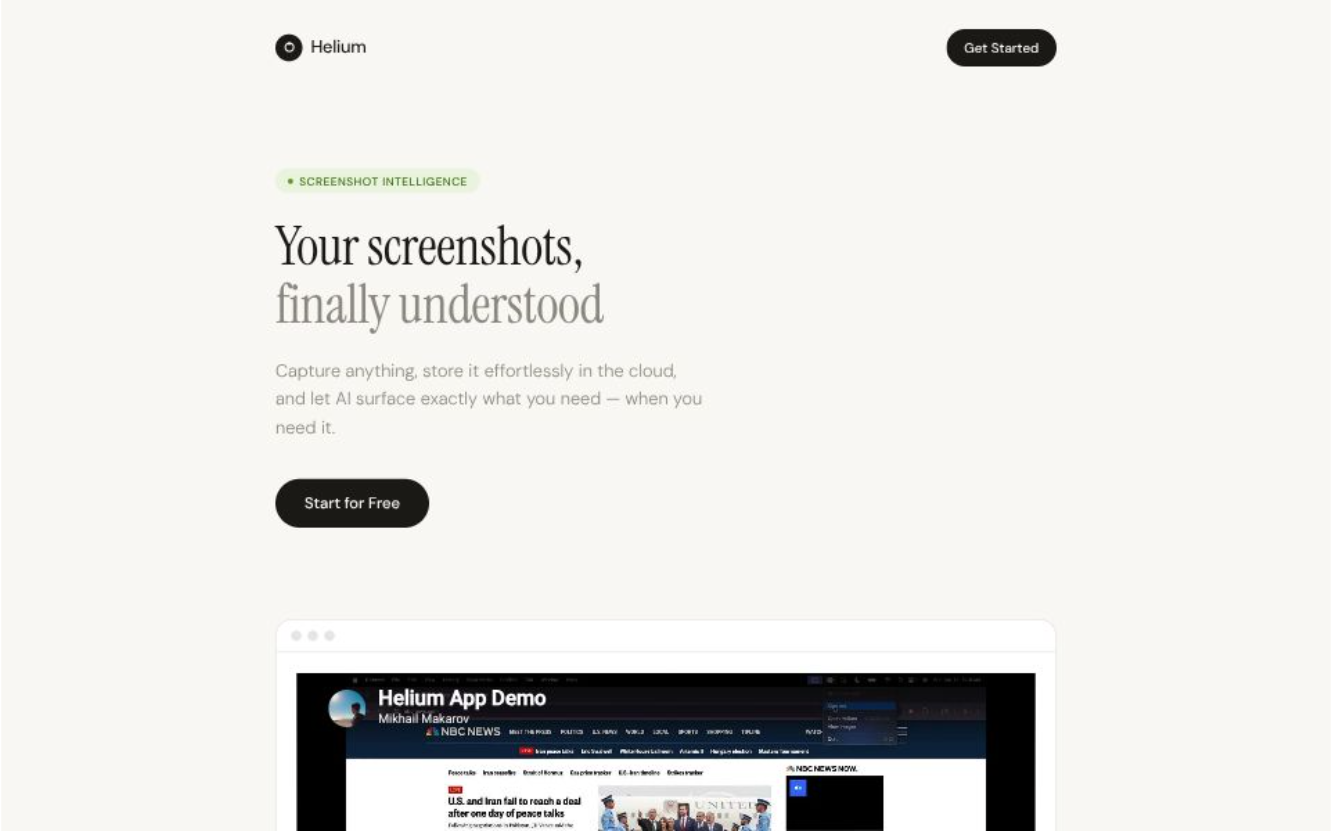
Helium is a desktop app that lives in your toolbar or system tray. Want to make a screenshot? Simply, use the shortcut to crop an area of the screen and never worry about it until you need it again.
Have multiple computers? Helium stores everything in the cloud, so all your devices are always in sync.
How we built it
We built this app using multiple different frameworks. For the app itself, we used Electron, as it's great for cross-platform UI's that look beautiful on every screen. For the website, we used Next.js as it's used by many of the biggest companies in the world. For our database, we used Supabase for its versatility. And finally, for our AI, we used Google's Gemini models provided by their API.
Challenges we ran into
We ran into many challenges throughout development of this app. There were many OS-specific quirks that led to unexpected bugs with the UI or authentication, which weren't well documented.
However, through series of trial and error and a bit of research, we were able to quickly resolve these issues and continue development.
Accomplishments that we're proud of
One of our biggest accomplishments was creating a seamless experience across devices. From capturing a screenshot to retrieving it later, everything feels instant and effortless.
We also successfully integrated AI in a meaningful way. It enhances the core experience by making screenshots searchable and easier to find.
What we learned
Throughout building Helium, we learned that simplicity is much harder to achieve than it looks. Designing an app that's easy to use requires careful thought in every detail, from keyboard shortcuts to UX design.
What's next for Helium
We’re excited to continue improving Helium by expanding its capabilities and refining the user experience.

Log in or sign up for Devpost to join the conversation.