-
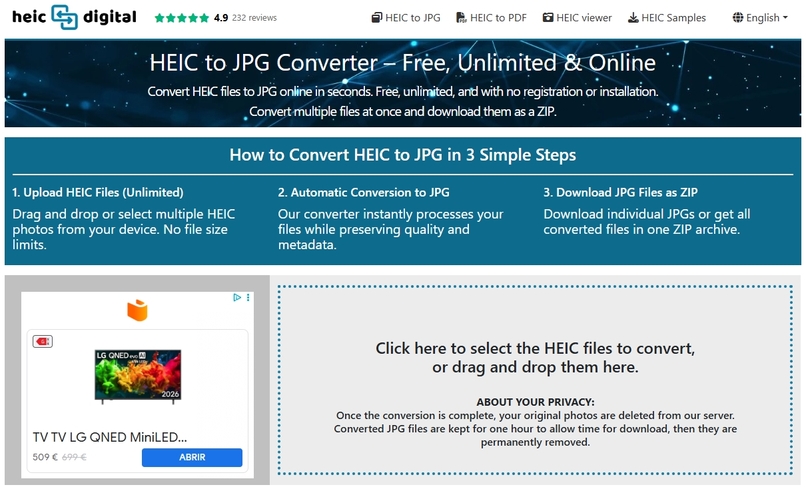
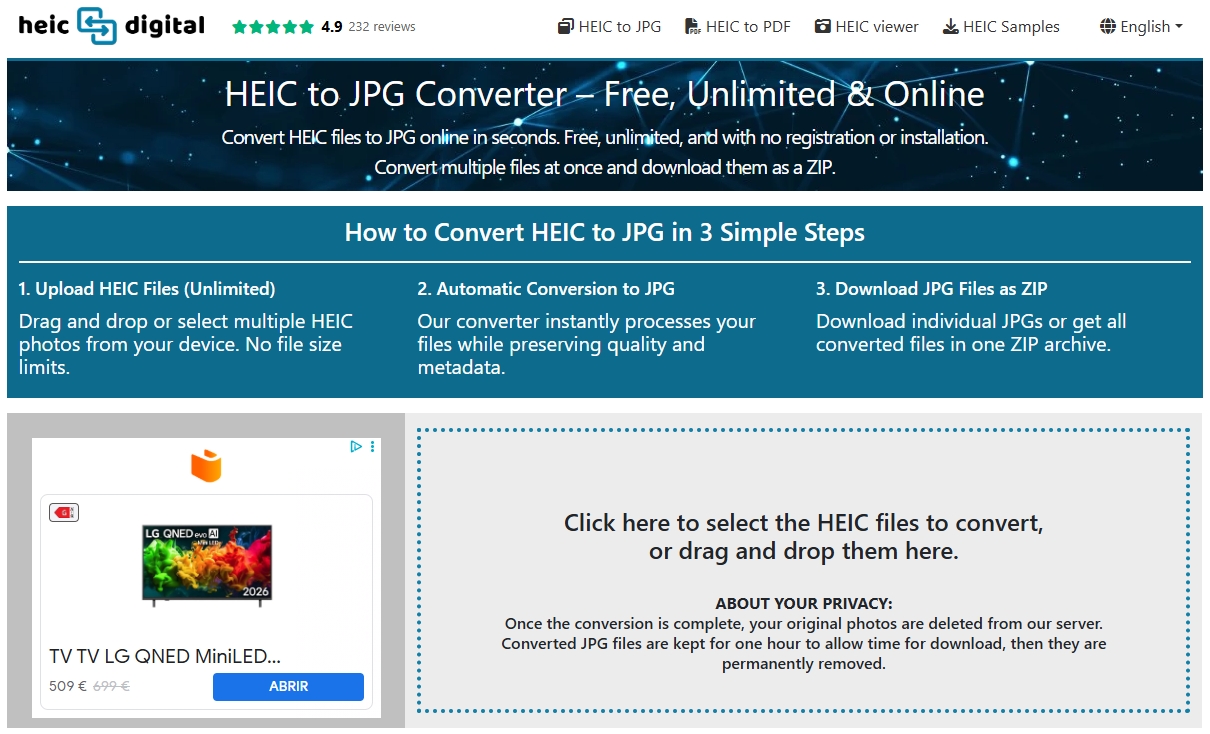
HEIC to JPG Converter – Batch Conversion
-
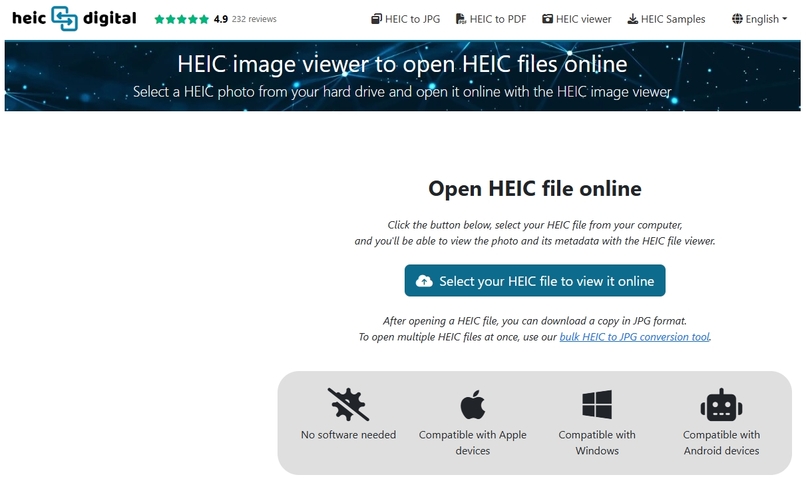
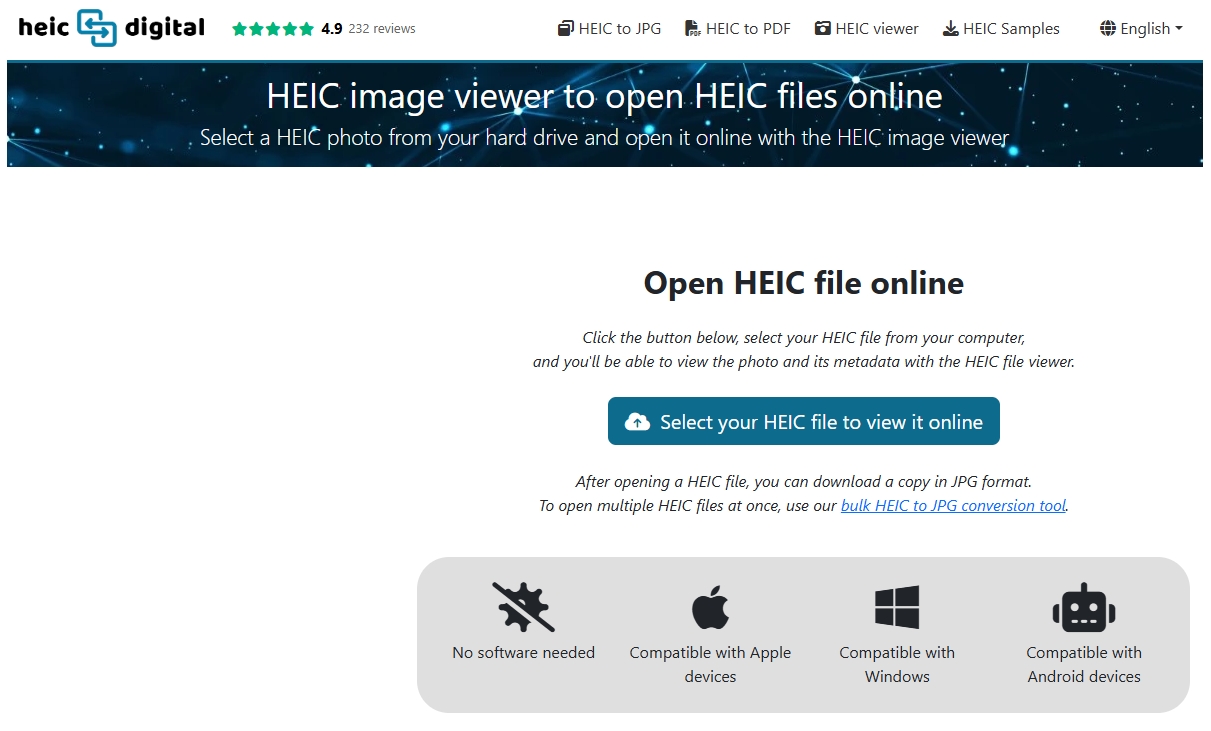
HEIC Viewer – Open HEIC Files Online
-
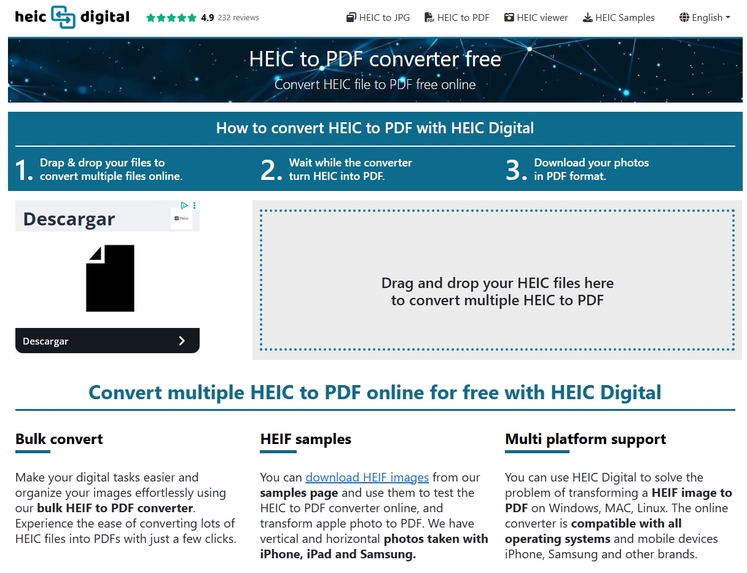
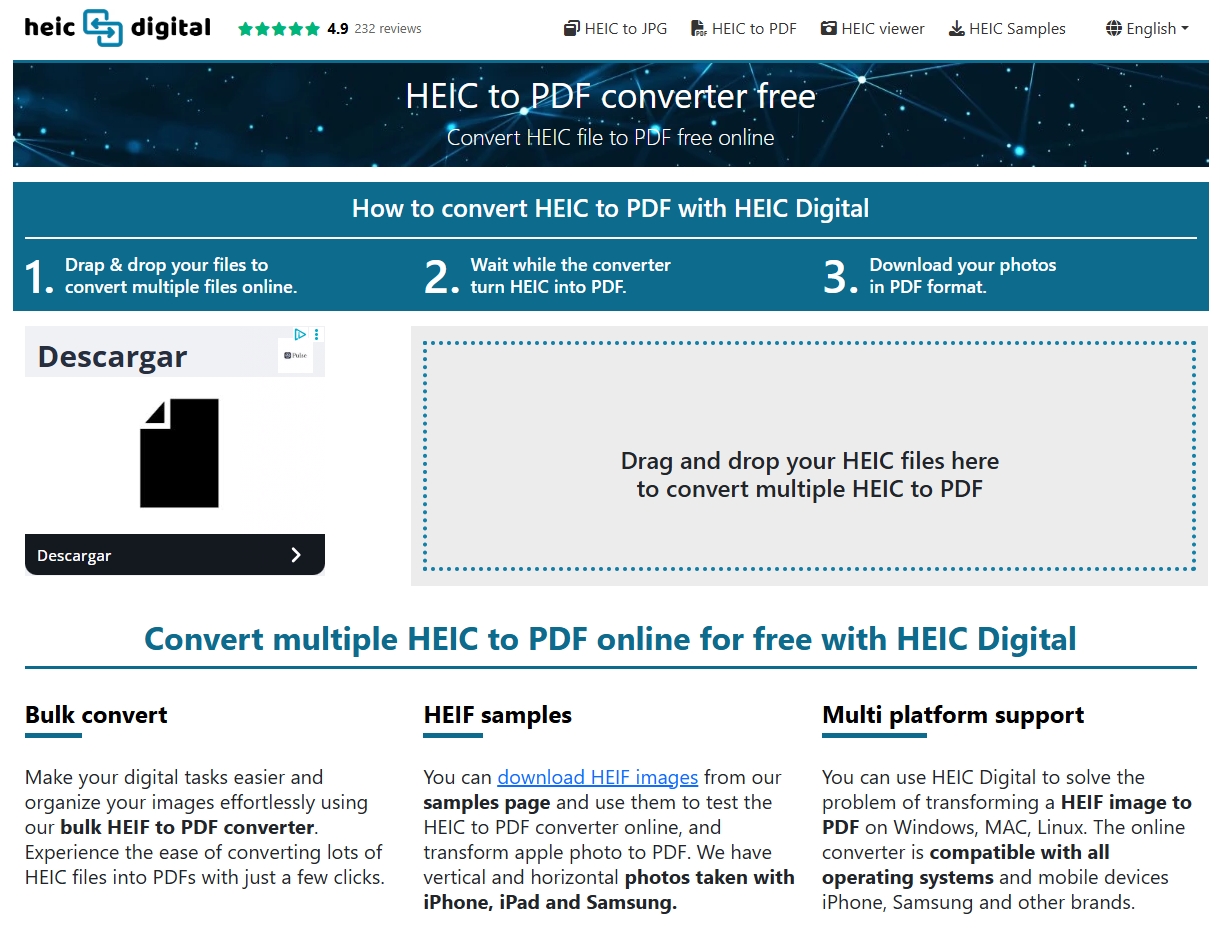
HEIC to PDF Converter – Convert HEIC Images to PDF
Inspiration
HEIC Digital was born from a real compatibility problem.
In mid-2023, while working on a web project at Space Bits that processed photos uploaded by users at an event, we discovered that some images could not be displayed correctly. Several users with iPhones had uploaded photos in the HEIC format, which created compatibility issues for our website.
That experience led us to build a simple way to open and convert HEIC images online.
What it does
HEIC Digital is a free online HEIC viewer and converter that lets users open, view, and convert HEIC files directly in their browser.
Users can:
- Open and view HEIC images online
- Convert HEIC to JPG
- Convert HEIC to PDF
- Batch convert multiple HEIC photos
- Download converted images individually or as a ZIP file
- View available image metadata and EXIF information
- Preserve available metadata during conversion
- Use the service without installing desktop software or creating an account
HEIC Digital is designed to make iPhone and HEIC photos easier to open, convert, share, and use across different devices, applications, and websites.
You can explore HEIC Digital on SaaSHub to see its product information, categories, alternatives, features, and community discussion, or read customer reviews on Trustpilot to see feedback from users of the service.
How I built it
We initially developed a system to transform HEIC files to JPG for internal use while keeping the original image metadata intact.
After seeing how useful the tool was, we turned it into a simple web service for friends, collaborators, and eventually the general public.
Since its launch in October 2023, HEIC Digital has evolved to support multiple languages, batch HEIC conversion, online HEIC viewing, metadata inspection, and a more user-friendly interface.
Challenges I ran into
One of the main challenges was handling the HEIC image format reliably across different devices and environments.
Another important challenge was preserving image metadata during conversion. HEIC files can contain information such as EXIF data, camera information, dates, location data, exposure settings, color profiles, and copyright information.
Building a batch conversion system that could process multiple large images efficiently also required careful optimization.
Accomplishments that I'm proud of
HEIC Digital evolved from an internal image-processing tool into a public web service used by people working with HEIC photos.
The service now provides a browser-based way to open and convert HEIC files on Apple, Windows, Android, and other platforms with modern web browsers.
It also gives users access to image metadata, making it useful not only for conversion but also for inspecting HEIC photos.
What I learned
Building HEIC Digital taught me a lot about image formats, HEIC/HEIF compatibility, EXIF metadata, cross-platform image processing, and browser-based file conversion.
I also learned how important it is to make file-processing tools simple to use while still handling technical details such as metadata preservation, batch processing, and large image files.
What's next
We plan to continue improving HEIC Digital by supporting additional image formats, enhancing metadata visualization, improving the conversion experience, and expanding language support.
The goal is to make working with HEIC images simple, accessible, and reliable for anyone who needs to open, view, convert, or share them online.
Built With
- exif
- heic
- php

Log in or sign up for Devpost to join the conversation.