-
-
Heavyday app icon
-
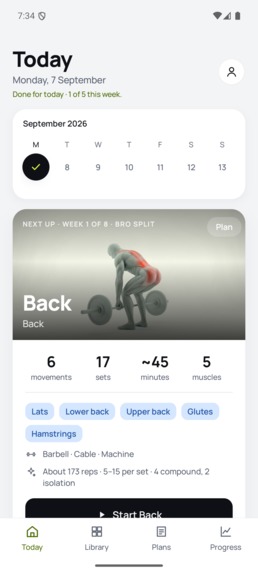
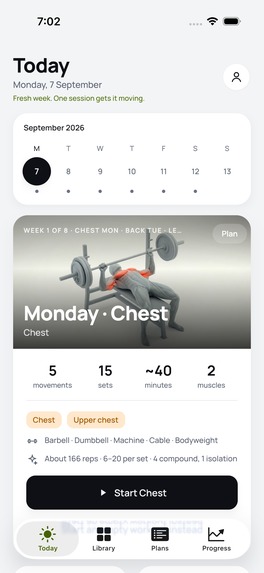
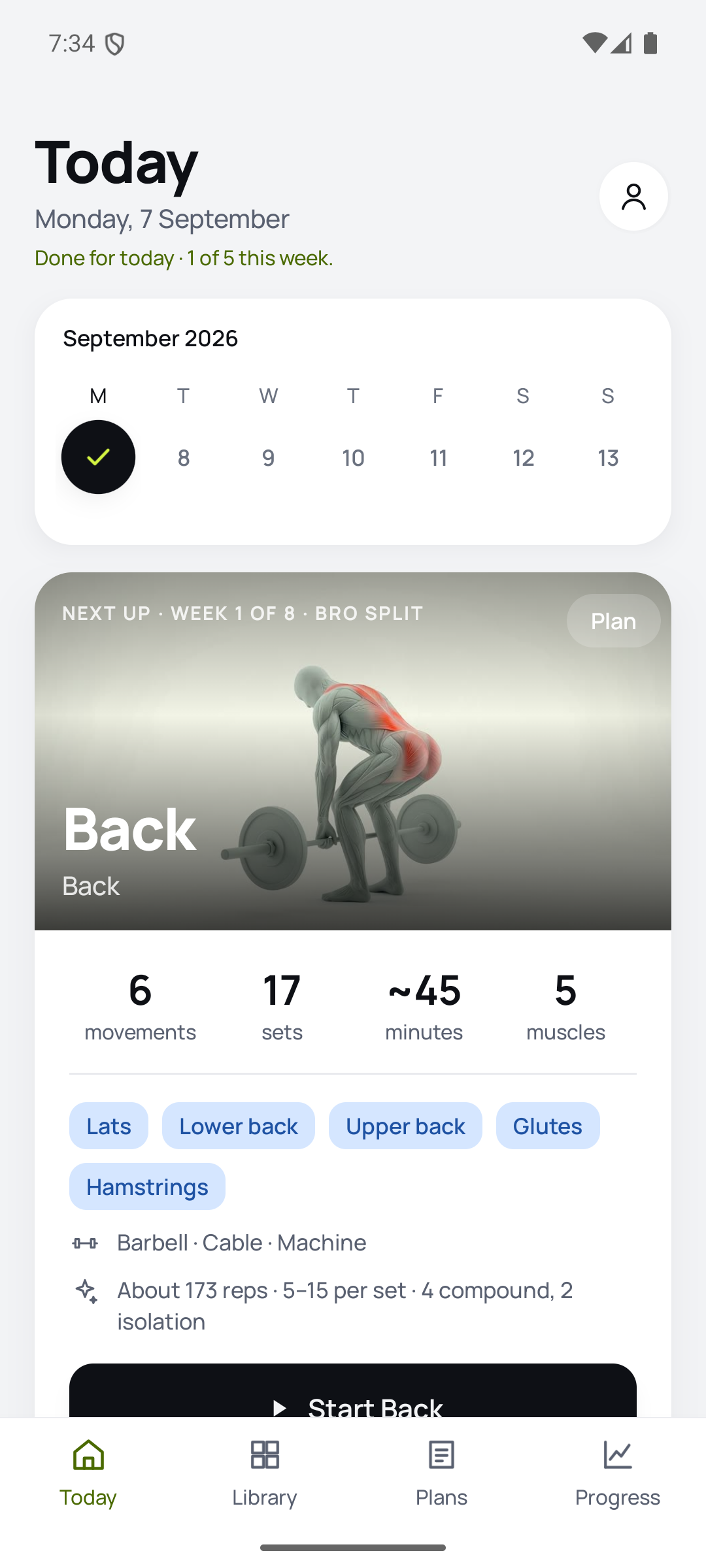
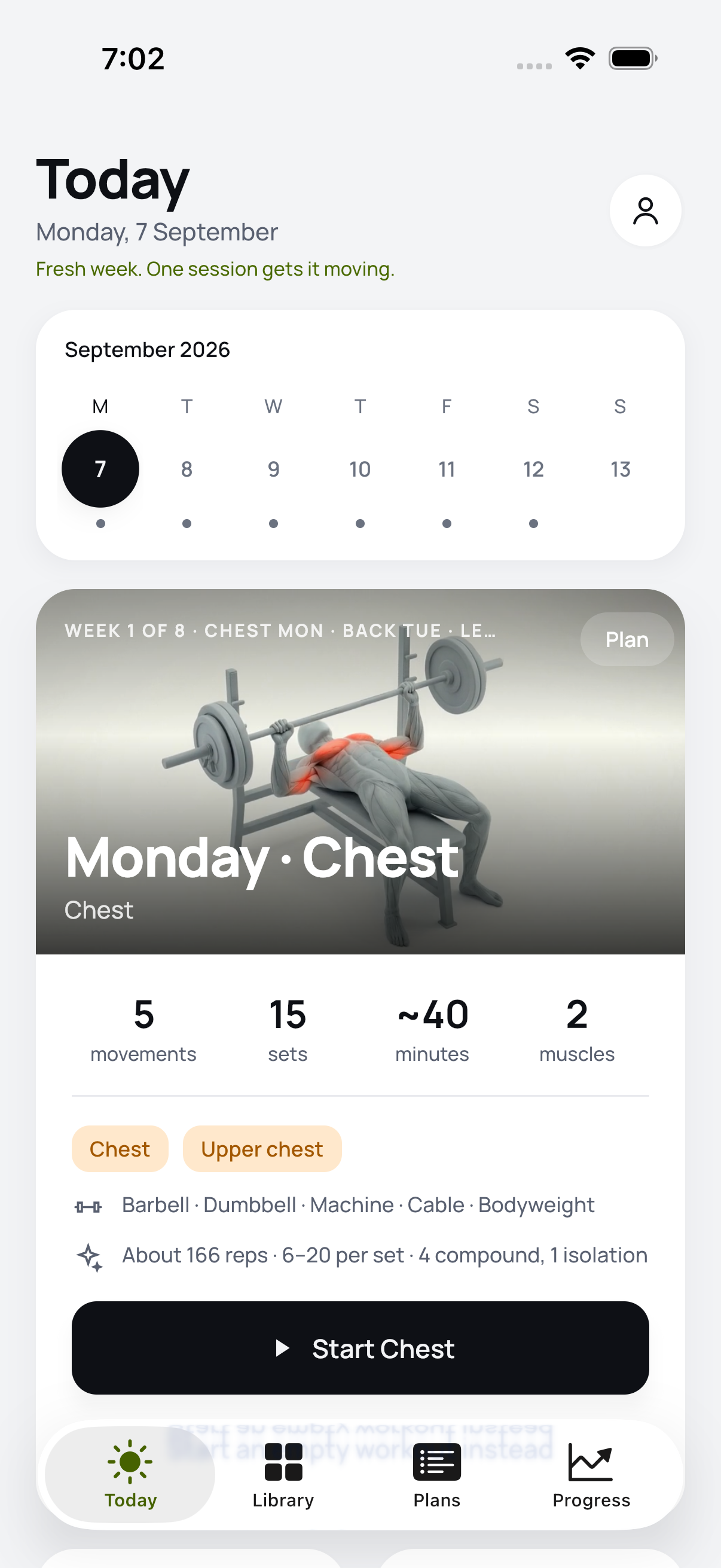
Today: the session waiting, with movements, sets, time and muscles worked
-
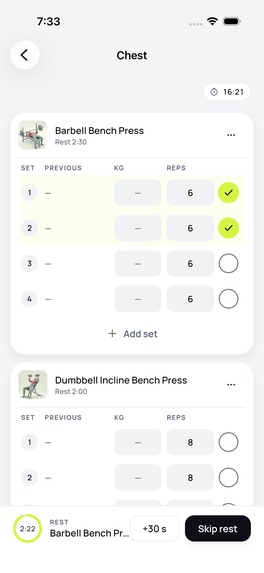
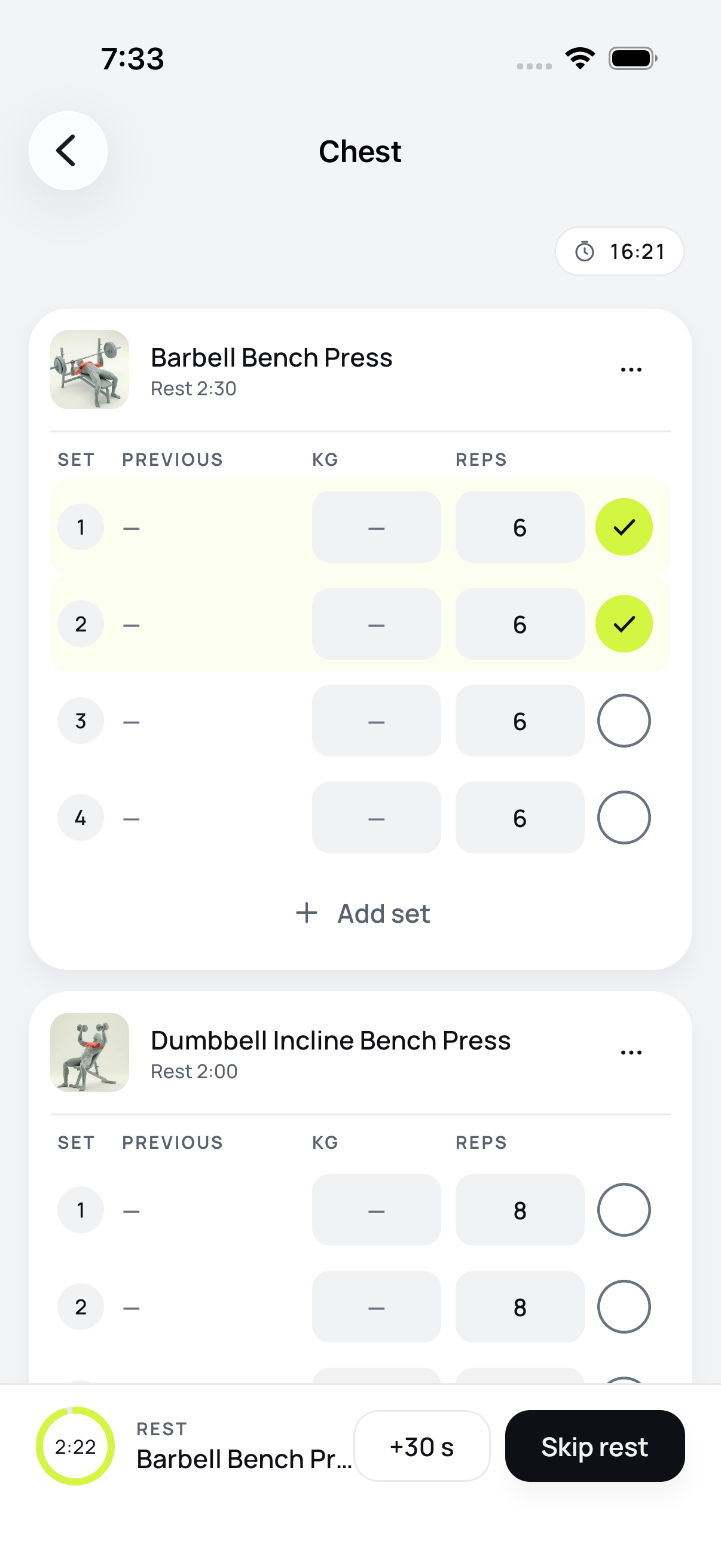
Set log: the keyboard accessory bar steps the weight and prints the per-side plate math
-
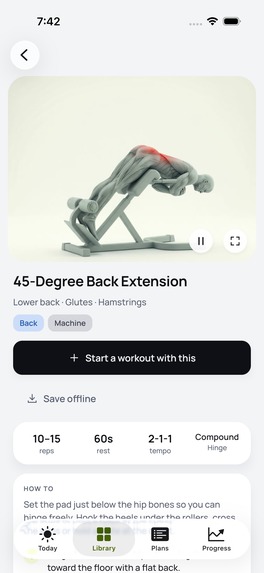
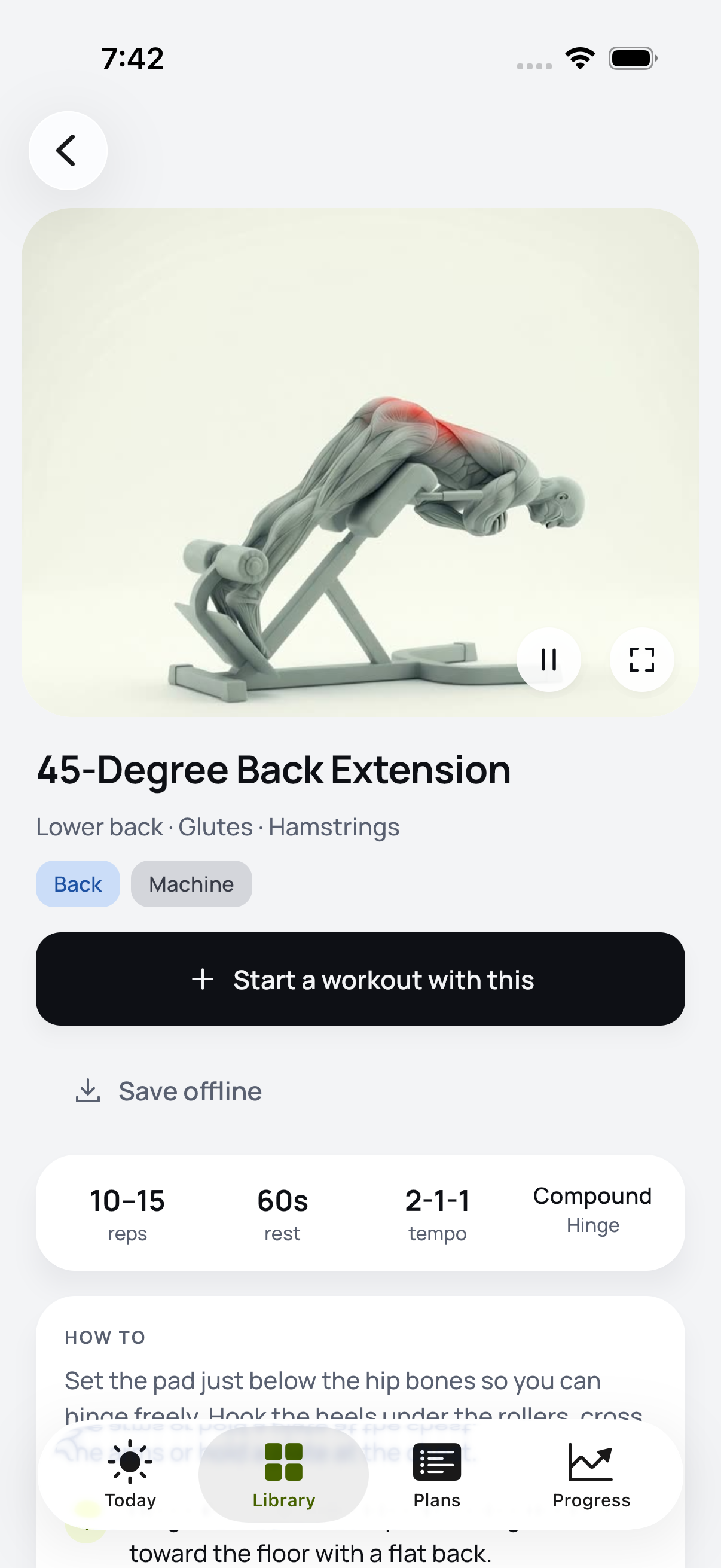
Exercise detail with the filmed clip and coaching cues
-
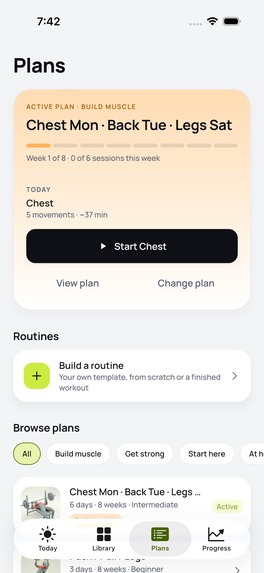
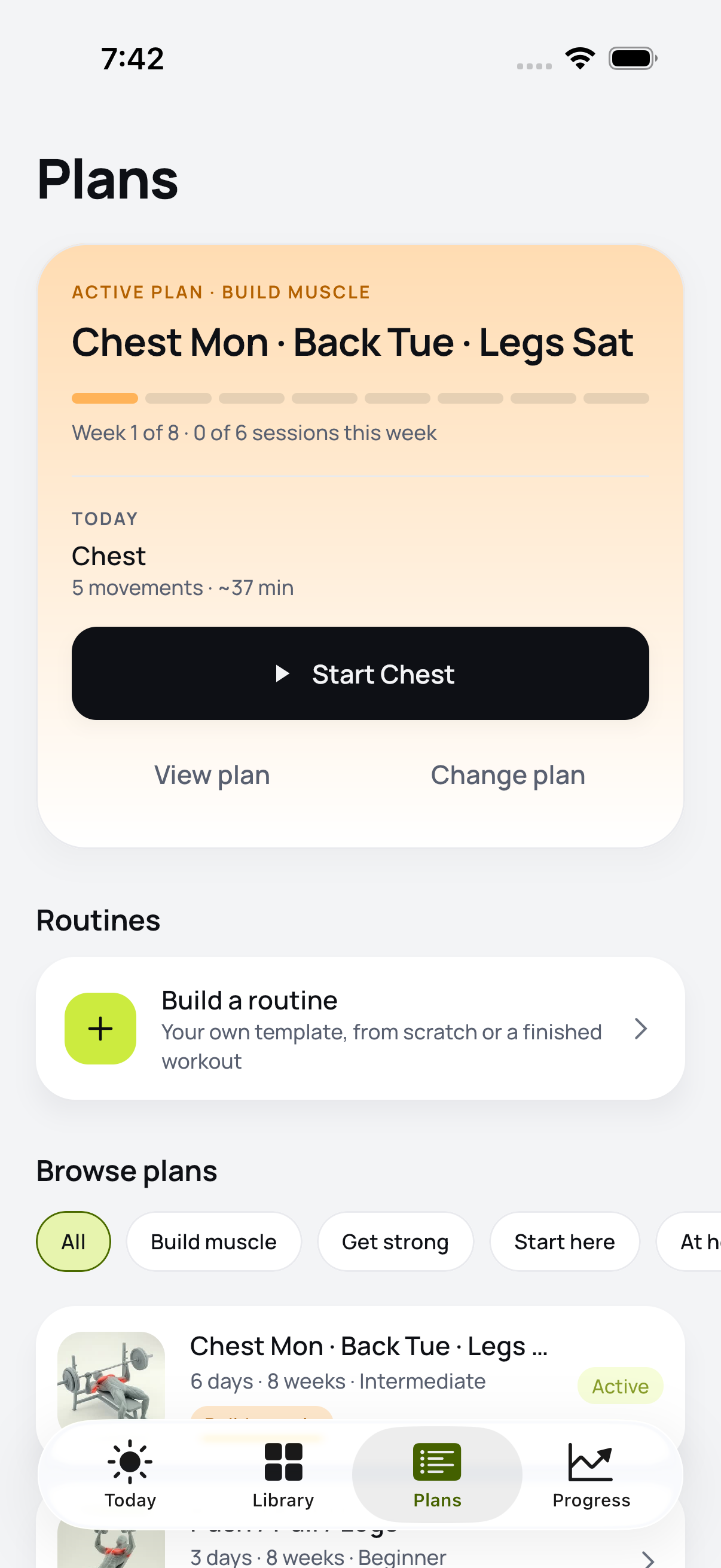
Plans: the active plan and the browsable library of 13
-
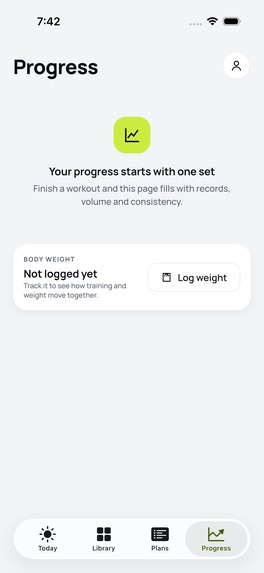
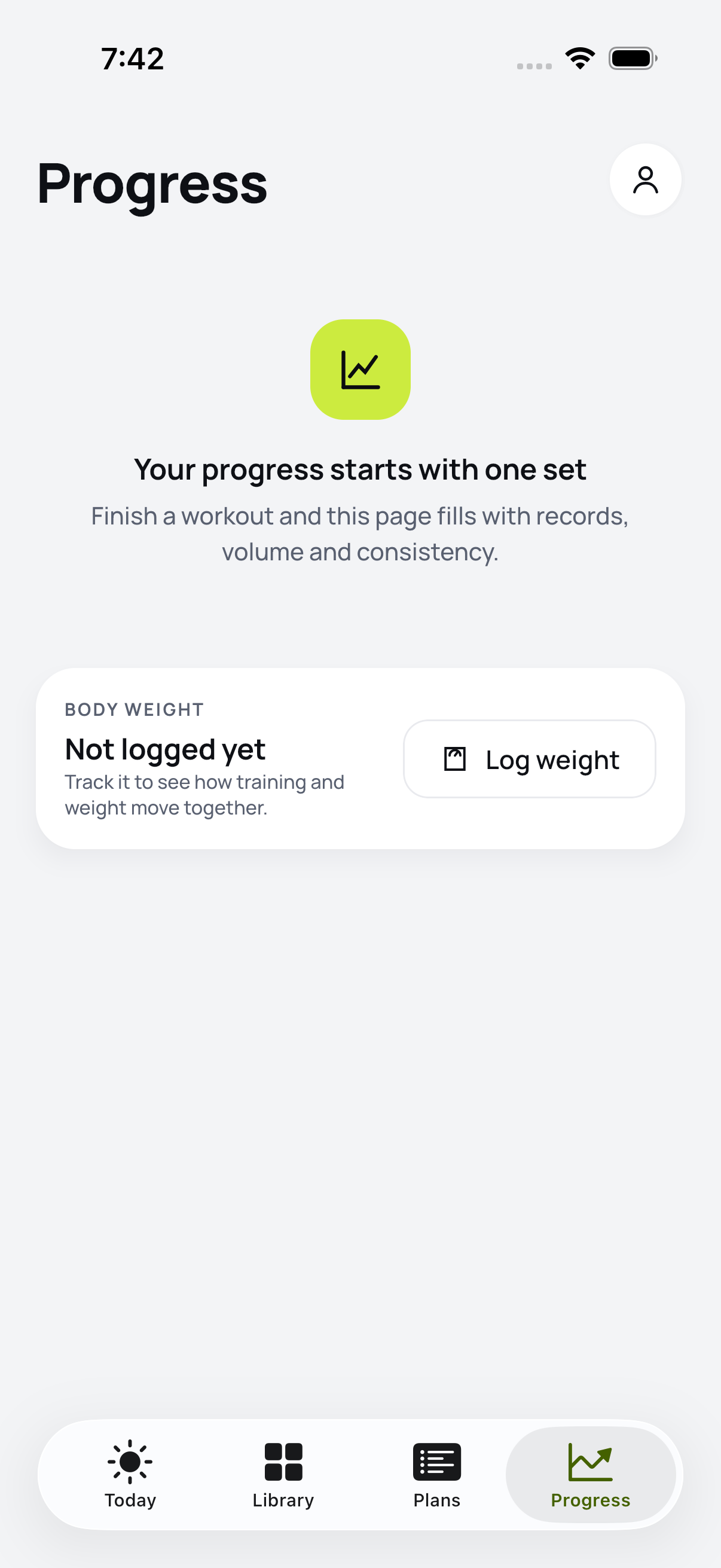
Progress: weekly working sets by movement pattern and training consistency
-
Android Today, from the same Kotlin Multiplatform codebase
-
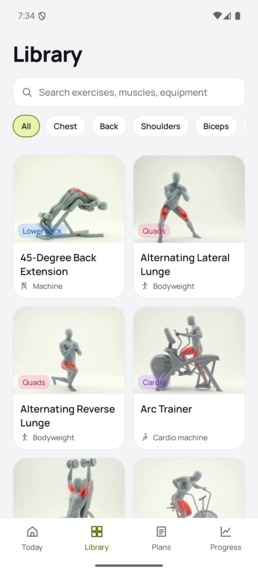
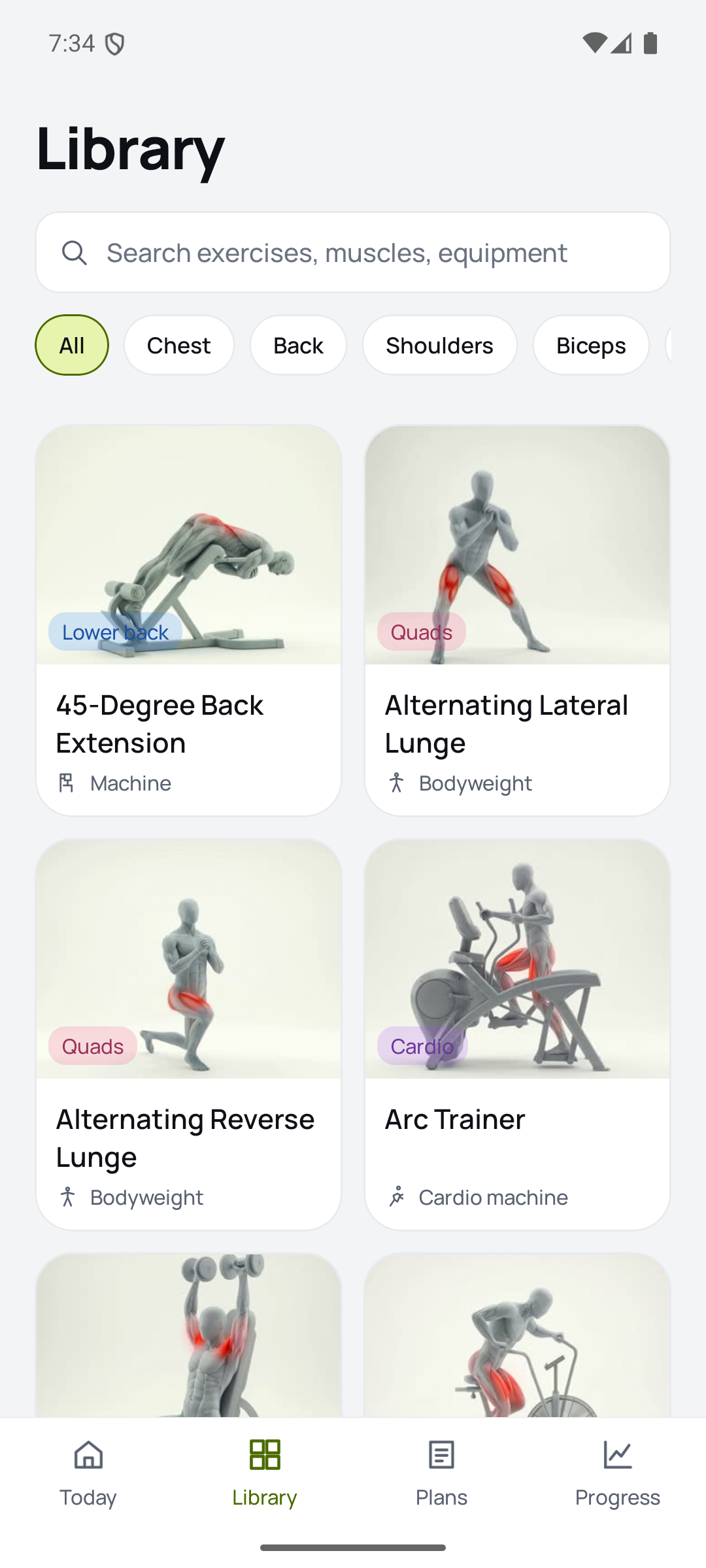
Android exercise library, searchable and filterable
-
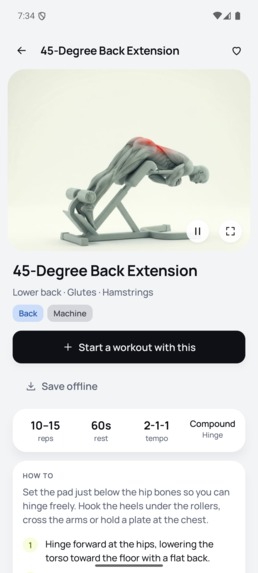
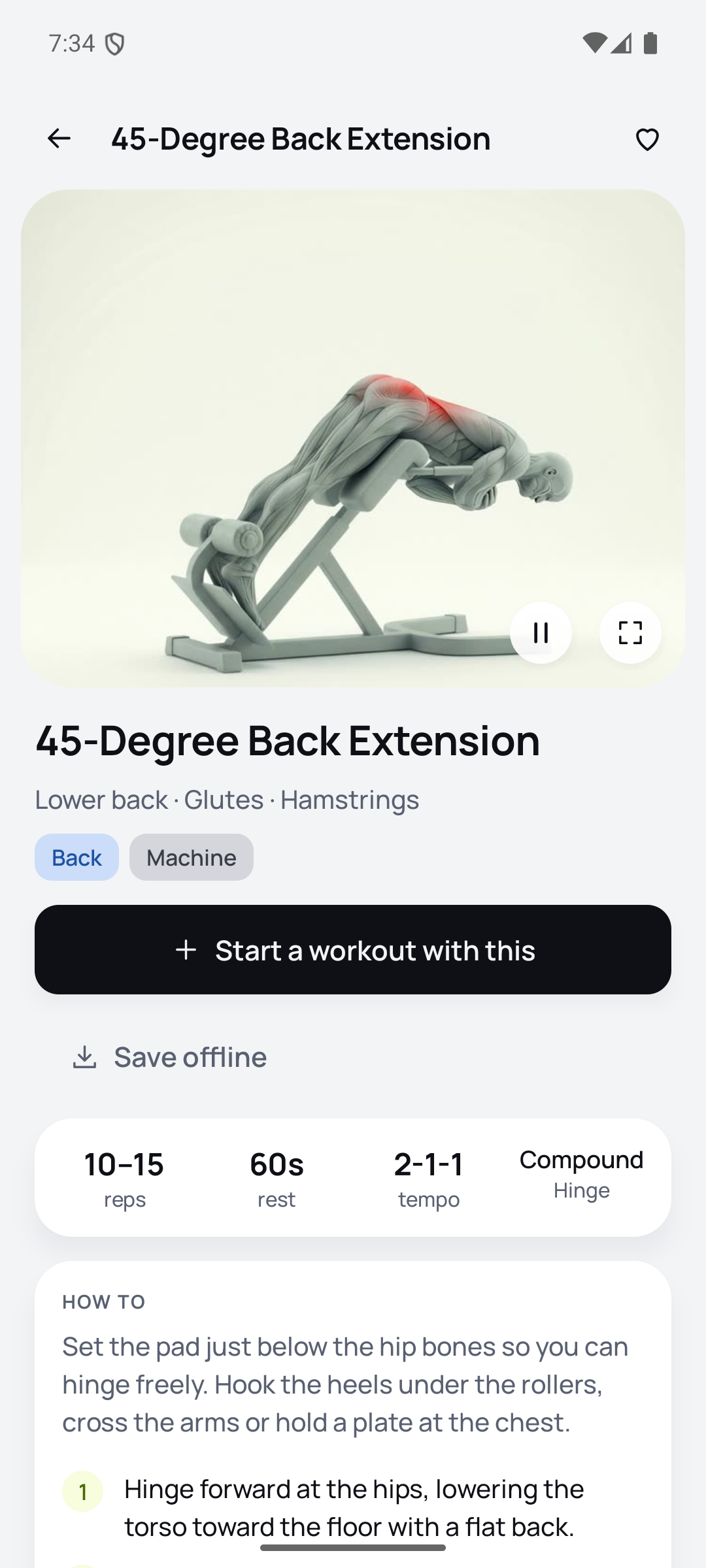
Android exercise detail
Inspiration
I had a 412-clip exercise library sitting on a hard drive and no app to put it in. Every gym app I tried made me choose: a video library that has no idea what I lifted last Tuesday, or a set logger that assumes I already know what a landmine press looks like. I wanted the movement and the number on the same screen, and I wanted it to feel the same on my iPhone and my Pixel.
What it does
Heavyday is a gym training app for people who lift.
- 412 movements, shown right. Every exercise is a filmed clip with the working muscles lit up, plus setup, cues, tempo and the mistakes coaches see most. Half and quarter speed for the hard ones.
- 13 coach-written plans. Four questions, then a matcher picks one: push/pull/legs, the classic Monday-chest body-part split, upper/lower, full body, dumbbells only, kettlebell, glutes and legs.
- A set log built for one hand. Weight, reps and rest per set. The keypad carries its own accessory bar: 2.5 kg steps, Next to walk weight to reps to the next set, and Log set, which ticks the set and starts the rest timer in one tap. On barbell lifts it prints the per-side plate load, so you know what to hang on the bar.
- A rest timer that survives the lock screen. Wall-clock rather than a ticking counter, with a short foreground service on Android and a local notification on iOS.
- Progress that means something. Records by estimated 1RM, eight weeks of tonnage, push/pull/legs balance against a ten-set floor, a consistency heatmap, body weight.
- Local-first. No account, no ads, no tracking. Your training stays on your phone.
How we built it
One Kotlin Multiplatform codebase with Compose Multiplatform UI shared on both platforms, not just shared business logic. iOS runs a thin SwiftUI shell (system TabView, one NavigationStack per tab, the OS chrome) and every screen inside it is a ComposeUIViewController; Swift implements the Kotlin Navigator interface over NavigationPath. Android uses Navigation 3 with one back stack per tab. SQLDelight for the database, Ktor for downloads, Media3 and AVPlayer behind one expect/actual player.
The 889 MB clip library never ships in the binary. Clips, posters and thumbnails live in a private Cloudflare R2 bucket behind a Worker, and RevenueCat is the gate, server-side: the app hands the Worker its RevenueCat app user id, the Worker asks the RevenueCat v2 API whether the Pro entitlement is live right now, and only then signs a six-hour HMAC token that unlocks the library. A free token still opens the sample training day. Clips are AES-256-CTR on disk with a per-install key in the Keystore or the Keychain, so a file copied out of the sandbox is not a playable video. The exercise catalog is a versioned bundle on R2, so new content lands without an app release.
Challenges we ran into
- Compose Multiplatform lifecycles never drop below STARTED inside a SwiftUI TabView, so a clip left open on one tab kept decoding behind another. Swift now reports the selected tab into Kotlin and playback is gated on a composition local. Verified with sampling: 375 decoded frames down to 5.
- The iOS numeric keypad has no Done key and the Android one has no Next. That is why the workout screen docks its own accessory bar above the keyboard instead of fighting the system one.
- Google Play began enforcing Billing Library 8 at release confirm, which meant a RevenueCat SDK jump on submission day.
- Apple's automated review rejected the first build over a missing Terms of Use link in the metadata, and then the approved version sat in Pending Developer Release for two days because the release type was manual.
Accomplishments that we're proud of
Shipped to both stores inside the window as a solo build from one codebase: Google Play on 8 September, the App Store on 10 September. The entire media pipeline (private bucket, entitlement-checked signed URLs, encrypted offline clips, screenshot and screen-recording blocking) runs on a single Cloudflare Worker.
What we learned
Sharing the UI, not just the logic, is the part that actually saves time. The last ten percent is all platform: the tab lifecycle, the keyboard, the secure surface, the store review. Also, check the App Store version state after every approval, because manual release means going live is a button, not an event.
What's next for Heavyday
A shareable session summary card, plate math for dumbbells and machines, logging from Apple Watch and Wear OS, and opening the catalog pipeline so new filmed movements land weekly instead of once per release.

Log in or sign up for Devpost to join the conversation.