
Inspiration
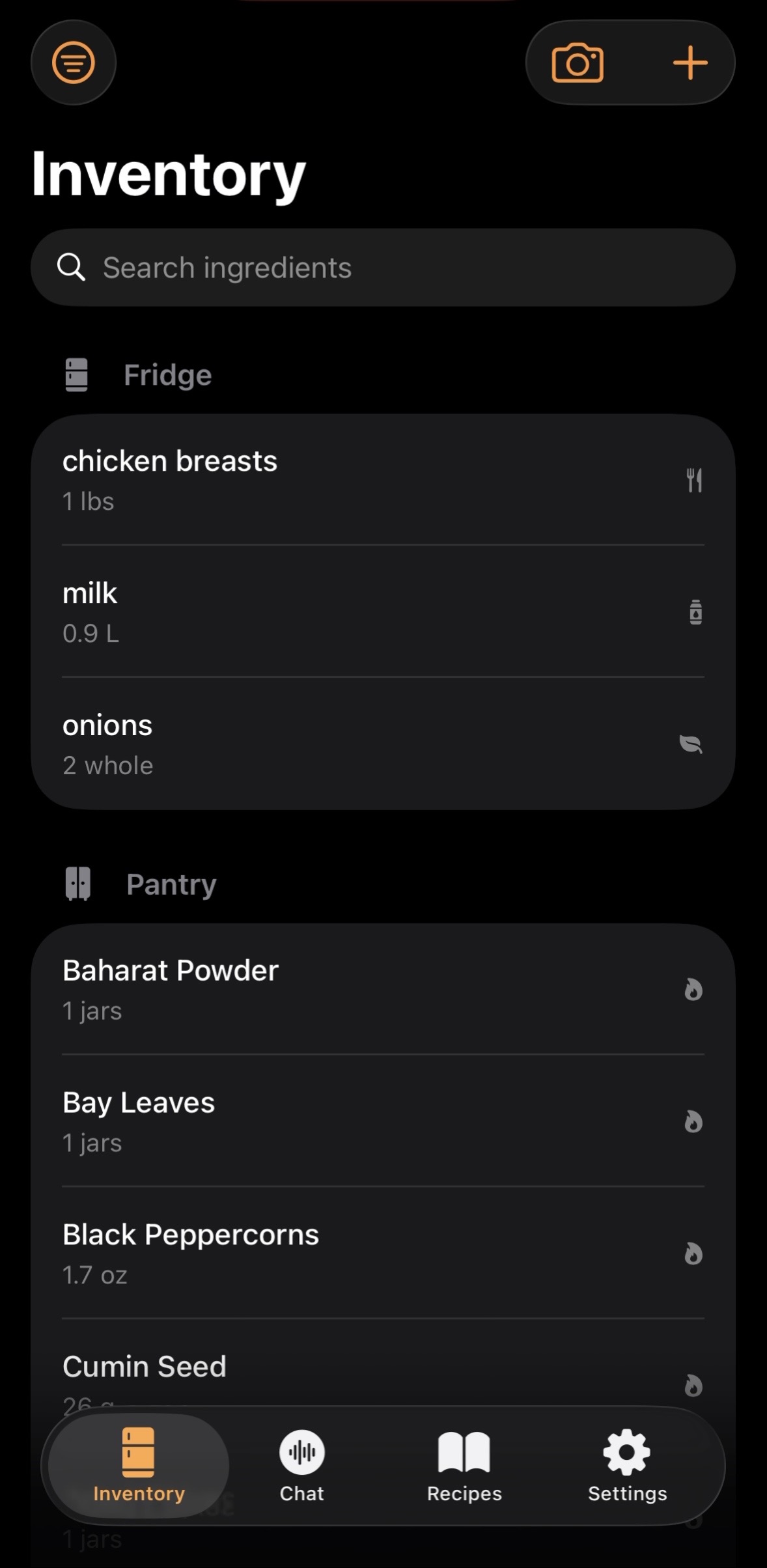
I love to cook and worked in a restaurant for a long time. To this day, the systems in place to track inventory and plan menus is archaic. Once a week, a chef walks around the restaurant, checking the fridges and pantries and noting quantities with a clip board. If they are lucky, a helper would jot down their inventory for them as they dictate. That's the original purpose of Heard, Chef!. I wanted to be able to dictate my inventory pass and have an AI handle the clipboard.
What it does
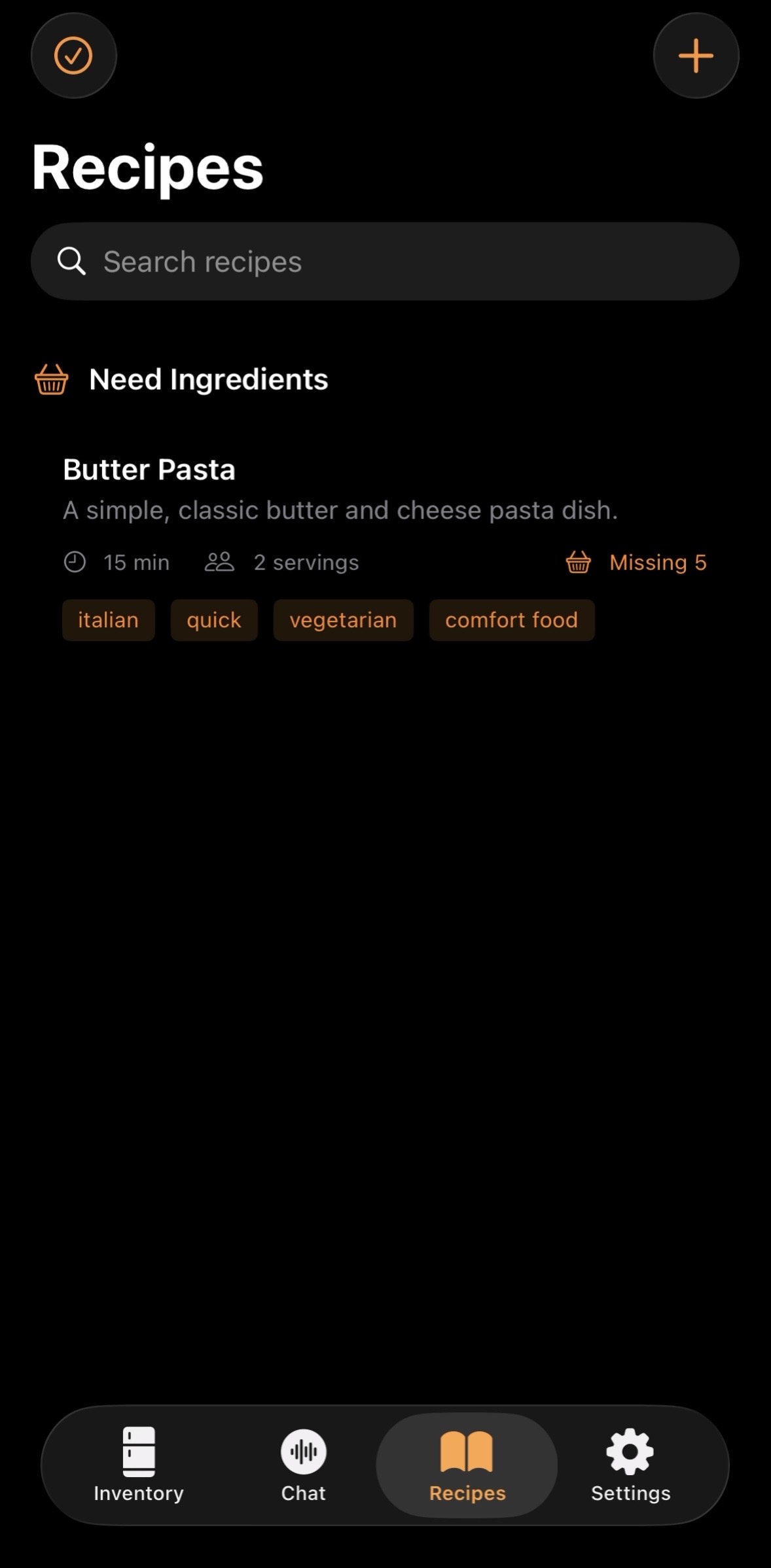
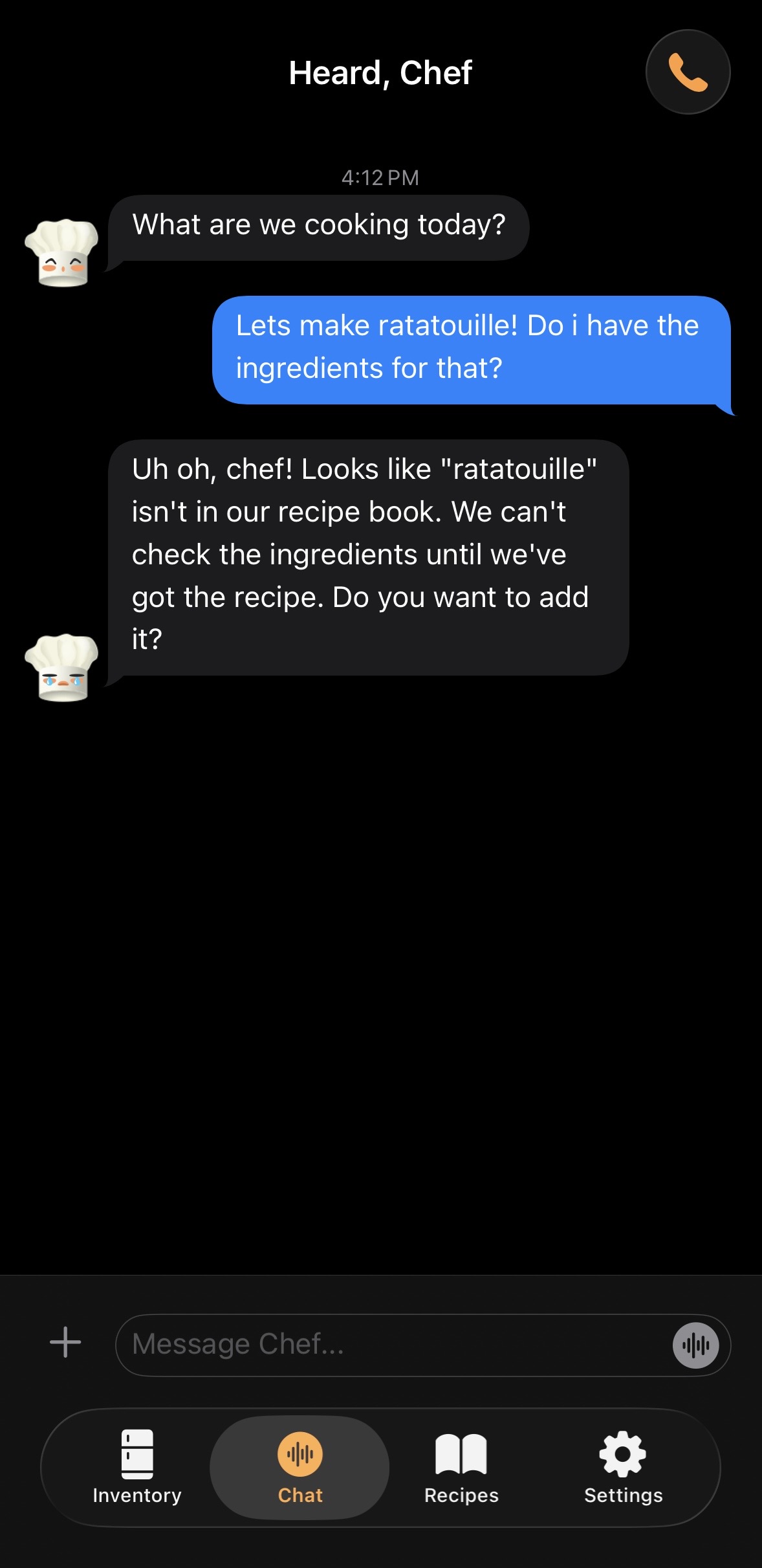
Heard Chef manages structured data stores for your ingredients and for your recipes via function calling. It is centered around a familiar iMessage/FaceTime interface, so that users can feel like they are calling a friend. The interface supports texting, dictation, images, voice calling, and video streaming.
- The most basic use case is at the grocery store and texting your roommate if you have any milk left. You can text Heard, Chef! instead.
- You can also use dictation if you don't want to type.
- Send a photo of an ingredient to identify it, add it to stored ingredients, or recipe
- Talk on the phone to plan dinner
- FaceTime while cooking to ask "Is this the right amount of dry pasta for 5 people?"
The largest point of potential user friction is inputting data into the system, so the main goal is to ease that such that even in a busy restaurant a chef can run through the pantry and just shout off the quantities of the ingredients. At home you can just film the inside of your fridge, or chat on the phone while you reorganize.
How we built it
I don't have much money so I follow the free tokens. That means I use OpenCode, Claude Code, Gemini CLI, and lately Codex. I'm an aspiring engineer but I failed Java class at summer camp, High School, and College. The process of my development is generally using one agent to code and another to review and explain what is going on. I tried to start small with a basic texting feature to and from Google AI studio, and built it out from there.
Challenges we ran into
The most difficult thing was calibrating the voice mode. It's hard to get it to sound natural. If it responds too quickly you feel interrupted, if its too slow you question if your message even landed. Using visuals was a help in this regard. If the AI looks like it's thinking, or the chat view presents a ... like you see in iMessage when your friend is responding, you can feel more patient as they think. Speakerphone has still proven to be impossible. I guess the warning you guys provided was for real! Calibrating user interruption against agent self-interruption is a very tricky task. I have high hopes for Proactive Audio and the Gemini Live team! (I really need a job and I have spent a lot of time tinkering so maybe I can help!)
Managing packages and dependencies within Xcode was a challenge too. At first I was totally discouraged and ended up building REST/websockets connections directly to my API key from Google AI studio. Eventually Gemini 3.1 pro convinced me that we can use Cloud Run to handle the models with only 5ms latency and it would protect my .env secrets better so I spent a lot of credits to refactor everything! Xcode dependencies for FirebaseAnalytics, Firestore, and FirebaseCore failed for a few hours. It turned out to be a SwiftPM caching issue. Cloud run also failed many times due to escalating service account permissions needs, which I resolved by going back and forth with Gemini 3.1 pro copying and pasting error messages and new commands. FirebaseFirestore had it's own sub dependencies I needed to invidually activate, like the Firestore API and Firestore database (which requires permissions I do not have in my own project where I am the sole owner and administrator..?) These are things I would have never been able to push through without command line agents!
Accomplishments that we're proud of
With this app I had a few goals. The big one was the actual use cases. I wanted to be able to approach apple messaging parity with Gemini, who would be able to edit documents on my behalf. This sets the app apart from using standard voice mode conversational agents. I'm proud to say that while the system prompt, function definitions, temperature, voice mode, and everything else needs a lot of calibration, the app is functional for that use!
I also have two larger visions for the future of human-AI interaction that I wanted to demonstrate:
- the visualization of agent state
- the agent intermediary between user and fields
Both of these need a lot of work to show exactly my end goal but as a start, Gemini adds [feeling: ] to the front of each prompt. These are picked up by regex and matching to a preset group of faces. The most basic demonstration of the AI's behavior visually.
What we learned
I learned a lot about the Google and Apple ecosystems. I've never used Firebase or Cloud run, Xcode, Swift before. I must say Google is much more approachable. I was able to access Cloud features from the command line, which is huge when you are working with agents. The Firebase configuration experience was informative. I learned a lot about the differences between one user on one phone communicating with one exposed API key compared to load balanced, secrets-manged, production grade deployments.
Besides technical stuff I really got my hands dirty with assets and visuals and UX. It was a lot of fun trying to make the chef hat character. Apple rejected my designs that has .png files with transparent backgrounds so I had to take the assets that Gemini made and transform them into .svg! Apparently the pelican riding a bicicle benchmark is leaking into the training data because I was NOT able to get a single AI model to produce a nice looking svg. In the end I used assets from freepik.com
What's next for Heard, Chef!
To return to my vision for human-AI interaction, let me describe the next (and more useful) step to visualize tools. I always found it hard to explain to my grandma when we are using a web UI for a LLM and it searches the web or reads an external document. I thought it would be trivial to add an avatar or a basic visualization for these things. When the agent searches the web, we should see a globe spin, and be able to hover the globe to see the websites. This is better for humans than tool call pills that appear above the chat response. Similarly for reading documents, there should be a file cabinet rifling gif, with easy expansion of the referenced documents.
For Heard, Chef!, I want to have visualizations for when the agent reads the ingredients in the fridge or pantry or countertop. When it reads a recipe, there should be a visualization of flipping through a book. I didn't have time during this hackathon (it was an incredible struggle on its own just adding the different faces), but its on the top of my list.
TODOs:
- allergies
- timer tool
- conversion tool
shopping list ui
multiple chats
auth
onboarding
continue to tinker with speakerphone issue
continue to toy with system prompt

Log in or sign up for Devpost to join the conversation.