-
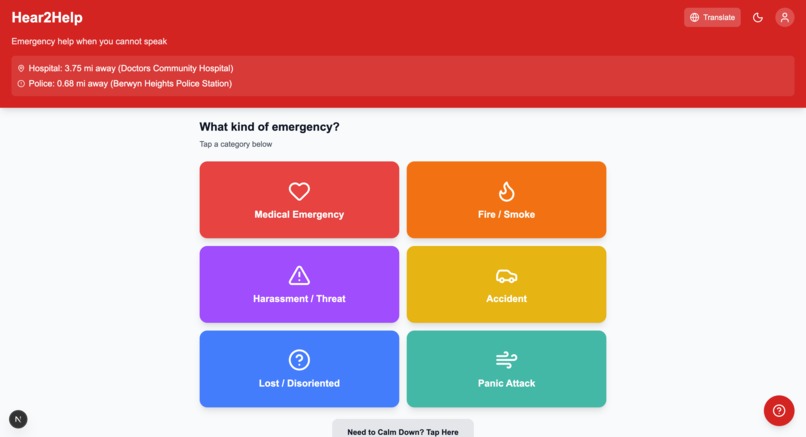
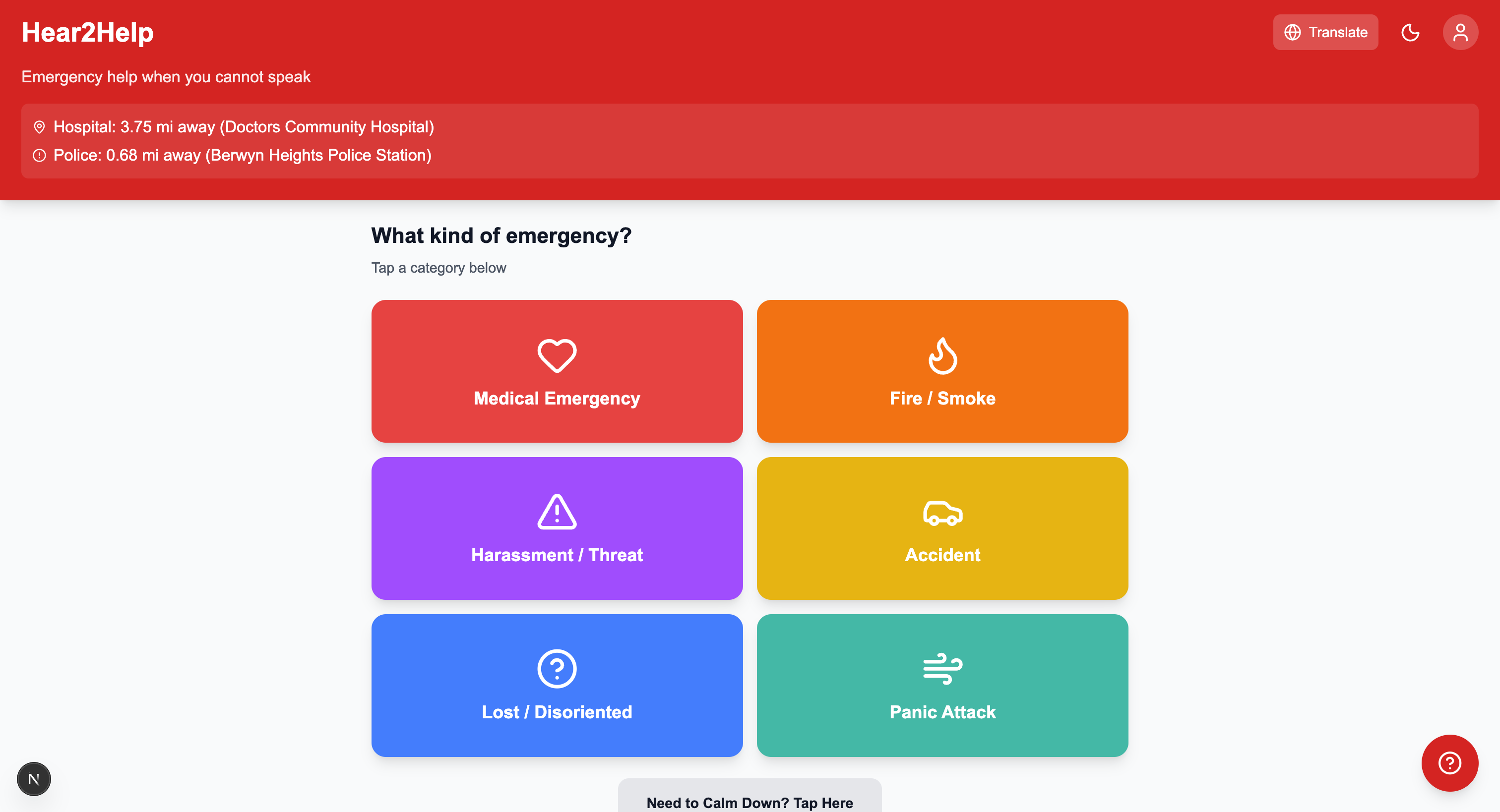
main page
-
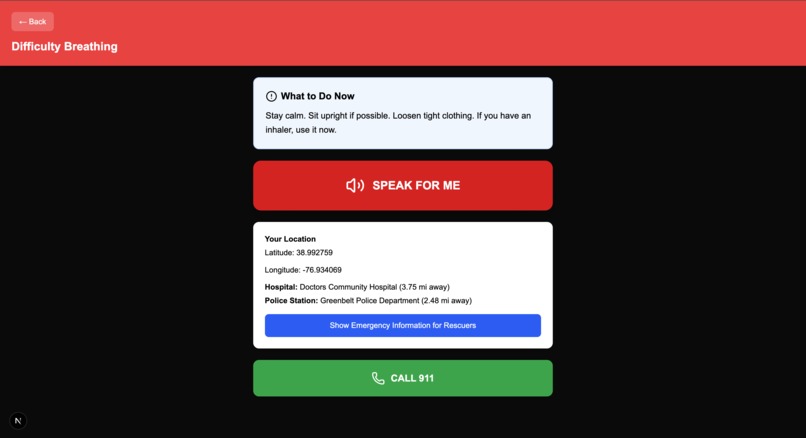
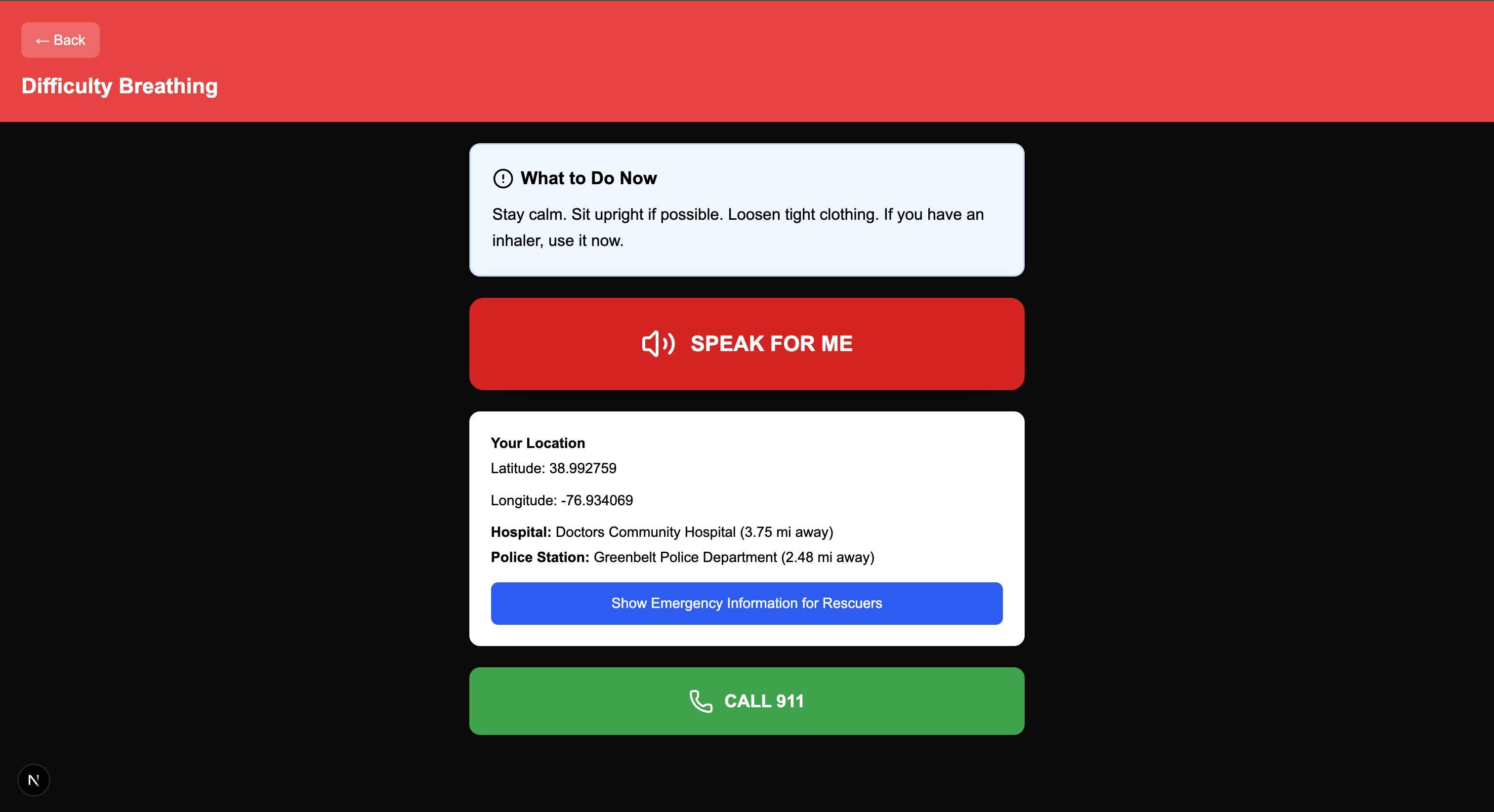
example of what an emergency page looks like
Inspiration
During emergencies, communication can be the difference between life and death. Here's a scary thought: what happens during an emergency if you can't speak? Millions of people who are deaf, hard-of-hearing, non-verbal, or experiencing a panic attack are forced to rely on systems that assume verbal communication. Texting 911 isn’t widely available, and long messages are hard to write in moments of panic. We wanted to build something that lets anyone ask for help fast, clearly, and without needing to speak or type.
What it does
Hear2Help is an accessibility-first, minimal-touch emergency assistant designed for users who cannot communicate verbally. It works in just a few taps and provides visual, tactile, and AI-powered support. Key Features
- Tap-Based Emergency Mode with large, color-coded buttons
- AI Speech Generation (ElevenLabs) that speaks on behalf of the user
- Location Awareness to show nearby hospitals/police stations
- Accessibility-Optimized UI (high contrast, large tap areas, dyslexia-friendly fonts)
- Calm Mode for panic attacks (breathing guide + grounding prompts)
- Triple-Tap Emergency Shortcut to instantly trigger SOS mode
- Quick Medical Profile for bystanders
- Multilingual Interface
How we built it
Tech Stack: Typescript + Next.js Speech: ElevenLabs real-time TTS API ChatBot: Gemini API Translation: Google Translate Widget Location: Geolocation API + WiFi/GPS heuristics Design: WCAG-inspired color palette, accessibility testing with screen readers
Challenges we ran into
- Designing a UI that works under high stress without overwhelming users
- Getting real-time speech generation to be clear in noisy environments
- Implementing the triple-tap gesture reliably
- Coding-specific challenges such as getting translation to work, enabling geolocation services, etc
- Making accessibility decisions without compromising simplicity
Accomplishments that we're proud of
- A fully working emergency assistant that requires zero speaking or typing and can actually help people in real-life emergencies
- Real-time AI speech that sounds natural and helps users communicate instantly
- Successfully implemented the triple-tap SOS gesture
- A real-time chatbot that can help answer any emergency questions
- Translation services in any language
- Geolocation services that show the nearest hospital, police station, landmark, and your own location
What we learned
- Accessibility is not just a feature since it changes every design decision
- Simplicity is surprisingly hard when designing for panic scenarios
- Speech synthesis is more powerful than we expected for assistive tech
- Building for diverse disabilities taught us to rethink assumptions we make on the daily
What's next for Hear2Help
- Multi-language voice output so travelers can get help abroad
- Support for emergency texting services (where available)
- Smartwatch integration for quicker SOS activation
- User testing with non-verbal and deaf communities to refine flows
Built With
- elevenlabs
- gemini
- next.js
- typescript


Log in or sign up for Devpost to join the conversation.