-
-
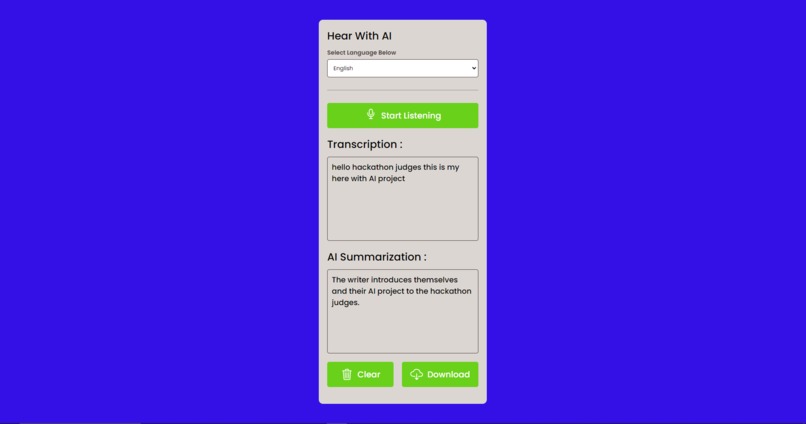
Screenshot of web application
Inspiration
I started off just reading the main page of the Wafflehacks hackathon. After looking through the different tracks for this Hackathon, I knew I wanted to create an app that would aid those who are disabled. After reaching the awards section, however, I was very intrigued and pulled by the "best use of AI" award. I wanted to find a way to combine these two and so I sought to create a hearing aid tool using AI to summarize the text.
What it does
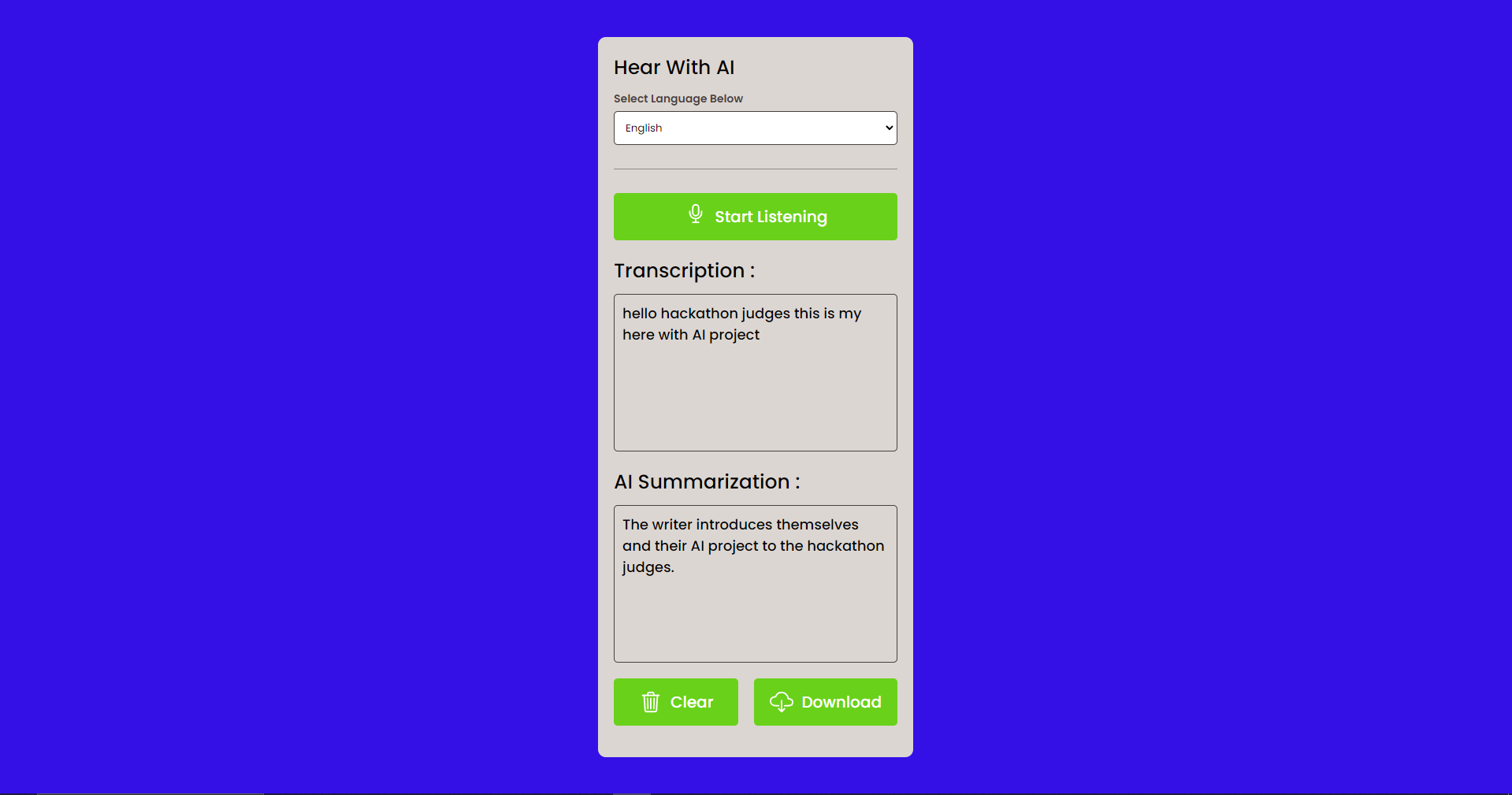
The app uses browser built-in speech-to-text kits and transcribes microphone input into a textbox live. After the user ends the recording, an API call is made to get-3.5-turbo with the prompt "Summarize: " + the transcribed text. This returns to the user an AI-summarized version of the speech/conversation and provides an option to download this summarization as a txt file. The point of this technology is that conversations and speeches can draw out for a long time and can be very fast-paced. Speech-to-text features already exist but those who are deaf may struggle to keep up with the speed of the transcription. Through AI summarization, the user can get a summarized and easy-to-read version of the conversation.
How we built it
I first looked through different speech-to-text features and was originally set on using an API call that transcribed audio input. However, after more research, I found out that most browsers have built-in transcription features. After testing "window.SpeechRecognition" on Google Chrome, I was excited to see that it could accurately display microphone input into a textbox.
After editing styling, positioning, and overall UI, I transitioned into the summarization tool. I went to platform.openai.com and read through their tutorials on API calls and endpoints. I also learned how to create prompts. I created a separate file and played around with sending an API call and receiving a gpt-3.5-turbo response. I then combined this into my speech-to-text application by sending the transcripted innerHTML text to an API call as a prompt. I then stored the response and updated the summarization textbox with this text.
Challenges we ran into
The biggest challenge was definitely teamwork. The team was split on which ideas we wanted to pursue. Half the team wanted to pursue a new idea that was more feasible while the others wanted to keep trying to work out the bugs. In the end, I think the right choice was made. All of us chose to individually pursue the projects we were passionate about. This led to fewer conflicts, stress, and set-backs.
The biggest technical challenge was definitely figuring out the chatGPT API call. I originally was trying to learn through YouTube videos but many used out-of-date syntax which led to errors upon errors. By just taking time to read through the newest API contracts, writing the correct syntax became much easier.
Accomplishments that we're proud of
I'm proud of being able to combine two separate technologies and make them flow together. Creating a speech-to-text tool and an API call was difficult in their own right, but it was discouraging to merge these two together as there were many errors and incompatibilities. However, after lots of debugging, live-server testing, and reading console logs, I was able to overcome these technical difficulties.
What we learned
I definitely learned a lot from this project. I learned a lot about the overall learning and debugging process. I originally had no knowledge of how to use chatGPT's API so desperately hunting for tutorials and articles was a difficult but rewarding process. Refamiliarizing myself with HTML/CSS/Javascript in unison took some time, but it was fun to see the project slowly come together. Overall, I learned how to make API calls and combine them with front-end technologies.
What's next for Hear With AI
In the future, I hope to add new and more convenient features to this program. For example, creating a response with text-to-speech could be useful for those who are both deaf and mute. AI could also be used to supplement this response by fixing any grammar mistakes or overall flow. The user could simply provide a short list of keywords that they want to include in their response, and chatGPT could fill in the rest of the grammar, syntax, and flow.
Built With
- css
- gpt-3.5-turbo
- html
- javascript

Log in or sign up for Devpost to join the conversation.