-
-
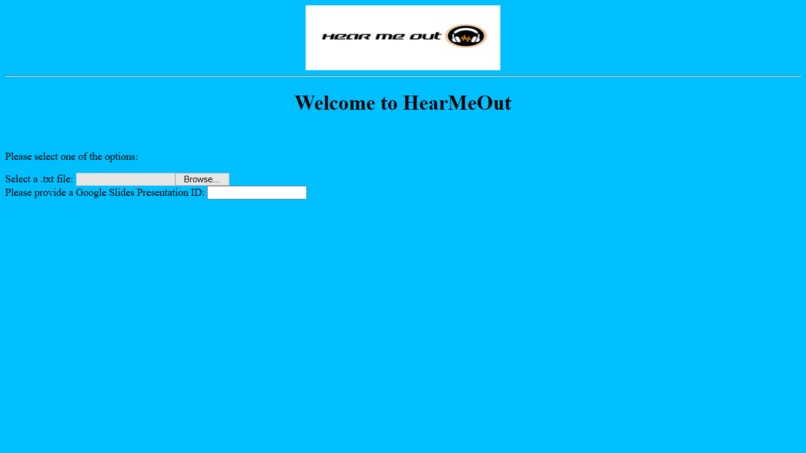
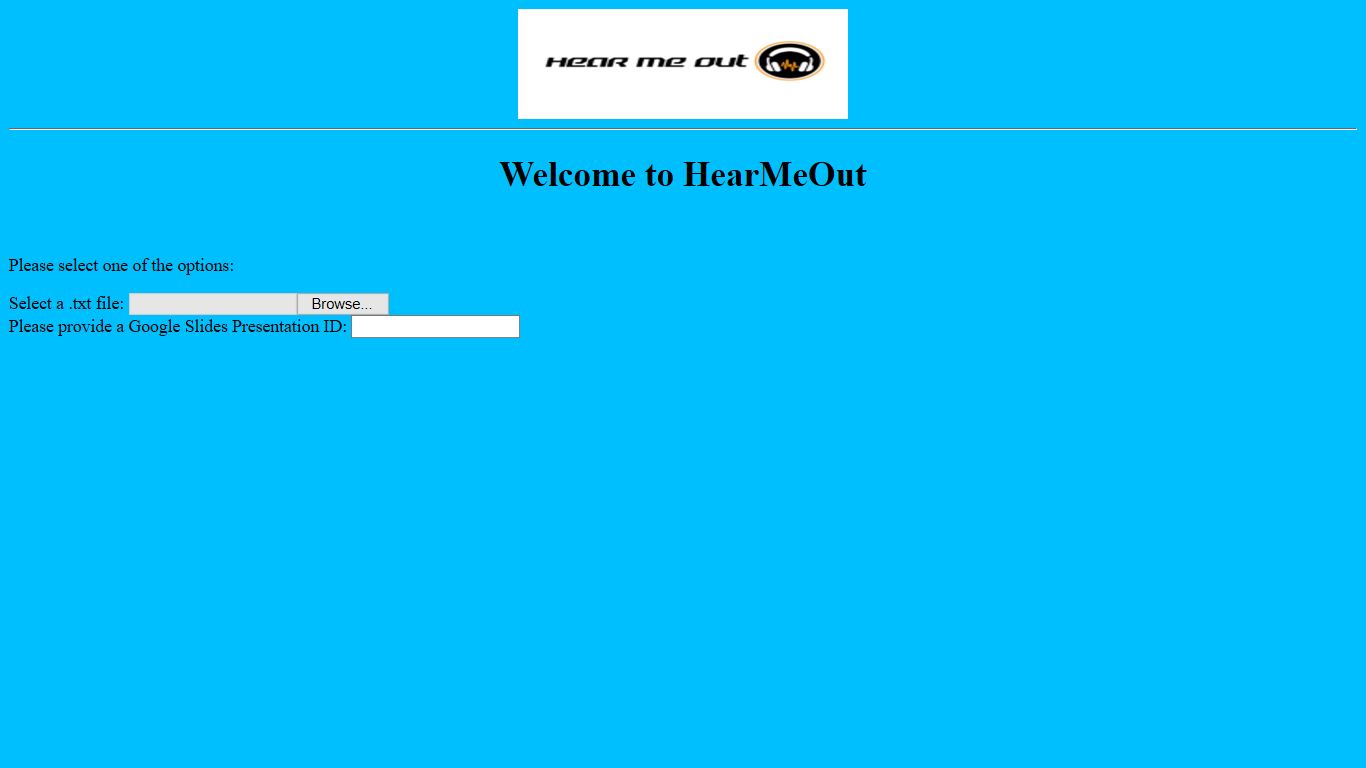
Our HTML UI
-
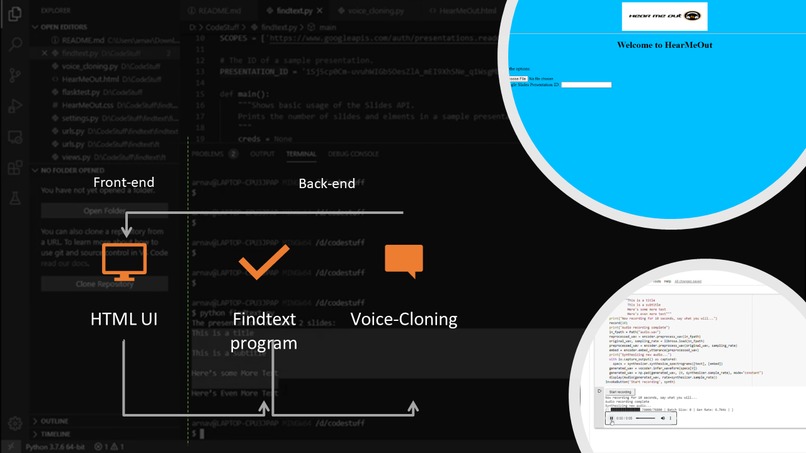
HearMeOut Model

Hear Me Out
A web app that allows one to listen to a slideshow in the voice that one intends.
HearMeOut is a project dedicated to making a better, and more beneficial online education system. Through HearMeOut, the teacher/instructor's voice can be cloned, allowing the computer to present a slideshow in a similar manner to the teacher/instructor. In the wake of the novel Coronavirus, many countries have begun to use online learning tools to support children. The goal of HearMeOut is to benefit children who are auditory learners, and may depend on the teacher/instructor's voice.
Additionally, HearMeOut can also be used for children with special needs, who may not be comfortable speaking or presenting presentations. This allows such children to get the support they need and the education they require, through the help of AI and the web app.
What Inspired Us
Since the start of the social distancing measure, schools have been closed and the education system has been moved online. We noticed many of our teacher were preparing lessons on slideshows, which were quite different from the usual lesson format that is used in classrooms. We realized that there was an auditory component missing from the lessons, so we decided that needed to be fixed, which inspired us to create HearMeOut. This allows students like us to feel like our teacher is presenting to us, similar to a classroom, without having the teacher record the entire lesson.
What We Learned
We learned many new skills during this project, which included creating python web apps with Flask, using REST APIs to get useful information (specifically from a Google Slides presentation), CSS skills, and forms in HTML (with JS integration).
How We Built It
We started out by splitting up the work into front-end and back-end. The front-end work was with the HTML, which included CSS styling and some JS with the forms. The back-end work included using the Voice-Cloning Colab notebook, which uses Tensorflow to learn the spoken sample, to create the Text-to-Speech and using the Google Slides API to get the text from all slides of a presentation as a string, so that it could be inputted into the Voice-Cloning TTS.
Challenges We Faced
One of the biggest challenges we faced was getting the text from a presentation as a string. At first, we tried using Google Scripts with the HTML to get the text, but this did not work as hoped. The second attempt for this was more successful, as Google Slides API was used, to get the information from the json produced by the GET call by narrowing down attributes until the correct one was reached.
Another big challenge we faced was connecting the various parts of our project, which were the HTML UI, the findtext python file, and the Voice-Cloning Colab Notebook. Unfortunately, connecting the back-end pieces to the HTML proved quite difficult and we were unable to do this in time.
Built With
- colab
- css
- html
- javascript
- json
- python
- slidesapi
- tensorflow
- tts
- voice-cloning


Log in or sign up for Devpost to join the conversation.