HealTrack AI
Inspiration
HealTrack AI started as a group project assigned by our teacher in our computer project class.
When we were discussing ideas, we wanted to work on something related to problems that can happen at school. We became interested in minor injuries because students can sometimes get injured during school activities.
We noticed that the school nurse needs to record information about students’ injuries. Checking the type of wound and writing down the information can take some time, especially at lunchtime when students are likely to play sports and often get injured.
Although most injuries are considered minor, a lack of proper care and monitoring can lead to complications.
According to the World Health Organization (WHO), there are about 684,000 deaths from falls around the world per year, and approximately 37.3 million people are injured from falls that require medical treatment each year. Falls among children and youth are considered one of the main causes of injury and account for 25–52% of pediatric patients receiving emergency treatment for accidents in many countries.
This gave us the idea to create a system that could help with the initial assessment of wounds and organize the information into a report.
Our goal was not to replace medical professionals.
We wanted to make a tool that could help school staff make the process more organized and convenient.
What It Does
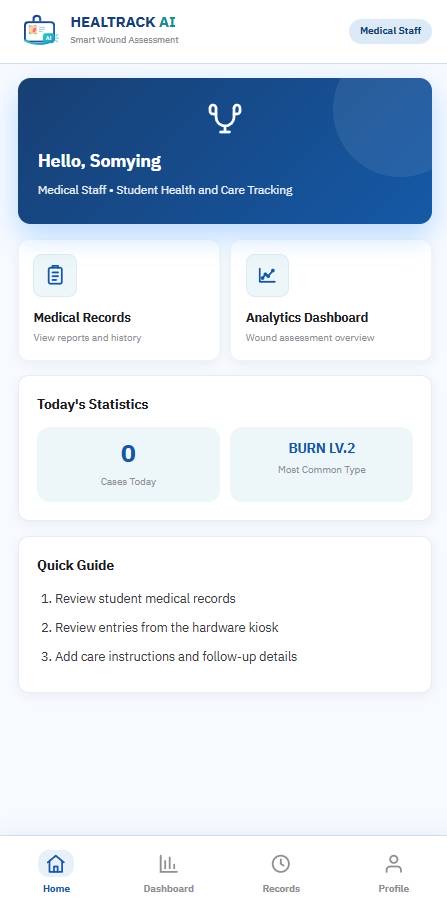
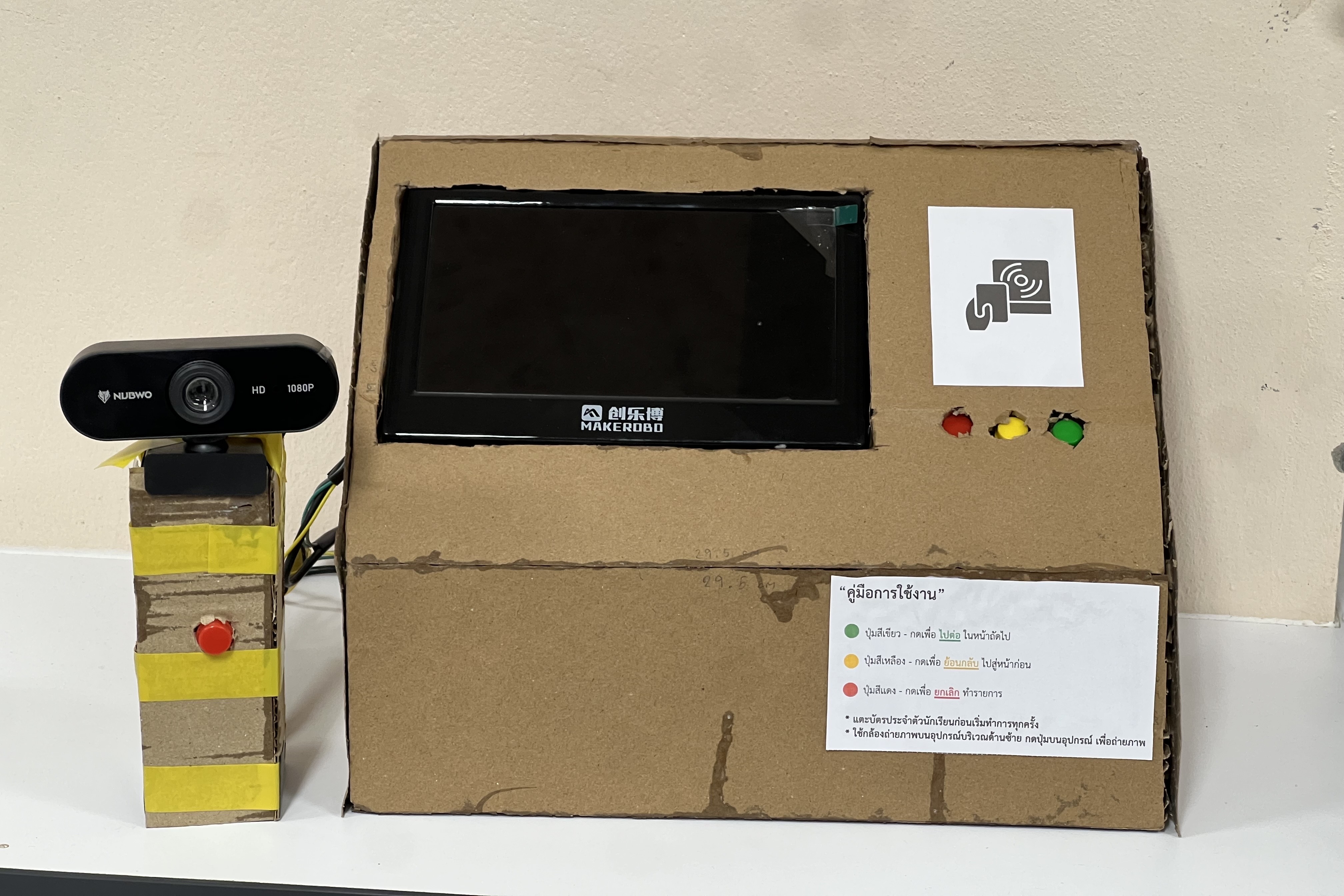
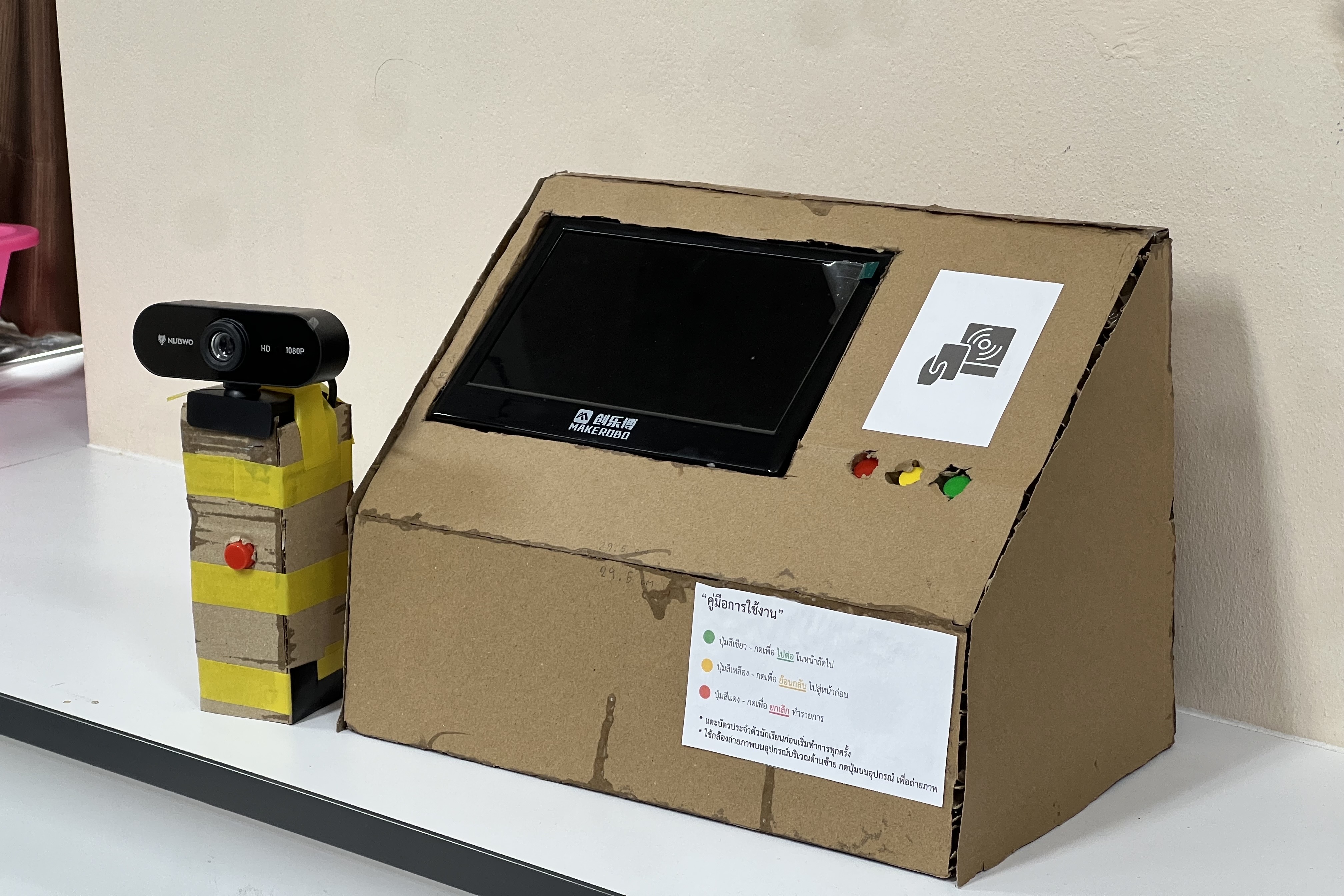
HealTrack AI is a prototype that combines AI, hardware, and a web-based system to support the initial assessment of common wounds in schools.
The system uses a camera to capture an image of a wound, and an AI model classifies several common types of wounds, including:
- Abrasion
- Laceration
- Incision
- Puncture
- Burn
The wounds are also divided into levels 1–3.
It also uses RFID to identify a student and allows users to control the system through physical buttons.
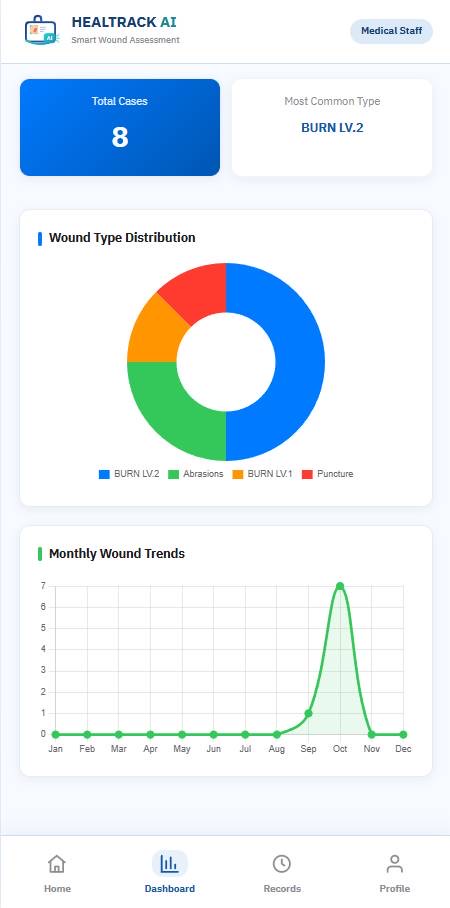
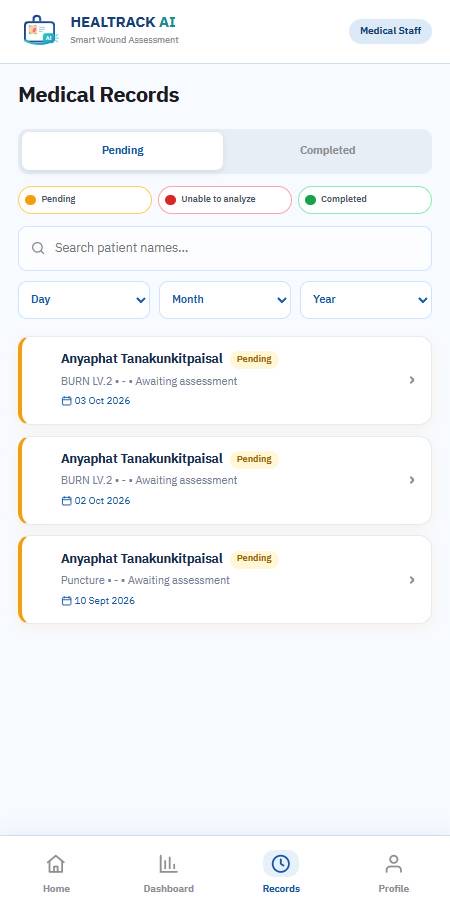
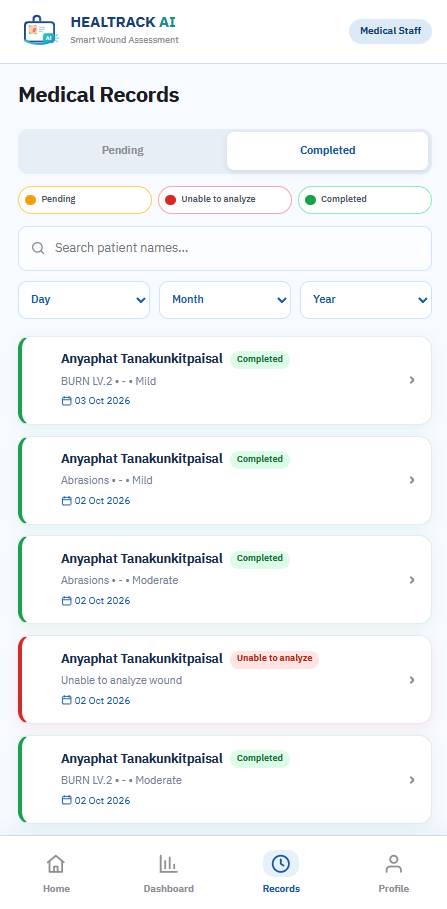
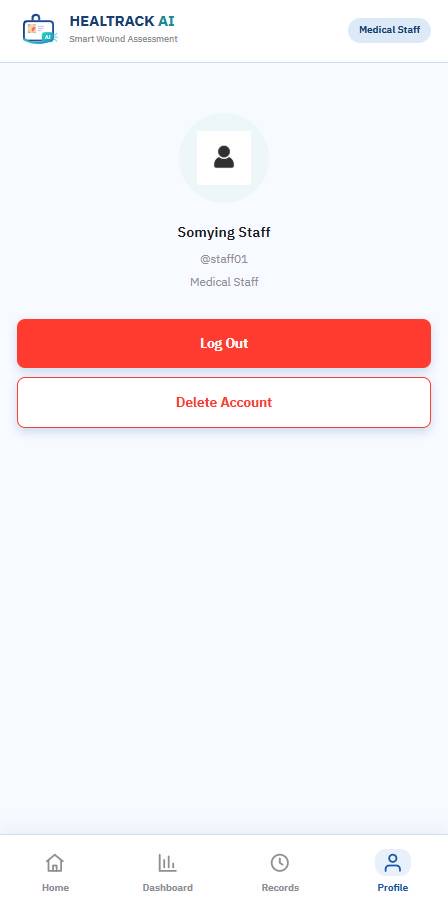
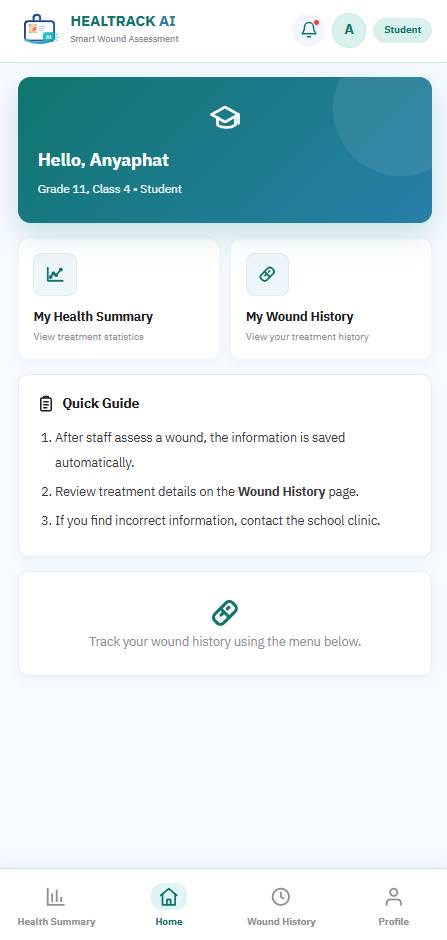
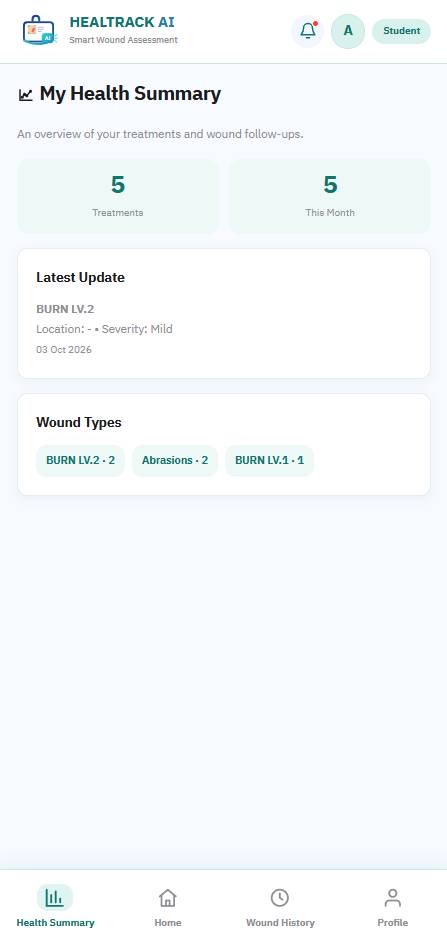
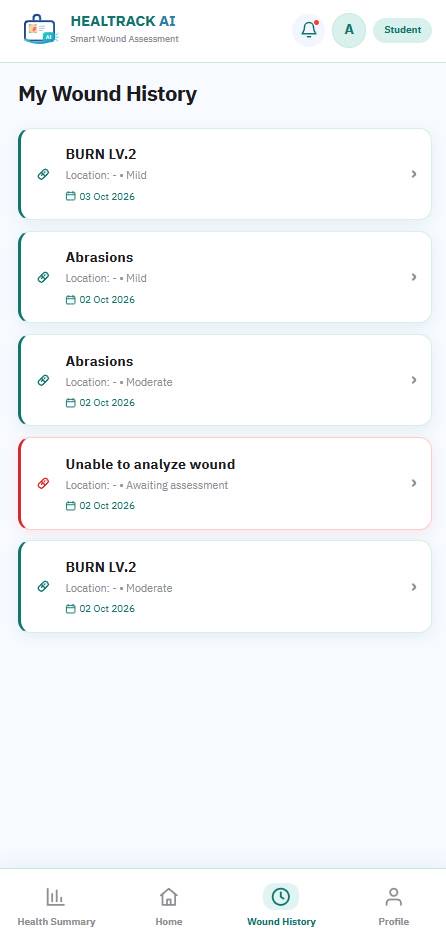
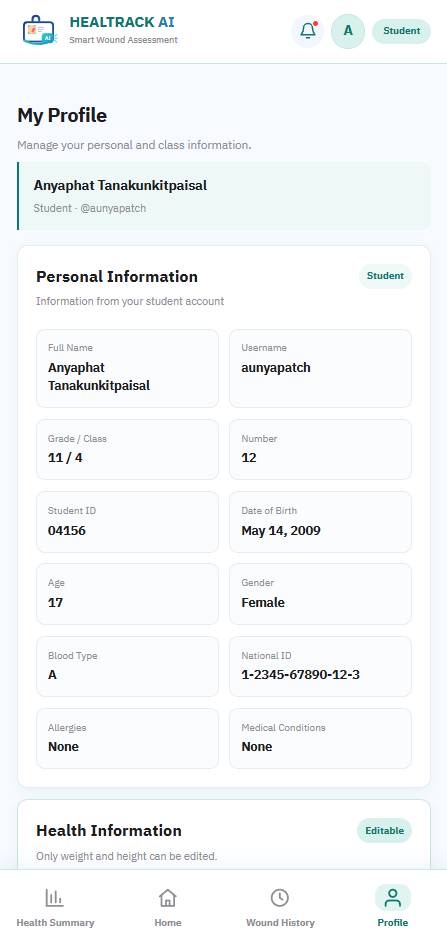
The information and results can then be organized and displayed through the web interface as a wound report.
HealTrack AI is designed as a supporting tool, not a replacement for medical professionals or a medical diagnosis system.
How We Built It
AI
For the AI component, we explored using Vision Transformer (ViT) for image classification.
We prepared wound images and used:
- Image preprocessing
- Data augmentation
- Model training
- Image classification
before evaluating the model’s performance.
Hardware
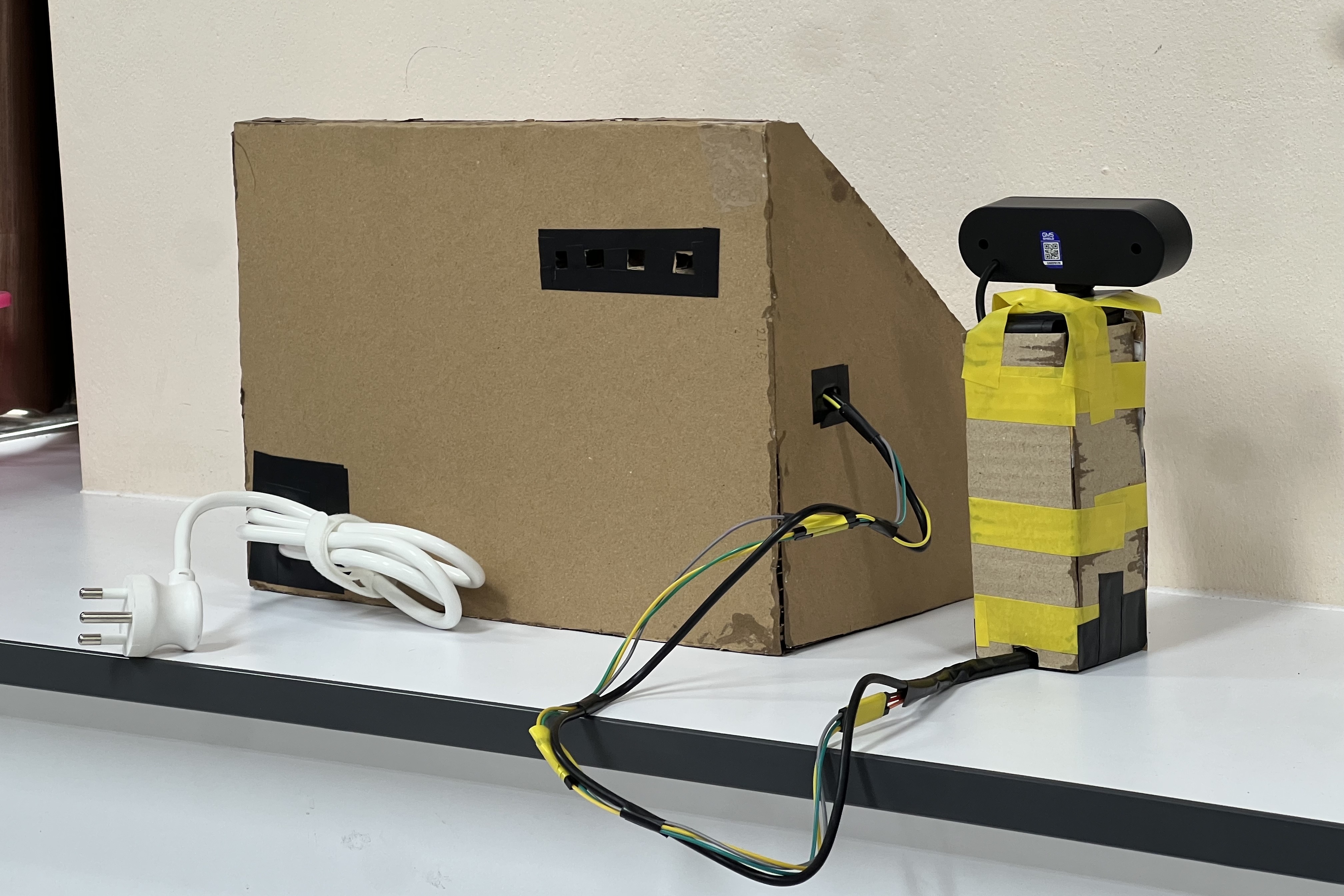
For the hardware, we used:
- Raspberry Pi 5
- ESP32
- Webcam
- Display
- RFID reader
- Physical buttons
The RFID reader is used to identify a student, while the webcam is used to capture an image of the wound.
The ESP32 handles the RFID reader and physical buttons, while the Raspberry Pi 5 works as the main processing and display unit.
Database & Web System
We also used Firebase to store and synchronize system data.
The results can be displayed through the web interface and organized into a wound report for school staff to review.
Challenges We Ran Into
One of our main challenges was connecting all the different parts of the system together.
The AI model, website, Raspberry Pi, ESP32, RFID reader, buttons, and camera all needed to work together instead of functioning separately.
Another challenge was making the system easy enough to use in a school environment.
We had to think about how students and school staff would use the device, from identifying the student and taking a picture to viewing the result.
Since this was our first time combining several different technologies into one project, we had to spend a lot of time learning new tools and solving problems along the way.
Accomplishments That We’re Proud Of
We are proud that we were able to bring different technologies together into one working prototype as a student team.
Instead of developing only an AI model or only a website, we combined:
- AI
- Hardware
- Web-based system
into one project.
We also designed the system around a problem that we could actually observe in our school environment.
Most importantly, we learned how to take an idea from a classroom assignment and turn it into a technology prototype that we could demonstrate and continue improving.
What We Learned
This project taught us how different parts work together to create a complete system, including:
- AI
- Electronics
- Web development
- Databases
- User interaction
We also learned more about image classification and how the quality and variety of training data can affect the results.
Since this was a group project, we learned how to:
- Divide the work
- Communicate with each other when we encountered problems
- Combine everyone’s work into one system
- Solve technical problems as a team
What’s Next for HealTrack AI
We want to continue improving HealTrack AI by making the AI model more reliable and improving the overall user experience.
We also want to improve the wound reporting system so that the information is easier for school staff to review and manage over time.
In the future, we hope to:
- Test the system with more users
- Use more diverse wound images
- Improve the AI model
- Improve the hardware
- Improve the web system
- Improve the overall integration between the hardware, software, and AI
We hope to continue developing HealTrack AI into a more reliable and practical supporting tool for school environments.
Website Demo Login
These accounts are demo accounts created specifically for testing and demonstrating the HealTrack AI prototype.
Medical Staff
Username: staff01
Password: staff123
Student
Username: aunyapatch
Password: Aa123456
Built With
- apis
- arduinoide
- esp
- firebase
- hardware
- machine-learning
- medical
- raspberry-pi
- report
- rfid
- school
- software
- vit
- vscode
- wounds


Log in or sign up for Devpost to join the conversation.