Track
We are submitting our project to the health track.
Inspiration
Preventing physician burnout: Two-thirds of clinicians report intensified burnout during the pandemic due to fear of spreading COVID to family, guilt when they are unable to save patients, and physical exhaustion from stress and sleep deprivation. We wanted to help our COVID-warriors take care of themselves while they carry out their notable responsibilities and duties during this grave pandemic.
What it does
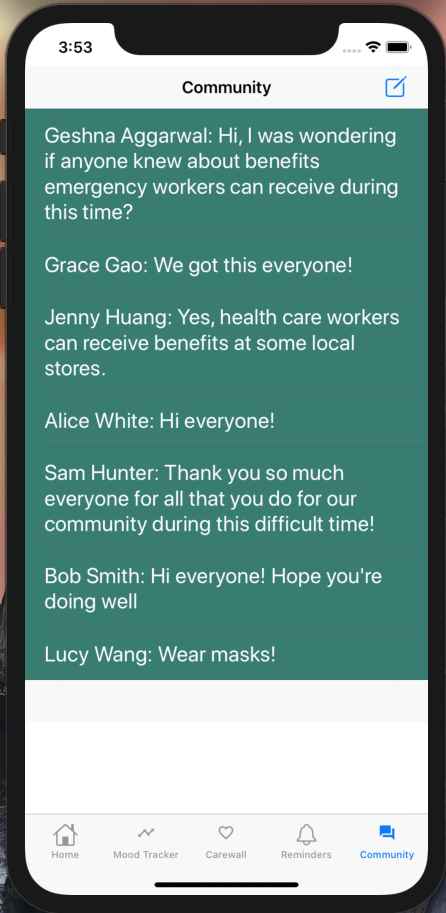
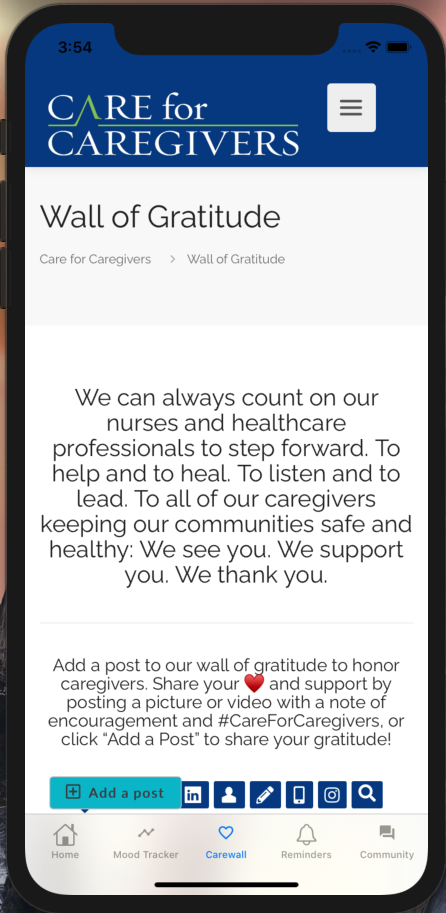
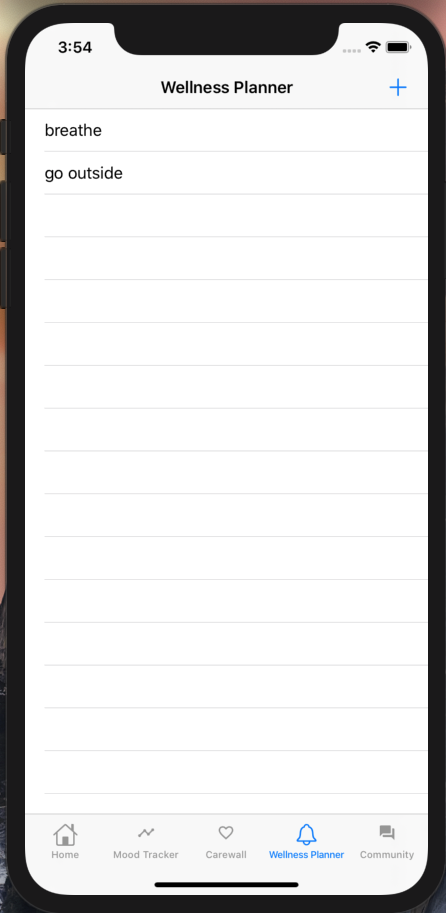
Our app contains features that helps physicians plan and track their well-being to manage stress in the hospital. These features include a wellness planner, mood/progress tracker, and a community forum to allow for physicians to find comfort in meeting other physicians with similar experiences. Additionally, we also have a carewall with kind messages to remind physicians that they are appreciated and supported during this difficult time.
How we built it
We built our iOS app in XCode using Swift. Additionally, we used Firebase for user authentication when signing in and Cloud Firestore to store backend data. We connected Firestore to a table view controller that displays users’ posts in a forum style to allow them to have a sense of community.
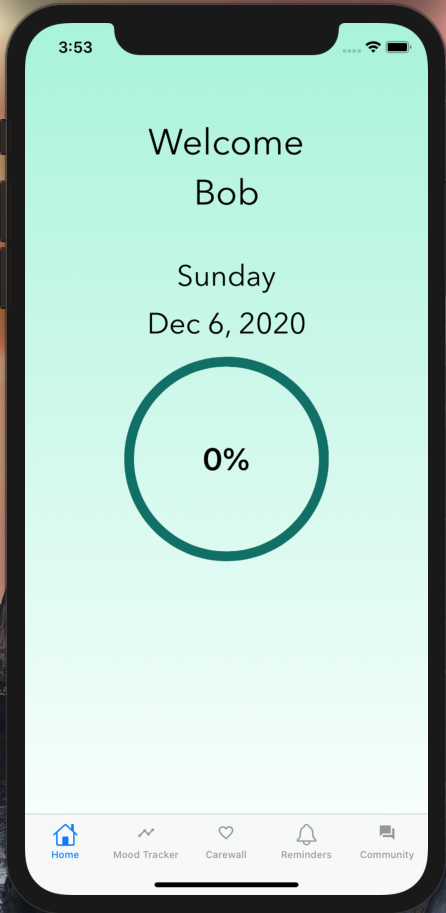
The main feature of our app is to emphasize self-awareness of a user’s mental health over time. To encourage the user to record their mental wellness each day, we created a heart on the main interface that fills up incrementally each time the user records their mood. We also created a mood log so the user can track their moods over time. In order to create the mood log to track a user’s daily moods, we integrated SwiftUI with existing UIKit views to create a bar plot which can take in data. The bar plot is able to toggle between three different weeks that the user selects.
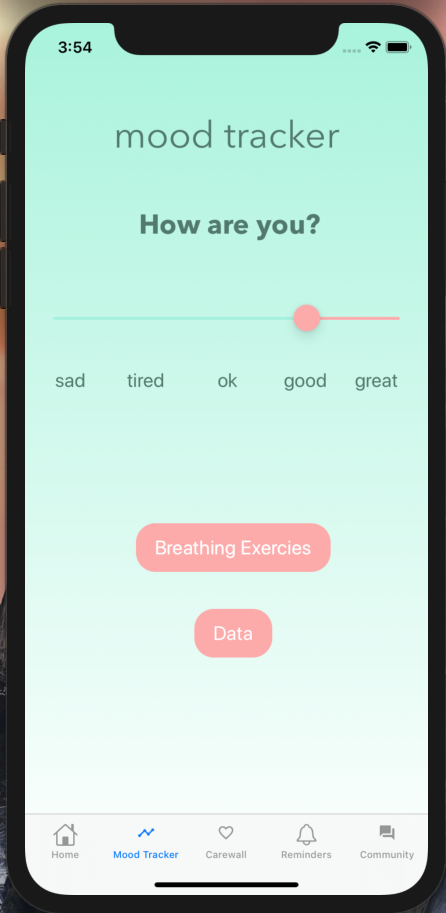
The mood tracker page was built using built in tools from XCode such as a slider, label, and button. Once these tools were added to our storyboard, we used Swift to enhance the component’s design and to improve the user interface.
The wellness planner/habits tab of the app was created using built in features in Xcode for each three distinct view controller screens such as table view, tables cells, text field, text view, and button. Similar to the mood tracker page, we used the appropriate UI libraries in Swift 5.0 to initialize objects, enhance user interface, and have some basic components of data management.
Challenges we ran into
The first challenge we ran into was that because many of us were new to iOS development, we had to quickly learn the basics of XCode, Swift and Firebase. We ran into multiple difficult merge conflicts with the XCode storyboard that required thorough communication and research about git on each team member’s part.
Accomplishments that we're proud of
For almost all of us this was our first time using XCode so we are proud of ourselves for figuring out how to code in this new environment and build an app in just one weekend! Additionally, we are proud of being able to work together so efficiently in a remote environment even with some of us being novice hackers.
What we learned
We learned how to have an organized Git workflow using github issues and work efficiently while remote. We also learned how to use Git version control to work simultaneously, especially on documents with frequent merge conflicts like the XCode storyboard. Additionally, we learned how to code in Swift and use XCode, as well as connect our iOS app to Firebase in order to have secure user authentication and a backend database for forum posts.
What's next for Healthy MinD
We wish to have more time exploring a delete functionality of reminders along with saving user input of notes. Additionally, we would like to improve the community forum feature to make it more user friendly and allow users to reply to other people’s posts to make it more collaborative.

Log in or sign up for Devpost to join the conversation.