-
-
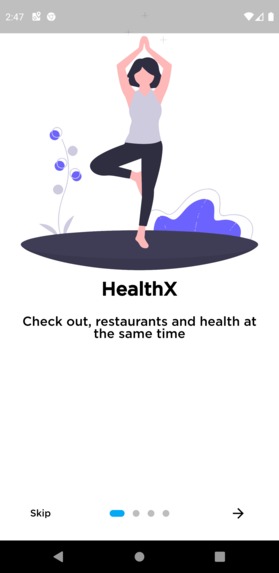
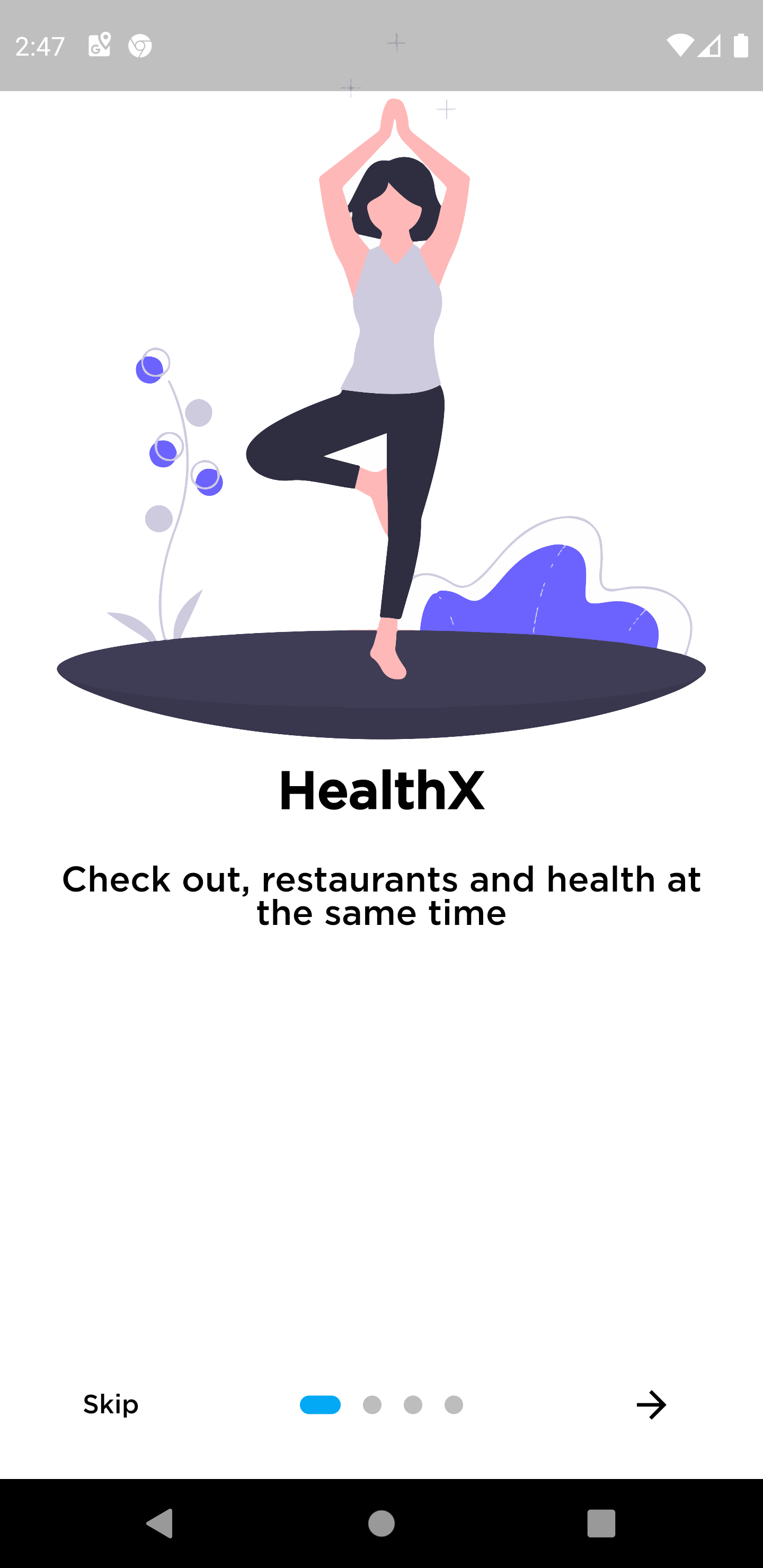
Load Screen
-
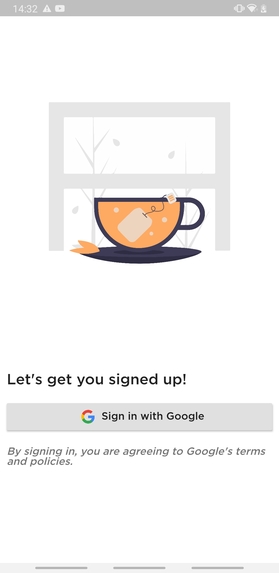
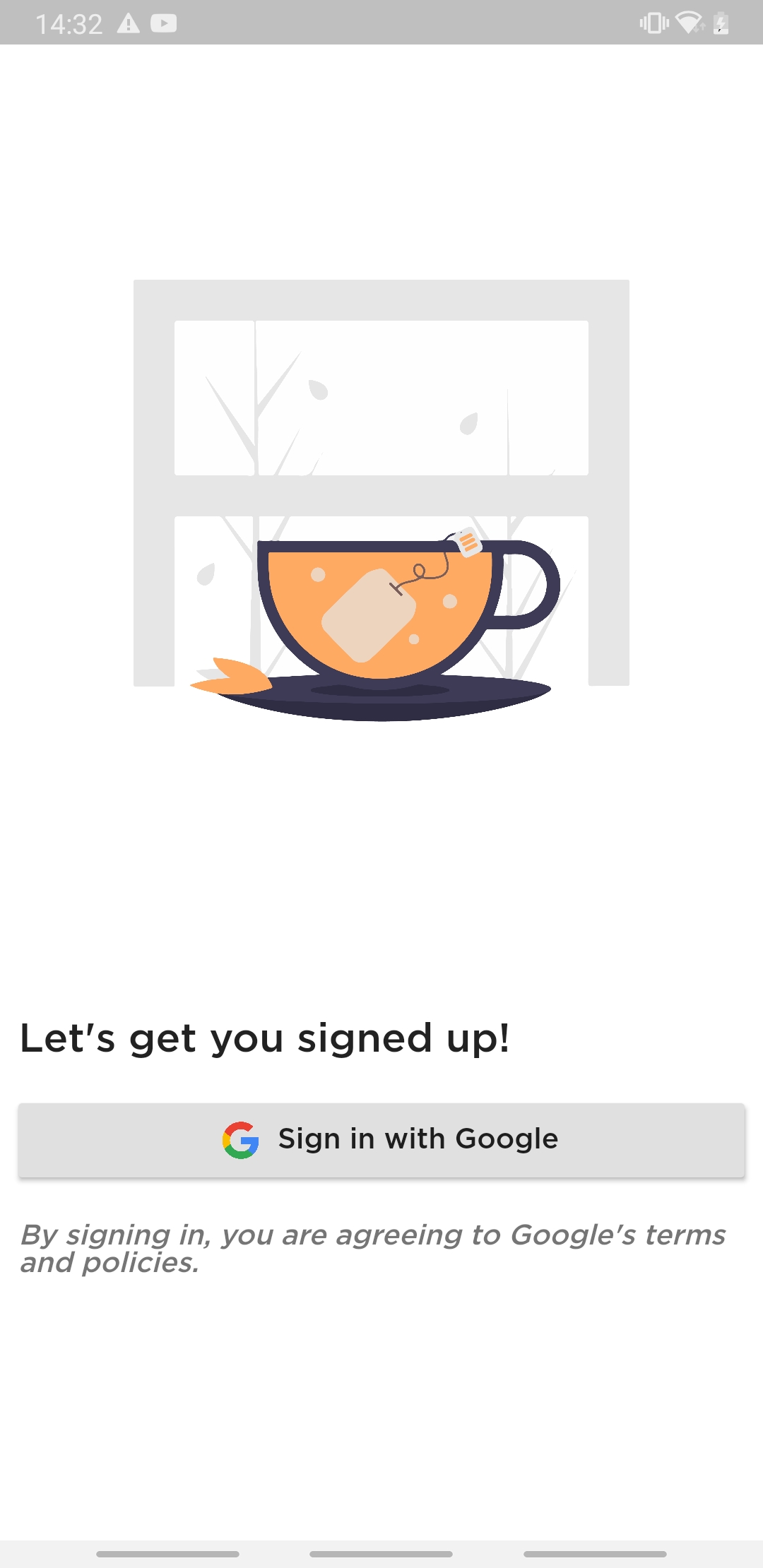
Sign-in screen
-
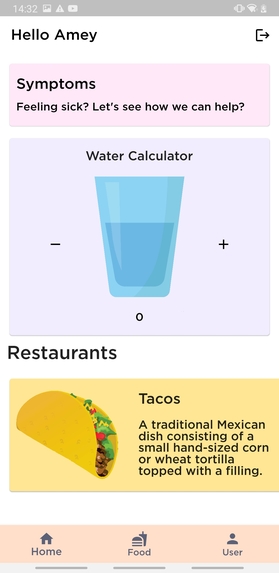
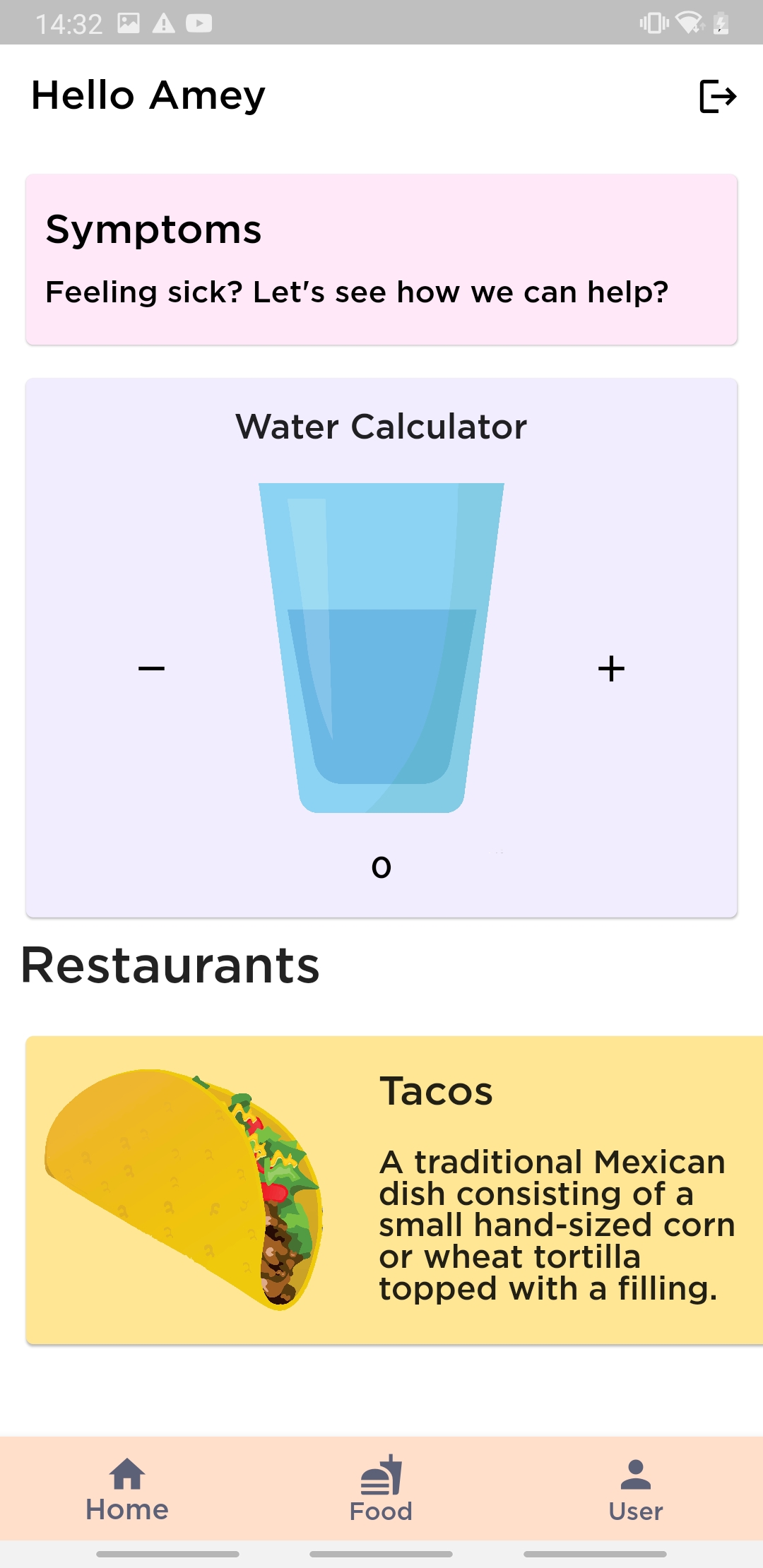
Home Page
-
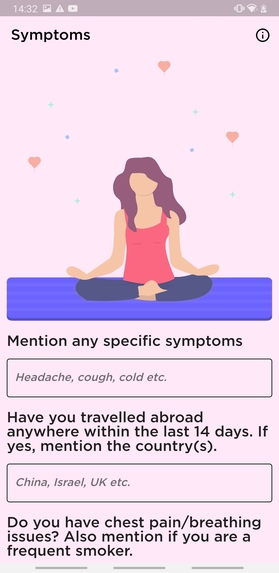
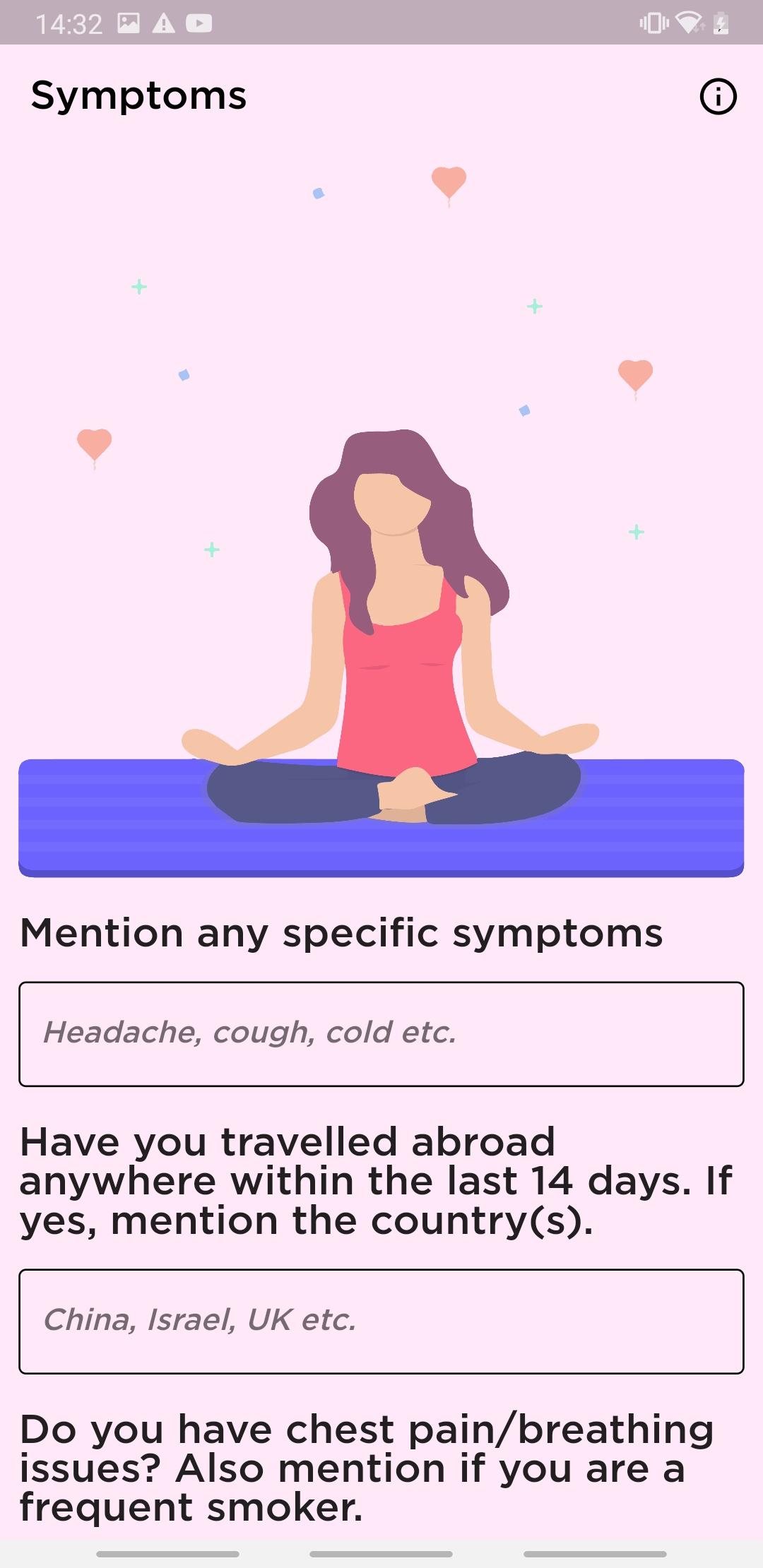
Symptoms
-
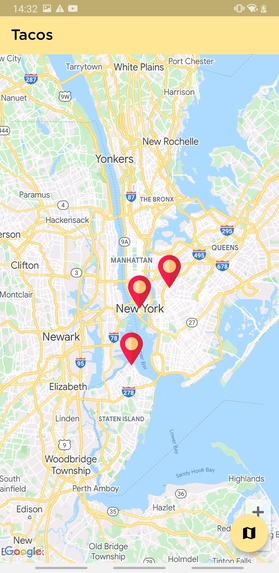
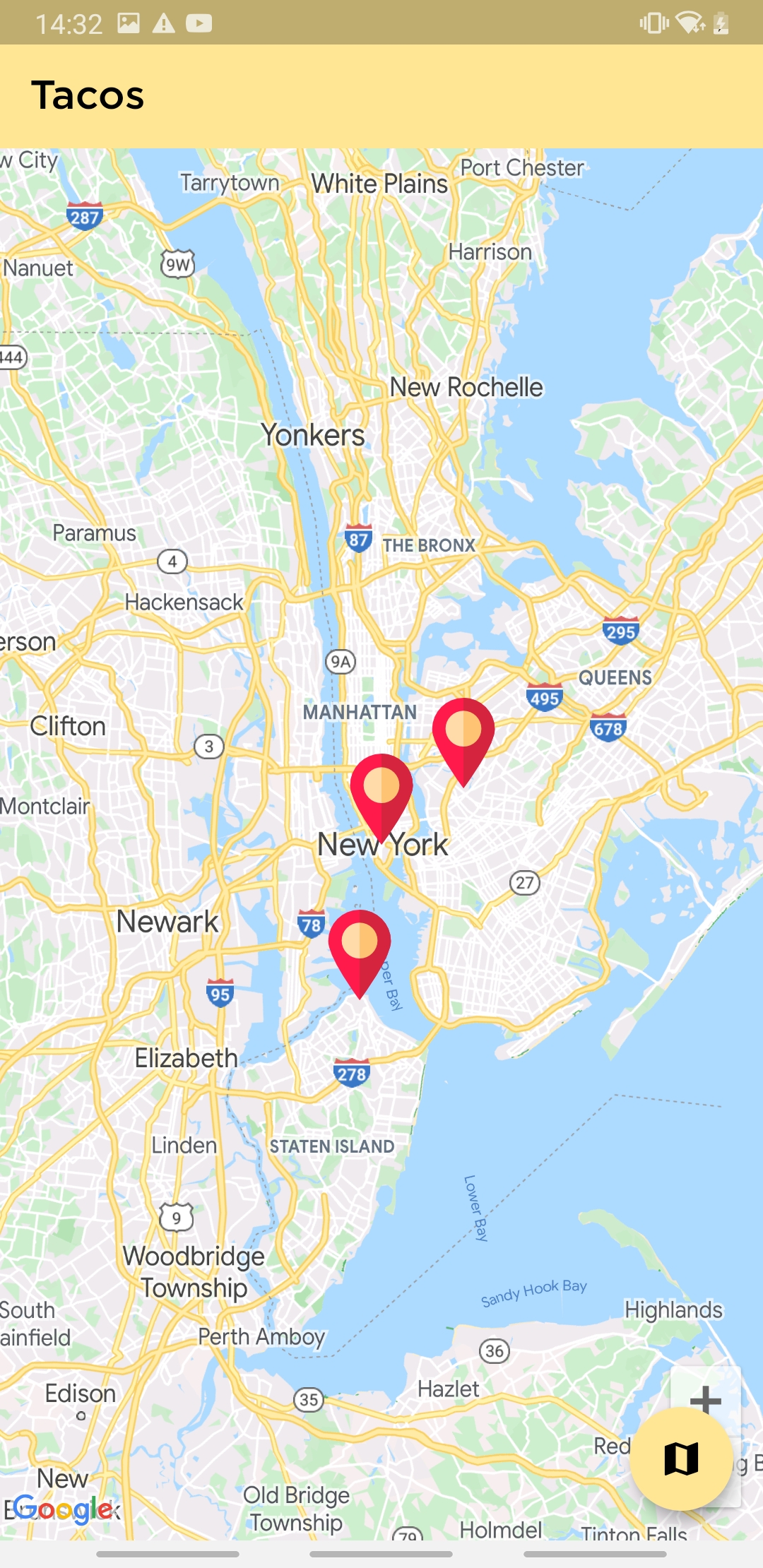
Tacos
-
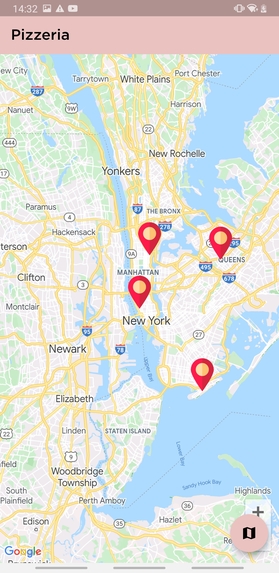
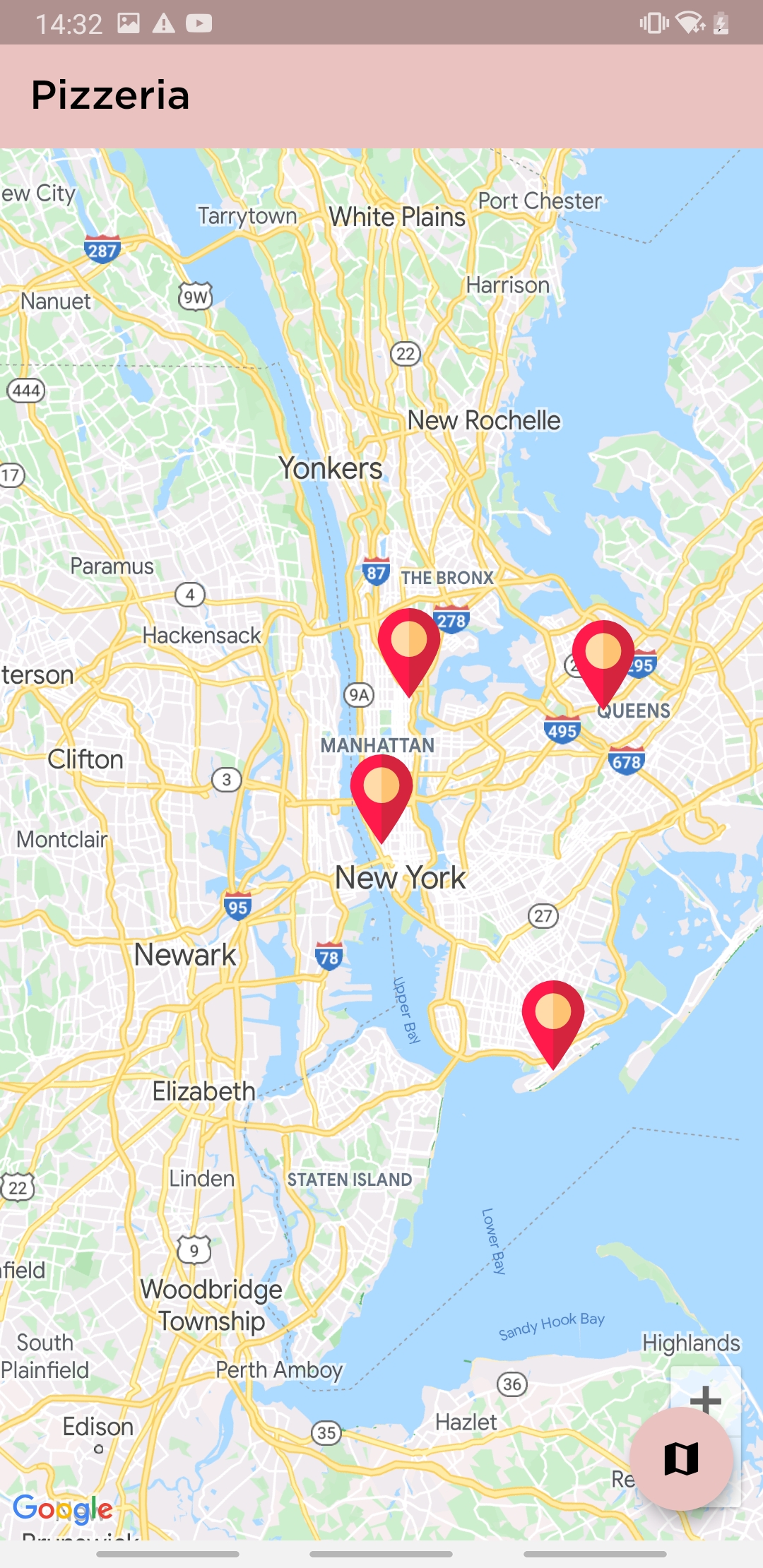
Pizzeria
-
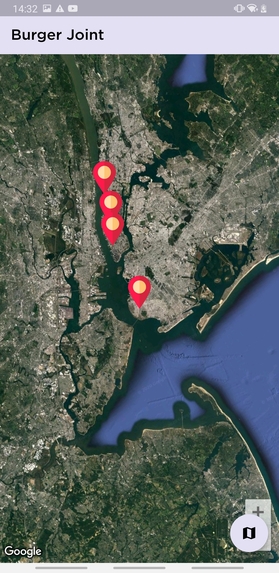
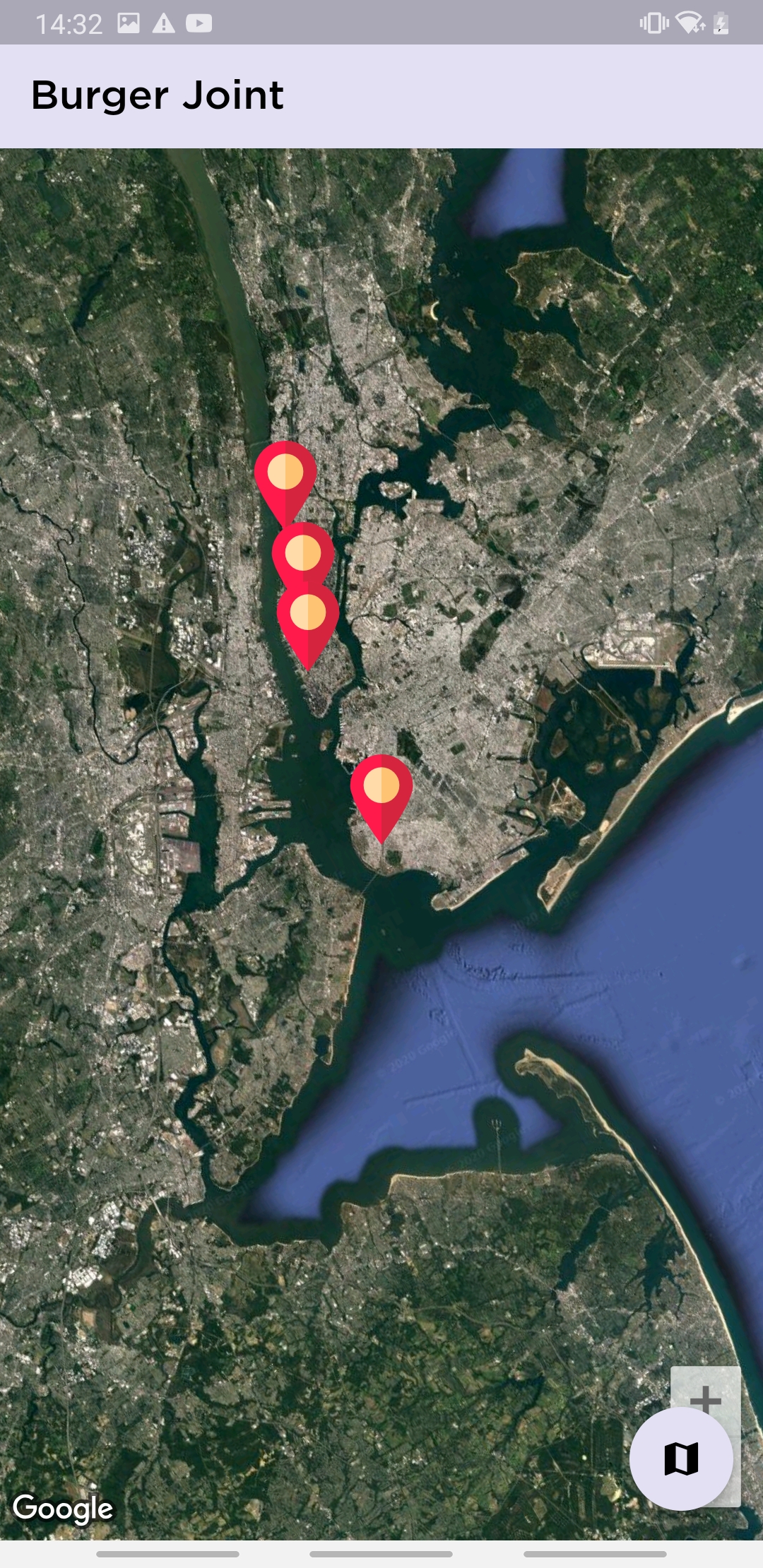
Ice Cream Parlor(Satellite mode)
-
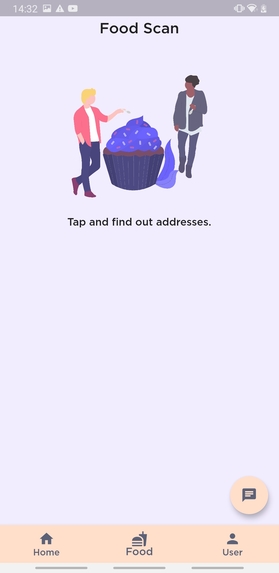
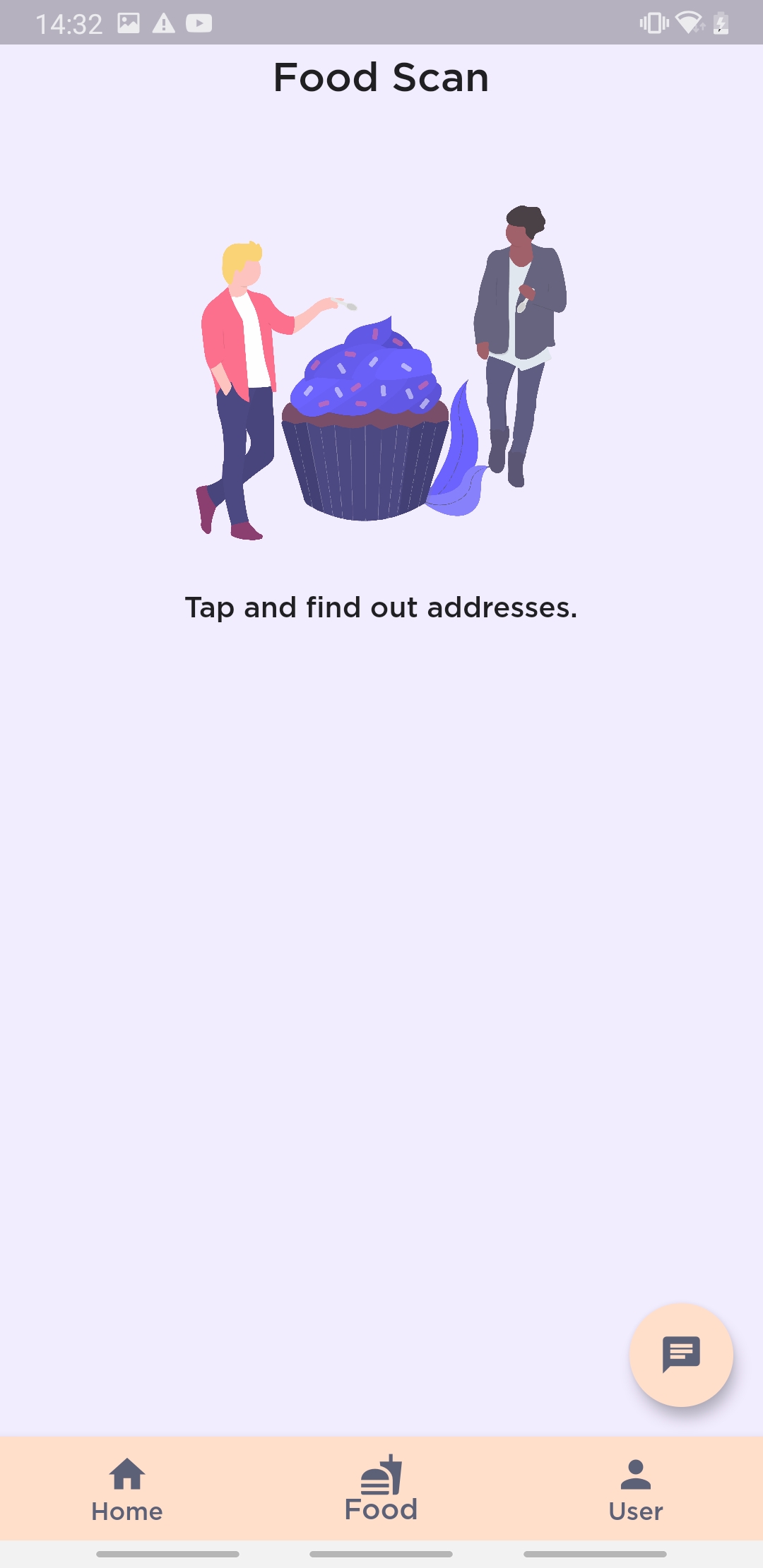
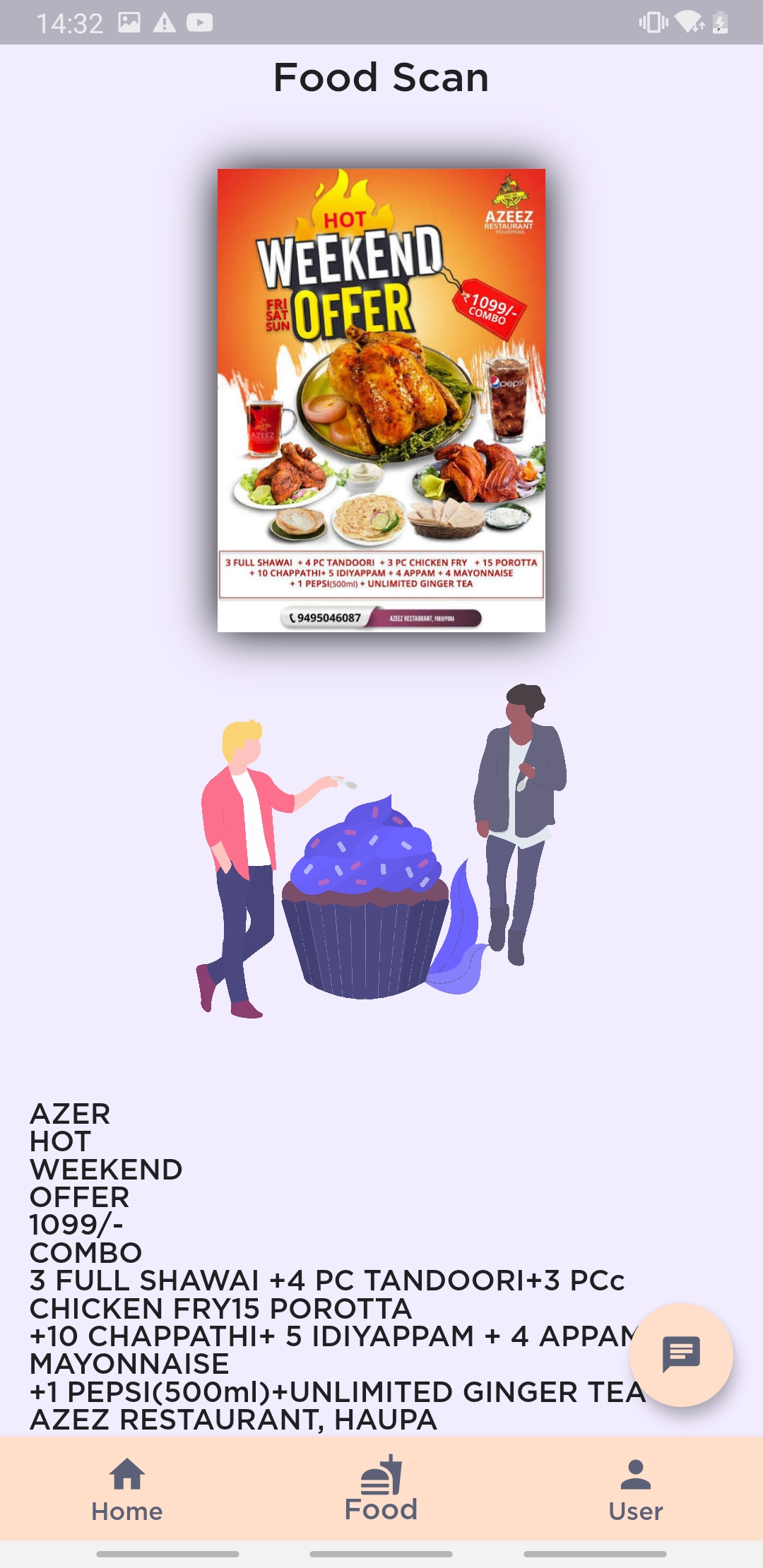
Add Images for text extraction
-
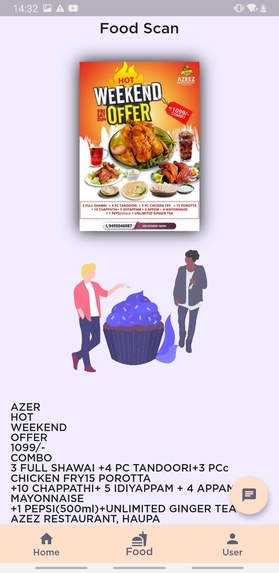
Text extracted from image, Firebase ML Vision
-
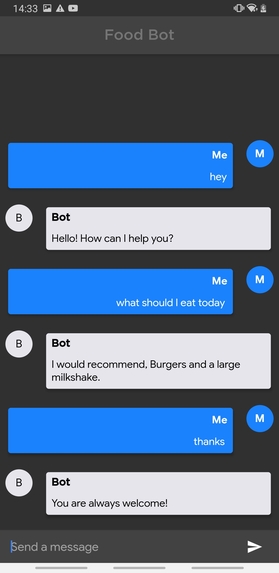
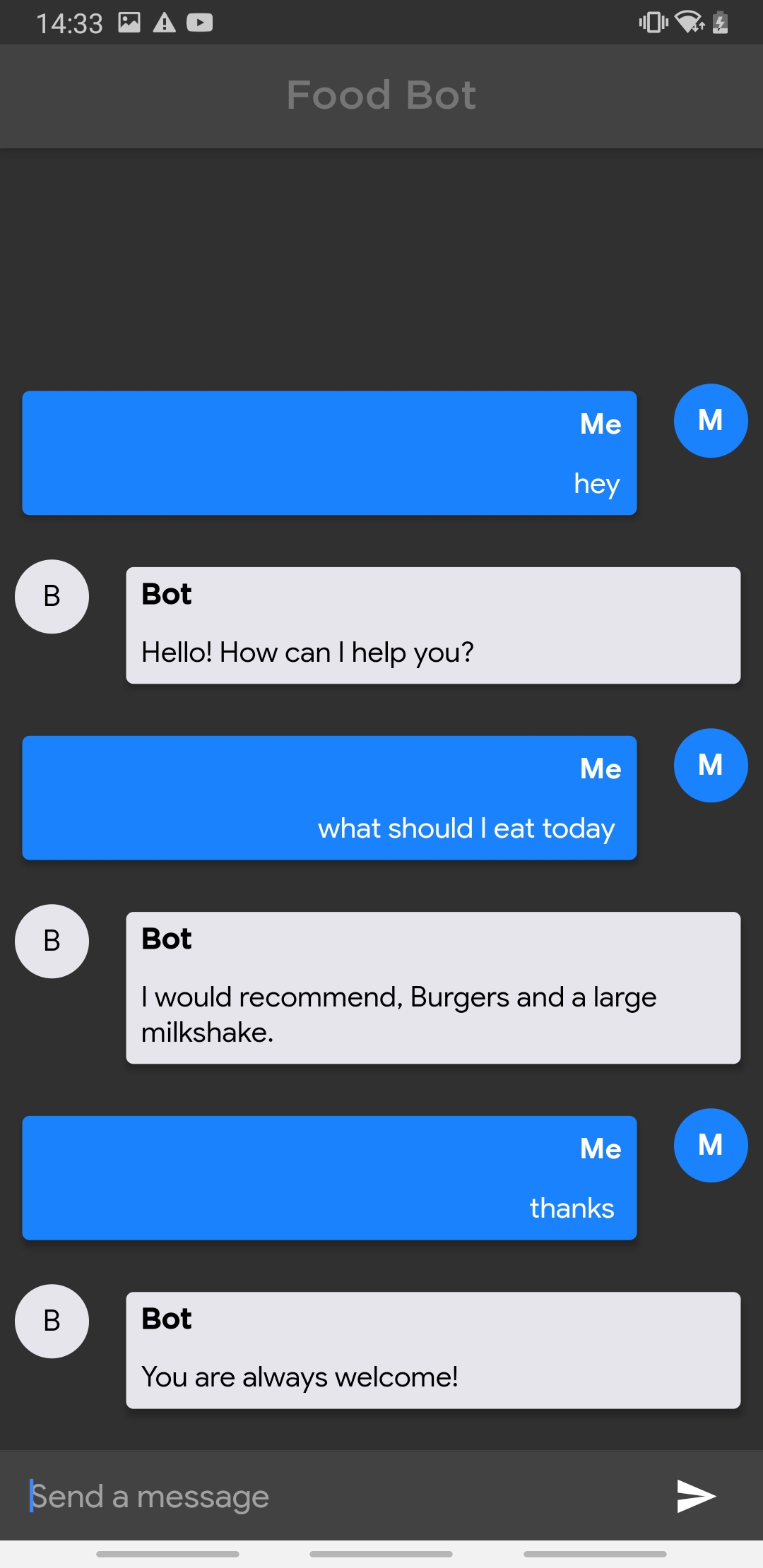
Chatbot(Dialog Flow)
-
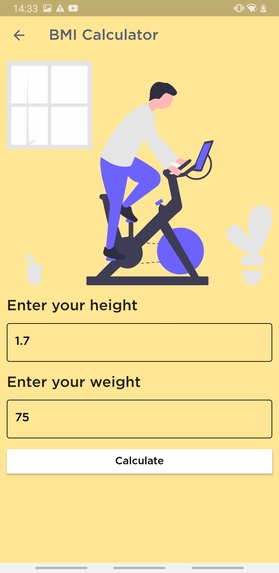
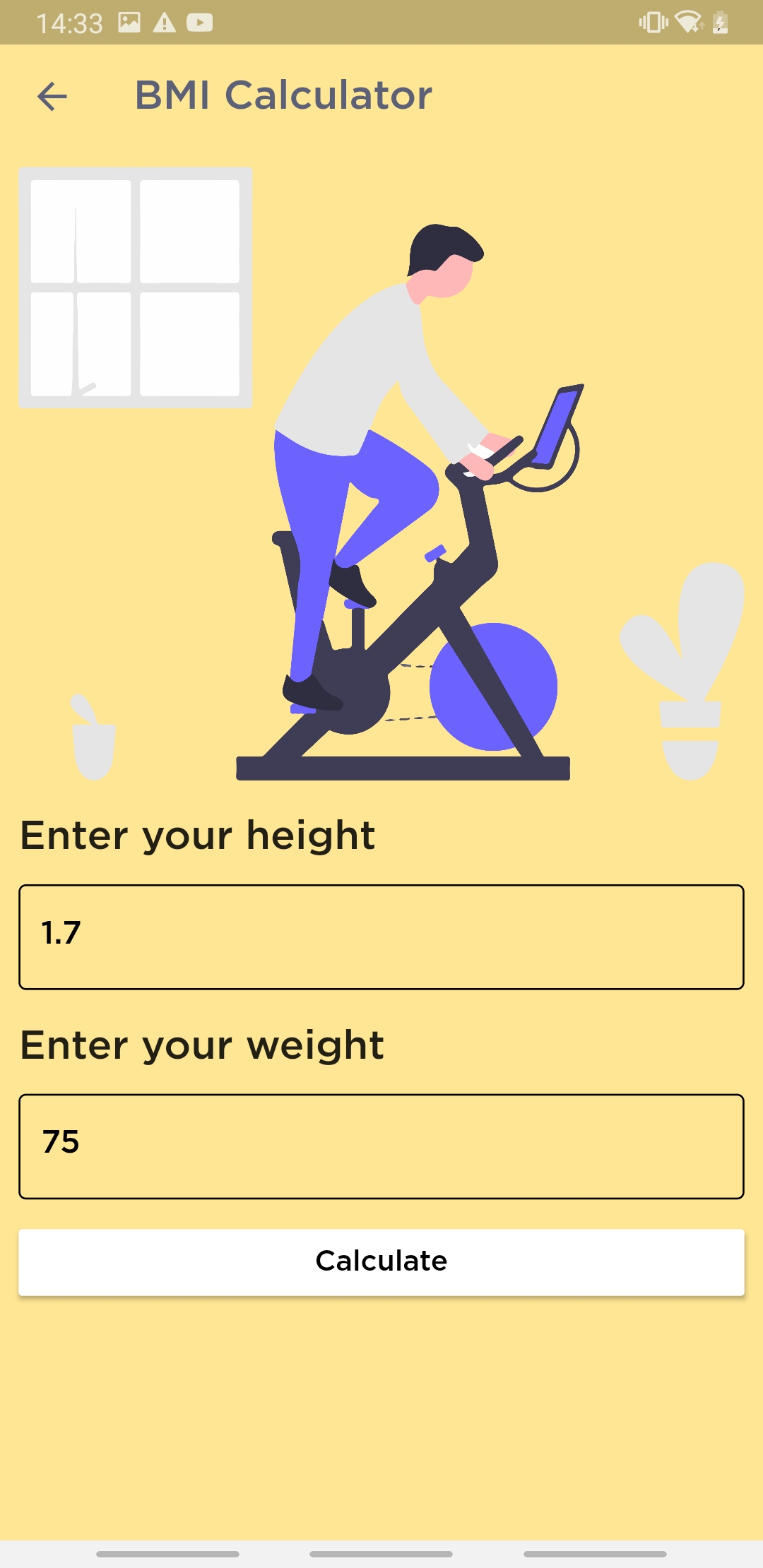
BMI
-
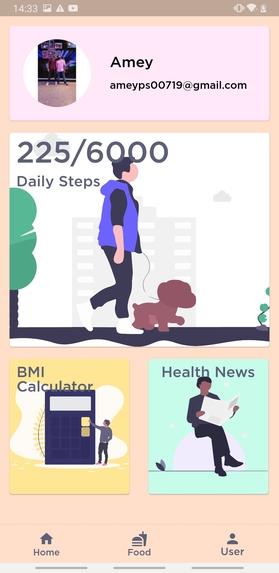
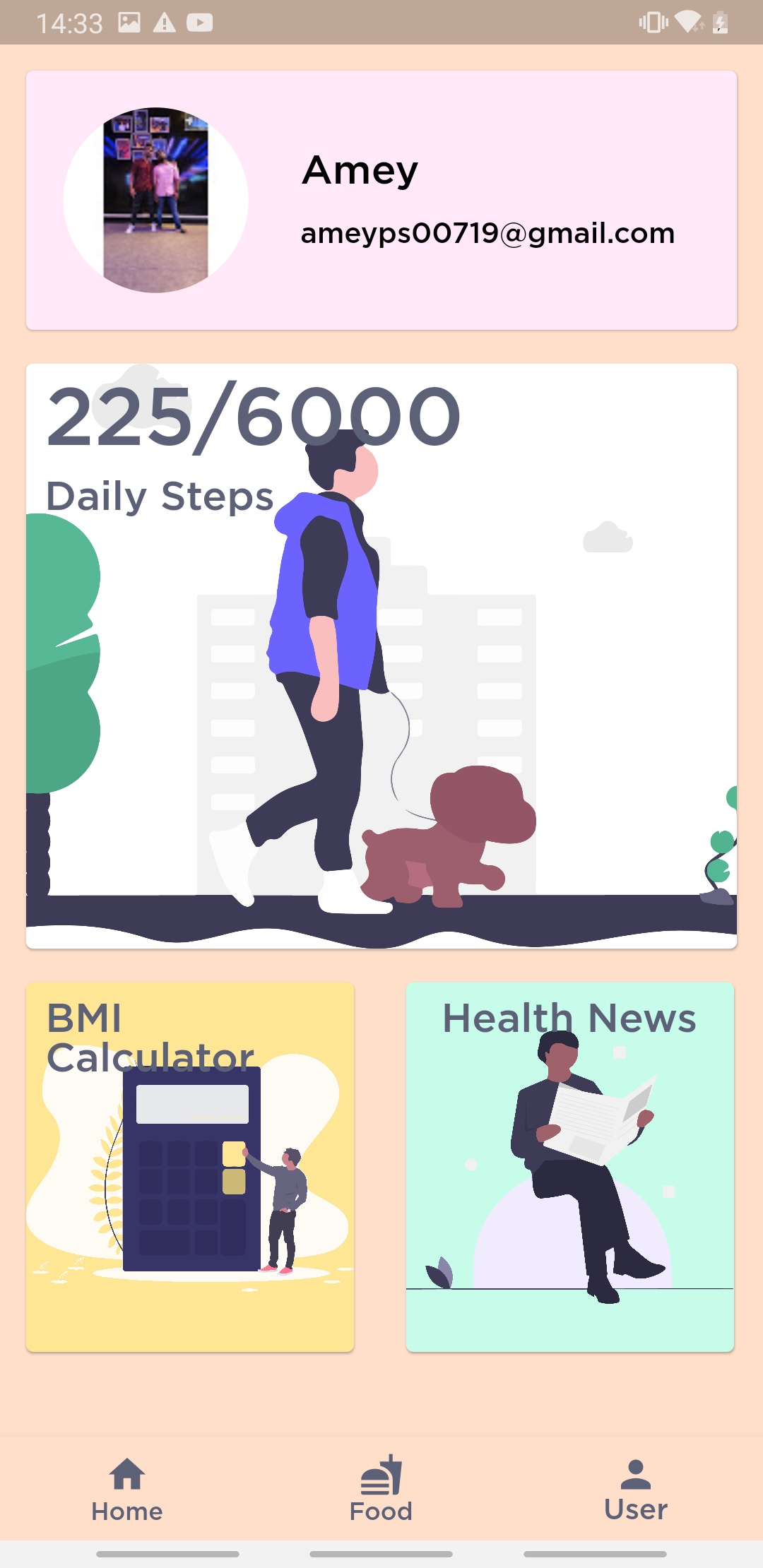
Pedometer and User Screen
Inspiration
I was mainly inspired by the theme of food, and why not a health and a food app together so that you can monitor your health and give you little cheat days. Obesity is a growing concern and maybe its high time, we help reduce this by cutting fats and carbs. Also, at times, when we see a flyer of a food place, we tend to skip it and maybe regret it later because of its FOOD, and we are humans. So, the app also helps you get a text from images so that you can find its address easily.
What it does
The app allows users to add symptoms if they have any, and on submitting it, the data gets saved so that hospitals can have a look and bring in assistance if necessary. Users can also add on glasses of water they have taken so, that they would know if they need to take more or less, however, the more you drink, it's better for the health. Users can also check out restaurants near their location under categories like Taquerias and Pizzerias so that there is less confusion about ending up at the right food place. The app also helps you get a text from images so that you can find its address easily, especially from banners and restaurant adverts. Users can also retrieve text from any image. It also has a chatbot which helps weary mood users give out recommendations for foods and various other things. The app also has a pedometer that helps track steps of users and a BMI calculator to give out your BMI, and motivate you to increase/decrease it. It also has a health news section to give you live news from BBC Health.
How I built it
The app is made with Firebase for the back-end and Flutter for the front-end. Google Maps SDK has been used for the map feature and Google Sign-in for secure and easy, hassle-free login. With Google Maps, I can change the Map type to Satellite or Normal according to the user preference, set markers on the map indicating the location of restaurants. With Firebase, all data- adding, deleting, and updating is done quickly and also Firebase and Google Sign-in together provide, the current user's information such as profile pic, email, and name. Google Sign-in alone is used to signing into the app, hence the user doesn't have to first sign up and then sign in, it all happens in one single tap. Dialog Flow has been used for the creation of chatbot and integration of DialogFlow with Flutter makes it more seamless for the users. Firebase ML Vision is used to retrieve text from images. The local device pedometer sensor has been triggered to monitor step count and doesn't work on the emulator due to the absence of a pedometer.
Challenges I ran into
Few app crashes, using Firebase for Flutter sounds easy but I had tons of errors and this might have slowed me down a lot and I had to spend 6-8 hours figuring and fixing Firebase issues, but I'm happy and proud that I fixed all errors on my own and got to learn a lot about it.
Accomplishments that I'm proud of
Fixing errors with Firebase is one of the biggest accomplishments, I'm proud of. Integrating so much Google Cloud Platform tools: Firebase(Firestore), Google Maps SDK, Dialog Flow, and Firebase ML Toolkit is something I never thought, I would accomplish.
What I learned
Time management and bug fixing. These two play a major role in my hack as they both go side by side, and I am really happy to have learned more about GCP tools and its seamless integration
What's next for HealthX?
Integration with Siri and Google Assitant, live translation on the extracted text from images and Sign-in with Apple for iOS devices.
Built With
- dart
- kotlin
- objective-c
- swift



Log in or sign up for Devpost to join the conversation.