-
-

Our Web APP Logo.
-
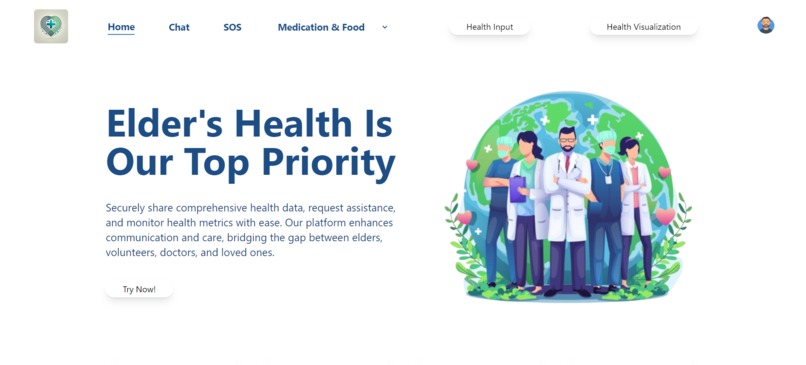
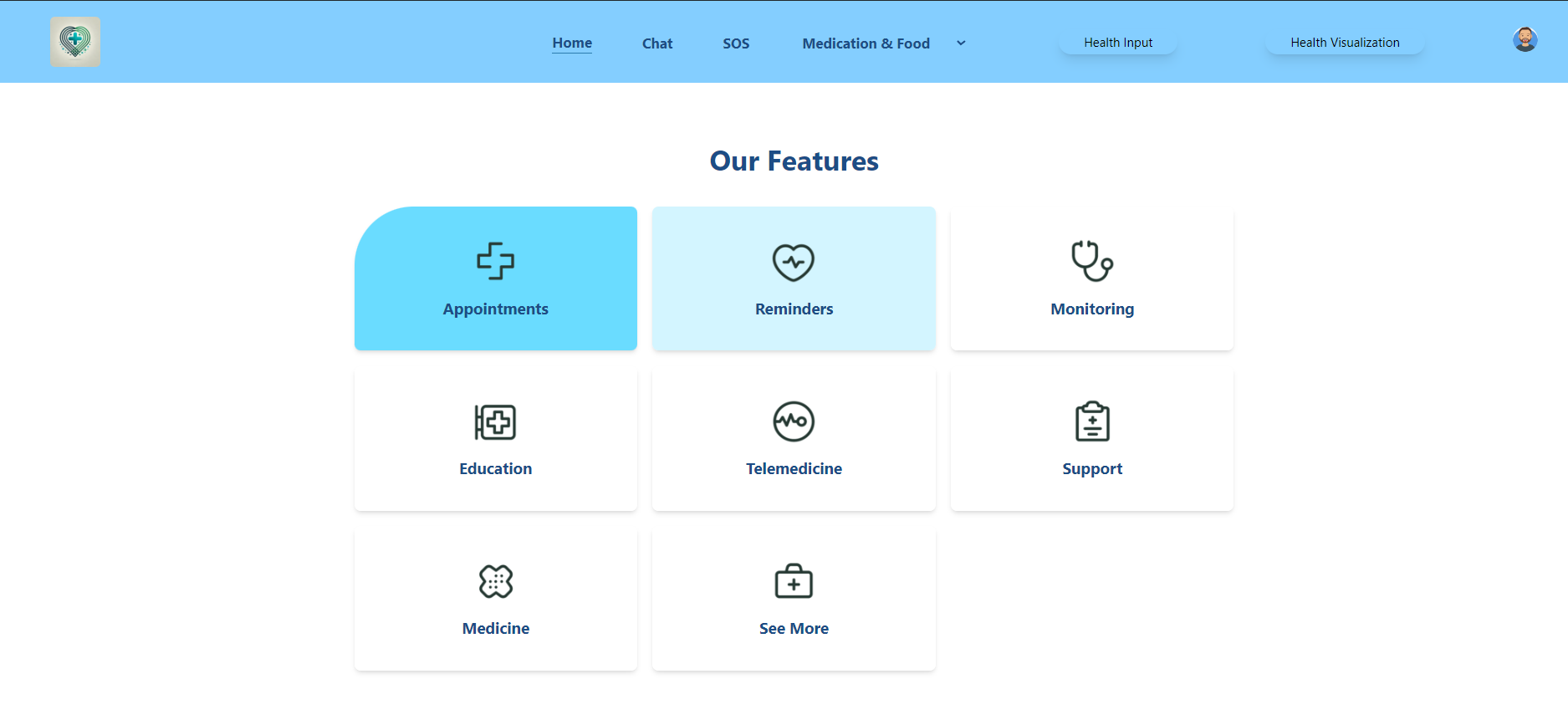
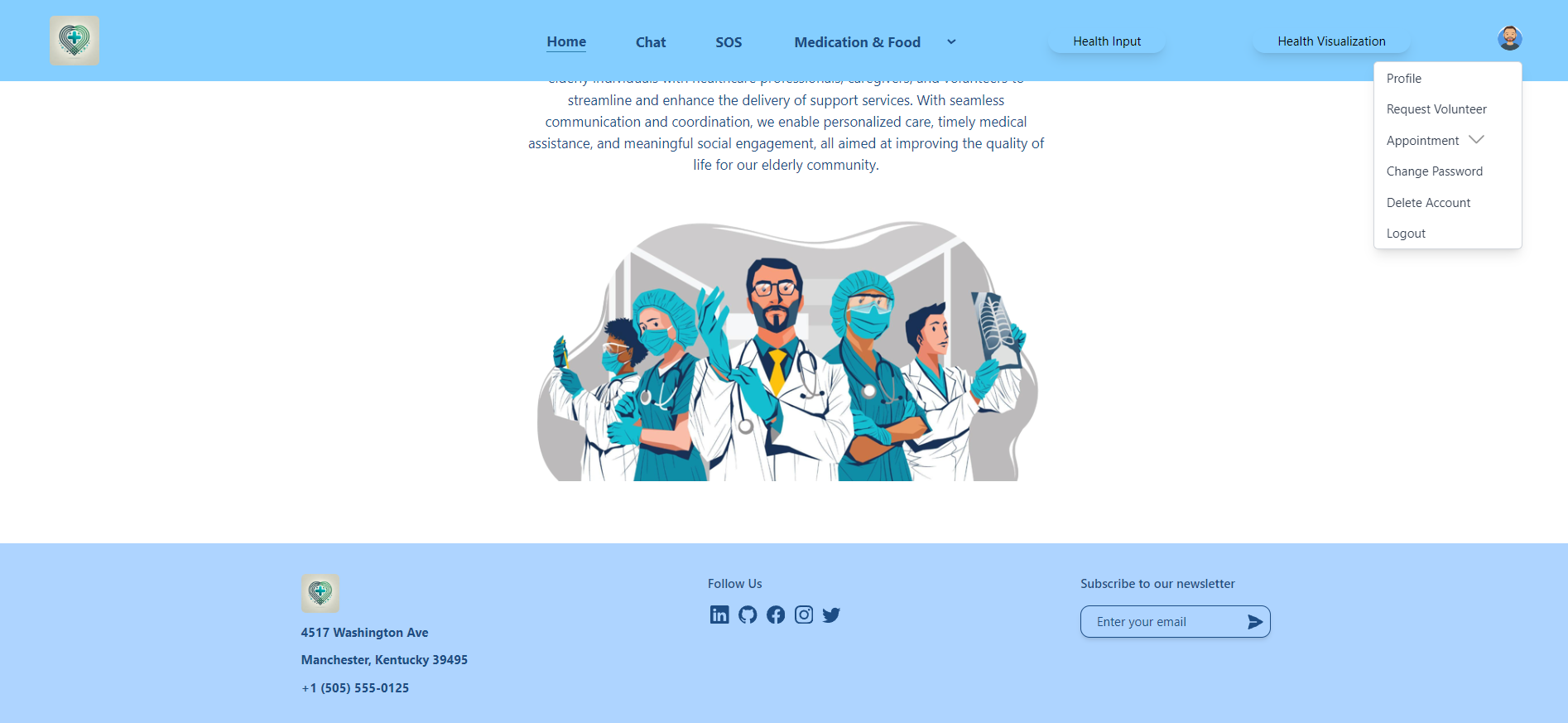
Home page
-
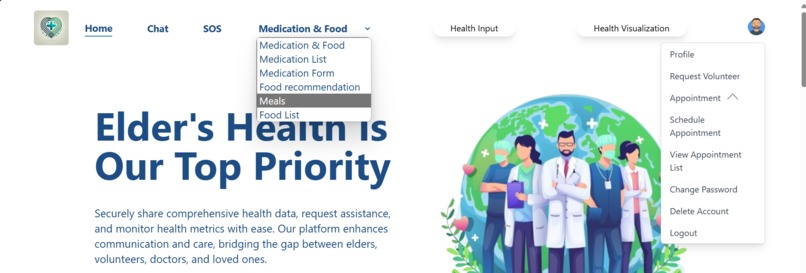
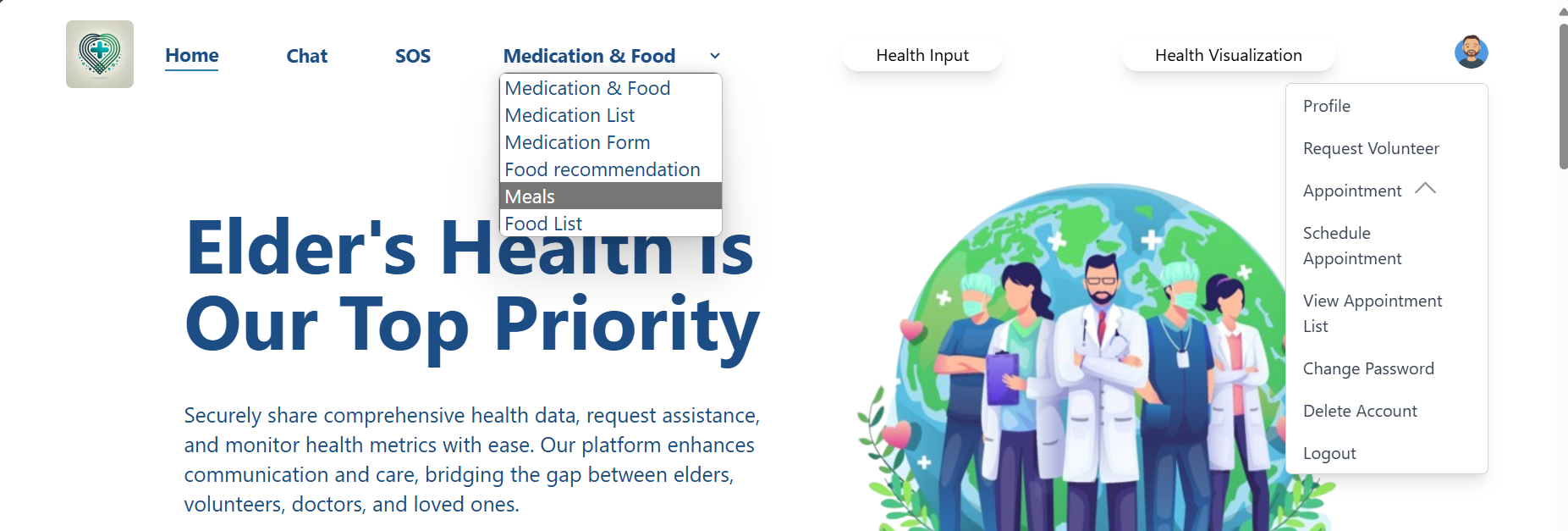
Drop-down for features.
-
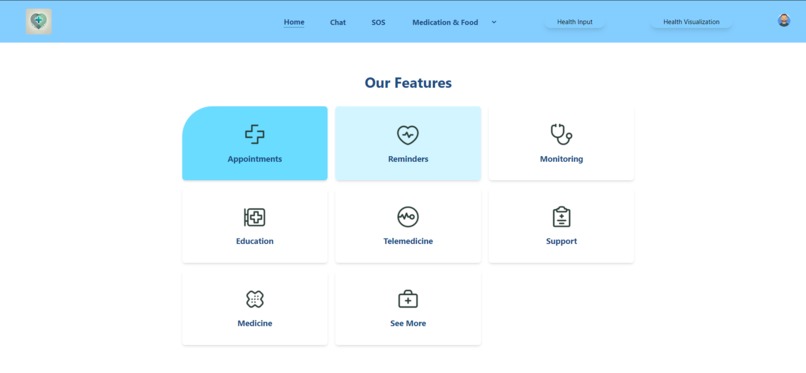
Home page
-
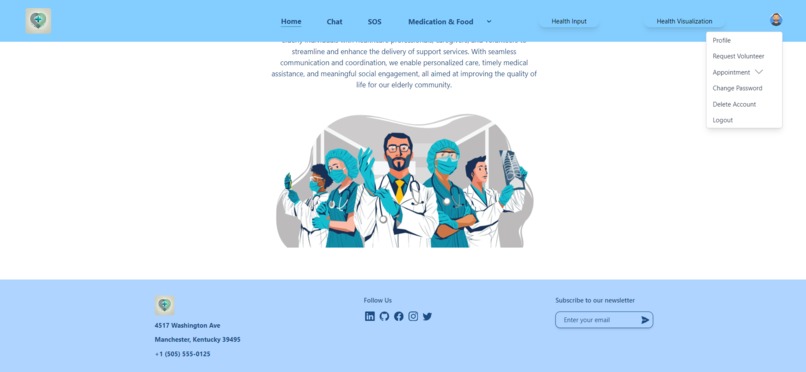
Home page
-
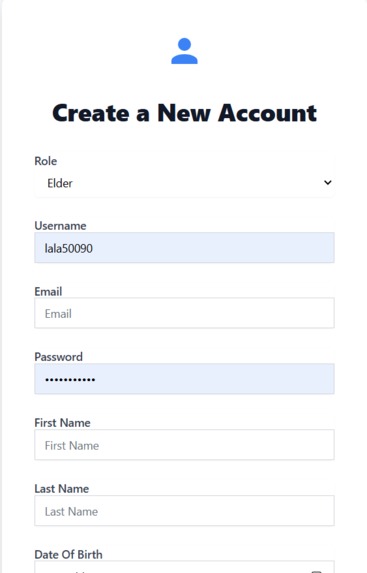
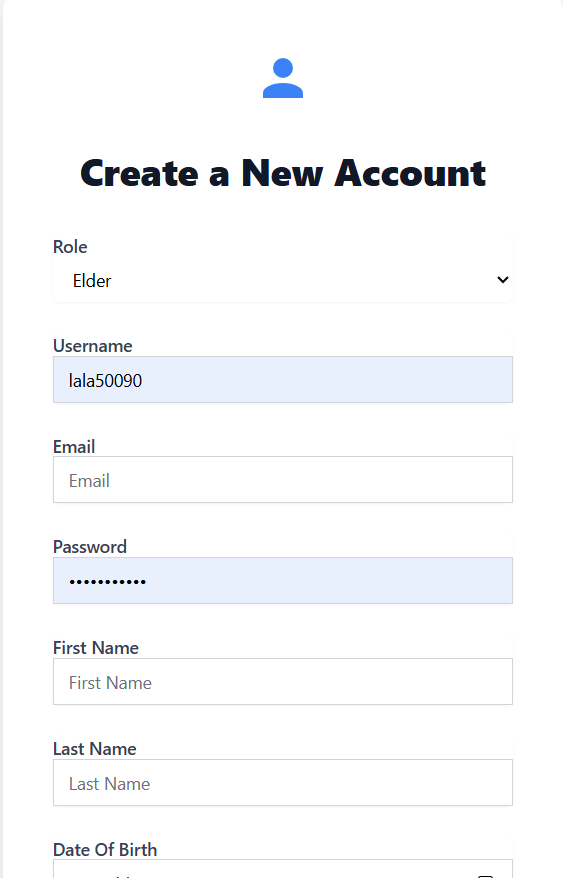
Registration page for User.
-
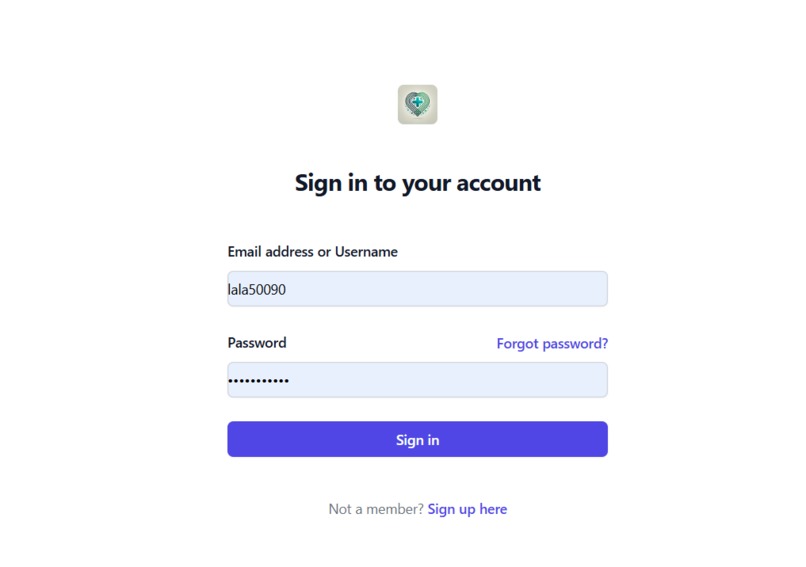
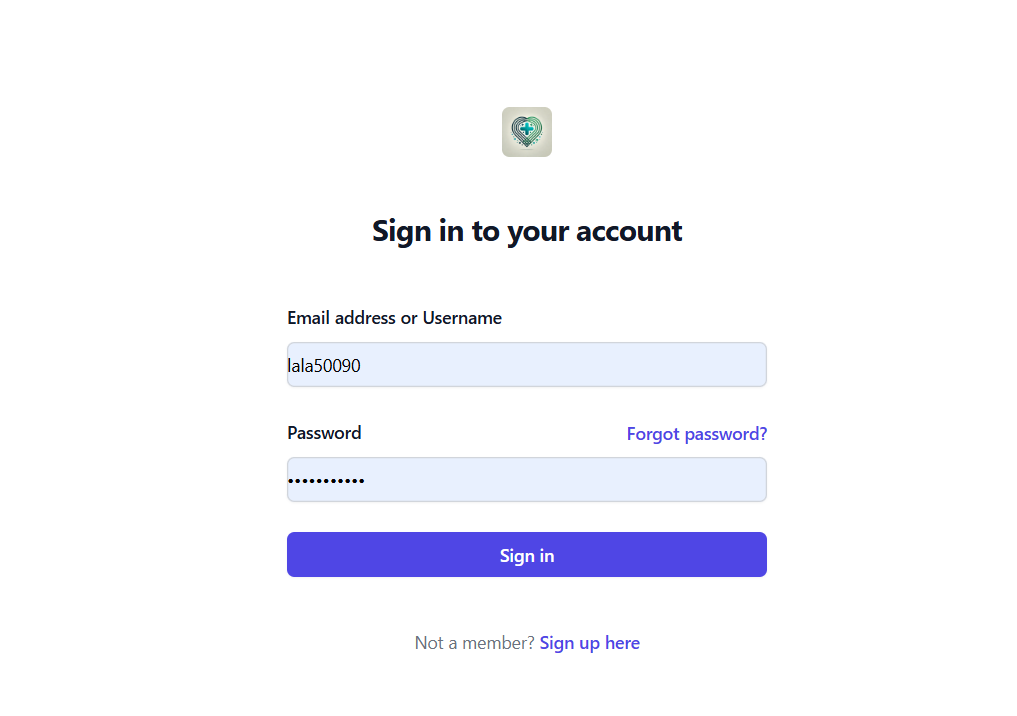
Login page for user - user can login by providing Email/UserName and password.
-
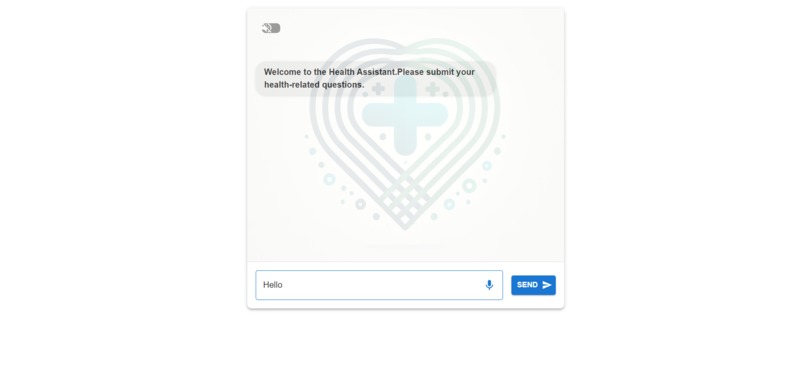
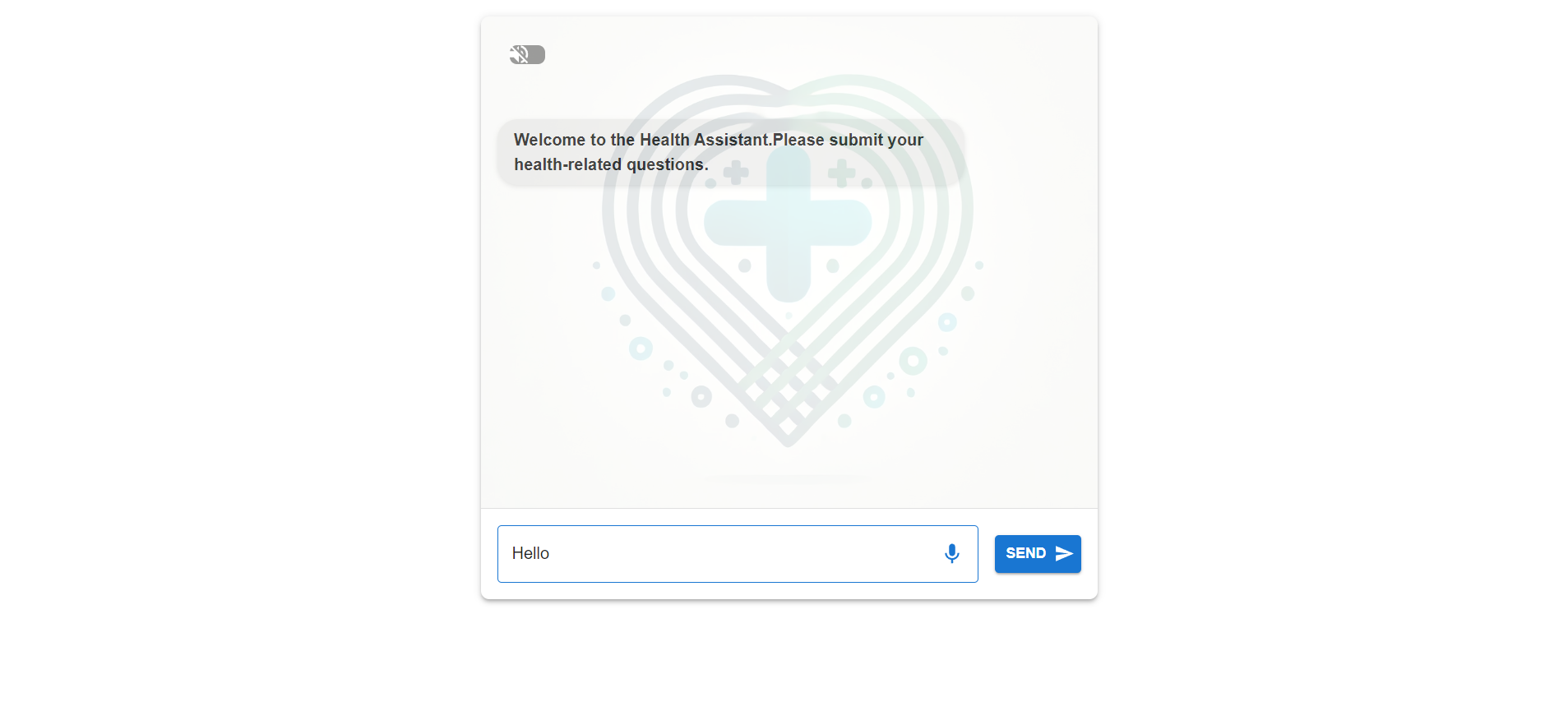
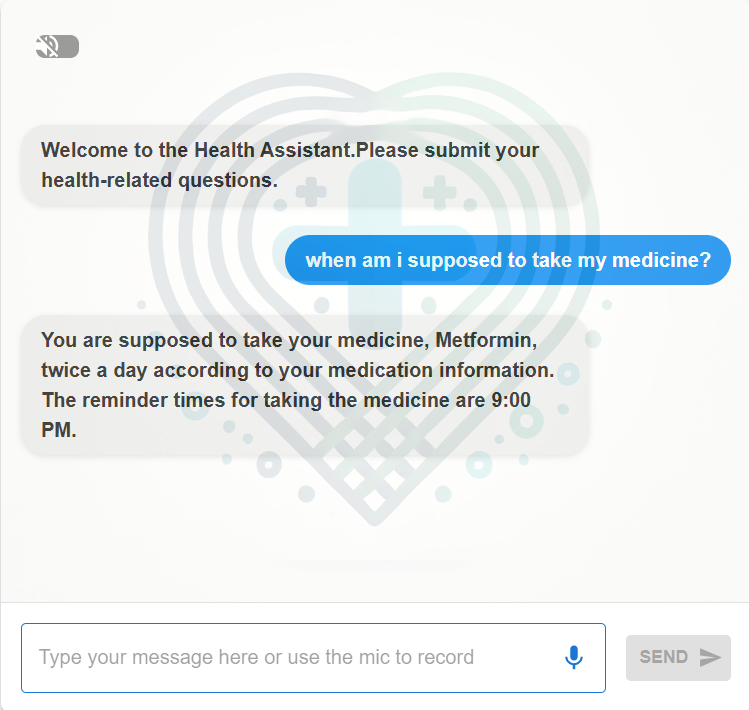
AI Health Assistant- where user can communicate with AI Asssistant.
-
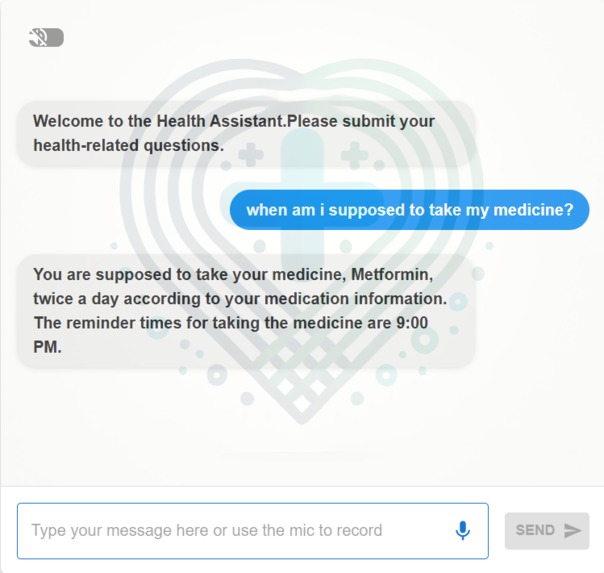
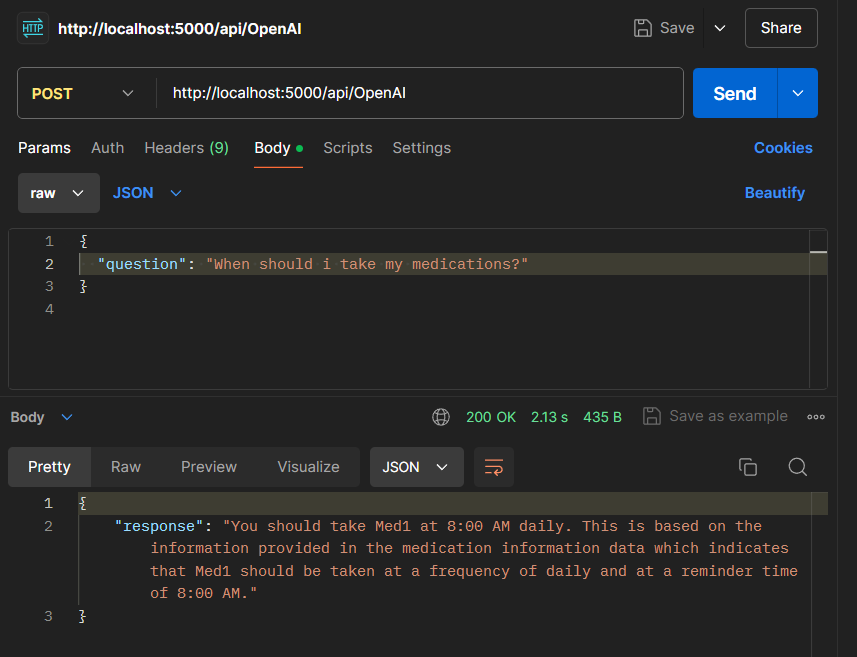
Our AI can read user database and response accordingly.
-
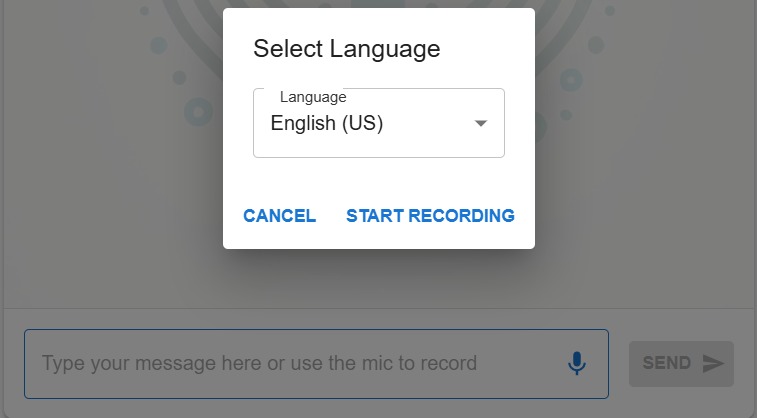
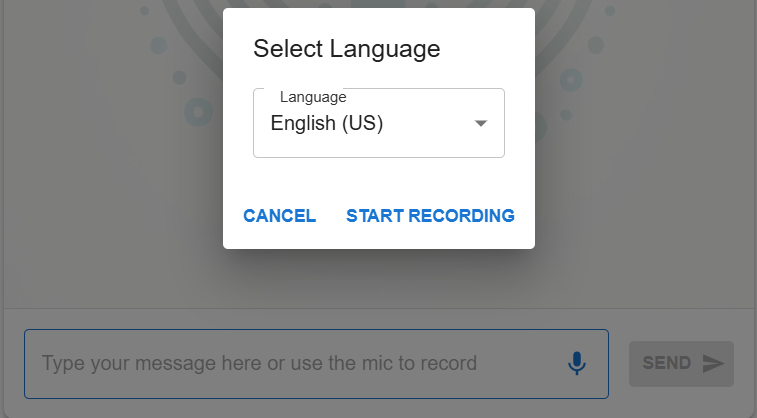
User can record their self and enjoy speech-to-text feature. By selecting language, it is easy for the API to translate Speech-to-text.
-
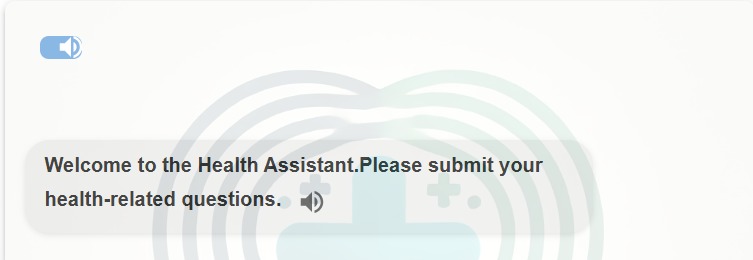
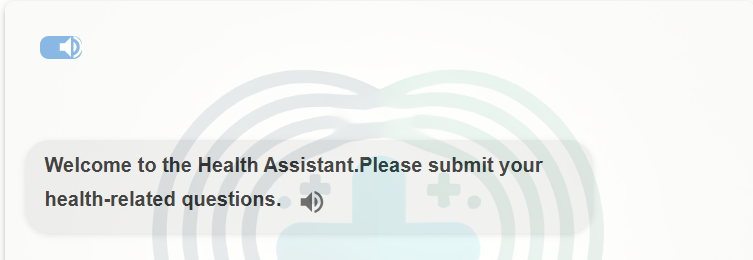
Text-to-speech Feature.
-
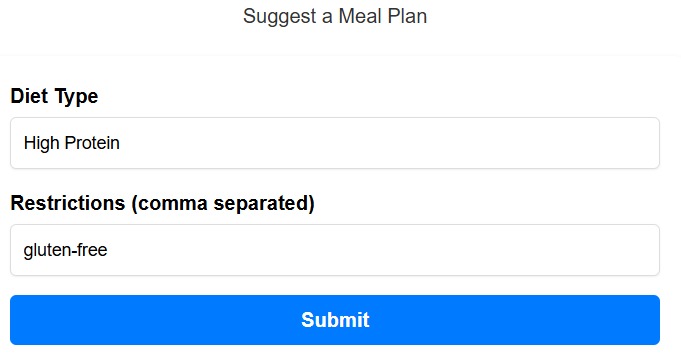
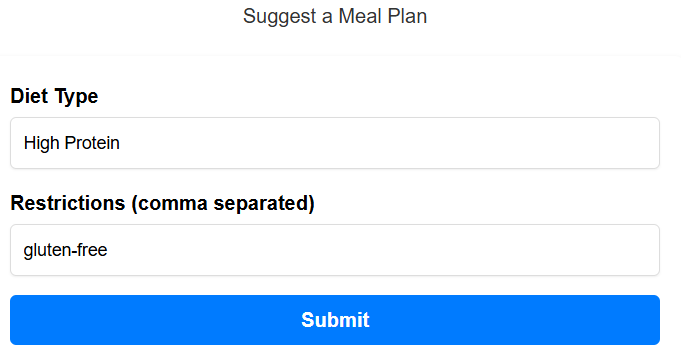
Form for getting suggestion on next week meal plan from AI
-
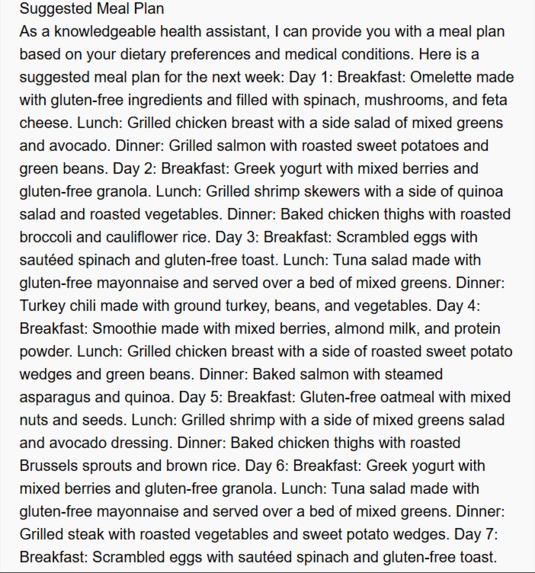
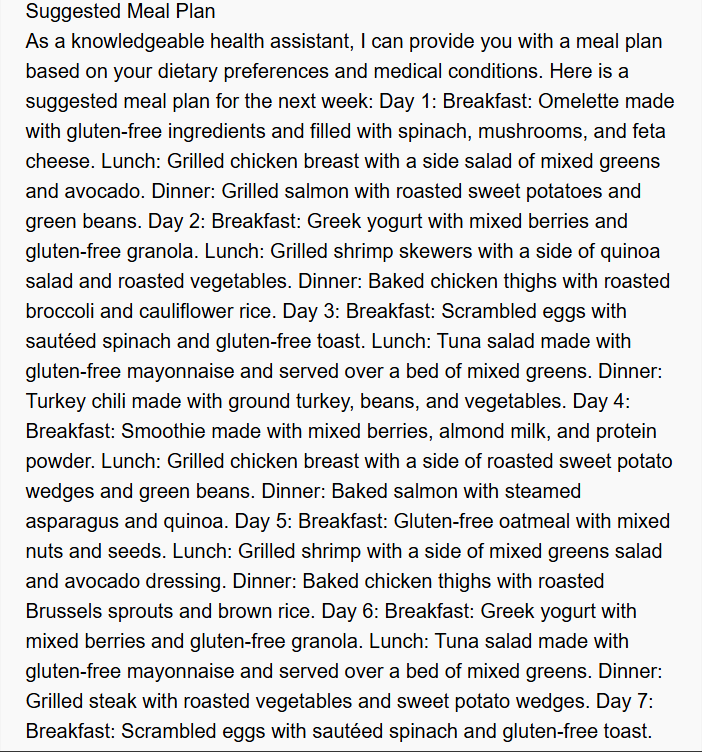
Suggested meal plan for next week from AI
-
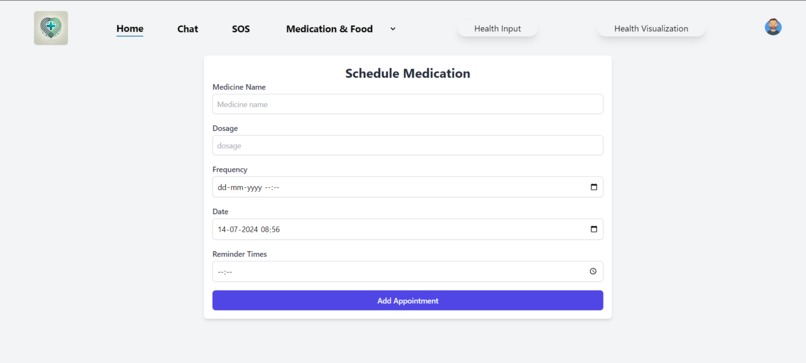
Medication Scheduler- to schedule medication time.
-
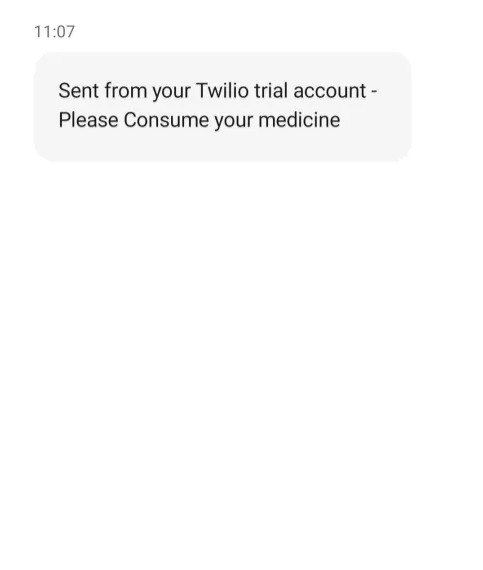
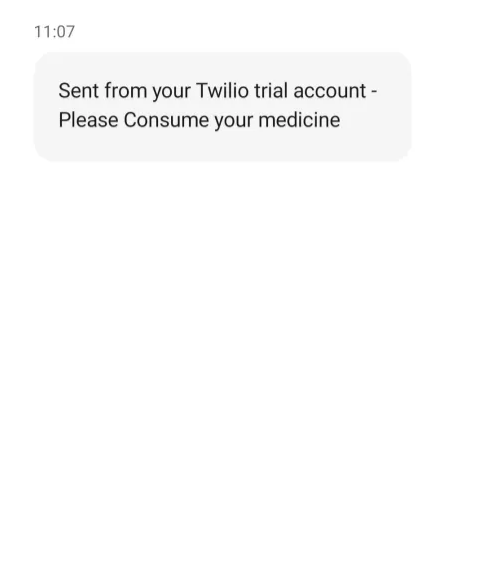
Notification from Twilio to suggest consuming medicine.
-
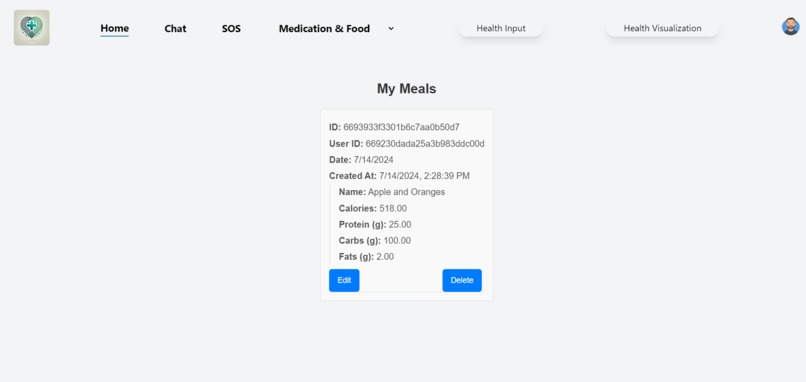
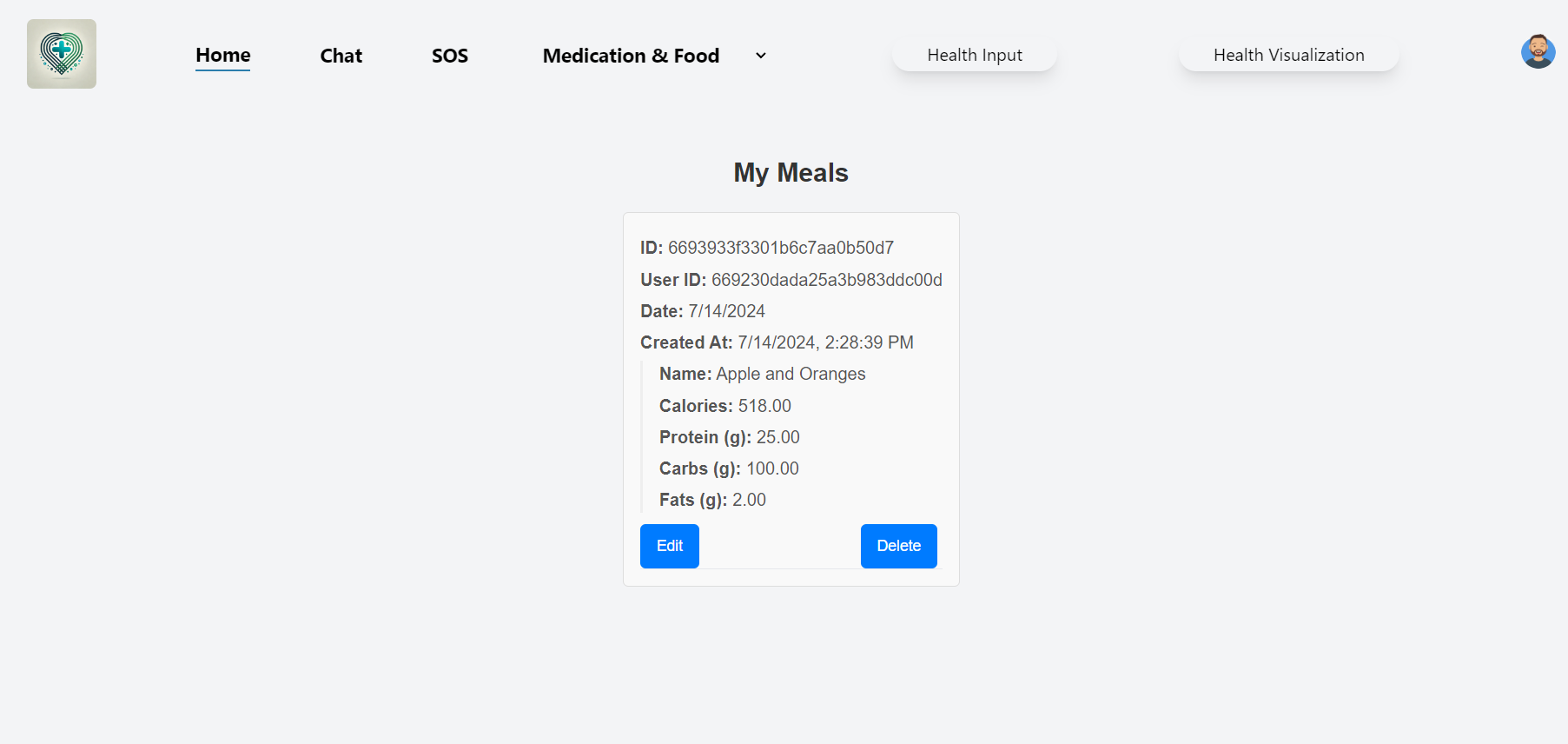
Lists of user's Meal.
-
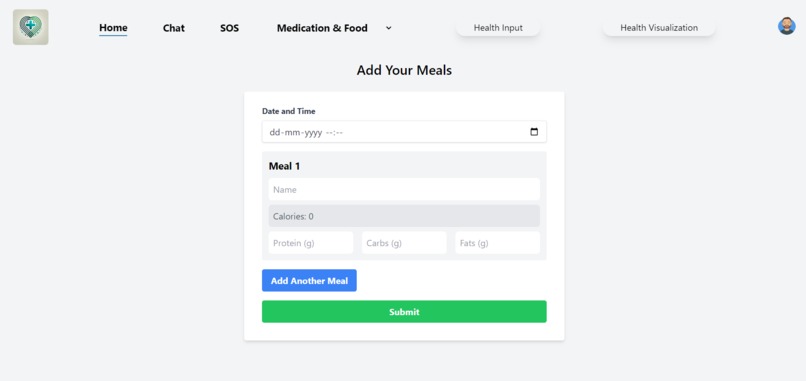
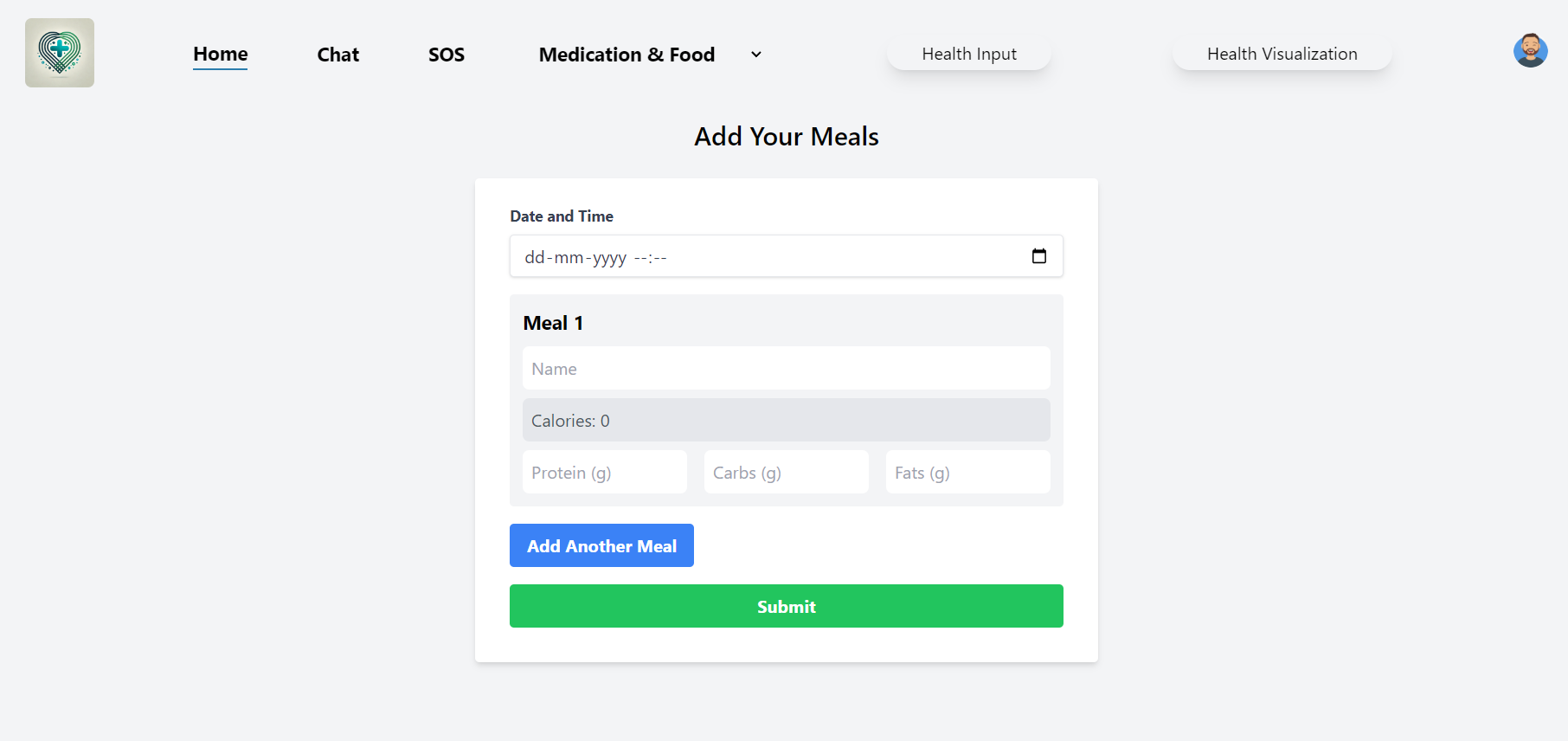
User will add their meal here.
-
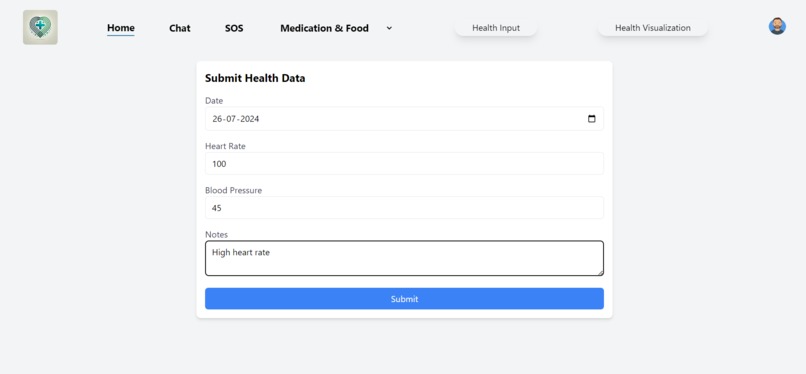
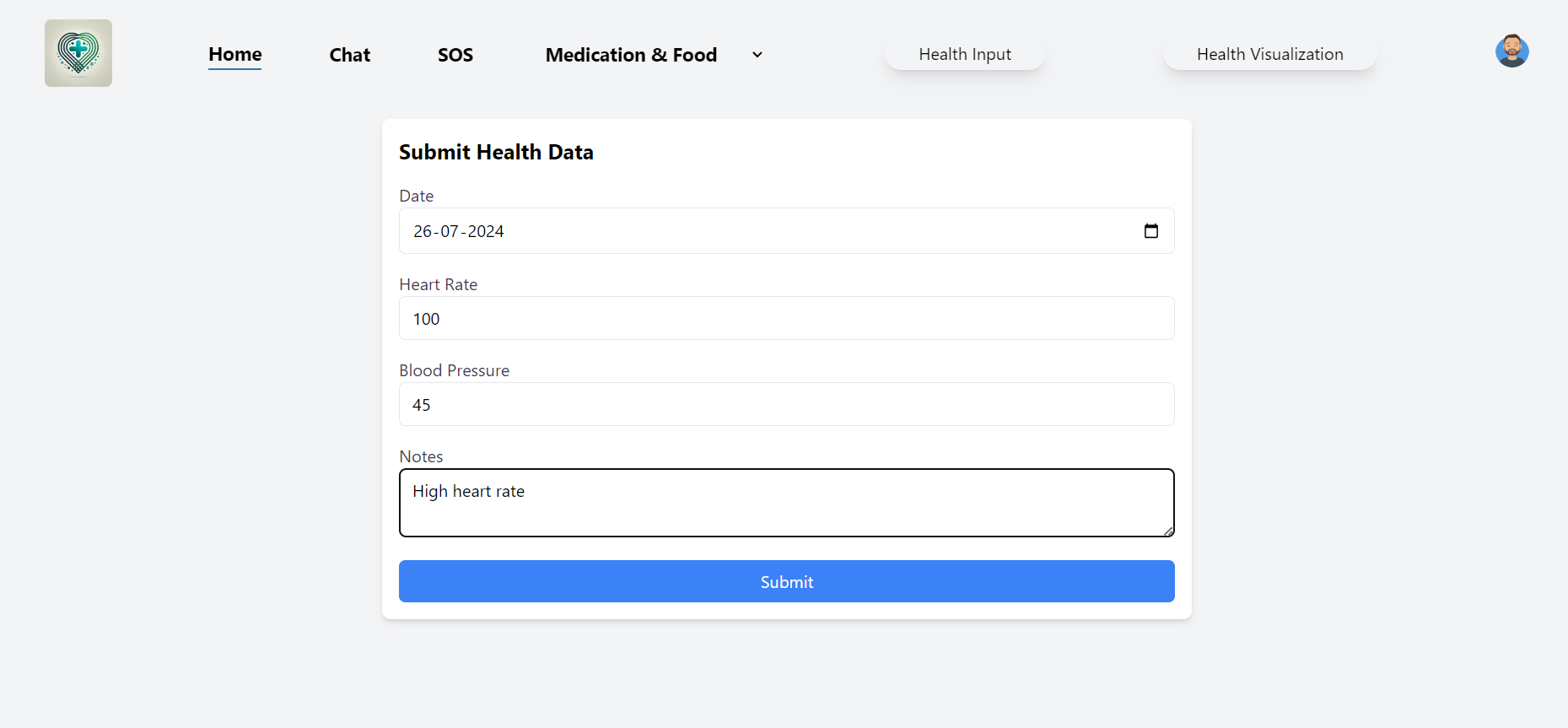
User will send health data to make Health visualization graph.
-
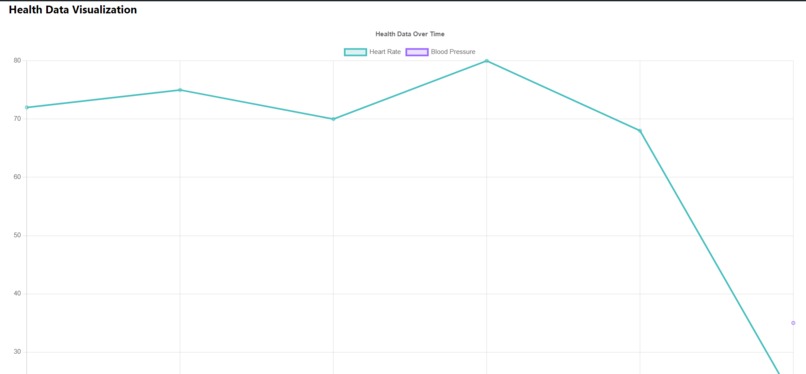
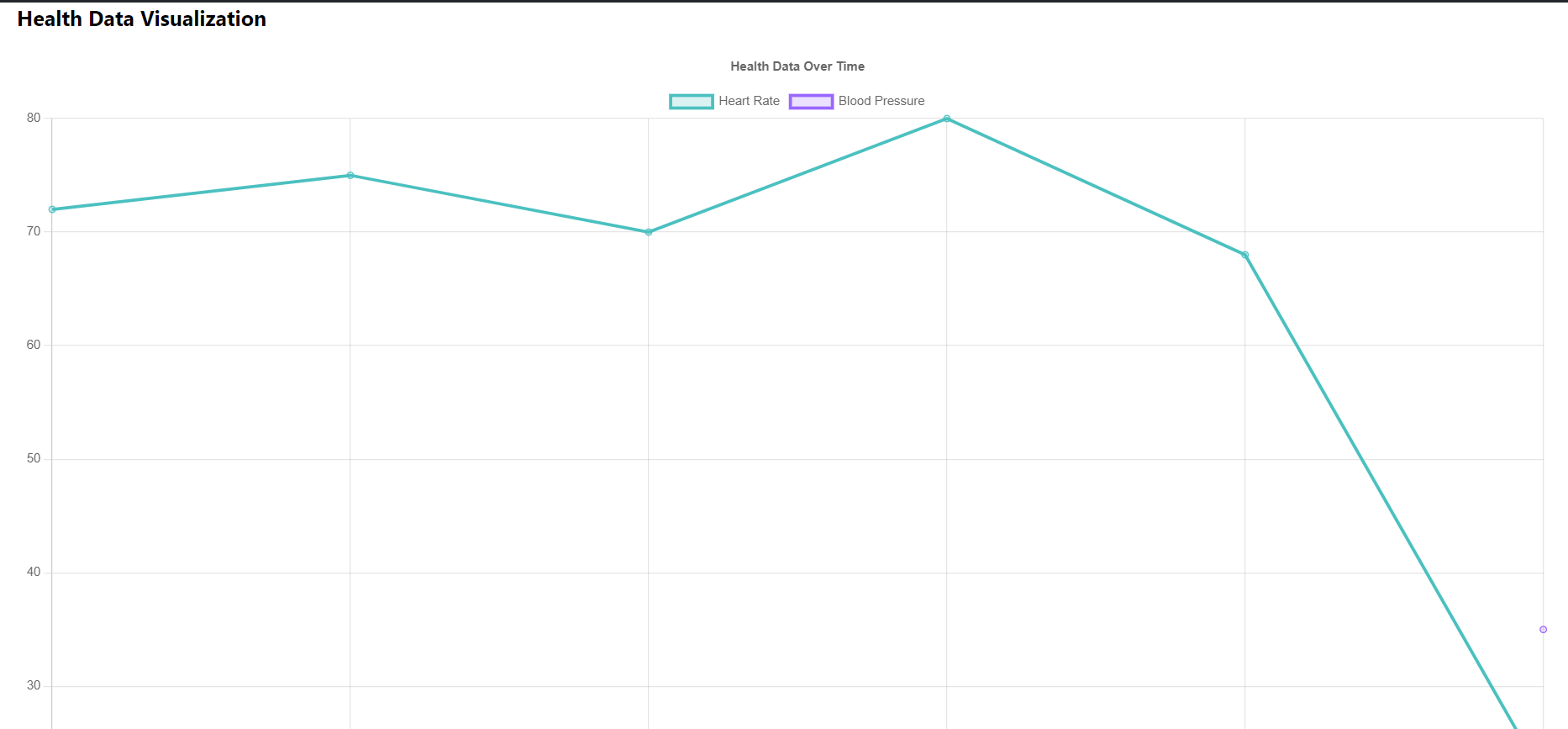
Health visualization graph.
-
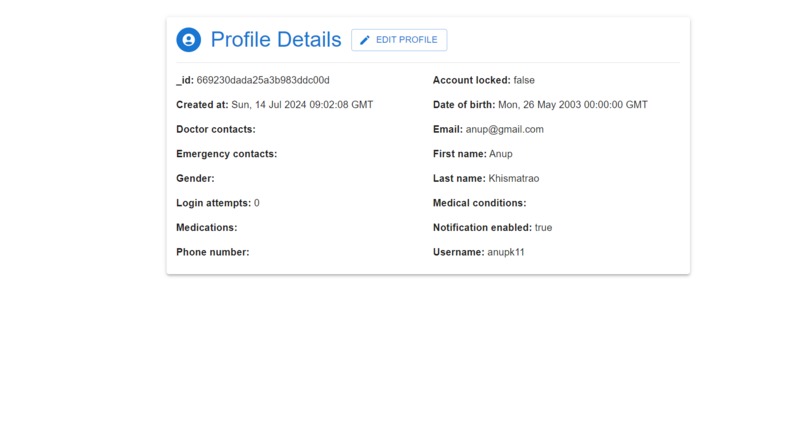
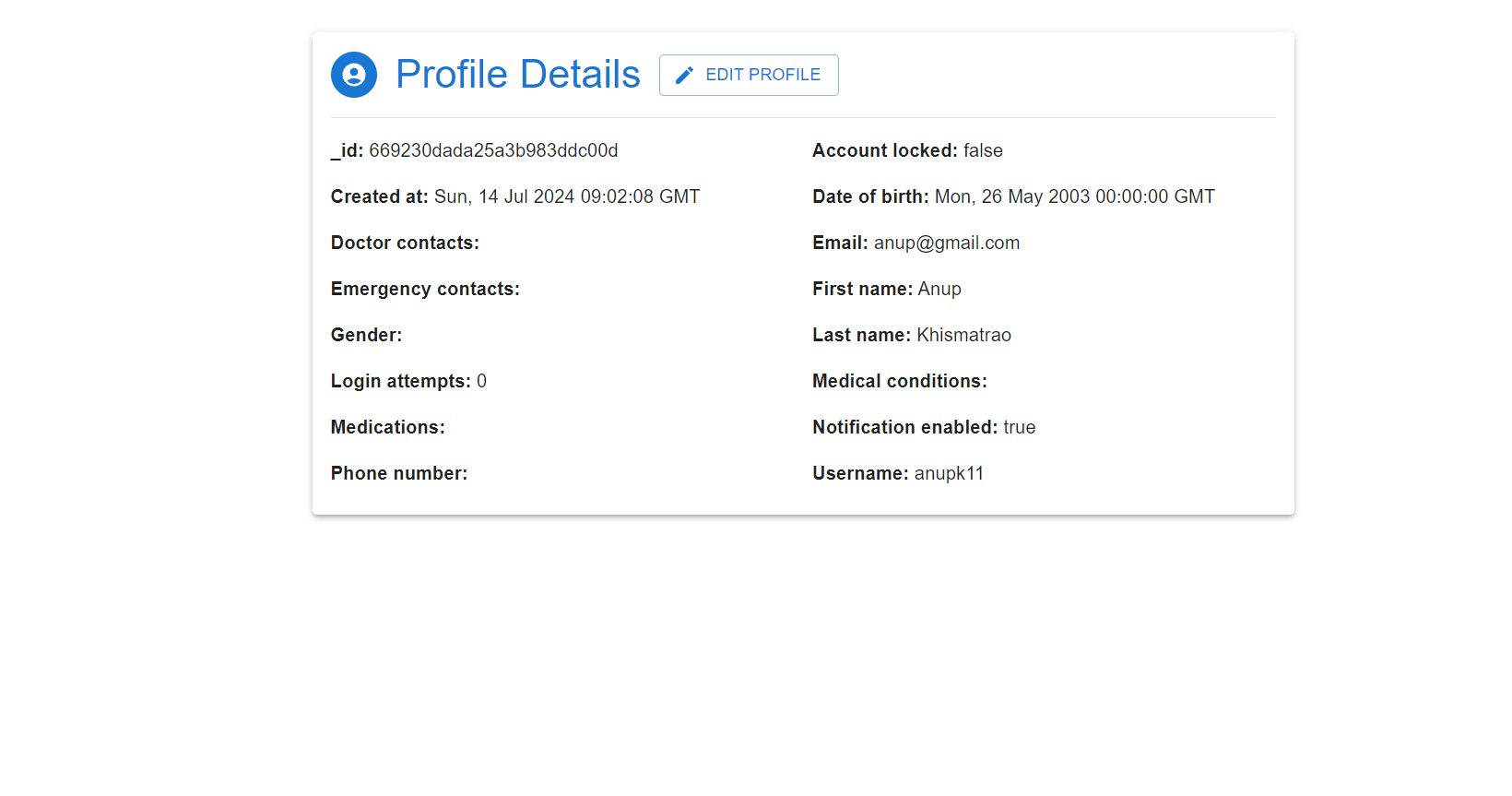
User Profile- by clicking on edit they can edit their profile.
-
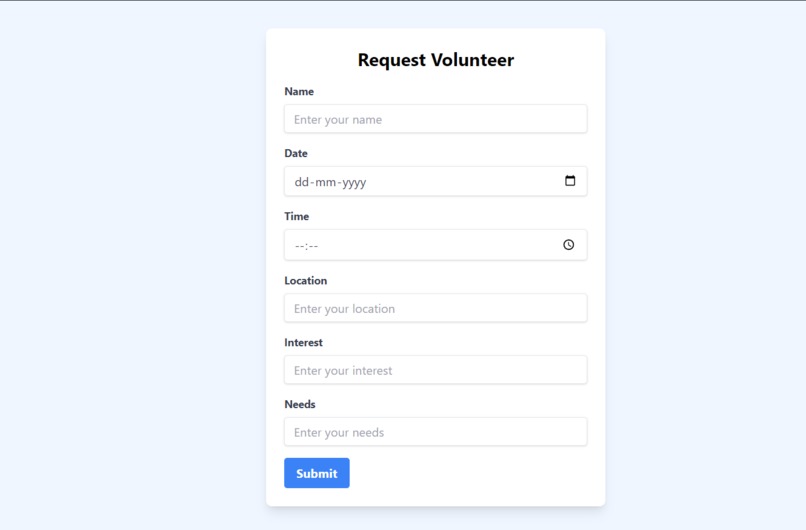
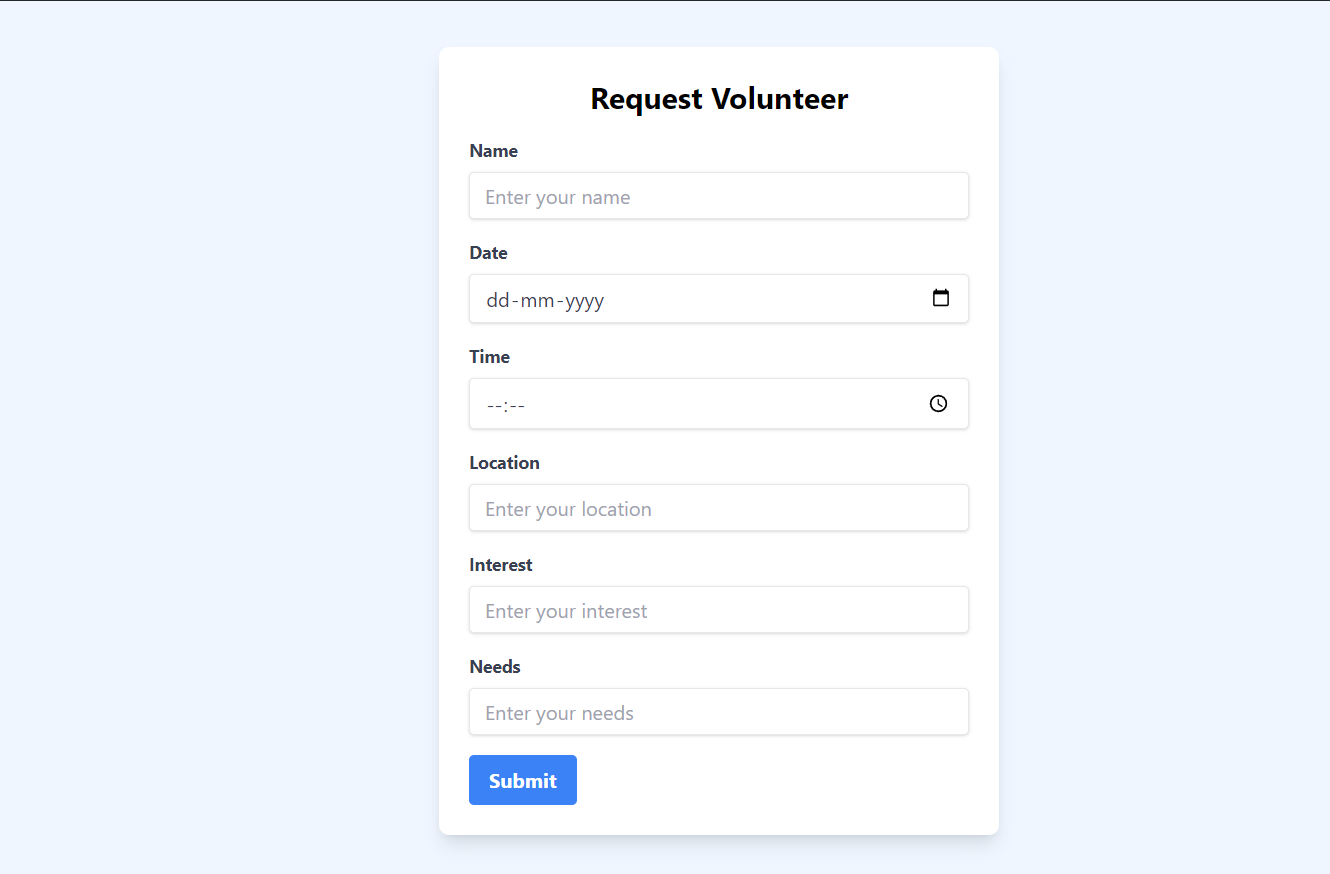
Request Volunteer Form.
-
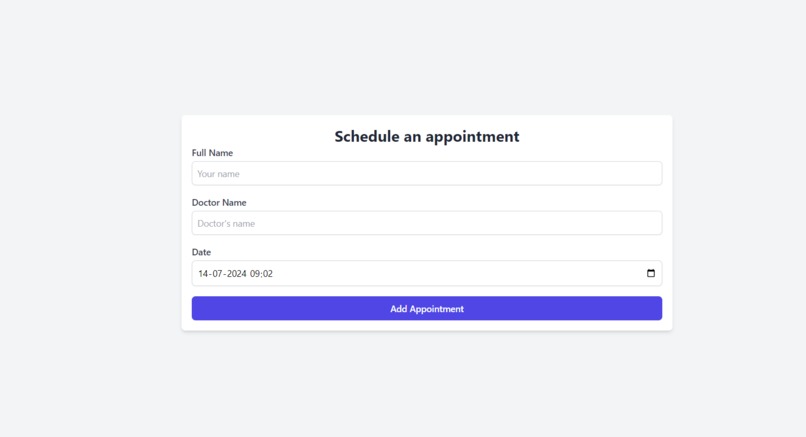
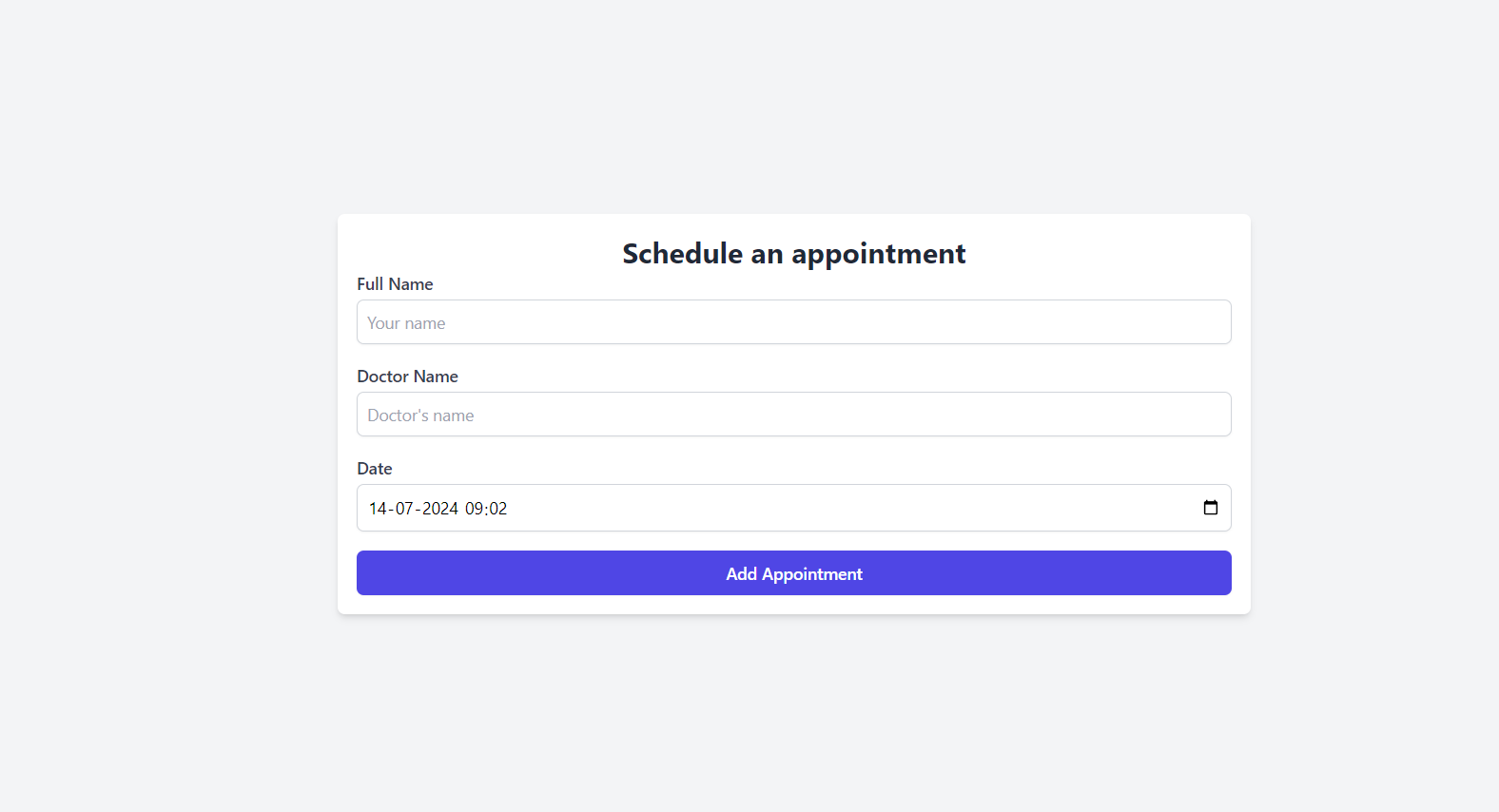
Appointment Scheduler Form.
-

User can check their appointment list.
-
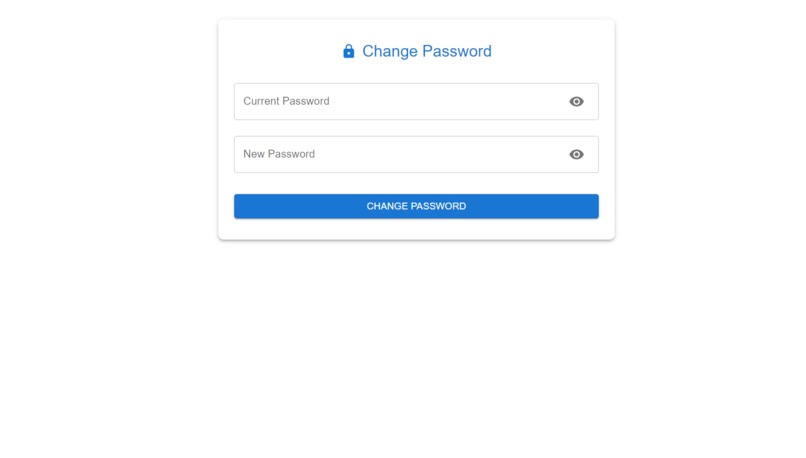
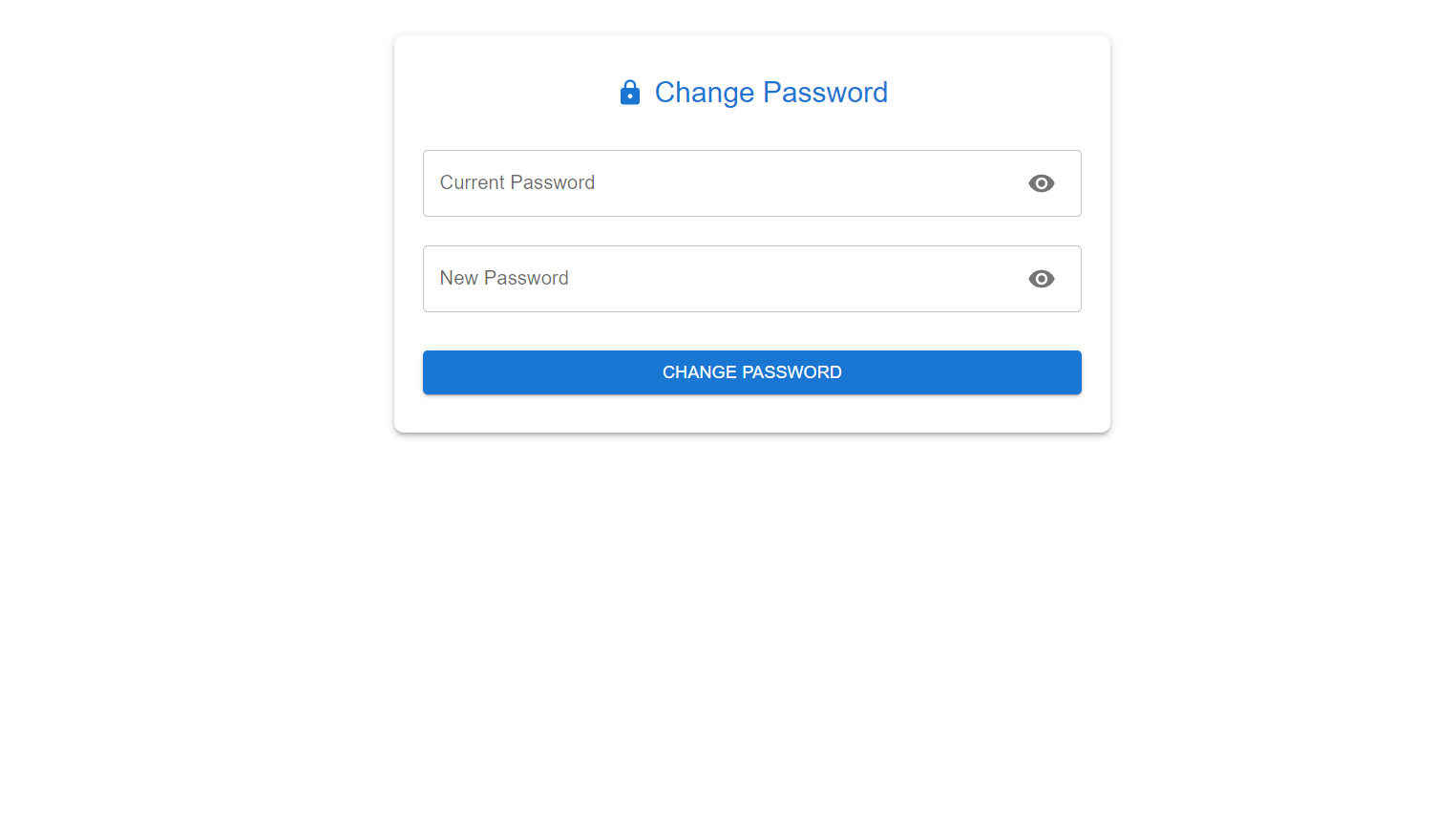
Change Password- User can change their password if they want to.
-
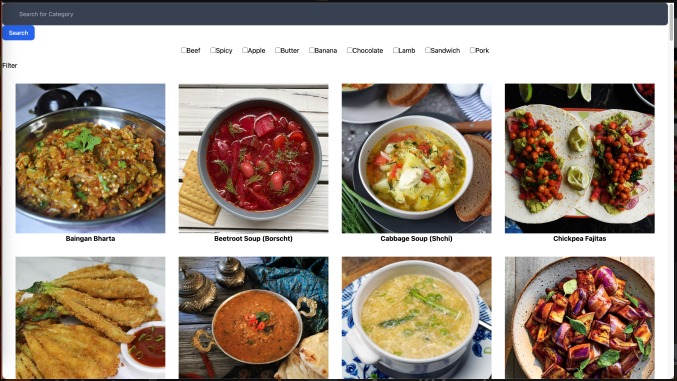
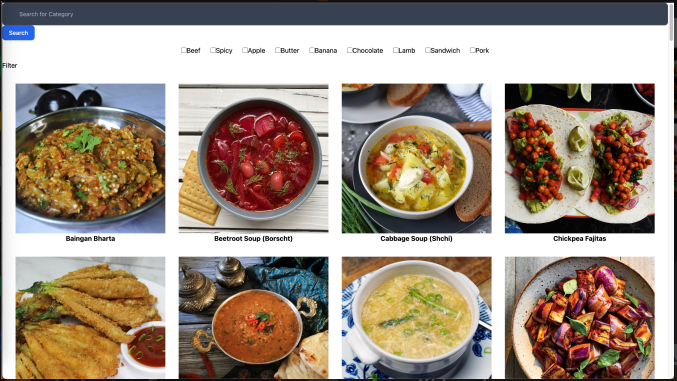
Food Recommendation page.
-
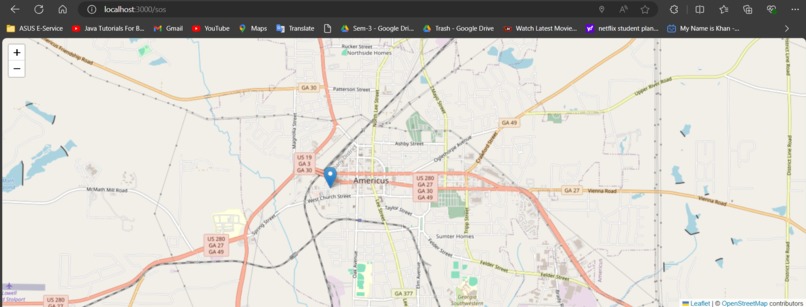
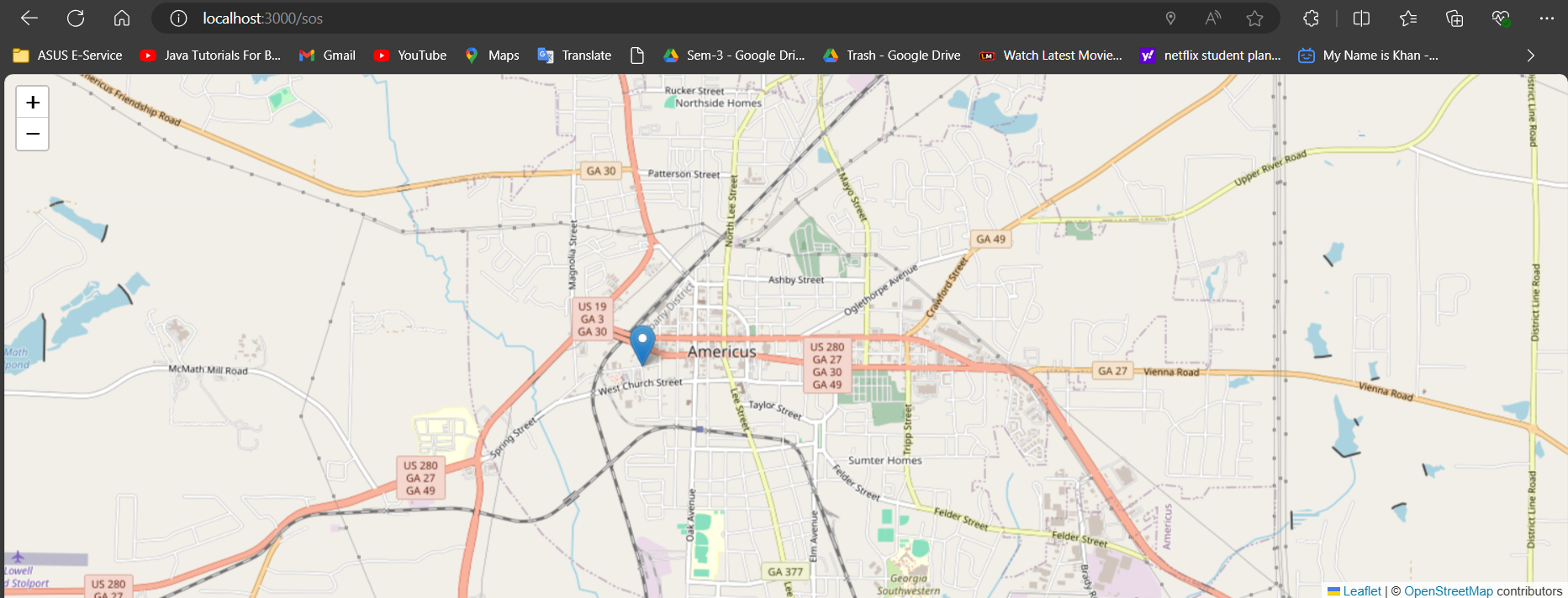
SOS Feature for sharing live location.
-
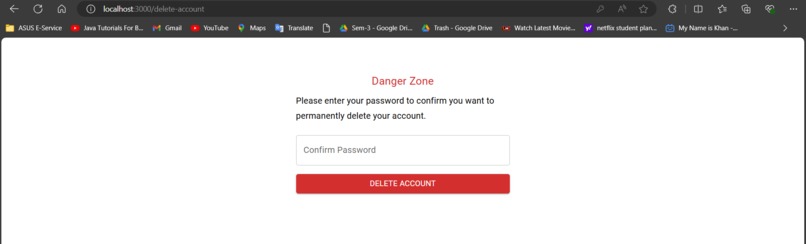
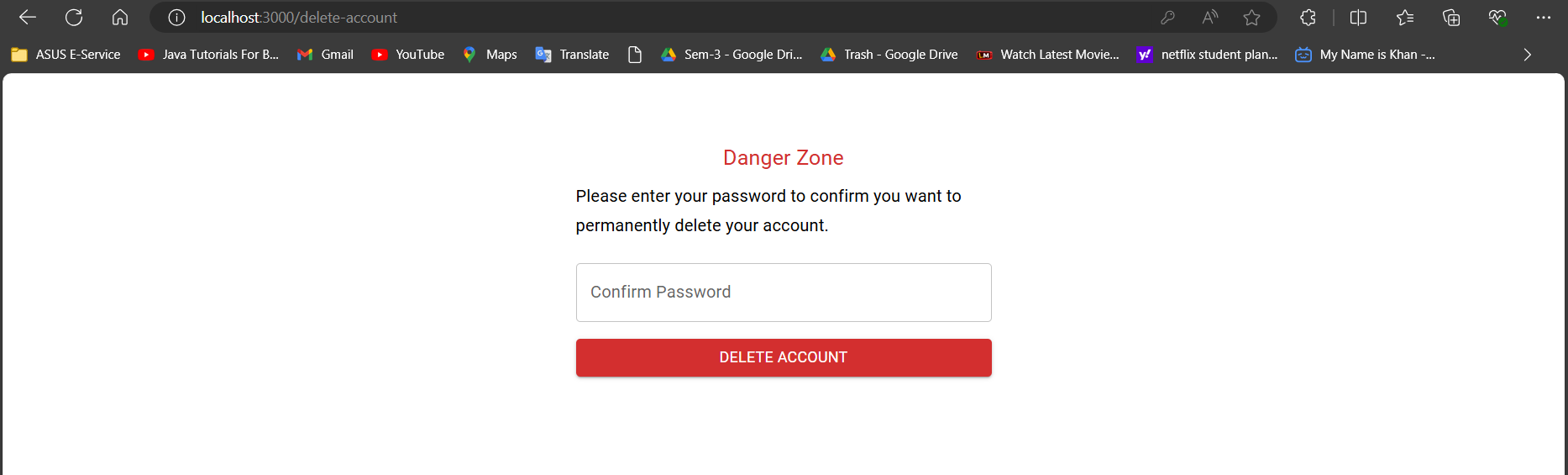
User can delete their account.
-
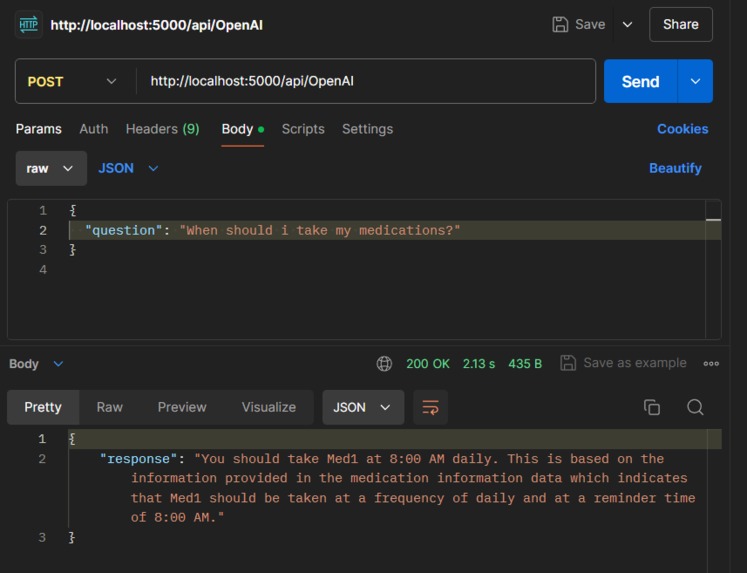
During Development- did postman check if it reads user database or not. And it reads.




Inspiration
At the heart of our families and communities was where the original idea for HealthSync was conceived. The struggles my grandparents experienced to keep up their regular health practices during a world crisis opened my eyes to the limitations of the technology we have now for healthcare. One's own experience with the lack of support provided by current services brought home the urgent need for technology to both enable independent living and adjust to the intricate health needs of the elderly. With this knowledge in hand, we were inspired to come up with a solution that would serve as the foundation in significantly improving the lives of a great number of senior citizens.
What it does
HealthSync is more than just an app; it's a lifeline for the elderly. This web application streamlines complex health management tasks into a user-friendly interface. By integrating medication schedules, doctor's appointments, emergency services, and real-time health monitoring, HealthSync acts as a comprehensive health assistant that enhances the autonomy and safety of its users, ensuring they feel secure and supported every day.
Features:
- Medication Management: Automated schedules and reminders for medications, including dosage timings with a feature to reorder prescriptions seamlessly.
- Appointment Scheduler: Direct integration with healthcare providers to schedule appointments.
- SOS Emergency Button: A one-click emergency call feature that promptly alerts emergency services and shares the user’s location and medical profile with predefined contacts.
- AI-Powered Health Assistant: Employs natural language processing to facilitate interaction through voice commands, helping users recall appointment details and access medical advice.
- Interactive Health Education: Provides customized educational content on common elderly health issues, medication management, and lifestyle tips.
- AI Nutritionist: An AI-driven feature that analyzes dietary habits and recommends personalized meal plans to promote a healthier lifestyle.
How we built it
Our journey in building HealthSync was a fusion of diverse technologies and collaborative spirit. We chose React Js for its cross-platform capabilities, ensuring accessibility regardless of the device. The backend, crafted with Python and Flask, forms the backbone that supports seamless integration of complex functionalities. Our choice to incorporate Azure's OpenAI API was pivotal, enabling sophisticated natural language processing for intuitive voice commands. MongoDB offered the robust, scalable database solutions we needed. Throughout the development, APIs like Twilio and Azure Speech Service were instrumental in crafting a responsive and interactive experience. The use of window.speechSynthesis enhanced the application’s accessibility, allowing it to effectively communicate with users through spoken feedback, while Geocoder facilitated precise location services critical for the SOS features.
Built With
Languages:
- JavaScript (React Js) was chosen for its efficiency in building interactive user interfaces, with Create React App used to optimize the development experience
- Python Employs robust scripting capabilities that manage backend logic and data processing.
Frameworks:
- Flask was chosen to manage backend operations, including API routing and middleware functionalities, due to its lightweight and unopinionated structure.
Platforms:
- Azure for cloud services and AI functionalities Provides cloud services and AI functionalities, essential for hosting and scaling our application.
Services:
- window.speechSynthesis facilitates text-to-speech functionalities, improving accessibility for users with different needs.
- Geocoder offers precise location-based services, critical for effective emergency response features.
Cloud Services:
- The Azure's OpenAI API platform was integrated for generating empathetic, context-aware responses through advanced AI models like GPT 3.5.
- Azure Speech Service enable users to interact with the platform using their voice, improving accessibility and user experience. Speech-to-text allowed users to input requests through speech.
Databases:
- MongoDB, utilized for its flexibility and scalability, securely storing user data and medical records.
APIs:
- Twilio: Provides reliable communication services for emergency contact notifications.
- Leaflet API: For integrating interactive maps, crucial for visualizing geographical data and enhancing navigational functionalities within the app.
- Strip API: Manages financial transactions such as prescription reordering.
- TheMealDB API: Utilized to access a vast database of meal recipes, which helps our AI-powered nutritionist provide tailored dietary recommendations.
Challenges we ran into
Our path was not without obstacles. Achieving real-time data synchronization across various platforms presented a formidable challenge, crucial for the seamless functionality of HealthSync. Additionally, tailoring the voice recognition system to understand and accurately respond to the nuanced and often impaired speech of elderly users required persistent testing and adaptation, pushing our team to innovate continuously.
Accomplishments that we're proud of
We take immense pride in the AI-powered health assistant—a testament to our dedication and technological prowess. This feature has profoundly transformed user interaction, allowing elderly individuals to navigate the app through simple voice commands. The integration of transportation services directly through the app and the real-time health monitoring system are milestones that significantly enhance the practicality and effectiveness of HealthSync.
What we learned
The development of HealthSync was a profound learning curve in understanding the intricacies of healthcare technology, particularly the stringent requirements for compliance and data security. More importantly, it reinforced the value of user-centered design—our guiding principle, ensuring that the app we created truly resonates with and serves the needs of the elderly community.
What's next for HealthSync: Elderly Assistance Software
Volunteer Connection Feature
Objective: Facilitate connections between elderly users and volunteers for support and companionship. Tasks:
- Create a system for volunteers to sign up and schedule availability.
- Match volunteers with elderly users based on location, interests, and needs.
- Develop communication tools within the app for secure interactions.
- Implement feedback and rating systems for both volunteers and users.
Health Monitoring Integration
Objective: Integrate health monitoring with wearable devices. Tasks:
- Connect the app with APIs from wearable devices to fetch health data.
- Set up alerts for abnormal health readings to notify users and family members.
- Ensure data accuracy and privacy compliance.
- Implement data visualization for health trends within the app.
Presentation Link: Link
Note: Due to time constraints, we focused primarily on implementing robust backend features. In the future, we plan to enhance the frontend to improve user experience and interface design. And we could not deploy 'backend' on render, were getting some error. Greate thing is that we were able to deploy frontend successfully.
Built With
- azure-for-cloud-services-and-ai-functionalities
- azure-openai-api
- azure-speech-service
- flask
- geocoder
- leaflet-api
- machine-learning
- mongodb
- python
- react.js
- scikit-learn
- strip-api
- themealdb-api
- twilio
- window.speechsynthesis




Log in or sign up for Devpost to join the conversation.