-
-
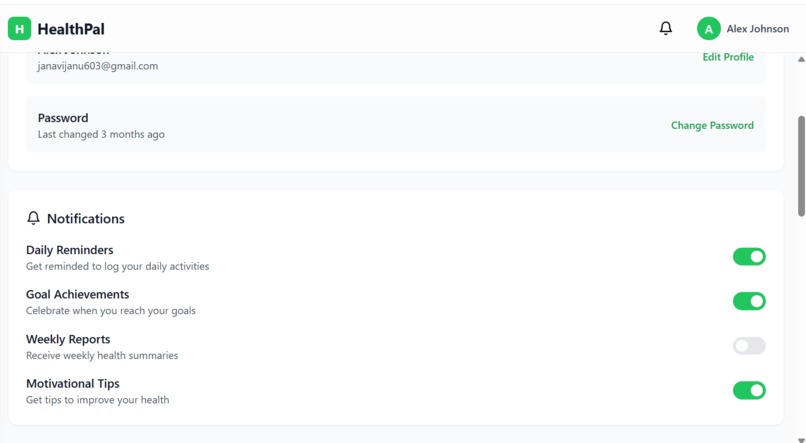
Settings
-
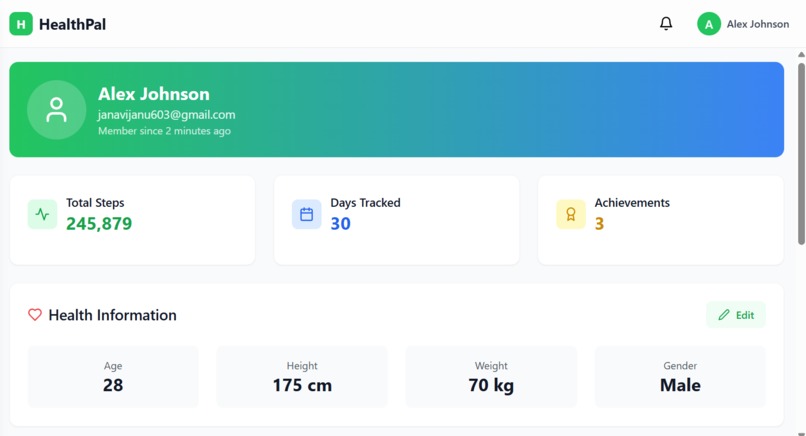
Profile
-
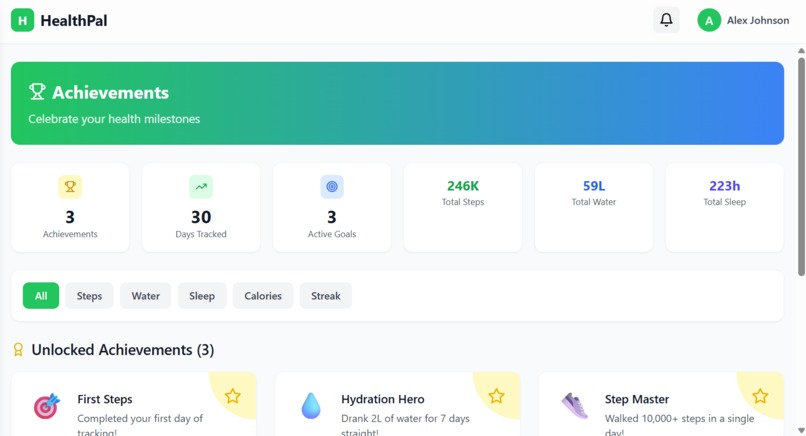
Acheivements
-
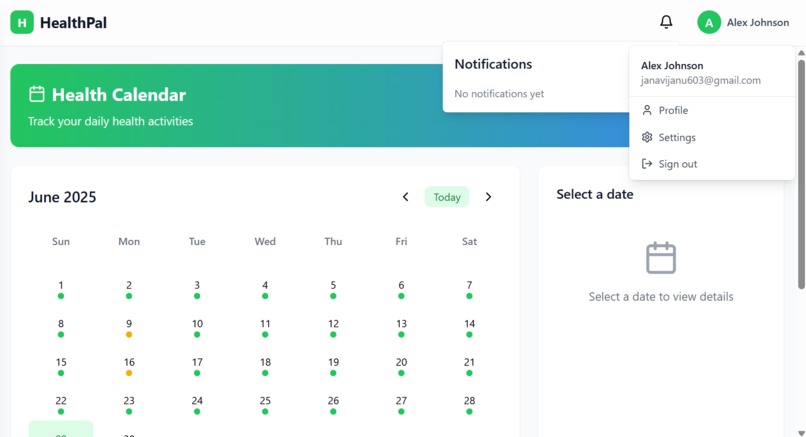
Health calender
-
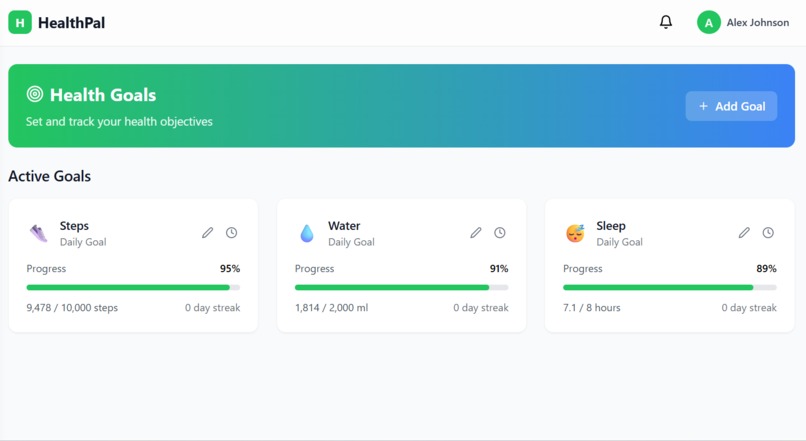
Health Goals
-
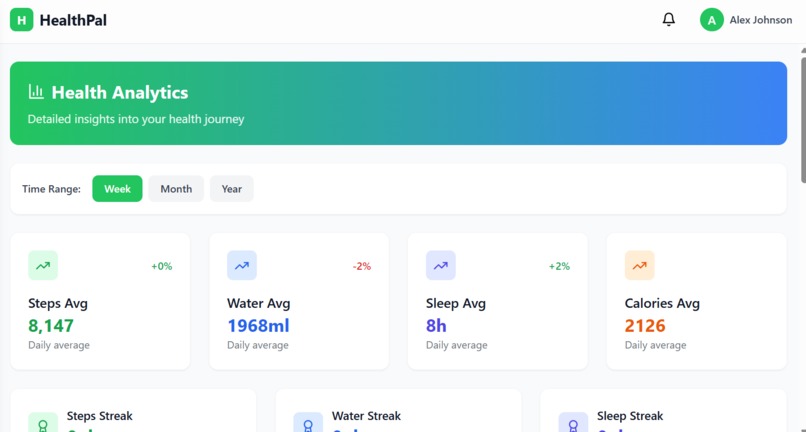
Health Analytics
-
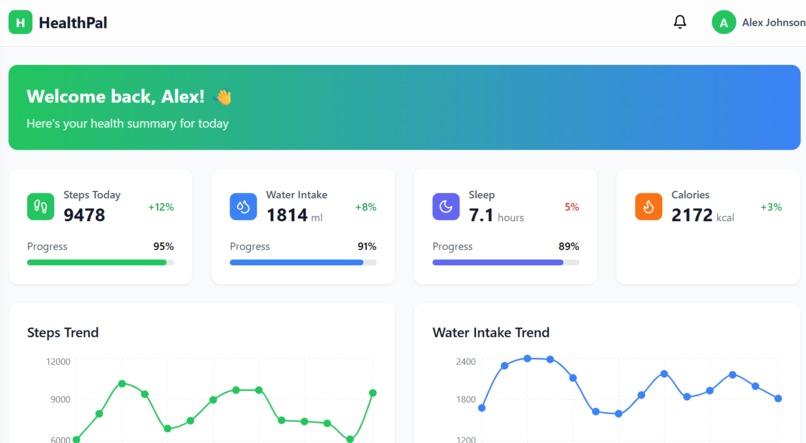
Dashboard


The motivation behind Health Pal came from a personal interest in health and productivity. I wanted to create a simple yet effective platform to help users stay on top of their health goals—whether it's hydration, sleep, exercise, or overall wellness. With so many people struggling to stay consistent, I believed that a clean, visual tracker could make a real difference in building healthy habits.
What it does
- User Authentication: Users can register and log in securely using dedicated forms.
Dashboard Overview: Users get a snapshot of their current health stats and recent activity through interactive cards and visualizations.
- Goal Tracking: Users can set personal health goals like water intake, step count, sleep, etc., and monitor progress.
- Calendar View: Log and view health habits and achievements over time. Analytics and Insights: Health Pal provides visual feedback via charts (like bar graphs or line graphs) to help users understand trends in their habits.
- Recent Activity Logs: Keep track of what actions were taken each day for accountability. Achievements: Users can unlock badges or markers for completing certain health milestones. Settings and Personalization: Users can personalize their profile or app settings.
How we built it
- React with TypeScript for robust and scalable UI development
- Tailwind CSS for fast, responsive, utility-first styling
- Recharts to render interactive graphs for visual feedback
- vite for fast bundling and lightning-fast development
- date-fns for handling time and date-based health goals
Challenges we ran into
- Managing real-time updates to charts and components
- Designing a minimal, user-friendly interface with limited screen space
- Organizing the project structure for scalability
- Avoiding hard-coded values and using state-based, reusable components
Accomplishments that we're proud of
Health Pal is a lightweight and responsive health tracking web app built from scratch with modern tools. It helped me enhance my full-stack frontend skills while focusing on building something meaningful
What we learned
- Building component-based interfaces using React and TypeScript
- Managing state for dynamic user input and data tracking
- Creating data-driven UI with Recharts
- Structuring scalable front-end projects using Vite
- Styling quickly and consistently using Tailwind CSS
What's next for Health Pal
Notification reminders
- Persistent storage (local or cloud)
- User authentication
- Turning it into a PWA (Progressive Web App)
Built With
- autoprefixer
- browser
- css
- css)
- date-fns
- dev
- development
- dom
- eslint
- frameworks
- html
- local
- platform
- postcss
- react
- recharts
- router
- server)
- tailwind
- typescript
- via
- vite
- web
