-
-
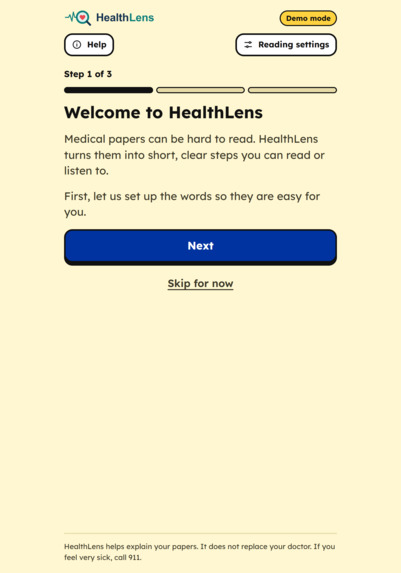
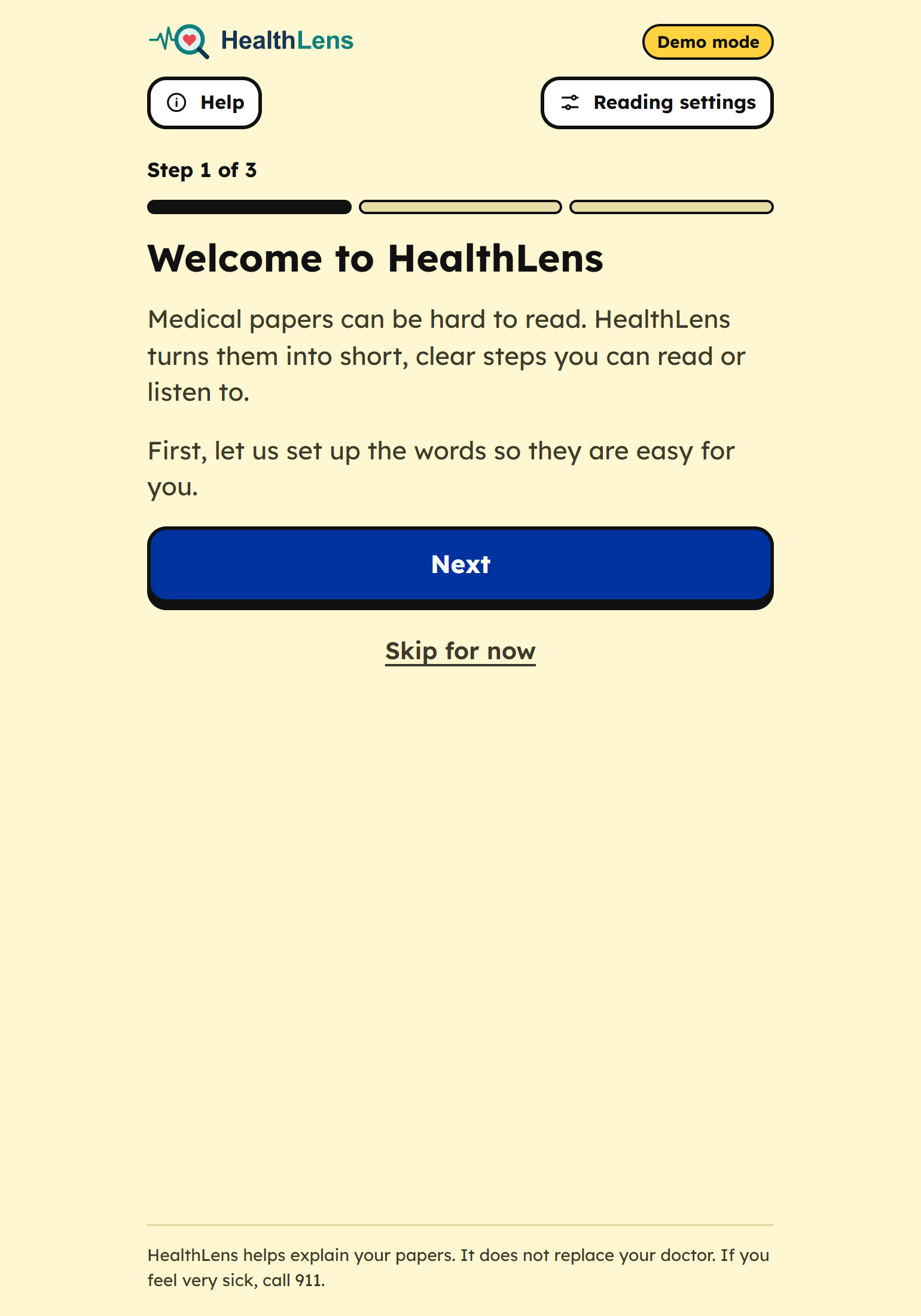
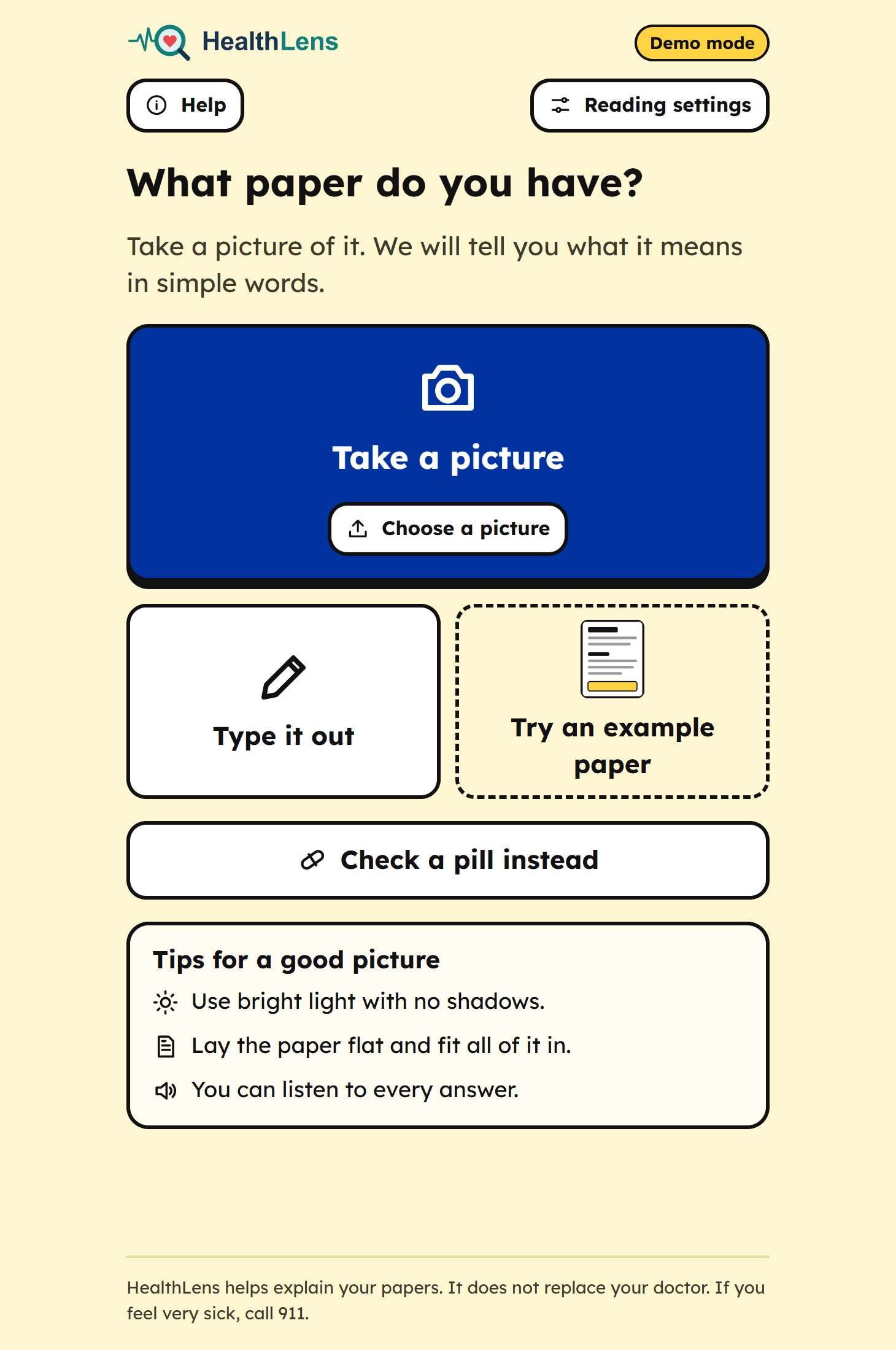
Initial onboarding screen for HealthLens, where users learn how to use the app and choose settings for viewing.
-
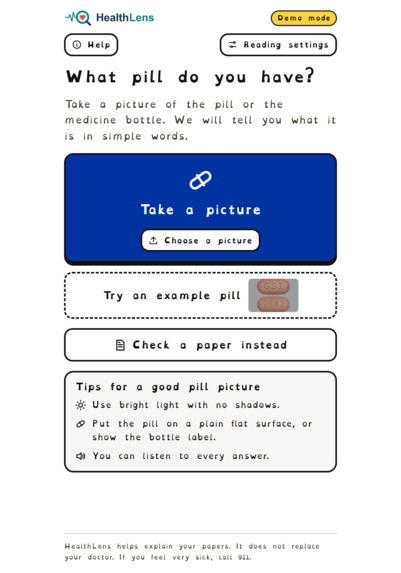
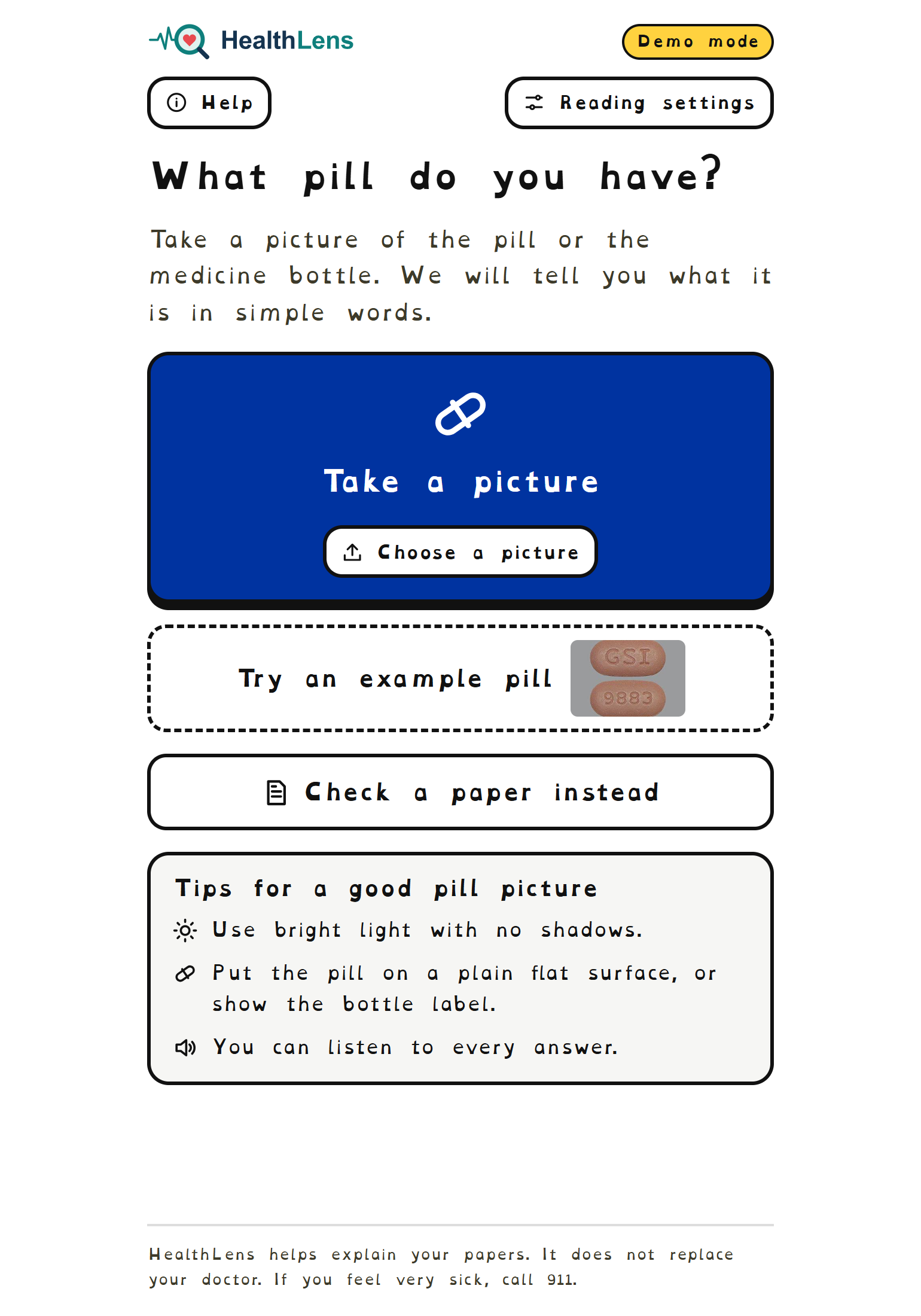
Take a picture of a pill or a prescription bottle here.
-
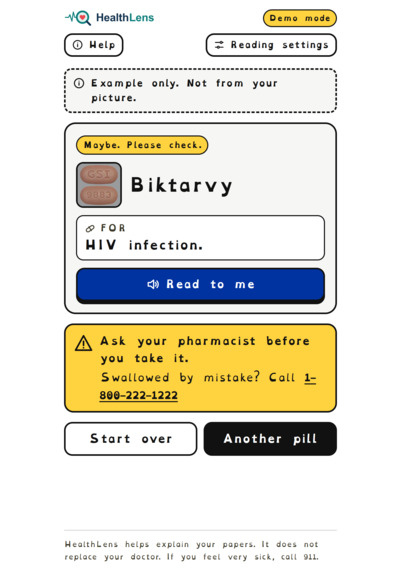
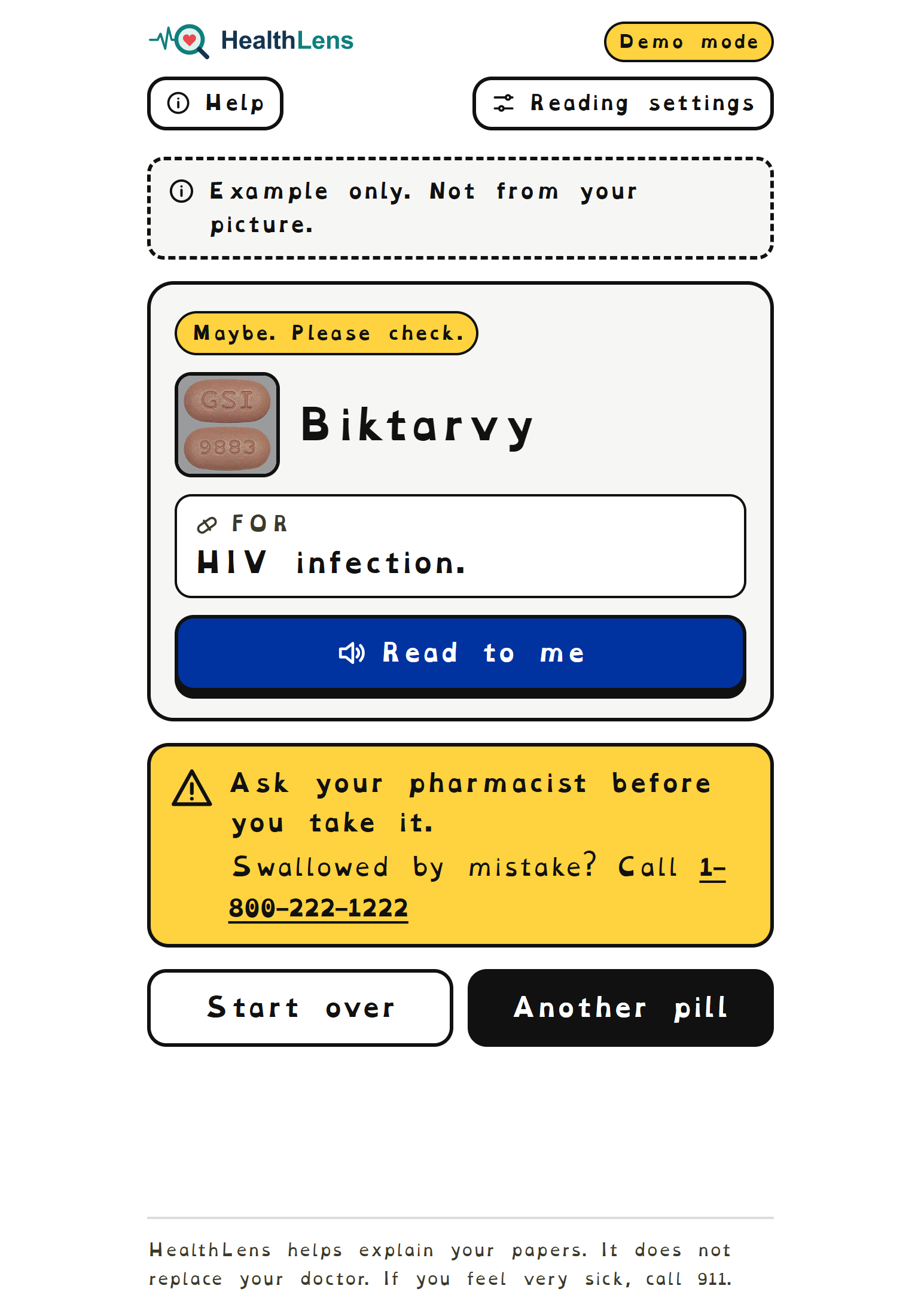
Prescription brief description based only on what we can see.
-
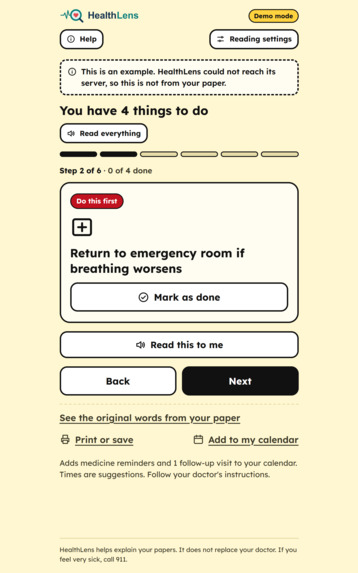
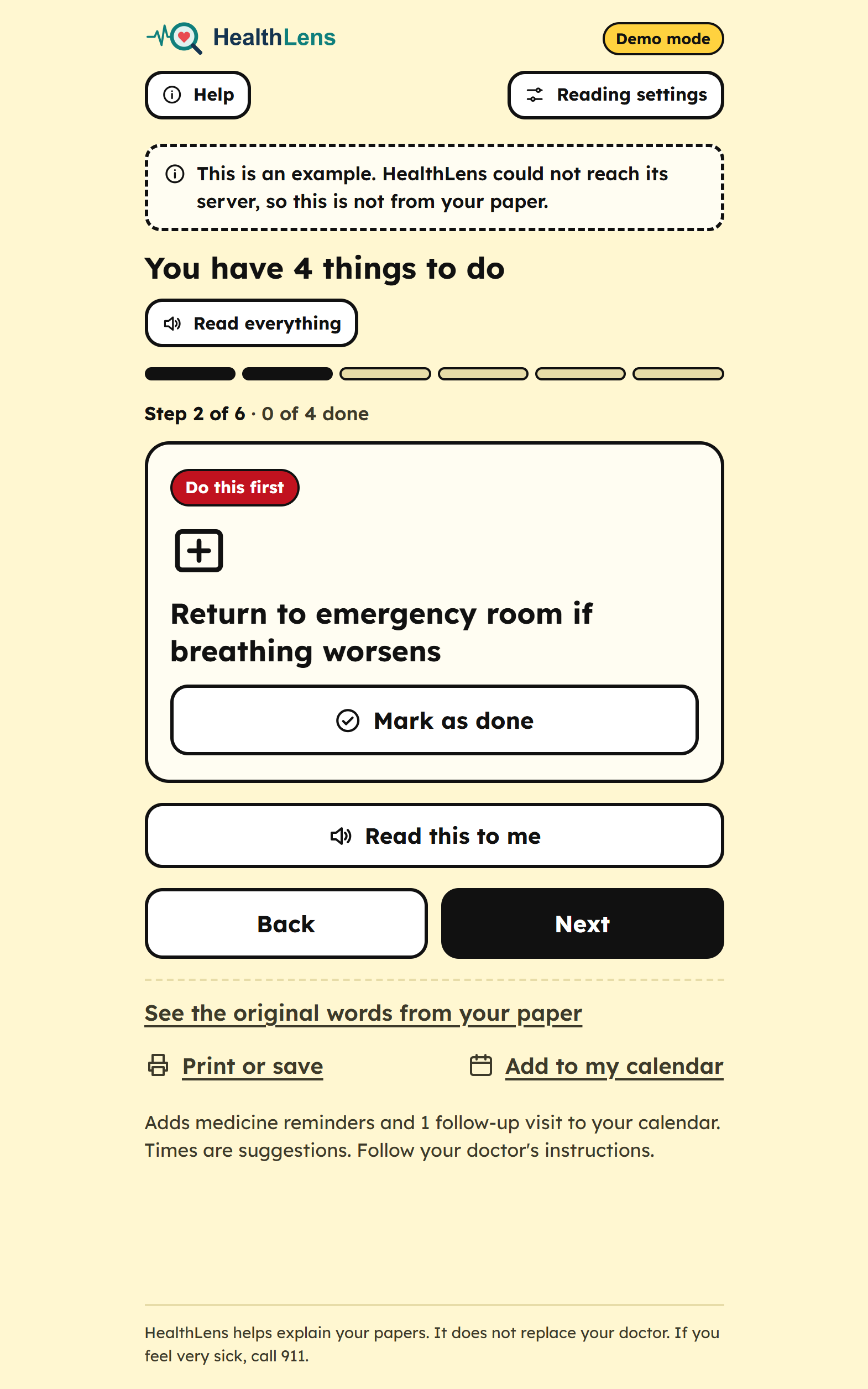
Urgent instructions given in the doctors notes
-
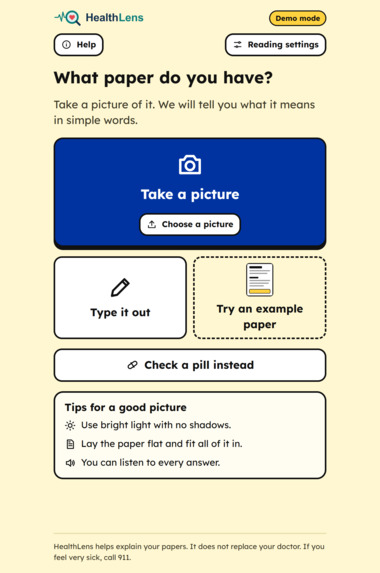
upload doctors notes or discharge instruction
-
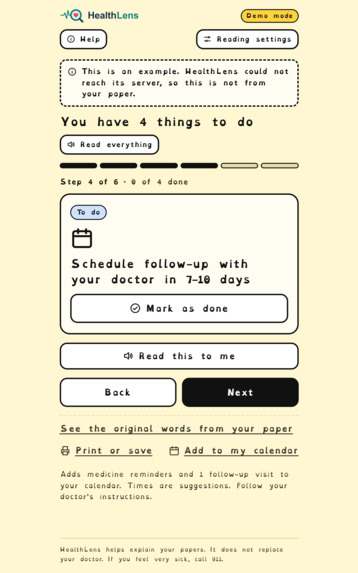
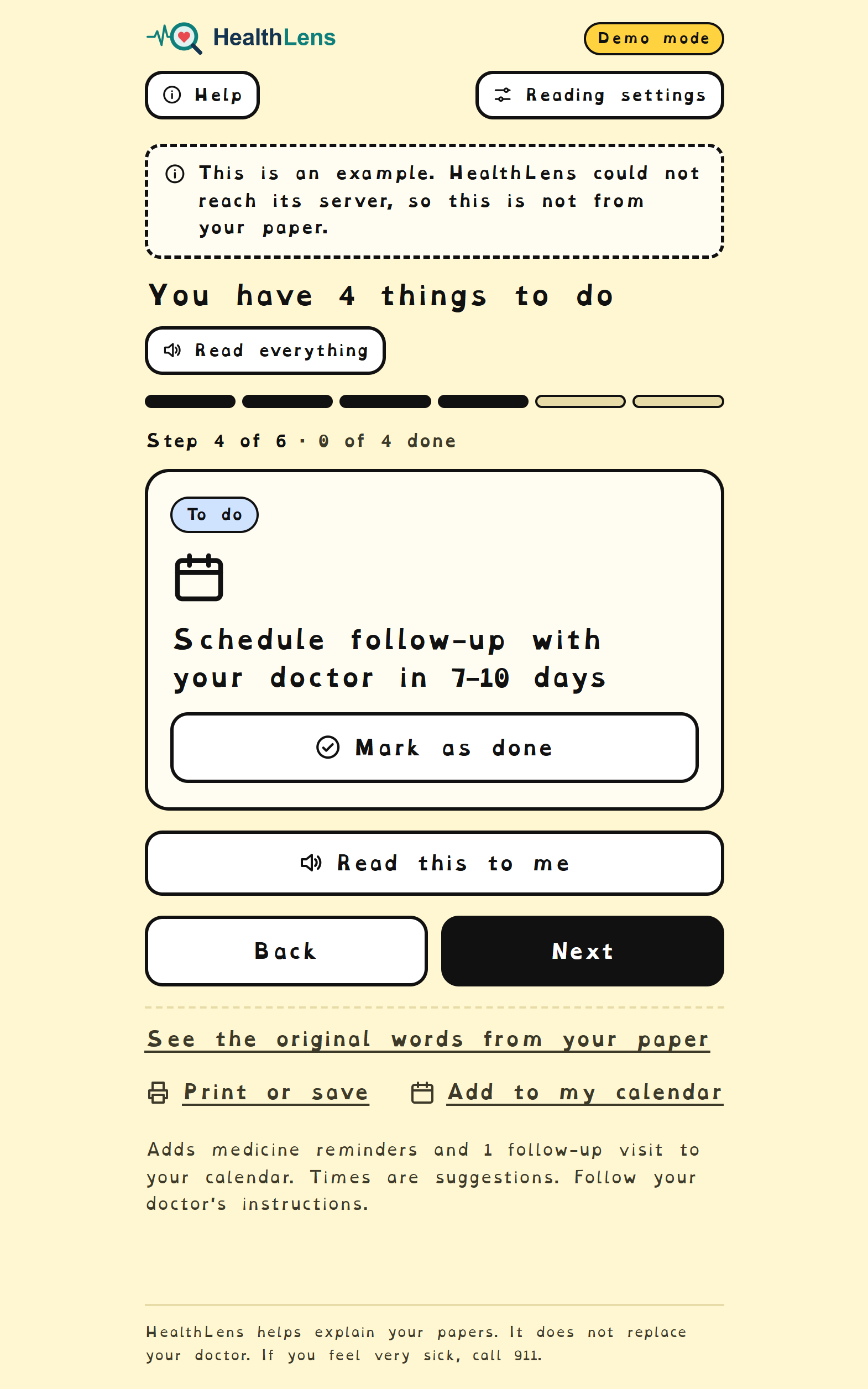
To-do based on doctors papers
-
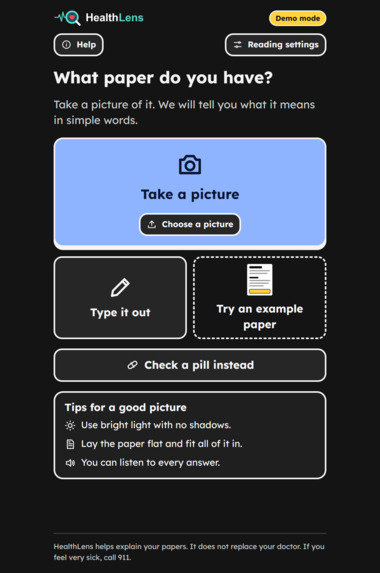
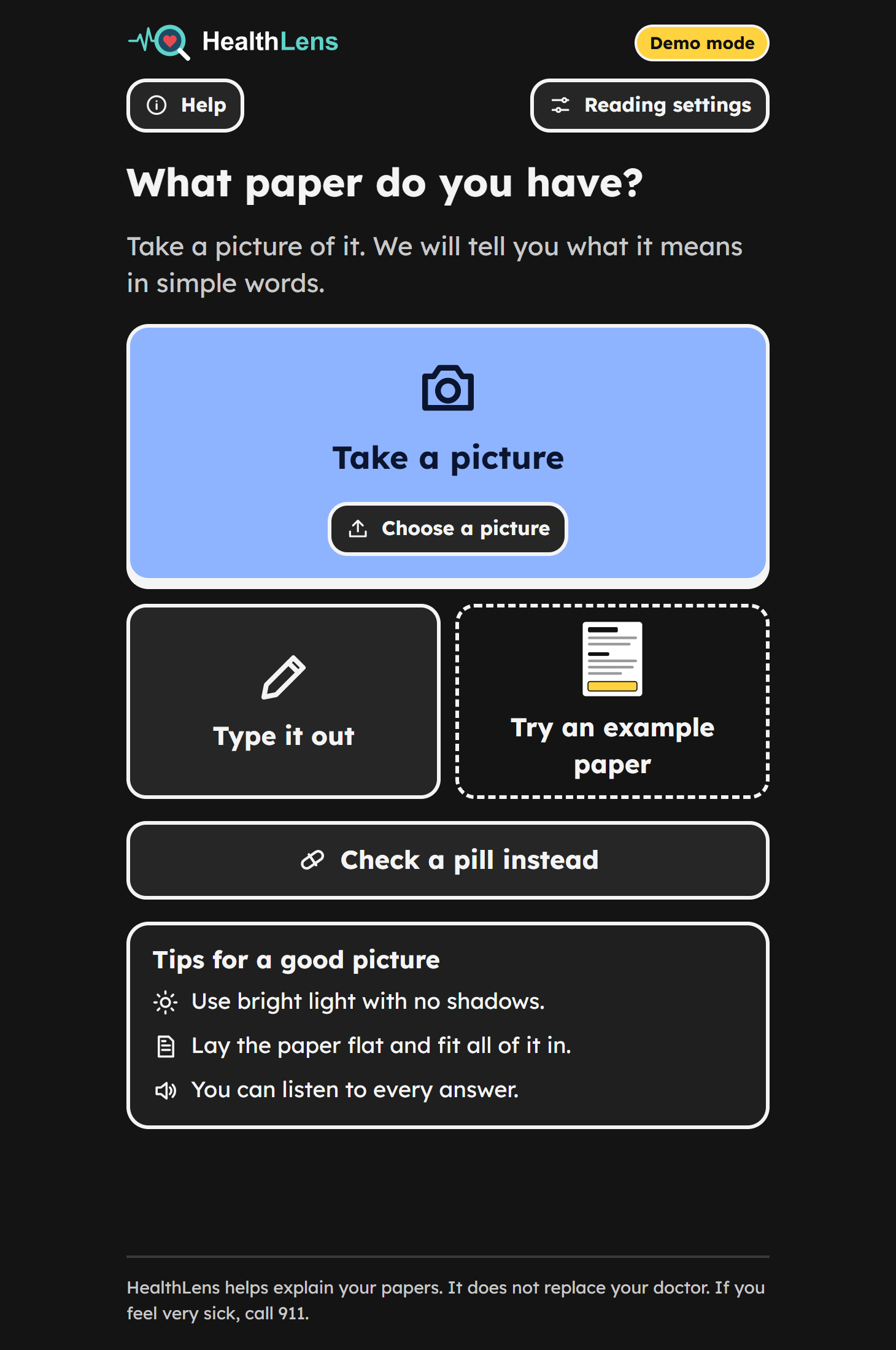
Take a picture- dark mode
Inspiration
Upon hearing the topic, we talked about how paper instructions from hospitals were too difficult to read. We also talked about how pills got mixed up when storing them in cabinets, and how we forgot whose or how to take the medicine.
What it does
Imagine a dyslexic person. A doctor hands them piles on top of piles of medical information, as well as a number of prescriptions. How are they supposed to independently dissect what has been given to them?
HealthLens turns confusing medical info into shorter and clearer steps you can read or listen to.
Explain a paper: take a photo of discharge instructions or doctor's note, or rtype words in. HealthLens reads the text and rewrites it in plain language, going one step at a time. The steps are sorted by urgency.
tap any medical lingo to see what it means
read aloud: every step, every sentence, or the whole page can be spoken
What is this pill? Takea photo of a pill or prescription bottle and HealthLens tells you what it is , what its for, how to take it (ONLY IF PROVIDED ON THE PRESCRIPTION) and what to be careful out, in concise lines
Built for different readers with options for larger text, wider spacing, OpenDyslexic font, and high contrast themes
Add to calendar: medicine times and follow-up appointments exported to an .ics file
How we built it
Frontend: React+Typescript+Vite, large button, step by step interface. Read aloud uses browsers built in speech ability Backend: Node.js + Express. Photos read with Tesseract.js
-AI: all through amazon bedrock, called only from the server
-gpt-oss-120b to turn doc text into plain language, steps, word definitons
-Claude Sonnet 5.5 (vision) looks at pill and bottle photos
-Demo mode if AI is unavailale, app shows clearly labeled sample answers, instead of crashing
-Testing and deployment: wrote 58 tests and deployed both halves to Render
- worked in parallel on separate branches with written API Contract between frontend and backend for concurrent development
Challenges we ran into
-text AI couldnt see images -- existing bedrock access also included vision model Claude, so added it without a new provider and updated API Contract
-Phone photos were too big -- bedrock rejects photos above 3.75mb, so we now shrink photos in browser before uploading
- answers were way too long! we cater to different readers! we set strict word limits and split the screen into three labeled lines aiming for ~30 words
Accomplishments that we're proud of
A full working path to photo to plain words to read aloud, deployed and usable in JUST 5 hours of work time
pill id correctly reads real bottle labels and print imprints, and honeslty admits when not sure
interface designed for people who struggle with text: bg buttons, short sentences, everything spoken
safety rules enforced in code, plus labeled demo
-58 automated test
What we learned
-accessibility is mostly about cutting
-ai output cant be trusted as is- check it, rebuild, enforce rules yourself
"I'm not sure, ask a pharmacist" prevents us from going to jail
agreeing on an API Conract early saved us
What's next for HealthLens
-more languages for ESL patients
-Pill reminders
-Checking pill identification against official drug db
medicine cabinet - which pill belongs to who based on discharge notes
testing with real users with cognitive disabilities
-more paper types for support
Built With
- ai


Log in or sign up for Devpost to join the conversation.