-
-
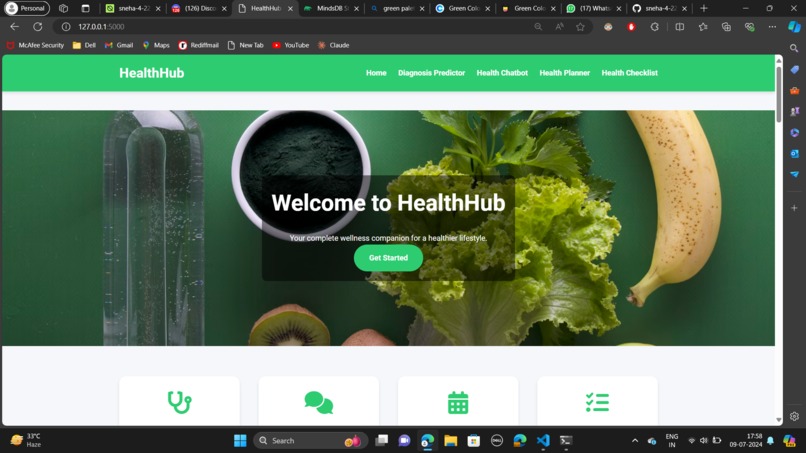
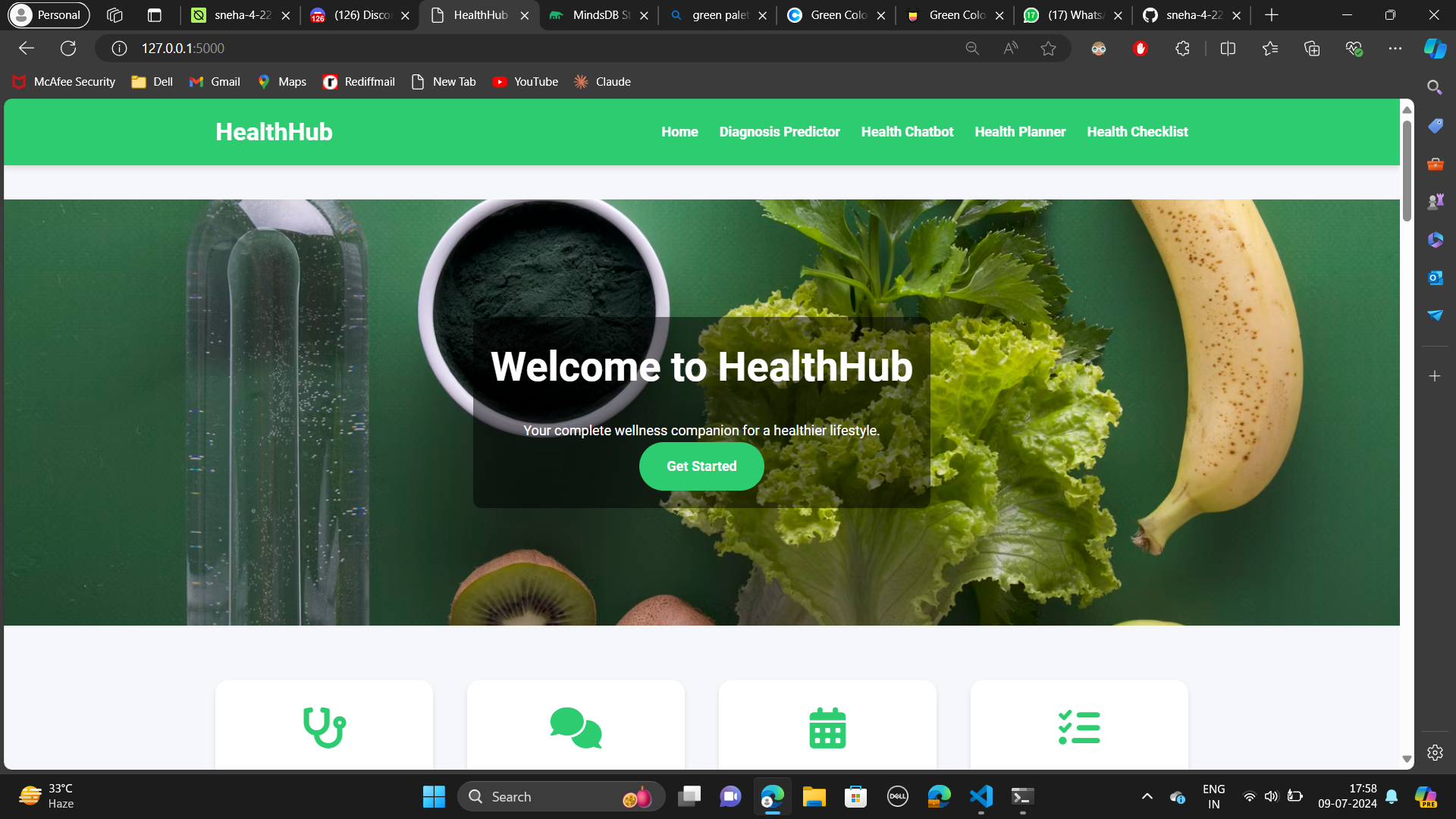
Home Page
-
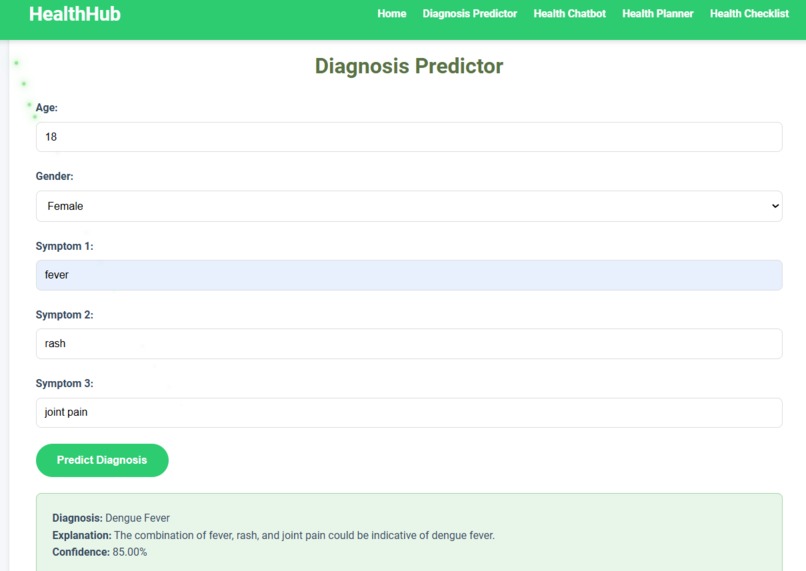
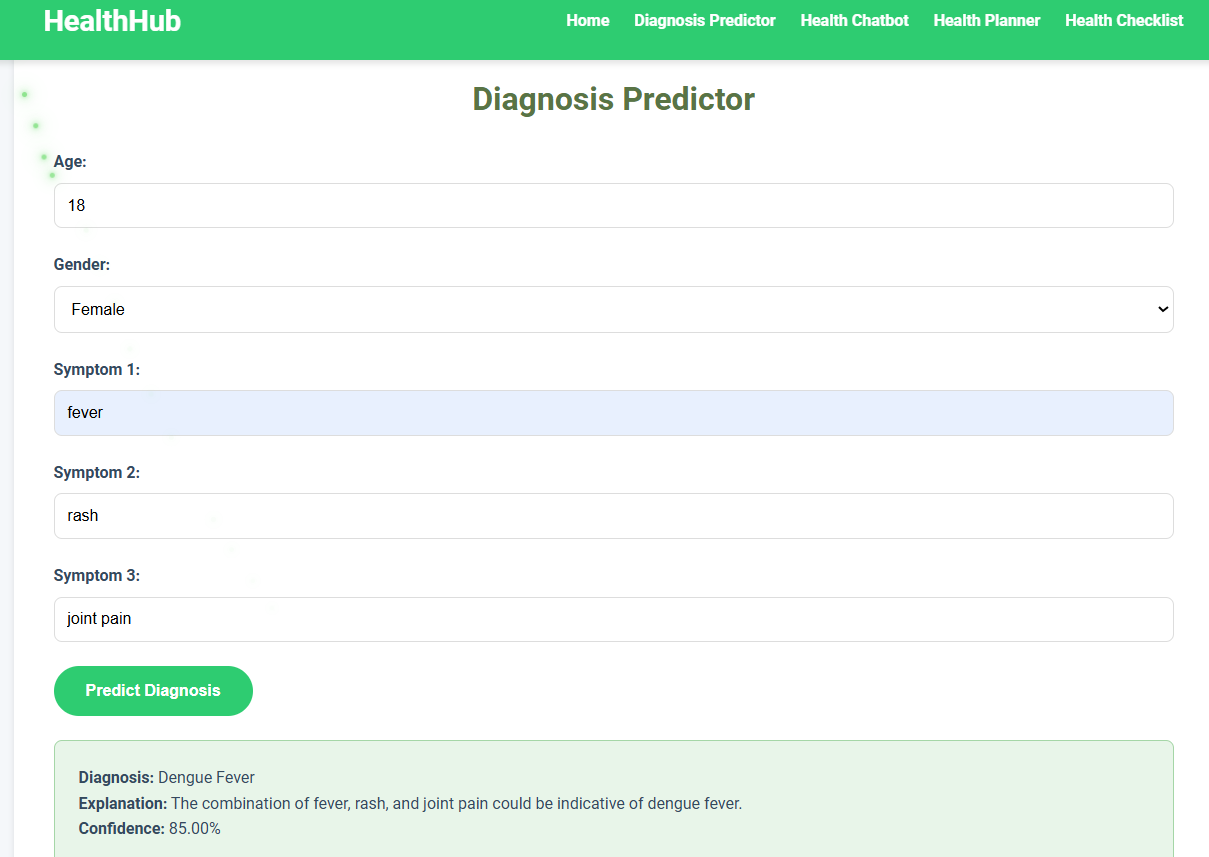
Diagnosis Predictor
-
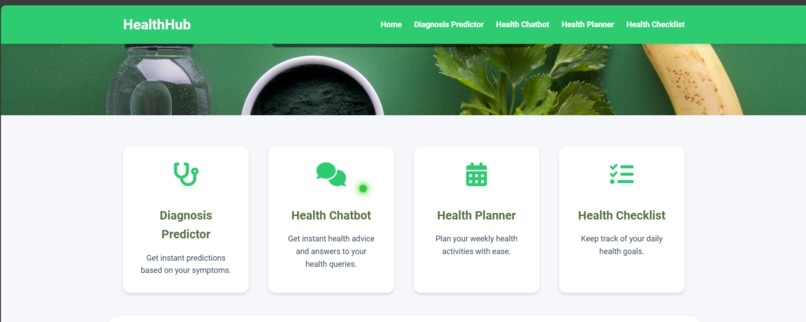
Features
-
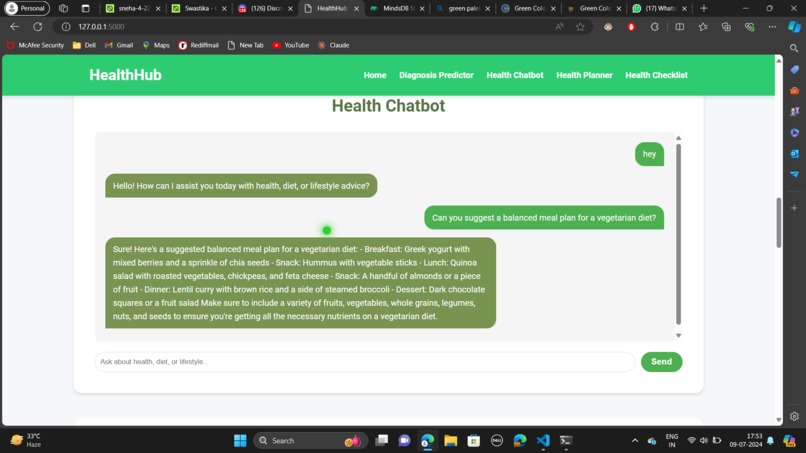
Heath Chatbot
-
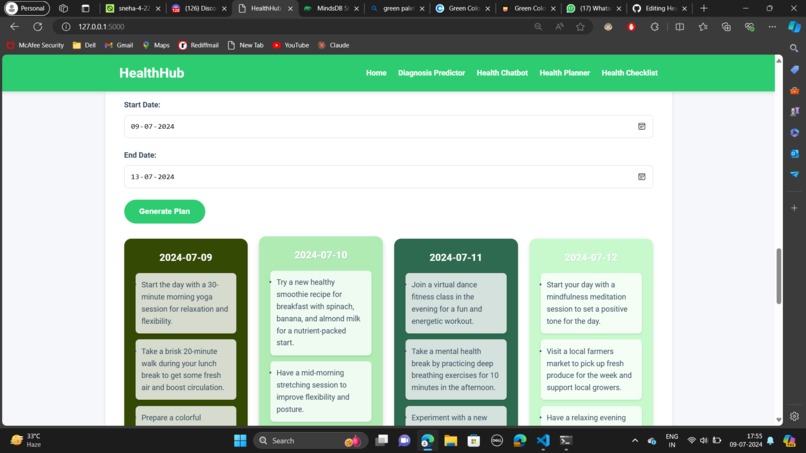
Planner (it will plan your days automatically according to your chat history)
-
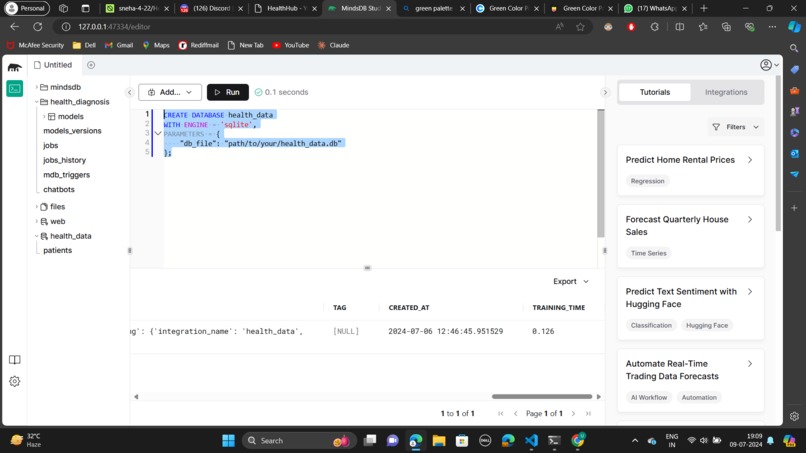
model
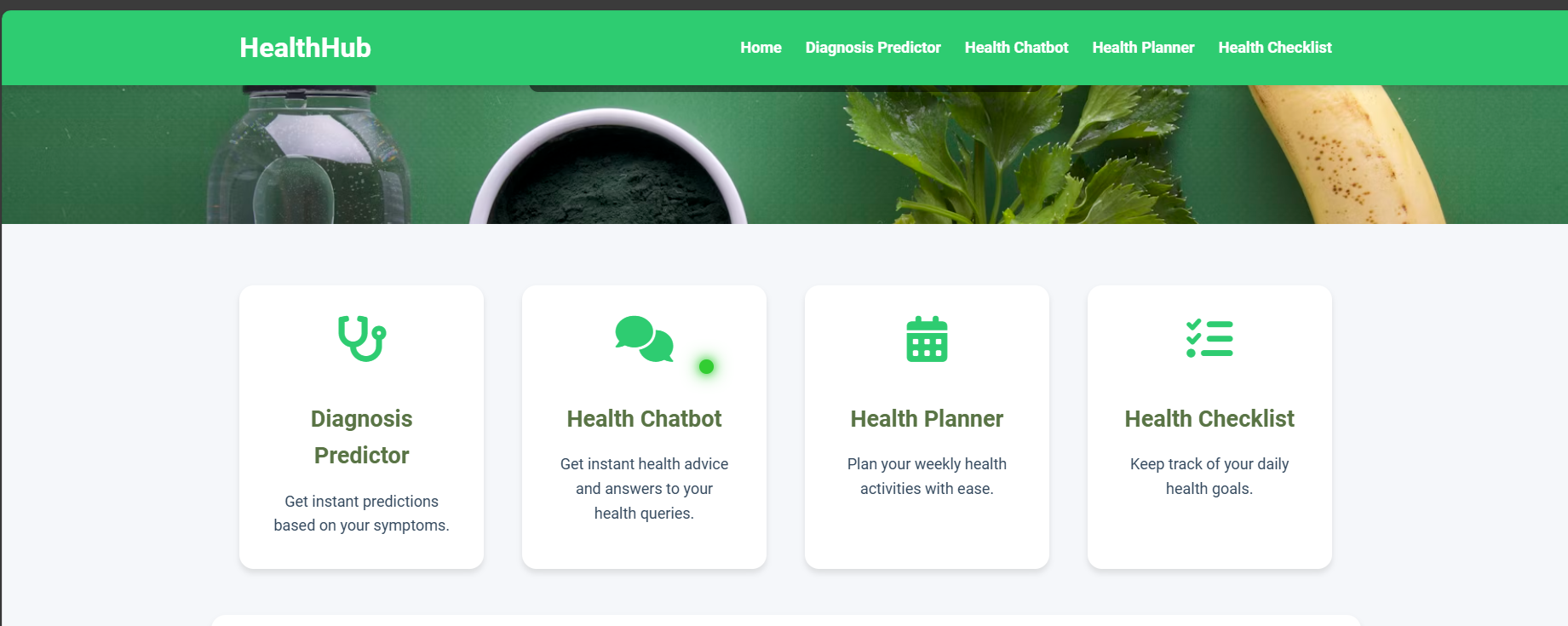

HealthHub - Your Complete Wellness Companion 🏥💪
Welcome to HealthHub, your comprehensive wellness companion designed to help you maintain a healthier lifestyle. This platform integrates cutting-edge AI technology, with the help of MindsDB, to offer a variety of tools like a Diagnosis Predictor, Health Chatbot, Weekly Health Planner, and Health Checklist.
Table of Contents 📑
Features 🌟
Diagnosis Predictor 🩺
Powered by MindsDB, the Diagnosis Predictor analyzes your symptoms and provides accurate health predictions.
- Navigate to the Diagnosis Predictor section.
- Fill in your age, gender, and symptoms.
- Click on the "Predict Diagnosis" button.
- View the predicted diagnosis along with an explanation and confidence level.
Health Chatbot 🤖
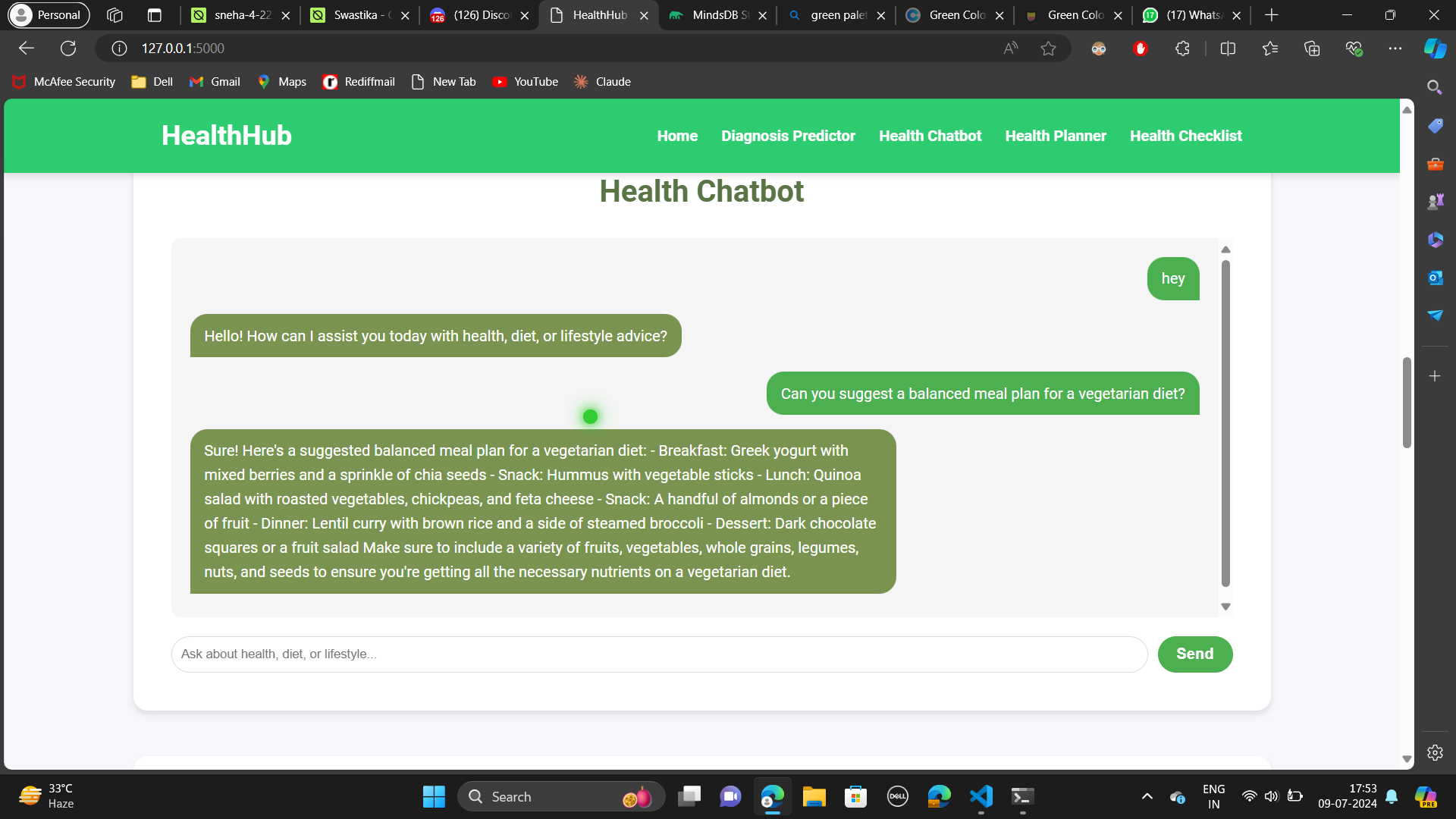
The chatbot answers your health queries instantly, providing reliable advice and information. It use MindsDB (gpt 3.5 turbo) mind.
- Navigate to the Health Chatbot section.
- Type your health-related question in the input box.
- Click the "Send" button to get an instant response from the chatbot.
Weekly Health Planner 🗓️
Plan your weekly health activities effortlessly with our interactive planner. Based on the user interaction with the chatbot it will automatically generate for them.
- Navigate to the Weekly Health Planner section.
- Select the start and end dates for your plan.
- Click on the "Generate Plan" button to receive a detailed weekly health plan.
Health Checklist ✅
Keep track of your daily health goals with our customizable checklist.
- Navigate to the Health Checklist section.
- Add new items to your checklist using the input box and "Add" button.
- Check off completed items to keep track of your progress.
YouTube Demonstration
Requirements
- Python 3.7 or higher
- MindsDB SDK
- SQLite3
Installation
Clone the repository:
git clone https://github.com/your-username/Health_assistant.git
cd Health_assistant
Install required packages:
pip install mindsdb_sdk sqlite3Set up MindsDB:
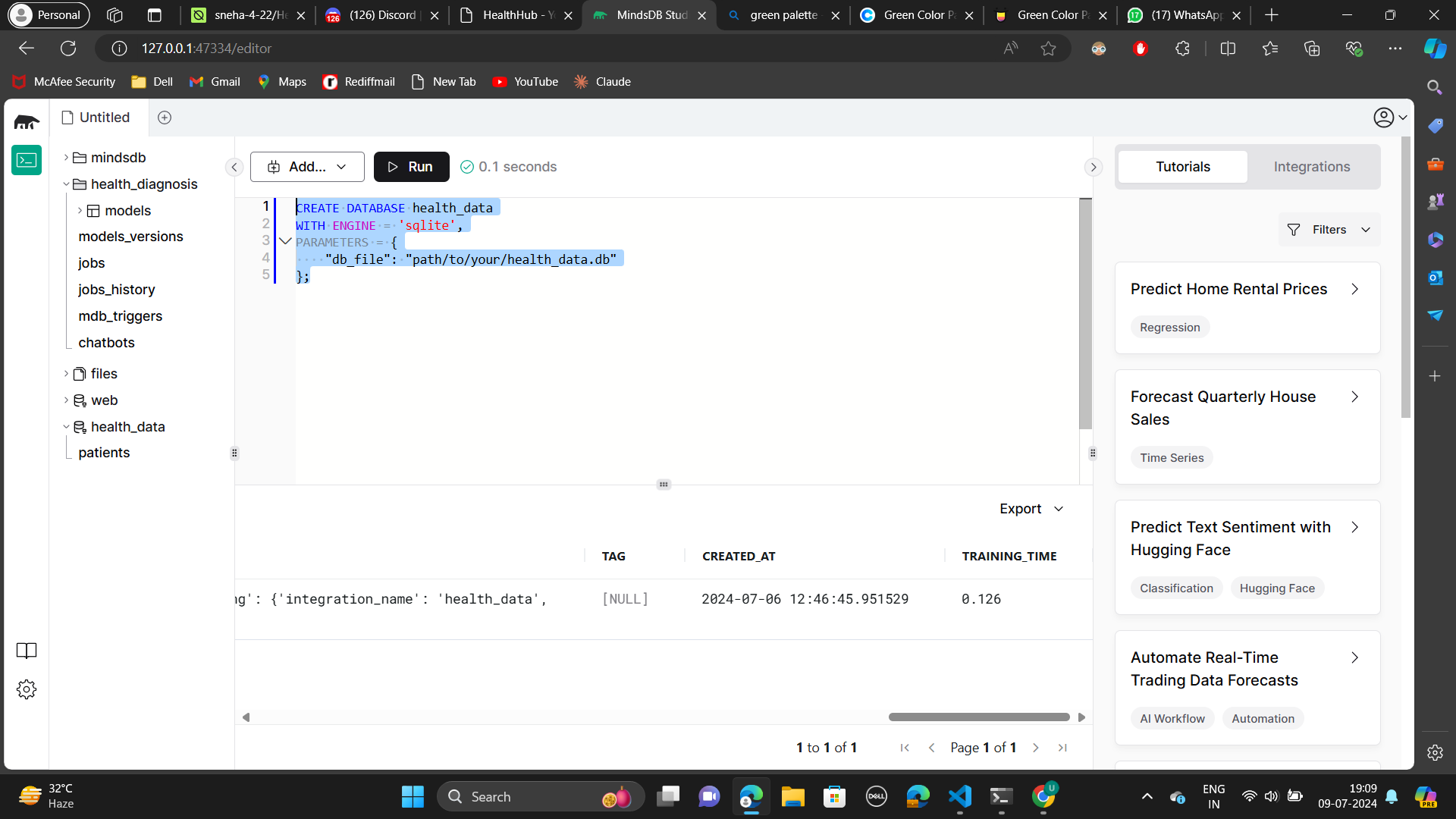
- Follow the MindsDB installation guide to install and run MindsDB locally.
- Note the server address and port (default is
http://127.0.0.1:47334). - make .env file add your mindsDB api key
bash
MINDSDB_API_KEY=''
Create and populate the SQLite database:
python data.py
Usage
(CLI)
Run the assistant:
python diagnosis_assistant.pyFollow the on-screen prompts to input patient details and get a diagnosis:
- Enter patient's age
- Enter patient's gender (M/F)
- Enter three symptoms
View the predicted diagnosis and explanation.
(WEB)
python app.py
Support 💬
If you like this project, please support it by upvoting and starring the GitHub repository!
Thank you for your support!


Log in or sign up for Devpost to join the conversation.