-
-
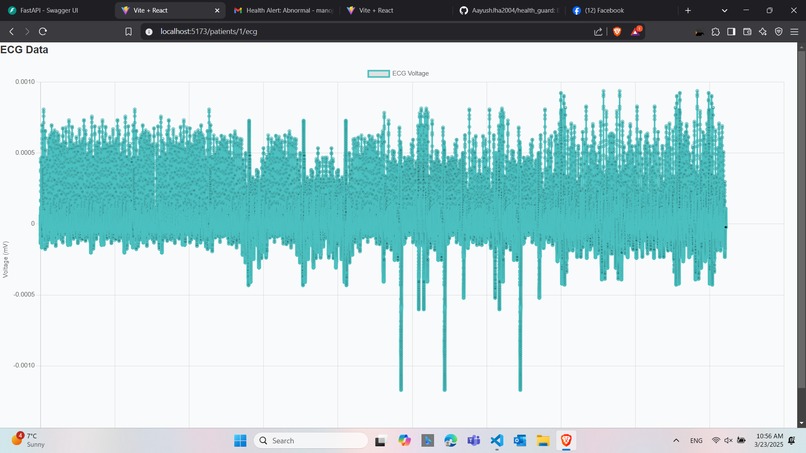
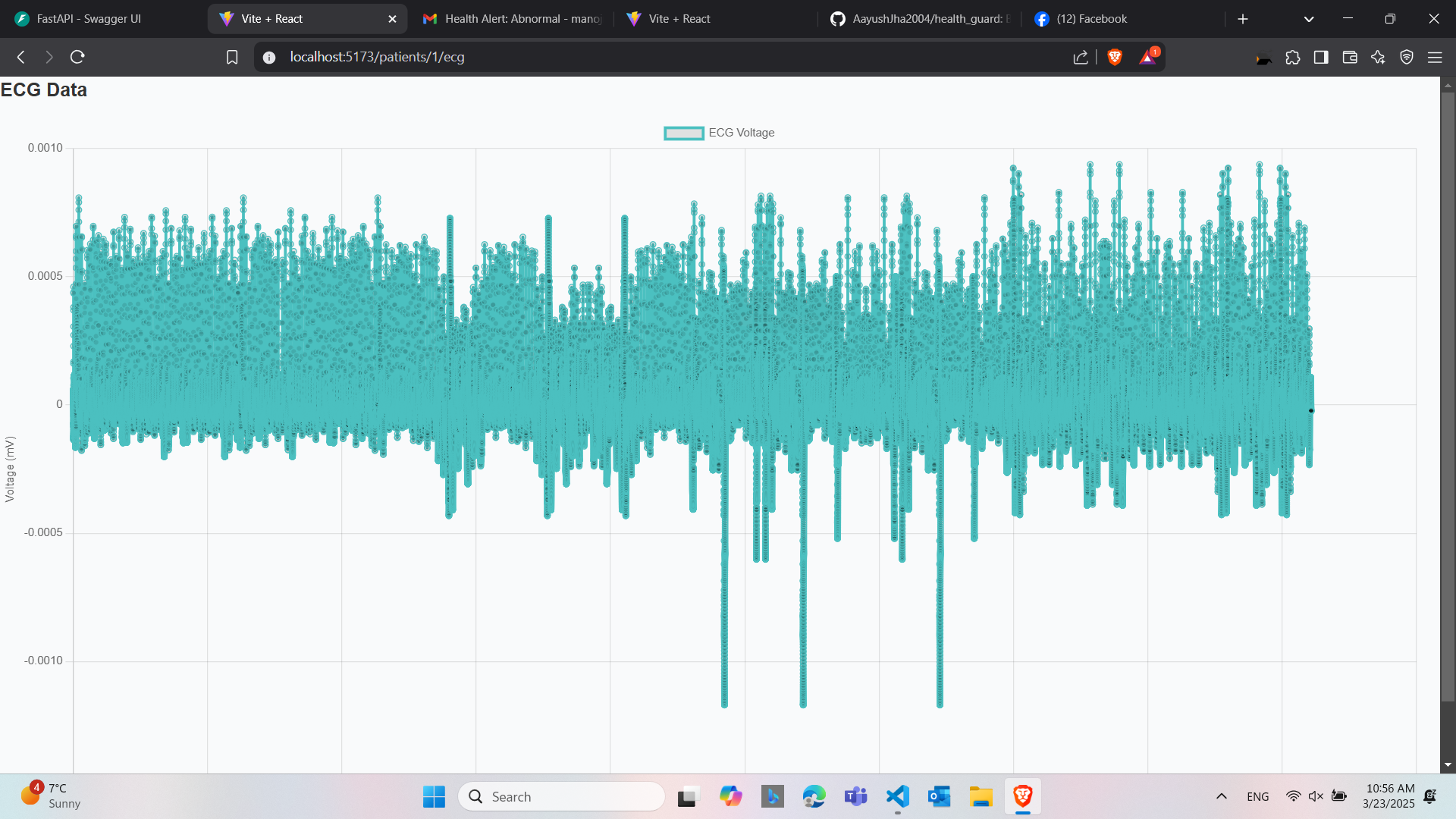
ESG_Graph
-
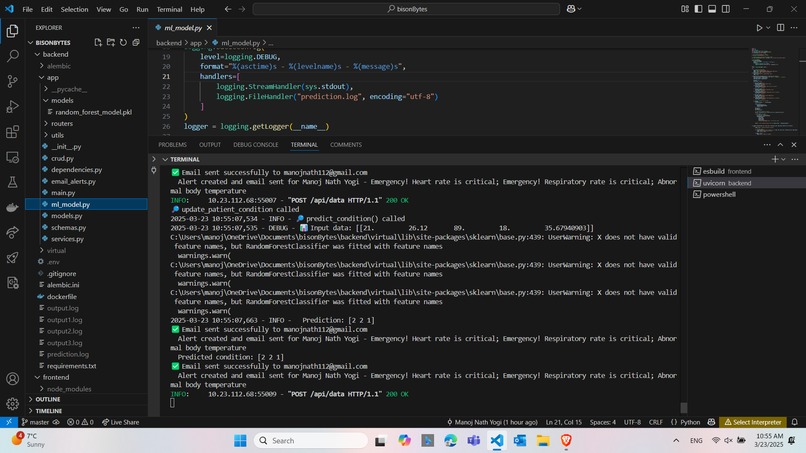
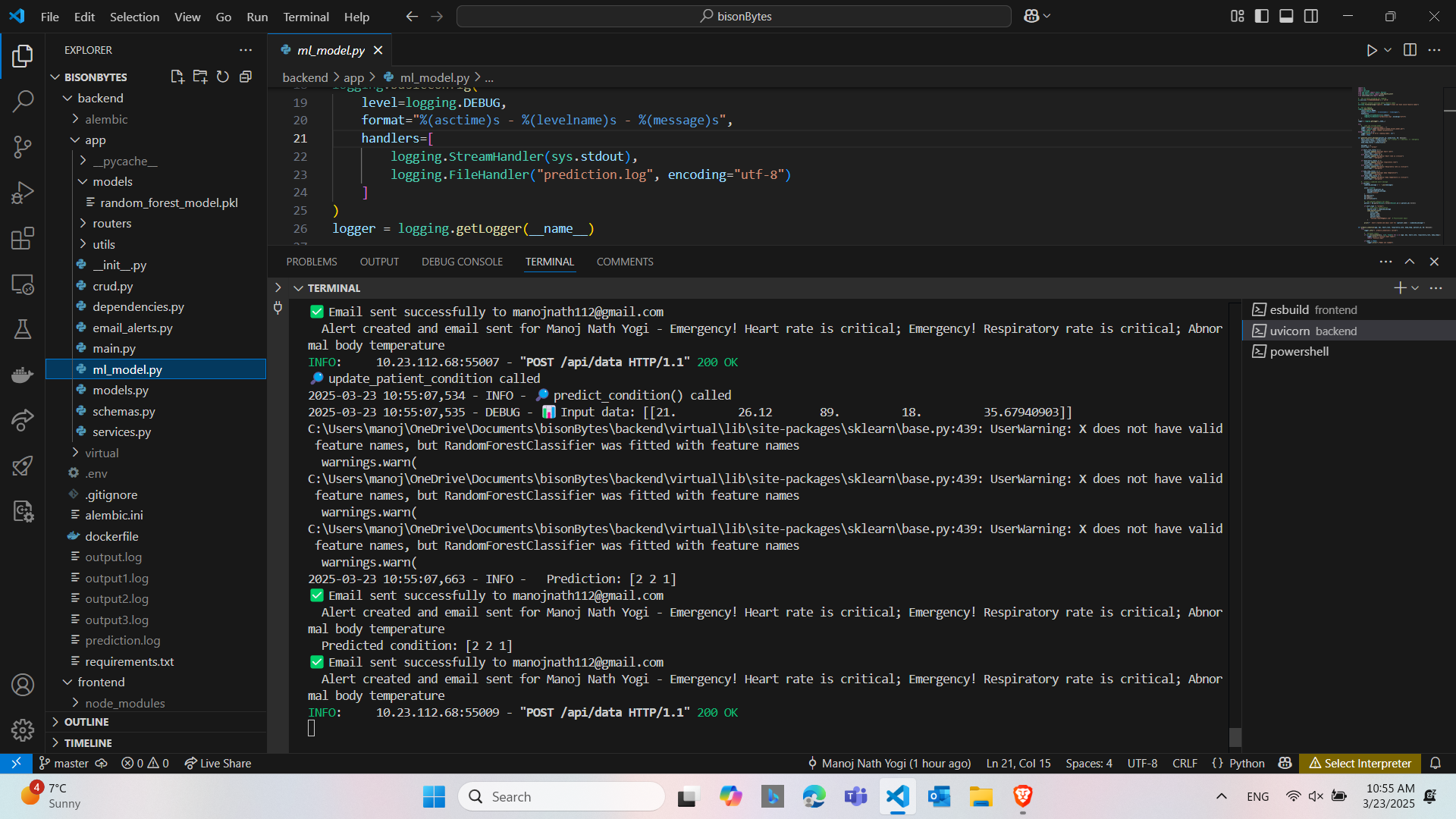
Backend_code
-
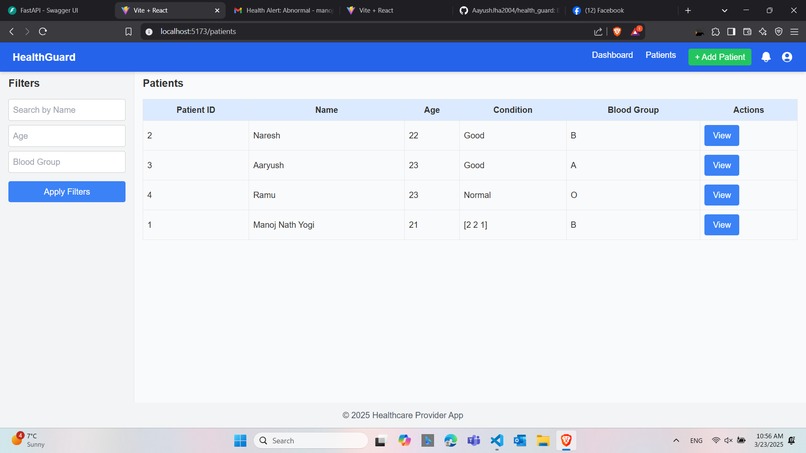
Dashboard
-
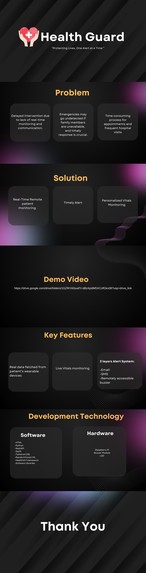
Presentation
-
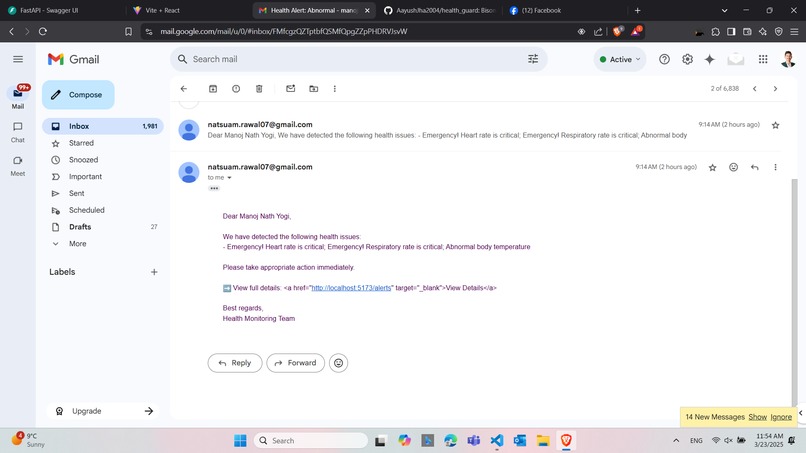
Email_meassage
-
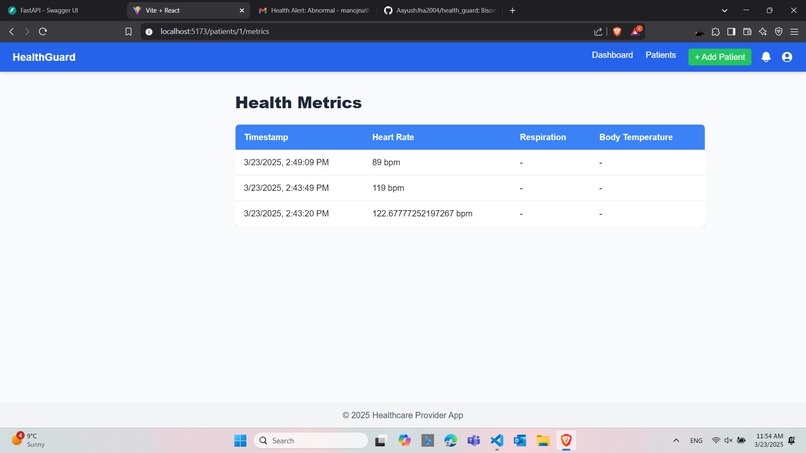
Dashboard
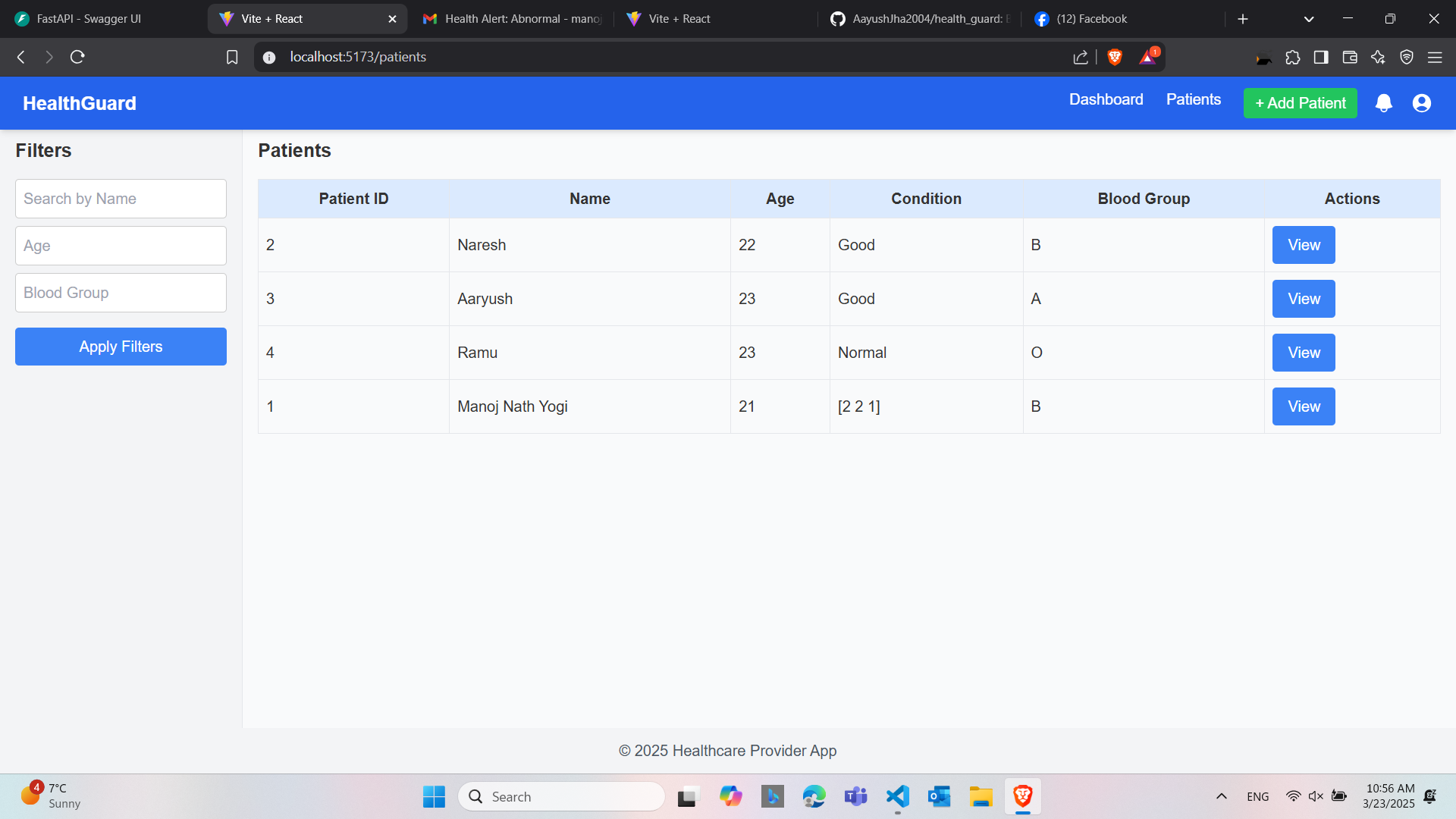
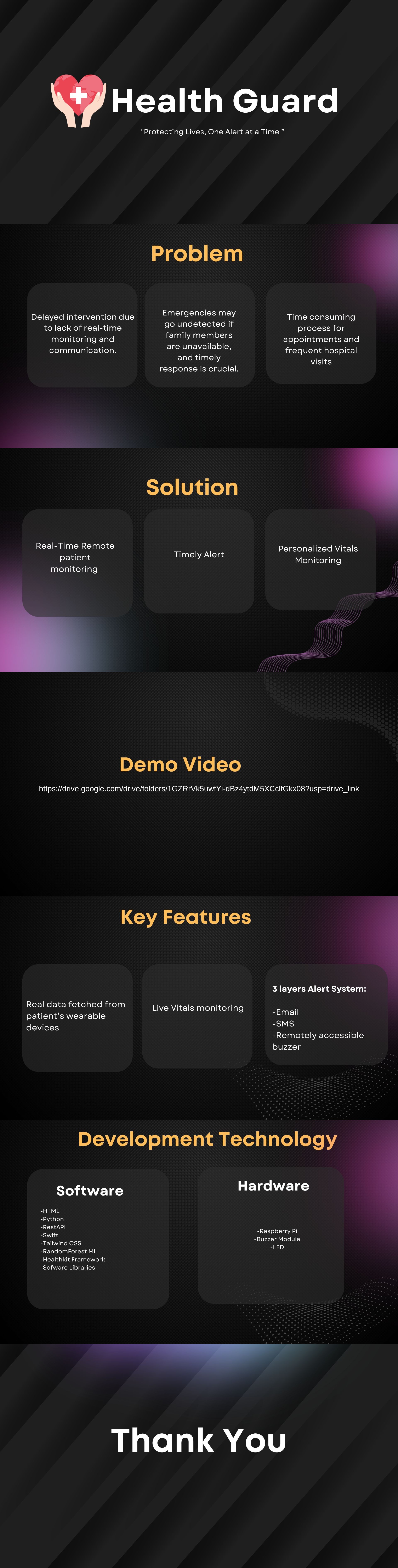
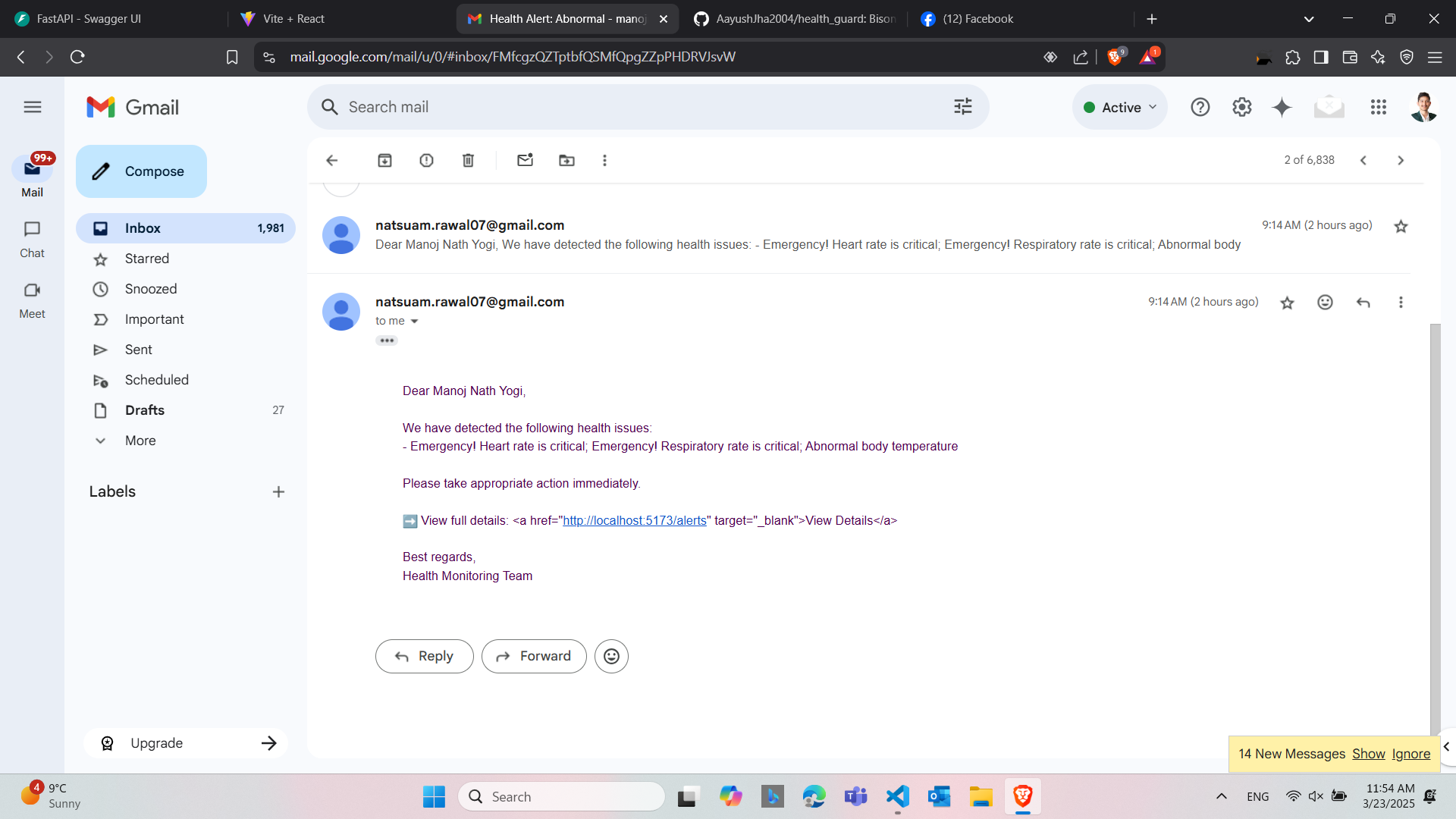
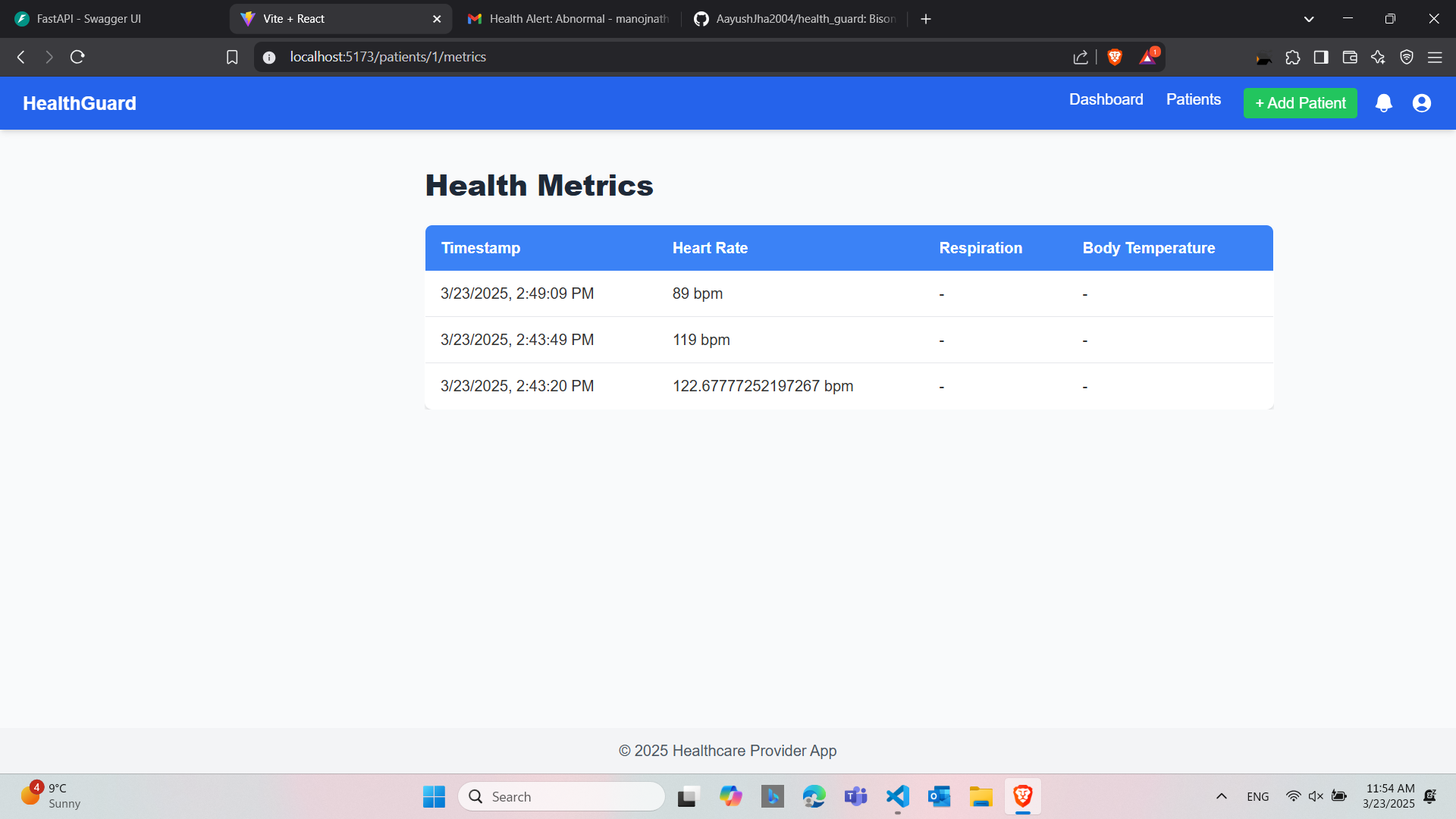
Inspiration
Naresh's mom had a heart attack even though her medical tests showed no problems, showing how important it is to monitor health in real-time. We realized many people face this risk, and we wanted to help. So, we created HealthGuard Alert to keep a close watch on health and protect our families and yours from sudden health issues.
What it does
HealthGuard Alert tracks health signs like heart rate, respiration rate, and body temperature from an Apple Watch. It decides if the condition is "Normal," "Abnormal," or "Emergency." Then, it sends email alerts to patients for abnormal issues or to doctors for emergencies, helping them act fast.
How we built it
We built the HeatlhGuard app using Swift UI and Apple's healthKit framework to poll patient data from their Apple watch. This was then sent to the backend made in Fastapi and Python with jwt token for authentication and SQLite for the database. The data was stored under each patient's profile. The front-end was made in react and tailwind CSS
Challenges we ran into
1)Apple Watch Data Integration: Fetching real-time health data from the Apple Watch using HealthKit was challenging due to permission issues and data synchronization delays, which required us to fine-tune the app’s access settings and handle asynchronous and synchronous data retrieval.
2)Cross-Platform Compatibility: Ensuring the web interface built with React and Tailwind CSS worked seamlessly with Swift UI was tricky, as we faced styling inconsistencies and had to adjust Tailwind configurations for responsiveness.
3)Environment Variable Management: Loading credentials from the .env file using python-dotenv failed initially due to path mismatches on Windows, leading to ValueError exceptions that we resolved by specifying the full file path and debugging the loading process.
4)Health Data Processing: Defining accurate thresholds for categorizing health metrics (e.g., heart rate, ESG) as "Normal," "Abnormal," or "Emergency" was complex, as we had to balance sensitivity to avoid false positives while ensuring critical conditions triggered alerts.
5)SMTP Authentication Issues: We encountered errors with Gmail’s SMTP server (SMTPAuthenticationError: 535, 5.7.8 Username and Password not accepted) because we initially used a regular password instead of a Gmail App Password, requiring us to enable 2-Step Verification and generate a secure App Password.
Accomplishments that we're proud of
We’re proud of making HealthGuard Alert, which sends real-time email alerts using Apple Watch data. We fixed the developer account login issues with an App Password and got HealthKit working to pull health data. Our web dashboard, built with React and Tailwind CSS, looks great on all devices. Most of all, we’re happy that HealthGuard Alert can help save lives by acting fast.
What we learned
We learned how to use smtplib and Gmail’s App Passwords to send emails safely. Working with HealthKit and Swift UI taught us how to get data from an Apple Watch, and React with Tailwind CSS helped us build a nice web dashboard. We also figured out how to fix .env file issues on Windows. Plus, we learned how tricky it is to set health limits for alerts.
What's next for HealthGuard
We’ll include SMS alerts with emails and connect to more devices, not just the Apple Watch. A mobile app for iOS and Android, plus a better web dashboard with live data visuals, is next. We also plan to link with hospital record systems to make it a bigger health tool.

Log in or sign up for Devpost to join the conversation.