
Secure Healthcare Insurance App
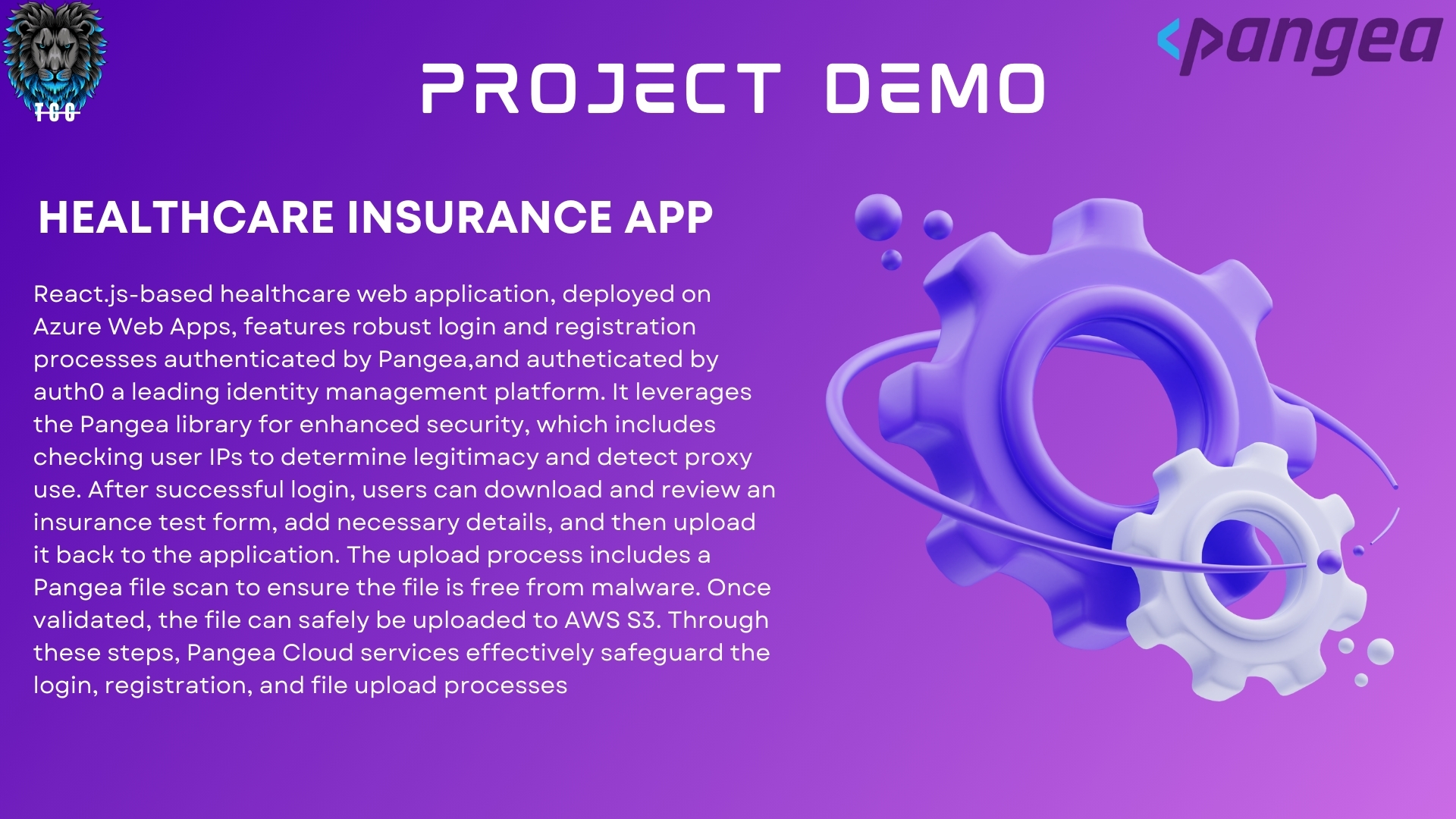
React.js-based healthcare web application, deployed on Azure Web Apps, features robust login and registration processes authenticated by Pangea, and authenticated by Auth0, a leading identity management platform. It leverages the Pangea library for enhanced security, which includes checking user IPs to determine legitimacy and detect proxy use. After successful login, users can download and review an insurance test form, add necessary details, and then upload it back to the application. The upload process includes a Pangea file scan to ensure the file is free from malware. Once validated, the file can safely be uploaded to AWS S3. Through these steps, Pangea Cloud services effectively safeguard the login, registration, and file upload processes.


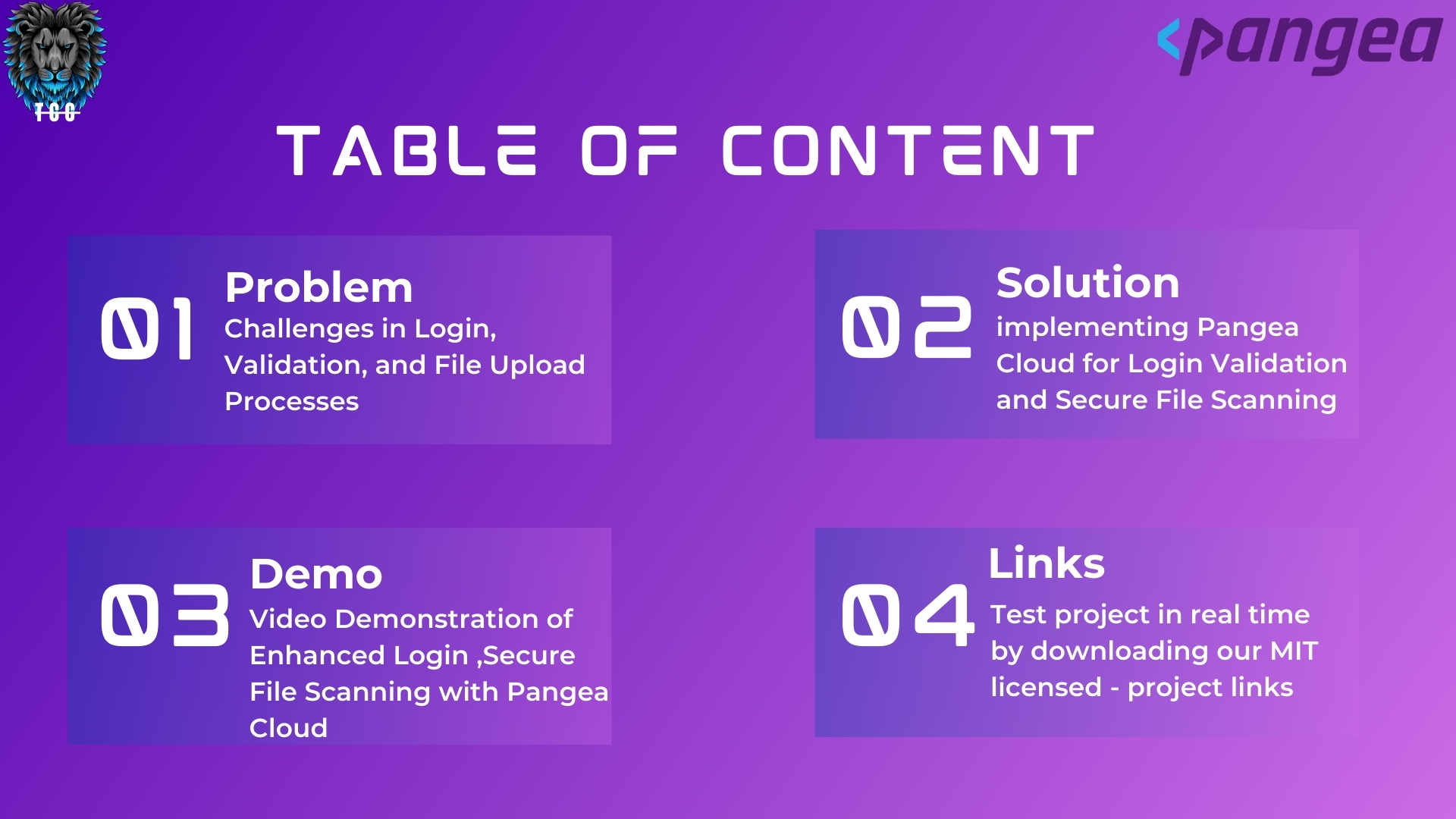
Table of Contents
Usage
The Secure Healthcare Insurance App incorporates a suite of security features powered by Pangea Cloud, ensuring a protected and compliant user experience. Below are the use cases for each feature:
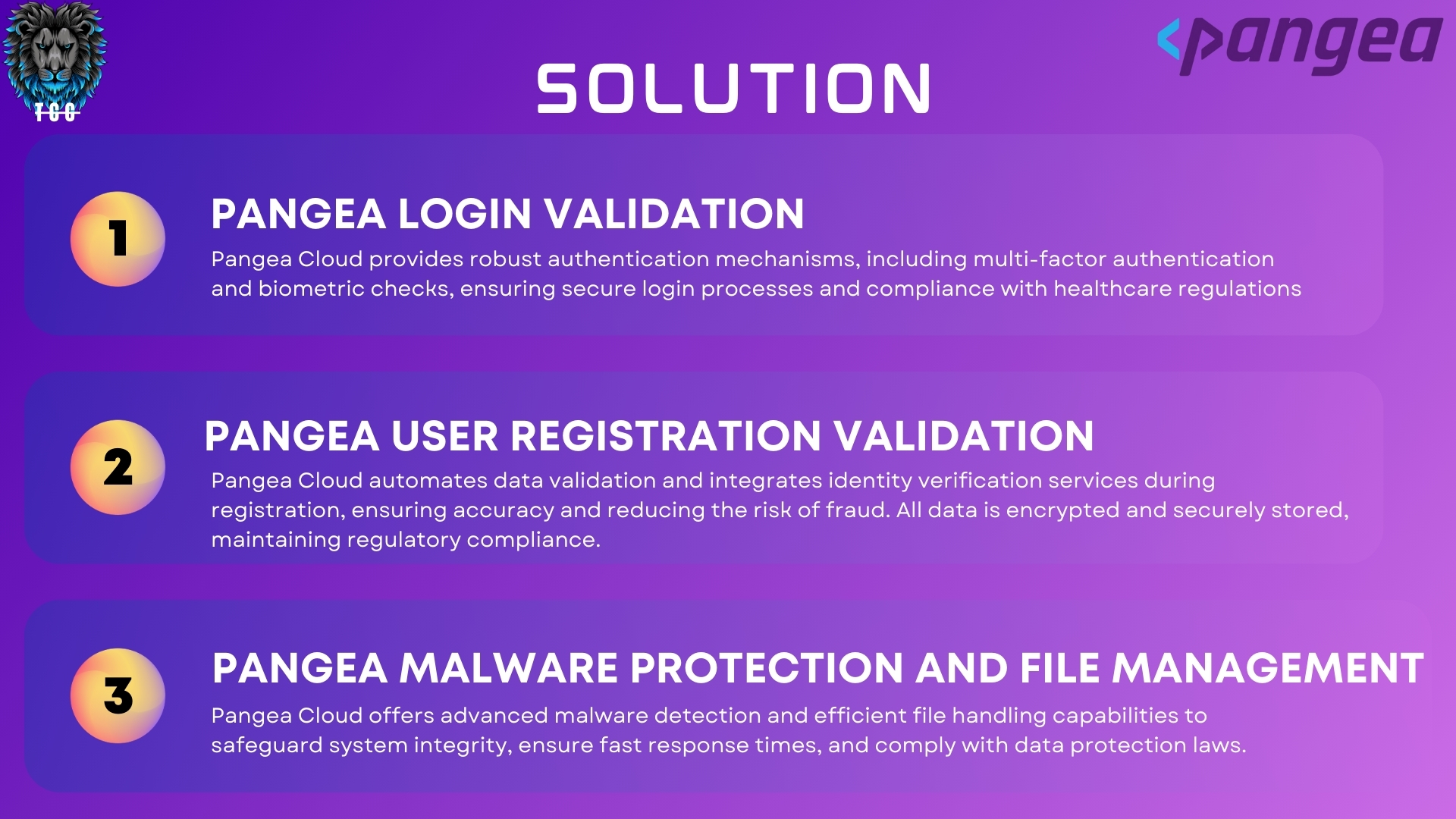
Pangea Login Validation
Pangea Cloud provides robust authentication mechanisms, including multi-factor authentication and biometric checks, to ensure secure login processes.
Use Case: A customer, John , attempts to log into the application to file an insurance claim. His login is validated whether he is not using from proxy or vpn network to avoid threats.
Pangea User Registration Validation
Pangea Cloud automates data validation and integrates identity verification services, encrypting and securely storing all data to maintain regulatory compliance.
Use Case: When Jane Smith registers for the first time, her information is cross-referenced against an external database for identity verification, ensuring that her registration is both secure and compliant with healthcare regulations.
Pangea Malware Protection and File Management
The application utilizes Pangea Cloud's advanced malware detection and efficient file handling capabilities to safeguard system integrity and comply with data protection laws.
Use Case: Before submitting her insurance claim form, Jane's document is scanned for malware. Pangea Cloud identifies a potential threat in her file and prevents the upload, prompting Jane to remove the malware. After cleaning the document, she successfully uploads the claim form, which is then securely stored in AWS S3.
Installation
To install this project, clone the repository using the following link:
Secure Healthcare Insurance App
Then, run these commands:
git clone https://github.com/TWILIGHTCLOUDCODERZ/Pangea-Securathon-Showdown.git
cd SecureHealthcareInsuranceApp
npm install
Environment Variables
Set up the following environment variables to configure our project correctly:
- Pangea API Token: Follow this document for instructions on how to obtain and configure your Pangea API token.
- AWS S3 Configuration: Comprehensive setup instructions for AWS S3 can be found in this document.
- Auth0 Configuration: To configure Auth0, refer to this document for detailed guidance.
Adding Environment Variables
Add these variables to a .env file located in the root of our project.
REACT_APP_AWS_ACCESS_KEY_ID=your_aws_access_key_id
REACT_APP_AWS_SECRET_ACCESS_KEY=your_aws_secret_access_key
REACT_APP_AWS_REGION=your_aws_region
REACT_APP_S3_BUCKET=your_s3_bucket_name
REACT_APP_API_SCAN_ENDPOINT=your_pangea_api_endpoint
REACT_APP_AUTH_TOKEN=your_auth0_token
Run-Build
To start the application run the command npm start
npm start
This will start the application on http://localhost:3000. Navigate to this URL in the web browser to access the app
To deploy the application run the command npm build
npm build
Features
- Robust authentication and authorization with Auth0.
- Enhanced security checks using Pangea.
- Secure file uploads to AWS S3 after malware scanning.
- Easy to use interface for downloading and uploading insurance forms
License
MIT License
Copyright (c) 2024 TCC-TWILIGHTCLOUDCODERZ - DEEPAN
Permission is hereby granted, free of charge, to any person obtaining a copy of this software and associated documentation files (the "Software"), to deal in the Software without restriction, including without limitation the rights to use, copy, modify, merge, publish, distribute, sublicense, and/or sell copies of the Software, and to permit persons to whom the Software is furnished to do so, subject to the following conditions:
The above copyright notice and this permission notice shall be included in all copies or substantial portions of the Software.
THE SOFTWARE IS PROVIDED "AS IS", WITHOUT WARRANTY OF ANY KIND, EXPRESS OR IMPLIED, INCLUDING BUT NOT LIMITED TO THE WARRANTIES OF MERCHANTABILITY, FITNESS FOR A PARTICULAR PURPOSE AND NONINFRINGEMENT. IN NO EVENT SHALL THE AUTHORS OR COPYRIGHT HOLDERS BE LIABLE FOR ANY CLAIM, DAMAGES OR OTHER LIABILITY, WHETHER IN AN ACTION OF CONTRACT, TORT OR OTHERWISE, ARISING FROM, OUT OF OR IN CONNECTION WITH THE SOFTWARE OR THE USE OR OTHER DEALINGS IN THE SOFTWARE.
Built With
- amazon-web-services
- auth0
- azure
- javascript
- pangea
- react
- s3


Log in or sign up for Devpost to join the conversation.