-
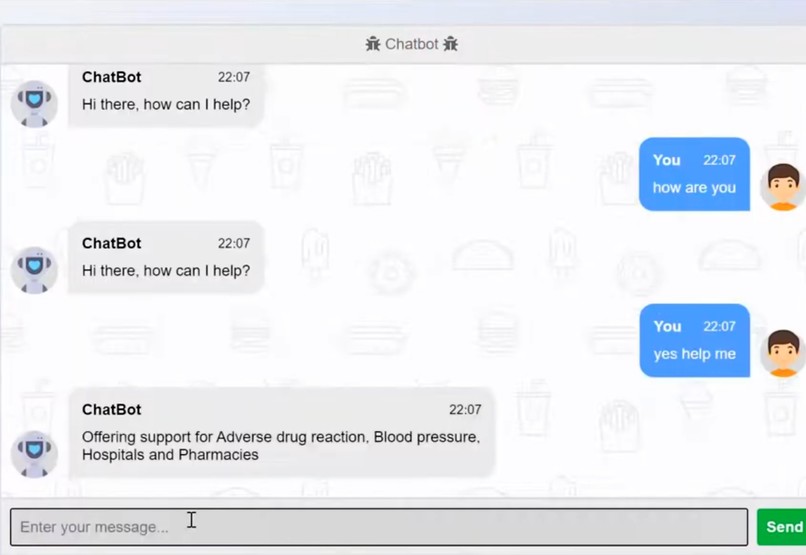
It is a user interface
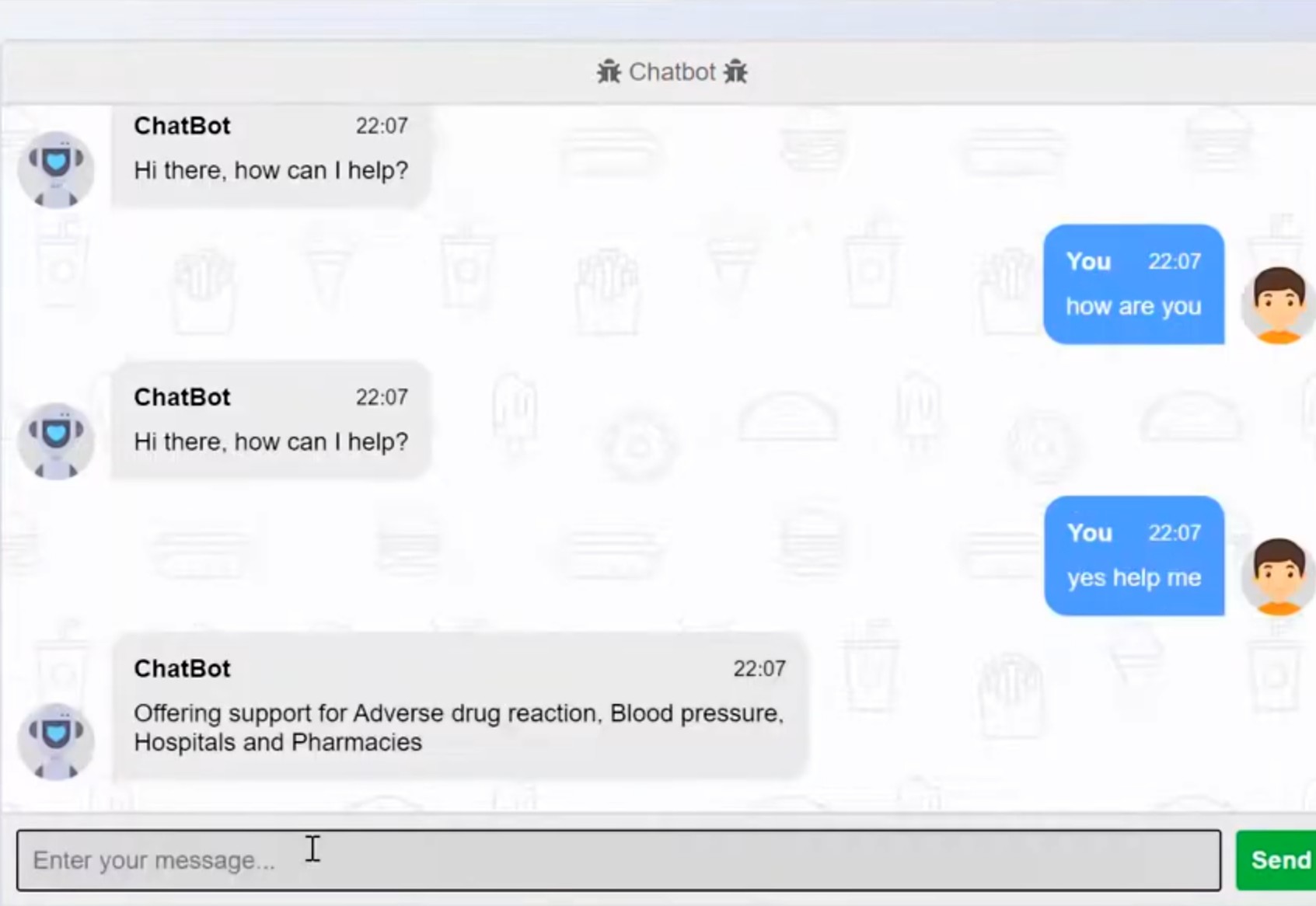
HealthCare Chatbot Project
Inspiration
The inspiration for this healthcare chatbot project came from observing the increasing demand for accessible and efficient healthcare services. With the rapid advancements in artificial intelligence and natural language processing, I saw an opportunity to leverage these technologies to provide immediate support and information to patients, ultimately reducing the burden on healthcare professionals and improving patient outcomes.
What I Learned
Through this project, I gained valuable insights and skills, including:
- Natural Language Processing (NLP): Understanding how to train and deploy NLP models to interpret and respond to user inputs.
- Healthcare Regulations: Learning about HIPAA compliance and the importance of data privacy and security in healthcare applications.
- User Experience (UX): Designing conversational flows that are user-friendly and provide accurate and helpful information.
- Integration with Medical Databases: Connecting the chatbot with reliable medical databases and APIs to ensure up-to-date and accurate information.
Building the Project
Step 1: Defining the Scope and Purpose
I started by identifying the key functionalities the chatbot should have, such as symptom checking, appointment scheduling, medication reminders, and providing health information.
Step 2: Choosing the Platform and Technology Stack
I selected Dialogflow for natural language processing and Firebase for backend services. This combination provided a robust and scalable solution for handling user interactions and data storage.
Step 3: Designing Conversational Flows
I mapped out various user scenarios and created dialogue scripts to guide the interactions. This involved considering how users might phrase their questions and ensuring the chatbot could understand and respond appropriately.
Step 4: Integrating with Medical Databases
I integrated the chatbot with reliable medical databases to provide accurate symptom checks and health information. This ensured that users received trustworthy and up-to-date advice.
Step 5: Implementing the Backend Logic
Using Firebase Functions, I implemented the backend logic for functionalities like appointment scheduling. This allowed the chatbot to handle user requests and store relevant data securely.
const functions = require('firebase-functions');
const admin = require('firebase-admin');
admin.initializeApp();

exports.bookAppointment = functions.https.onRequest((req, res) => {
    const appointmentData = req.body.queryResult.parameters;
    const appointmentRef = admin.firestore().collection('appointments').add(appointmentData);

    appointmentRef.then(docRef => {
        res.json({
            fulfillmentText: `Appointment booked successfully! Your reference ID is ${docRef.id}.`
        });
    }).catch(error => {
        res.json({
            fulfillmentText: `Failed to book appointment. Please try again later.`
        });
    });
});

Log in or sign up for Devpost to join the conversation.