UniCare: Empowering College Students to Prioritize Wellness
Inspiration
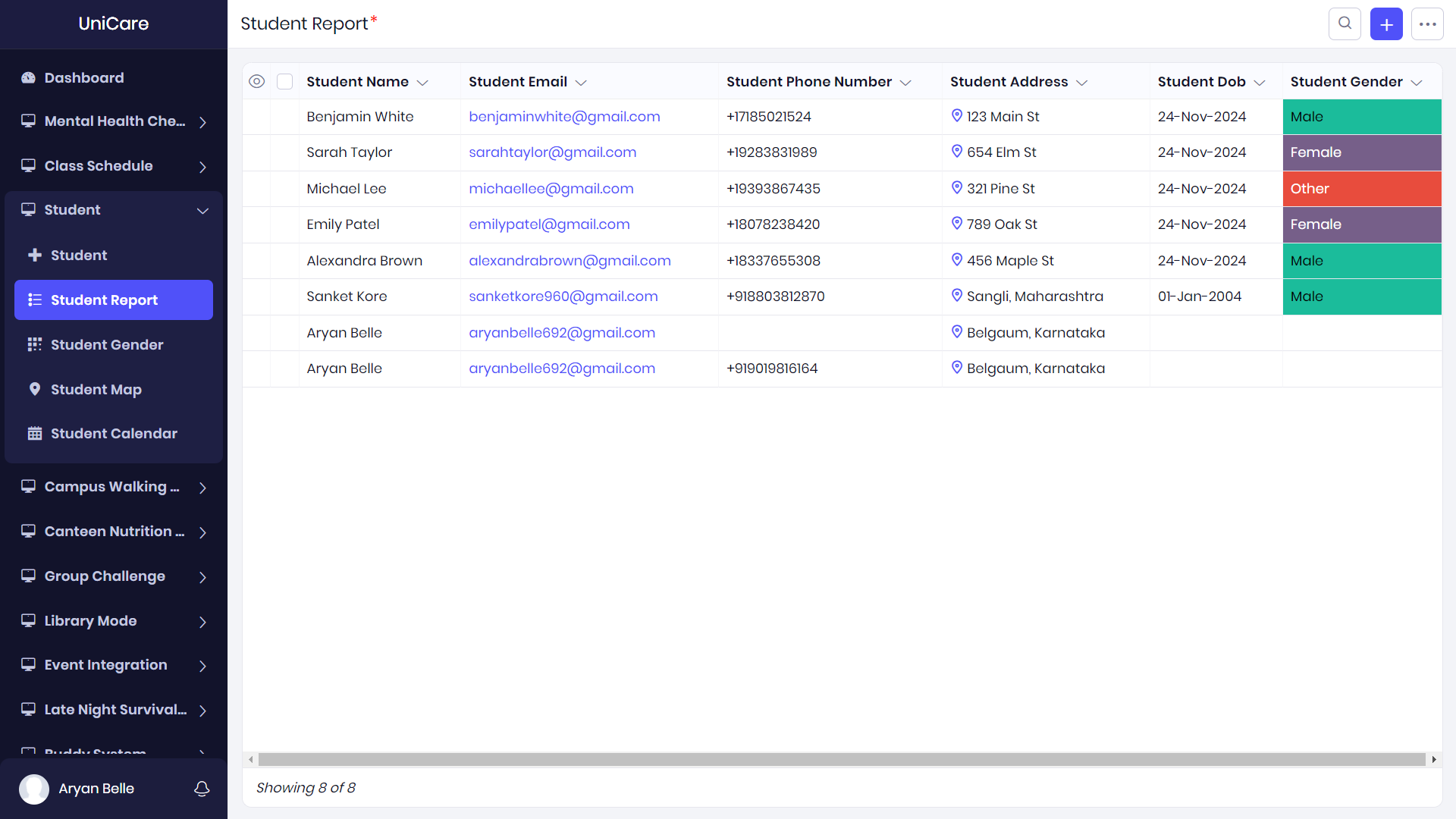
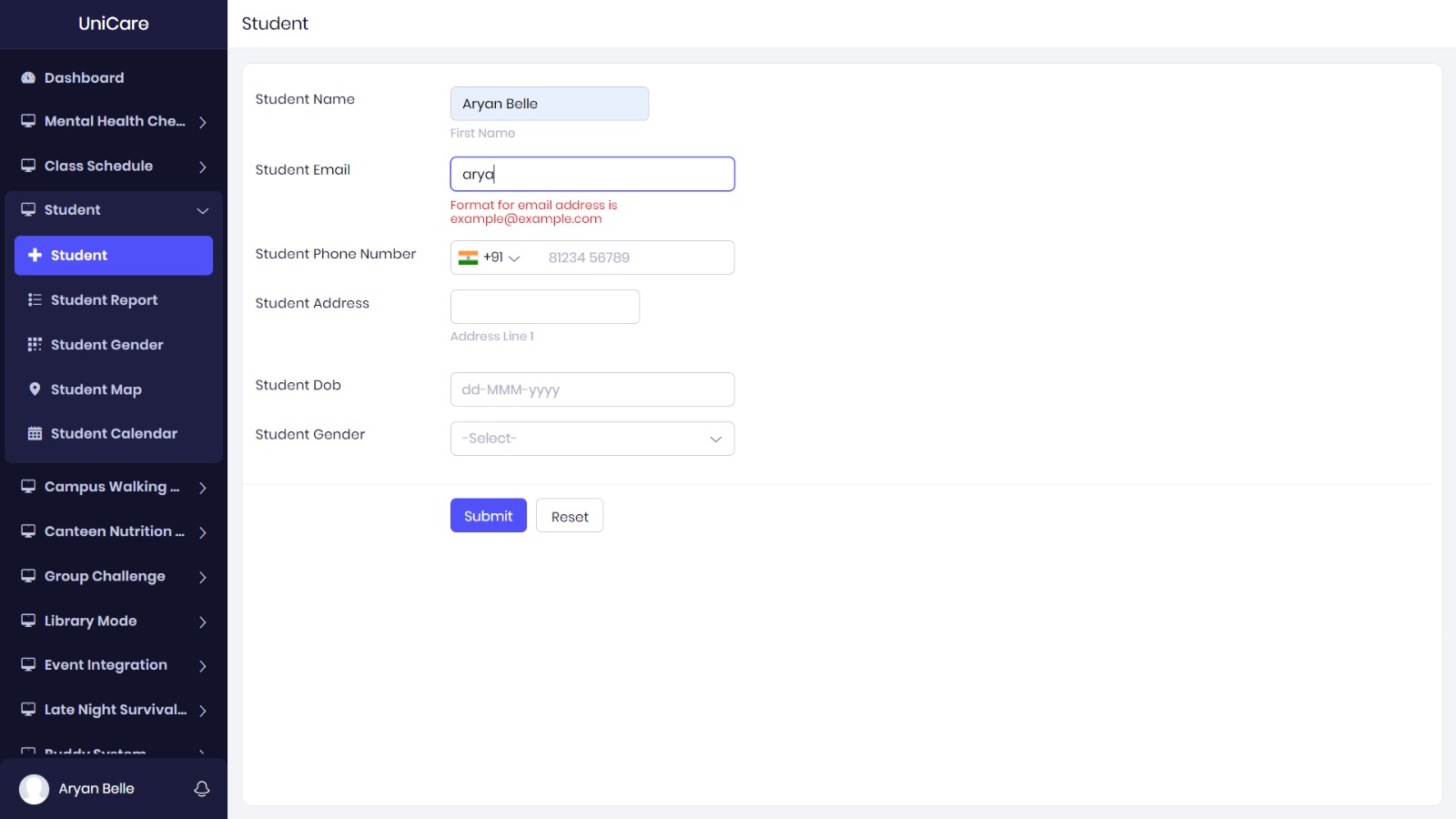
The inspiration for UniCare came from the challenges faced by college students today in maintaining a balance between academic performance and personal well-being. During the hackathon, we identified a gap in the availability of comprehensive tools that address both mental health and academic needs in one place. With hectic schedules, exam pressures, and social life demands, students often struggle to prioritize their health. We were motivated to create an app that could help students manage their wellness, track their mental health, and access relevant resources, all tailored to their college life. By building UniCare, we aim to empower students with tools that support their overall well-being, making it easier to succeed both academically and personally.
What We Learned
During the development of UniCare, We learned several key lessons:
- Low-Code Development: Using **Zoho Creator, We learned how to leverage a low-code platform to rapidly develop applications without needing to write complex code. It was amazing to see how quickly We could bring my ideas to life by using the drag-and-drop features and pre-built templates.
- User-Centered Design: Building an app for students meant focusing on simplicity and user-friendliness. We learned how important it is to create intuitive designs that cater to the end-user's needs without overwhelming them with unnecessary features.
- Automating Processes: With Zoho’s automation tools, I was able to streamline workflows, send notifications, and remind users of important wellness tasks, which is a crucial element in keeping students engaged and on track.
- Balancing Wellness and Academics: We learned that students need a balance of resources that address both mental health and academic pressures. Finding this balance was key to ensuring the app would truly add value to students' lives.
How We Built the Project
I chose Zoho Creator, a low-code/no-code platform, to build **UniCare. Zoho Creator’s drag-and-drop interface, integrated workflows, and powerful automation tools allowed me to focus more on the functionality and less on the technical challenges of development. Here's a breakdown of how I built it:
Tech Stack:
- Platform: Zoho Creator (low-code platform)
- Database: Zoho Creator’s built-in database for storing user data and wellness reports.
- Integration: Used built-in API integrations to sync with students' schedules and events.
Key Features:
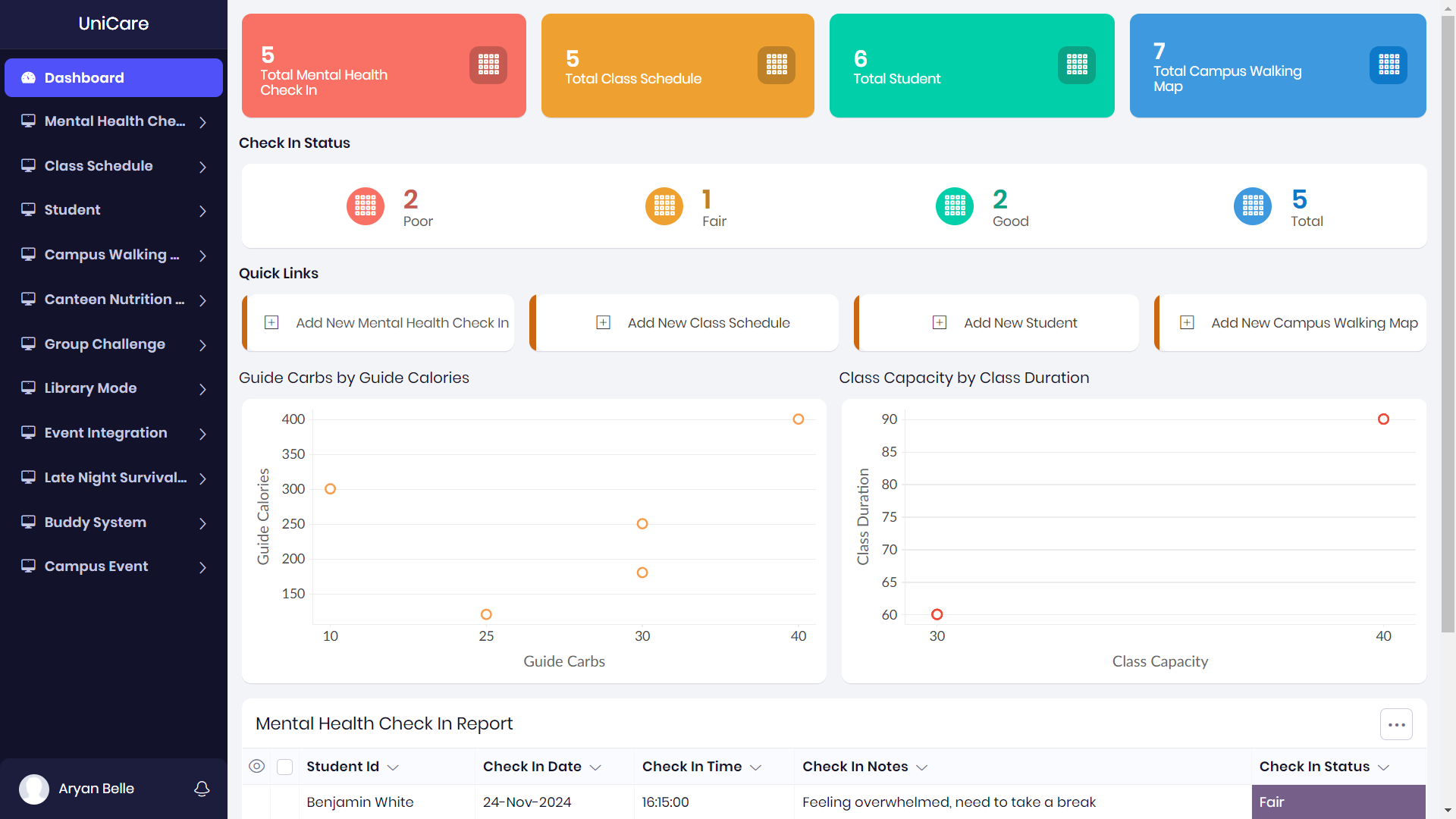
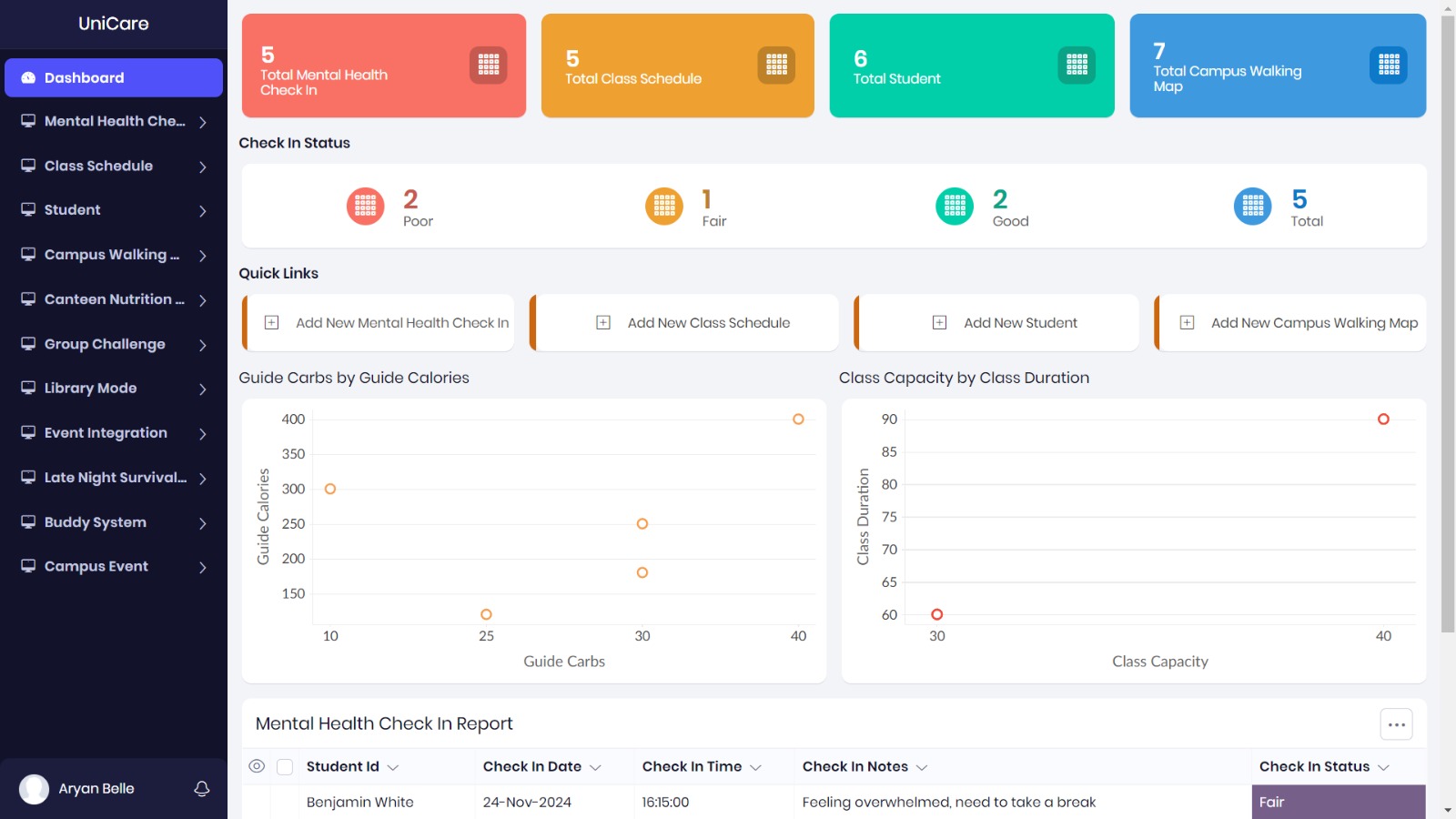
- Class Schedule Integrations: The app syncs with students' class schedules and sends reminders for wellness activities, making sure they stay on top of both academics and self-care.
- Exam Stress Management: Provides techniques like mindfulness exercises, deep breathing, and relaxation tips to help students manage exam-related stress.
- Canteen Nutrition Guides: Offers nutritional information about the campus canteen menu, helping students make healthier food choices.
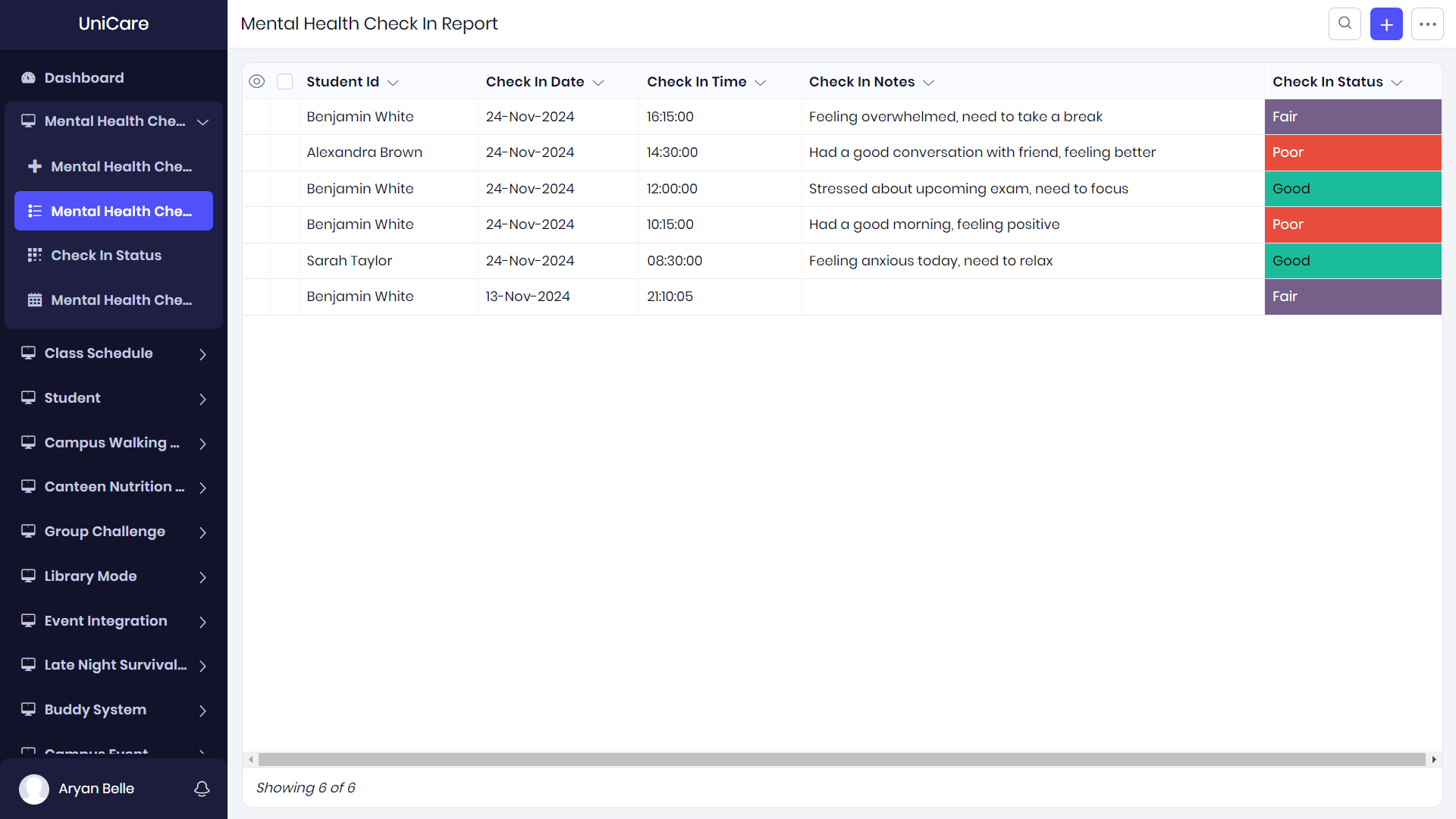
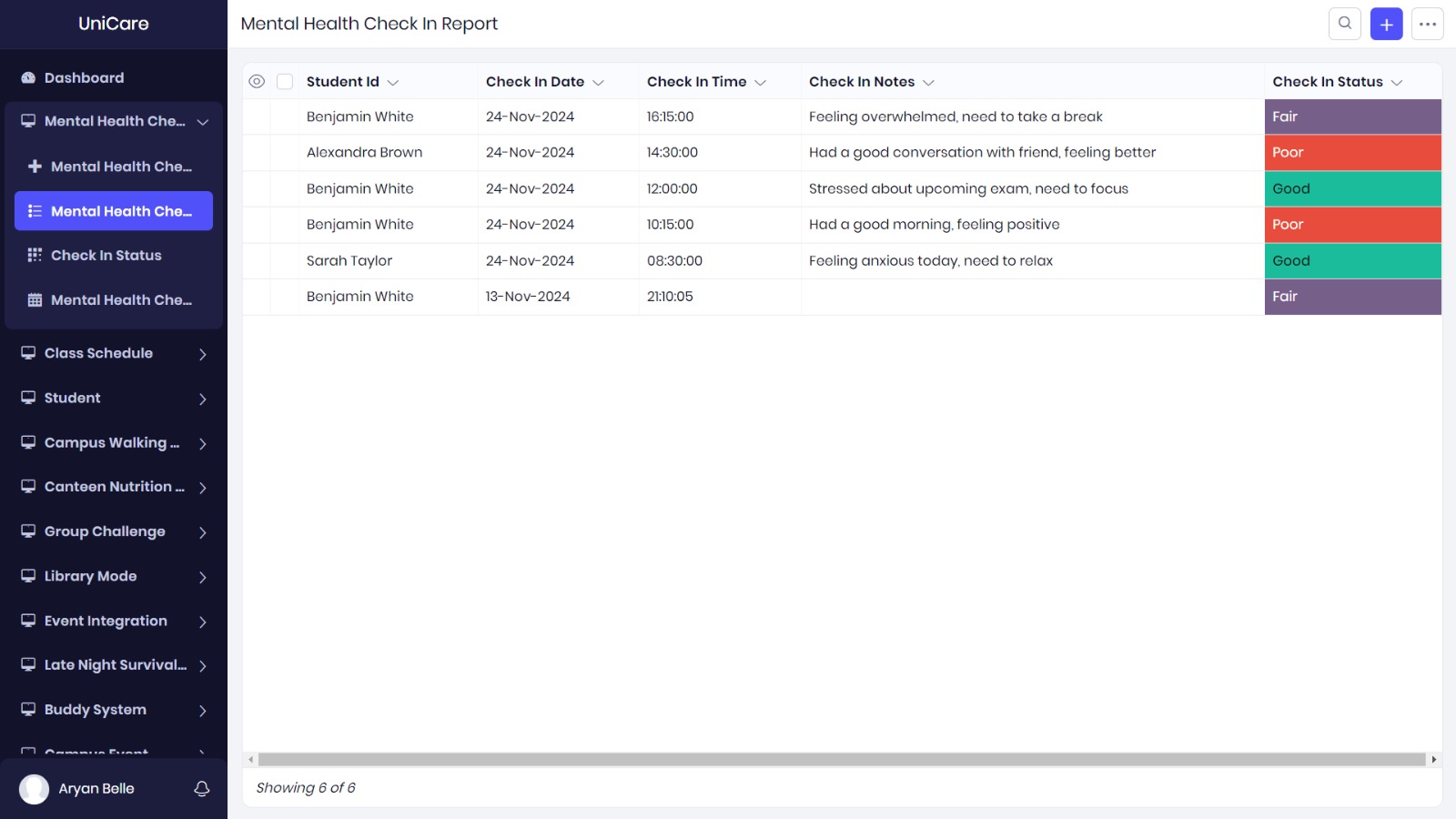
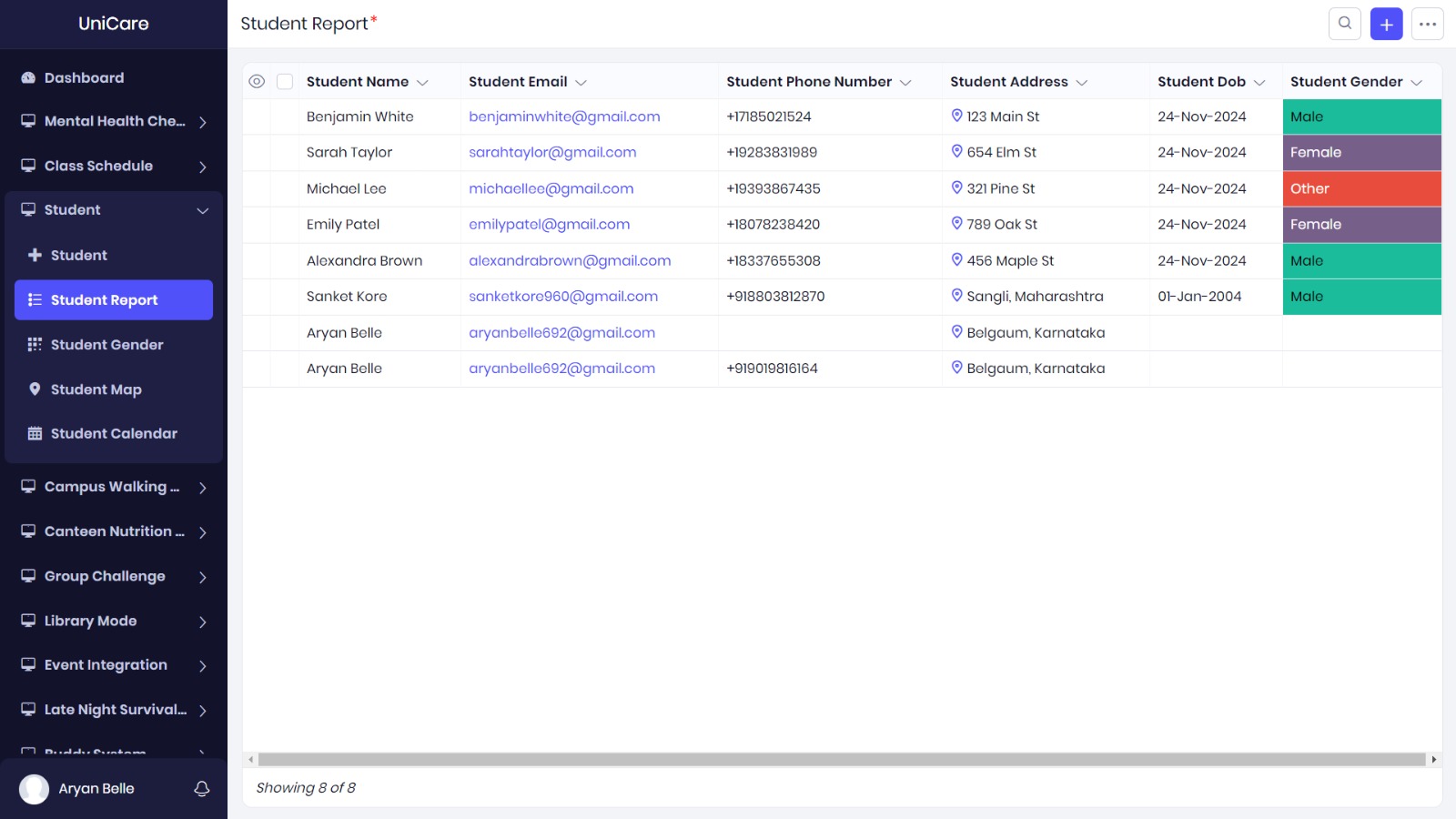
- Mental Health Check-ins: Students can log their mood and mental health status, with daily or weekly reports to track their emotional well-being.
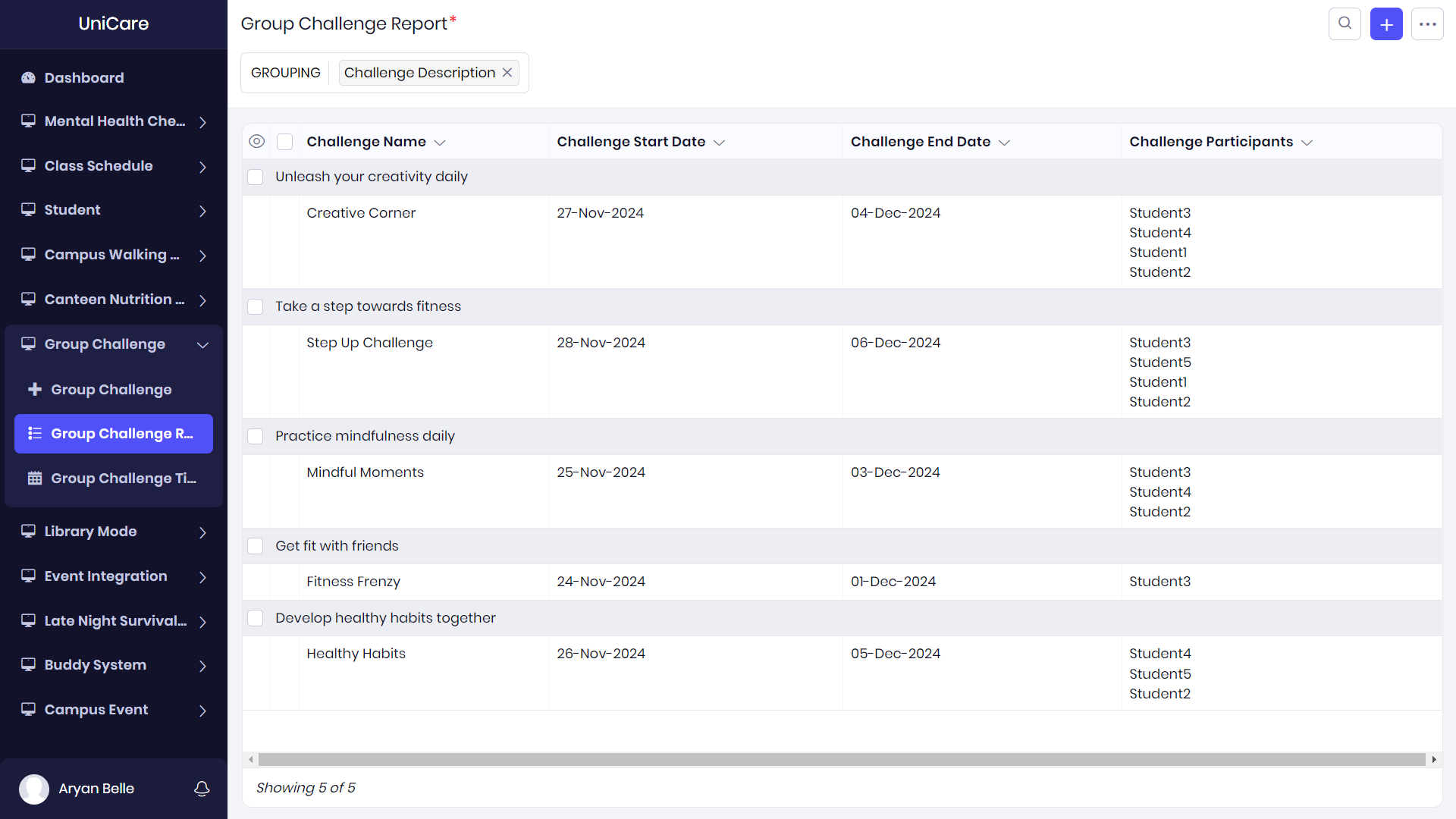
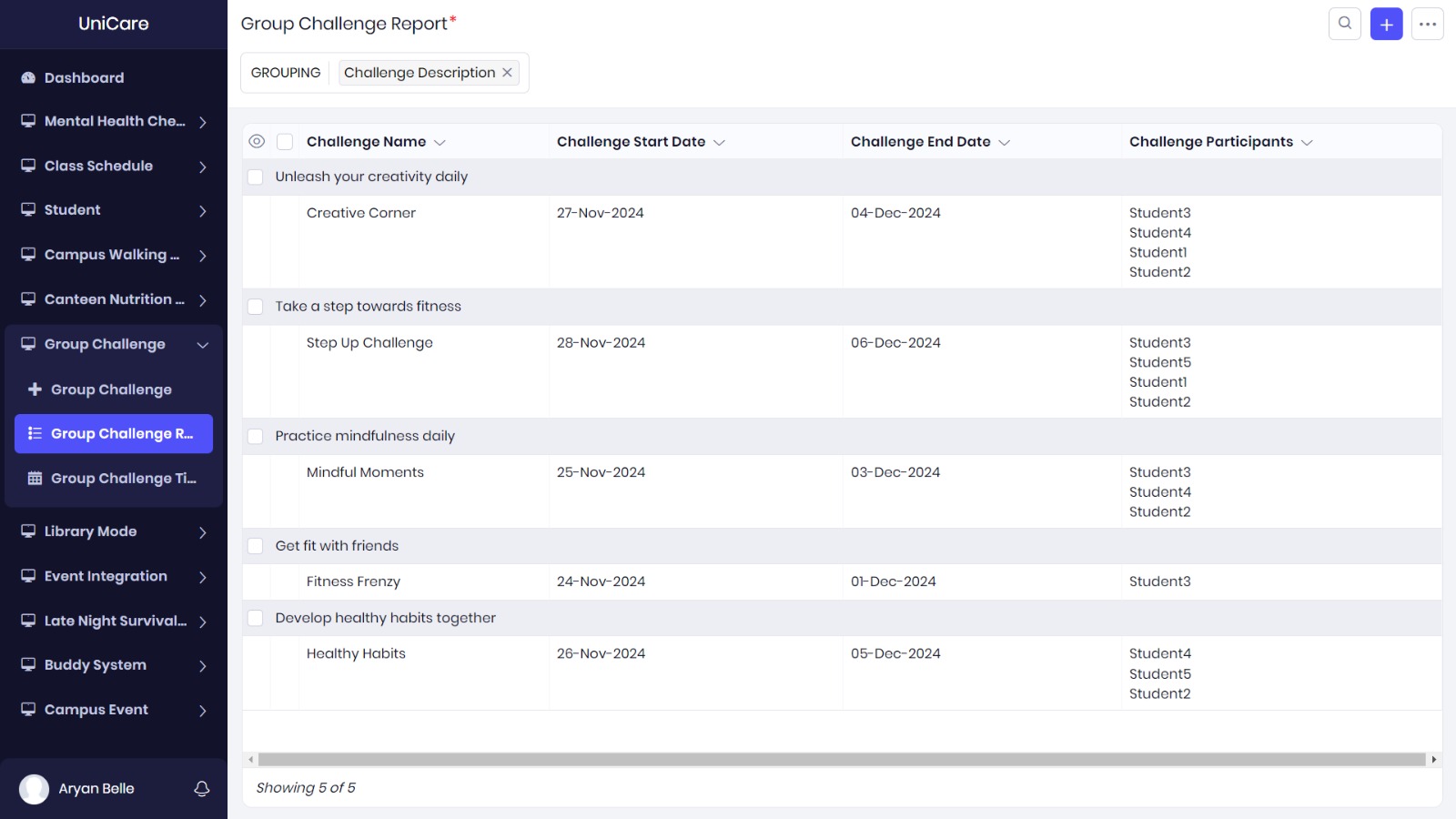
- Group Challenges: Encourages students to participate in wellness challenges, such as walking, hydration, or meditation, in groups to promote a sense of community.
- Library Modes: A dedicated section for students to find quiet spaces or study tips for better concentration during library hours.
- Event Integrations: Integrates campus events, including wellness workshops, fitness sessions, and mental health seminars, so students stay informed about happenings.
- Late-Night Survival Kits: Provides a set of resources and tips to help students get through late-night study sessions, including snack recommendations and productivity tips.
- Buddy Systems: Connects students with a wellness buddy to motivate and support each other through their fitness or wellness journey.
- Campus Walking Map Report: Offers a detailed map of the campus with walking paths for exercise, along with tips for staying active throughout the day.
Challenges Faced
While building UniCare, I encountered a number of challenges:
Feature Integration: Combining so many diverse features into a single app while ensuring they worked together seamlessly was a challenge. I had to carefully plan the user flow to make sure everything felt cohesive and wasn’t overwhelming.
User Engagement: Keeping students engaged with the app and motivating them to use it regularly was another challenge. I had to make sure that the wellness tips and notifications were personalized and relevant to each student’s needs.
Customizations: While **Zoho Creator allowed me to build quickly, customizing certain aspects (like the design and layout) was a bit limited, and I had to work within those constraints. Ensuring the app was visually appealing while functional was an ongoing balancing act.
Data Management: Managing wellness data, especially mood logs and health reports, required accurate and secure data handling. Ensuring privacy while also being able to offer meaningful insights to users was a delicate task.
Time Constraints: Given the hackathon time frame, I had to prioritize the most essential features first and was unable to add some of the features I originally envisioned. However, I plan to improve the app post-hackathon.
Conclusion
Building UniCare has been an exciting and fulfilling journey. Using Zoho Creator, I was able to create a wellness platform that truly addresses the challenges faced by college students. With features like class schedule integration, mental health check-ins, and group challenges, **UniCare empowers students to manage their health and wellness alongside their academics.
Through this project, I learned a lot about low-code development, UX design, and the real needs of students when it comes to managing both their physical and mental well-being. I’m excited to continue working on the app and improving it based on user feedback, with the ultimate goal of helping more students achieve a balanced and thriving college experience.


Log in or sign up for Devpost to join the conversation.