Inspiration
Access to healthcare and wellness tools remains a challenge in many communities due to a lack of resources, information gaps, and limited accessibility. We were inspired to create HealthBridge to bridge that gap using AI. By offering an inclusive, user-friendly platform that empowers individuals to take control of their health and access nearby resources, we aim to make wellness more equitable and data-driven.
What it does
HealthBridge is a comprehensive AI-driven health platform that supports users in managing their well-being through:
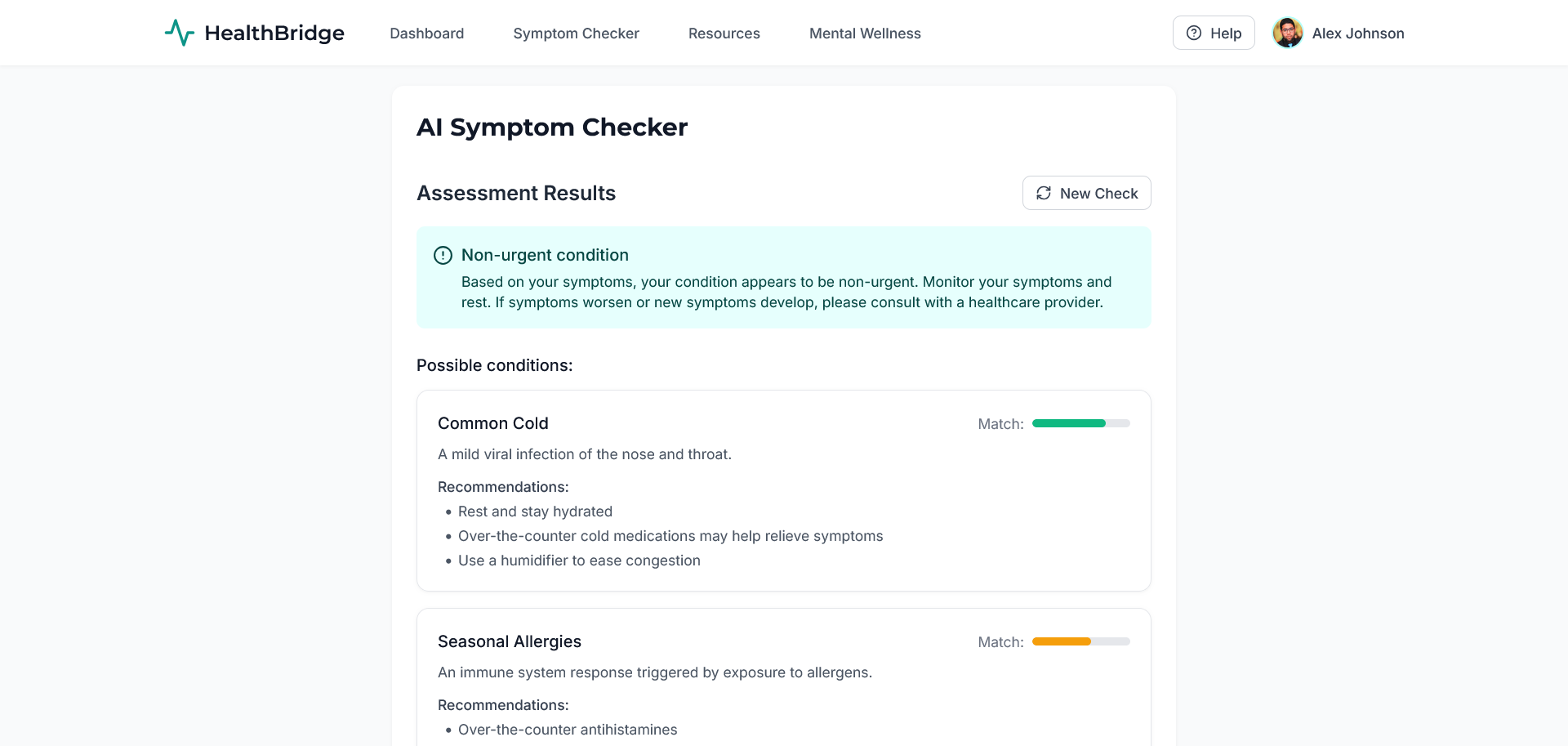
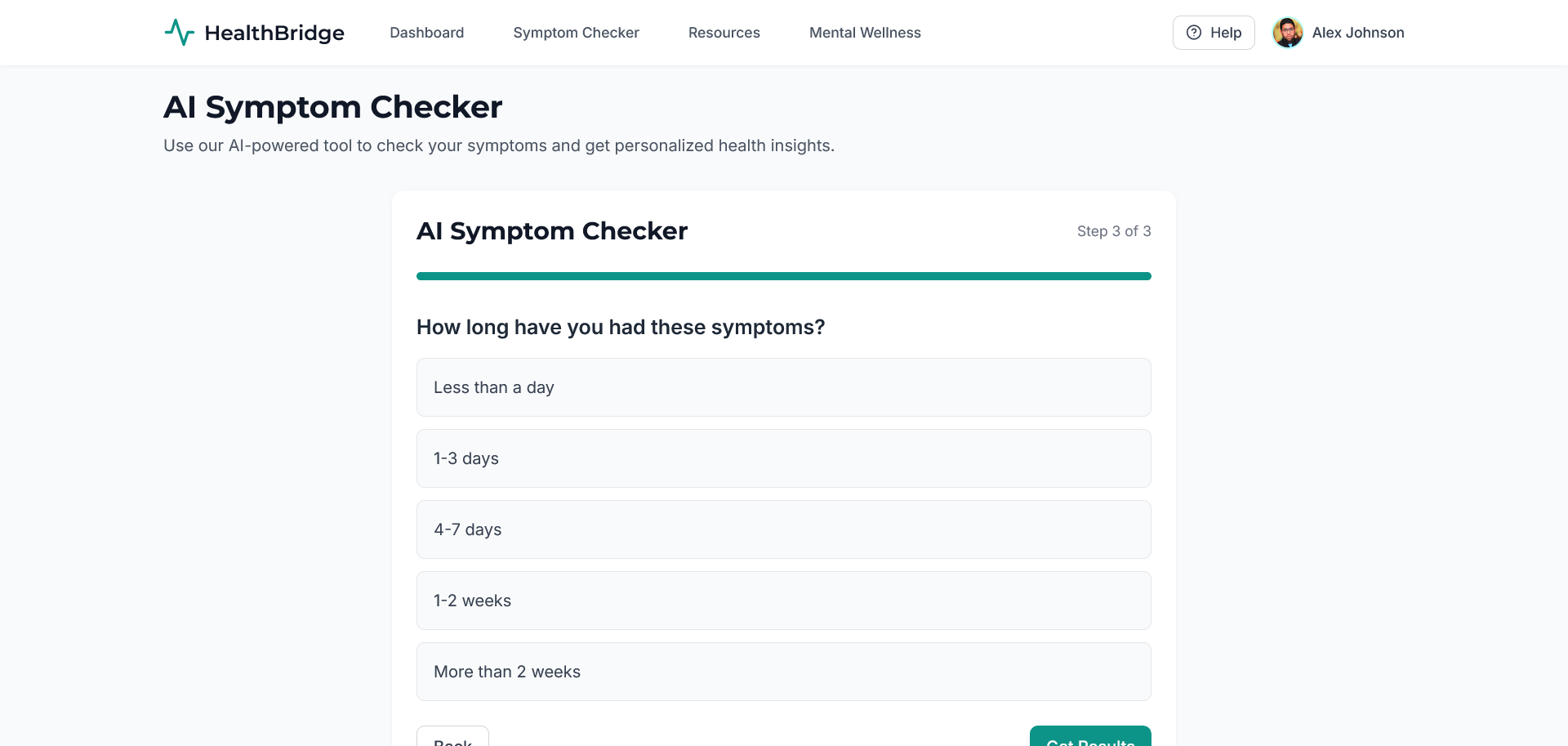
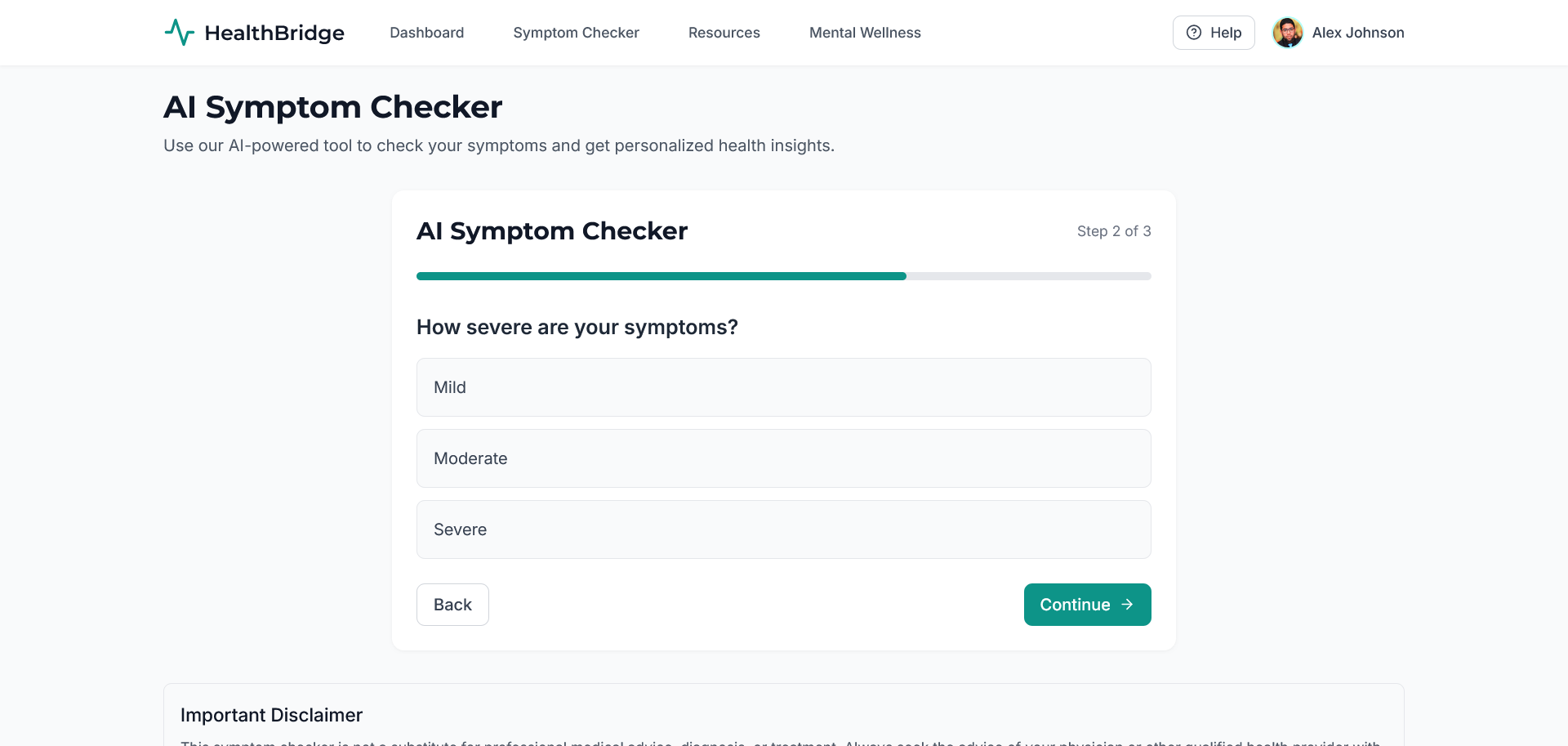
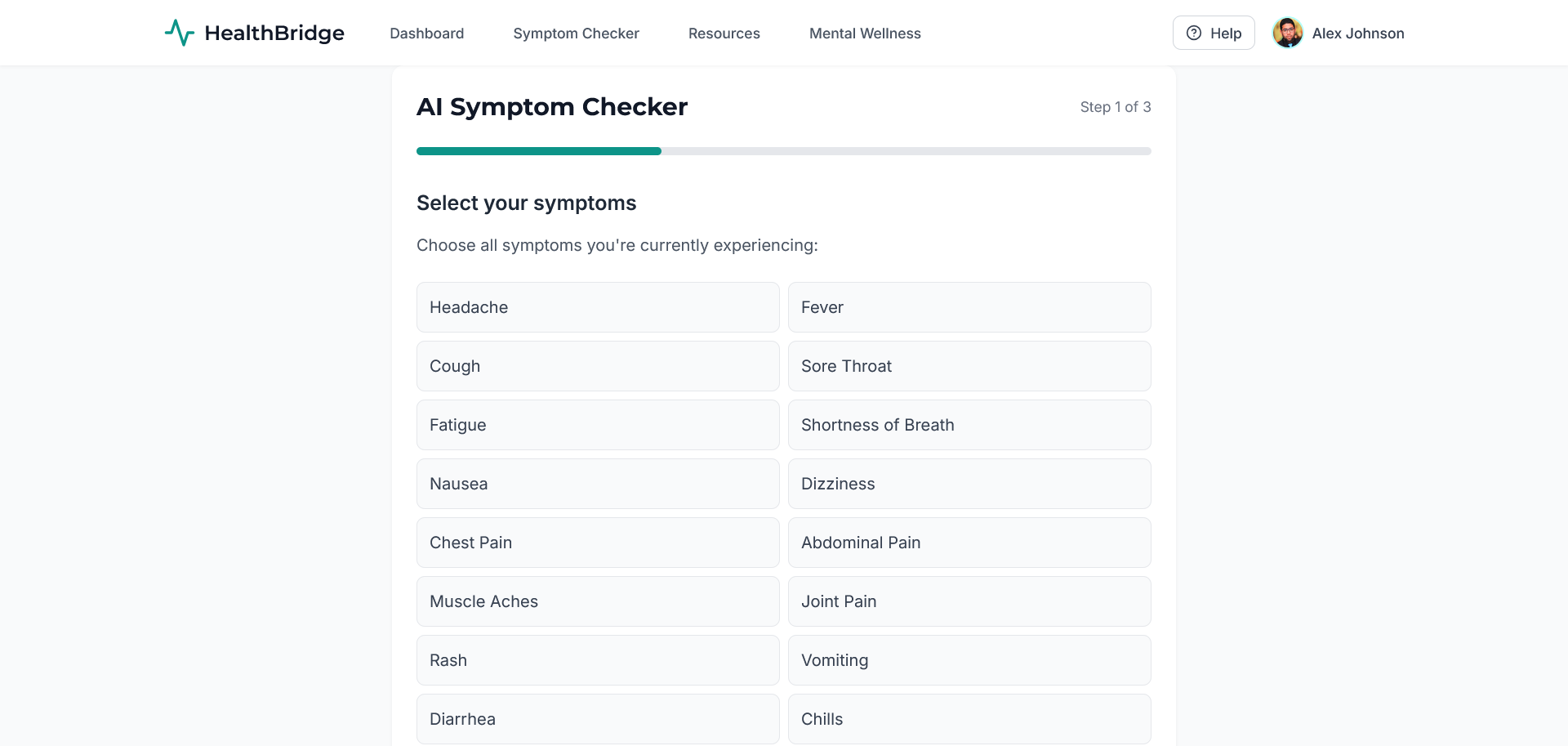
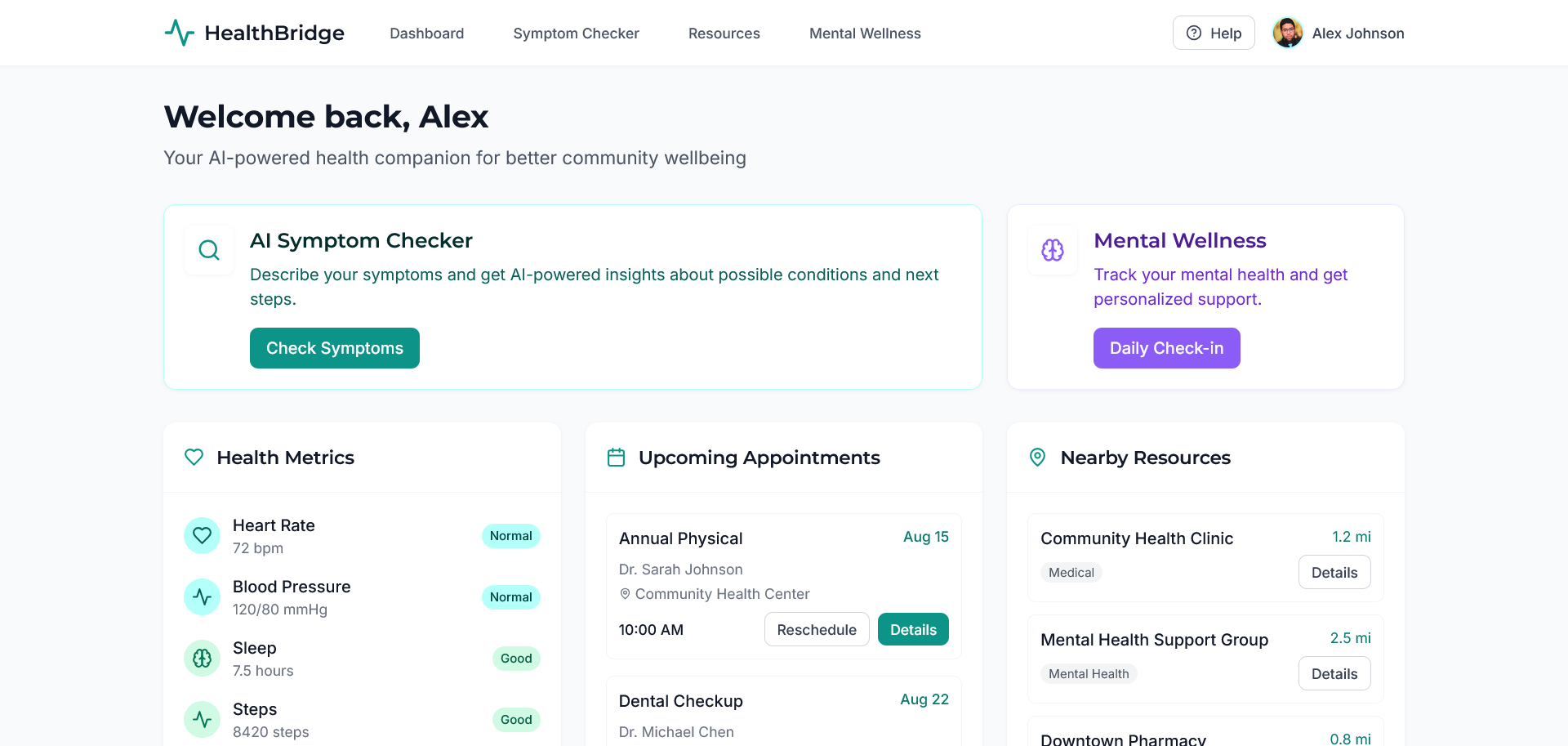
- AI Symptom Checker: Users input symptoms and receive personalized health recommendations powered by AI.
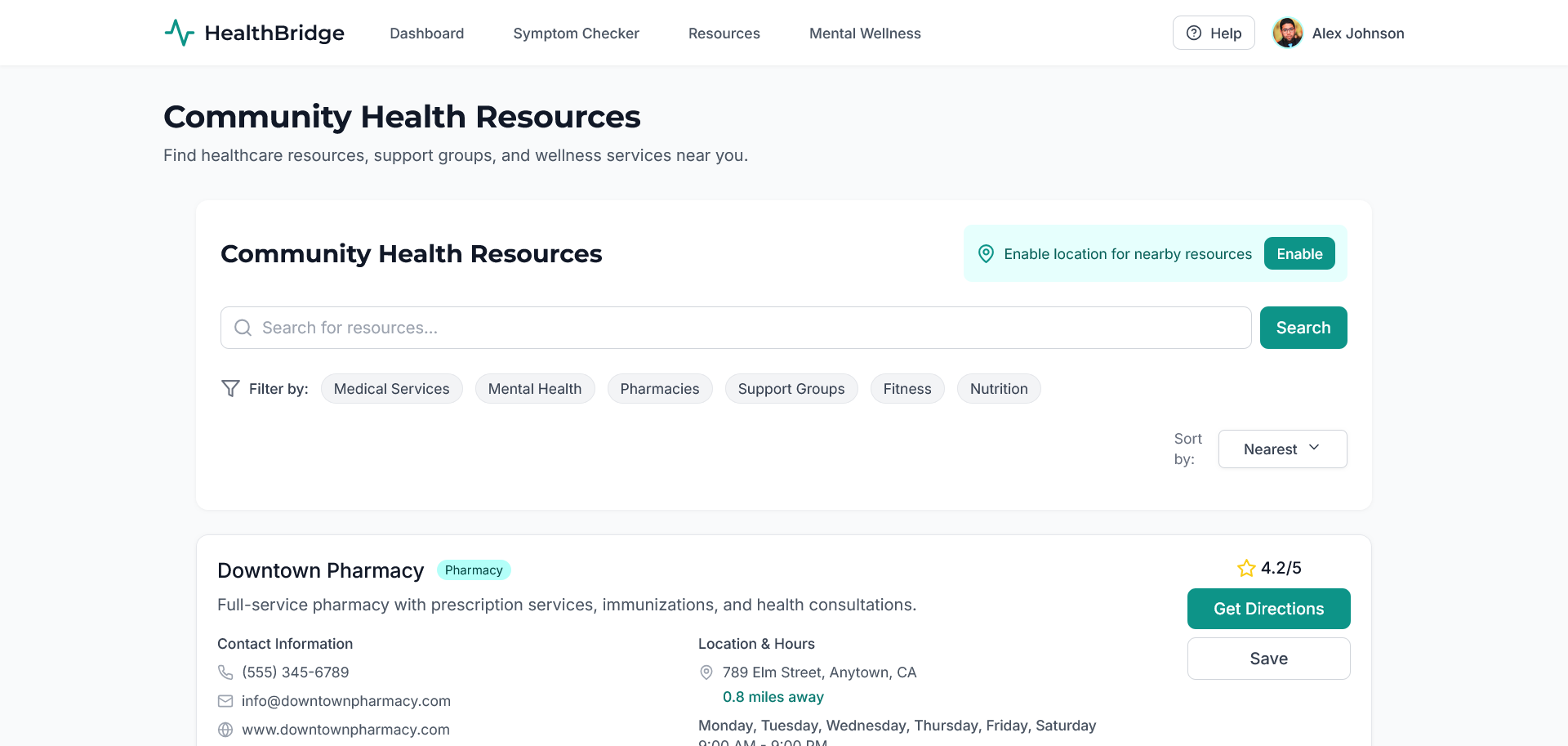
- Community Resource Finder: Locates nearby clinics, pharmacies, and wellness centers using location-aware search.
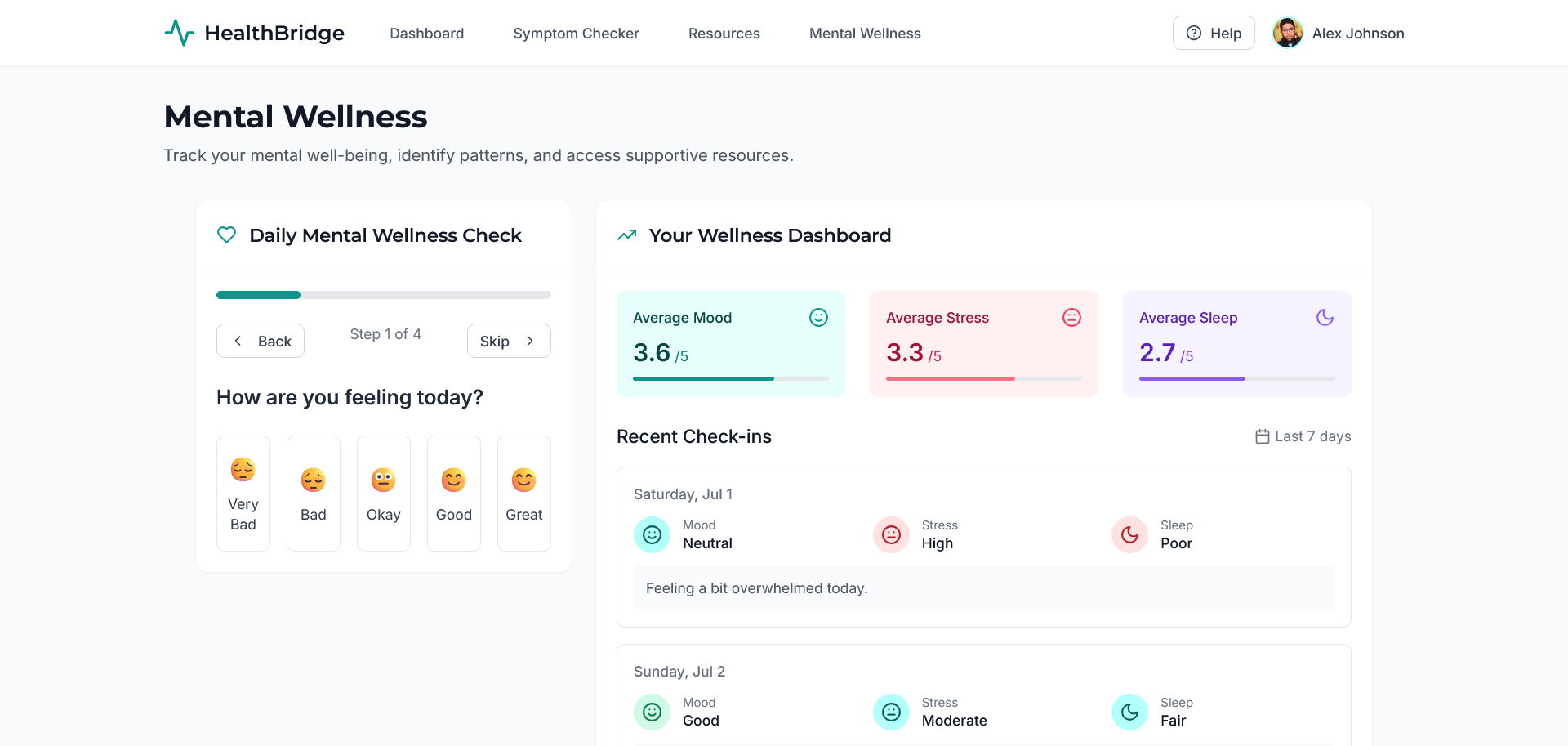
- Mental Wellness Tracker: Monitors mood, stress levels, and emotional trends with visualization and journaling support.
- Health Metrics Dashboard: Tracks vitals and other health indicators with interactive charts and summaries.
- Accessibility-first Design: High contrast, keyboard navigation, screen reader support, and semantic hierarchies.
How we built it
We used Vite and started development with Bolt.new for rapid scaffolding. Our stack includes:
- React + TypeScript for the front-end
- Context API + Hooks for state management
- Tailwind CSS for responsive, accessible UI styling
- Custom AI modules integrated via REST endpoints for symptom analysis and recommendations
- Chart.js / Recharts for health data visualization
- Geolocation API for mapping nearby health services
Animations and transitions were handled with lightweight libraries to maintain performance without sacrificing interactivity.
Challenges we ran into
- Designing an AI model that gives helpful but non-alarming symptom recommendations while avoiding medical overreach.
- Implementing real accessibility features beyond just color contrast—especially for screen reader support and dynamic content updates.
- Ensuring responsive design worked across all devices, from mobile phones to tablets to desktops, without layout shifts.
- Mapping accurate community resources while handling permissions and privacy concerns for geolocation.
Accomplishments that we're proud of
- Built a fully functional, accessible health platform from scratch in a short timeframe.
- Created a clean, professional interface that users find inviting and easy to navigate.
- Successfully integrated multiple complex features—AI logic, location services, charts, and state management—into a single, cohesive app.
- Prioritized inclusivity and user empowerment throughout the UX process.
What we learned
- The importance of designing with empathy—accessibility isn't just a feature; it's foundational to building trust in health-related apps.
- How to structure AI recommendations responsibly in a non-diagnostic context.
- How to leverage modern front-end tools like Vite and Bolt.new to accelerate development without compromising quality.
- That subtle animations, when done right, can make a clinical app feel more human and engaging.
What's next for HealthBridge
- Integrating voice support and chatbot features to help users navigate the app hands-free.
- Expanding the AI model to cover longitudinal health tracking and condition-specific guidance.
- Building out a secure backend for personal data syncing and account management.
- Partnering with local healthcare providers to improve the accuracy and richness of the community resource finder.
- Launching a progressive web app (PWA) version for offline access in low-connectivity areas.
Built With
- azue-openai-gpt4o
- bolt.new
- vite

Log in or sign up for Devpost to join the conversation.