-
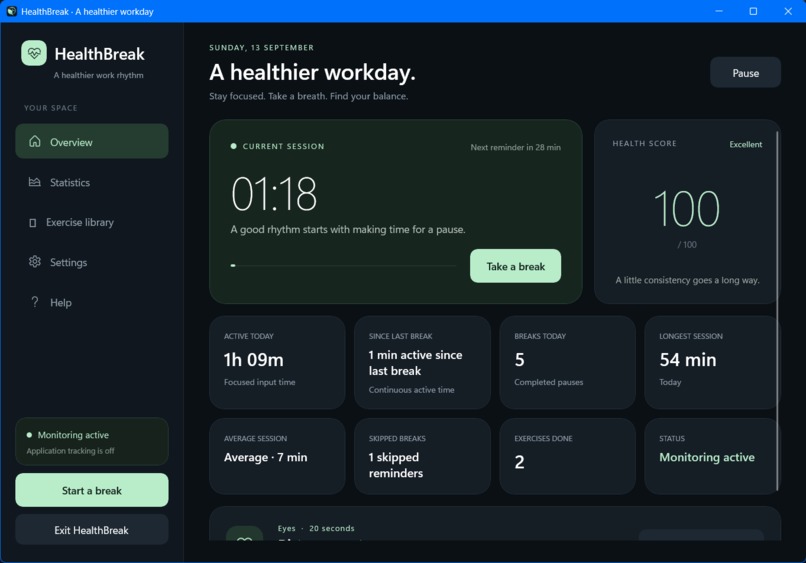
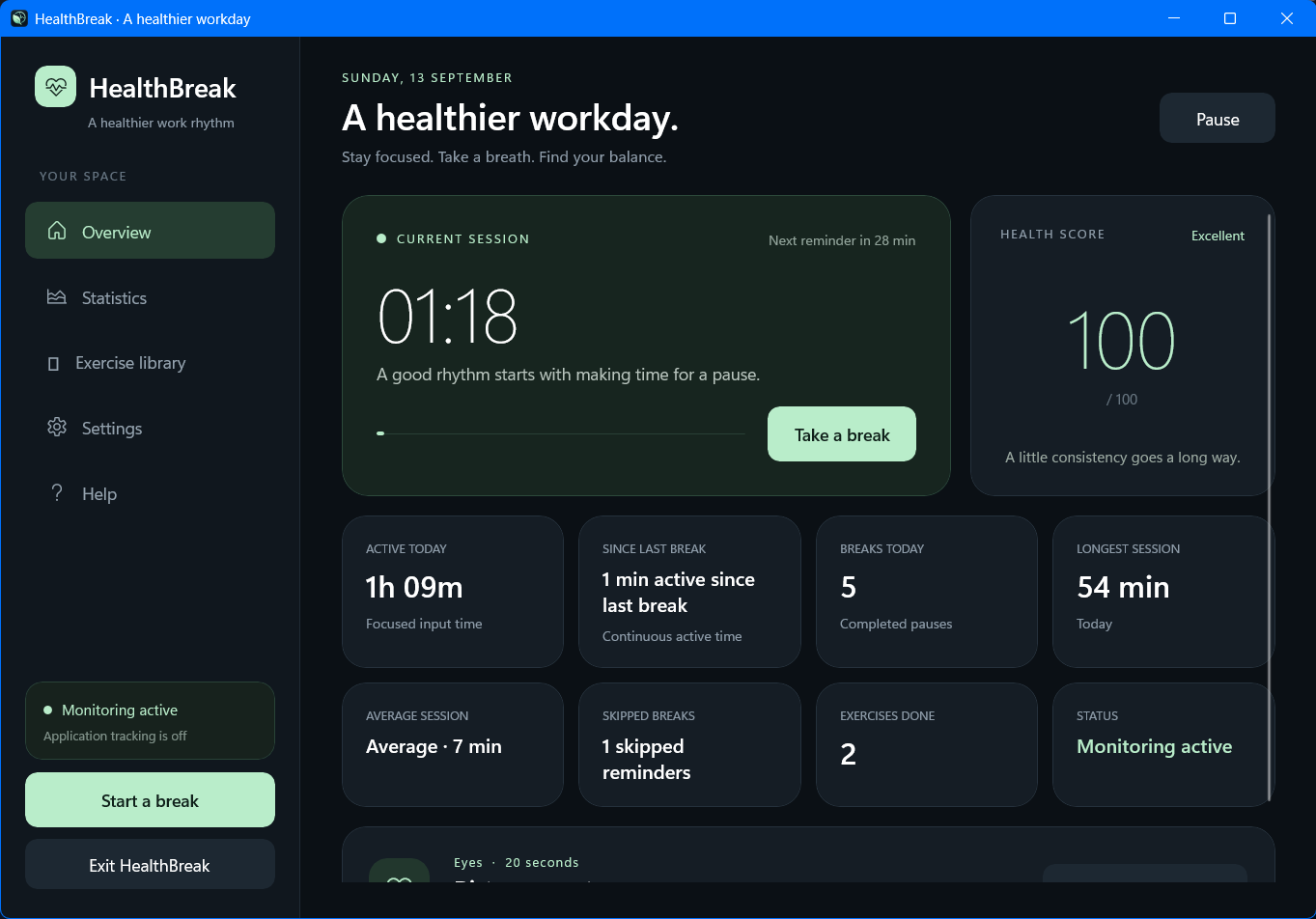
Dashboard
-
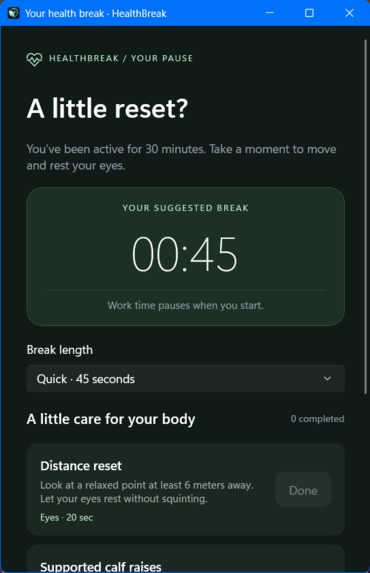
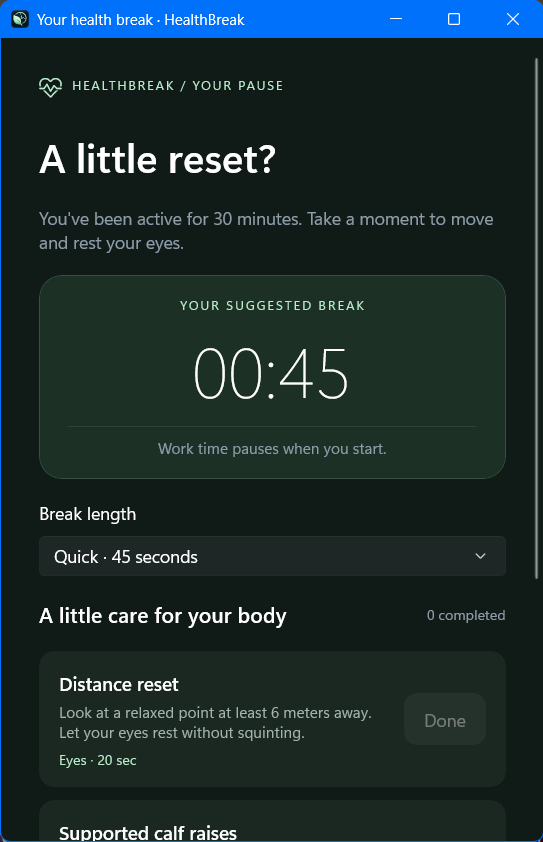
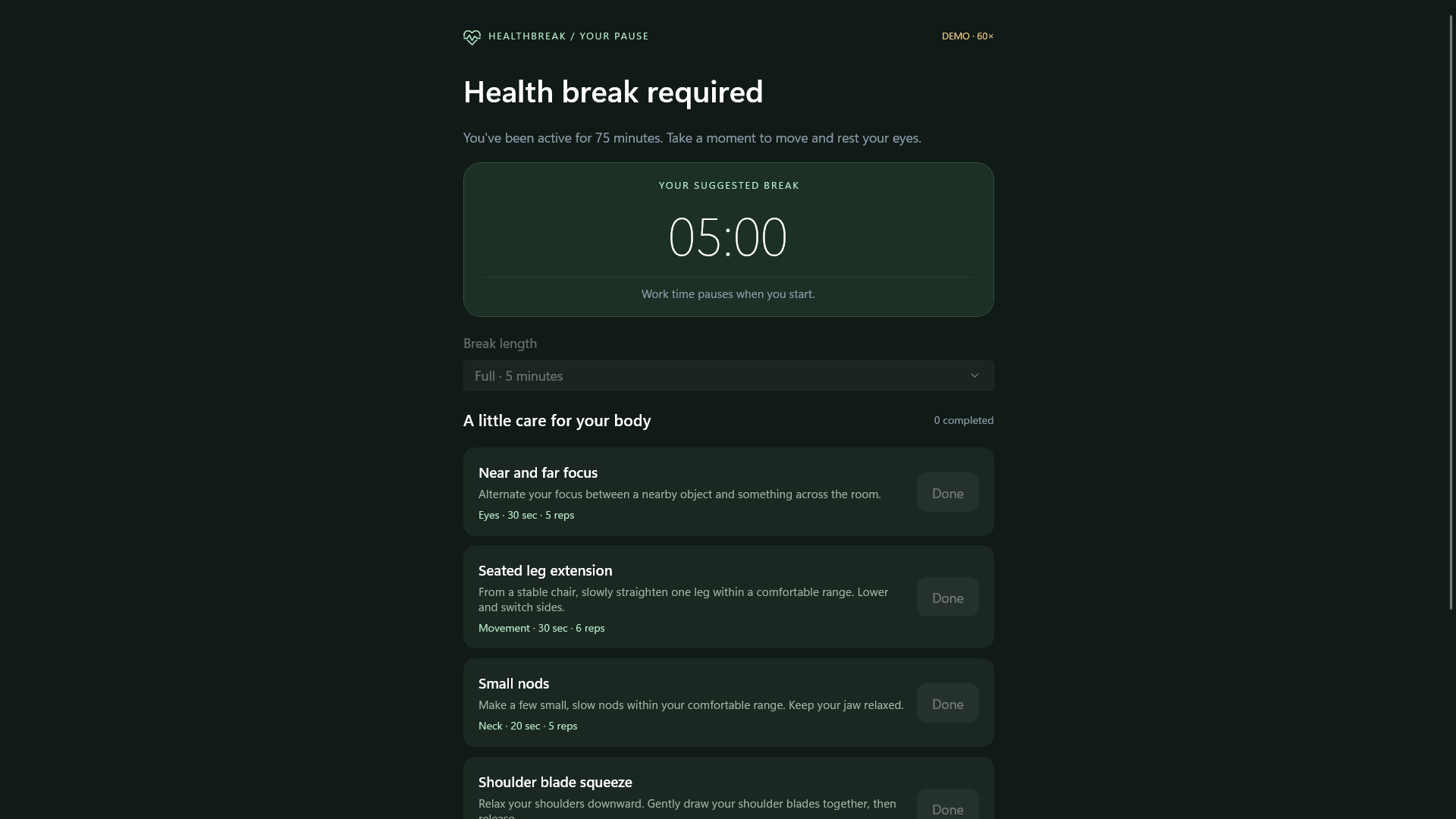
Break popup
-
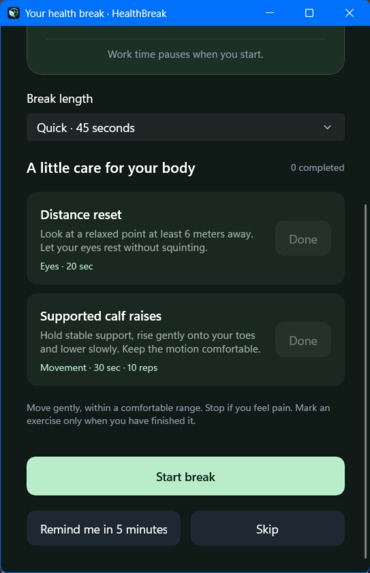
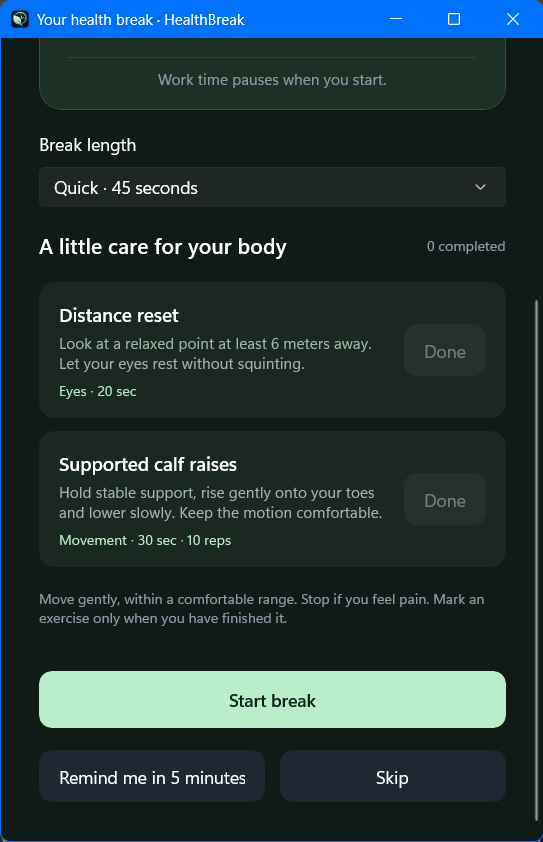
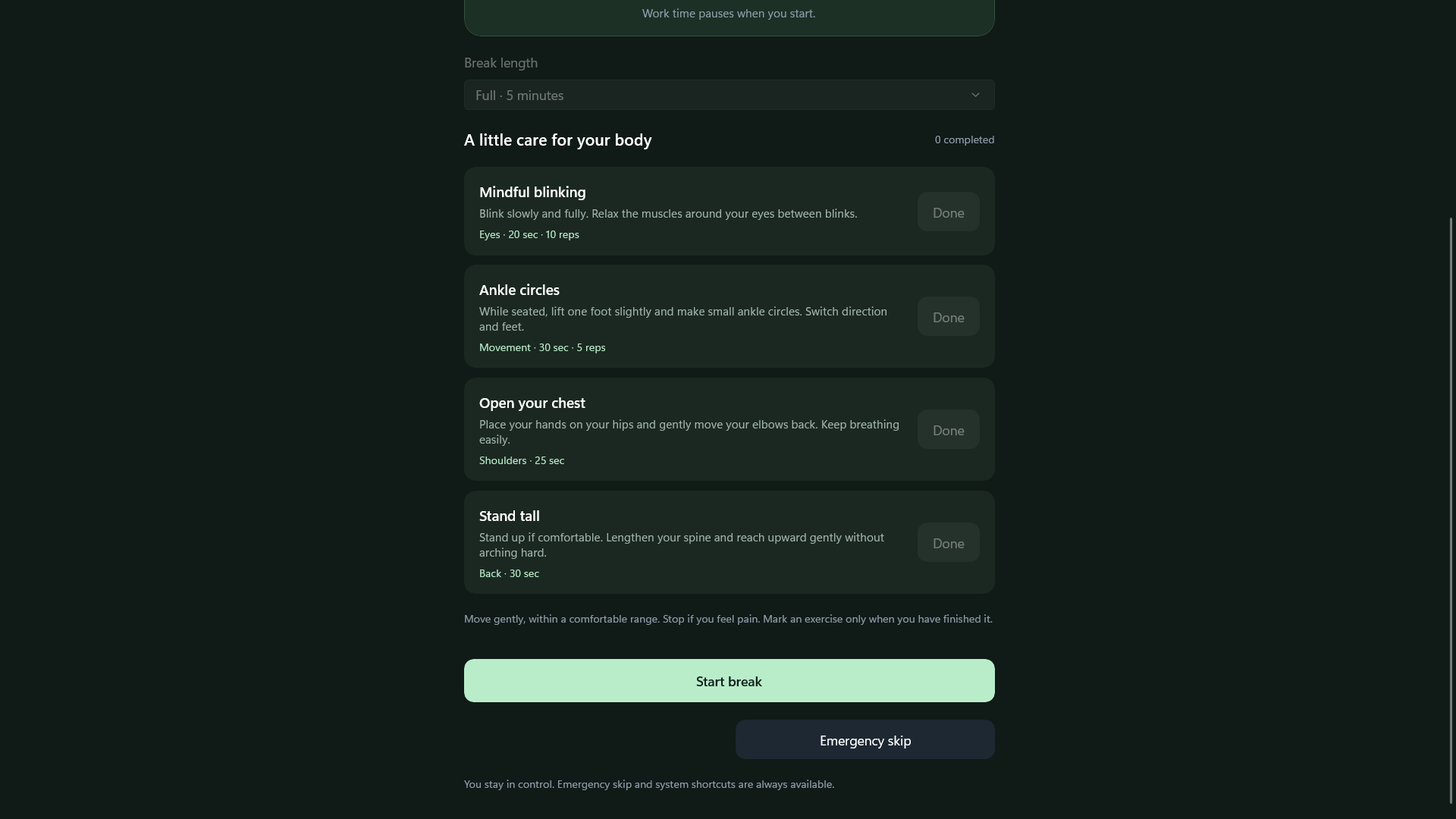
Popup pt. 2
-
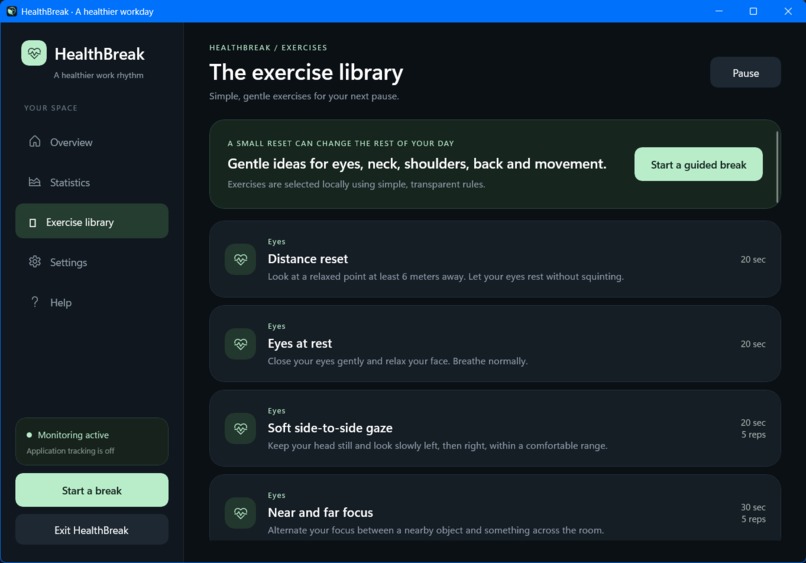
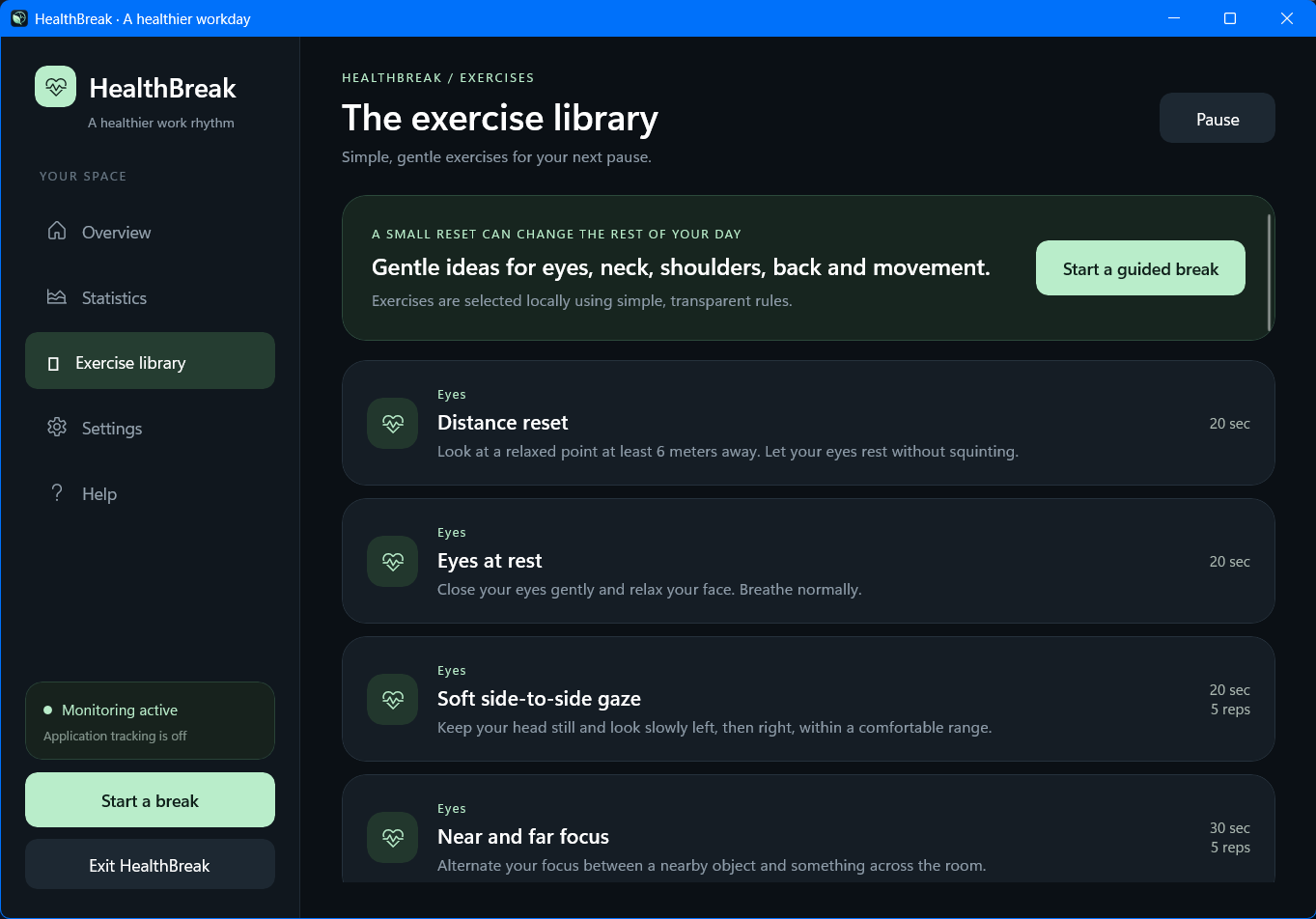
Excercise library
-
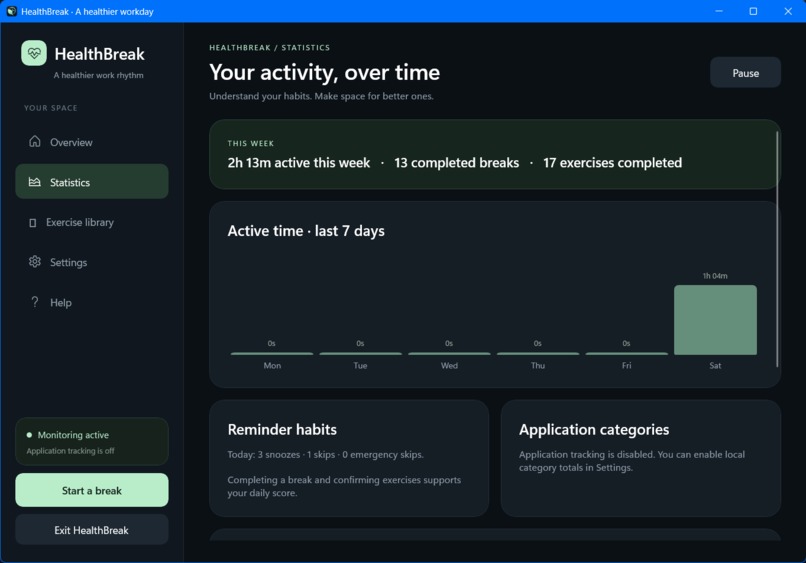
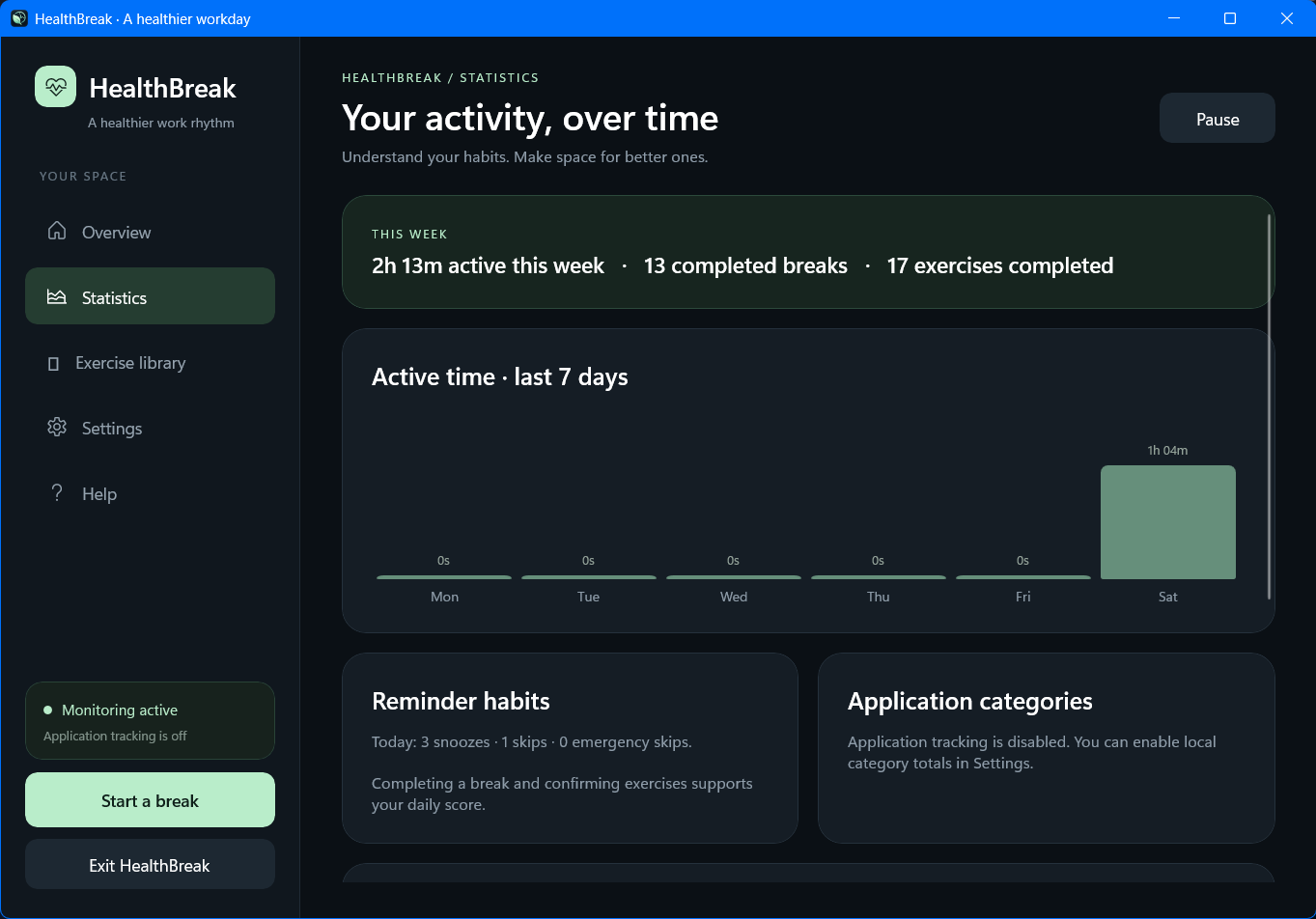
Statistics
-
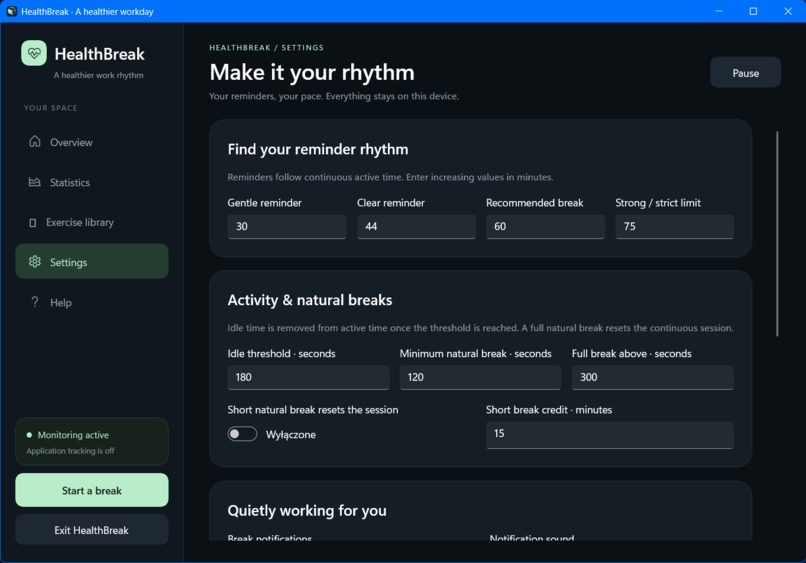
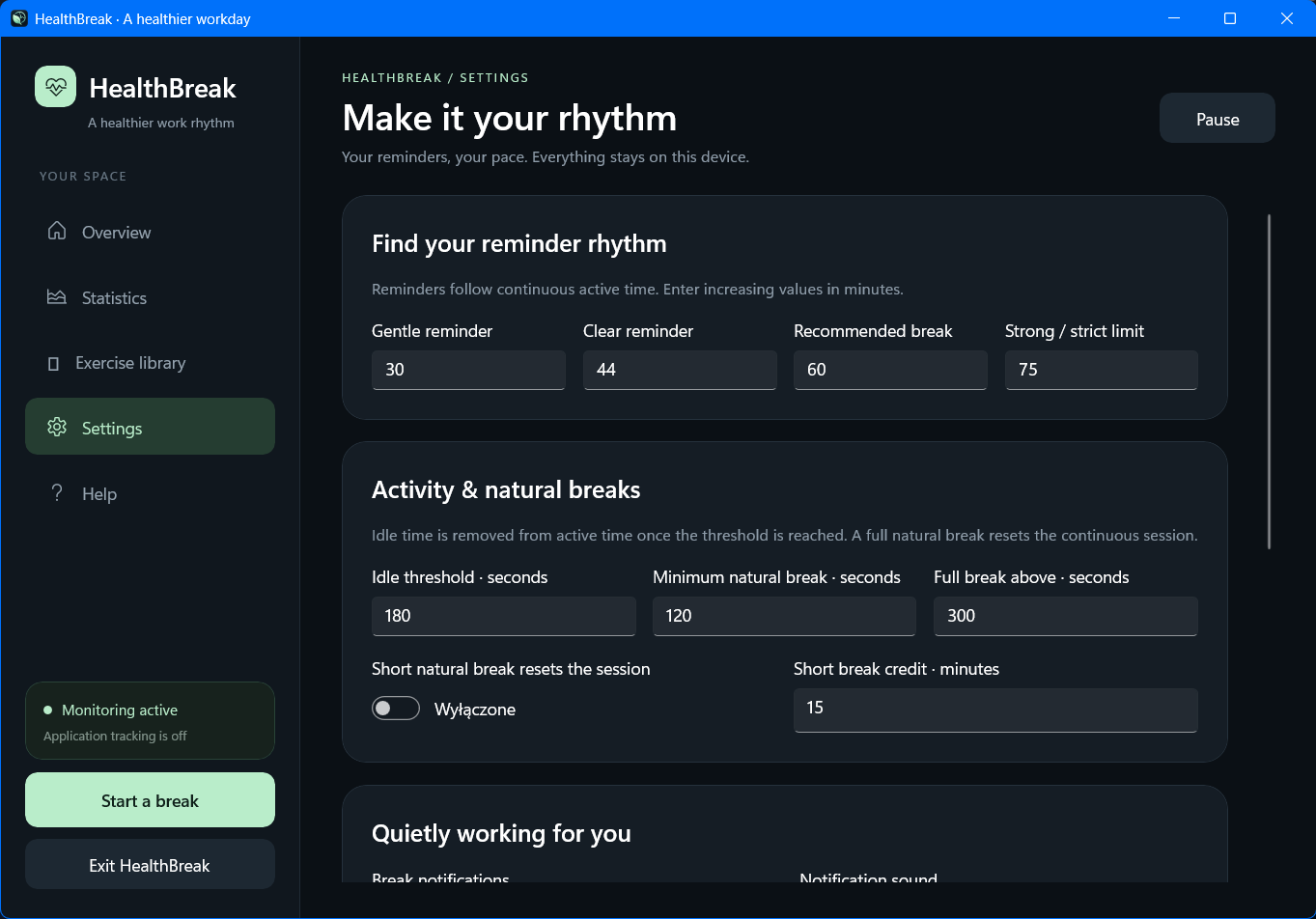
Settings
-
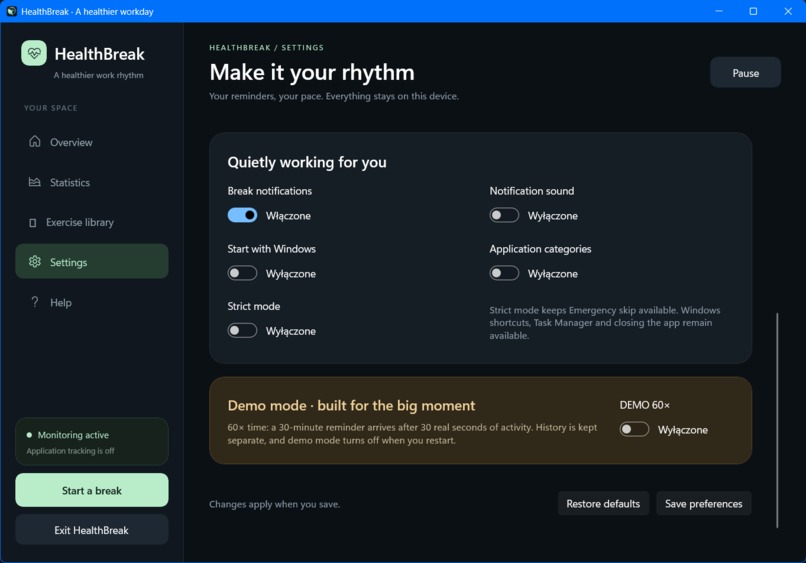
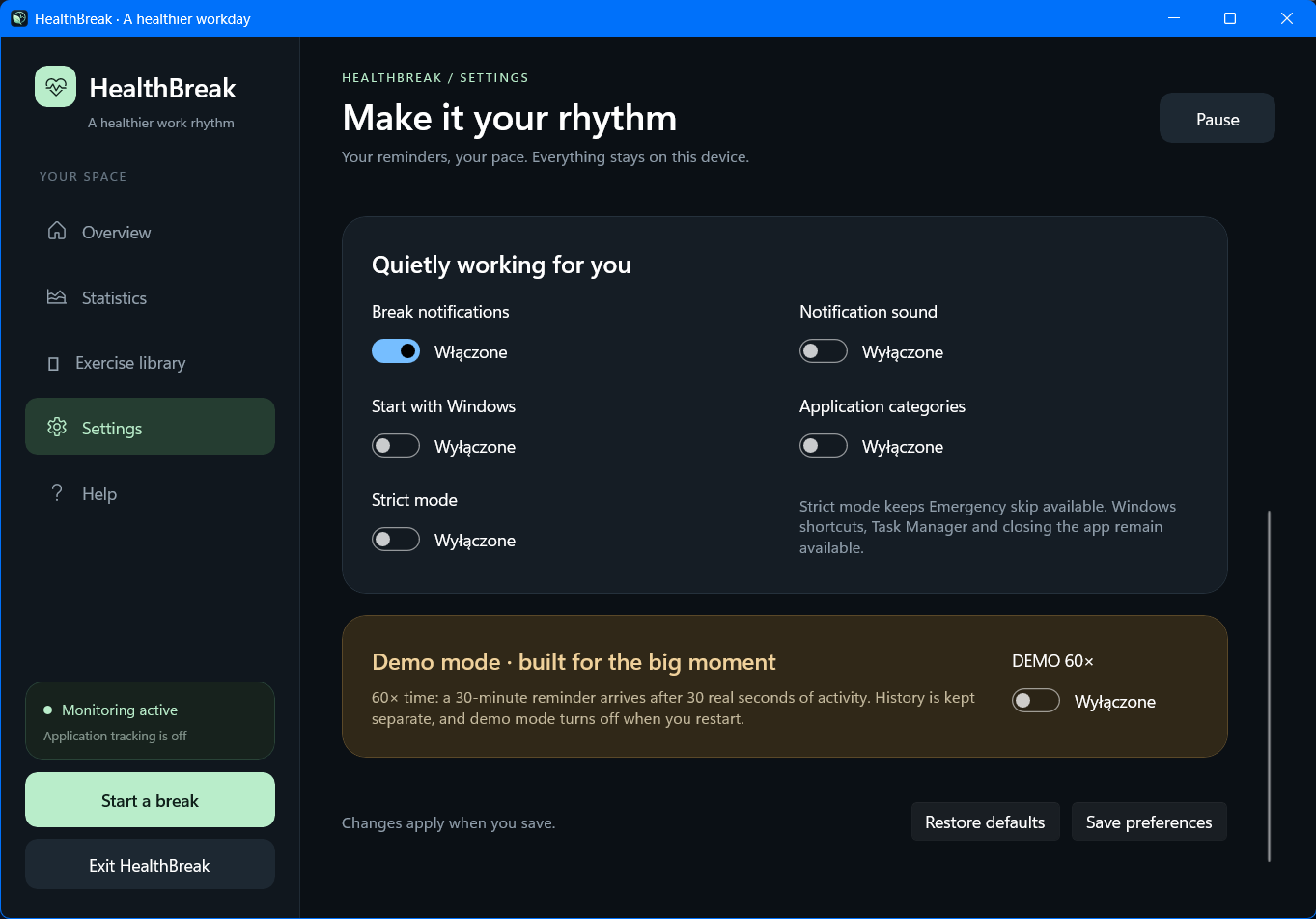
Settings pt. 2
-
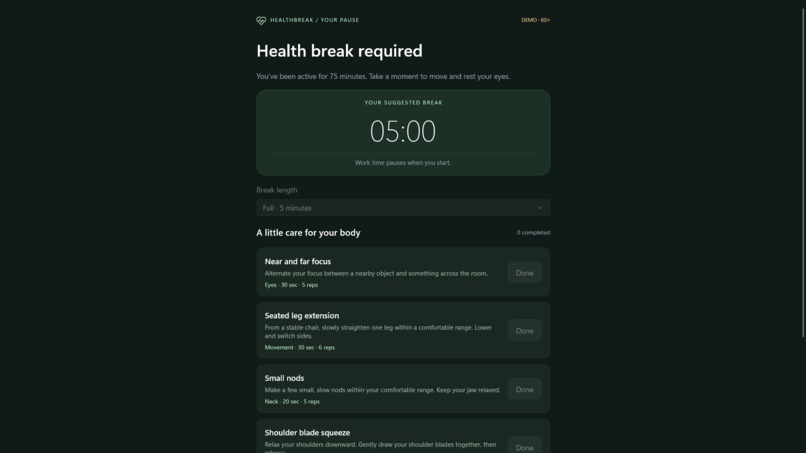
Strict mode
-
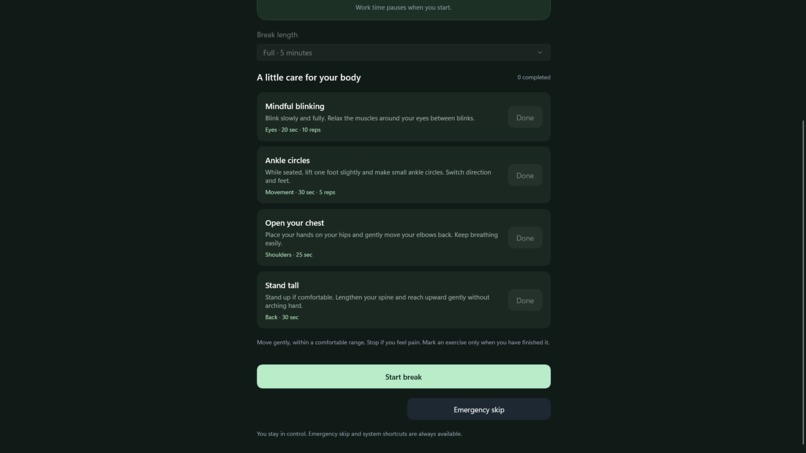
Strict mode pt. 2
About the project
Inspiration
HealthBreak was inspired by how easy it is to lose track of time while working or gaming. We wanted to create a private, local tool that encourages healthier computer habits without cameras, cloud services, or invasive tracking.
What it does
HealthBreak monitors mouse and keyboard activity without recording keystrokes. It detects active sessions and idle time, recommends appropriately sized breaks, suggests simple exercises, tracks statistics, and calculates a transparent Health Score:
$$ Score=\operatorname{clamp}(100-P_{long}-P_{skip}-P_{snooze}+B_{breaks}+B_{exercises},0,100) $$
It also includes a system tray, Strict Mode, and an accelerated Demo Mode.
How we built it
We used C# 12, .NET 8, WinUI 3, Windows App SDK, MVVM, CommunityToolkit.Mvvm, SQLite, and Windows API calls through P/Invoke. Activity monitoring runs in the background, while XAML provides a modern dark interface.
Challenges we ran into
The biggest challenges were accurately separating active and idle time, preventing repeated reminders, safely resetting sessions after breaks, packaging WinUI resources, and protecting the SQLite database from interrupted writes or corruption.
Accomplishments that we're proud of
We created a polished, fully local Windows application with over 20 exercises, deterministic recommendations, configurable reminders, database recovery, statistics, Demo Mode, and a self-contained build.
What we learned
We learned how to design reliable time-based state machines, coordinate background services with a responsive UI, build transparent scoring rules, and make local data storage resilient.
What's next for HealthBreak
Next, we plan to add localization, accessibility improvements, data export, more exercises, additional themes, and a signed Windows installer.

Log in or sign up for Devpost to join the conversation.