Inspiration
What it does
How we built it
🌐 Health Connect – My Journey
💡 Inspiration
I was inspired by a real-life emergency where I couldn’t access my previous prescription when visiting a doctor. It made treatment difficult and highlighted a common problem—patients often lose or don’t carry their medical records. I wanted to create a solution where anyone can access their health data instantly, especially in critical situations.
📚 What I Learned
- Full-stack development using Django and web technologies
- Integrating AI using APIs for real-world use cases
- Importance of secure data handling in healthcare
- Designing simple and accessible user interfaces
⚙️ How I Built the Project
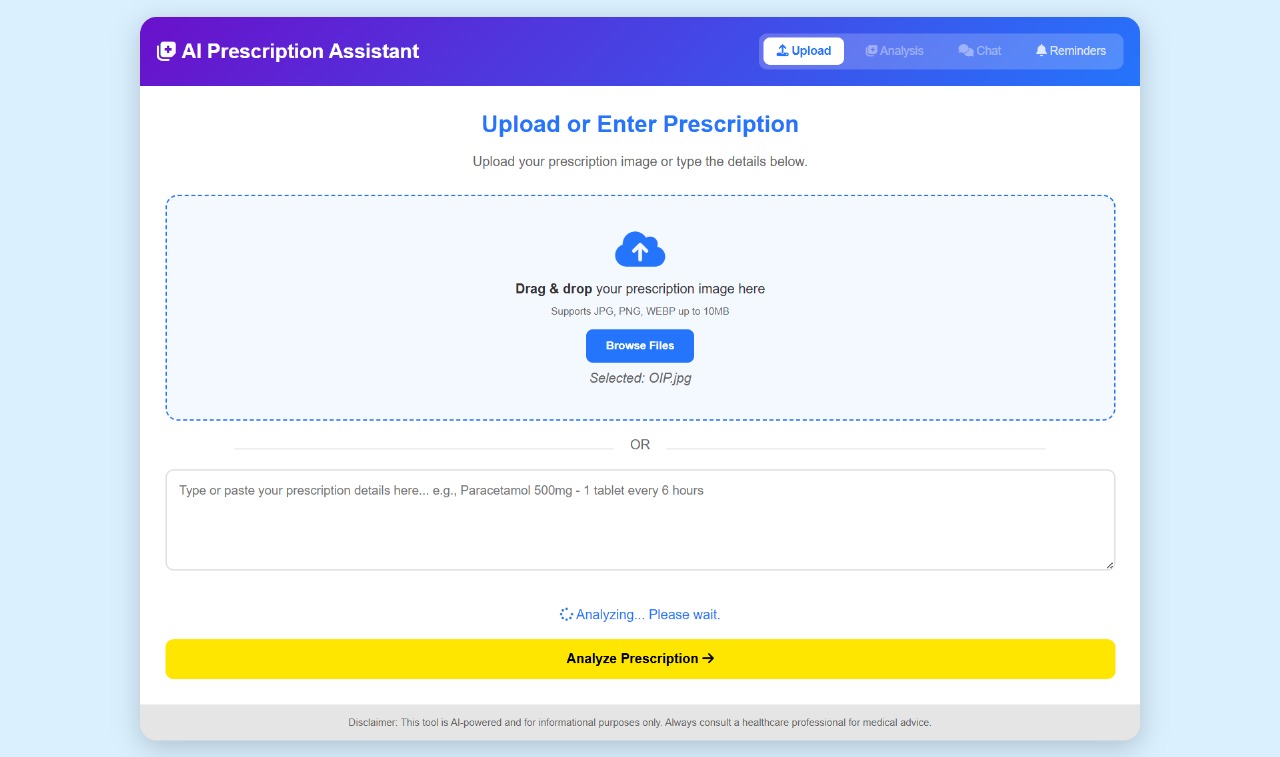
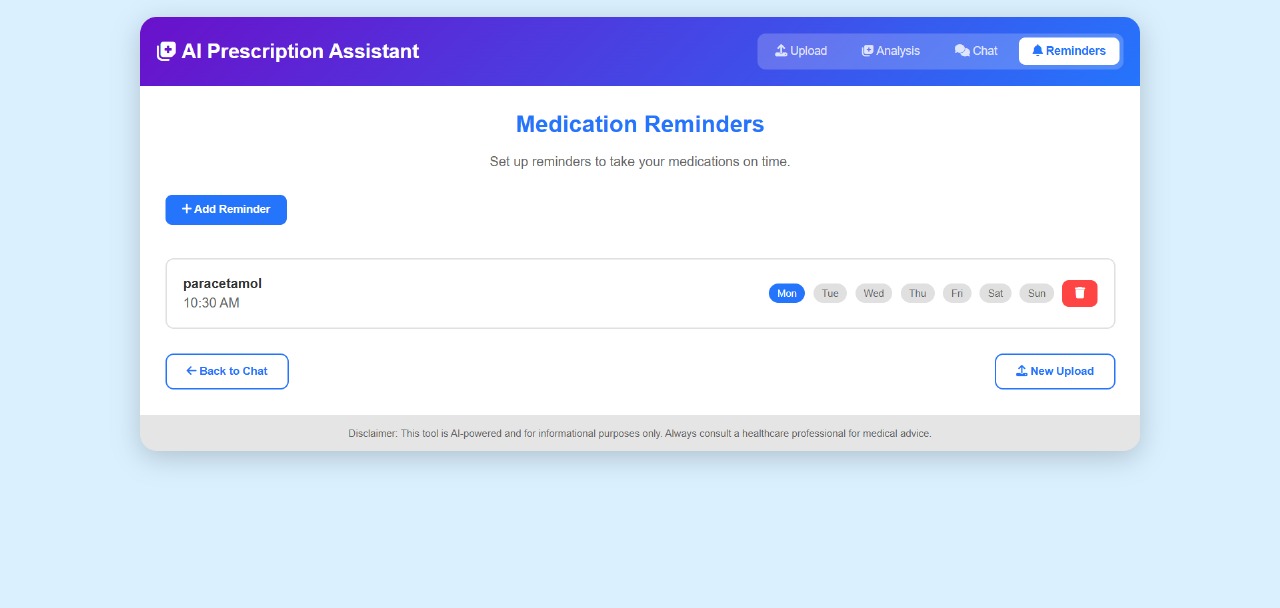
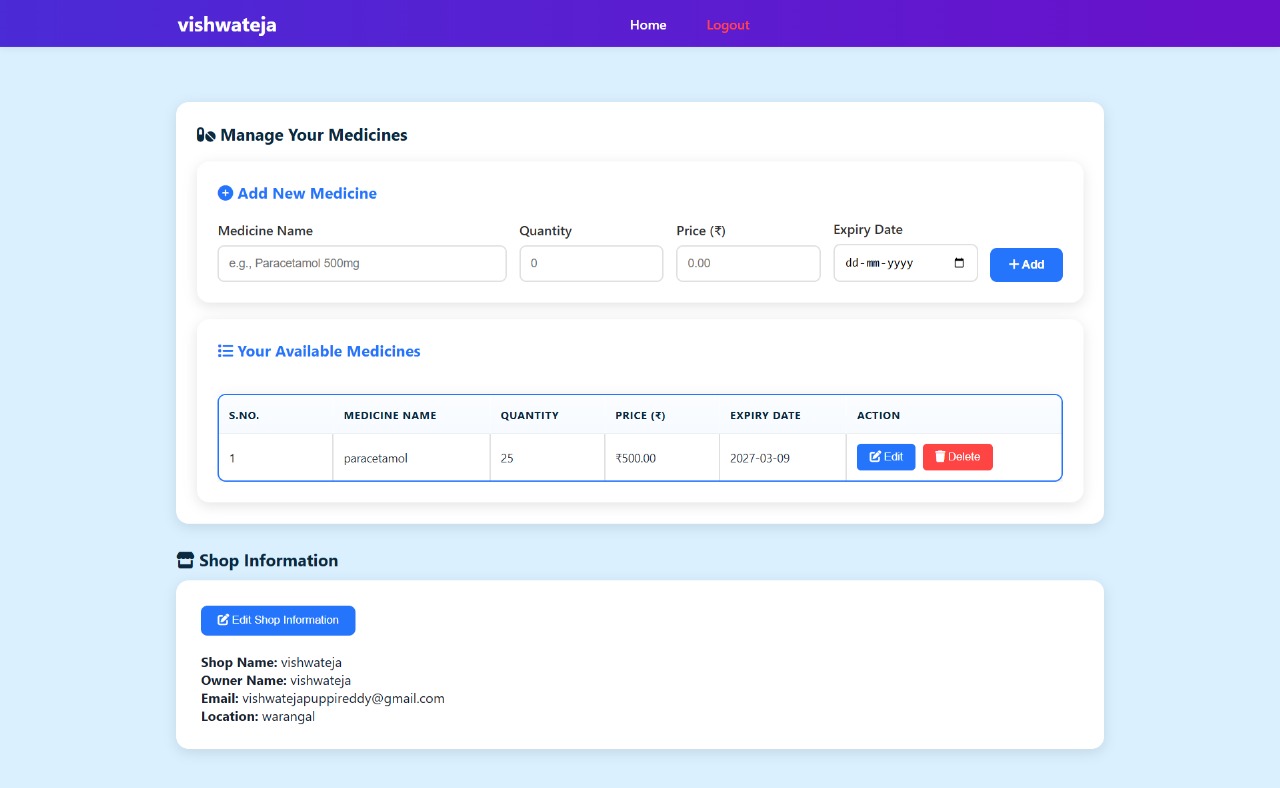
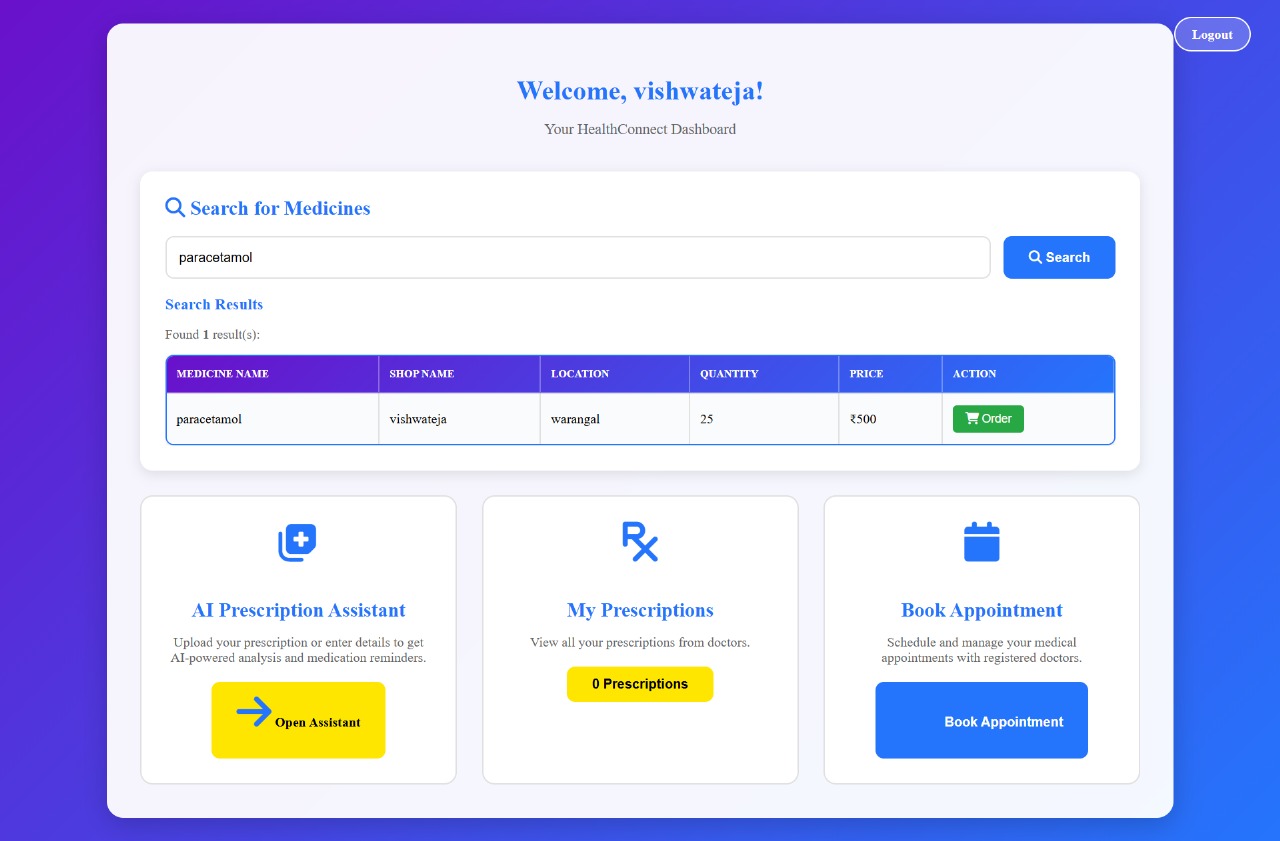
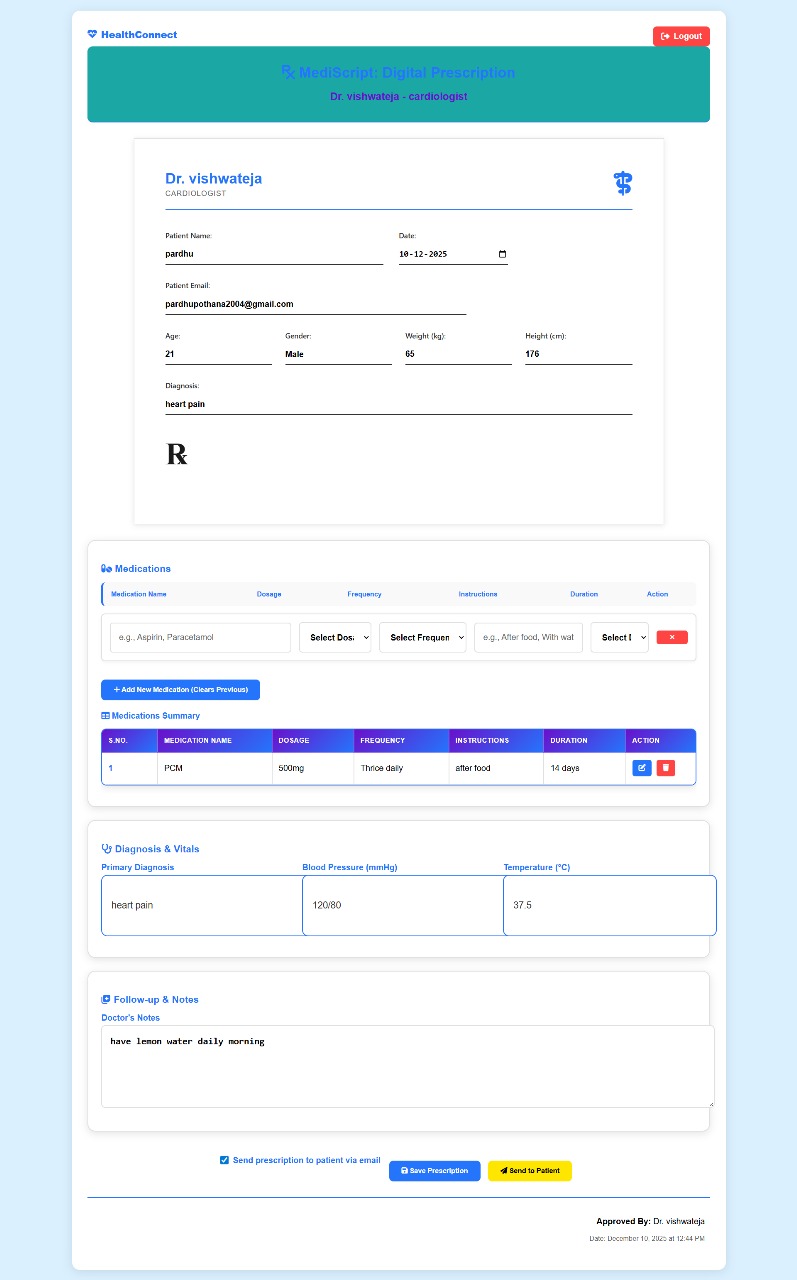
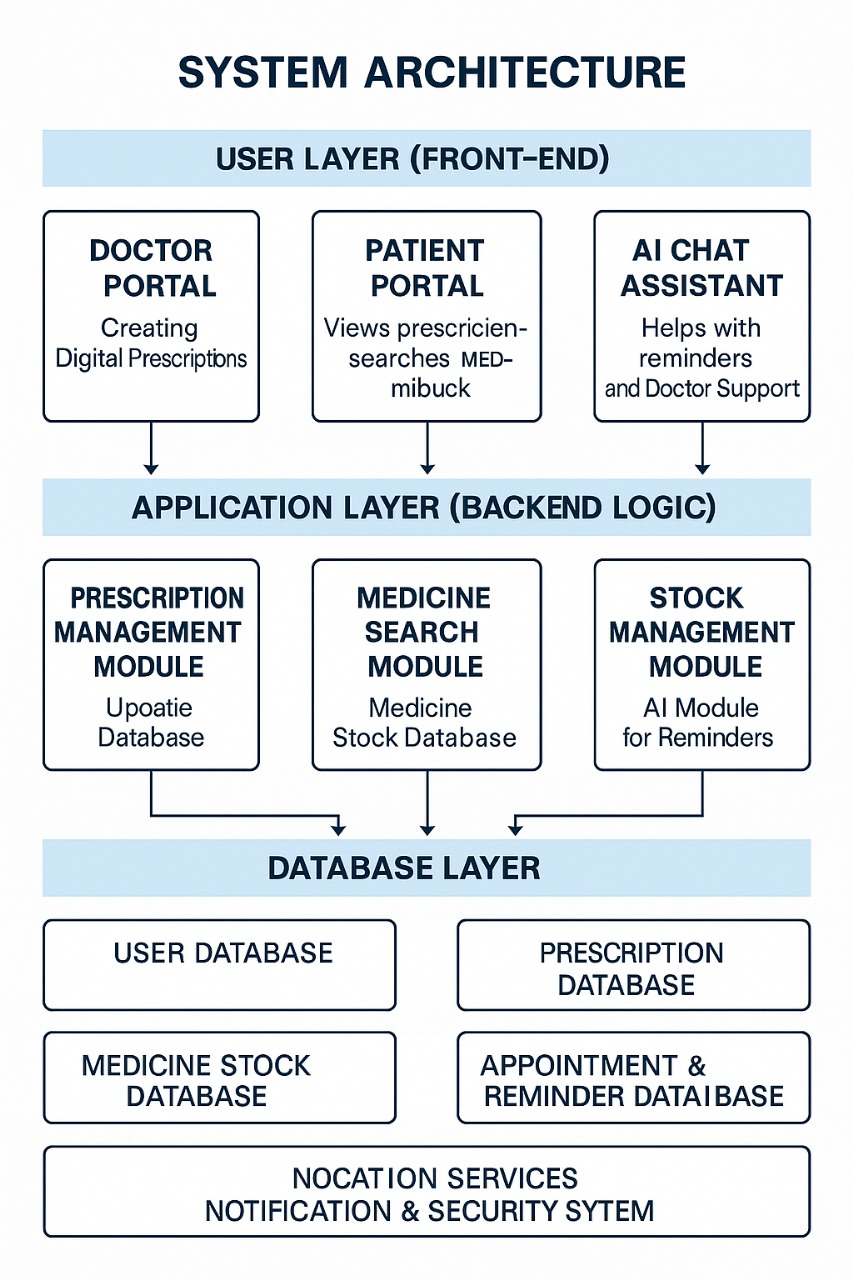
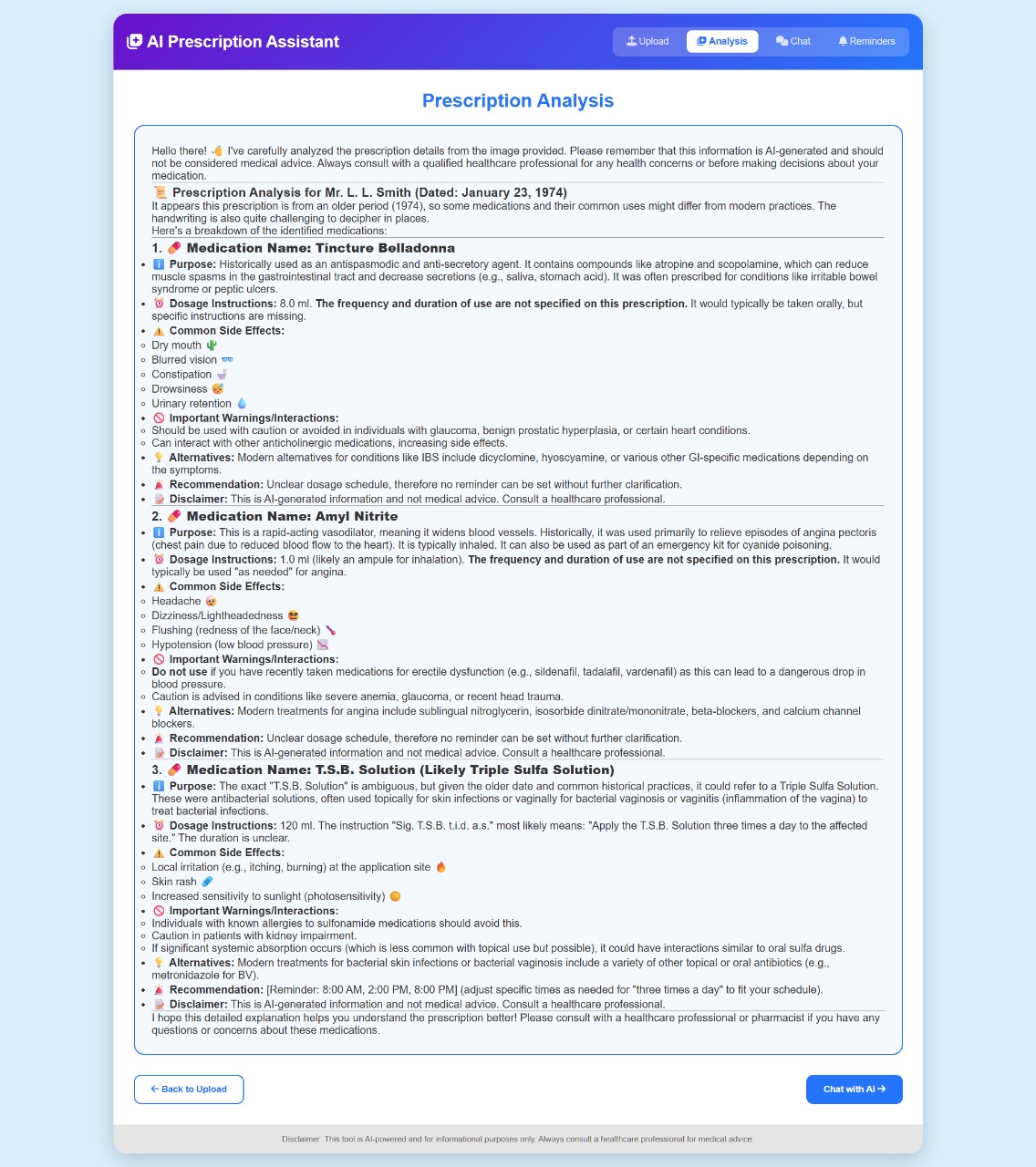
I built Health Connect using Django with Jinja templates for the frontend and PostgreSQL for data storage. The platform allows users to store prescriptions digitally, receive them via email using SMTP, search medicines in nearby pharmacies, and interact with an AI assistant powered by the Gemini API for guidance and reminders.
⚠️ Challenges Faced
- Ensuring security and privacy of sensitive health data
- Making the interface easy for all age groups
- Integrating AI responses accurately
- Handling real-time data like medicine availability
📐 A Simple Representation
The system flow can be thought of as:
$$ User \rightarrow Platform \rightarrow Database \rightarrow AI/Services \rightarrow Response $$
🚀 Conclusion
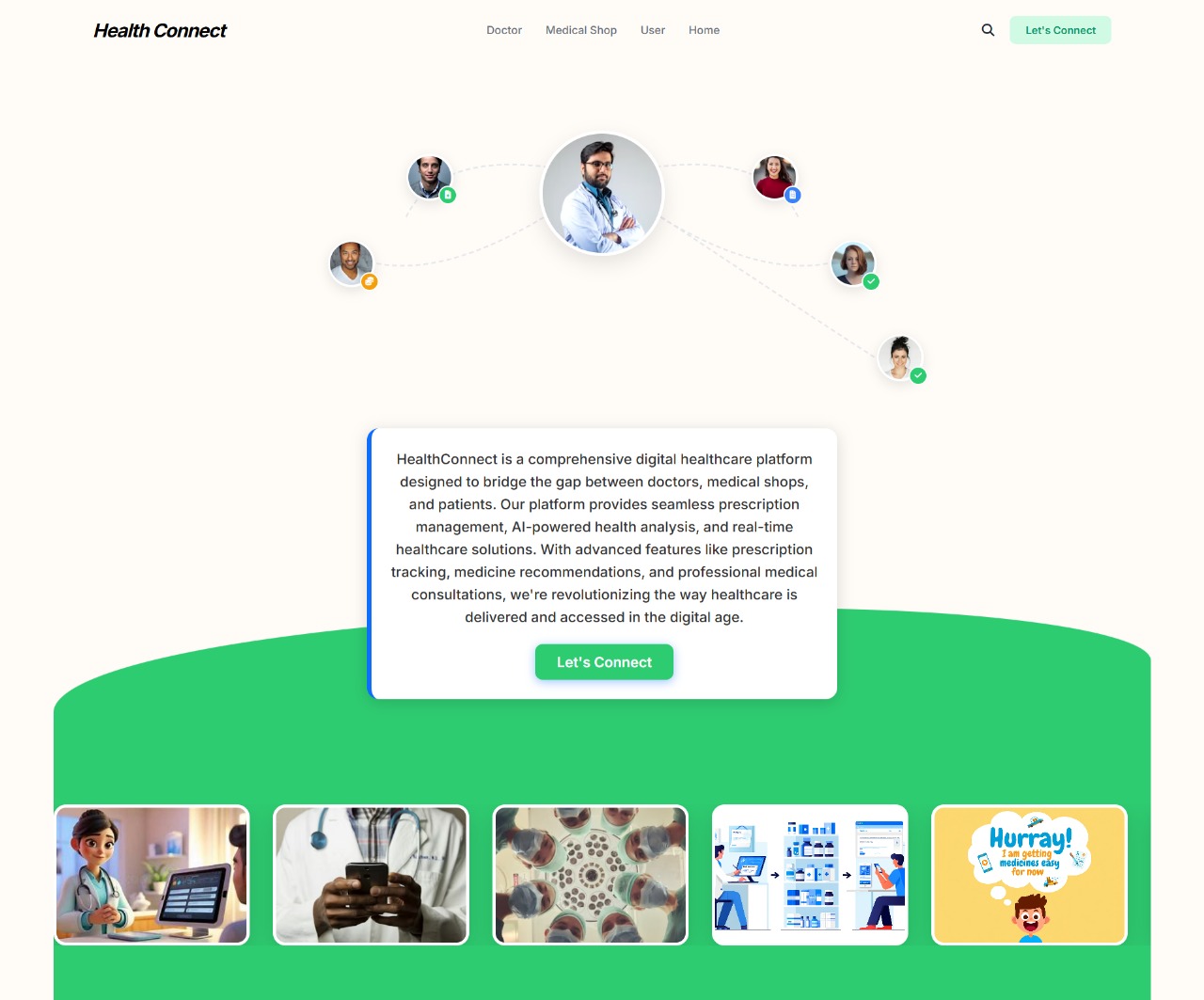
Health Connect bridges the gap between patients, doctors, and pharmacies by making healthcare more accessible, organized, and reliable—especially during emergencies.
Challenges we ran into
Accomplishments that we're proud of
What we learned
What's next for Health connect
Built With
- bootstrap
- css
- deployed
- django
- git-&-github
- google-gemini-api
- html
- javascript
- jinja-templates
- on
- postgresql
- python
- render
- smtp-protocol
- wsgi-server

Log in or sign up for Devpost to join the conversation.