Inspiration
Our inspiration for this project came from past experiences where we or someone close to us had trouble reading or understanding prescription labels and our lab results chart.
What it does
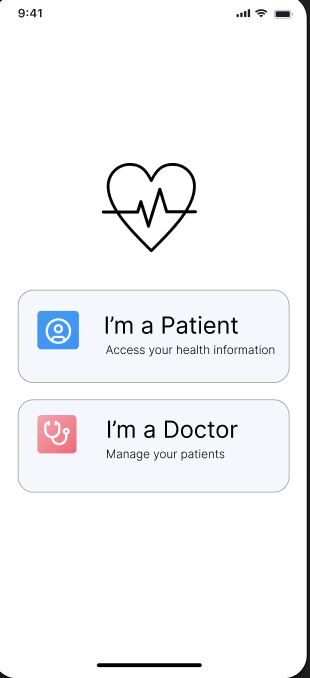
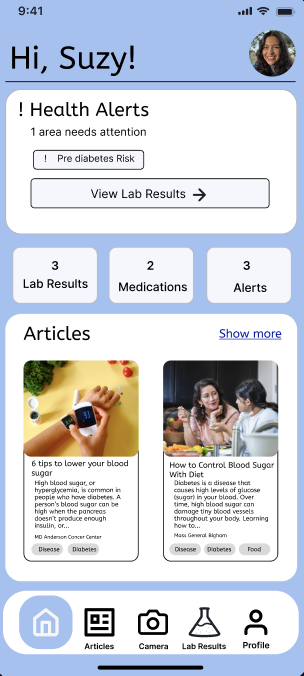
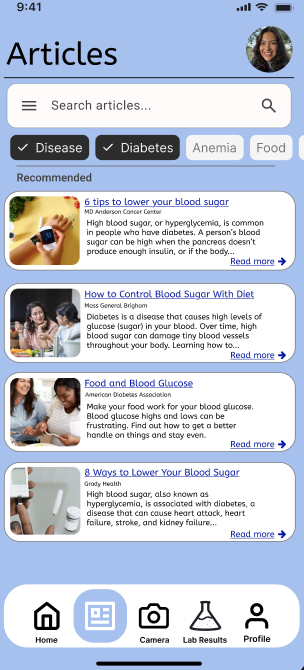
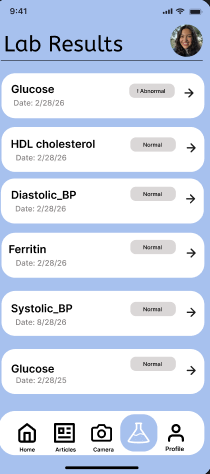
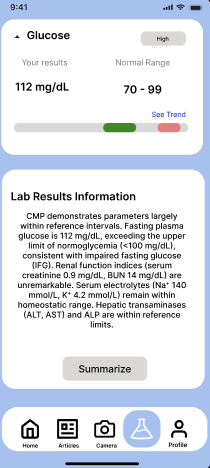
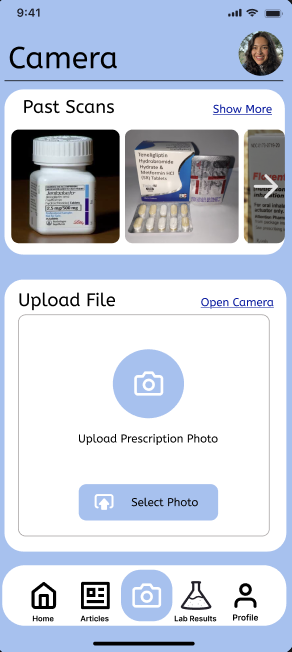
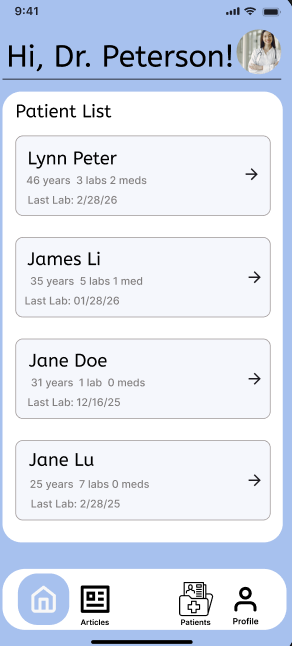
Health Companion uses AI to turn complex lab results into clear visuals/chart and simple explanations. Based on the user's results, it recommends personalized articles to help improve or maintain their health. Health Companion allows patients to understand, track and manage their health, and also gives doctors secure access to records and direct communication with patients. Health Companion also uses a camera to scan prescription/medicine labels or upload images of them for users with low vision, so that the application will read the label aloud.
How we built it
We built Health Companion using Figma to design the UI. We also started using Expo JS and Python.
Challenges we ran into
We didn't encounter any issues setting up our project, but when we tried to use Gemini AI, we couldn't. We were also having difficulty deciding on a color scheme, what to include on each page, and how to separate the features of the application.
Accomplishments that we're proud of
We're proud to have completed the UI of our application.
What we learned
We have never used Expo JS before, so we are happy to have started learning it, even though it doesn't run. We also became more familiar with Figma and started exploring new features that we had never used before. We hope to continue working on our application in the future.
What's next for Health Companion
Since we only completed the UI of our application, we hope to continue working on the implementation.
Built With
- figma


Log in or sign up for Devpost to join the conversation.