-
-
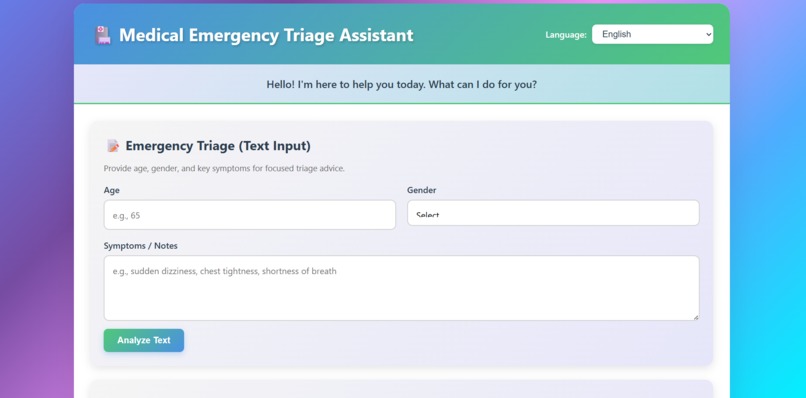
Front Side
-
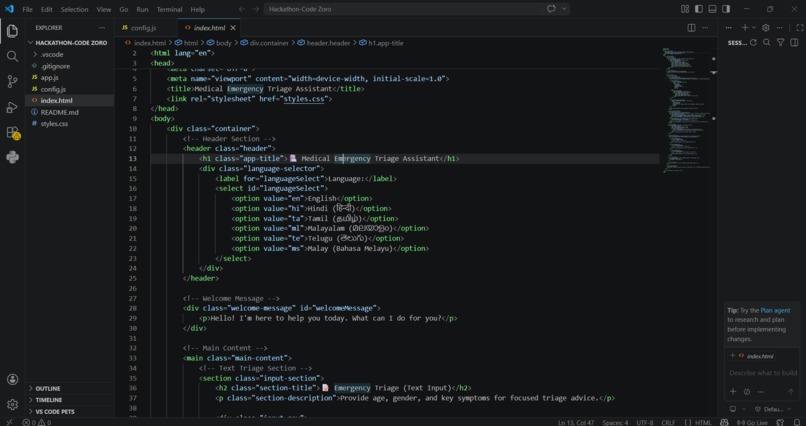
code side
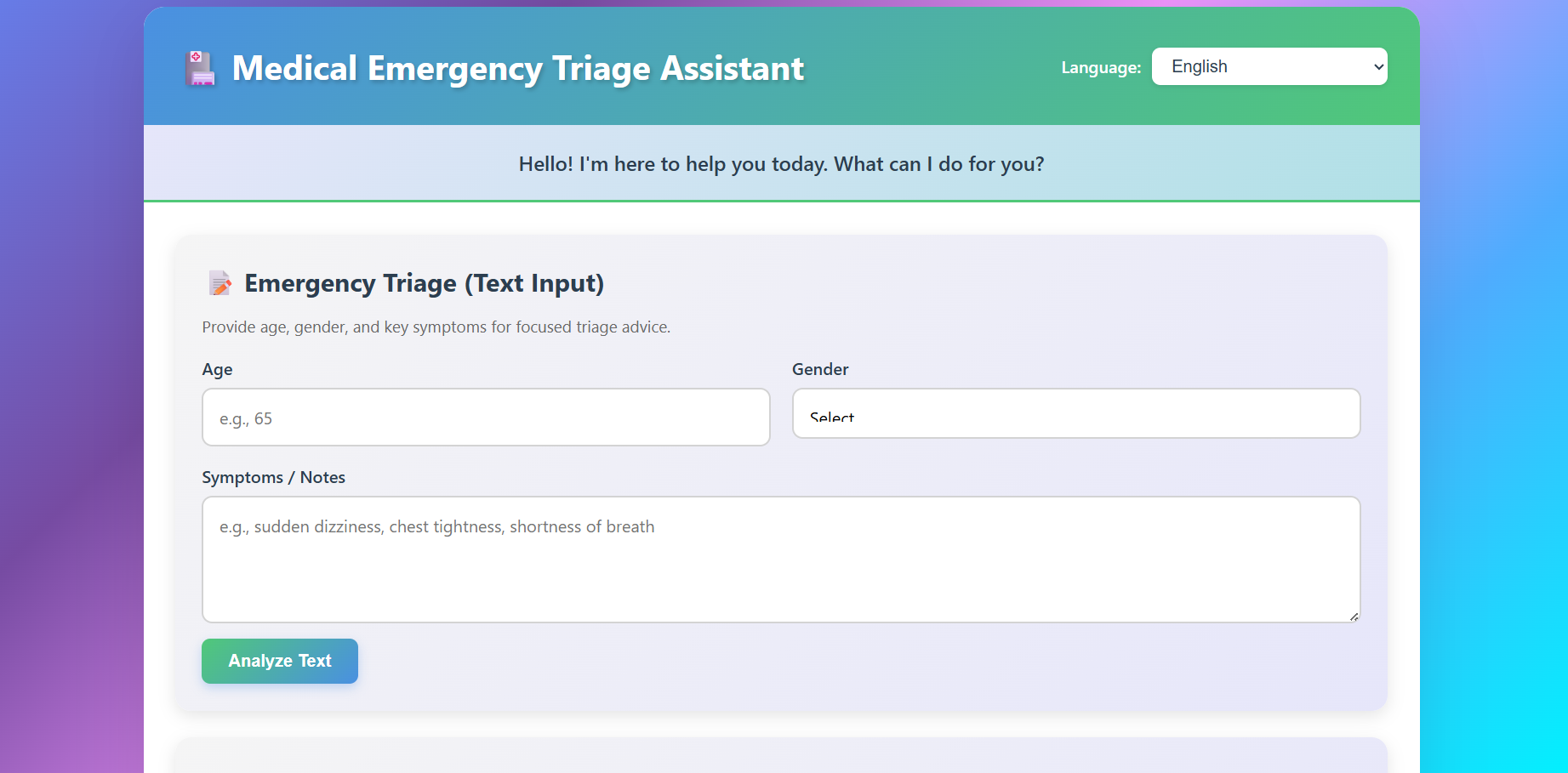
Medical Emergency Triage Assistant 🏥
A web-based medical emergency triage application that provides rapid medical analysis using AI. This application helps first responders and junior doctors with emergency triage decisions through text analysis and image diagnosis capabilities.
Features
🔍 Emergency Triage (Text Input)
- Analyze short, unstructured patient notes
- Provides prioritized differential diagnoses
- Suggests immediate next three critical steps for first responders/junior doctors
- Structured medical response format
📷 Image Diagnosis
- Upload images or capture from camera
- Identifies causes (e.g., insect bites, rashes, injuries)
- Provides immediate medical solutions
- Vision AI-powered analysis
🌍 Multi-Language Support
- Available in: English, Tamil, Malayalam, Telugu, and Malay
- Automatic translation of inputs and outputs
- Powered by LibreTranslate API
👨⚕️ Doctor Persona
- Kind, reassuring, and highly competent AI assistant
- Professional medical guidance
- Structured response format:
- Diagnosis/Analysis
- Critical Next Steps / Medicine
- Home Treatment / Natural Remedy / Self-Care
Setup Instructions
Prerequisites
- Modern web browser (Chrome, Firefox, Edge, Safari)
- Google Gemini API key (Get one here)
- Web server (optional, for local testing you can use a simple HTTP server)
Installation
Clone or download this repository
Configure API Keys
- Open
config.js - Replace
YOUR_GEMINI_API_KEY_HEREwith your actual Google Gemini API key - Optionally configure a custom LibreTranslate endpoint
- Open
Serve the Application
Option 1: Using Python (Simple HTTP Server)
   # Python 3
   python -m http.server 8000

   # Python 2
   python -m SimpleHTTPServer 8000
Option 2: Using Node.js (http-server)
npx http-server -p 8000
Option 3: Using PHP
php -S localhost:8000
- Open in Browser
- Navigate to
http://localhost:8000 - The application should load and be ready to use
- Navigate to
Usage
Text Triage
- Enter patient notes or symptoms in the text area
- Example: "75-year-old male, dizzy, chest pain"
- Click "Analyze Text"
- Review the structured medical response
Image Diagnosis
- Click "Upload Image" to select a file, or
- Click "Capture from Camera" to take a photo
- Click "Analyze Image" once the image is ready
- Review the diagnosis and recommendations
Language Selection
- Use the language dropdown in the header
- All inputs and outputs will be translated to your selected language
Technical Details
Technologies Used
- Frontend: HTML5, CSS3, JavaScript (ES6+)
- AI API: Google Gemini API (Gemini 1.5 Flash)
- Translation: LibreTranslate API
- Browser APIs: File API, MediaDevices API (camera)
File Structure
/
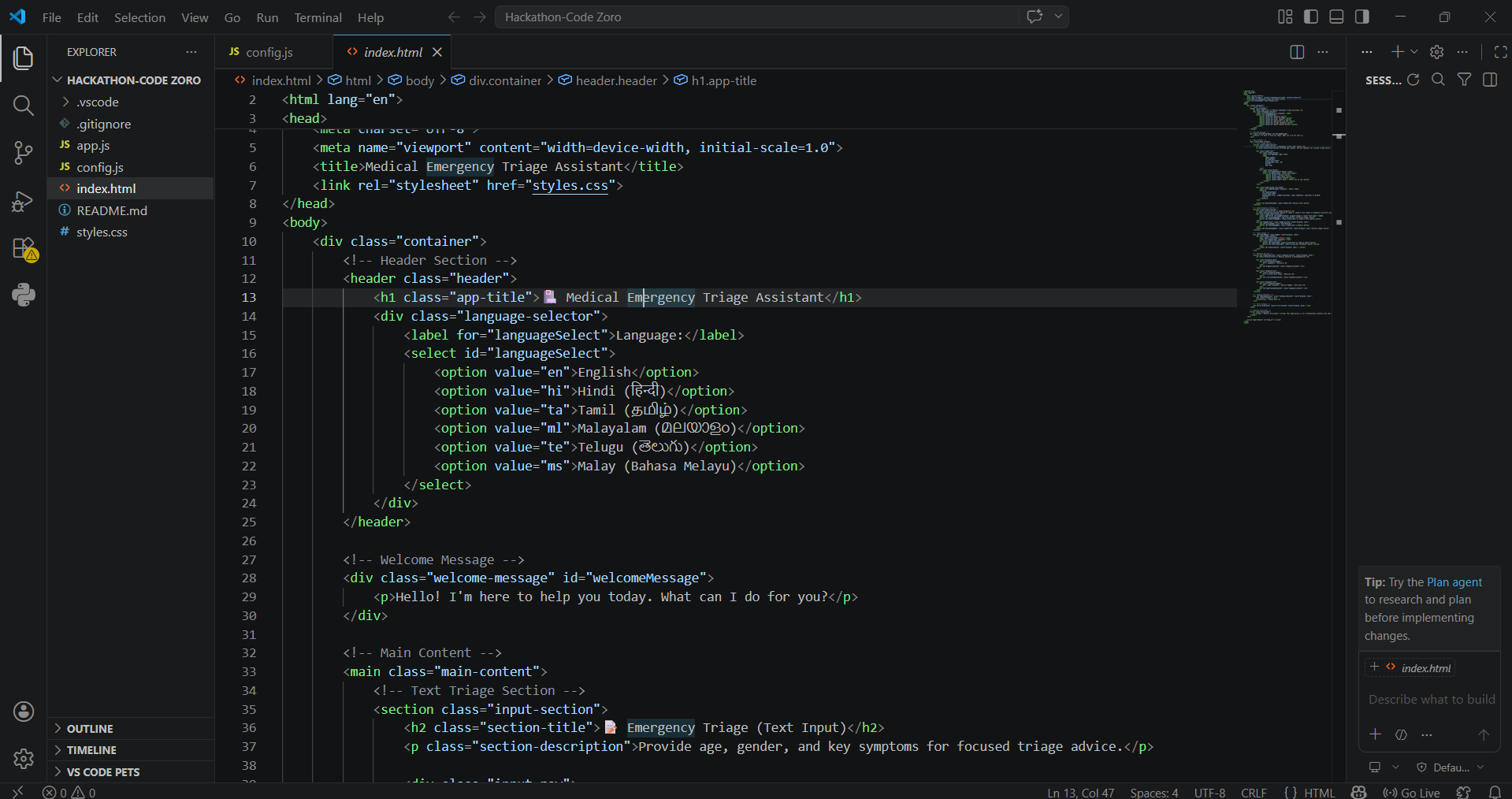
├── index.html          # Main application page
├── styles.css          # Colorful theme styling
├── app.js              # Main application logic
├── config.js           # API configuration (user-editable)
├── .env.example        # Example API keys template
├── .gitignore          # Git ignore rules
└── README.md           # This file
API Configuration
Google Gemini API
- Visit Google AI Studio
- Sign in with your Google account
- Create a new API key
- Copy the key to
config.js
Note: The free tier has usage limits. Check Google's pricing for details.
LibreTranslate
- Default: Uses public LibreTranslate instance
- Free tier available with rate limits
- Can be self-hosted for unlimited use
- Update
TRANSLATE_API_URLinconfig.jsif using custom instance
Security Considerations
⚠️ Important: This is a pure frontend application. API keys stored in config.js will be visible in the browser's source code.
For Production Use:
Use API Key Restrictions (Recommended)
- Configure domain restrictions in Google Cloud Console
- Set HTTP referrer restrictions
- Enable IP address restrictions if possible
Implement Backend Proxy (Most Secure)
- Create a simple backend server
- Store API keys server-side
- Proxy API requests through your backend
Rate Limiting
- Implement usage monitoring
- Set up rate limits per user/IP
Medical Disclaimer
⚠️ This application is for informational purposes only and is not a substitute for professional medical advice, diagnosis, or treatment.
- Always seek the advice of your physician or other qualified health provider
- Do not disregard professional medical advice or delay seeking it because of information from this app
- In medical emergencies, contact your local emergency services immediately
- This tool is designed to assist first responders and medical professionals, not replace them
Browser Compatibility
- ✅ Chrome/Edge (latest)
- ✅ Firefox (latest)
- ✅ Safari (latest)
- ✅ Mobile browsers (iOS Safari, Chrome Mobile)
Note: Camera access requires HTTPS in production (works on localhost for development)
Troubleshooting
API Key Errors
- Verify your Gemini API key is correct in
config.js - Check that the API key has proper permissions
- Ensure you're using the correct API endpoint
Camera Not Working
- Grant camera permissions in your browser
- Try using a different browser
- Use the file upload option as an alternative
- Note: HTTPS is required for camera access (except localhost)
Translation Not Working
- LibreTranslate public instance may have rate limits
- Try refreshing and trying again
- Fallback to English is automatic if translation fails
- Consider self-hosting LibreTranslate for better reliability
Images Not Loading
- Check file format (supports: JPG, PNG, GIF, WebP)
- Ensure file size is reasonable (< 10MB recommended)
- Try a different image
Contributing
This is a standalone application. Feel free to modify and adapt it for your needs.
License
This project is provided as-is for educational and assistance purposes.
Support
For issues related to:
- Google Gemini API: Check Google AI Documentation
- LibreTranslate: Visit LibreTranslate GitHub
Built with ❤️ to assist medical professionals and first responders

Log in or sign up for Devpost to join the conversation.