-
-

Search icon
-

-

Edit icon
-

Add icon
-
-
-




Inspiration
Tagline: "Live parking updates 24 hours, 7 days, year round. Let the empty parking slots find you instead. " In Singapore's dense population of 6 million in only 729 square kilometres, it is no surprise land space is a prized commodity. This strain on land has extended itself to parking in Singapore - a key concern of Singaporean drivers is often not the commute time, but finding parking spots at their destination. Thus here at HDB Park Kings, we aim to close the information gap between HDB and its residents to allow for a better parking experience and in doing so, a greater sense of responsibility for their carparks.
What it does
The HDB Park Kings App features three main components: the information sheet, 4 function buttons, and a map feature for each carpark.
Firstly, the information sheet compiles and relays the closest HDB carpark locations and its most relevant information to drivers, namely their available space and maintenance status.
Next, we have the 4 function buttons.
Add Button - this is a feature used by both users and admins of the app. For users, the Add Button will add a new carpark not within their proximity to their favourites. This way, they can find their carpark easily in the future despite being far away. For admins of the app, this feature can be used to easily add the details of a newly opened HDB carpark into the app database.
Remove Button - this feature is the opposite of Add, and can be used by both users and admins. For users, this removes a location from the viewable list. This can be used to remove carparks that they do not wish to use. For admins, this can remove demolished carparks from the database.
Edit Button - this feature allows admins to tweak the details of a carpark. For instance, if a carpark went under maintenance, the admin can easily reflect it in the app.
Search Button - this feature uses Regular Expressions to find the carpark name that matches user input. It is case-insensitive as well, so users need not capitalise their words to search.
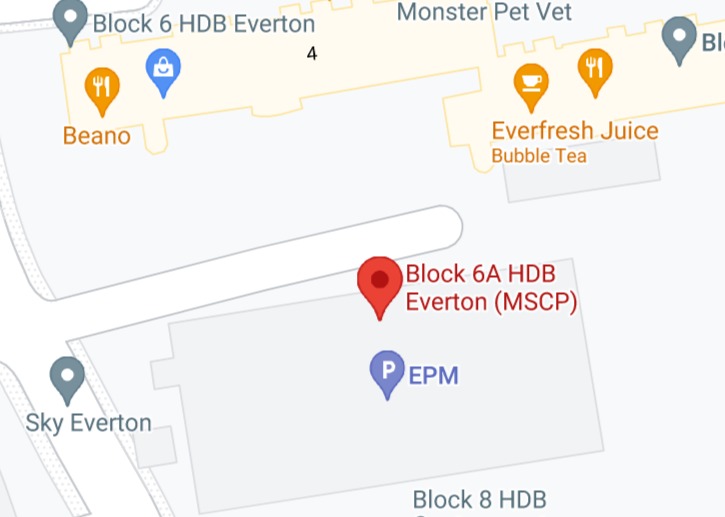
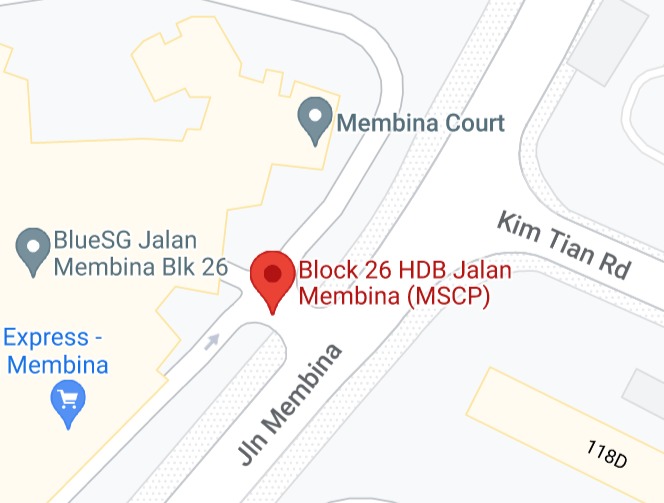
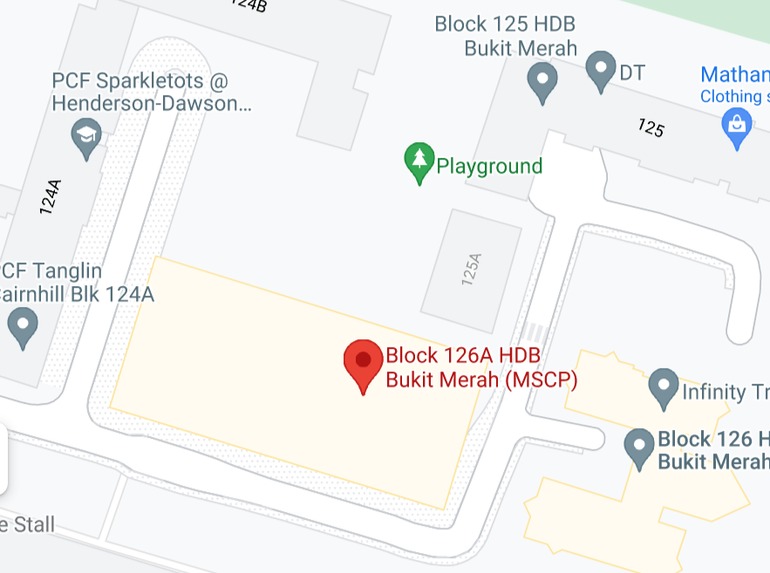
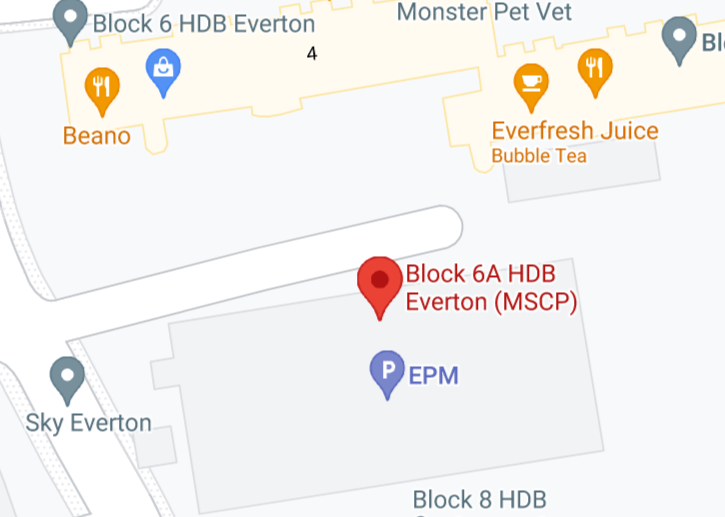
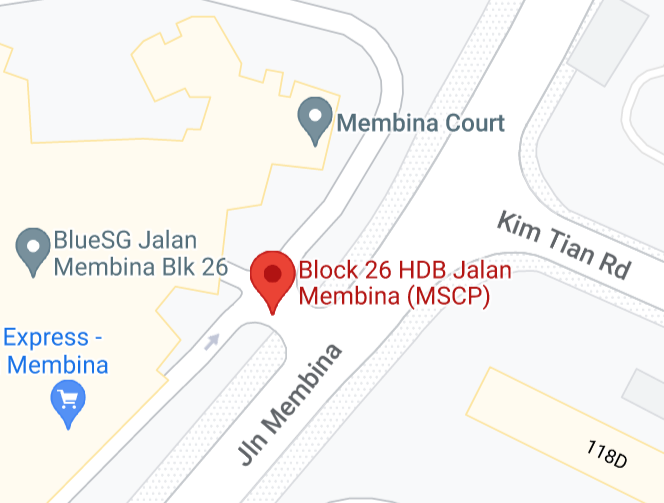
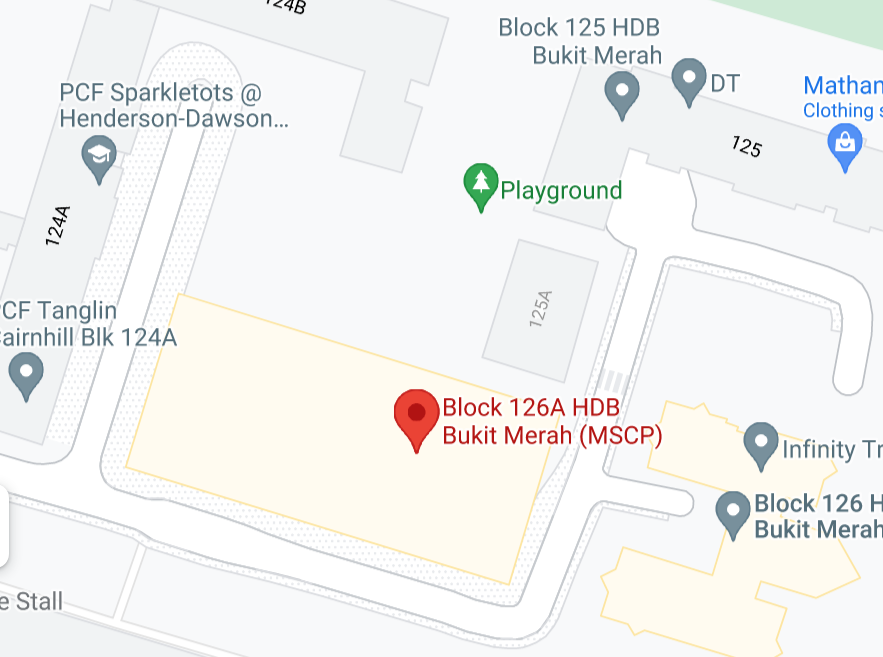
Finally, our map feature. This feature reveals the vicinity of the carpark in a map interface, showing the shops and landmarks in the locality that can help drivers easily navigate to the carpark.
How we built it
Frontend We used Java Swing solely for the frontend of the application.
Backend We used SQLite/JDBC for the backend database.
UI/UX Figma and Canva were used to draw the App layout before development.
Challenges we ran into
Java Swing, while good for developing an app, is an unpopular platform which only one team member was familiar with. As a result, there was a bottleneck on the frontend development of the project.
Accomplishments that we're proud of
The Search feature - using Regex, it is able to efficiently find the matching rows of user input. The app accessibility - this can be adapted easily both as a Desktop and Mobile app.
What we learned
UI/UX must be done early so as to allow other aspects of the programming - particularly Frontend to go on. We should consolidate our respective skills and test whether they integrate with each other.
What's next for HDB Park Kings
We will continue learning and working hard on our skills to bring better and flashier results for subsequent Hackathons.

Log in or sign up for Devpost to join the conversation.