-
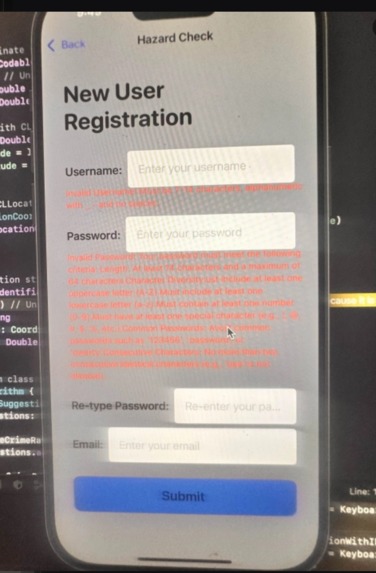
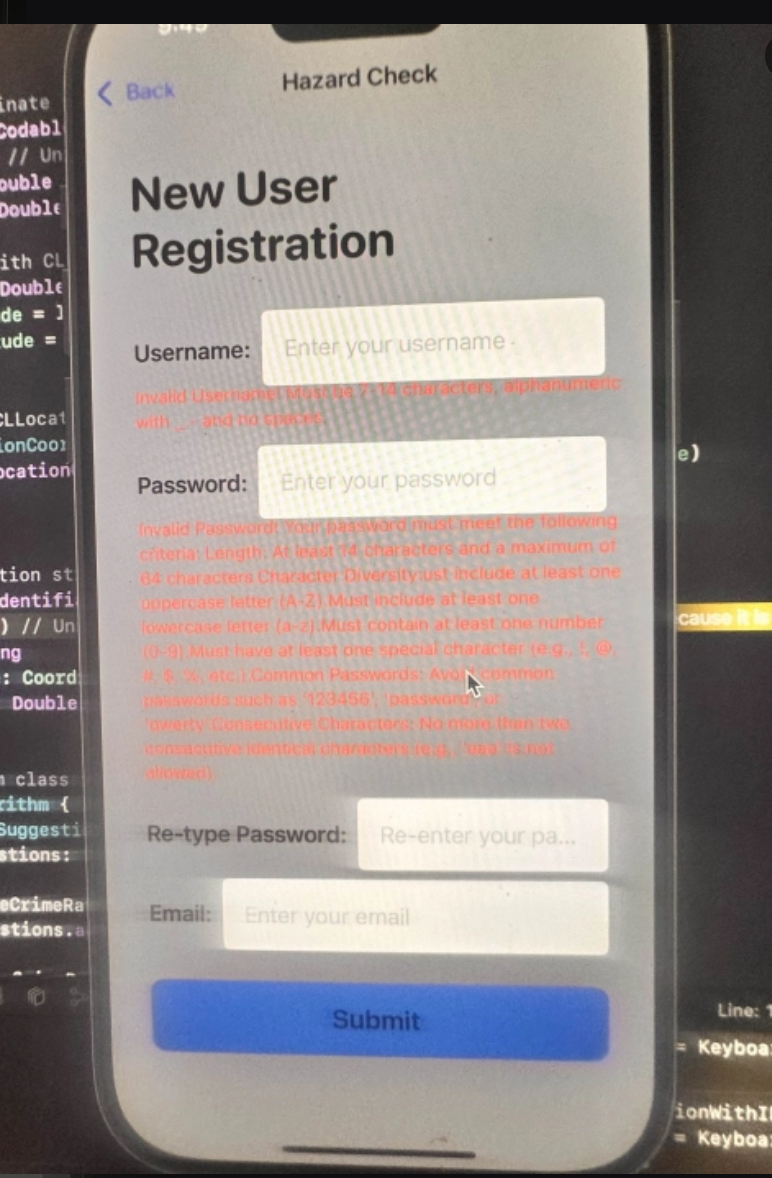
New User Registration
-
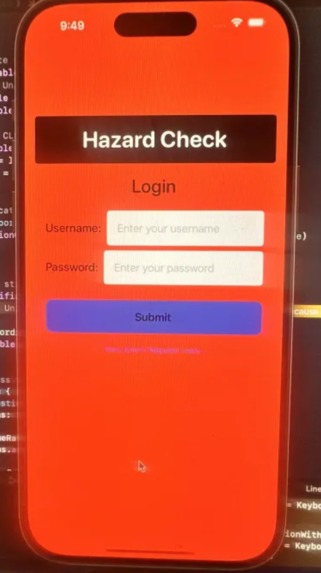
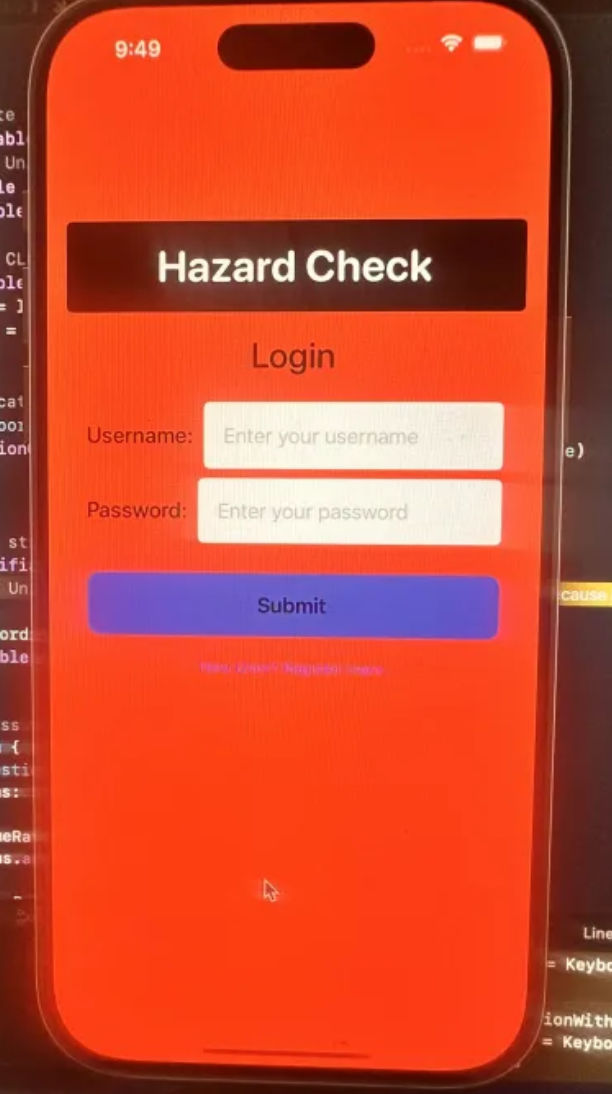
Login Page
-
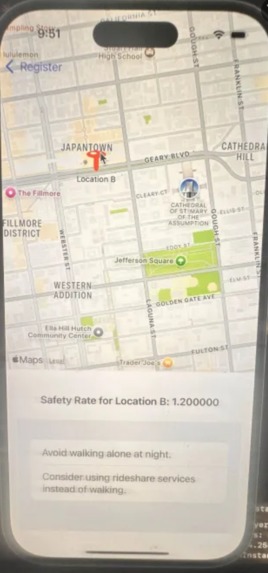
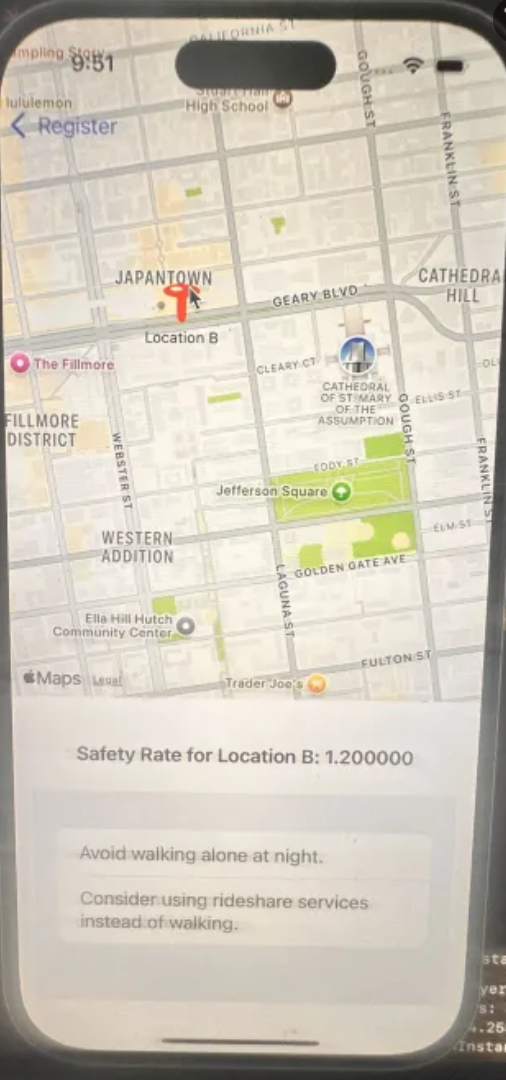
Example of Maps and Location and AI Suggestions
Inspiration As college students, we often find ourselves in unfamiliar environments, making safety a top concern. I wanted to create a solution that empowers students to stay informed about their surroundings and make safer choices.
What it does
Hazard Check is a mobile app that displays real-time crime data on a map. It provides users with safety suggestions tailored to their location, helping them navigate their environment more securely and confidently.
How I built it
I developed the app using SwiftUI for the frontend and integrated Core Location for geolocation services. The backend fetches crime data from APIs, which I used to calculate safety ratings and generate personalized suggestions.
Challenges I ran into I faced challenges integrating location services and ensuring accurate and timely data retrieval from crime APIs. Balancing user experience with real-time data presentation was also a hurdle.
Accomplishments that I'm proud of I’m proud of creating a functional prototype that includes user authentication, a map interface, and personalized safety suggestions. It demonstrates my ability to blend technology with a real-world application for student safety.
What I learned I learned how to work with SwiftUI, implement location services, and handle JSON data. Additionally, I gained insights into user interface design and the importance of user feedback in the development process.
What's next for Hazard Check In the future, I plan to enhance the app by incorporating more detailed crime analytics, user reports, and social features for sharing safety tips. I also aim to improve the user interface and expand the app's usability across different platforms.
Built With
- swift
- swiftui

Log in or sign up for Devpost to join the conversation.