-
-
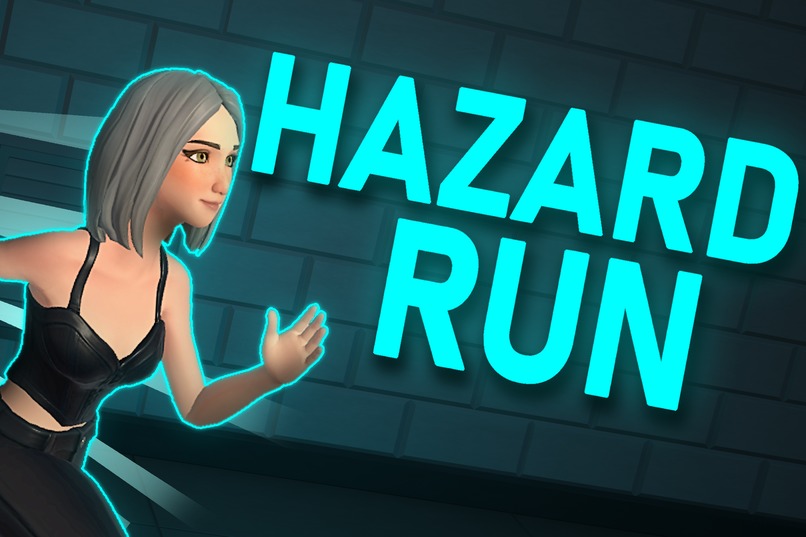
Survival obby where one player must stop the runners using traps - modern take on the classic CS 'deathrun' gamemode.
-
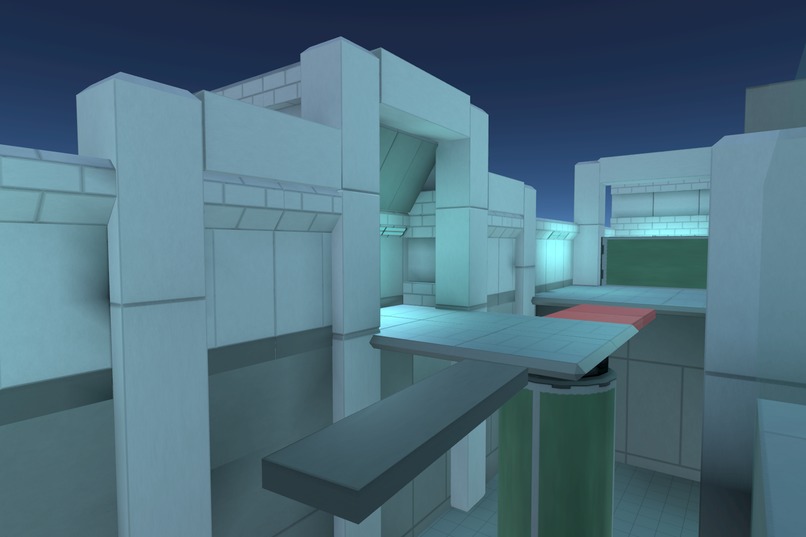
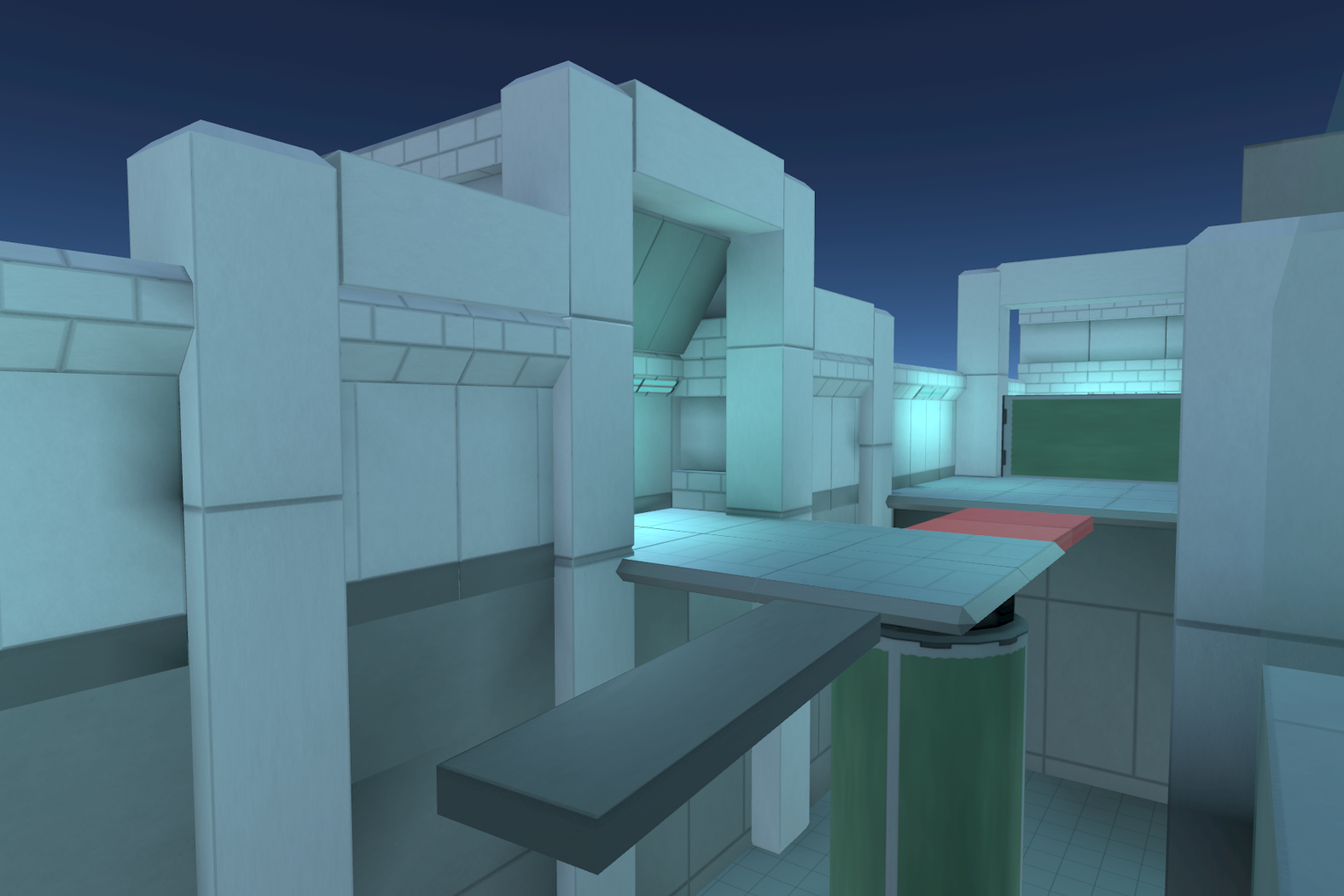
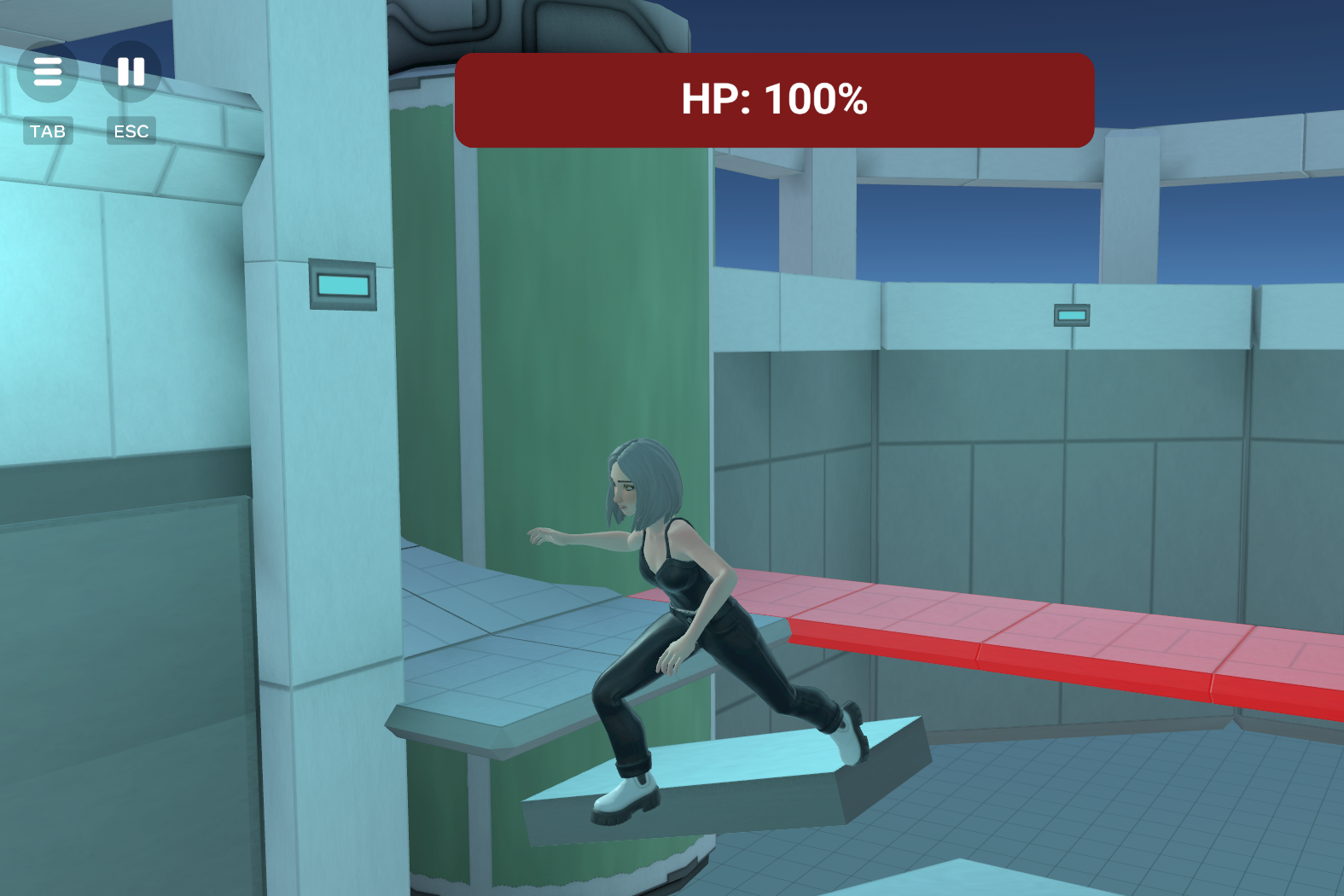
Start of the obstacle course - featuring a collapsing bridge (red) and spinning platforms.
-
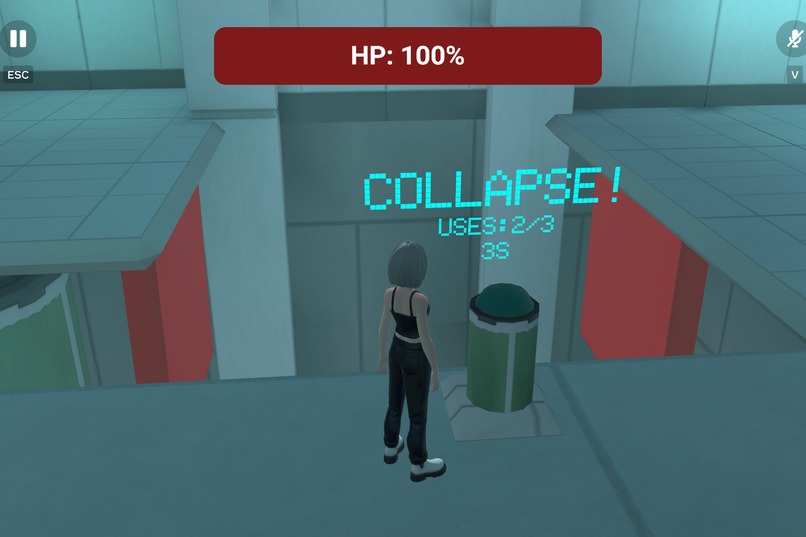
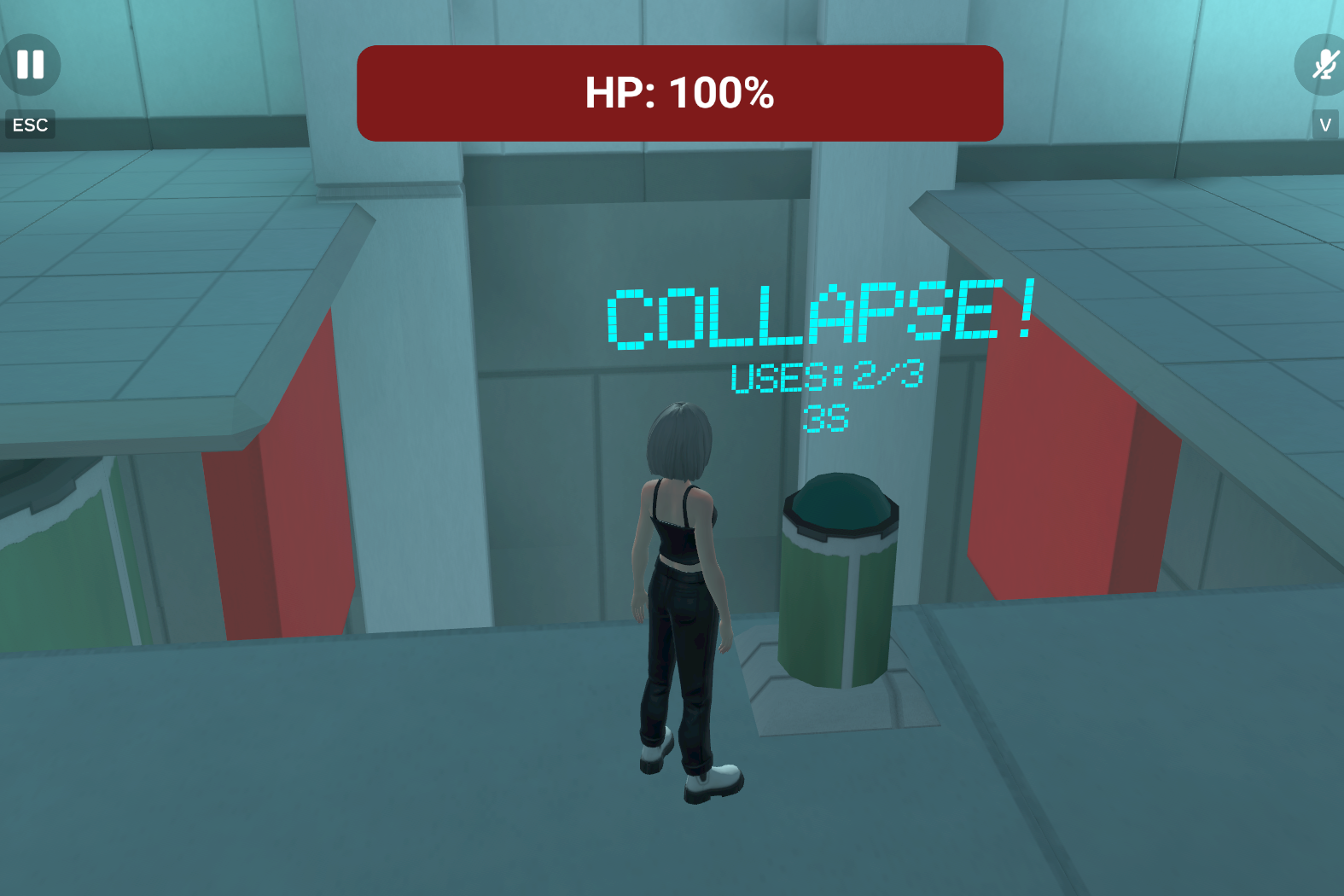
Collapsing bridge from the POV of the trapper, after having triggered it.
-
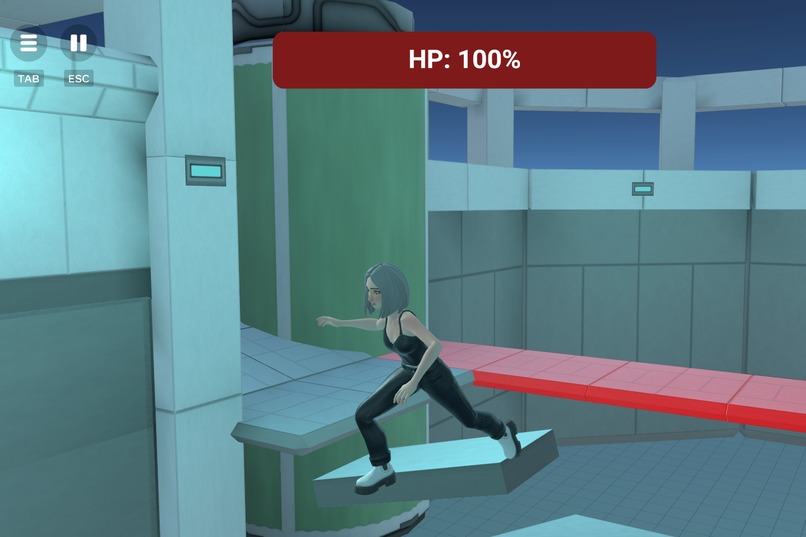
The course offers a nice balance between traps and jumps - the latter of which do not involve the trapper.
-
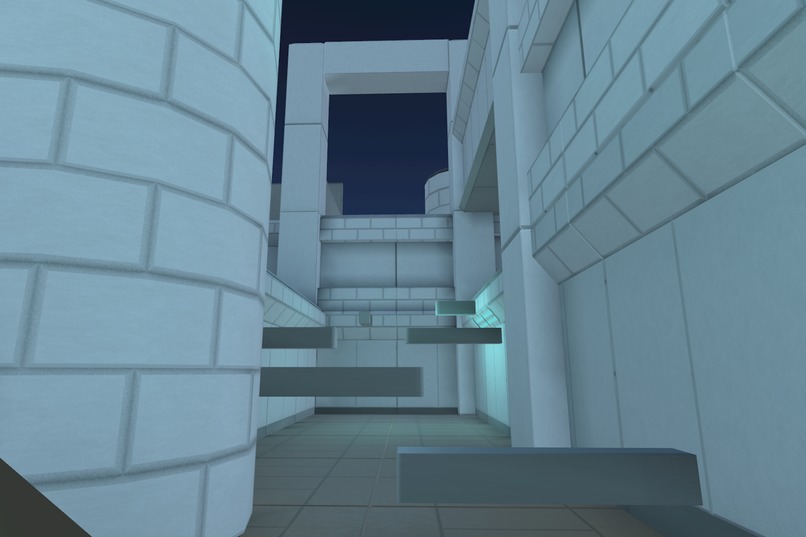
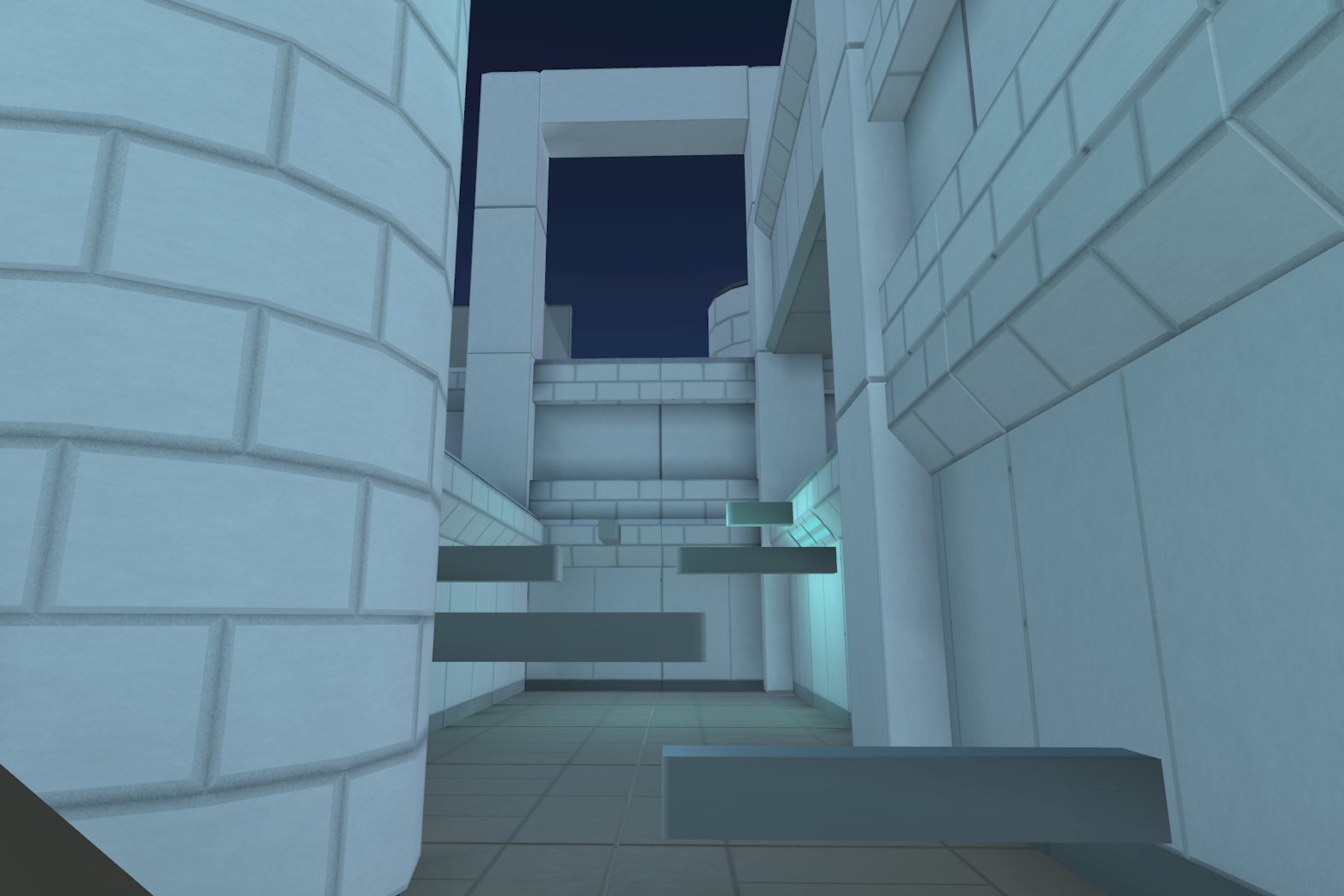
The lobby itself has a mini obby, allowing people to practice while they wait.
-
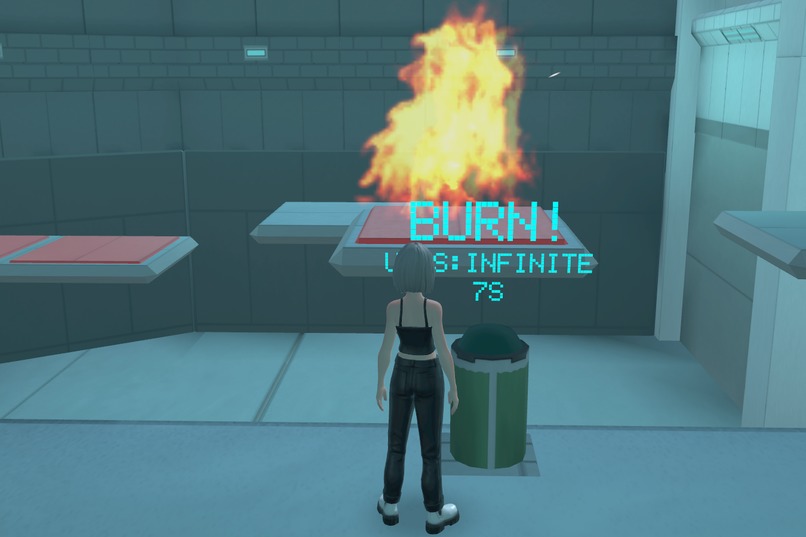
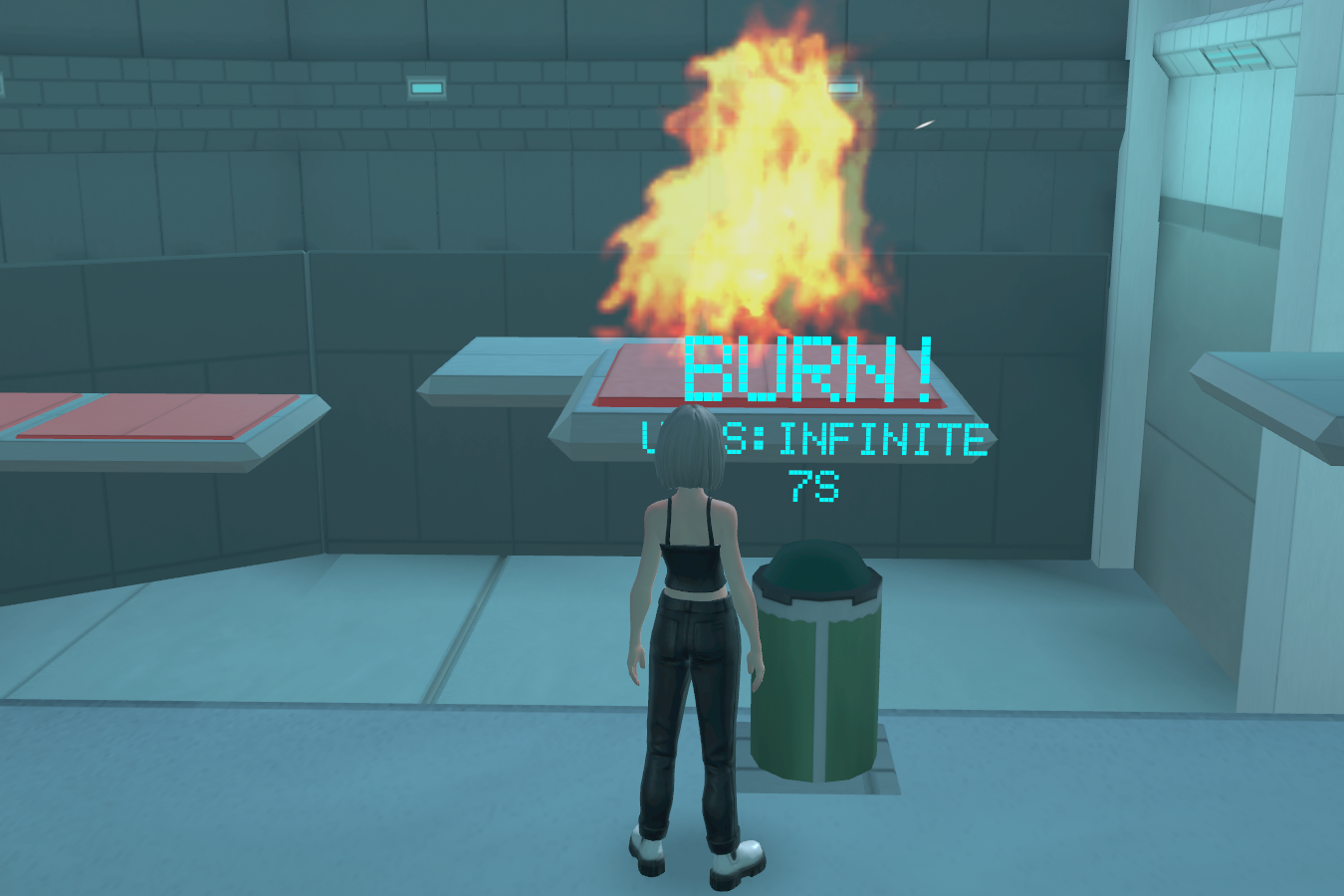
Fire trap!!
[Hazard Run]
Inspiration
Back in my high school days, I was really into playing custom servers on Source games. I'd play everything from surf, 1v1s and also 'deathrun' - the inspiration for this project.
What it does
The gamemode consists of one randomly selected player becomes the trapper - who does everything in his power to stop the remaining players - runners - from reaching the end of the obstacle course. The trapper can see the runners making progress through the course and has the ability to trigger traps at select points.
Hazard run takes place in a midnight factory, with the drones of machinery filling the cool air. The trapper has 10+ traps to his disposal, and a configurable 2x speed multiplier allowing him to be where he needs to be. The runners by default have infinite respawns, but only 4 minutes to get to the end.
How we built it
From the beginning I knew the whole project would need to be as modular as possible. With the traps being the core part of the gameplay, I made a system that was to be simple enough to use in the editor, but also easily extendable via scripts. I ended up giving traps 3 states: start (on round start), trigger (when triggered by trapper), and disabled (after being triggered for a duration). Each state has a corresponding empty entity in the editor, to which creators can add children that will be enabled when the respective state is entered. Additionally, there's an empty entity for animated objects which stays enabled through all states, but only animates when triggered and stops the animation on disabled (useful for e.g. collapsing bridge). In terms of scripting, there's an empty entity where all the children receive events when the state of the trap updates, allowing creators to attach scripts and implement custom logic (can be used for e.g. projectile launcher trap that shoots a burst on trigger).
The GameManager script is the brain of the whole project. By utilising a finite state machine to control the current state of the game, it automates matchmaking, handles disconnects/deaths, chooses a trapper, etc. For creators, there are many exposed properties that can be set to change the rules of the game e.g. respawns. There are also events that get broadcast as the game progresses (OnStateChange, GameResults, TimerUpdate).
The health system used in this project was a stripped down version of my submission for the asset contest. It's fully configurable in the editor, and features many useful events for modifying a player's health and listening to changes.
As for the design of the level itself: I made sure that between every checkpoint there was first a section that relied on the trapper eliminating people, and then a platforming section. This was something I found out when researching 'deathrun' map design on Roblox - it makes the platforming more tense knowing that you'll have to face the trapper again if you fall. Visually I kept a balance between making the level look nice and keeping it readable: checkpoints are a bright green and trap hazard zones are red.
Challenges we ran into
To make this project stand out, I decided to hand craft all the assets. I had some blender experience before, but i was concerned as I never made anything with a higher fidelity style as is standard for Horizon Worlds. Another concern was optimization, in my few unpublished worlds I ran into the 100%+ vertex count pretty quickly.
After some research I decided to learn how to make & use my own trimsheets - they allow assets to share the same textures (thus reducing draw calls) and also allow for very low poly models (the normal map and other PBR textures make them appear way more detailed than they actually are). After watching a few tutorials, I ended up with a 2048x2048 trimsheet featuring an RGB color texture, ambient occlusion, normal map, metallic map, and roughness map. Most of the models are around 20 tris and the world vertex capacity is way below 100%, allowing for higher player capacity. I welcome creators to reuse them in their own creations!
Another challenge related to models was making them tile nicely - I like to have my models be even lengths so they can be neatly aligned using the snapping feature. However, the lighting in this engine is vertex based so the lighting would be weird if I had one vertex perfectly atop another. I ended up fixing this by beveling the edges of the model and extending them slightly, so that their faces would clip into eachother rather than the vertices.
Before trying out Meta Horizon Worlds a month or two ago I had never used neither Typescript or even Javascript. My expertise is mainly in C# and python. Trying to figure out the API alongside a new language was challenging, but the built in AI agent helped me out a lot! Whenever I was unsure about how to achieve what I wanted, or I ran into an error, or even simple syntax issues, it was able to help me learn.
Perhaps this was kind of my fault, but I worked on this project under a lot of time pressure. I hadn't heard about the competition until around 2 weeks before the deadline - completing both an asset and world in this short time with very little knowledge of the engine was very stressful but ultimately rewarding. I have learned a lot, and I'm excited to use my knowledge for future projects!
Accomplishments that we're proud of
I am mostly proud of how fun it ended up being! After polishing up the project I invited a few friends and we had almost two hours of fun with it, which really brought me back to playing this gamemode as a teen. The trapper makes platforming so much more dynamic and exciting. It was also a very informative experience, seeing friends attempt the course for the first time and falling at what I thought were easy jumps! One friend barely even made it to the end without the trapper's involvement, which lead me to rework a lot of jumps, and eventually increase the runners' time limit to 4:00 (from 2:30!).
The trap system is also something I am proud of. After using to make the demo map, it was as flexible as I was hoping it'd be. Want to make a fire trap? Simply put a damage trigger & fire particle as children under the 'TriggeredState' entity. Want to make a swinging axe? Simply animate it and put it under the 'TriggeredStateAnimated' entity. Want to make a disappearing platform? Simply put it under the 'StartState' entity so it disappears when triggered.
The lobby was something I put a lot of time into - not only visually but also gameplay-wise. Alongside the standard 'how to play' text and button to queue into a game, I included a mini obby! From the moment the player joins the world they have something to keep them entertained, as opposed to just waiting around for the next match to start. The obby intentionally loops back around to the inital part of the lobby too, allowing those who finished to show off to everyone else!
What we learned
Other than learning how to do trim sheets, it was fascinating to research how the gamemode has changed since I last played it. Modern versions often include checkpoints and respawns, both of which are supported and fully configurable in 'Hazard Run'.
FSMs can be extremely useful for game flow. A single transition() removed edge case bugs and made reconnection/AFK handling predictable. Being able to broadcast state changes allows creators to easily extend the gamemode.
What's next for Hazard Run
That's up to the community - I'm curious to see what interesting twists to the gamemode people can come up with! To remix it:
- Under entity 'Map_00', change the map by manipulating props under the 'Environment' category.
- Reuse the traps under 'Traps', or use them as a base to make your own!
- Ensure you have an entity to represent a spawn for both the runners and trapper assigned to their respective slots in the GameManager. You can also edit other properties on the GameManager .e
- Under the 'Important' entity ensure you have a RunnerFinish trigger, checkpoints with a Checkpoint script and respawn entity attached (if you want checkpoints), and an animated object with the StartDoor script that will animate and open when the round starts.
In terms of the future of Hazard Run, I would like to look into allowing creators to make multiple maps per world, and have the GameManager choose a random one every match. This would be a great feature to keep the gamemode fresh and keep players playing. I personally have been itching to make another map myself with a more colorful theme - I have so many great trap ideas that I could easily do with my system!
To further enhance the lobby experience it would be nice to add a way to spectate matches, especially for 0 respawn matches. In development, I was considering allowing players in the lobby to switch between pre-placed CCTV cameras.
The gamemode is already full of funny and shareable moments - seeing my friend go flying after hitting them with the boxing glove was a highlight of this whole experience. However, adding some sort of rewards for winning and progression would be a nice way to let players connect and keep them engaged. Right now the core gameplay loop is fun, but there's no long term goals. Winning as the trapper and reaching the end as a runner could be counted on two leaderboards, showcasing the talents of the best hazard run players. There could be quests and challenges, such as completing a match as the runner without dying, or winning as the trapper without triggering any traps. Long term milestones like 'trigger X traps', 'reach X checkpoints', etc. could also be fun.
[Health Asset]
Video - https://www.youtube.com/watch?v=atf0AIaM-r0
Inspiration
Inspired by the likes of Fortnite, Rust, Synthetik 2, and the infinitely many other games that have a health bar. It's a core aspect of most games, and I knew many creators would love an easy drag and drop solution for it.
What it does
There is a health bar at the top of each player's screen showing their current health state. The different ways in which players can alter their health will depend on what creators wish to do with the various events this asset provides, but by default there are a few interactable examples that can show the system in action. When a player’s health falls below 0 they will die and be prompted to respawn at a configurable spawn point.
HeathSettings allows for easy configuration of 15 health related settings, and HealthUISettings allows for simple configuation of almost 30!! UI settings (without having to touch any scripts!). I'm sure many creators will be happy about the latter as I personally found UI quite difficult when starting out!
How we built it
Built using an asset pool. Each player is assigned a PlayerHealth entity that sets up and (optionally) automatically enables the health system.
When the health system was pretty much finished, I decided to test it by making 'examples' for other creators (e.g. damage trigger, health pack). This let me refine what events I wanted and what to include in their payload, as well as providing creators with a bunch of drag-and-drop assets!
Challenges we ran into
One of the big issues I had early on when I was still very inexperienced, was how to make an easily usable config for the asset. My first idea was to just expose all the properties on PlayerHealth. This'd work but PlayerHealth needs to be an asset assigned to a health pool that exists multiple times, I wanted something more centralised. I decided to make a seperate HealthSettings script that'd have all the settings exposed. Coming from a Unity background I had though to try something similar to 'get component' which I found out Horizon does actually have! However there was one catch: the settings were running on the server and the PlayerHealth was running locally. This meant that getComponent() would not work, as it requires the two scripts to be executing in the same context. I finally settled for a 'handshake' - PlayerHealth sends out an event to request for the settings. Upon receiving the event, the settings script replies to that specific entity with an event that contains all the settings in the payload. I later improved this system further by splitting up HealthSettings into two scripts, one that controls the core settings (regeneration, max health, etc) and optional override UI settings (health bar color, respawn button position, etc).
Accomplishments that we're proud of
Adding the health system to 'Hazard Run' was a breeze, as most of the functionality I needed was already included in the 'examples' that come with the asset (e.g. trigger to set respawn, damage trigger). It was really reassuring to know that it was so easy to work with - of course when making it i cannot possible anticipate _ every _ use case but somehow it handled everything I demanded of it!
What we learned
The importance of proper cleanup of events. In both my health system and Hazard Run, I was neglecting unsubscribing from events at the start of development and it later became a huge issue. This ended up causing inconsistent behaviour and weird bugs - the Horizon documentation came in very useful here.
I learned that choosing good defaults is very important! I dont want creators scratching their head at every setting (there is a lot of them!) so making the asset _ just work _ was important.
What's next for Health Asset
The next step is to extend its functionality to non-players. Right now this asset is moreso geared towards PVP games, but extending it to entities would allow creators to use it for so much more game genres that are focused more on combat against non-player enemies, such as roguelikes, dungeon crawlers, tower defense, etc.
I want to add an option for 'hearts' instead of a bar, something akin to Minecraft or Terraria. This'd give creators even more flexiblity.
Built With
- blender
- rider
- typescript


Log in or sign up for Devpost to join the conversation.