Hayba — Devpost Submission
Inspiration
Game development and film-making has always had a paradox at its heart: the tools that produce the most breathtaking environments — terrain sculptors, procedural geometry graphs, node-based pipelines — are also among the most technically demanding to master. A solo developer or a small studio can spend days hand-tuning a Gaea terrain graph or wiring up PCGEx nodes in Unreal Engine before a single asset reaches the game world.
We asked a simple question: what if you could just describe the environment you want?
Hayba was born from the conviction that AI should act as a genuine creative collaborator, not just a code assistant. With Claude's MCP (Model Context Protocol) capabilities, we saw an opportunity to build a bridge between natural language and the complex, graph-based tools that power modern game environments. Instead of replacing artists and designers, Hayba gives them superpowers — letting them prototype at the speed of thought and iterate without friction.
What It Does
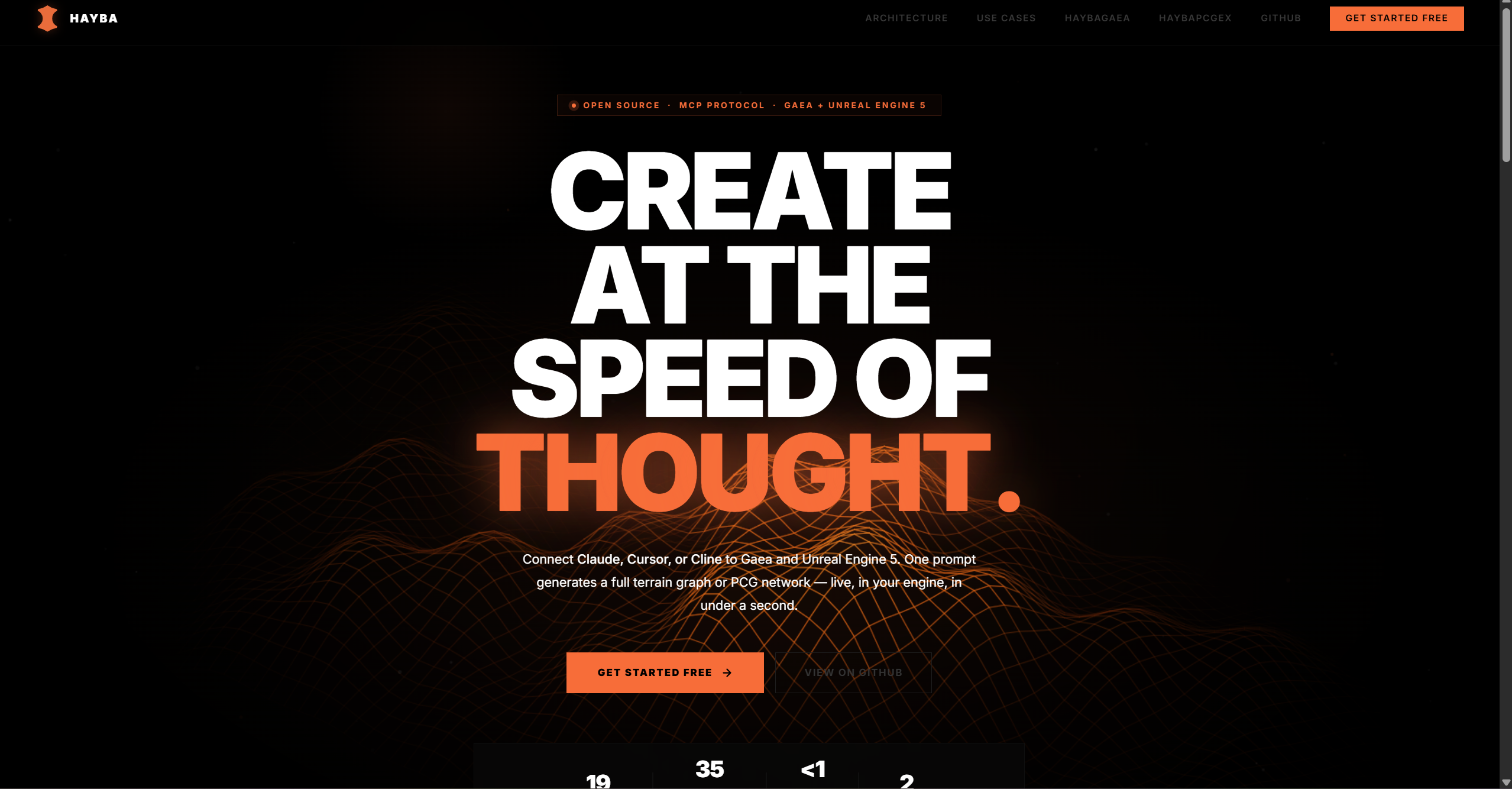
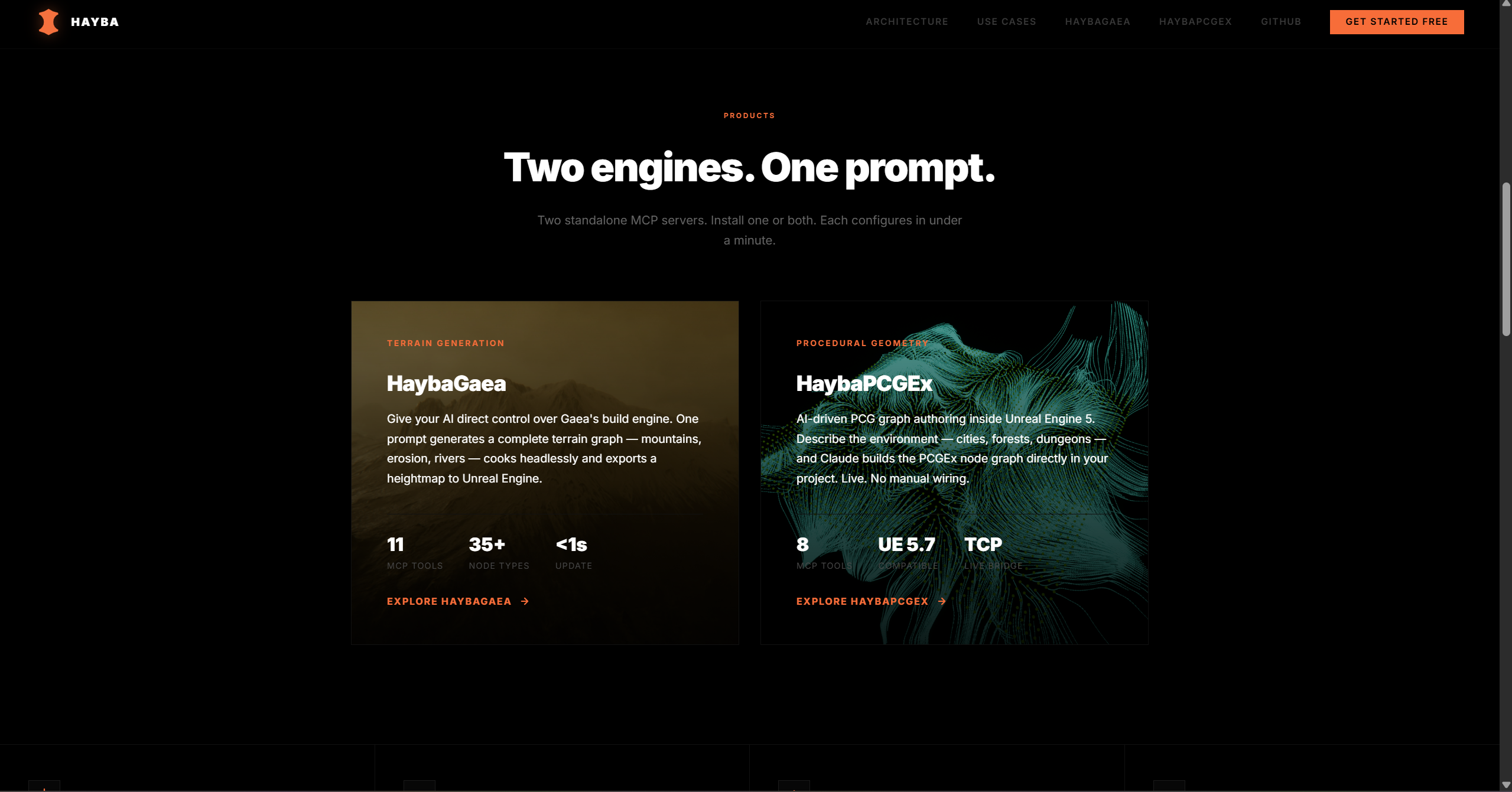
Hayba is an AI-powered procedural generation platform consisting of two tightly integrated MCP servers and two native Unreal Engine 5 plugins.
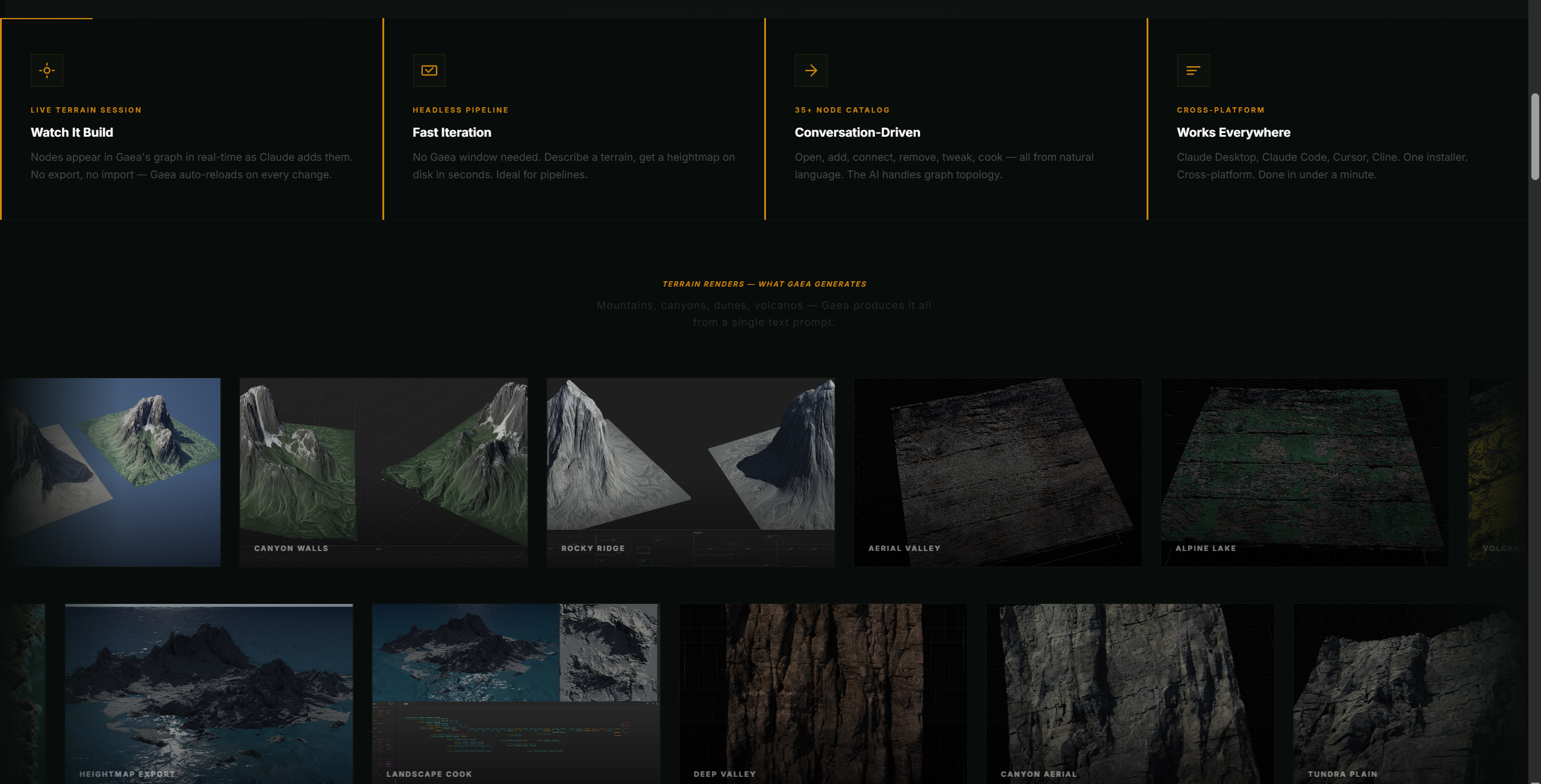
HaybaGaea connects Claude to Gaea 2, a professional terrain generator. Through a set of 11 MCP tools, Claude can create terrain graphs from scratch, apply templates for common biomes (desert, mountains, tropical, volcanic), tweak node parameters, and invoke Gaea's BuildManager to render final heightmaps in PNG, EXR, or raw 16-bit R16 format — with optional SatMap colour textures for biome-accurate painting.
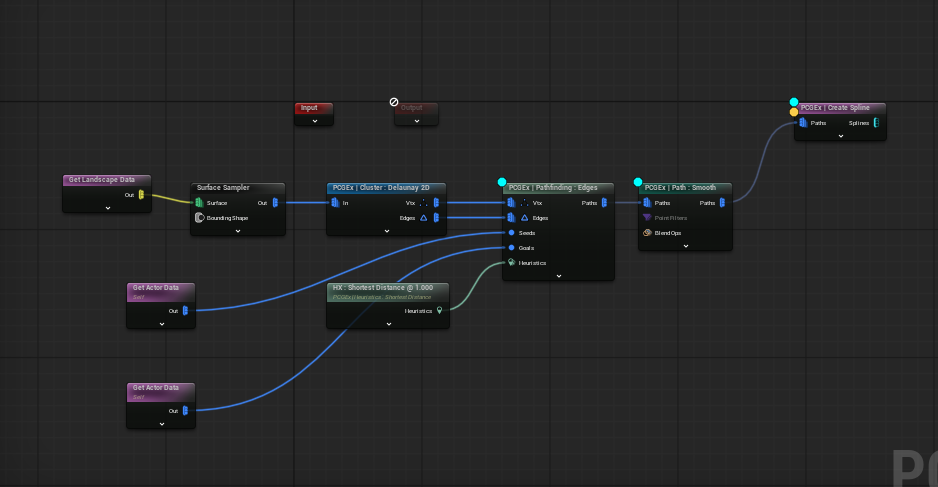
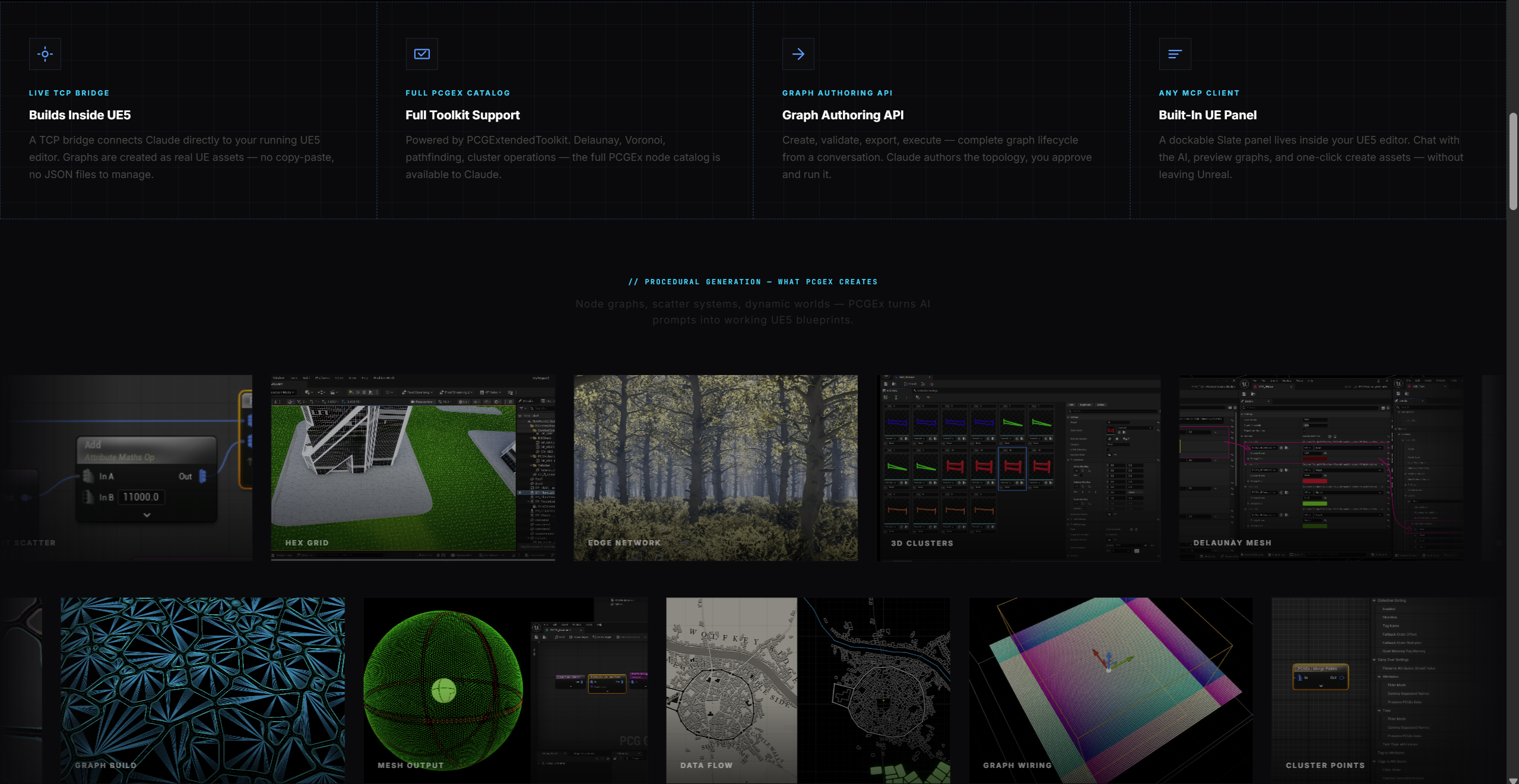
HaybaPCGEx connects Claude to PCGExtendedToolkit, the community-driven extension layer for Unreal Engine's Procedural Content Generation framework. Through 19 MCP tools across two phases, Claude can search a curated node catalog, create and validate PCG graphs, check attribute flow and type compatibility between nodes, auto-layout graphs for readability, extract subgraphs, parameterize graph inputs, query PCGEx documentation, and even run an AI-driven "infrastructure brainstorm" that plans a complex graph architecture and gates execution behind a human approval step.
Two dedicated debugging tools — inject_debug_nodes and auto_wire_debug_overlay — let Claude surgically instrument live PCG graphs with PCGEx debug subgraphs (DebugEdges, DebugPaths, DebugBounds, and more) on specific edges or across the entire graph with optional class and pin filters.
Both servers communicate with native C++ Unreal Engine 5.7 plugins over a lightweight TCP/JSON protocol, giving Claude a live, bidirectional connection into the editor itself. The Hayba_PcgEx_MCP plugin handles PCG graph creation and modification; the HaybaGaea plugin handles heightmap import and landscape assembly.
In practice: a developer types "generate a volcanic island with black sand beaches and steep cliffs" into Claude, and Hayba handles the rest — building the Gaea graph, cooking the terrain, importing the heightmap into UE5, and scaffolding the PCG graph that populates the island with foliage and rocks, all without leaving the conversation.
How We Built It
Hayba is a TypeScript monorepo (npm workspaces) with three Node.js packages and two C++ UE5 plugins.
@hayba/gaea is the Gaea MCP server. It implements the Model Context Protocol using @modelcontextprotocol/sdk, with Zod schemas for every tool's input validation. A SessionManager maintains persistent graph state on disk, mirroring the QuadSpinner session directory structure. A SwarmHost client translates MCP tool calls into the HTTP/CLI interface that Gaea exposes. Template graphs for each biome are stored as typed TypeScript objects and hydrated at runtime. The AI system prompt (graph-architect.md) teaches Claude the node vocabulary, valid connection rules, and export conventions specific to Gaea 2.
@hayba/pcgex is the PCGEx MCP server. It exposes a node catalog backed by the PCGEx C++ source, a TCP client (UETcpClient) that speaks a 4-byte big-endian length-framed JSON protocol to the UE5 plugin, a graph-patterns knowledge base that encodes known graph topology mistakes to prevent Claude from repeating them, and a small Express dashboard on port 52341 for monitoring.
Advanced tools like validate_attribute_flow and diff_against_working_asset run entirely in the Node.js layer, giving Claude a safety net before any changes reach the engine. The two debug tools (inject_debug_nodes and auto_wire_debug_overlay) reach into live PCG assets over TCP, calling export_graph first to discover current node IDs and edges, then injecting PCGEx debug subgraph nodes precisely where specified.
@hayba/haybagaea-server is a standalone TCP server that sits between UE5 and Gaea. It receives GenerateTerrainRequest messages from the engine, asks Claude (via the Anthropic SDK) to author a Gaea graph JSON, writes the .terrain file to disk, shells out to Gaea.BuildManager.exe, detects the rendered heightmap and satmap (including R16 16-bit raw format), and sends the file paths back over TCP.
The Hayba_PcgEx_MCP UE5 plugin is a C++ Editor module that launches at PostEngineInit. It runs an embedded TCP server on port 52342, a Slate-based wizard panel for configuration (including direct Claude API integration for in-editor AI prompting), and a graph importer that turns Claude's JSON output into live UPCGGraph assets.
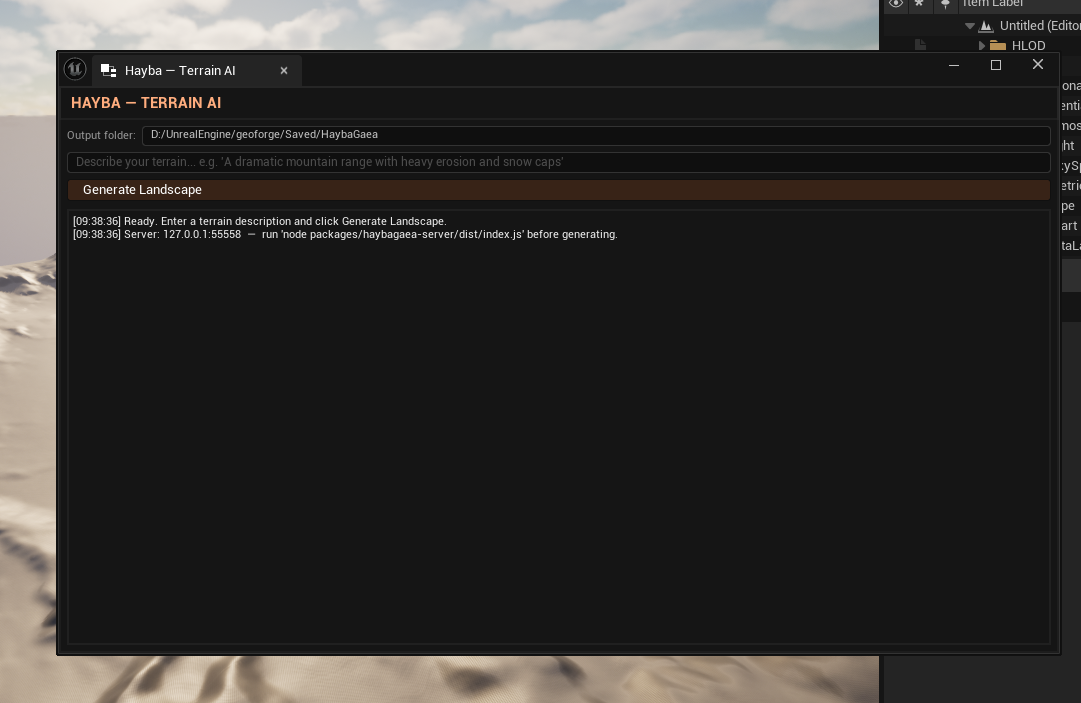
The HaybaGaea UE5 plugin is a separate C++ Editor module that runs a TCP client connecting to the haybagaea-server, a Slate panel for terrain generation configuration, and a landscape importer built on FLandscapeImportHelper that handles PNG, EXR, and R16 heightmap formats as well as SatMap colour texture detection.
Challenges We Ran Into
Reverse-Engineering Gaea's JSON Dialect
Getting the MCP tool to write terrain files that Gaea would actually accept was one of the hardest problems we encountered. Gaea's .terrain format uses Newtonsoft.Json with PreserveReferencesHandling enabled, which means every object in the file needs sequential $id counters, arrays must be wrapped in $values containers, and port references use $ref back-references rather than inline objects.
JavaScript made this harder than it should be. JSON.stringify sorts integer-like keys before string keys, so a key like "100" would appear before "$id" in the output. Gaea's deserializer then tried to parse $id as a System.Int32 and threw immediately.
We fixed the ordering issue with a custom serializer, but that only revealed the real boss fight: enum validation.
Gaea's error logs are base64-encoded gzip blobs — and you have to skip the first 4 bytes before you can even begin decompressing them. After decoding the stack traces buried inside, we discovered that passing "Soft" to an EasyErosion node's Style parameter triggers a JsonSerializationException because the underlying C# enum isn't called EasyErosion at all — it's QuickErosion, and "Soft" isn't one of its valid members.
To solve this properly, we wrote a .NET reflection script that loads Gaea.Nodes.dll at runtime and dumps every enum in the assembly — over 100 of them, from MountainStyle to QuickErosion to BlendMode. We mapped each enum to its corresponding node parameter and added validation at every write path in the MCP server. Now the tool catches invalid enum values before they ever reach the file system, surfacing a clear error message instead of a corrupted terrain.
UE5 Landscape API Churn
Unreal Engine 5.7 introduced breaking changes to FLandscapeImportHelper, the API used to import heightmaps programmatically. We had to trace through UE5 header diffs and patch the HaybaGaea plugin's C++ importer to handle the new calling conventions without losing compatibility with the heightmap formats we generate on the Gaea side.
We also had to carefully manage module dependencies — LandscapeEditor is a private dependency that required explicit include path configuration in the .Build.cs file.
R16 Heightmap Round-Tripping
Gaea can export heightmaps as raw 16-bit single-channel (R16) files, which preserve the full precision of the terrain data but are not a standard image format. We implemented R16 detection and decoding in both the Node.js server and the UE5 C++ importer, and added SatMap colour texture detection logic that follows Gaea's naming conventions so the colour data flows automatically into the landscape material layer.
Keeping AI-Generated Graphs Valid
Claude is very good at natural language, but PCG graphs have strict structural rules: no cycles, compatible pin types, correct attribute names. We built a multi-layer validation pipeline — schema validation, DAG cycle detection, attribute flow type-checking — and a graph-patterns knowledge base that encodes known topology mistakes so Claude doesn't repeat them across sessions.
Without this, a single mismatched pin type would silently corrupt a PCG asset.
Debug Instrumentation Without Breaking the Graph
Injecting debug nodes into an existing graph mid-edge is topologically delicate: you have to disconnect the original edge, insert the debug subgraph node, and reconnect both sides — all without corrupting node IDs that the rest of the graph depends on.
The inject_debug_nodes tool addresses this by exporting the full graph first (giving Claude current positional node IDs), then sending a structured splice request to the UE5 plugin. The auto_wire_debug_overlay variant extends this to the whole graph with optional class and pin filters, plus a dry-run mode so you can preview which edges will be instrumented before committing.
Accomplishments That We're Proud Of
A fully working end-to-end pipeline. From a natural language prompt in Claude, through Gaea terrain generation, into a live Unreal Engine session — the full loop works.
The enum reflection system. What started as a mysterious crash became one of the more technically satisfying parts of the project.
Recognition from the PCGEx community. The creator of PCGExtendedToolkit reached out to us directly during development and recommended a specific feature to integrate into Hayba.
19 PCGEx MCP tools across two phases, including advanced capabilities like fuzzy pin matching, attribute flow validation, graph diffing, auto-layout, subgraph abstraction, input parameterization, documentation querying, AI-gated infrastructure brainstorming, and debug instrumentation.
A clean, production-minded monorepo. Strict TypeScript, Zod validation, and a unified build system.
What We Learned
MCP is a genuinely powerful abstraction.
Compiled game tools are opaque in interesting ways.
Validation is the product.
Graph topology is a first-class concern for AI.
Debug tooling is a feature, not an afterthought.
What's Next for Hayba
Persistent project memory.
Bidirectional graph editing.
Expanded biome and template library.
Visual preview in Claude.
PCGEx graph marketplace.
Automated level assembly.
Built With
- blueprints
- c++
- claude-code
- css
- gaea
- github
- html
- javascript
- json
- opencode
- pcg
- pcgex
- powershell
- python
- qwen-3.5
- refero
- superpowers-mcp
- typescript
- ue5
- vercel


Log in or sign up for Devpost to join the conversation.