-
-
Main Banner
Inspiration
Project Story: HawkFind
About the Project
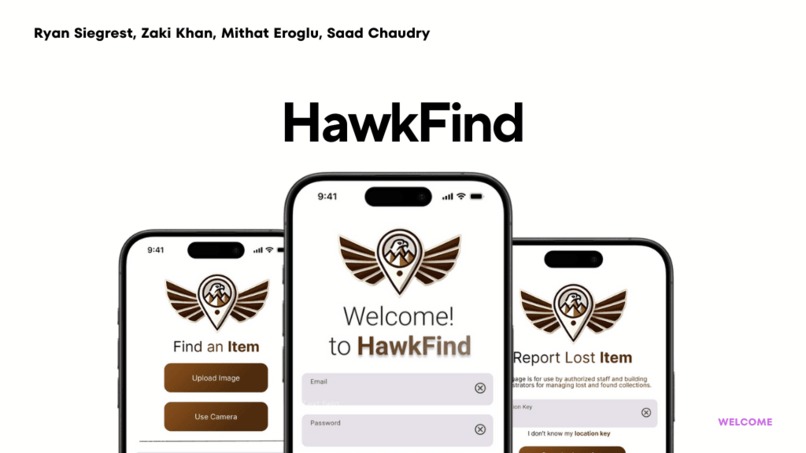
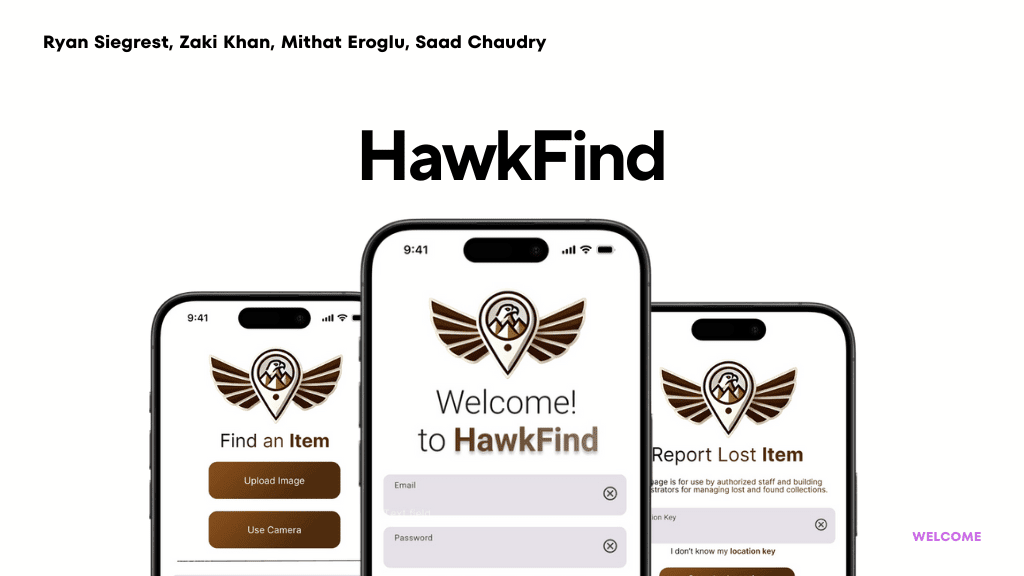
HawkFind is a Lost & Found app designed to help college students easily locate their lost items by using a camera-based interface. The app allows users to upload images or use their camera to capture lost items, which are then compared with a database of registered items using AWS Rekognition for image matching. Administrators can upload new lost items with descriptions and locations, making it easy for users to see if their item has been found.
This project was developed as part of a hackathon focused on solving real-world problems for college students.
Inspiration
The idea for HawkFind came from personal experience and observations on campus, where students frequently lose valuable items like water bottles, umbrellas, and textbooks. The process of finding lost items often involves searching through physical Lost & Found locations, which can be inconvenient and time-consuming.
We wanted to create a tech solution that simplifies this process, making it as easy as snapping a picture. HawkFind leverages AWS Rekognition and other services to automate the process, helping students reunite with their lost belongings quickly and efficiently.
What We Learned
Working on HawkFind taught us several important lessons:
AWS Rekognition and S3 Integration: We learned how to integrate AWS services like Rekognition for image analysis and S3 for file storage. Understanding how these services interact in the cloud was both challenging and rewarding.
React and AWS SDK: We deepened our knowledge of React by integrating it with the AWS SDK for JavaScript. We learned how to handle AWS services on the frontend, such as uploading images to S3 and using DynamoDB for database interactions.
Camera Functionality in Web Apps: Implementing the camera feature using the browser’s
getUserMediaAPI was a new experience for us. We learned how to capture images from a camera and convert them to a format suitable for image recognition and file storage.State Management: Managing different states, such as switching between admin and user modes, handling captured images, and clearing states when switching roles, helped us improve our understanding of state management in React.
How We Built HawkFind
Technology Stack
- Frontend: React (with Hooks for state management)
- Backend: AWS Services (Rekognition, S3, DynamoDB, Lambda, Amazon Location Services)
- Tools: AWS SDK for JavaScript, Vercel for deployment
Development Process
Setting Up AWS Services: We began by setting up an S3 bucket for storing images and DynamoDB for storing metadata (such as name, location, description, and image URL). AWS Rekognition was used to compare user-uploaded images with those stored in the admin database.
Building the Frontend: Using React, we built a user interface that supports two modes: user and admin. In user mode, students can upload or capture images of their lost items to find matches, while in admin mode, administrators can add new items to the database.
Camera Functionality: We implemented camera access in the app, allowing both users and admins to take photos. The captured images are converted and uploaded to AWS S3 for further processing.
Image Recognition: We integrated AWS Rekognition to analyze and compare images uploaded by users with those in the admin database to identify potential matches.
Mode Switching: One of the key challenges was ensuring a seamless transition between user and admin modes. We had to manage image states carefully to prevent persistence of captured images when switching between roles.
Challenges We Faced
AWS SDK Errors: Early in the development process, we encountered issues where environment variables were not properly loaded in deployment, which caused AWS SDK errors. We had to reconfigure our environment variables to ensure the correct setup.
Camera State Management: Managing the state of the camera (starting, stopping, and clearing the captured images) required precise control to avoid issues like leftover images or an empty frame showing up in user mode after switching from admin mode.
Image Upload & Rekognition Response: Handling the image upload process and managing asynchronous requests for image recognition with AWS Rekognition was a challenge. We had to ensure that all requests were completed in sequence before displaying results to the user.
User/Admin Mode Switching: Implementing a smooth transition between user and admin modes, especially ensuring that image-related states (such as captured images) were reset appropriately, required careful state management and logic.
File Conversion with Lambda Layers: Using sharp with a Lambda Function to convert unsupported image types, specifically HEIC, to a Rekognition usable type such as jpeg.
Conclusion
HawkFind was an exciting and rewarding project that allowed us to apply and deepen our knowledge of React, AWS, and image recognition technologies. It challenged us to think critically about user experience, state management, and cloud service integration, and ultimately, it provided a practical solution to a common problem on college campuses. We're proud of what we've accomplished and look forward to further developing the app.
Built With
- amazon-dynamodb
- amazon-location-services
- javascript
- lambda
- react
- rekognition
- s3

Log in or sign up for Devpost to join the conversation.