Inspiration
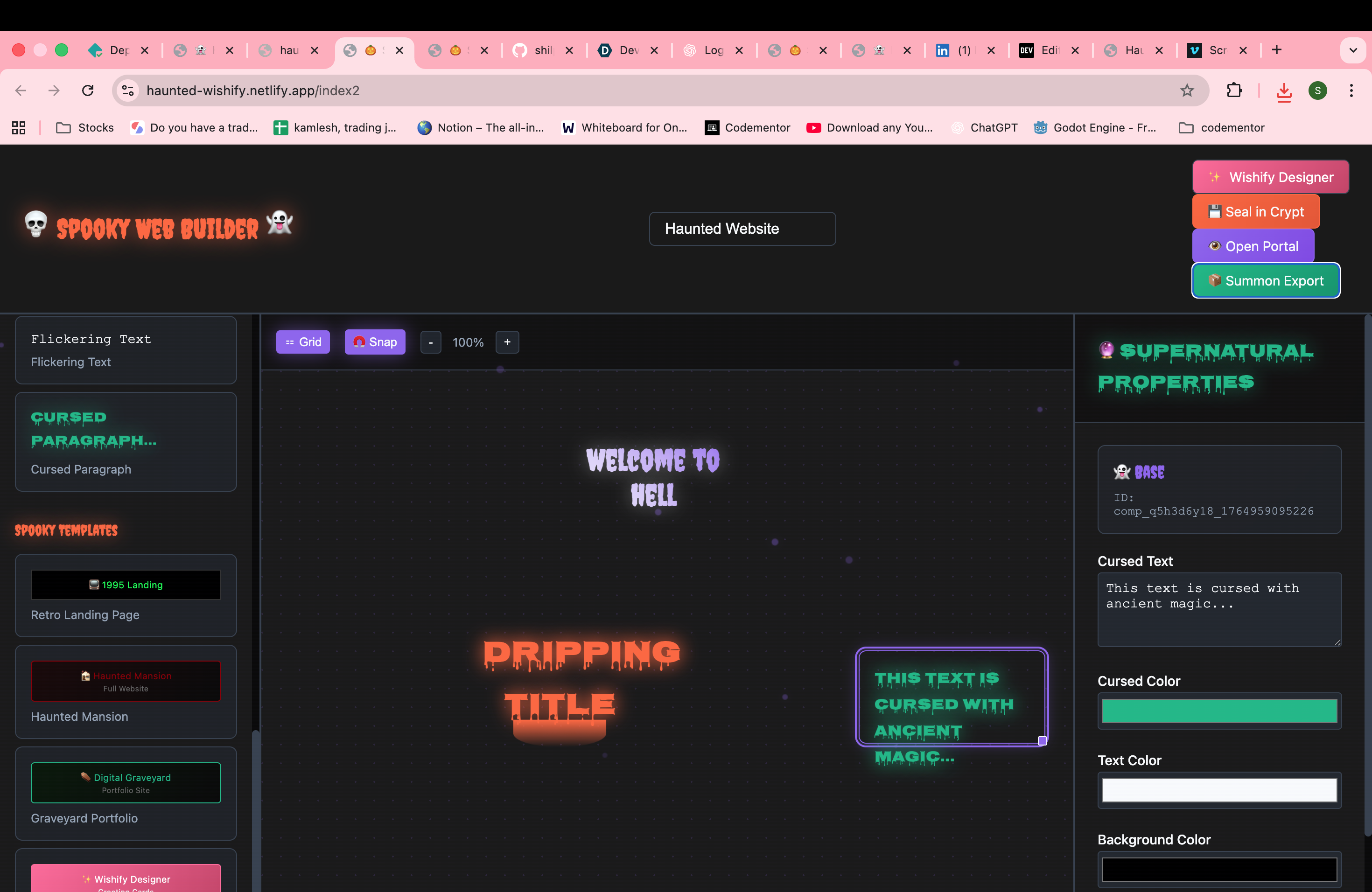
Haunted Wishify was inspired by the charm of spooky aesthetics and the desire to create a simple, fun, and visually rich way to design custom greeting cards and themed mini-books. We wanted to blend Halloween vibes, mystical ambience, and creative expression into a single tool that anyone could use—no design skills required.
What it does
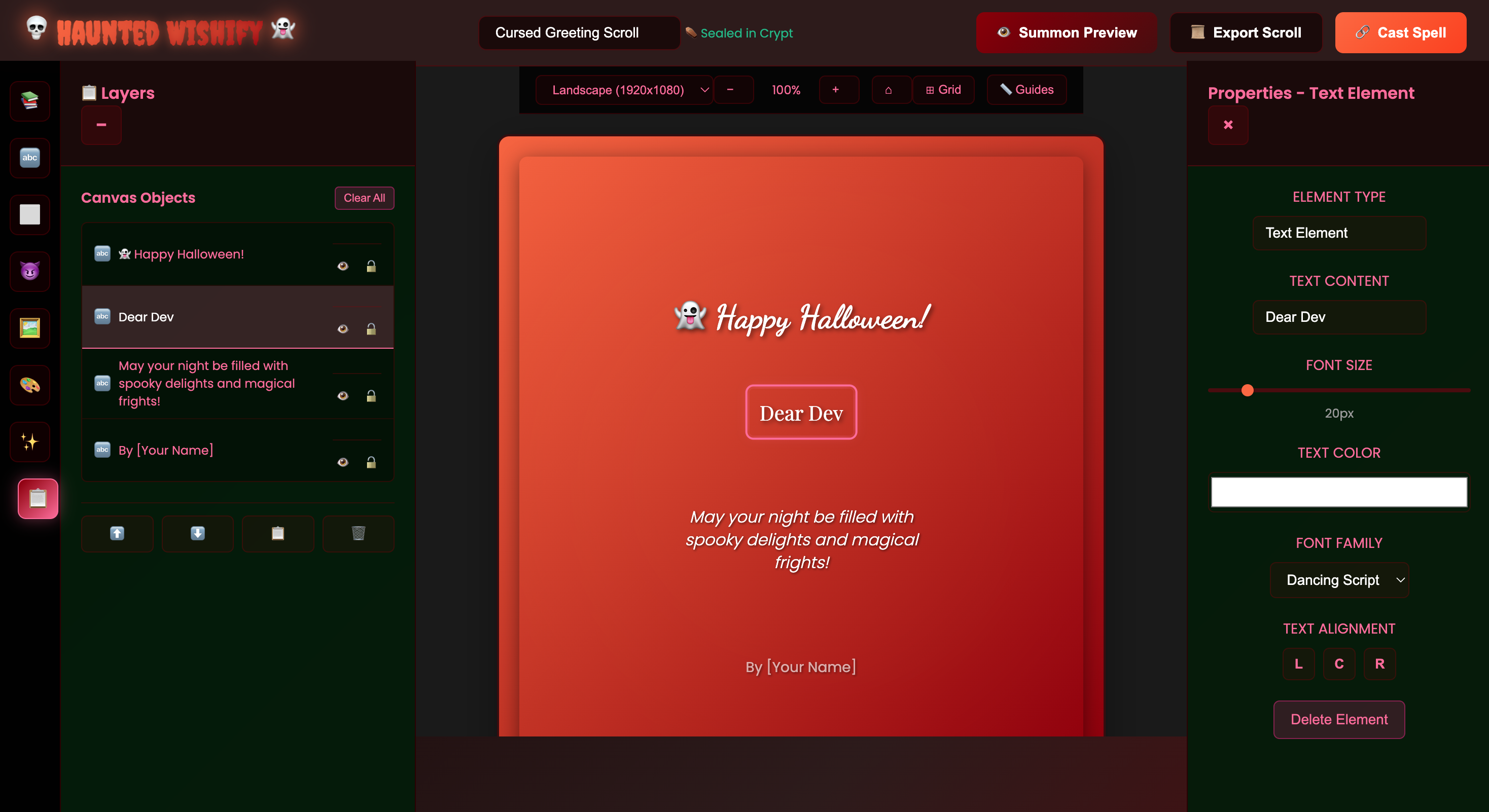
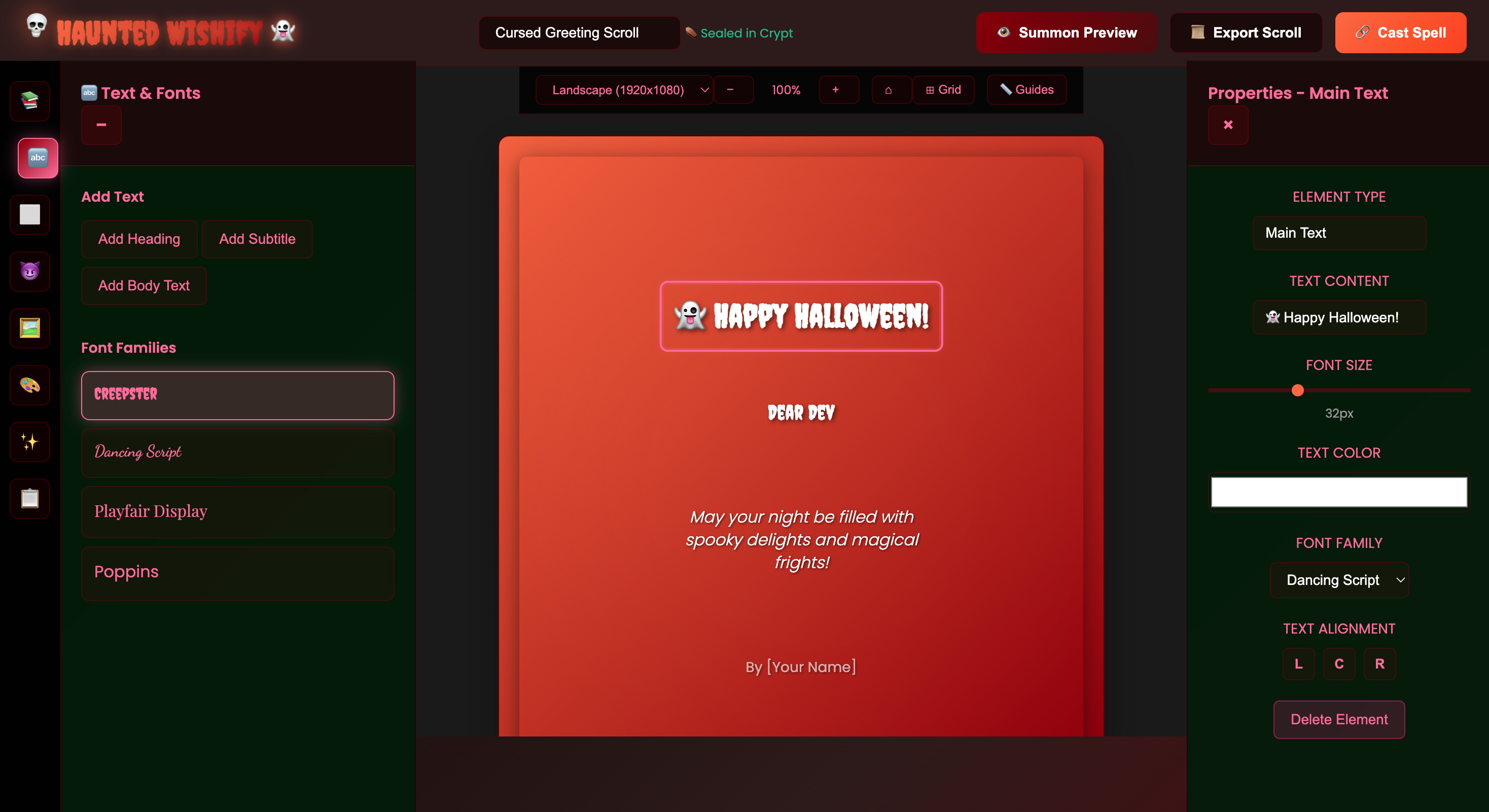
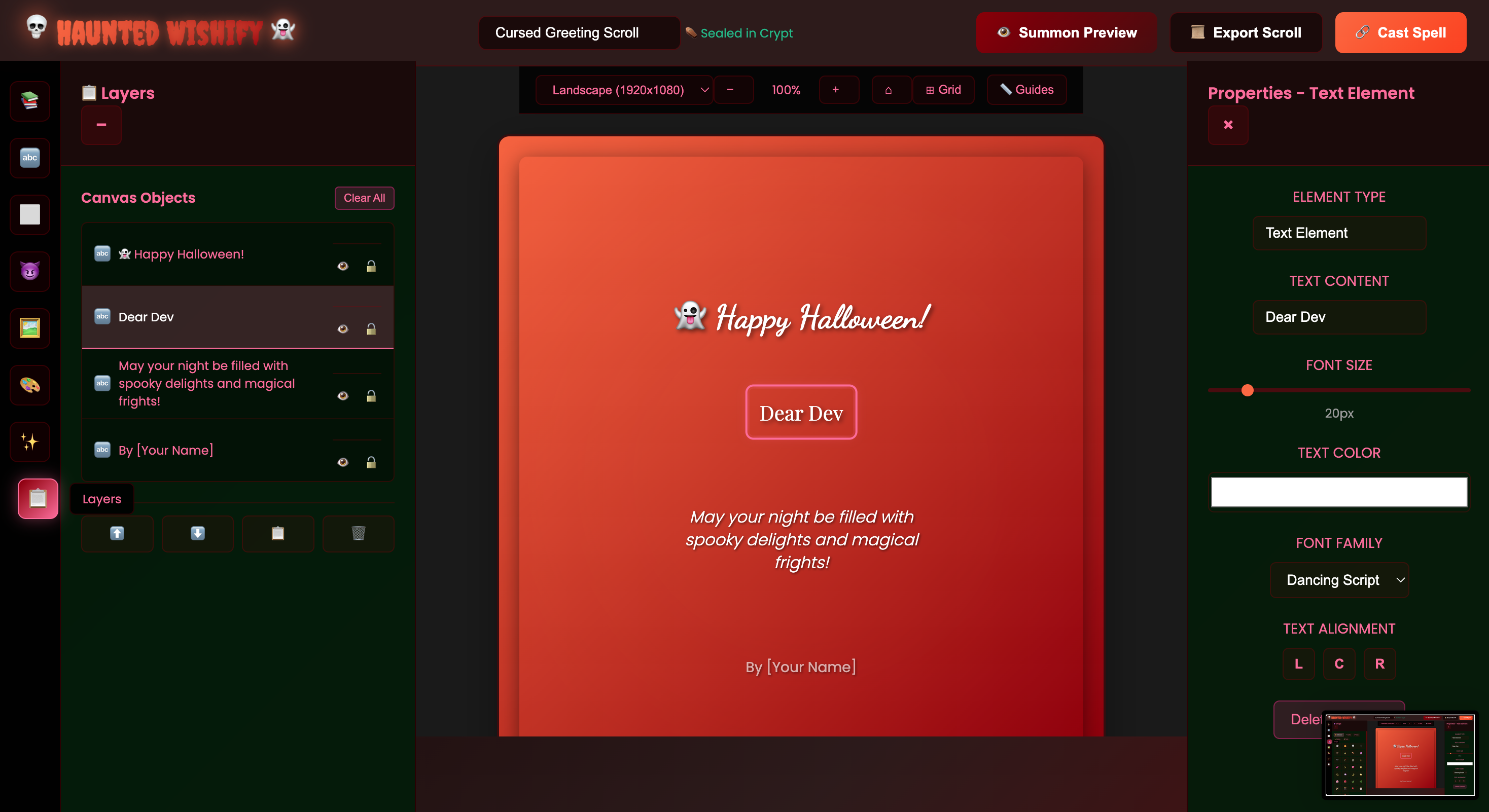
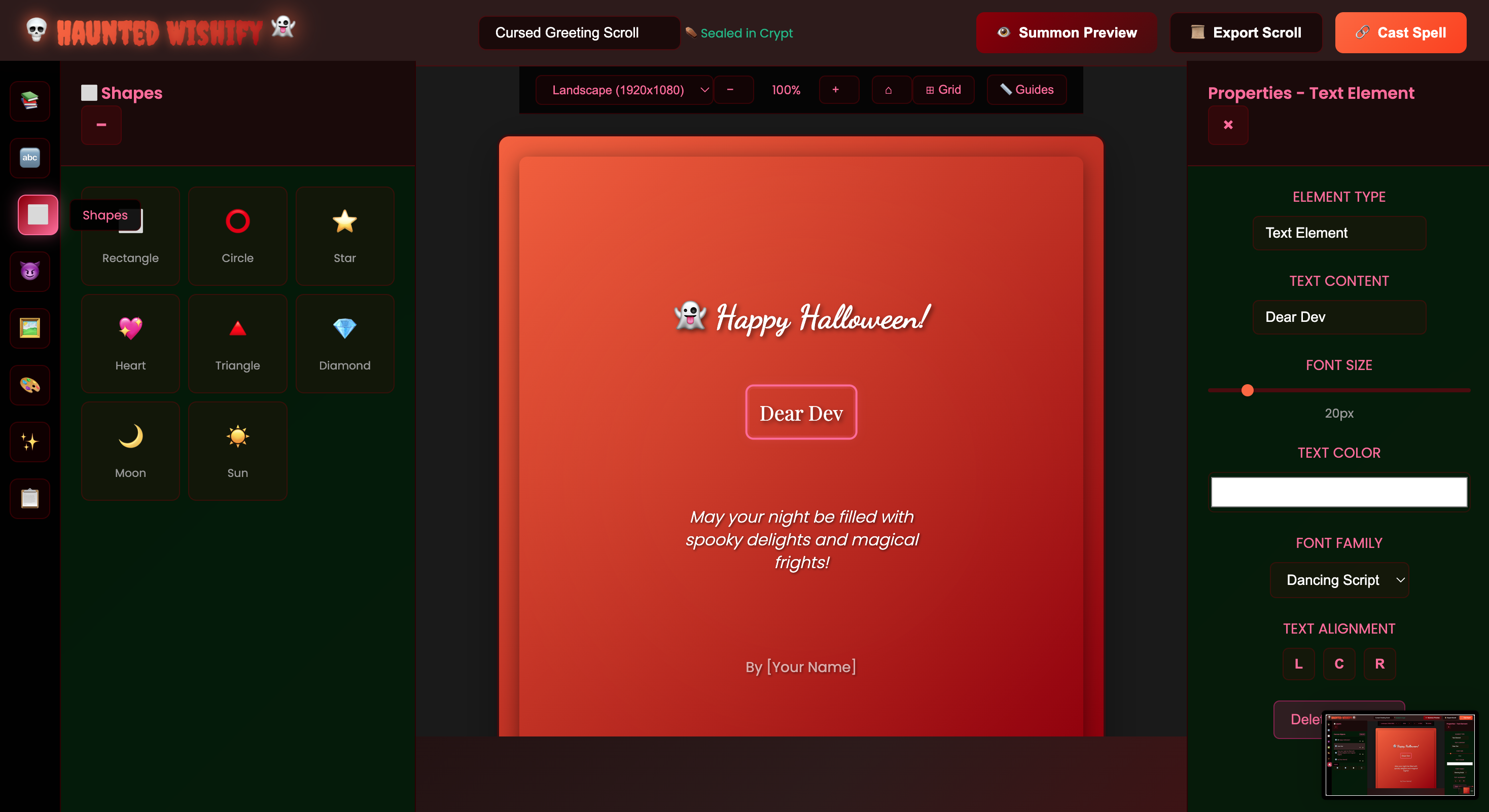
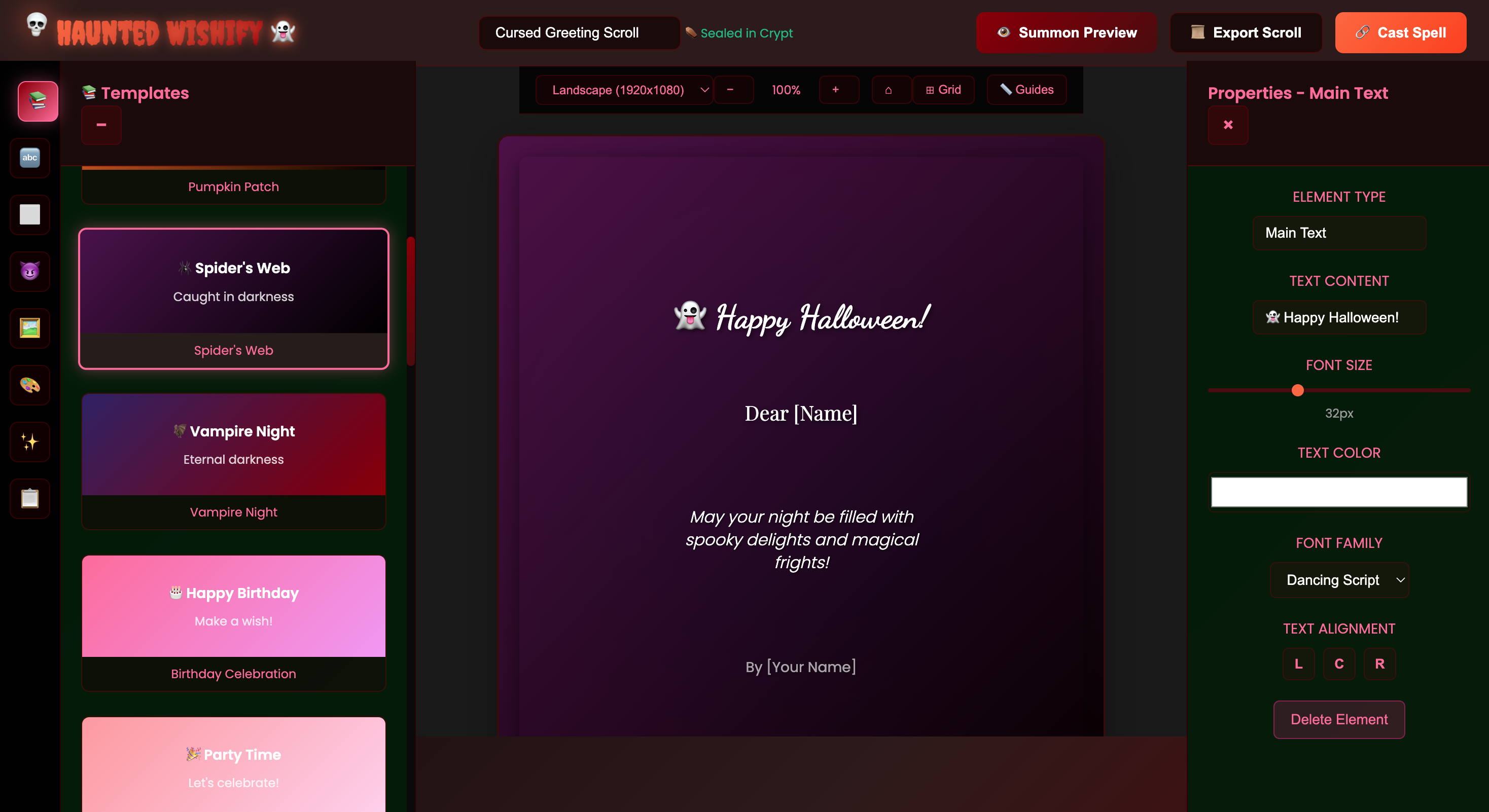
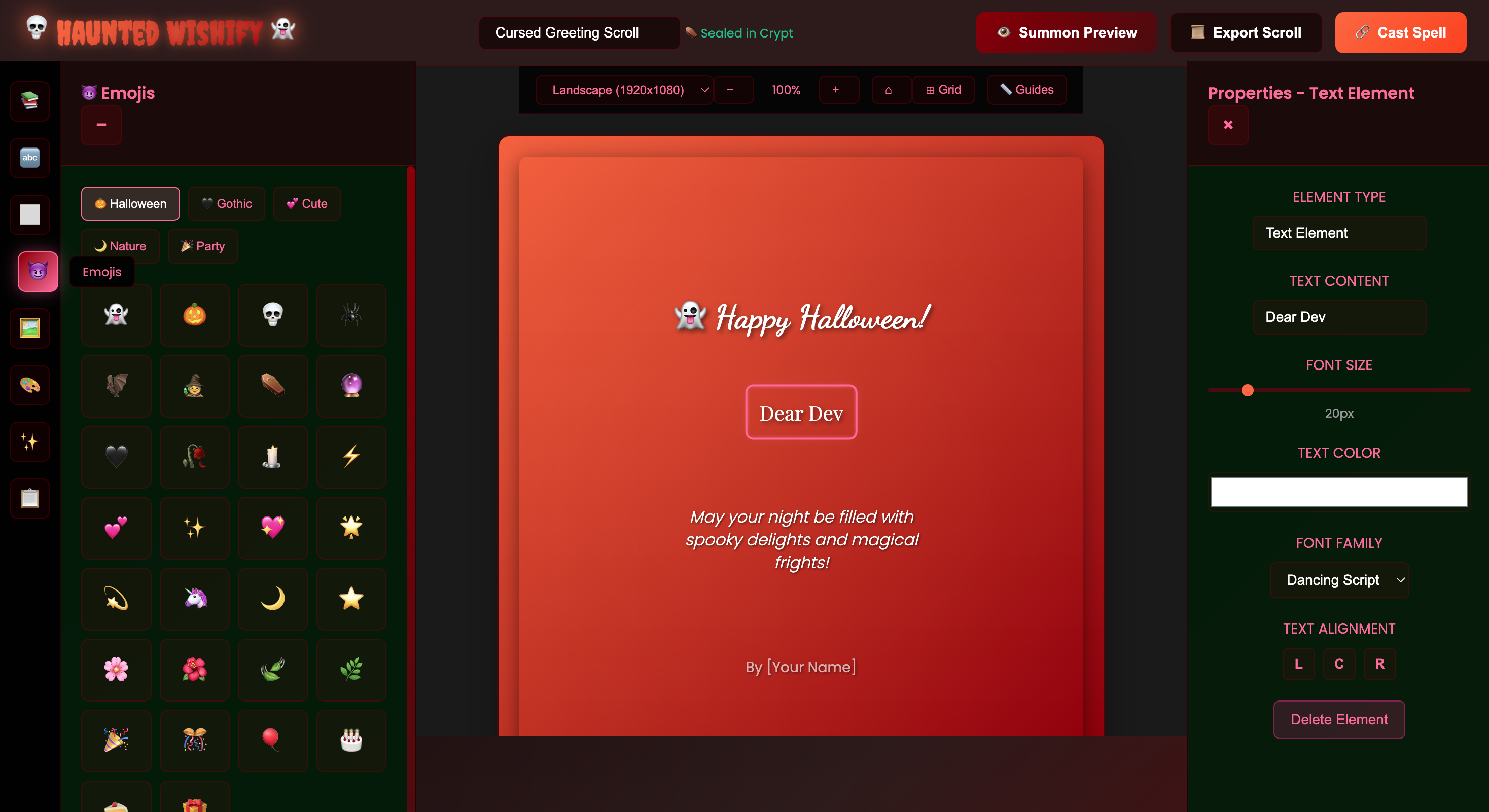
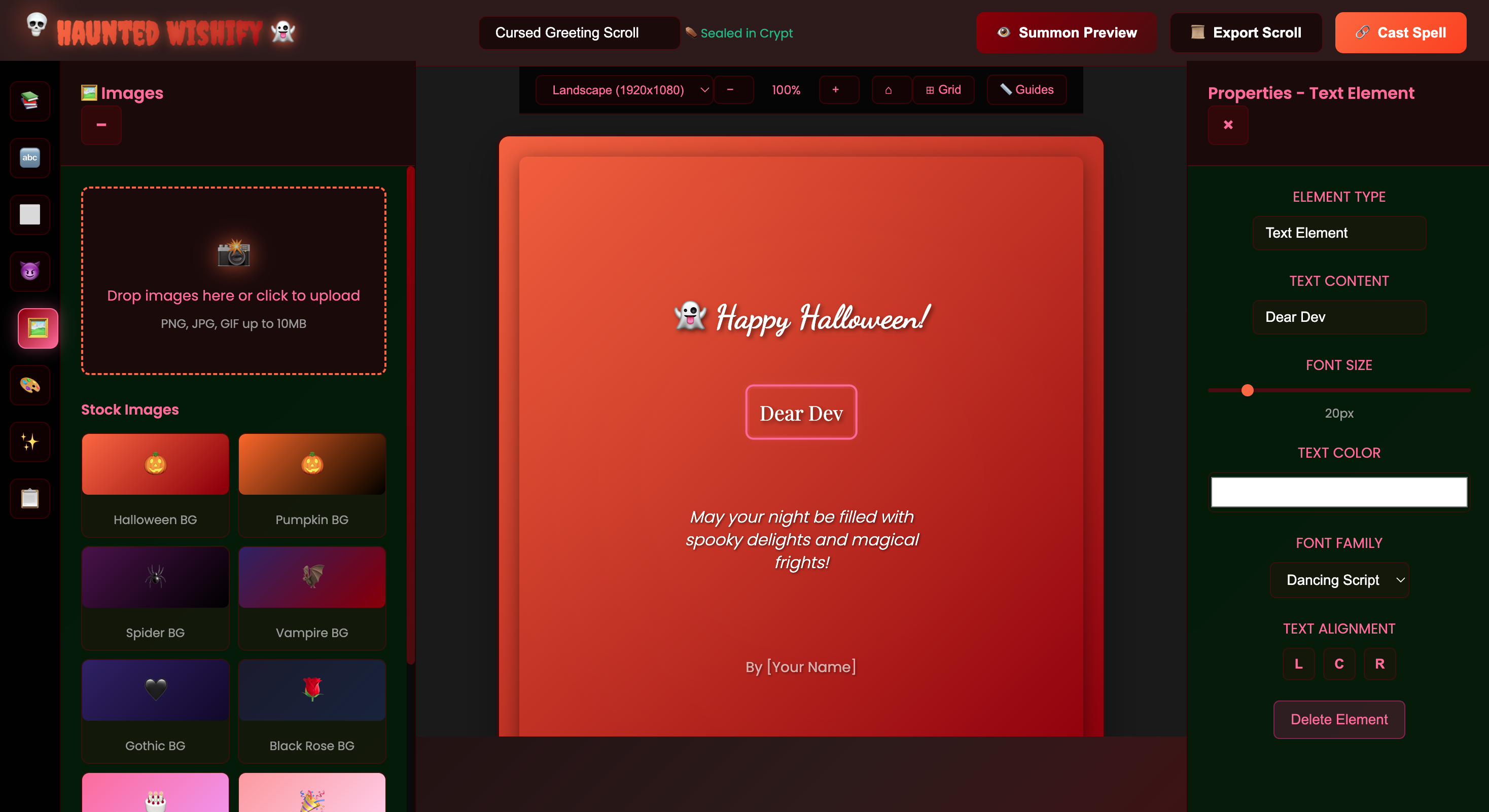
Haunted Wishify lets users create beautiful, eerie, and fully customized greeting cards and multi-page digital books directly in the browser. It provides:
- A live preview canvas
- Customizable text, fonts, colors, and themed artwork
- Template-based card layouts (square, portrait, landscape)
- Multi-page book creation
- Export options to download as images or PDFs
- A spooky, magical UI that fits the theme
How we built it
Haunted Wishify was built using:
- Kiro's spec and vibe coding
- HTML Canvas & custom rendering logic for live previews
- Client-side png generation for downloadable outputs
- Netlify for seamless deployment
Challenges we ran into
- Perfecting the canvas rendering to support multiple layouts and image/text layering
- Ensuring pixel-perfect image exports that match the preview
- Designing a spooky yet friendly UI that remains usable
Accomplishments that we're proud of
- Creating a cohesive “haunted aesthetic” that users consistently enjoy
- Building export features that maintain high visual fidelity
- Achieving smooth, real-time updates with no lag
- Making the platform easy to use even for non-designers
What we learned
- kiro's spec and vibe coding
- How small visual details—colors, typography, shadows—shape the brand experience
What's next for Haunted Wishify
- Adding more theme packs (gothic romance, cosmic, winter fantasy, etc.)
- Export as pdf book
- Support for audio greetings and animated exports
- Collaborative features for shared editing
- A template marketplace for community-created designs
- AI-assisted suggestions for text, layouts, and artwork

Log in or sign up for Devpost to join the conversation.