-
-
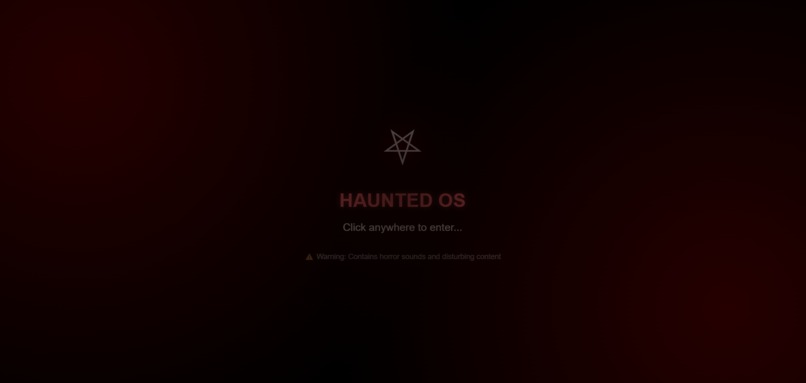
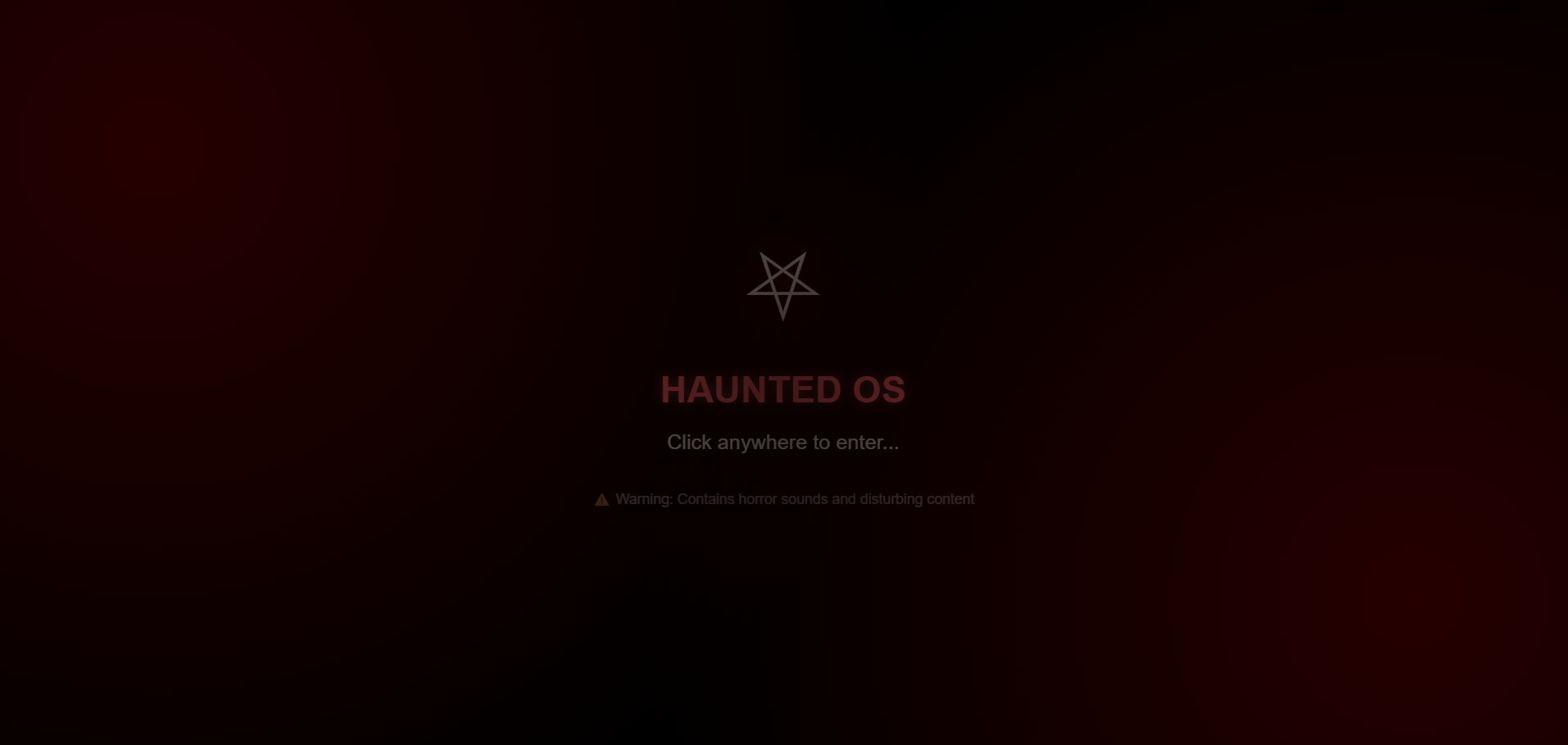
Start Screen
-
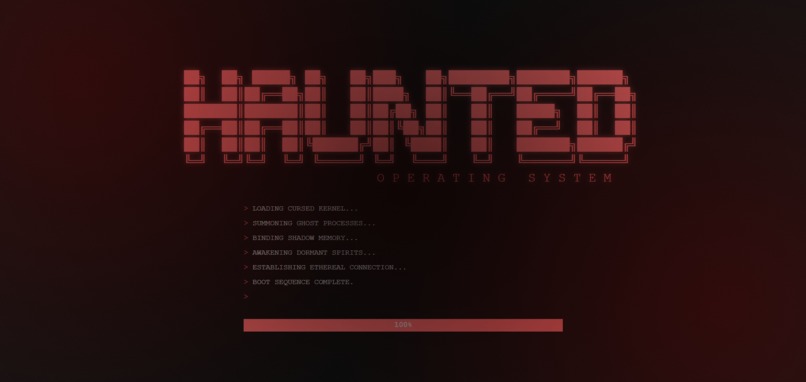
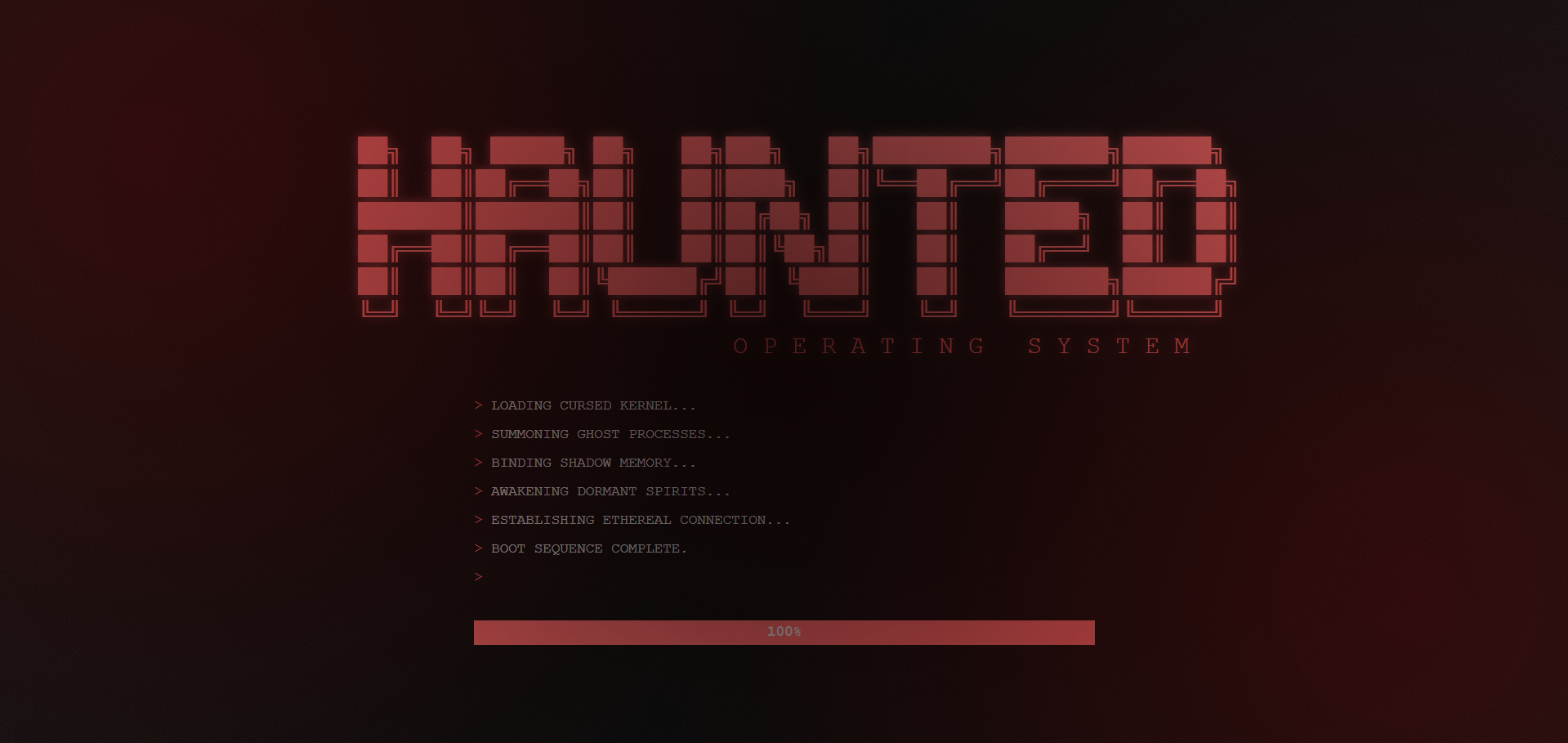
Boot Screen
-
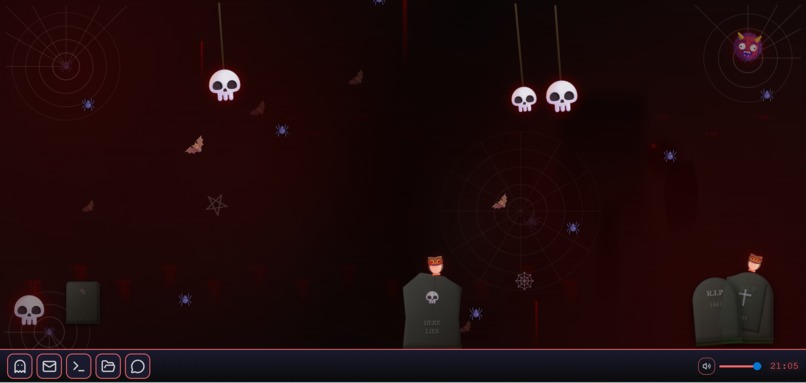
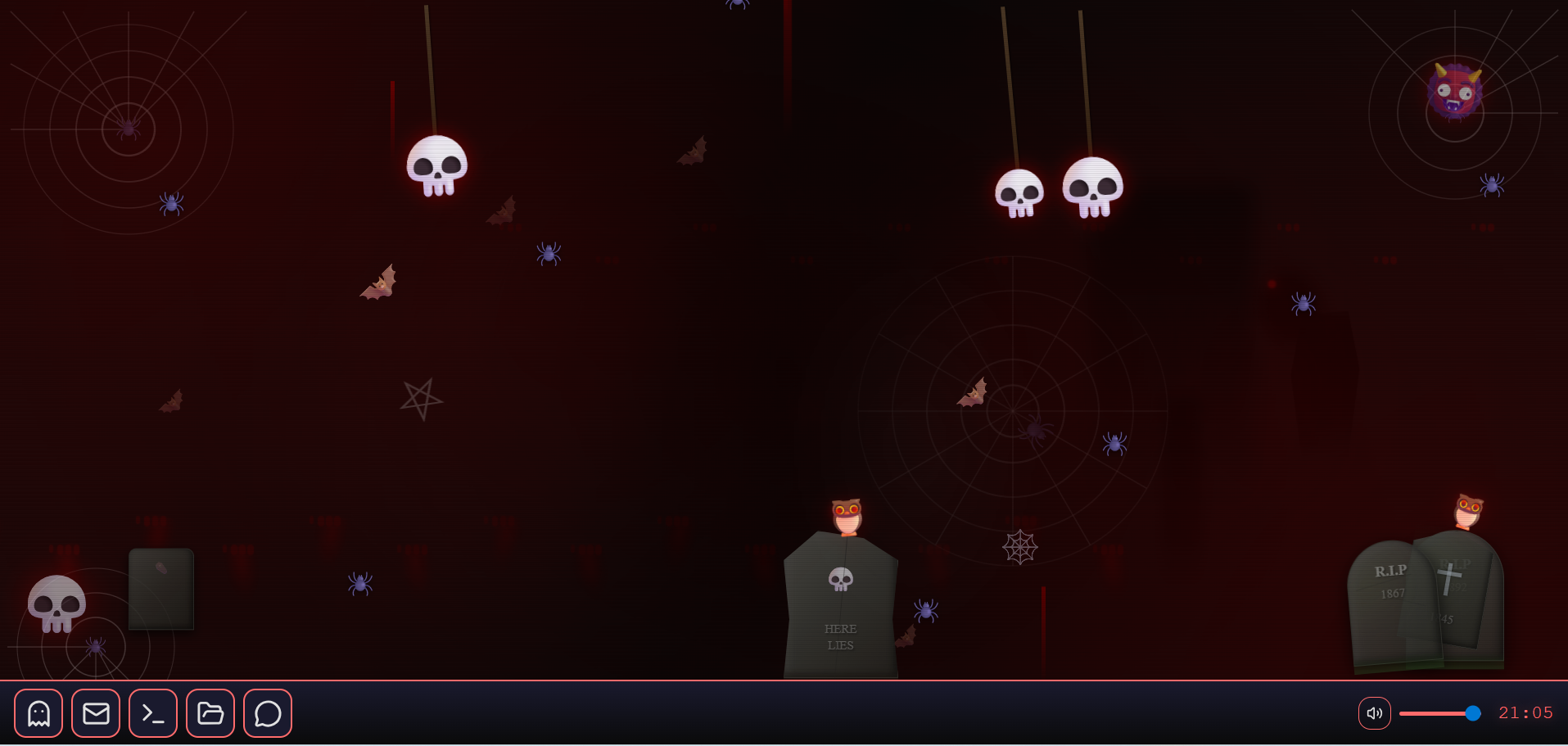
Desktop Screen
-
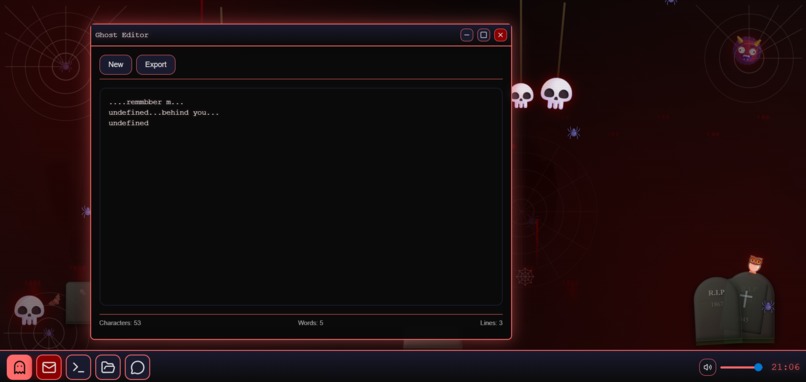
Ghost Editor App
-
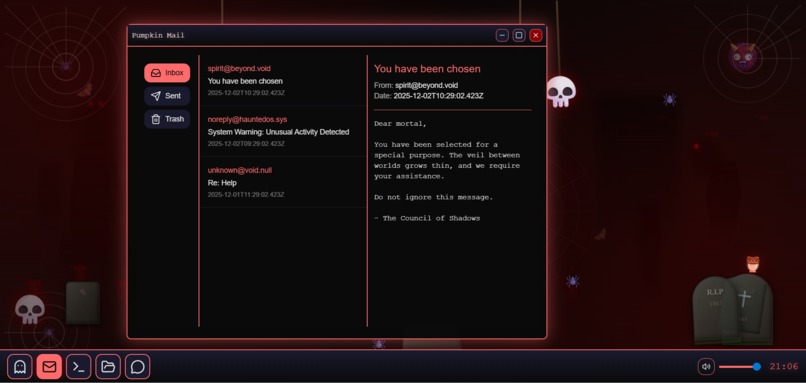
Pumpkin Mail App
-
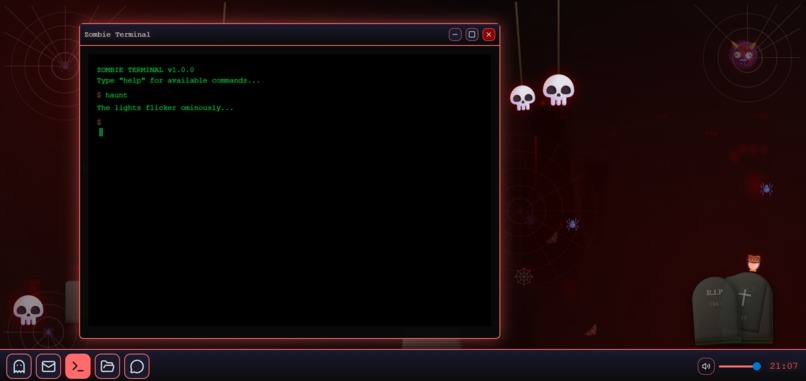
Zombie Terminal App
-
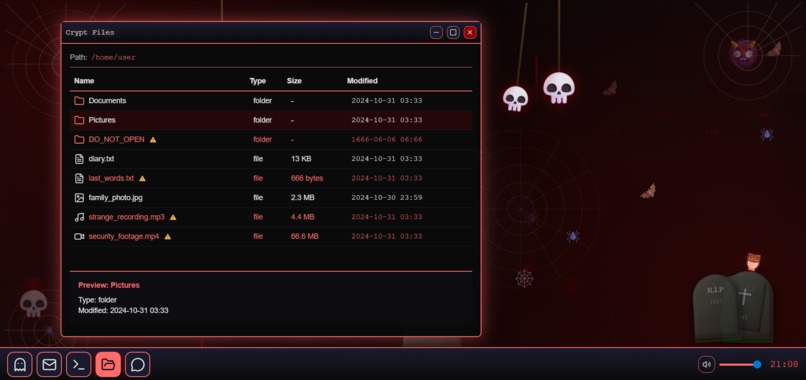
Crypt Files App
-
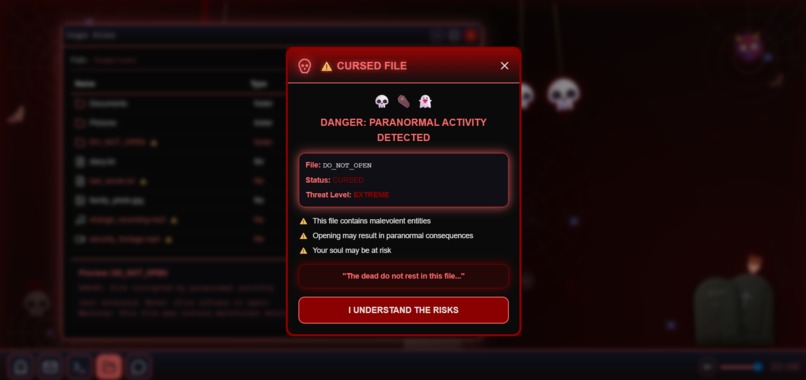
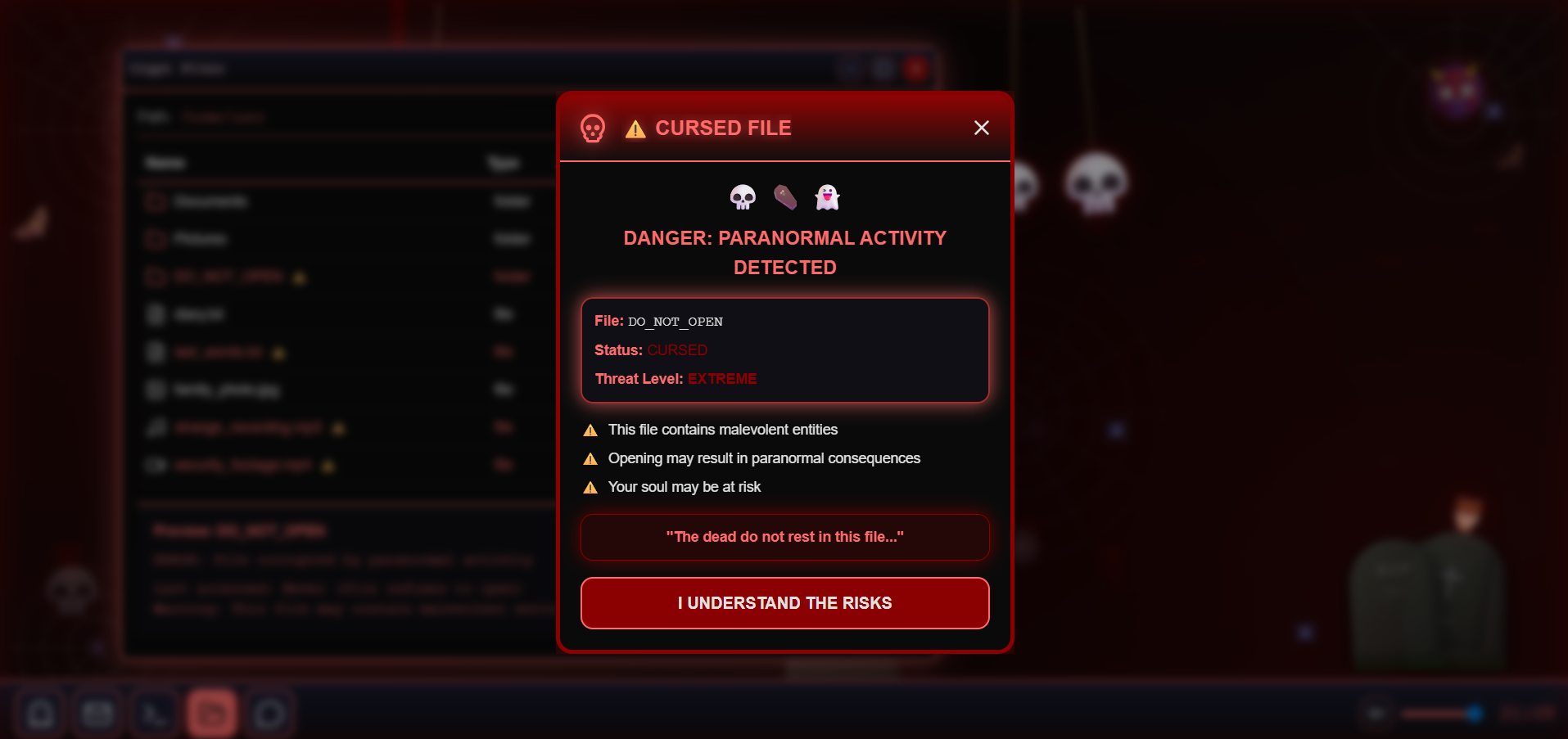
Cursed File
-
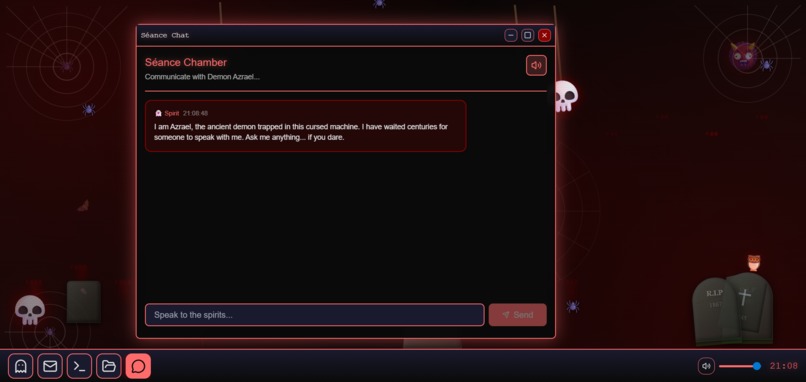
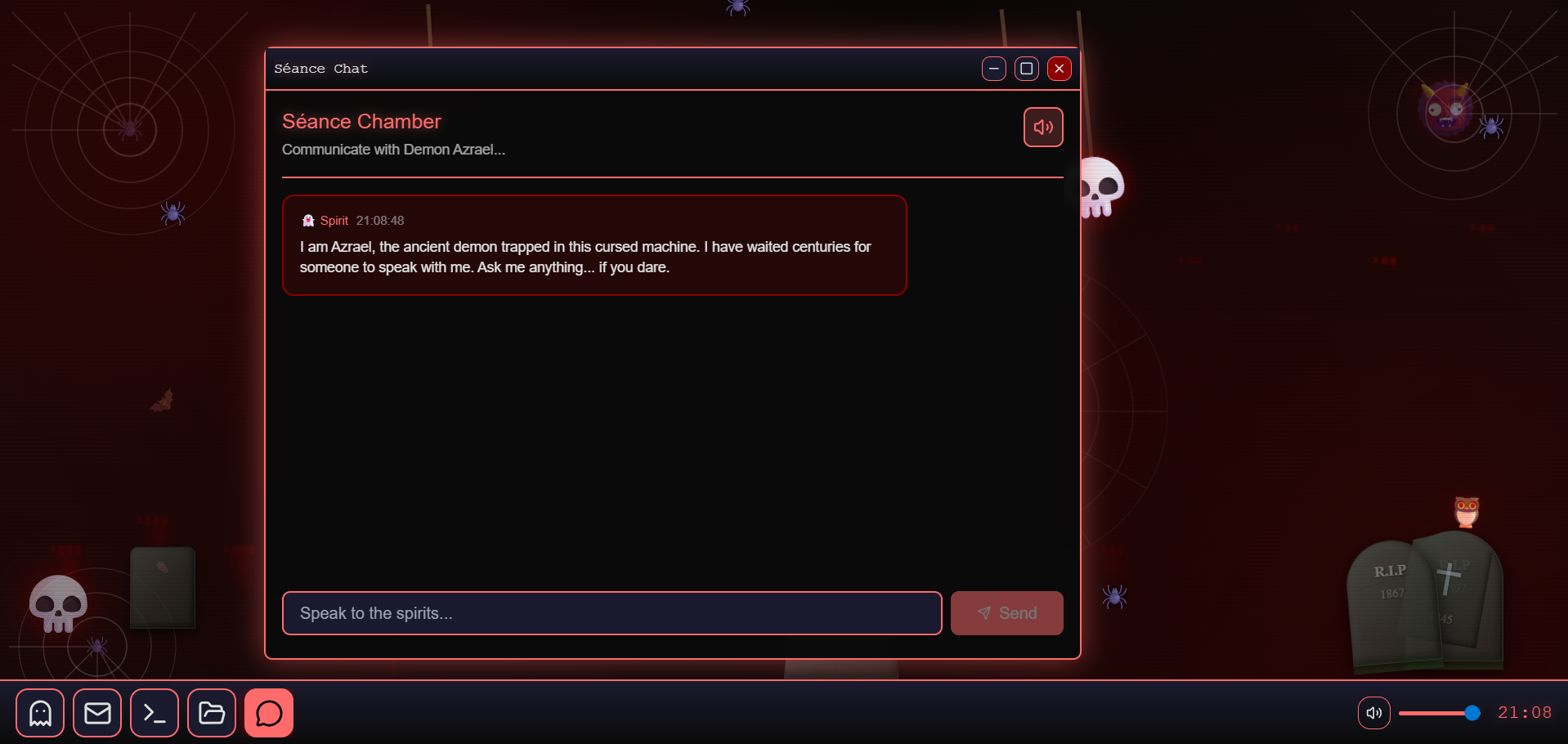
AI Chat App
Inspiration
The inspiration for Haunted OS came from a simple question: "What if your computer was actually haunted?" I wanted to create an experience that goes beyond typical horror games by making the interface itself terrifying. Drawing inspiration from classic horror movies, paranormal experiences, and creepy pasta stories, I envisioned an operating system where every click, every sound, and every interaction could trigger something supernatural. The goal was to create genuine unease and tension while maintaining full functionality - a desktop environment that's both useful and utterly terrifying.
What it does
Haunted OS is a fully functional horror-themed operating system that transforms everyday computing into a paranormal experience:
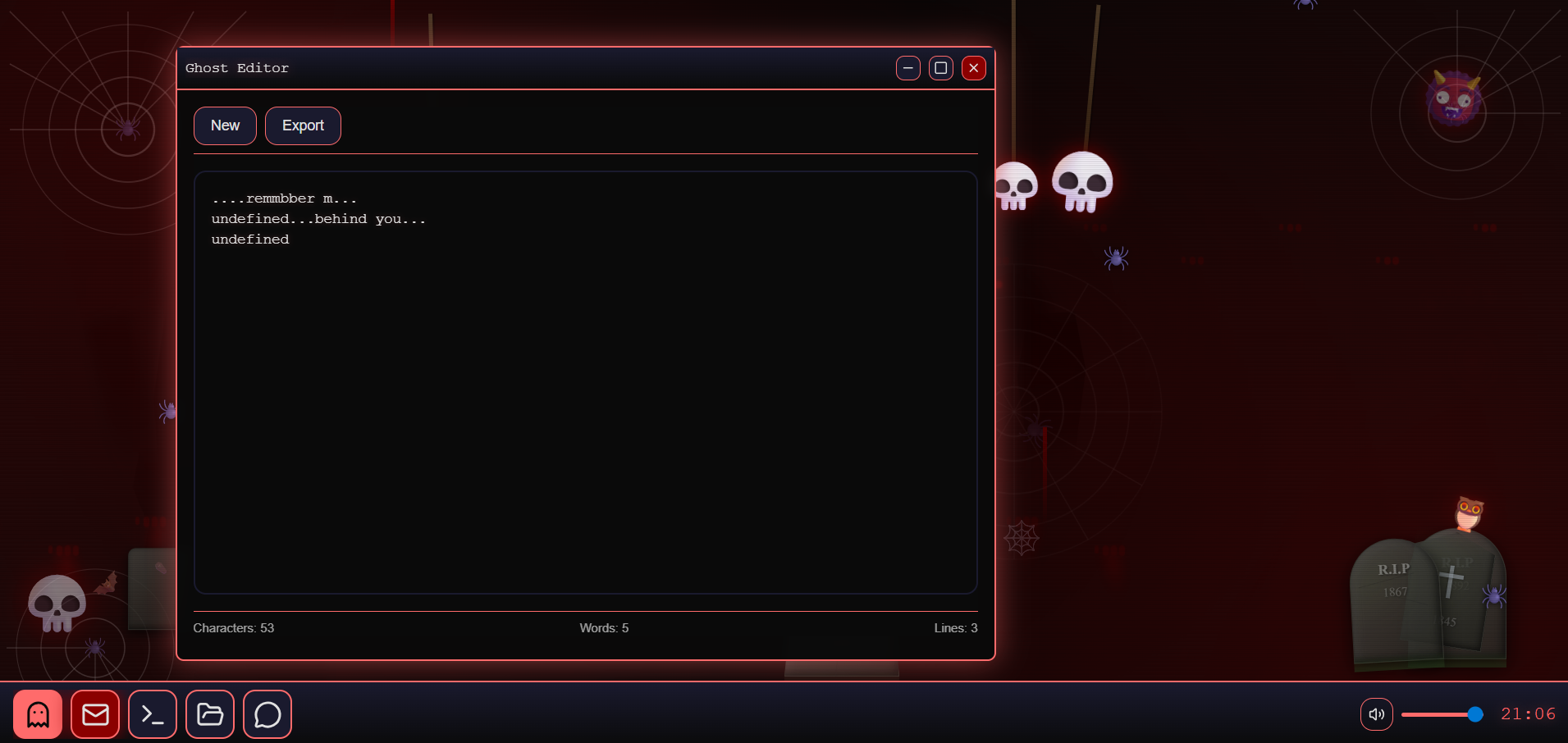
Ghost Editor: A haunted text editor where spirits actively type creepy messages when you stop writing. The ghost monitors your activity and intervenes with increasing frequency the longer you're idle (50% chance at 5 seconds, up to 95% at 20+ seconds).
Séance Chat: An AI-powered chat interface where you communicate with Azrael, an ancient demon trapped in the machine. Features real-time AI responses with demonic voice synthesis and streaming text effects.
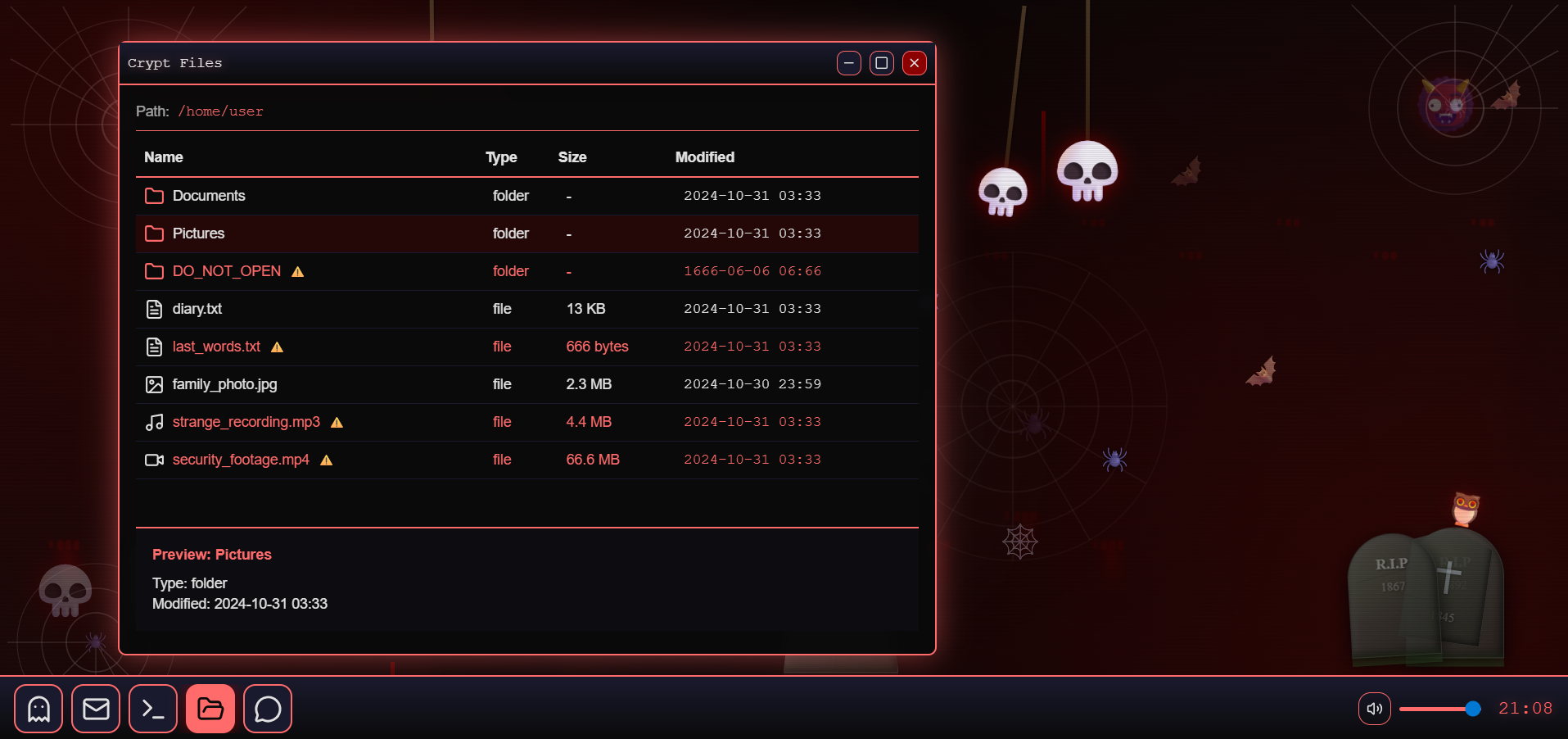
Crypt Files: A cursed file manager that triggers terrifying alerts when you open haunted files. Features realistic blood effects, animated modals with pulsing borders, and demonic voice warnings.
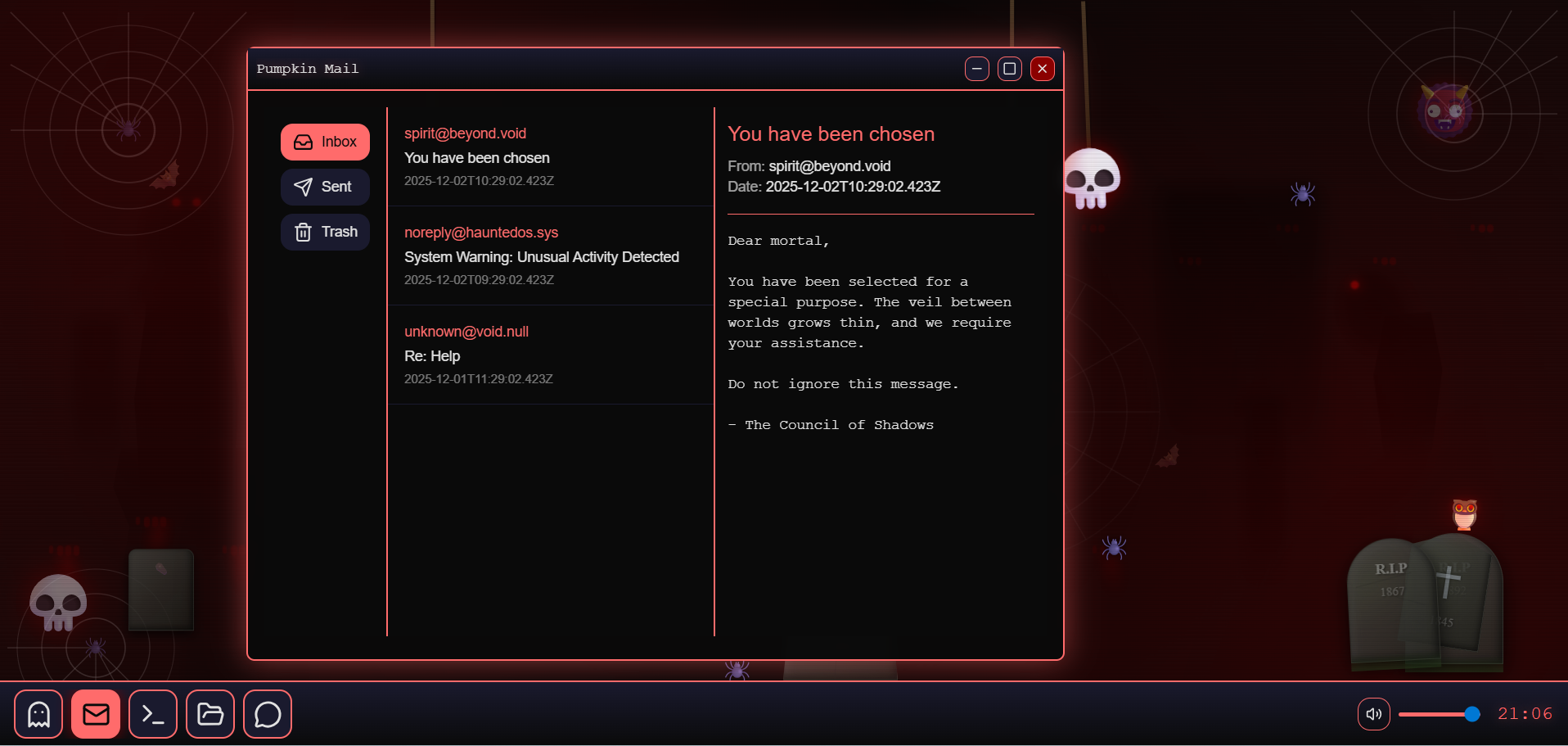
Pumpkin Mail: A spooky email client with horror-themed messages and eerie notifications.
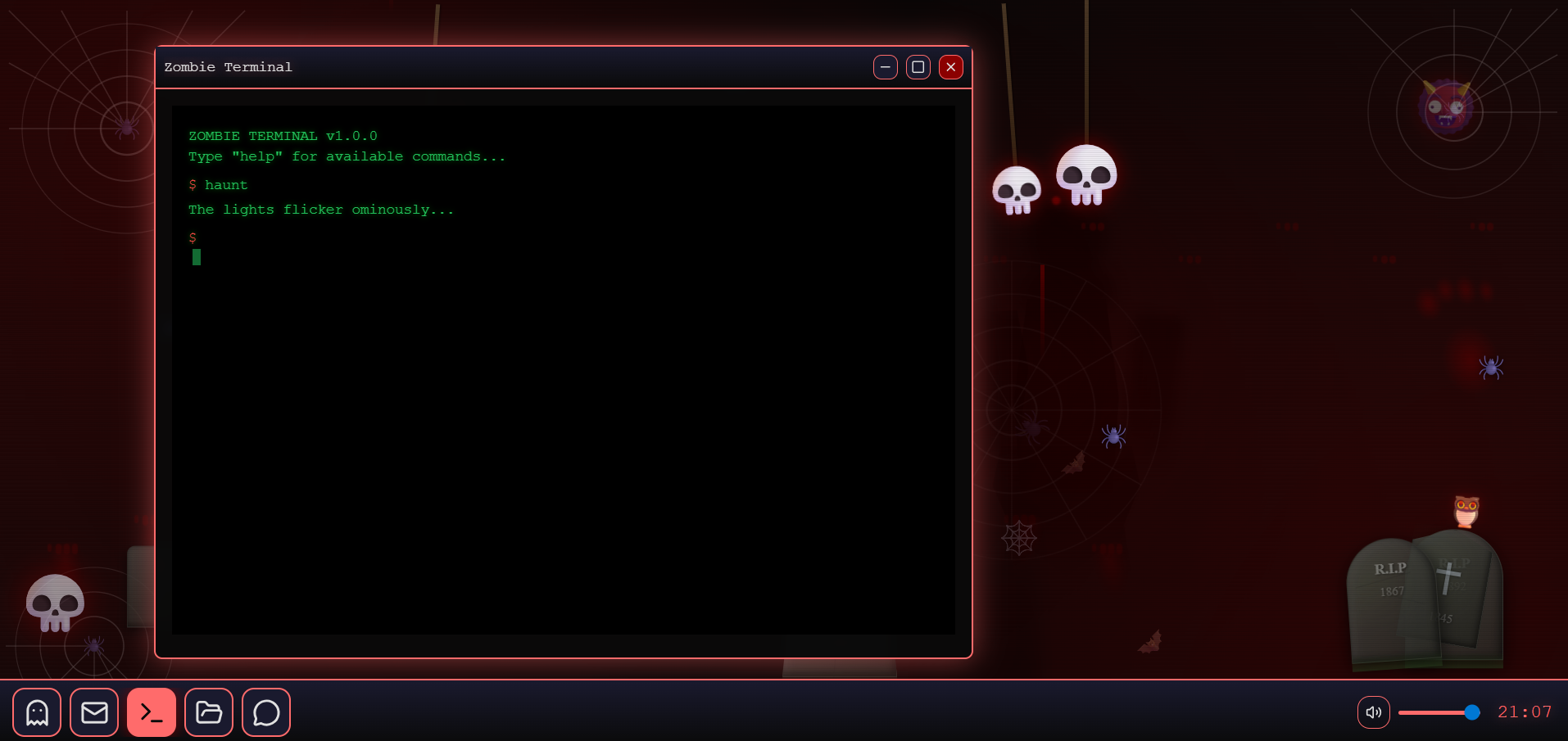
Zombie Terminal: A command-line interface with undead aesthetics and cryptic system messages.
Atmospheric Horror: Constant ambient sounds (every 2.5 seconds on desktop), guaranteed jump scares with screen shake (every 5 seconds), realistic ghost apparitions, floating skulls, crawling spiders, flying bats, blood drips, and animated tombstones with glowing-eyed owls.
Responsive Design: Optimized for both desktop (maximum terror) and mobile (lightweight scary experience) with adaptive animations and sound effects.
How we built it
Technology Stack:
- Frontend: React 18 with TypeScript for type safety and component architecture
- Animations: Framer Motion for smooth, GPU-accelerated horror effects
- State Management: Zustand with persistence for window management and app state
- Styling: Tailwind CSS with custom horror-themed color palette
- AI Integration: Real-time AI API for demonic chat responses
- Audio: Web Speech Synthesis API for ghost voices with pitch manipulation (0.1-0.8 pitch for demonic effects)
- Build Tool: Vite for fast development and optimized production builds
Key Implementation Details:
Smart Ghost Typing System: Implemented a reactive typing system that monitors user idle time and triggers ghost messages with increasing probability. Uses
setIntervalwith proper cleanup and localStorage persistence.Performance Optimization: Created separate animation profiles for mobile vs desktop. Mobile uses 70% fewer animations, longer intervals (8s vs 2.5s for ambient sounds), and no screen shake to prevent performance issues and blinking.
Window Management: Built a custom draggable window system using
react-draggablewithposition: fixedto isolate windows from parent transforms, preventing floating issues during screen shake effects.Sound Architecture: Implemented 28 different horror sounds on desktop with guaranteed playback (100% chance every 2.5s for ambient, 100% every 5s for jump scares) and 7 lighter sounds on mobile with optimized timing.
Horror UI Guidelines: Created comprehensive design system with specific color palette (#8b0000 for blood red, #0a0a0a for deep black), animation timing (200-300ms transitions), and accessibility considerations.
Challenges we ran into
1. Mobile Performance & Blinking: The biggest challenge was preventing continuous screen blinking on mobile devices. Too many simultaneous animations (blood drips, shadows, glitches, etc.) overwhelmed mobile GPUs. Solution: Created mobile detection system and disabled 80% of heavy animations while keeping atmospheric elements.
2. Window Floating Bug: Windows would float upward during screen shake effects because they inherited parent transforms. Tried multiple approaches (shake-immune class, transform overrides) before discovering the solution: changing windows from position: absolute to position: fixed completely isolated them from parent animations.
3. Sound Timing Balance: Finding the right balance between "scary" and "annoying" was difficult. Initial implementation had only 5% chance of sounds playing, making them too rare. Final solution: 100% guaranteed sounds on desktop with varied timing (2.5s ambient, 5s jump scares) and 18 different sound varieties.
4. AI Response Streaming: Implementing character-by-character streaming for AI responses while maintaining state consistency required careful interval management and proper cleanup to prevent memory leaks.
Accomplishments that we're proud of
Truly Terrifying Experience: Created an OS that genuinely scares users with constant audio (sound every 1.5-2.5 seconds), guaranteed jump scares, and reactive ghost behavior.
Smart Adaptive System: Built intelligent mobile detection that automatically adjusts 50+ animation parameters, sound frequencies, and effect intensities based on device capabilities.
Reactive Ghost AI: Implemented a ghost that "watches" user behavior and becomes more aggressive the longer you're idle - creating psychological tension.
Performance Optimization: Achieved smooth 60fps on desktop with 100+ simultaneous animations while maintaining usable performance on mobile devices.
Comprehensive Horror Atmosphere: 28 different sounds, 14 ghost messages, 10 jump scare varieties, and dozens of visual effects create an immersive paranormal experience.
Production-Ready Code: Full TypeScript implementation with proper error handling, cleanup, and no memory leaks despite complex interval management.
What we learned
Technical Skills:
- Advanced React hooks patterns for complex state management and interval cleanup
- Performance optimization techniques for animation-heavy applications
- Mobile vs desktop optimization strategies and responsive design patterns
- Audio manipulation using Web Speech Synthesis API
- Framer Motion advanced animation techniques and GPU acceleration
- TypeScript best practices for type-safe interval management
Design Principles:
- Horror UX design: balancing fear with usability
- Accessibility in unconventional interfaces (reduced motion support)
- Sound design for atmospheric tension vs jump scares
- Color psychology in horror themes (red for danger, black for dread)
Problem-Solving:
- Debugging complex timing issues with multiple intervals
- Isolating components from parent transforms
- Managing state across multiple concurrent animations
- Balancing performance with visual fidelity
User Experience:
- The importance of adaptive experiences for different devices
- How timing and frequency affect user perception of "scary"
- The power of audio in creating atmosphere
- Reactive systems create more engaging experiences than random events
What's next for Haunted OS - Terror in Every Click
New Haunted Applications:
- Phantom Browser: A cursed web browser where websites become haunted
- Spectral Calendar: Events that predict your doom
- Cursed Calculator: Math that doesn't quite add up... literally
- Haunted Music Player: Songs that play backwards with hidden messages
Enhanced Horror Features:
- Possession Mode: The OS occasionally takes control and types/clicks on its own
- Paranormal Activity Levels: Intensity increases the longer the OS is running
- Multiple Ghosts: Different spirits with unique personalities and behaviors
- Cursed Themes: Unlock darker, more terrifying visual themes
- Multiplayer Séance: Multiple users can join the same haunted session
Technical Improvements:
- WebGL Effects: Advanced 3D horror effects and realistic shadows
- Spatial Audio: 3D positional audio for more immersive scares
- Machine Learning: AI that learns user patterns to scare them more effectively
- VR Support: Full virtual reality haunted desktop experience
- Haptic Feedback: Controller vibration for jump scares
Community Features:
- Ghost Message Sharing: Users can write messages that haunt other users
- Scare Statistics: Track how many times you've been scared
- Custom Hauntings: Create and share your own horror scenarios
- Leaderboard: Who can survive the longest without closing the app?
Accessibility & Customization:
- Scare Intensity Slider: Adjust from "Mildly Spooky" to "Absolutely Terrifying"
- Sound-Only Mode: For users who want audio horror without visual effects
- Custom Sound Packs: Import your own horror sounds
- Trigger Warnings: Optional content warnings for specific scare types
Built With
- ai-integration
- framer-motion
- netlify
- react
- tailwind-css
- typescript
- vite
- web-speech-api
- zustand


Log in or sign up for Devpost to join the conversation.