-
-
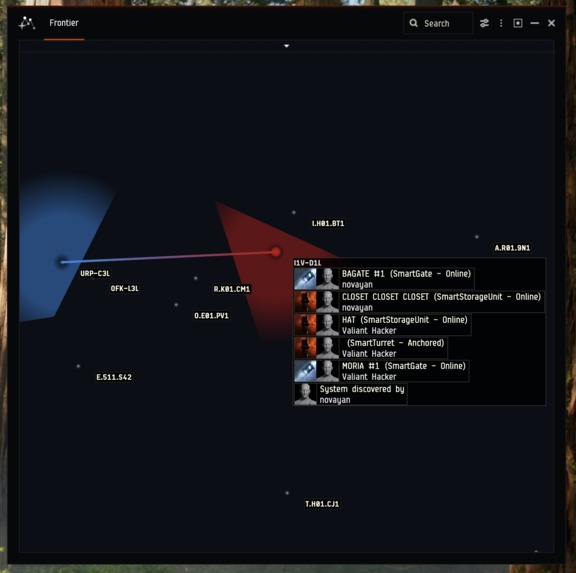
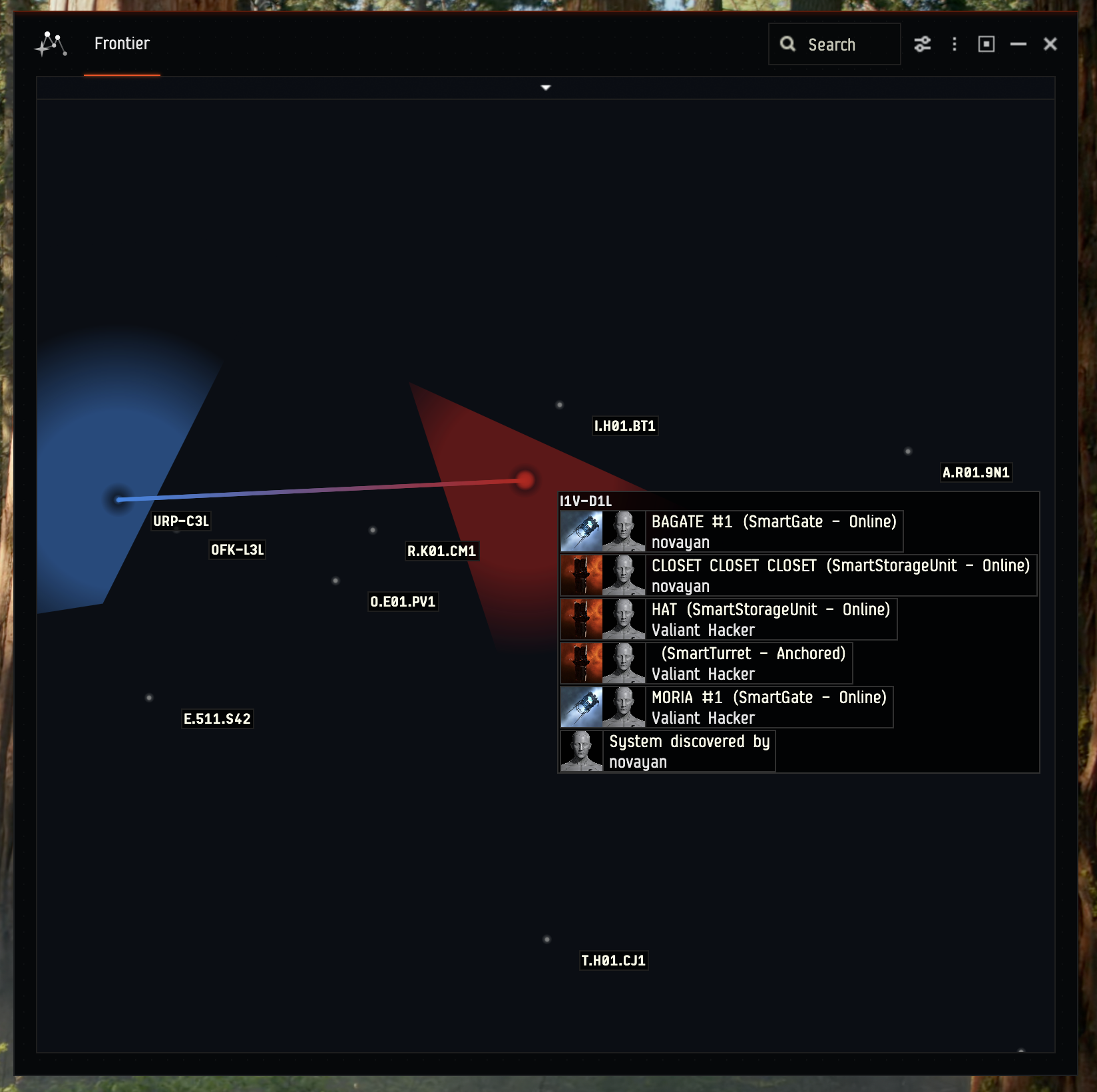
Map showing Smart Assemblies and a Smart Gate connection
-
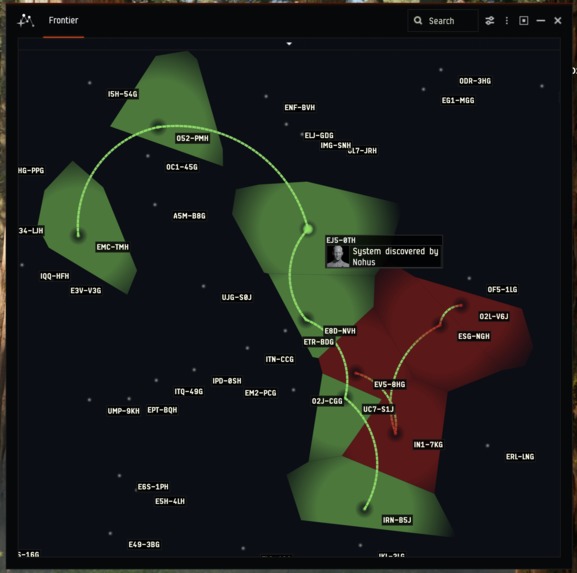
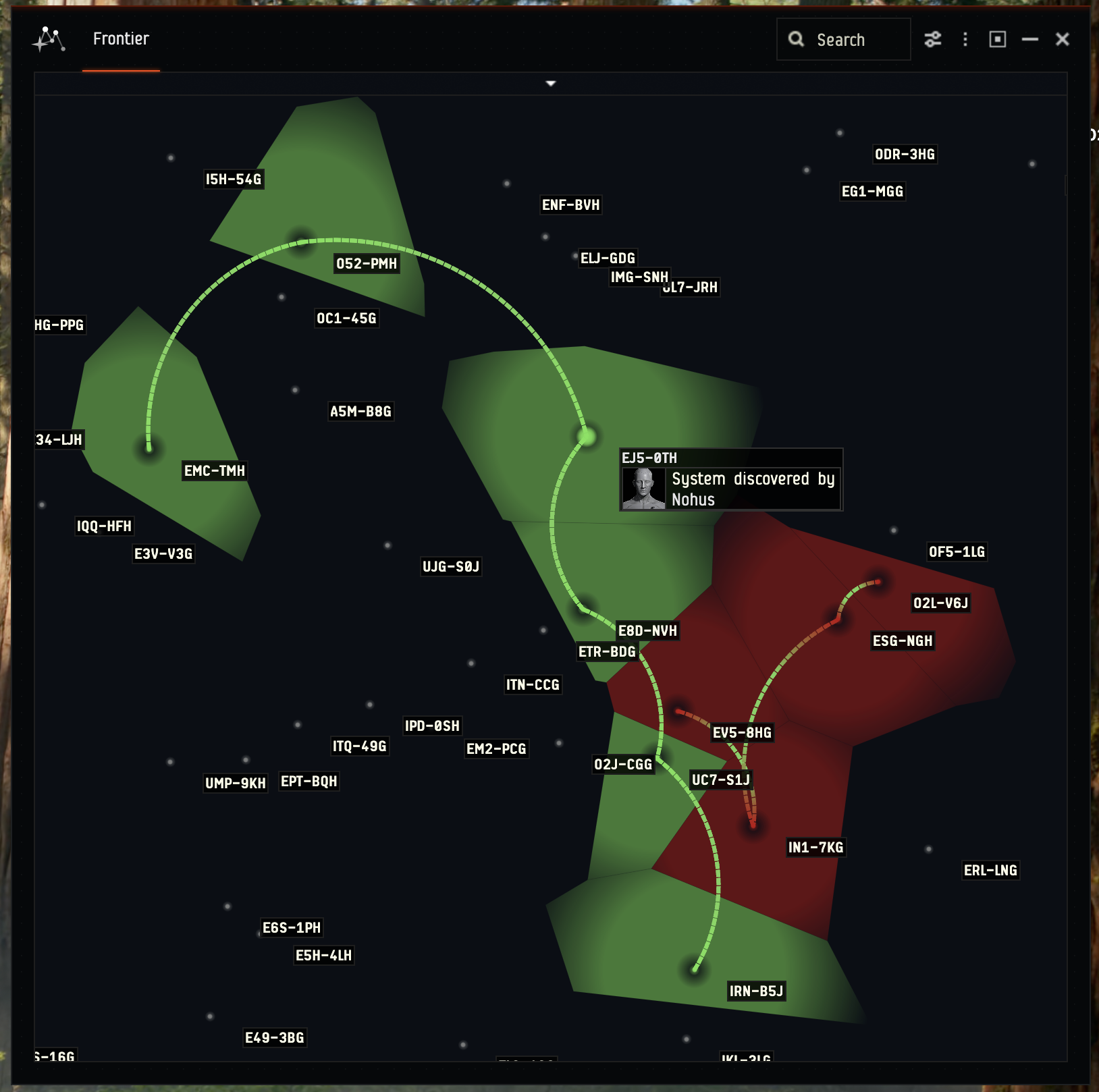
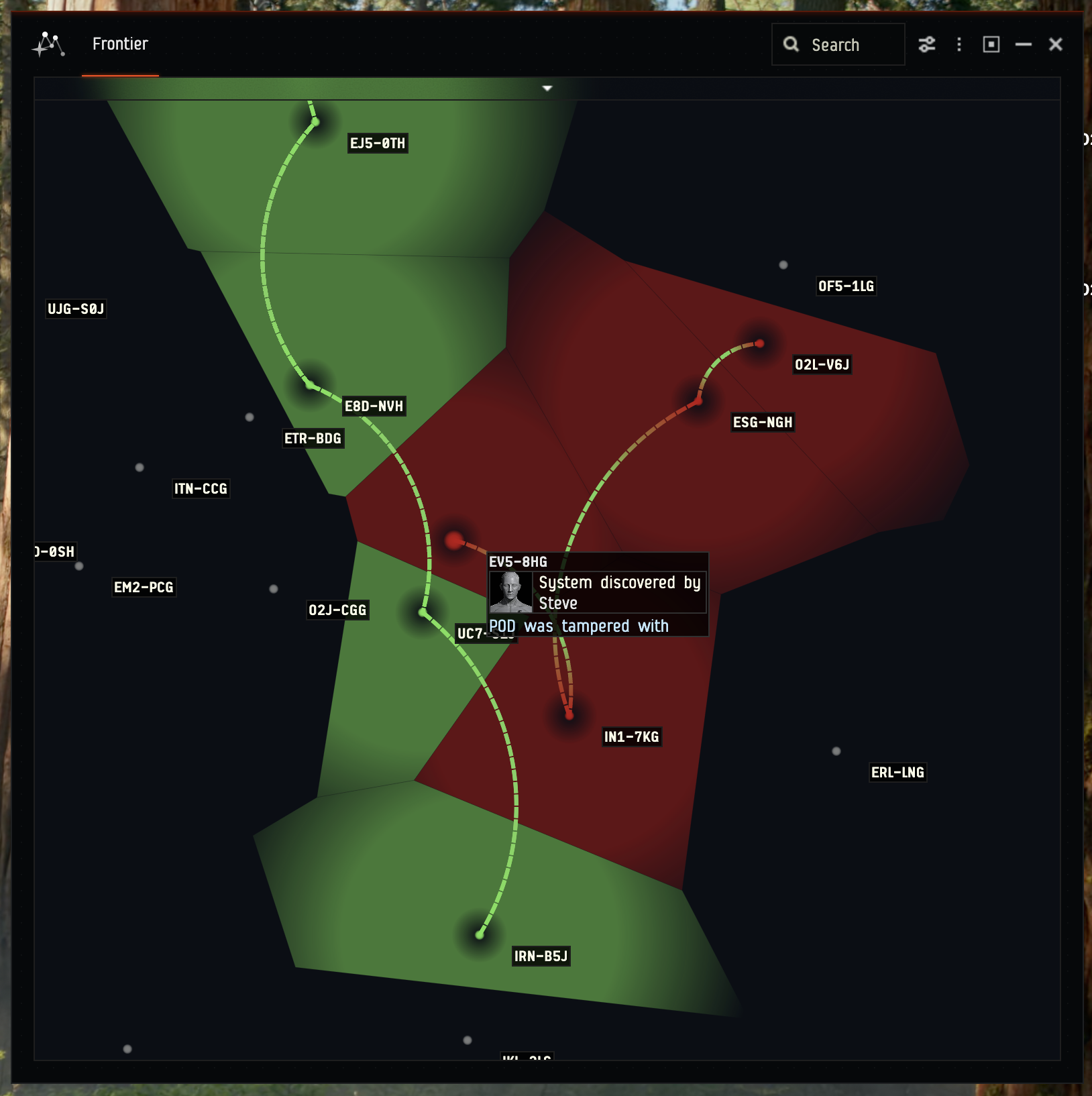
Map showing a jump PODs route and a discovery claim in green
-
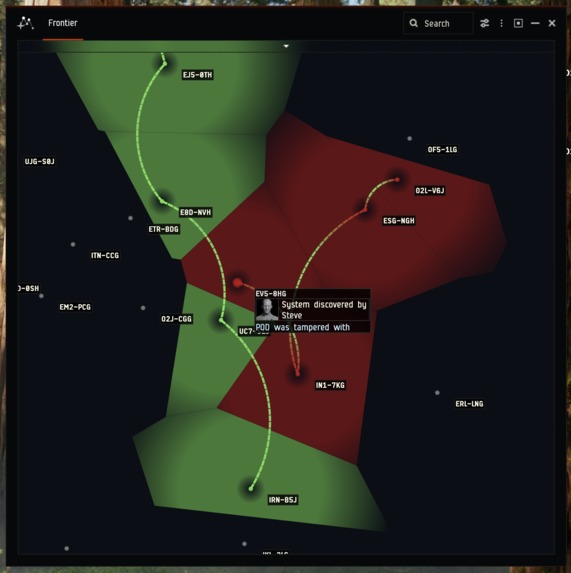
Map showing a jump PODs route that failed validation, in red
-
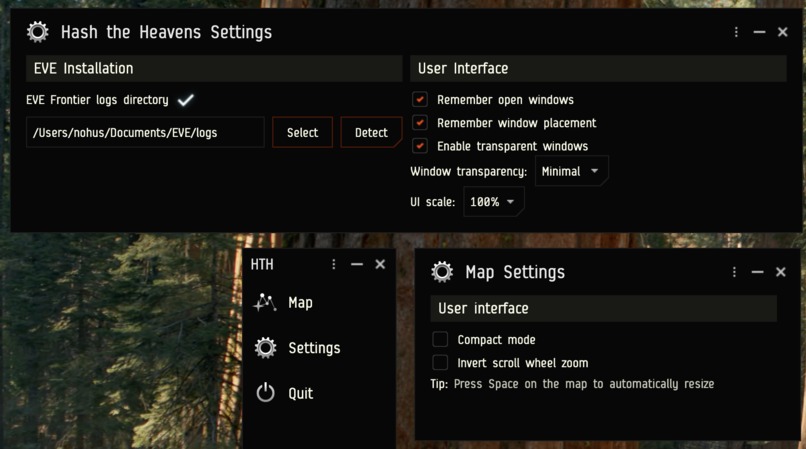
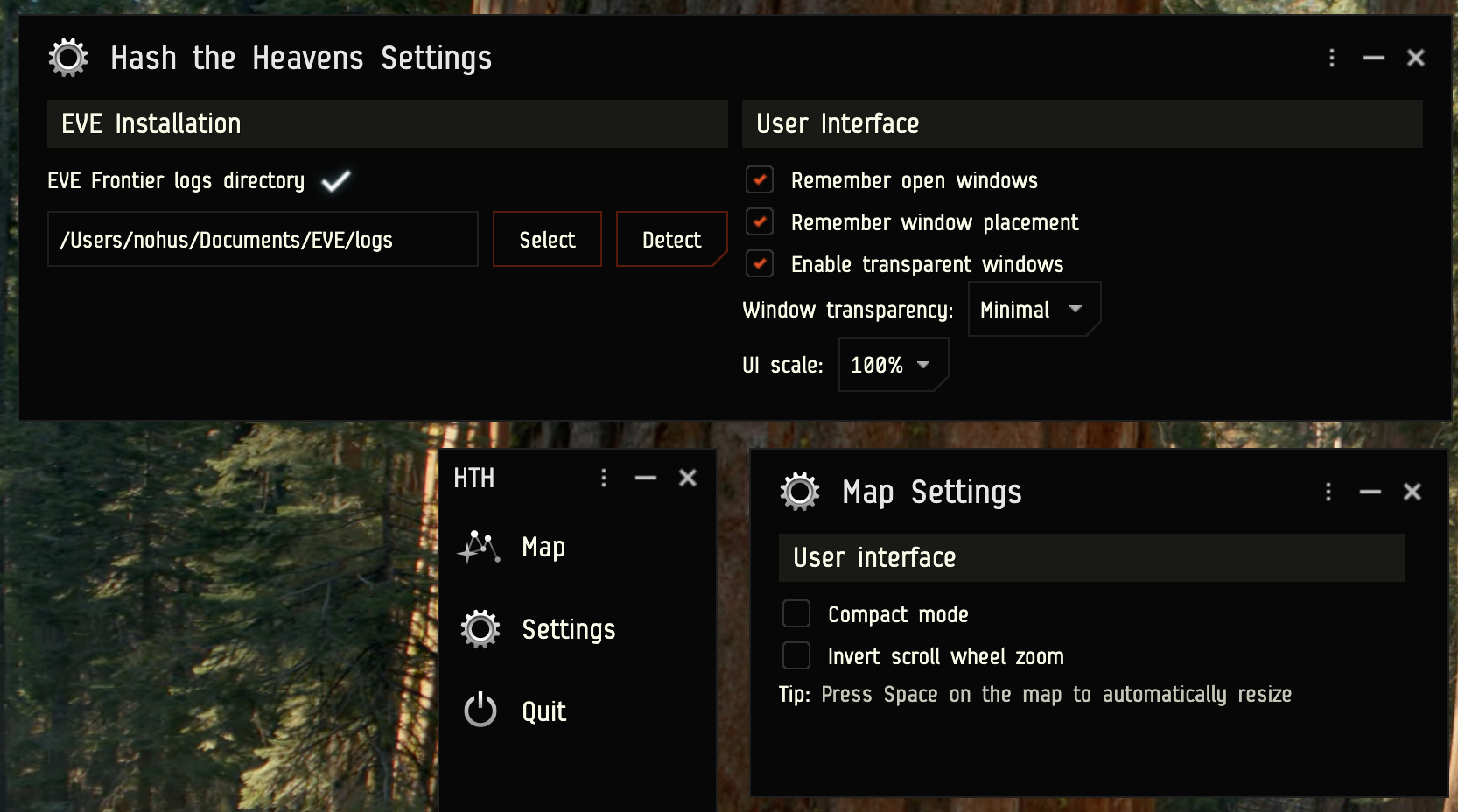
Settings and control windows
-
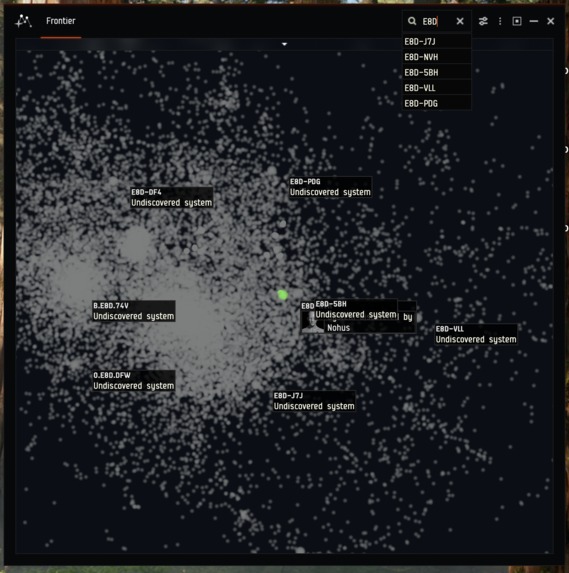
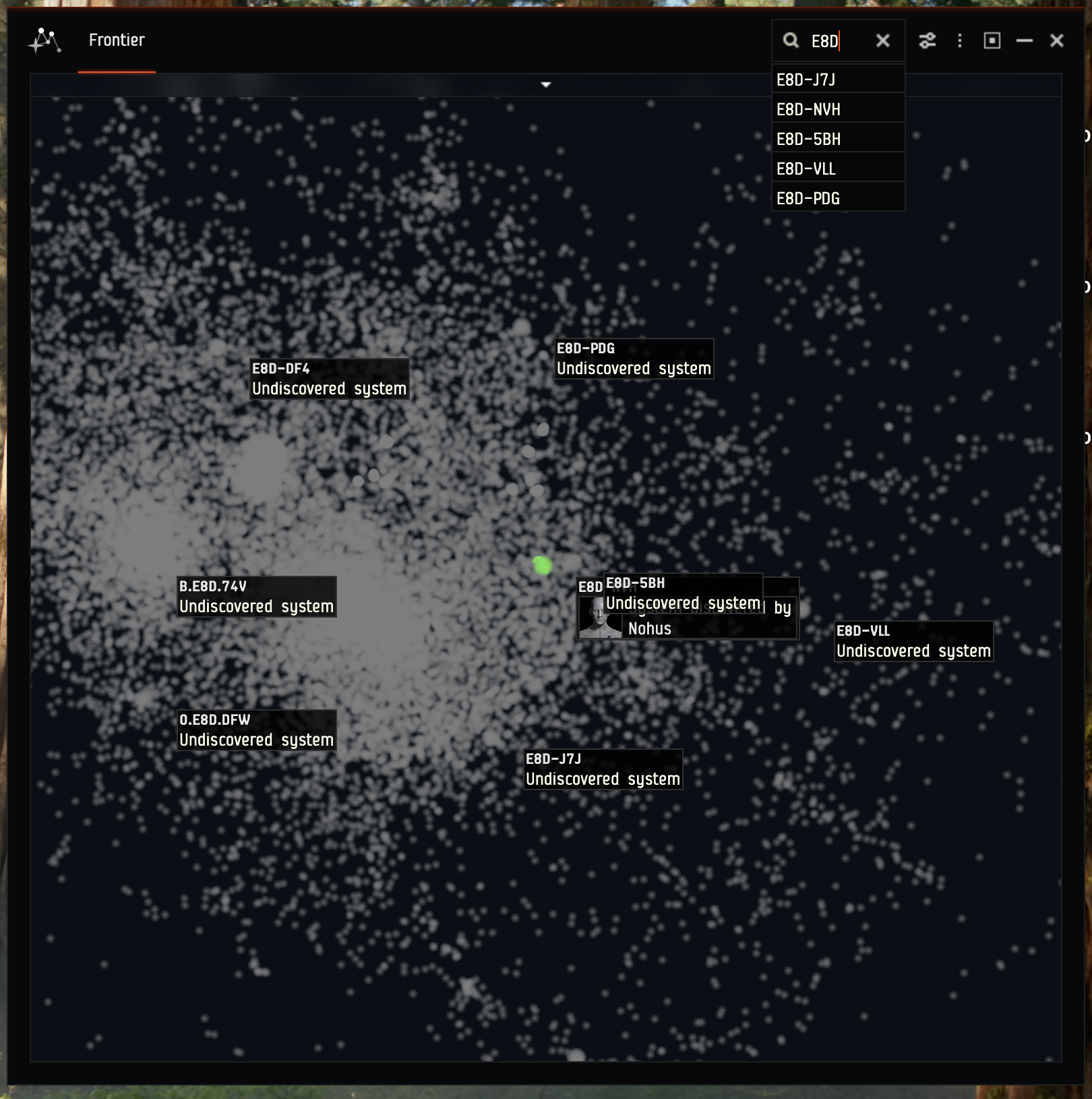
Zoomed out map with the system search feature in action
-
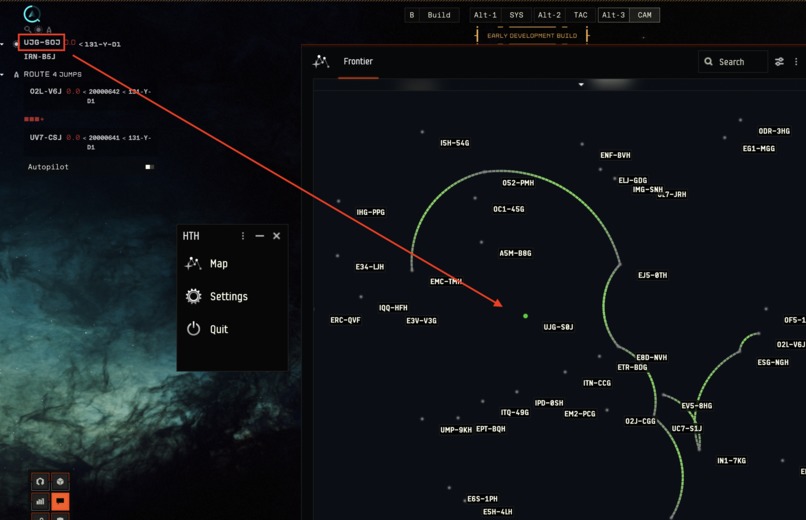
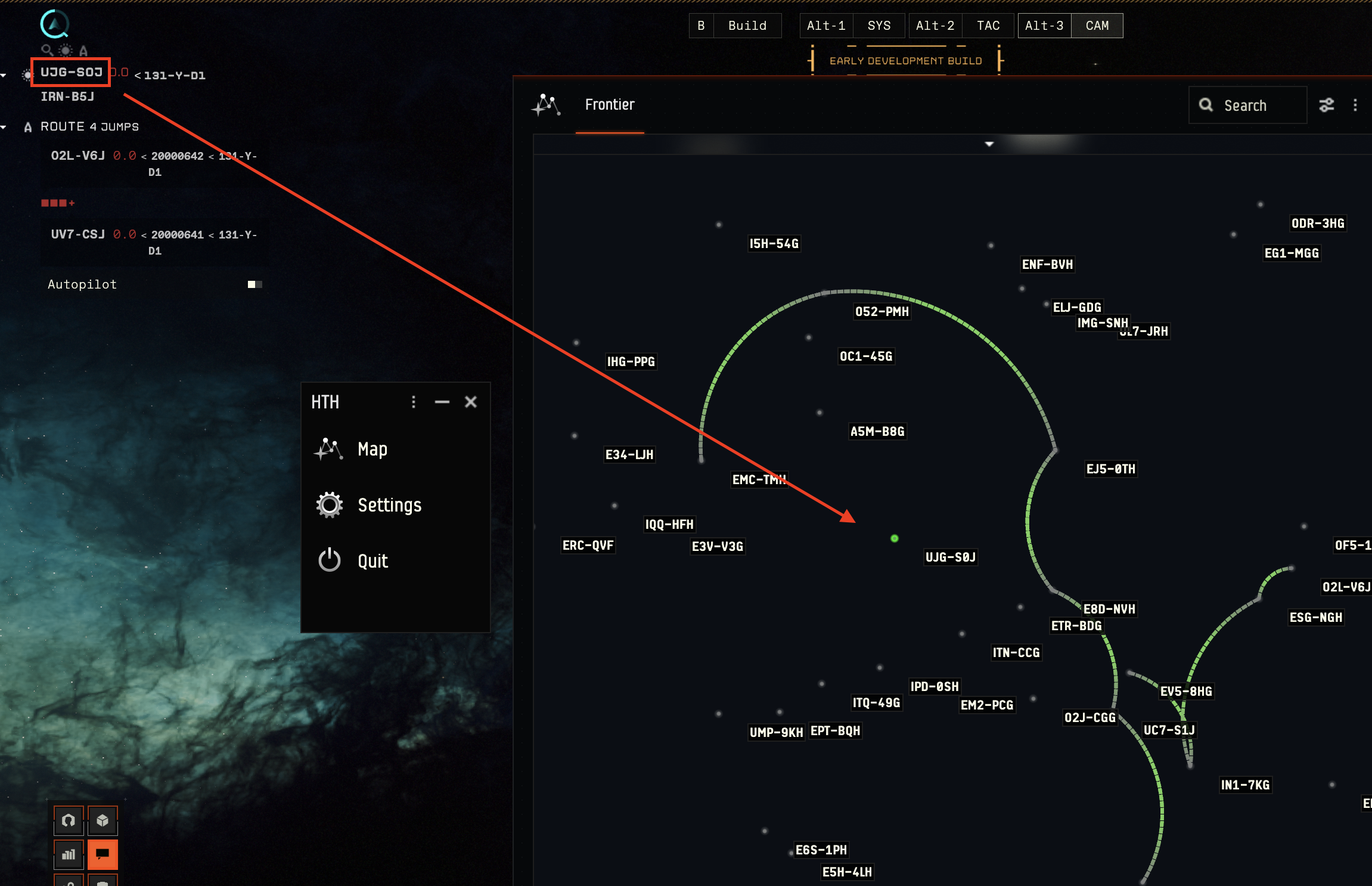
Map highlighting the current in-game system. The map moves with you as you jump in-game.
Inspiration
The main feature was inspired by Elite: Dangerous, a game where every solar system is forever marked with the name of the first player to reach it.
What it does
The application is an interactive map of the Frontier, showing all of the 24502 solar systems in it. It has all of the expected affordances like panning and zooming, and includes a search feature to quickly find any system.
The map has two main modes of operation: Smart Assemblies, and Discovery
Smart Assemblies
In the Smart Assemblies mode, it's colouring all systems where Smart Assemblies are present. Hovering over any system shows a popup with a list of all Smart Assemblies in it, their state, and the character that owns them. The colour intensity is controlled by the number of Smart Assemblies in it, to be able to see easily hotspots in busier areas of space.
For Smart Gates, lines are drawn on the map between connected systems.
Together, this visually shows the progress of re-colonization and settled regions of space.
Discovery
The main feature of the project is the Discovery mode, which highlights systems that have been visited by a player, in contrast to undiscovered systems. Every discovered system shows a popup on hover, listing the name of the player who was the first to discover it.
On the EVE Frontier website, any player can download a list of PODs representing the history of their jumps. The jump PODs can be imported into the app, which will show them on the map by drawing arcs between the travelled systems. At the same time, the PODs prove that a player was in a given system at a given time, and the player with the oldest claim becomes the official discoverer of that system.
Of course, someone else might come later with their own claim, proving they were actually in that system earlier, reclaiming the title of discoverer for themselves. You are only first until someone else proves you aren't!
Importantly, the app verifies the PODs to ensure the claims are legitimate. Thanks to this system, any player can provide their own claims, which are independently verifiable to be true. Claims from PODs that were tampered with, are shown on the map in red, with a disclaimer warning that they are not authentic.
Player following
That map also shows your in-game location and follows you as you jump for ease of use.
How I built it
The map is a Kotlin desktop application built with Compose UI. The base project structure is adapted from another personal project of mine. The data comes the Frontier World API; the list of solar systems, smart assemblies, and their details, are pulled from the API in order to draw the map and fill it with information. The jump PODs are being loaded from local files. The application watches a directory and reloads the data whenever a new file with PODs is added or modified. Crucially, when loading new jump PODs, it calls to the POD verification endpoint to check their validity.
The player location following QoL feature is implemented by parsing the "Local system changed" messages from chat log files.
What I learned
I learned what PODs are and how they can be useful in storing information in a provable fashion.
Built With
- compose
- kotlin
- pod
- worldapi

Log in or sign up for Devpost to join the conversation.