-
-
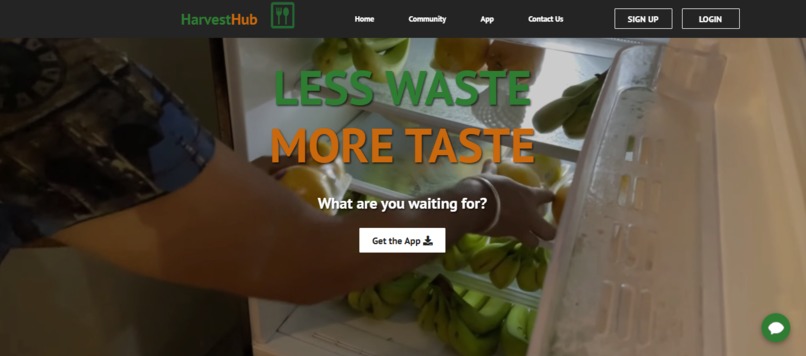
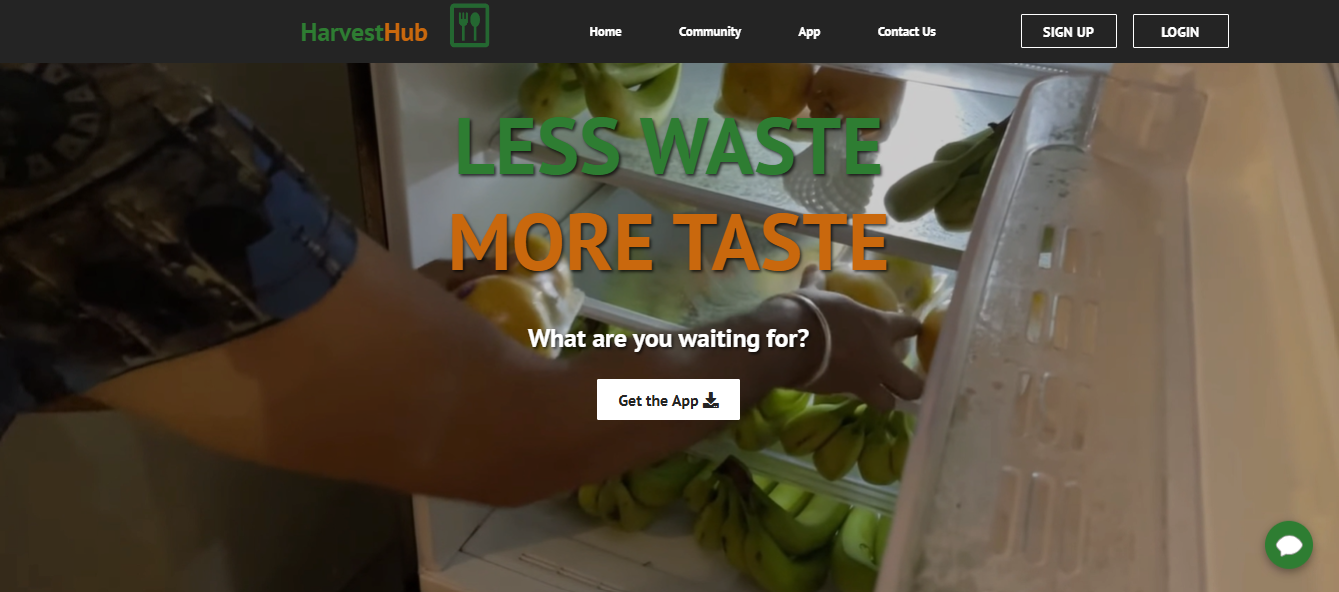
Introduction page to website
-
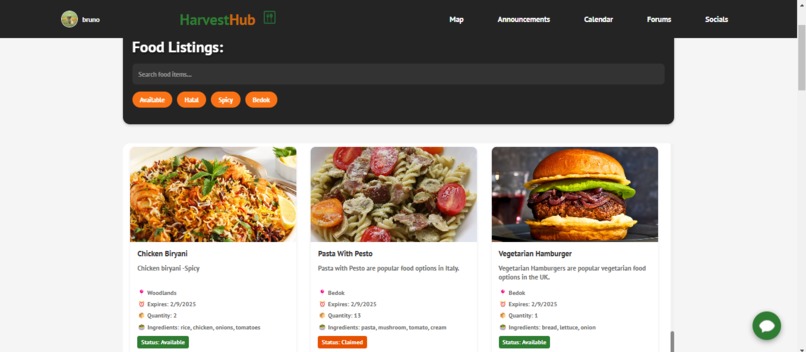
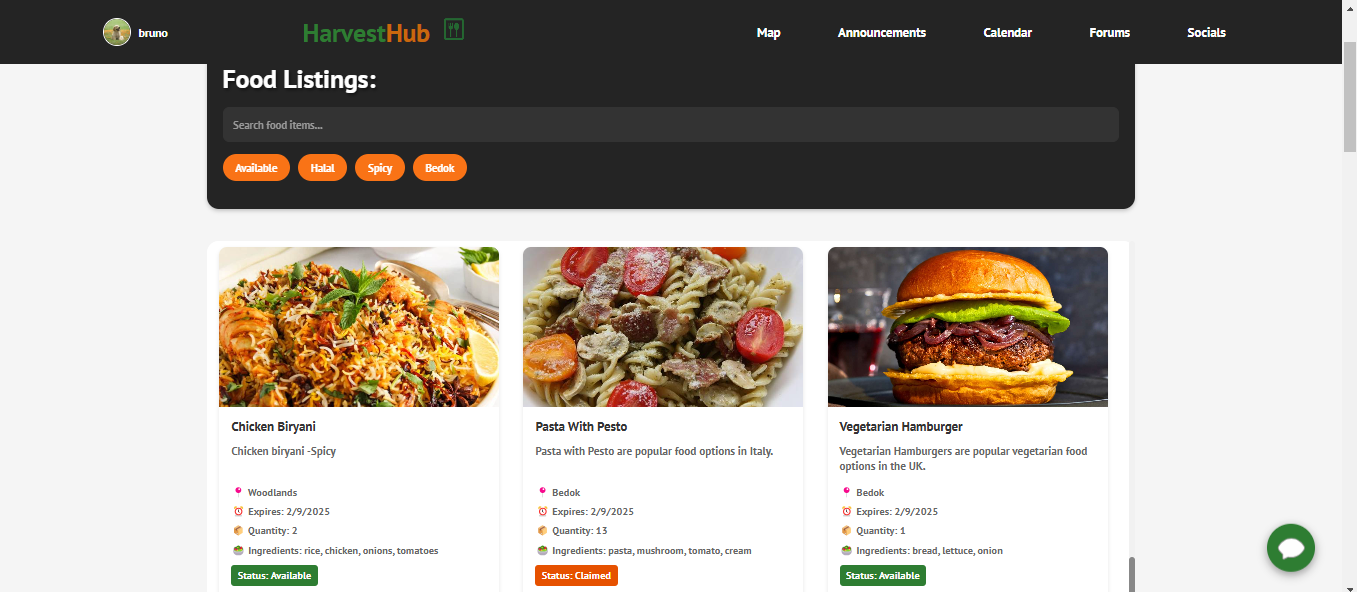
HomePage/Food Listings page for website
-
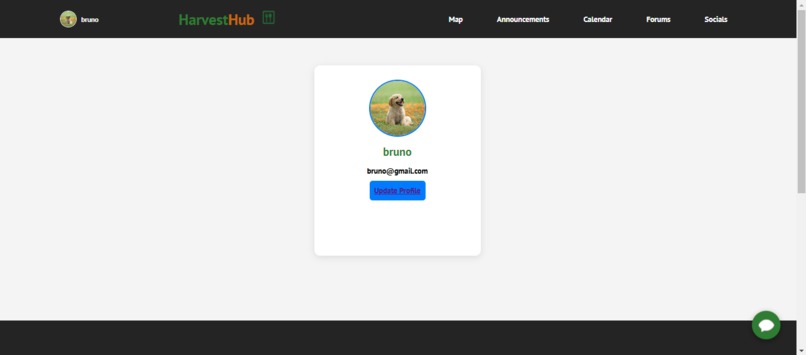
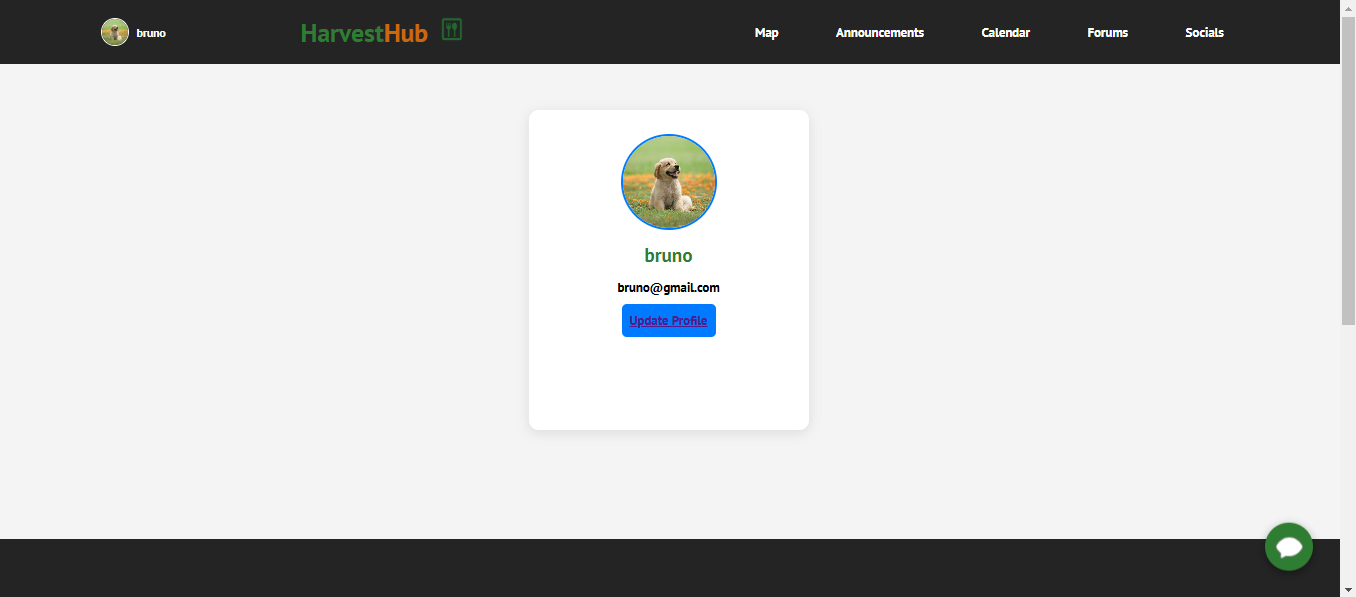
Profile Page for website
-
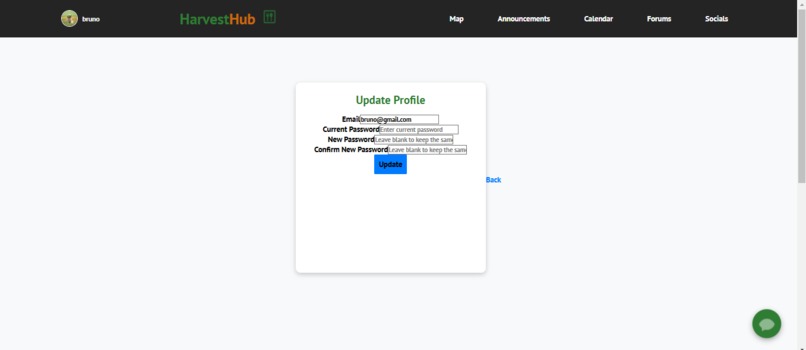
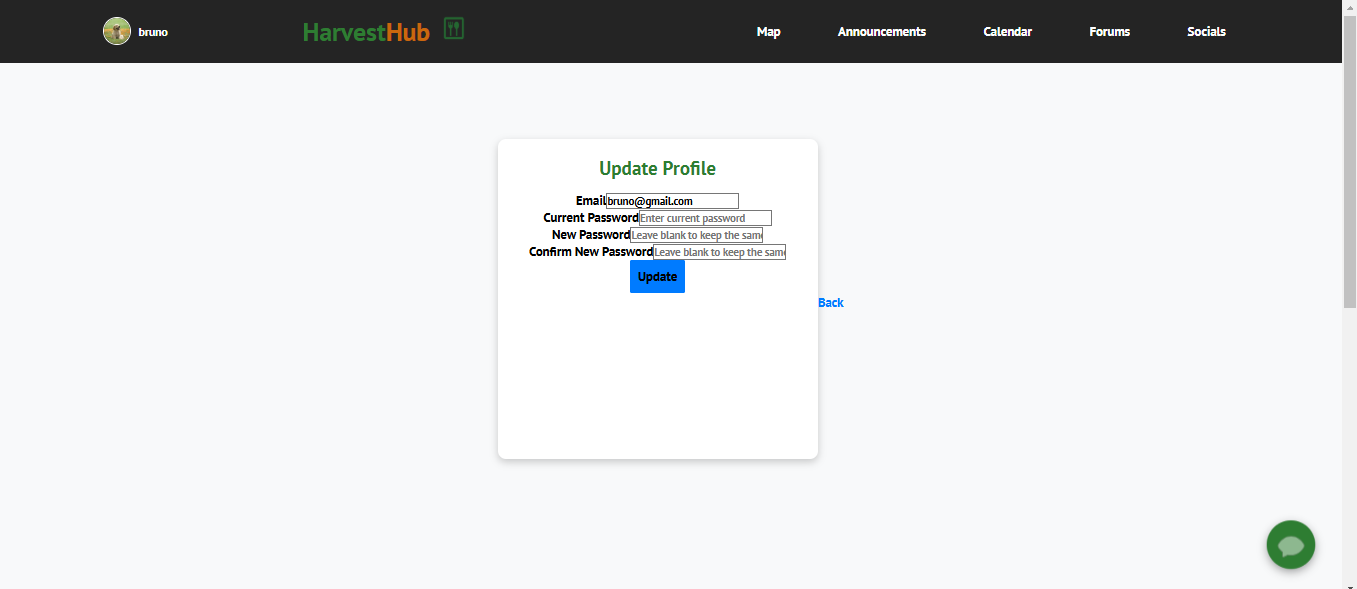
Update Profile Page for website
-
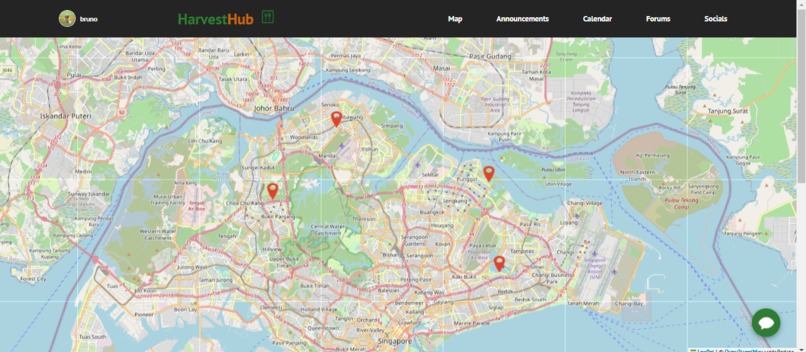
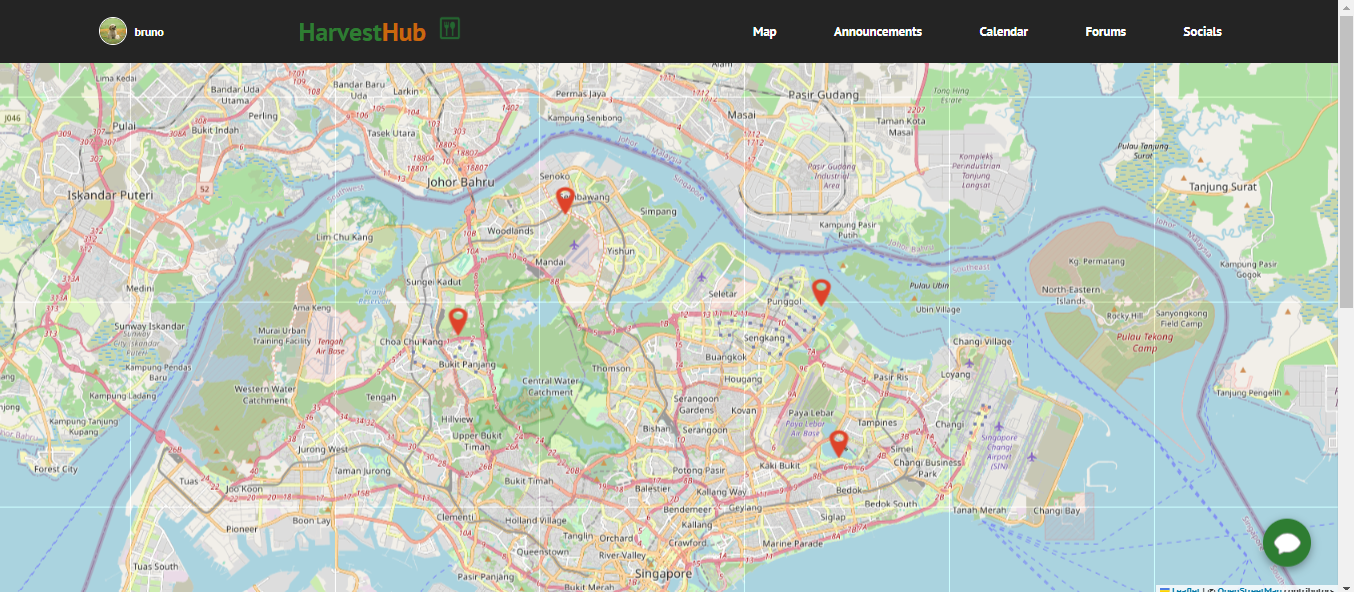
Map Page to see where fridges are located (website)
-
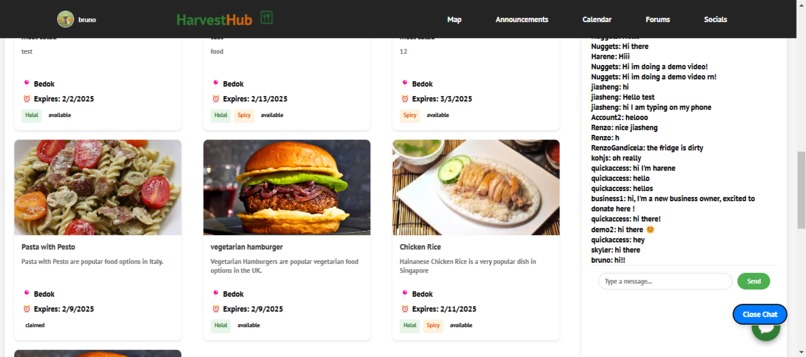
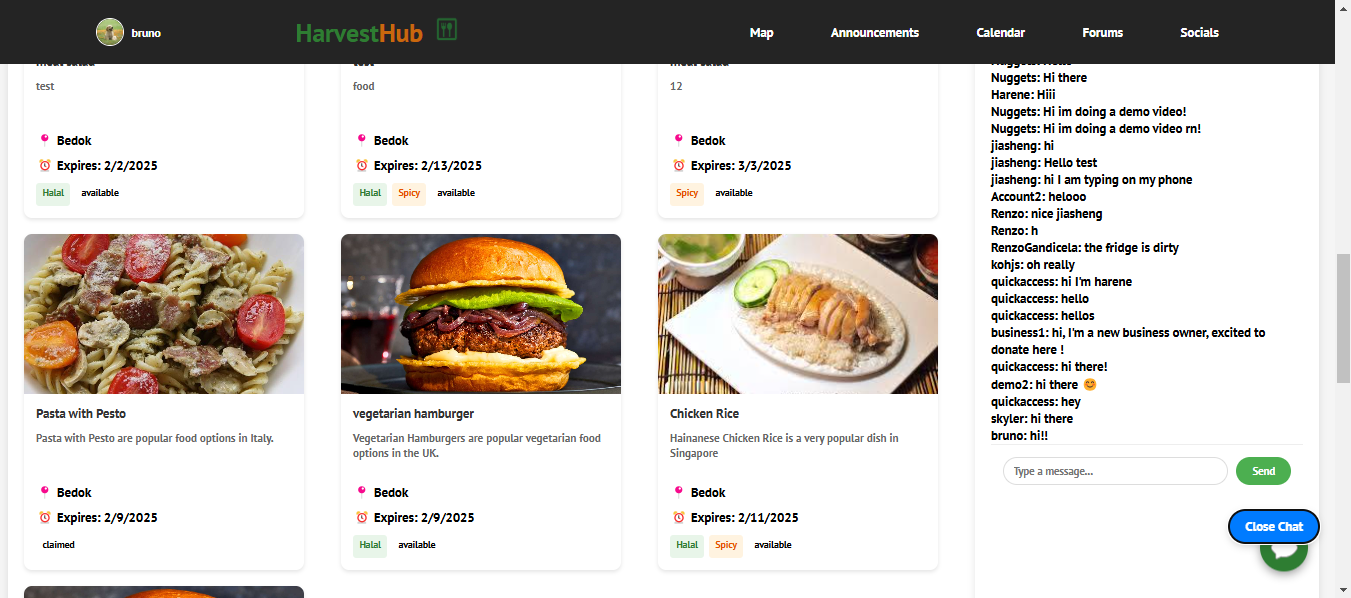
Map Fridge Live Chat & Fridge specific food listings
-
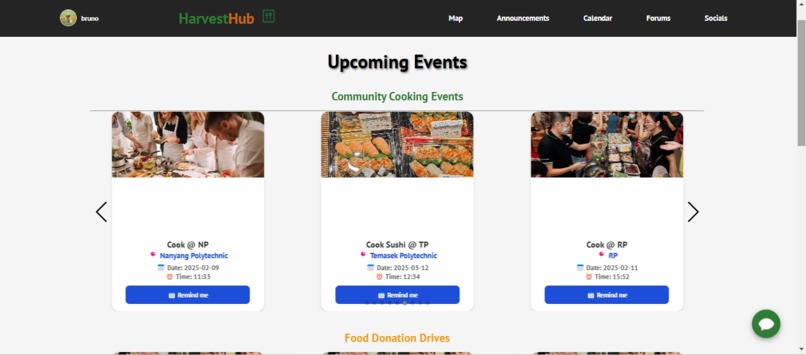
User side announcements page
-
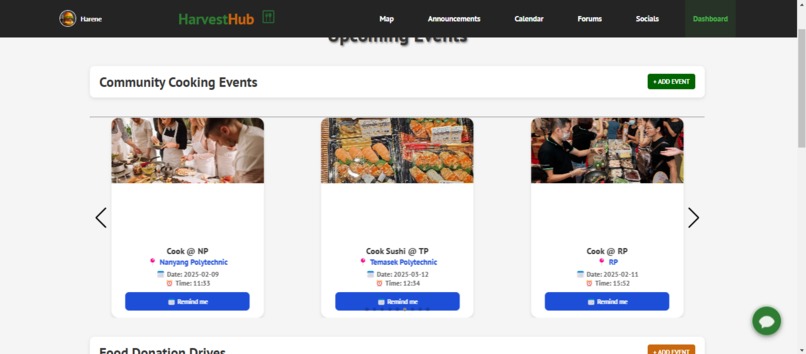
Business side announcements page
-
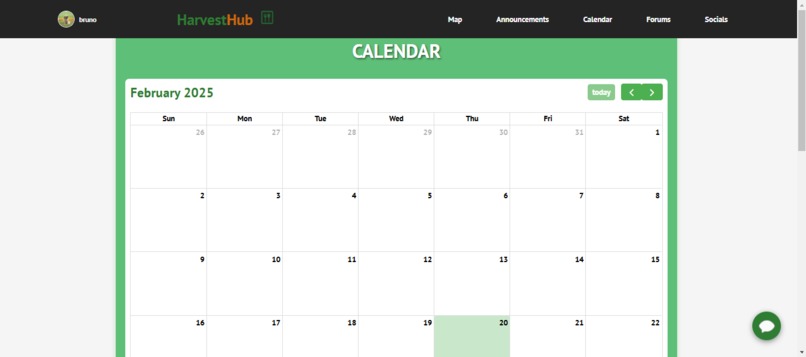
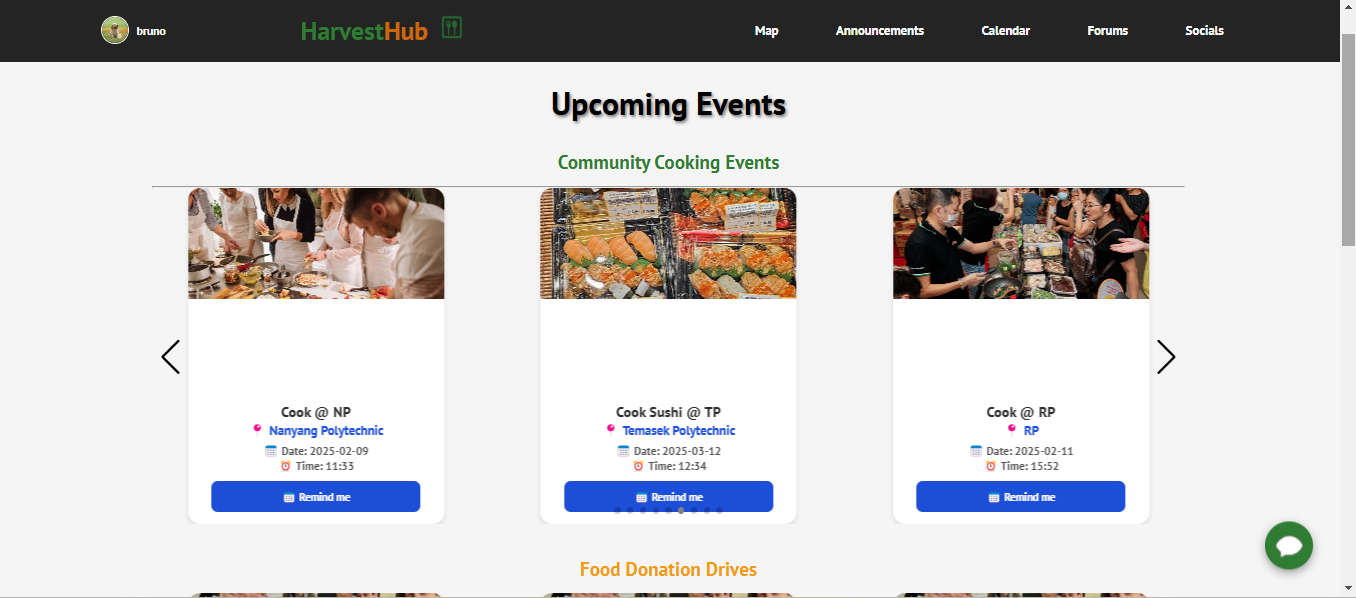
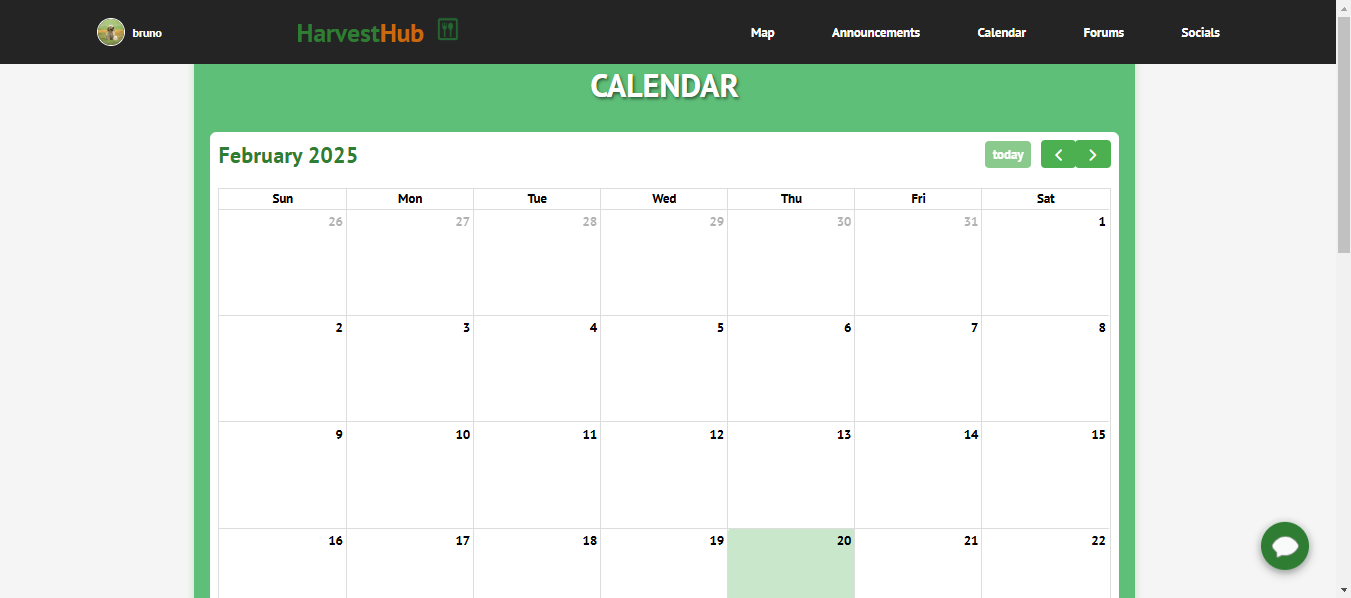
Calendar Page for website
-
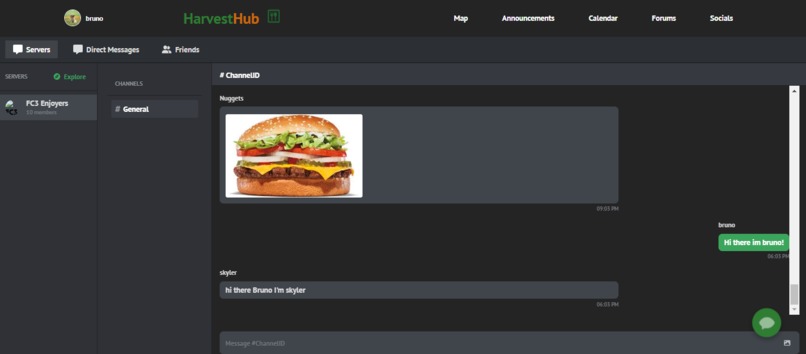
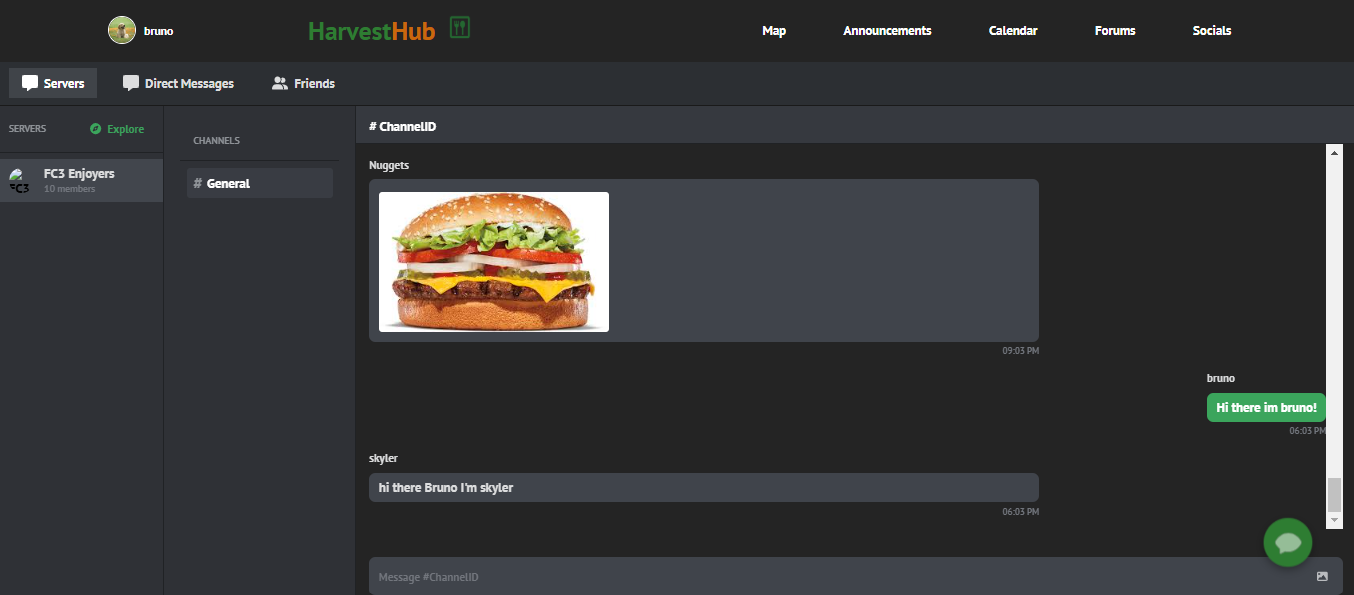
Live Server chat for website
-
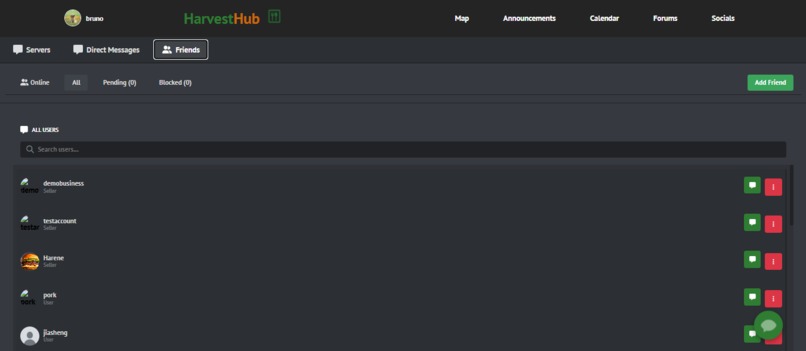
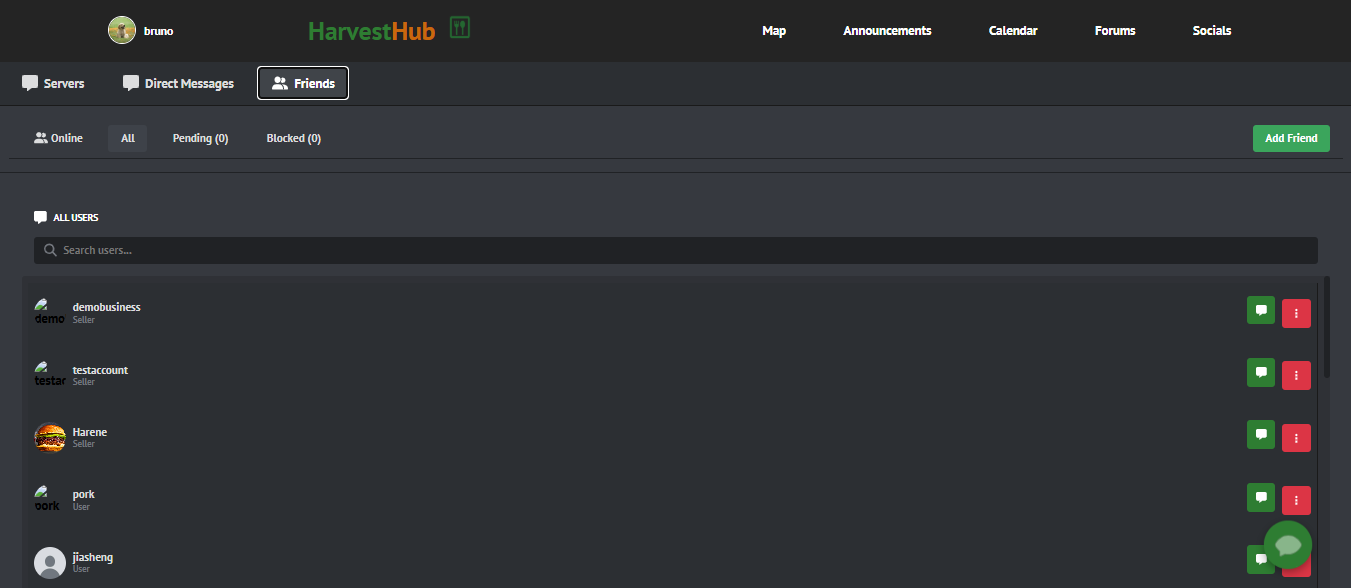
Find your friends for website
-
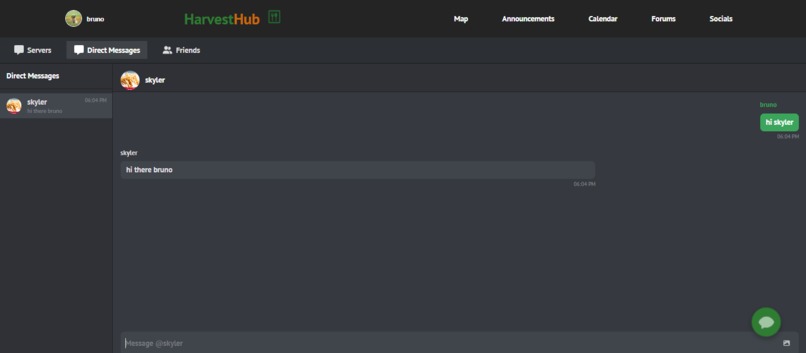
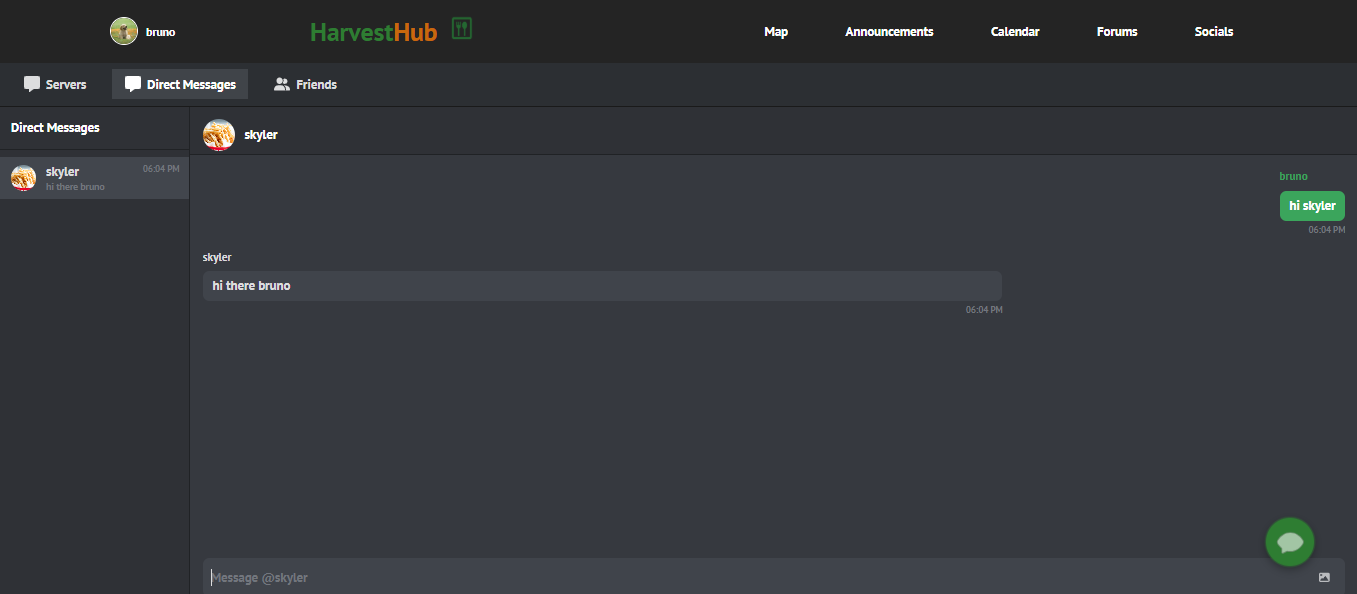
Direct messages for website
-
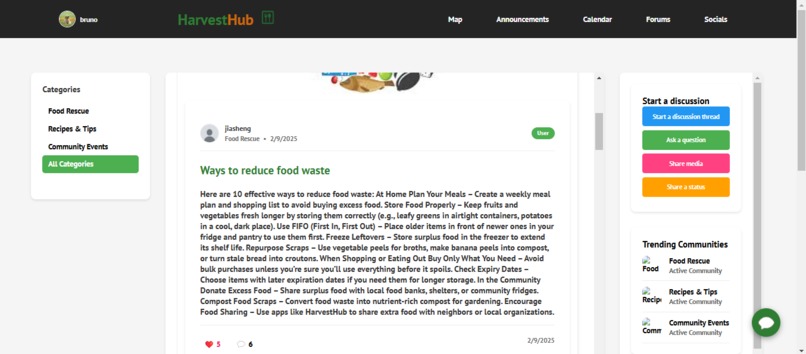
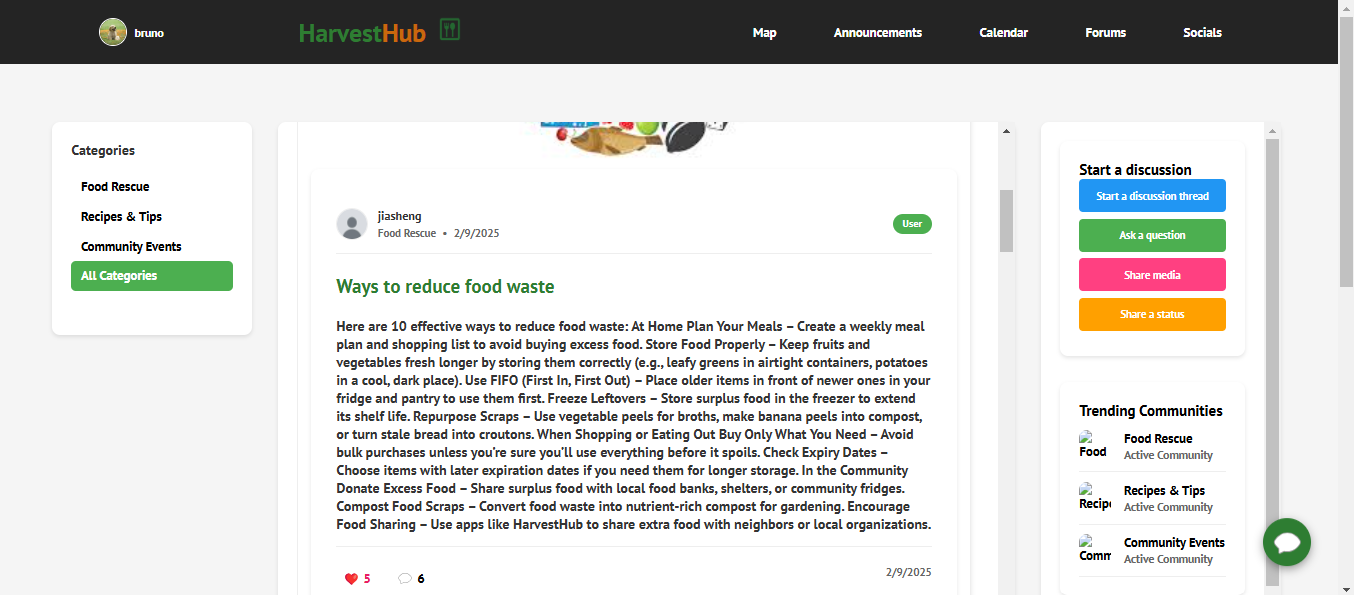
Forums page for website
-
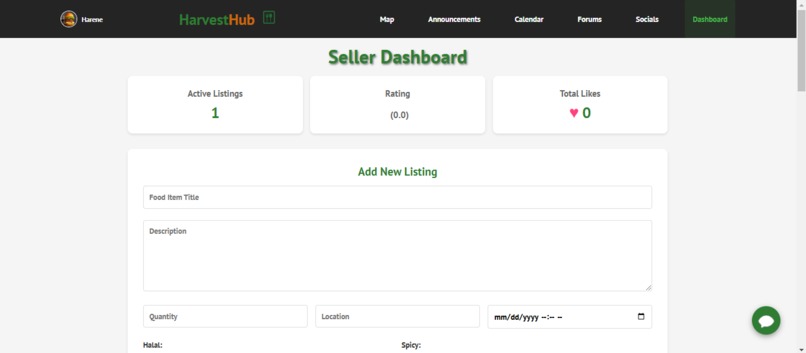
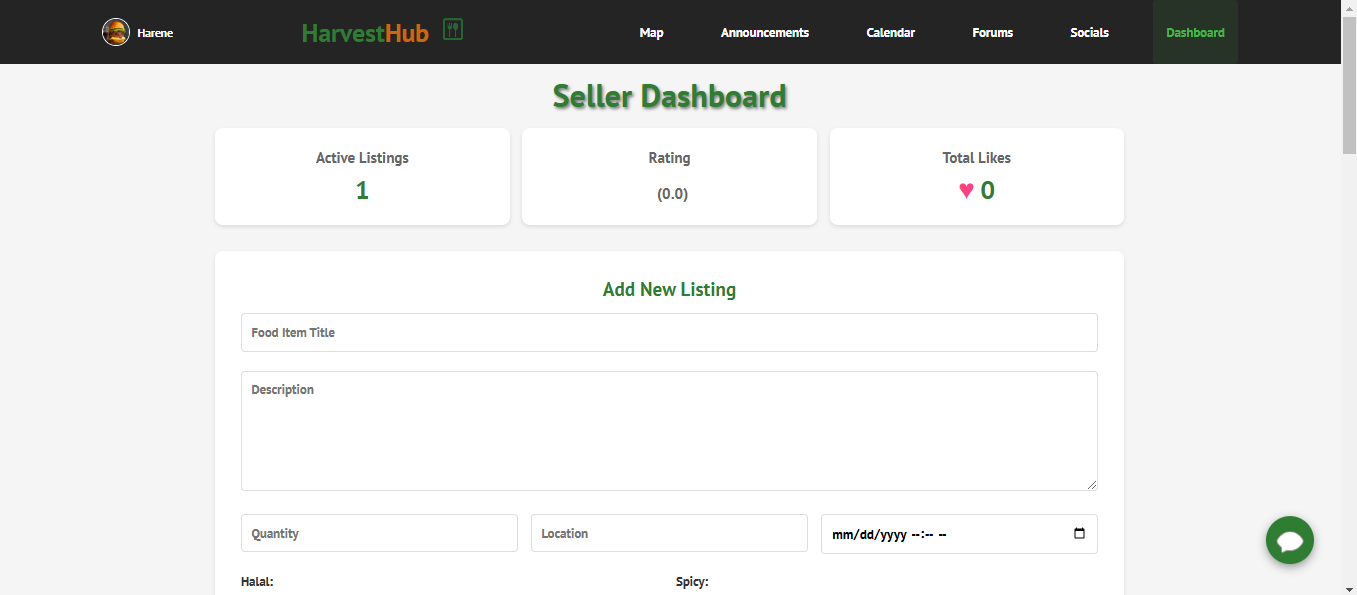
Business side dashboard page
-
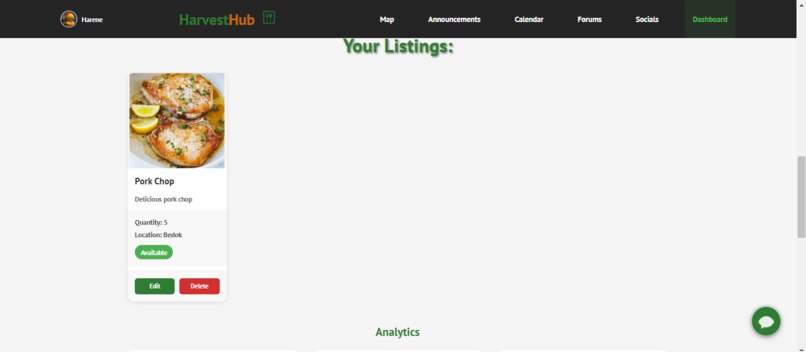
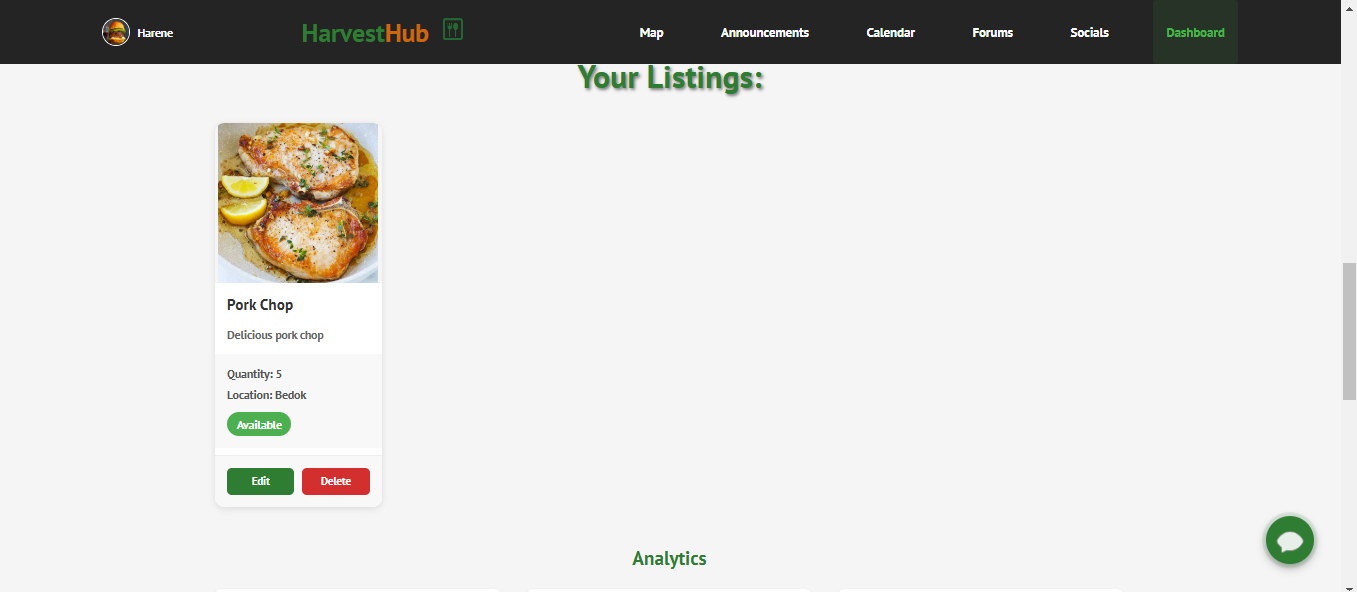
Your listings for business side (website)
-
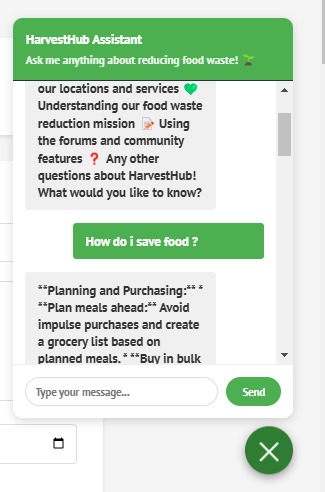
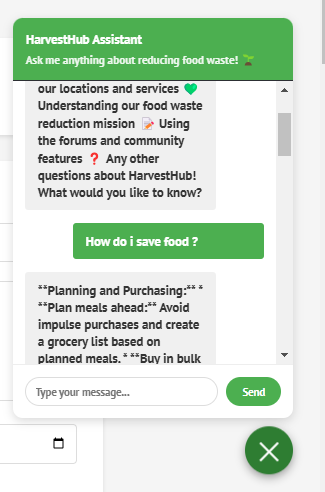
Chatbot for website
-
Splash Screen for app
-
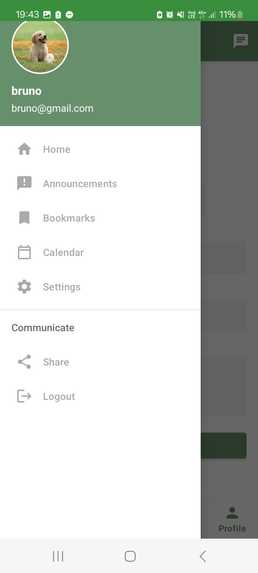
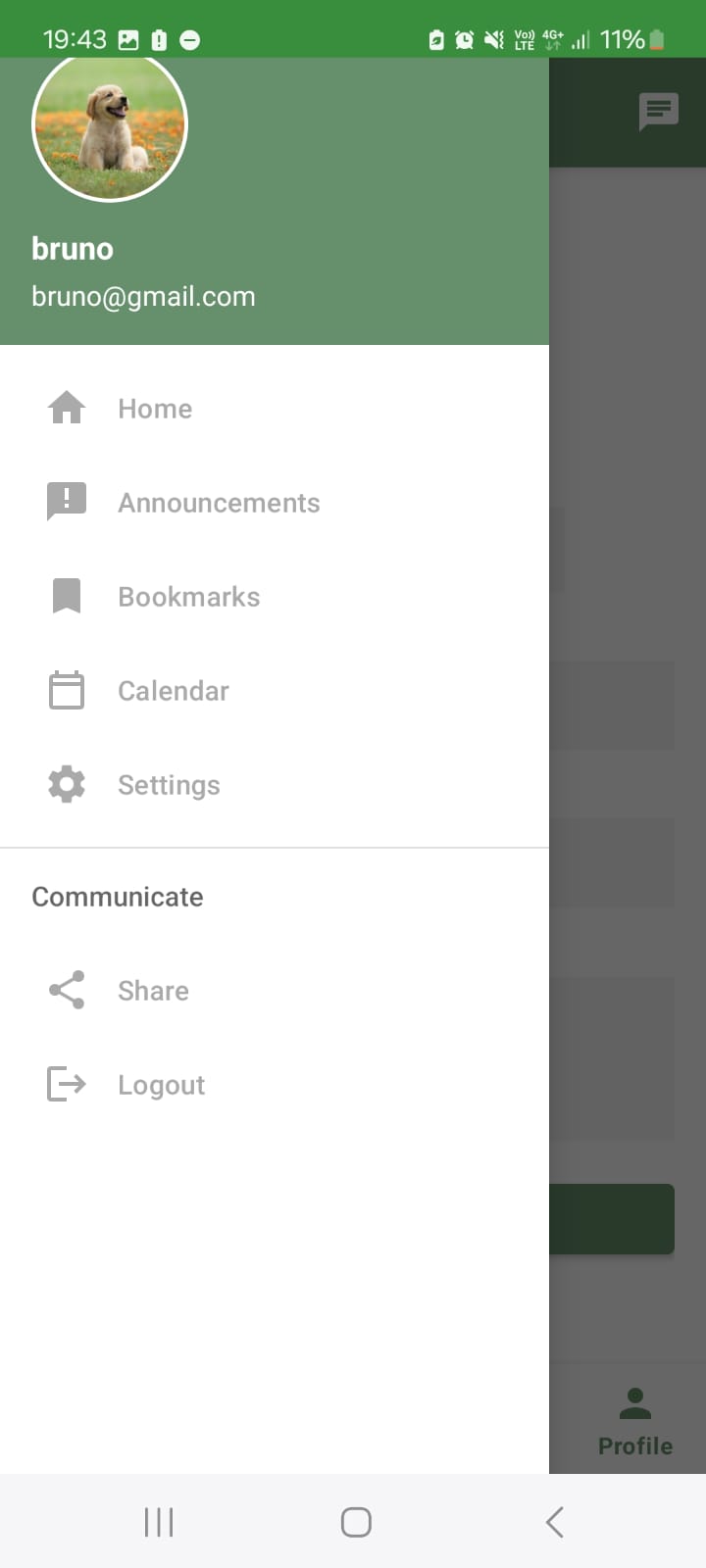
Navigation Bar for App
-
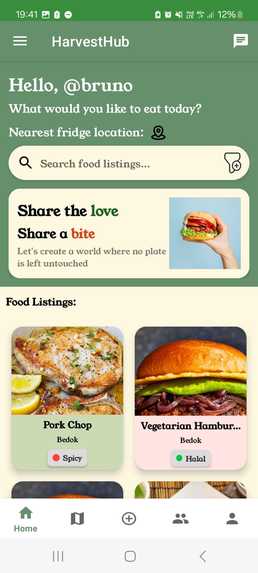
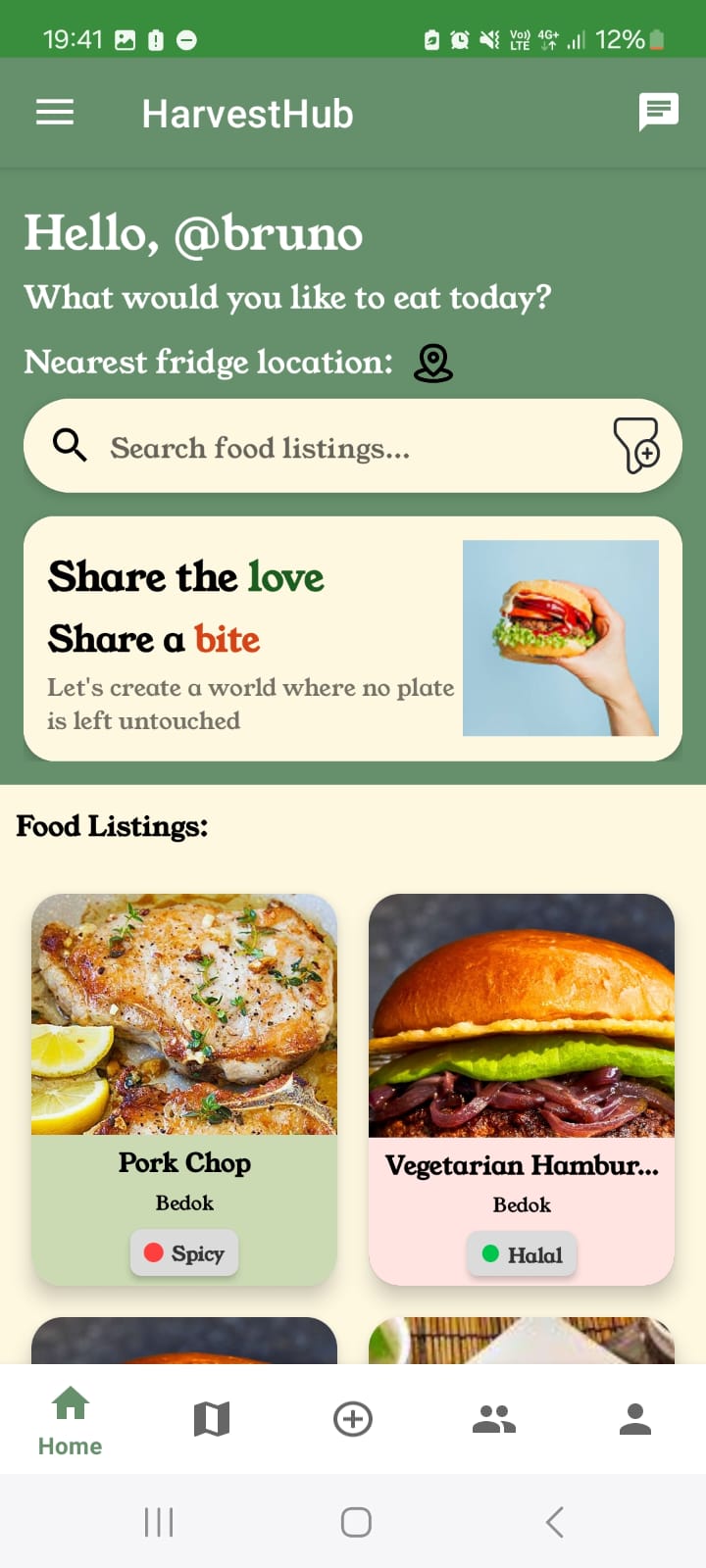
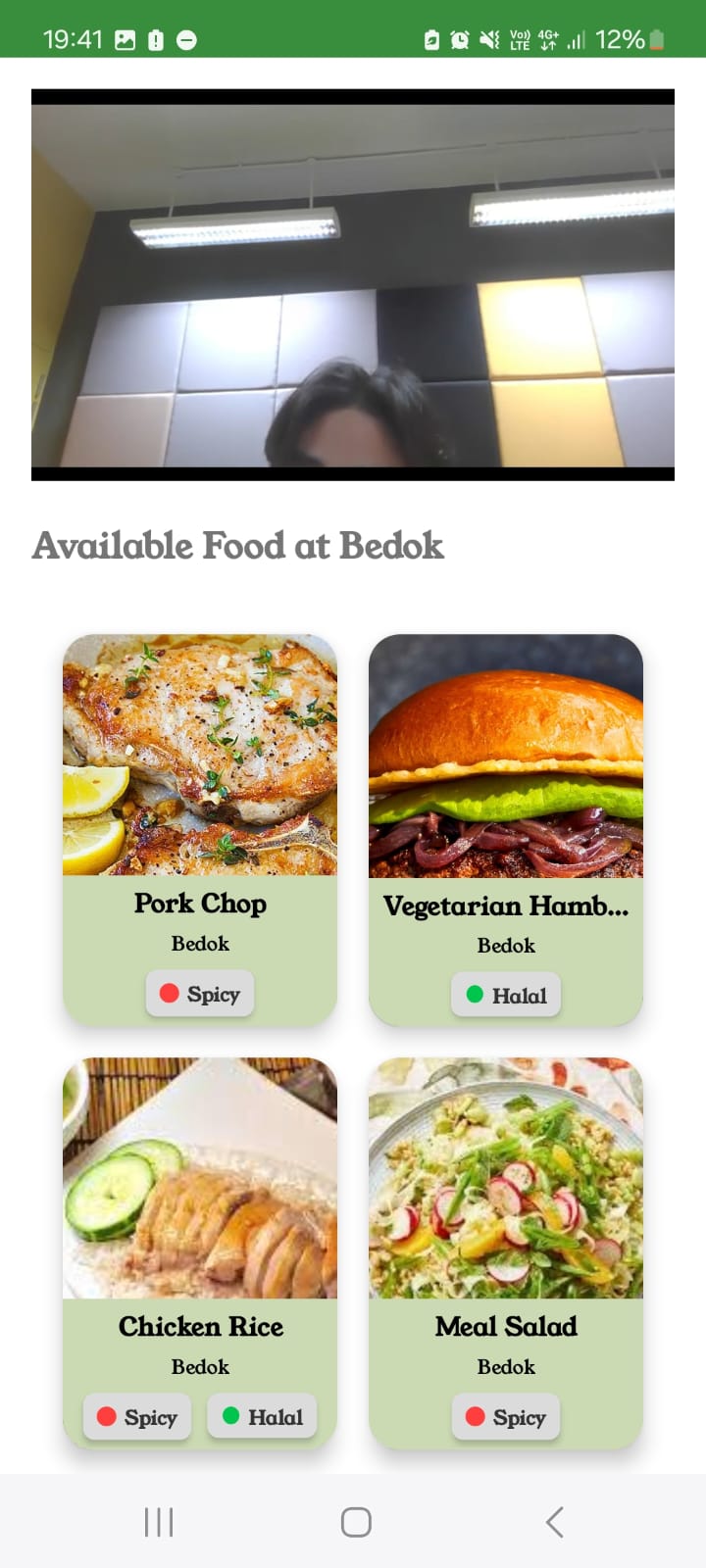
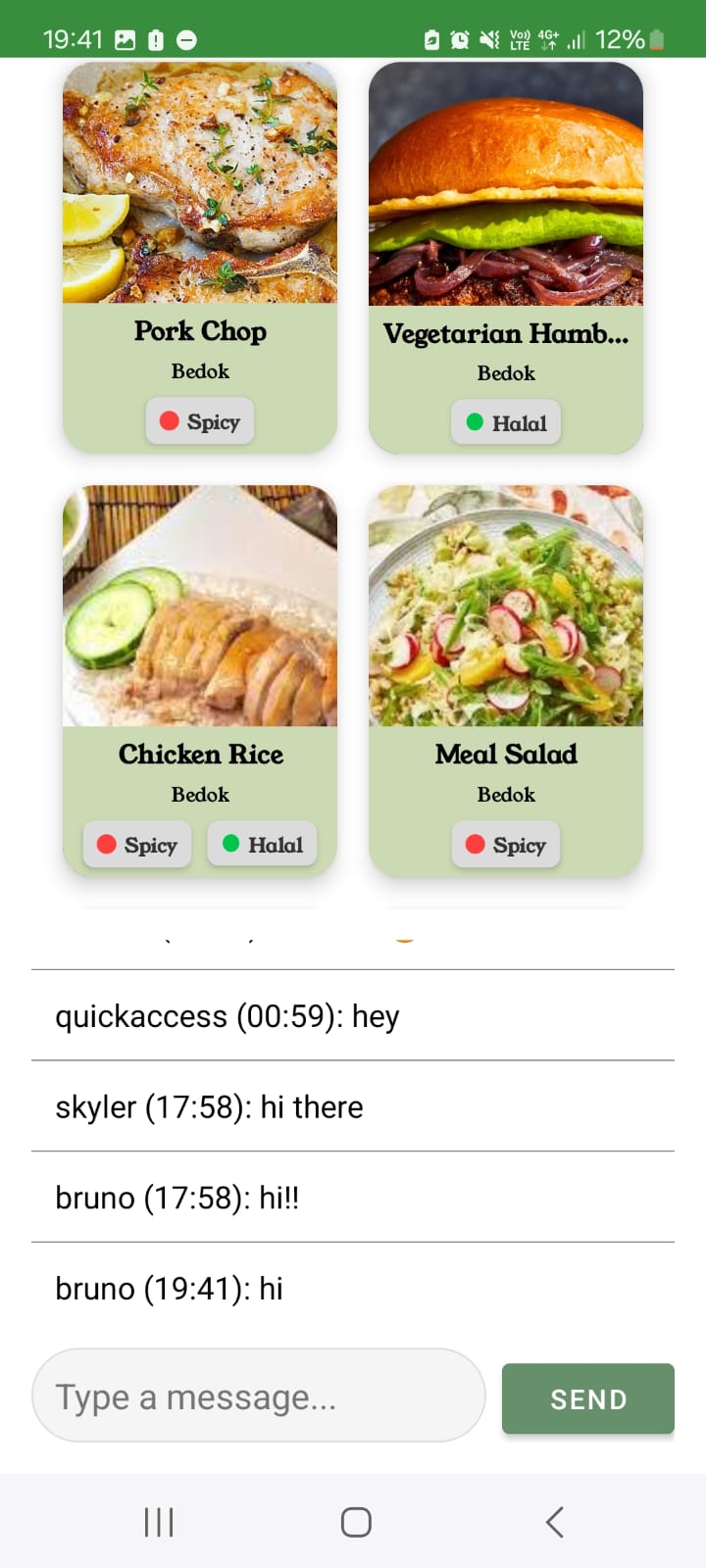
HomePage/Food Listings for app
-
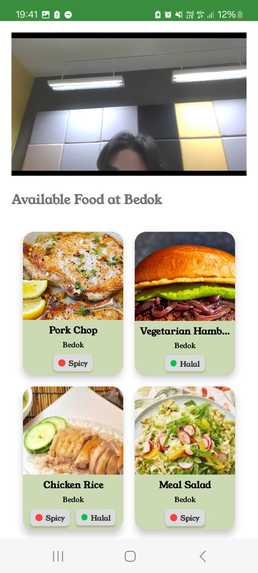
Food listing for App
-
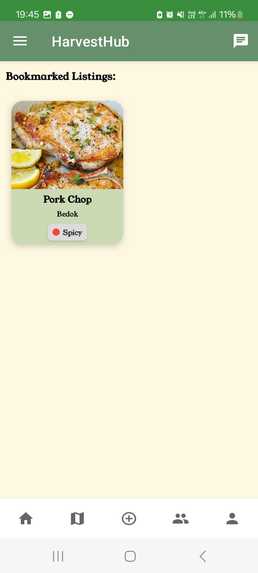
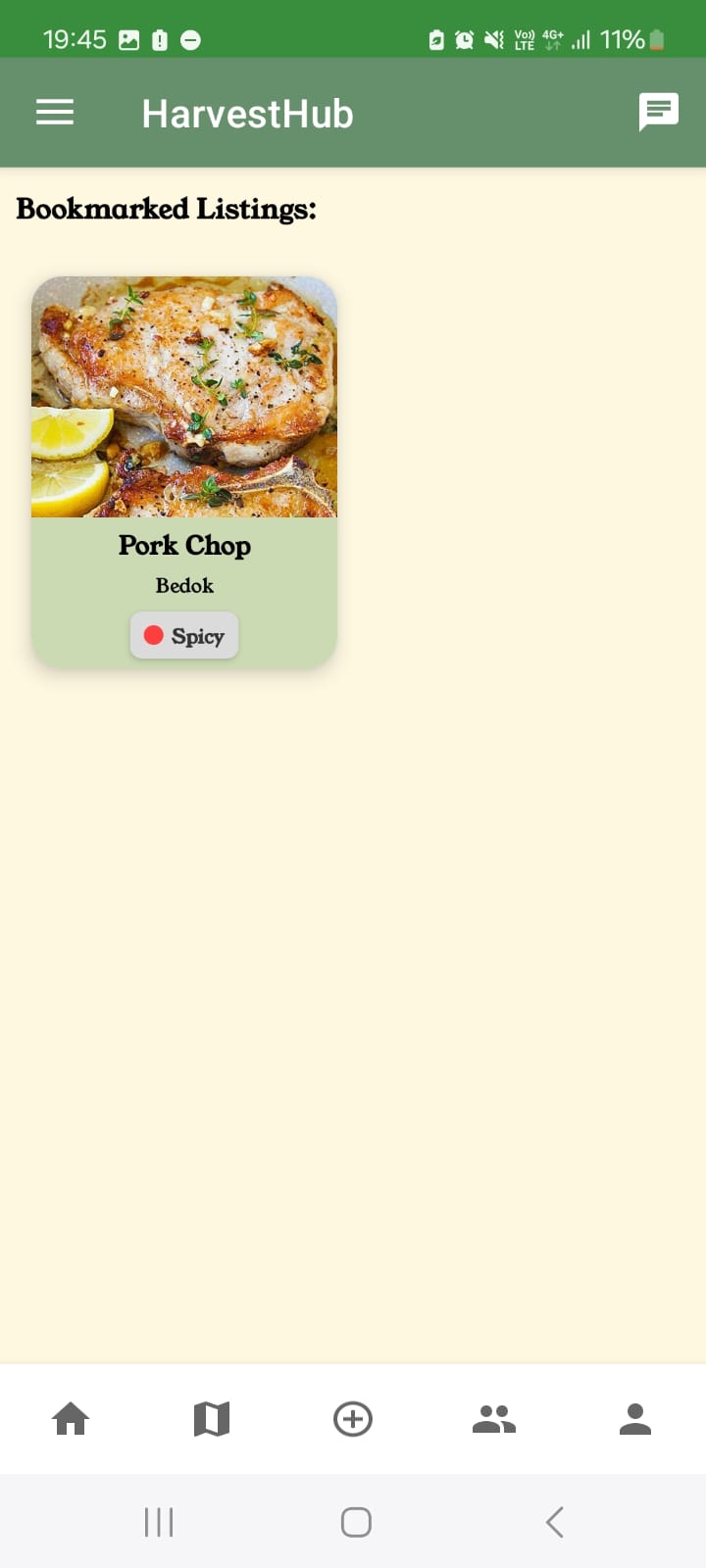
Bookmarked tab
-
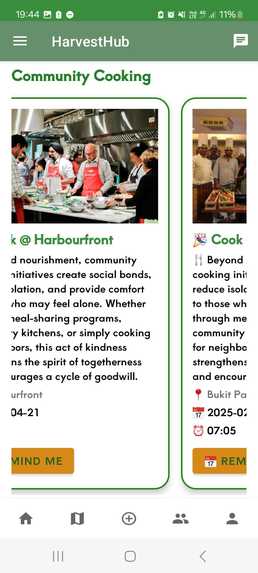
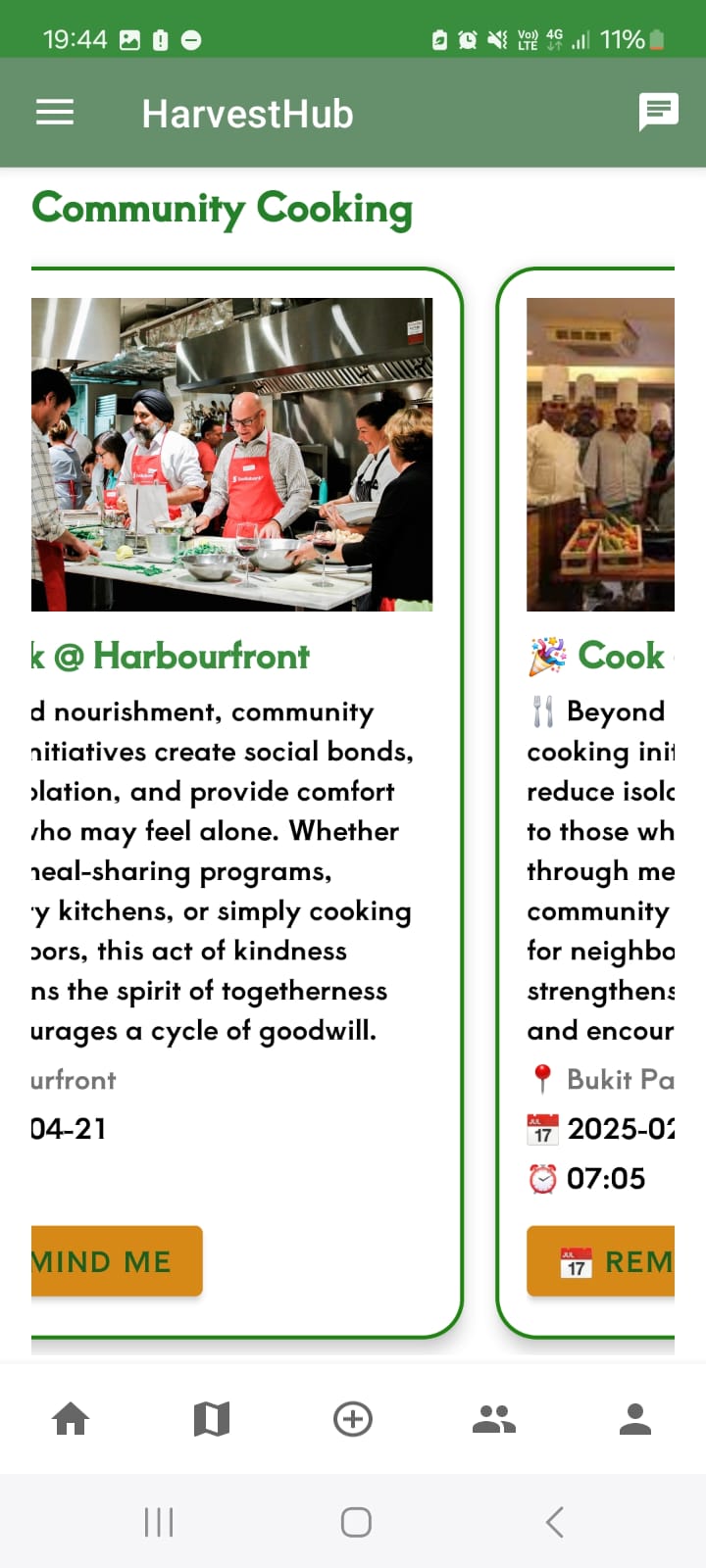
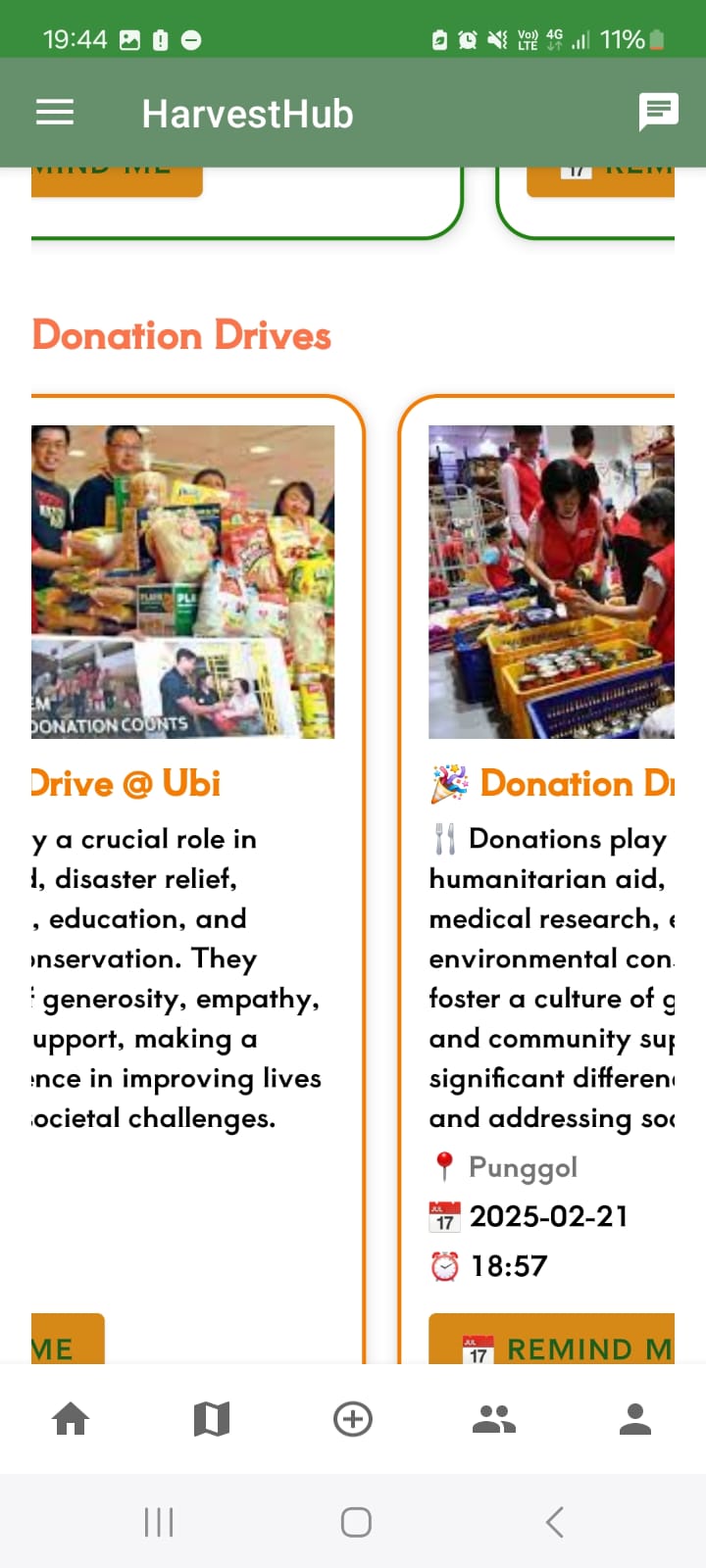
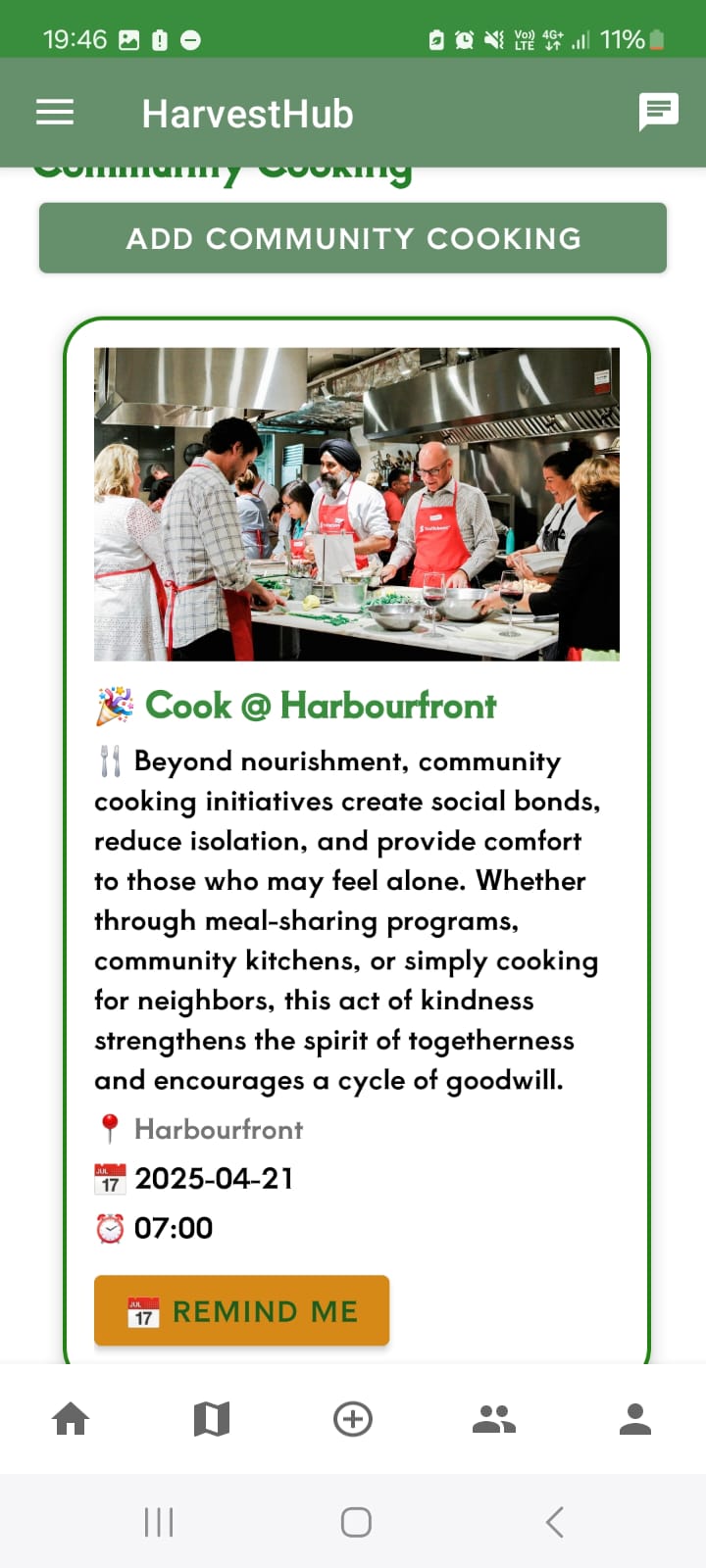
User side announcements tab
-
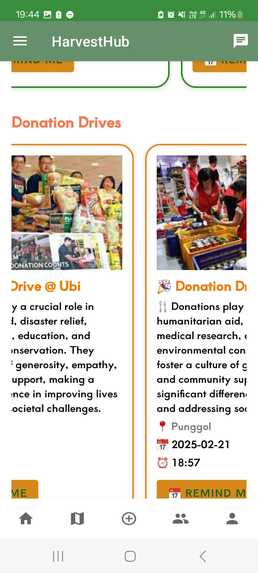
User side announcements tab
-
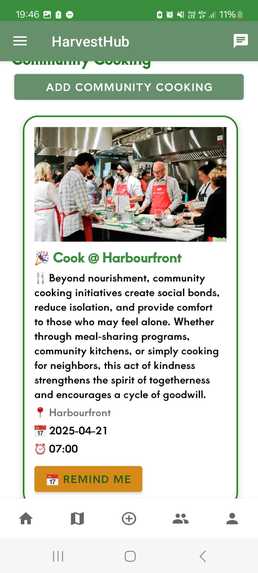
Business side announcements tab
-
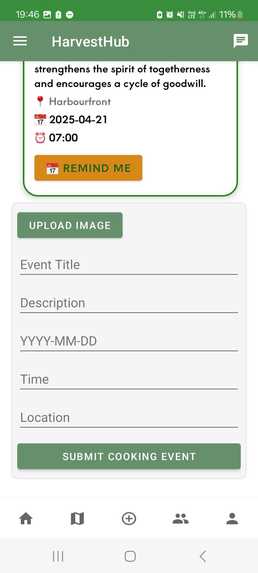
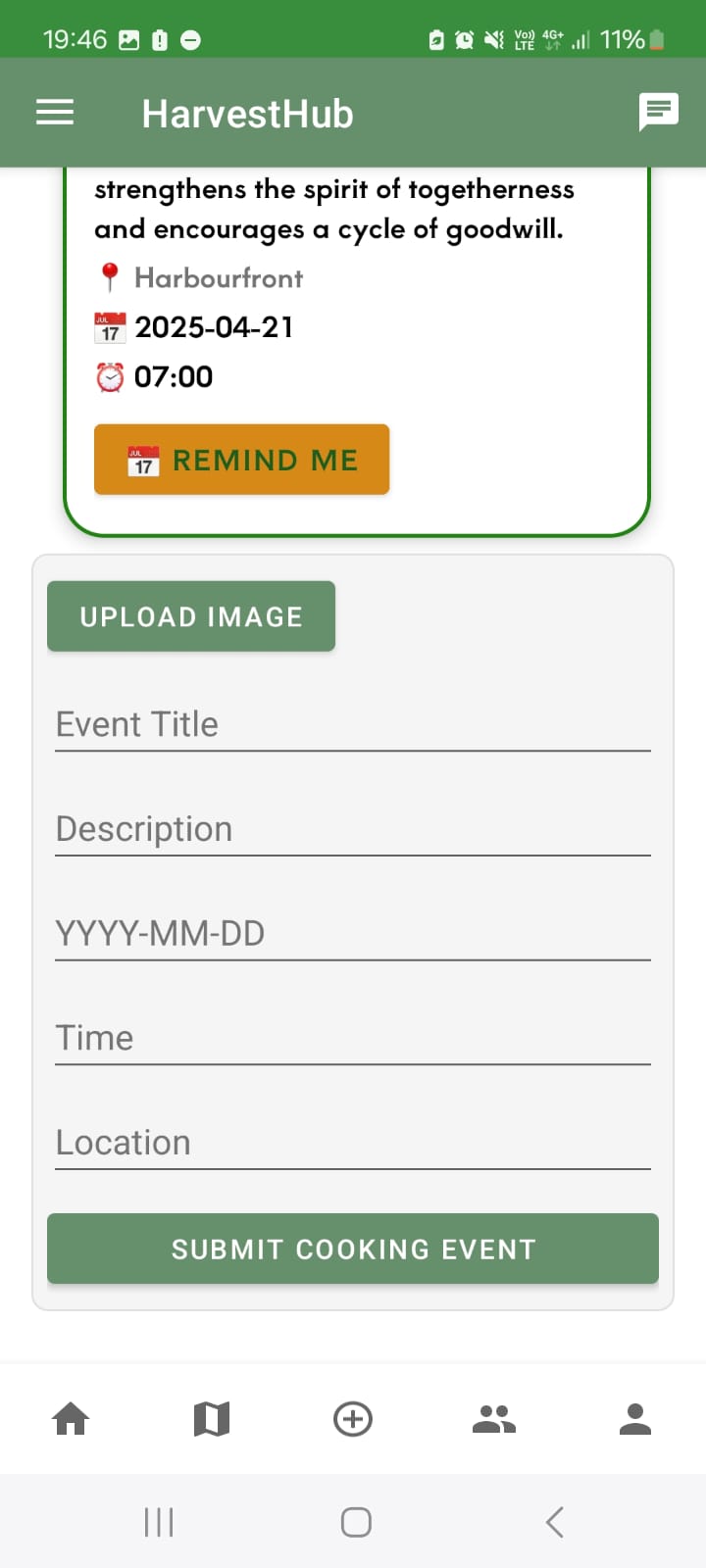
Create an event in business side announcements tab
-
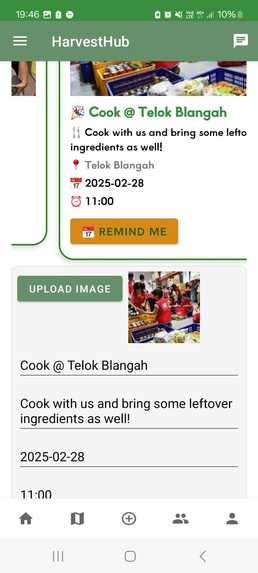
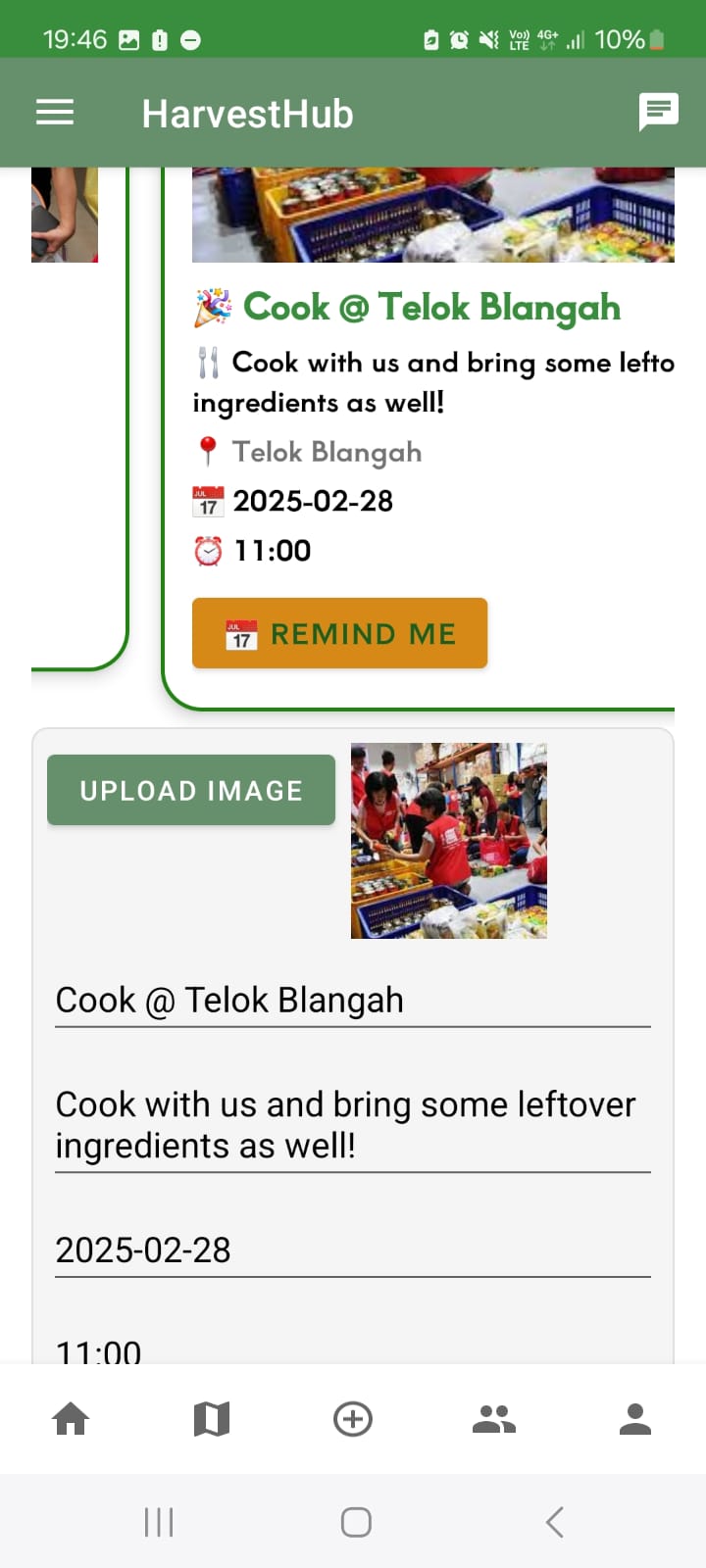
Update an event in business side announcements tab
-
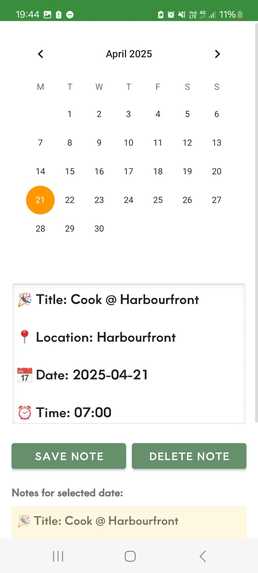
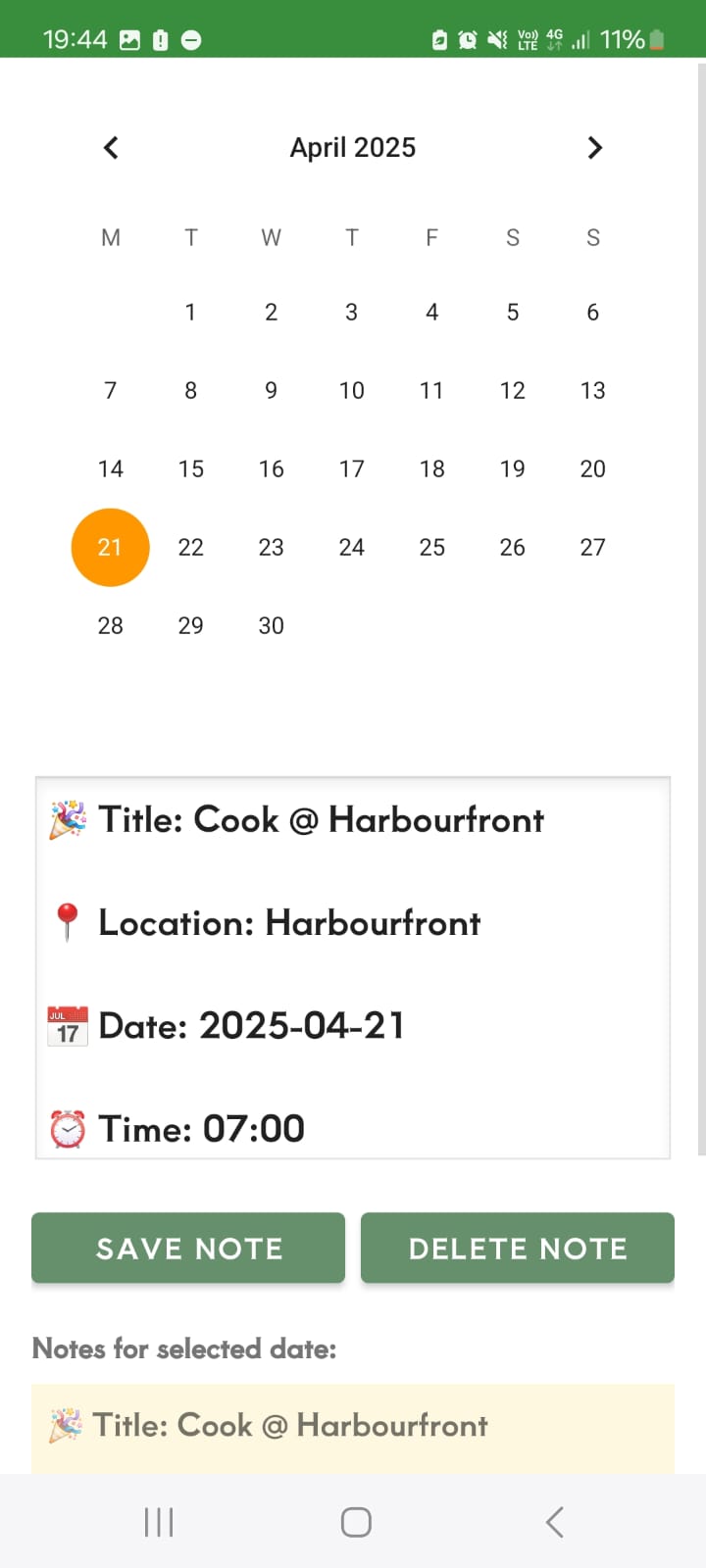
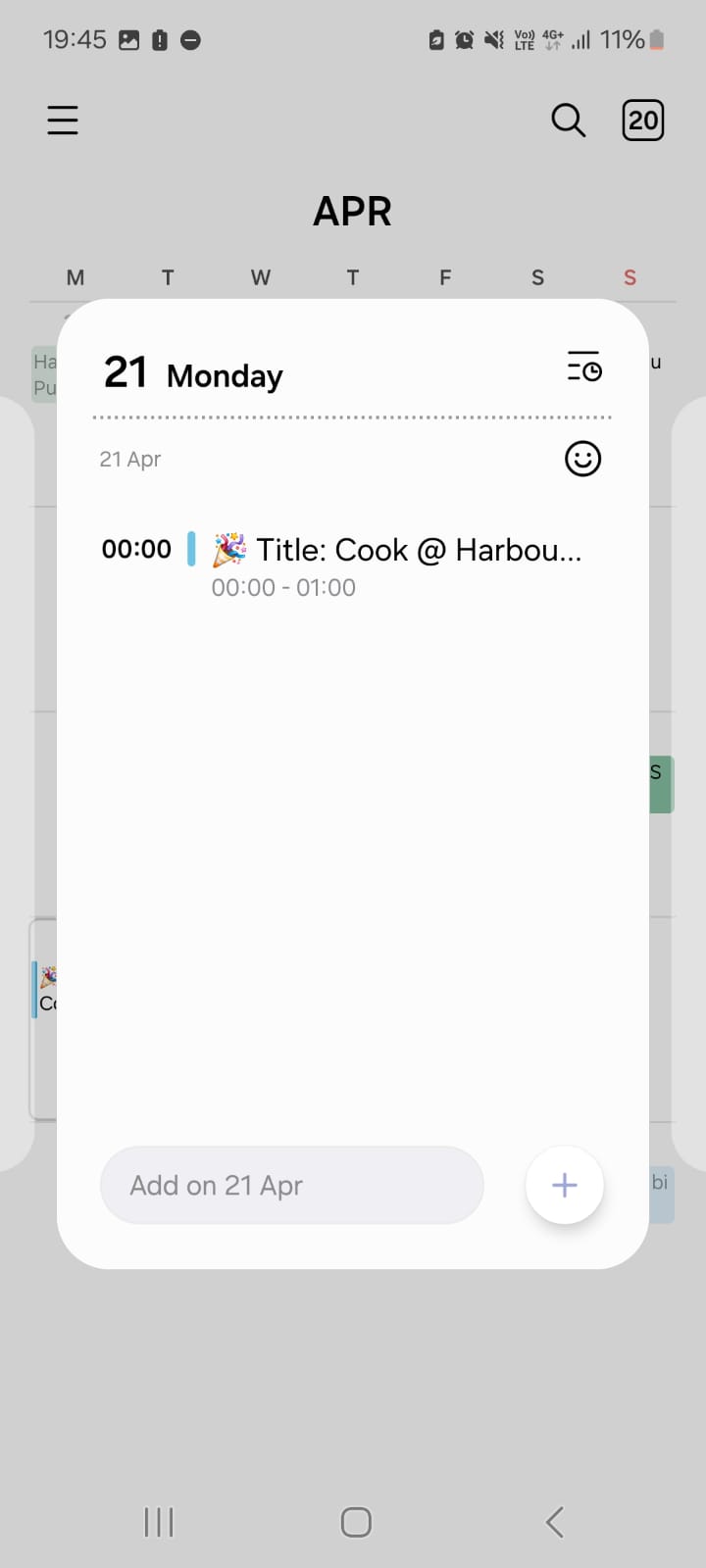
Press remind me button to send details of event to integrated calendar
-
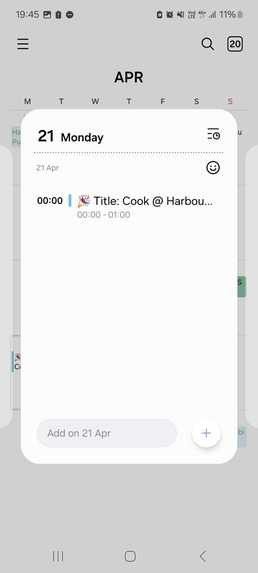
Event details auto saved to local phone calendar when saved in integrated calendar
-
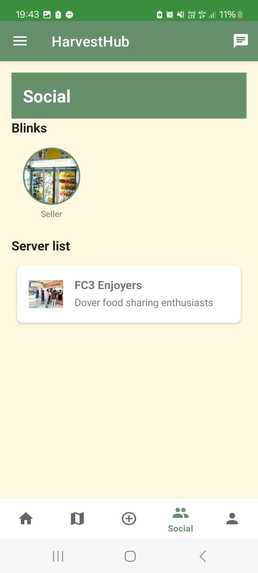
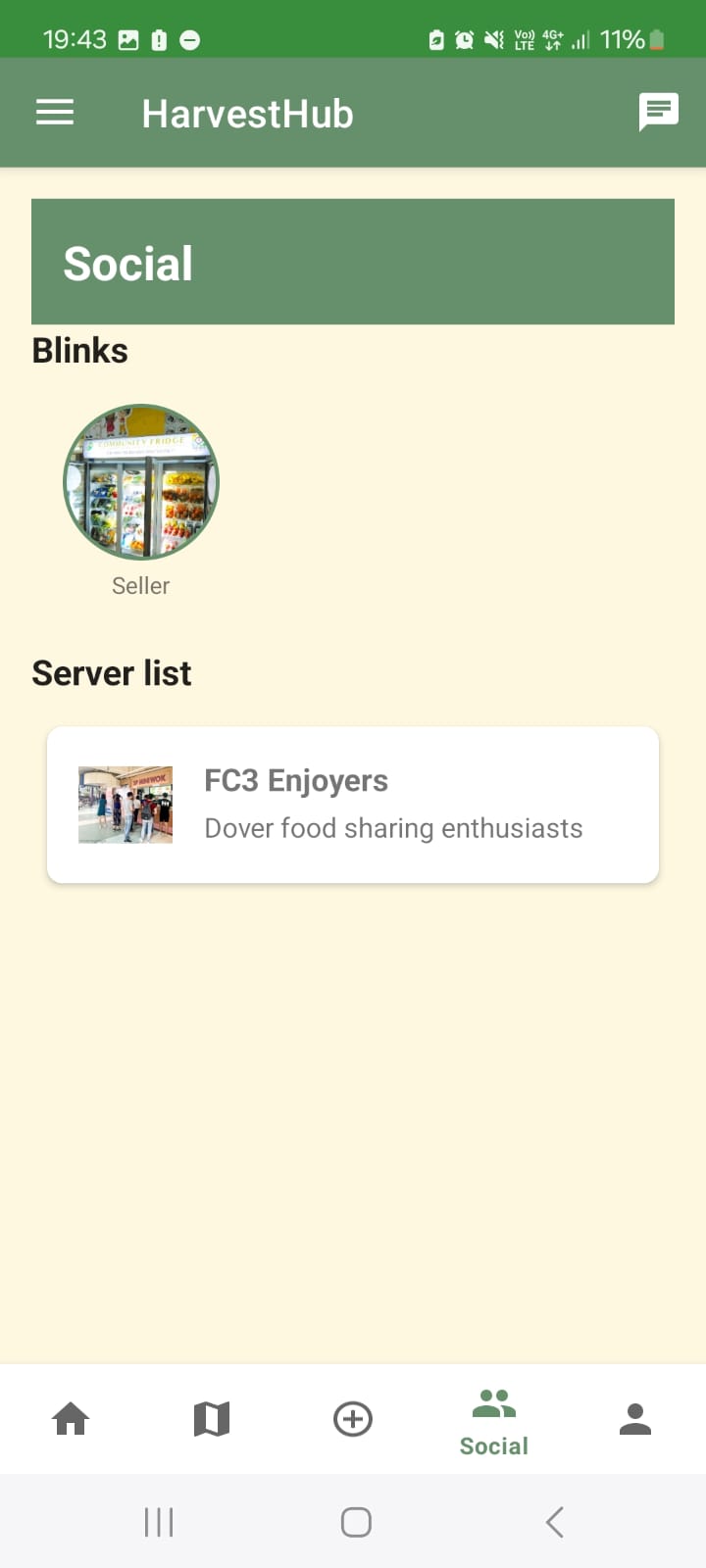
Socials tab for App
-
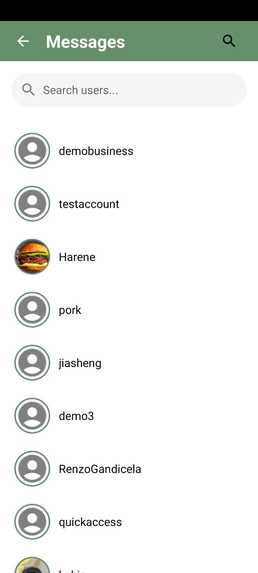
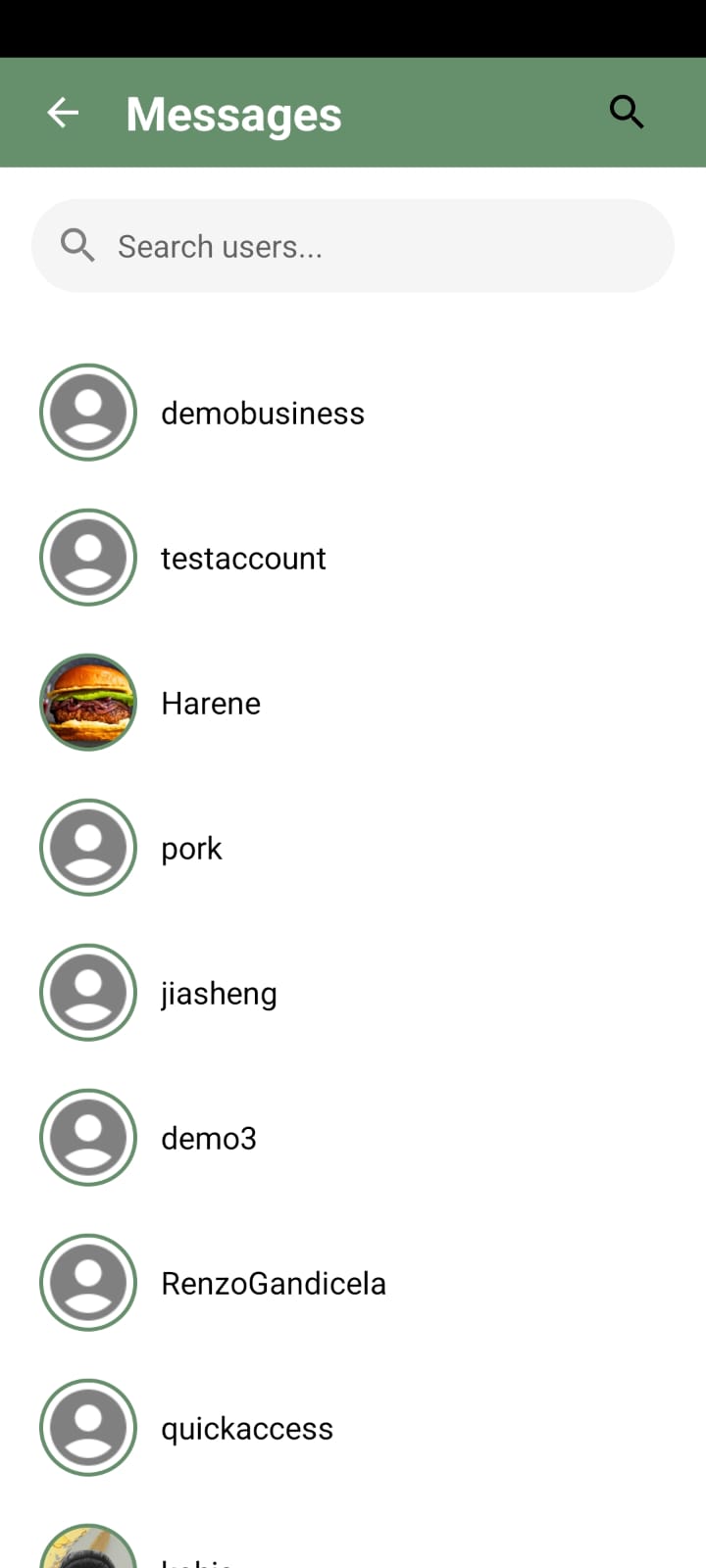
Search for users on App
-
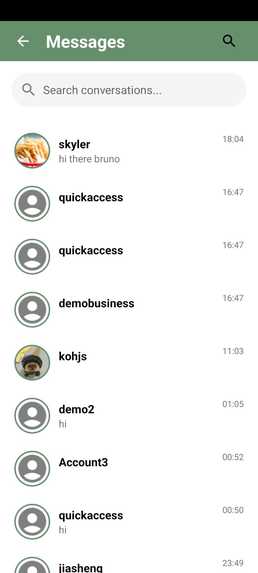
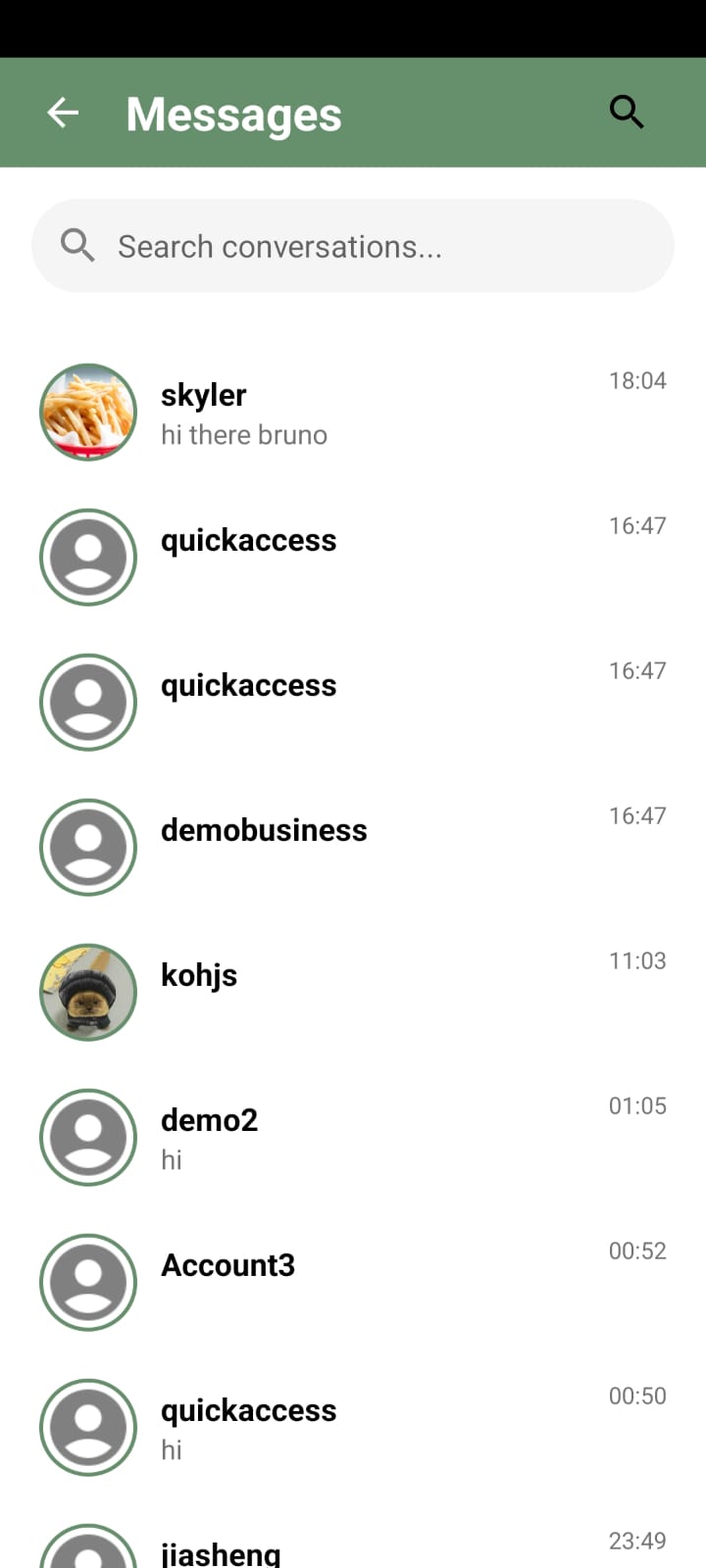
Find current chats on App
-
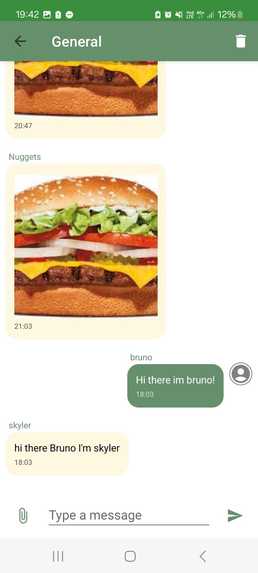
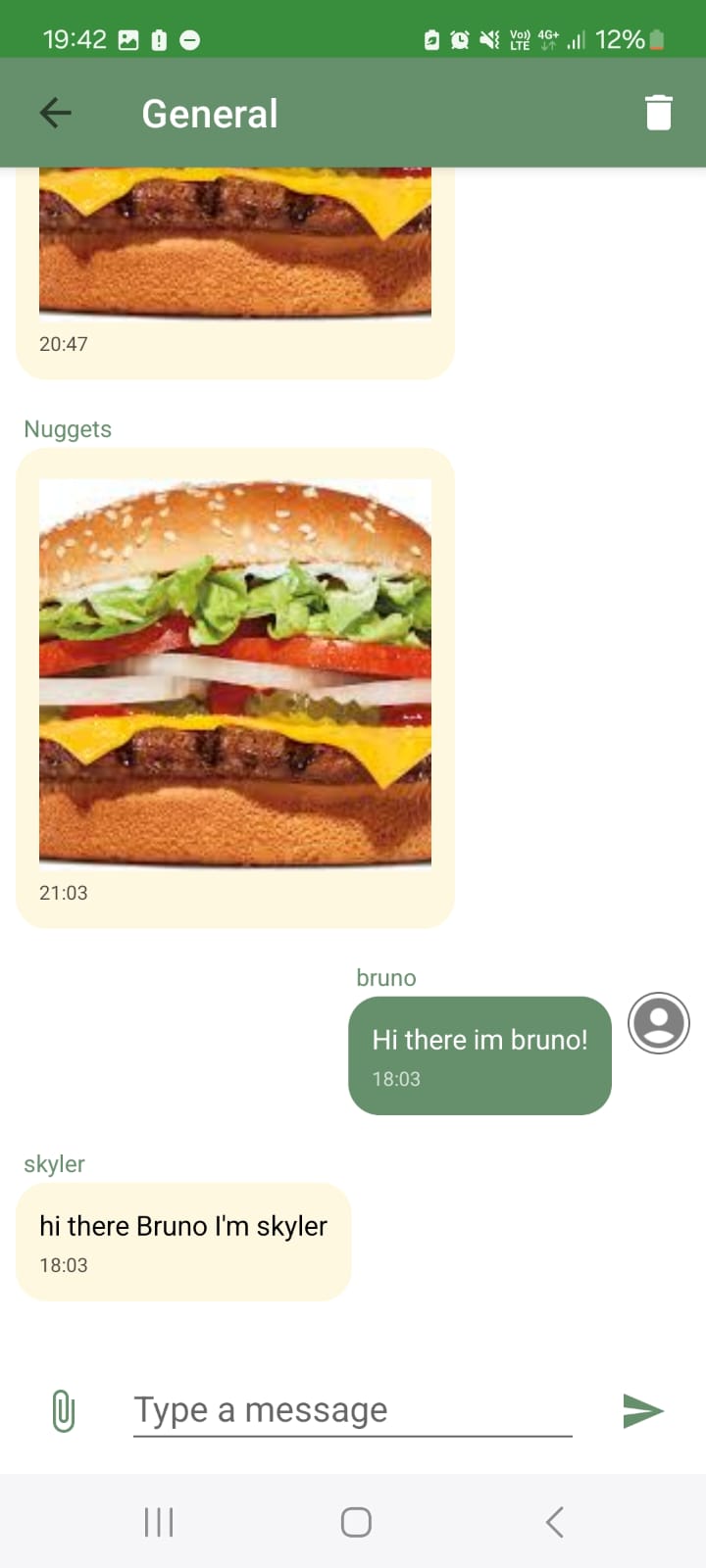
Server live chat on App
-
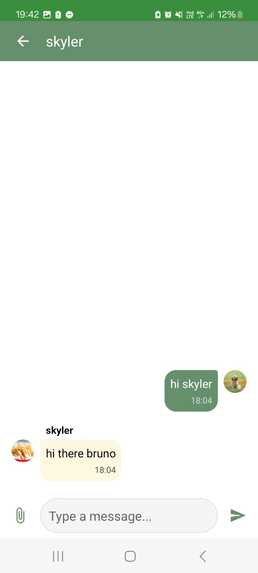
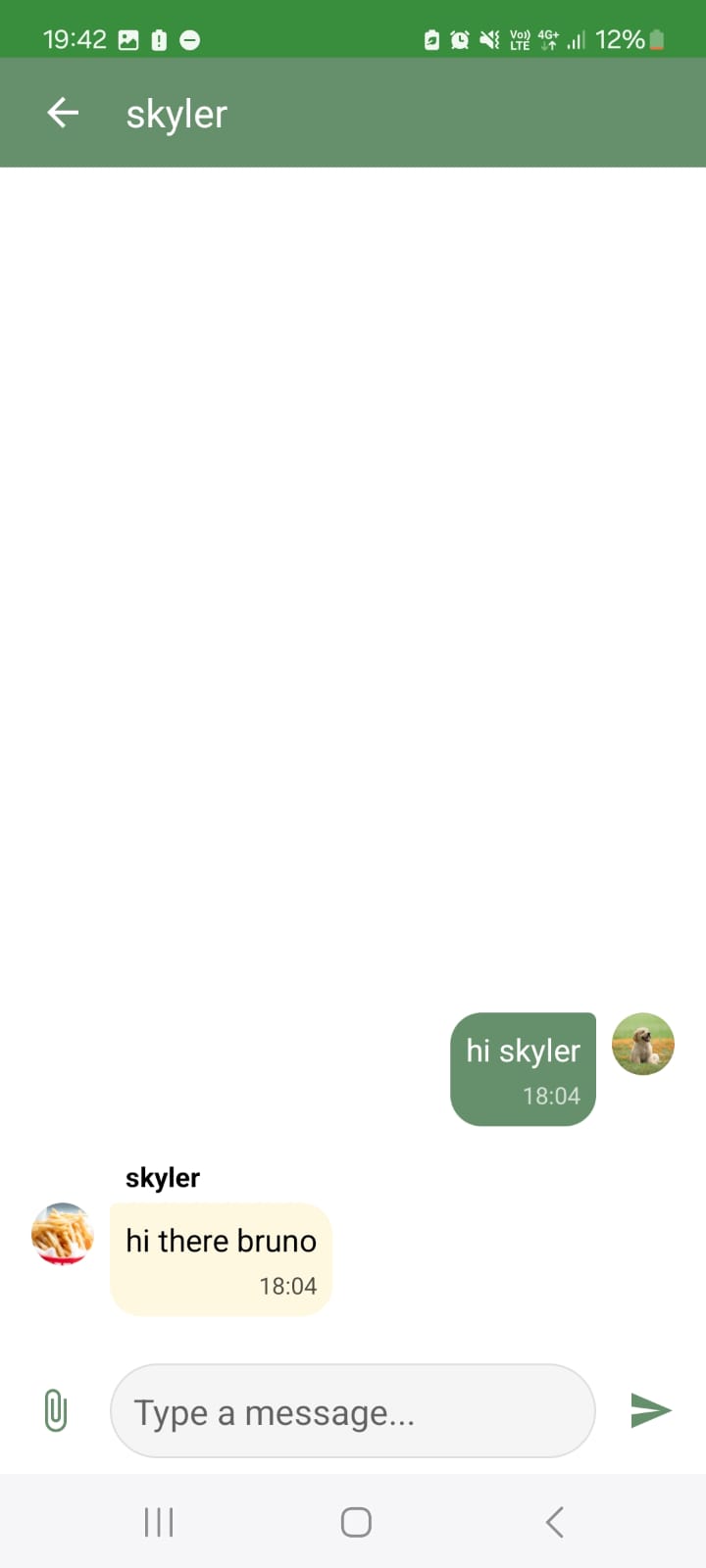
Direct message feature on App
-
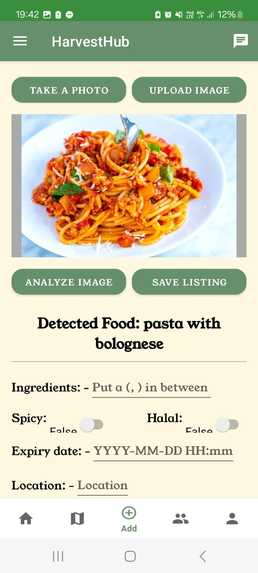
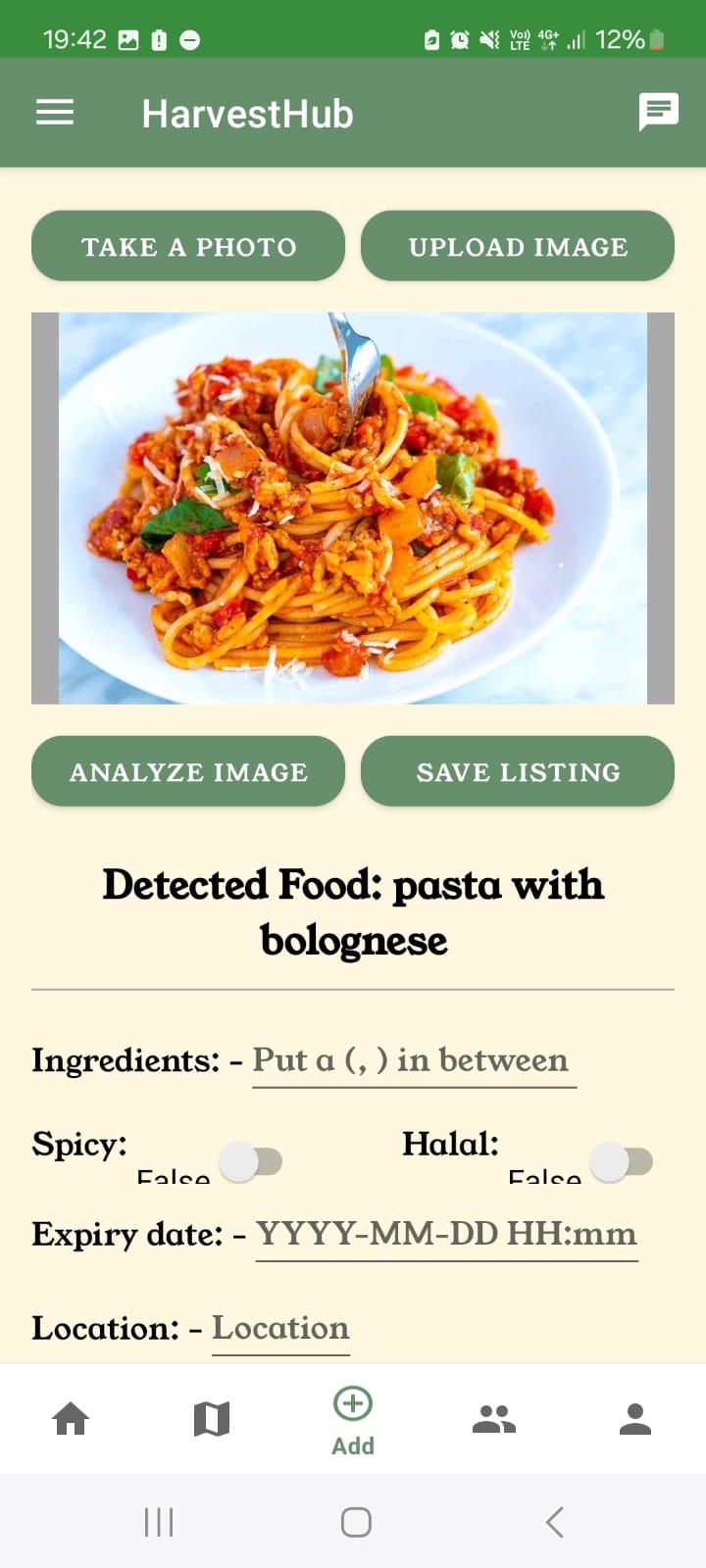
Create Listing using Camera AI for app
-
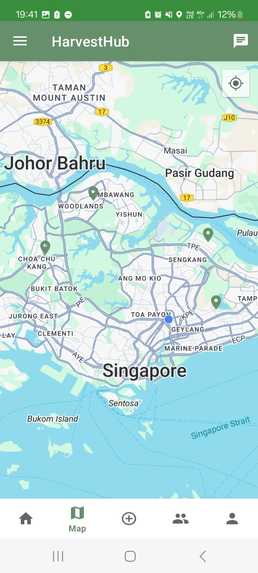
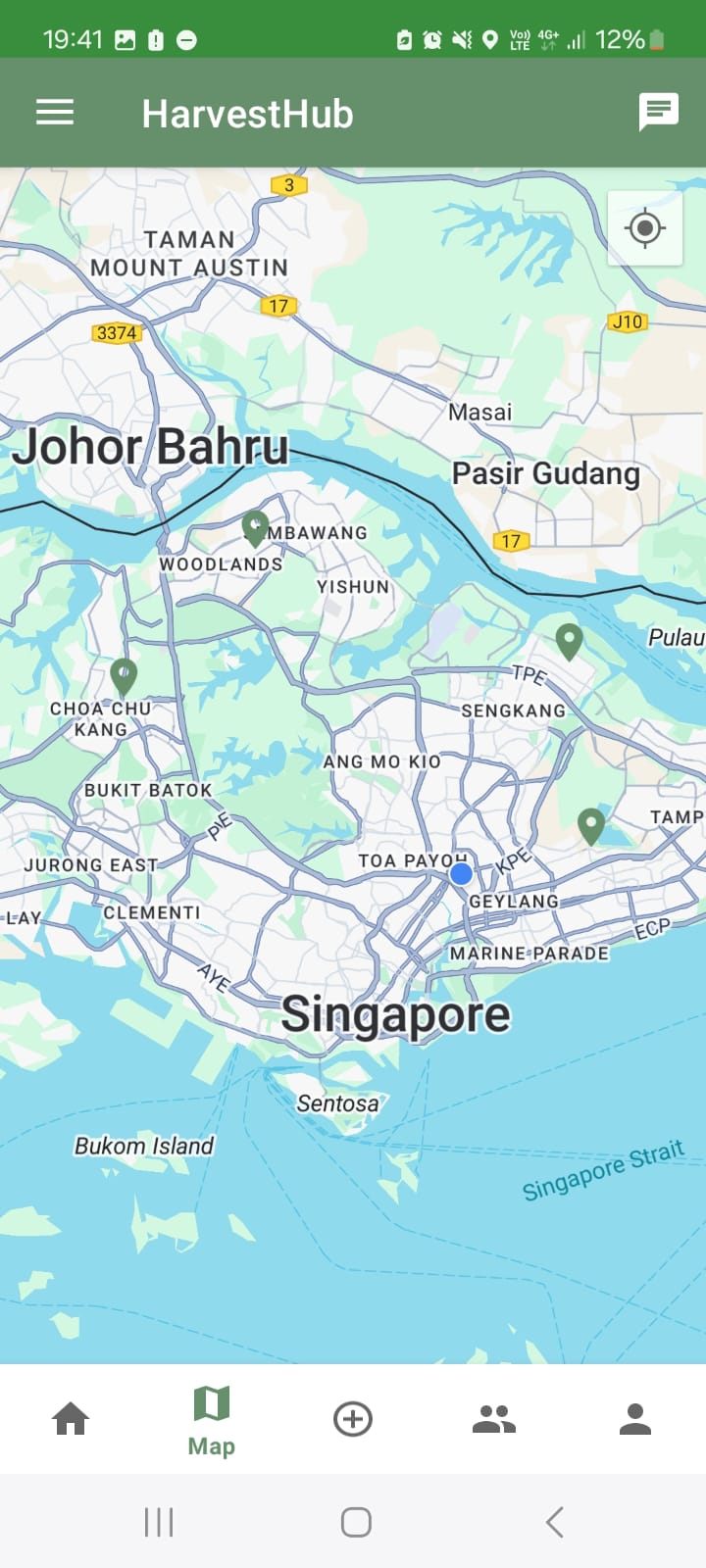
Map view to see where fridges are located on App
-
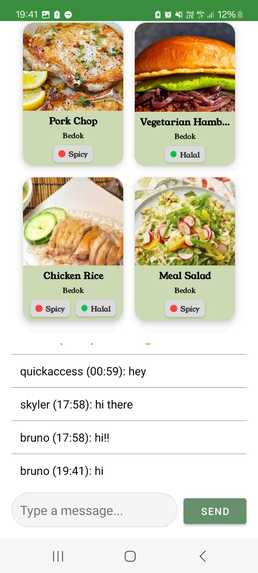
Fridge specific food listings on App
-
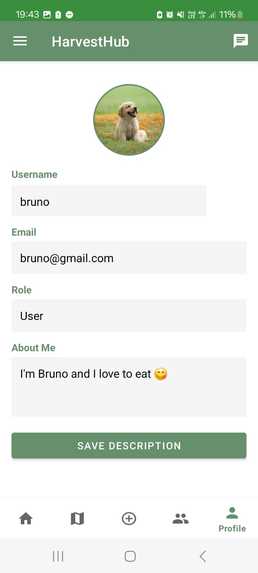
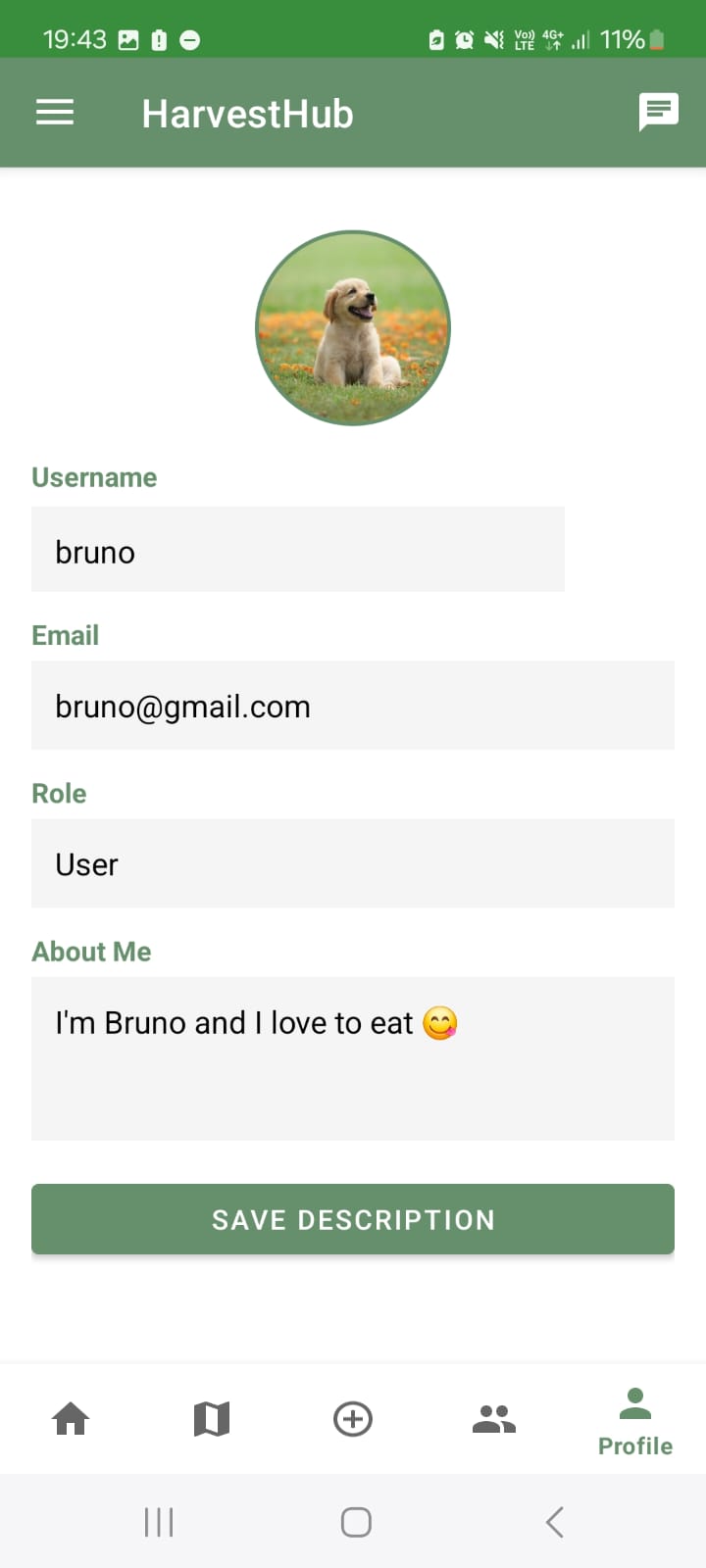
Profile Page on App
Introduction & What it does
HarvestHub is an innovative web platform & mobile application designed to reduce food wastage in Singapore while fostering stronger community engagement. The website connects business owners with community fridges across the country, allowing surplus food to be redistributed to those in need. Beyond food donations, HarvestHub enables users and businesses to collaborate, share resources, and organize events aimed at reducing food waste.
Inspiration
Our inspiration for HarvestHub came from reports by the National Environment Agency (NEA), which highlighted that food recycling rates dipped in 2023 and had remained stagnant for some time. Additionally, we observed that community fridges across Singapore were often underutilized and poorly maintained, frequently running out of ingredients. There was no efficient system for users to know what was available in each fridge, leading to inconsistent usage.
Recognizing these challenges, we wanted to create a practical and impactful solution that would help reduce food wastage in restaurants while optimizing the use of community fridges. By making fridge inventories visible and easily accessible, we hope to encourage more people to donate their unused ingredients, ultimately improving food recycling rates in households. Our goal is to motivate businesses and individuals alike to participate in sustainable food-sharing practices while strengthening community ties.
How does it work?
HarvestHub caters to two main user groups: individual users and business owners.
1. User Registration & Roles (Website & App)
Upon signing up, users select their role—User or Seller (Business Owner)—and choose a unique username. Once logged in, they are directed to the homepage, which displays a comprehensive list of available food items across Singapore’s community fridges. Users can refine their searches using search bar & filters such as food type, dietary preferences (e.g., halal, vegetarian), and tags like "spicy".
2. Interactive Map & Fridge Listings (Website & App)
The website features a map view pinpointing all community fridge locations in Singapore. Clicking on a fridge icon leads users to a dedicated fridge page, where they can:
-View live fridge camera feeds to check food availability in real time.
-Browse food listings in that specific fridge that was added by businesses.
-Engage with others via the fridge chat, where they can share updates and logistics related to that specific fridge.
3. Community Engagement & Events (Website & App)
HarvestHub goes beyond food donation by fostering community-driven initiatives:
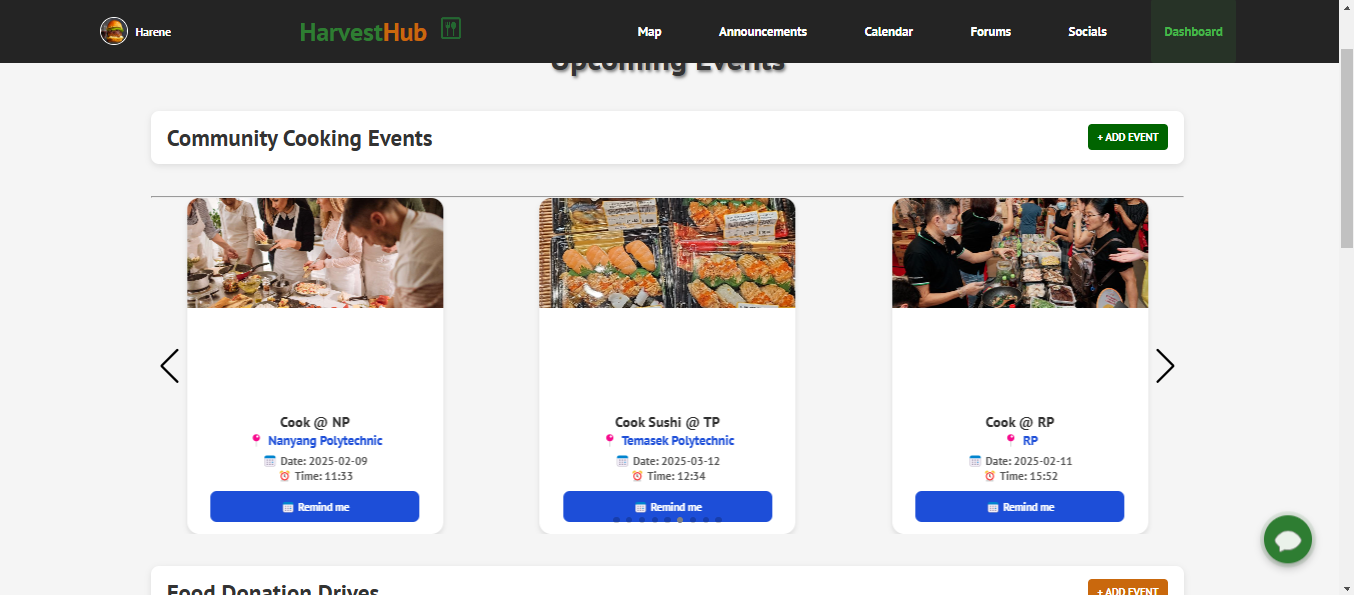
-Announcements Tab: Users can discover upcoming events like community cooking sessions (where people cook using donated ingredients) and food donation drives.
-Business Event Hosting: Business owners can create and host events, inviting users to participate.
-Calendar Integration: Users can save events to their integrated calendar. Events can be removed if plans change. Events are automatically saved to local phone calendar so reminders and alarms can be used as well (APP FEATURE).
4. Forums & Social Features
-Forums: Users and businesses can discuss topics like food rescuing strategies, recipes, and sustainability tips. Posts can be liked and commented on, fostering interaction and knowledge sharing.
-Socials Tab:
-Users can join or create servers to engage with like-minded individuals.
-Direct messaging and friend requests enable private communication.
-A block feature ensures a safe and respectful online space.
5. Business Dashboard
-For business owners, an exclusive Dashboard Tab provides additional functionality:
-Food Listings Management: Businesses can add and remove food items being donated to fridges.(CREATE FOOD LISTINGS FOR WEBSITE)
-Engagement Analytics: A real-time view of post interactions (likes, comments) helps businesses gauge their impact.
6. Profile Management & Chatbot Assistance
-User Profiles: Users can update their profile picture and password for a personalized experience.
-Chatbot Assistance: An integrated chatbot provides instant answers to queries related to food wastage, platform navigation, and community initiatives.
**7. Create Food Listing with AI Camera (CREATE FOOD LISTING FOR APP)
-AI Camera: Analyses image of food and produces the name of the food item. -Able to upload or take picture of the food item using the AI Camera to analyse. -Fill in details of the food item and put in tags as well, can post and delete item after.
8. Bookmarks Tab (ONLY IN APP)
-Bookmark your favourite food listings so that it is easily accessible to you in the app.
How we built it
For our HarvestHub website, we used languages such as React(frontend) and Node.js(backend). We used Firebase NoSQL as our database in which we used the Authentication, Realtime and Storage features. We used APIs as well as AI. For our HarvestHub mobile application, we used languages such as Java, we used the same database as our website so that the app and website could work seamlessly.
Challenges we ran into
We had to learn React and Node.js as well as how to use Firebase database for our project as we were not taught this beforehand. We also had to learn how incorporate AI as well as how to use APIs. Linking all the pages in the app using java activity fragments was quite difficult. We had some dependency issues in java as well.
Accomplishments that we're proud of
We managed to build the app and website so that it works seamlessly together. We also managed to build the app front end using react even though we did not learn that language before. We persevered and learned a lot of new things such as how to use the firebase database and link it to both the website and the app so that it works well. Integrating all the pages together in our mobile app using java was also really difficult but we are glad we could pull it off in the end.
What we learned
We learnt how to use react, java and node.js as well as firebase for our future projects. We also learned how to work together as team to integrate all our work successfully as well as how to split the workload amongst our team.
What's next for HarvestHub
We wish to also add in a verification step for business accounts so as to confirm their status as a business owner.
Built With
- firebase
- firebase-api
- gemini-api
- google-geolocation-api
- google-maps
- logmeal-api
- node.js
- react


Log in or sign up for Devpost to join the conversation.