-
-
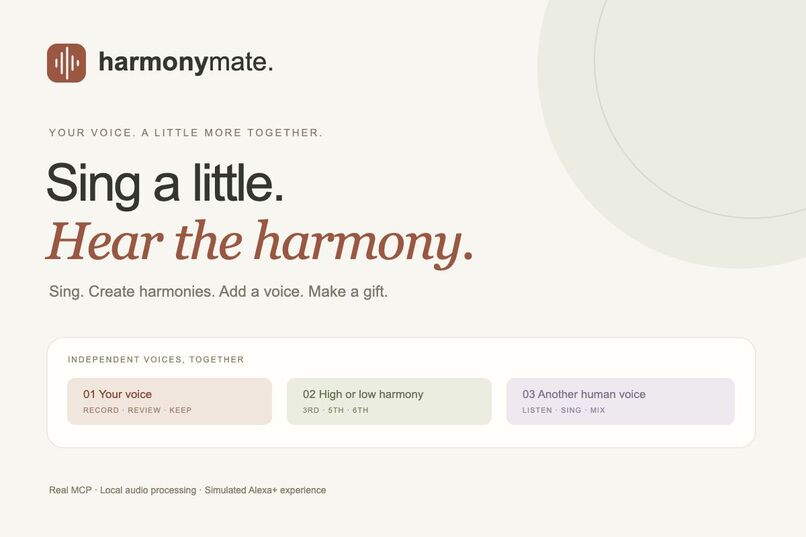
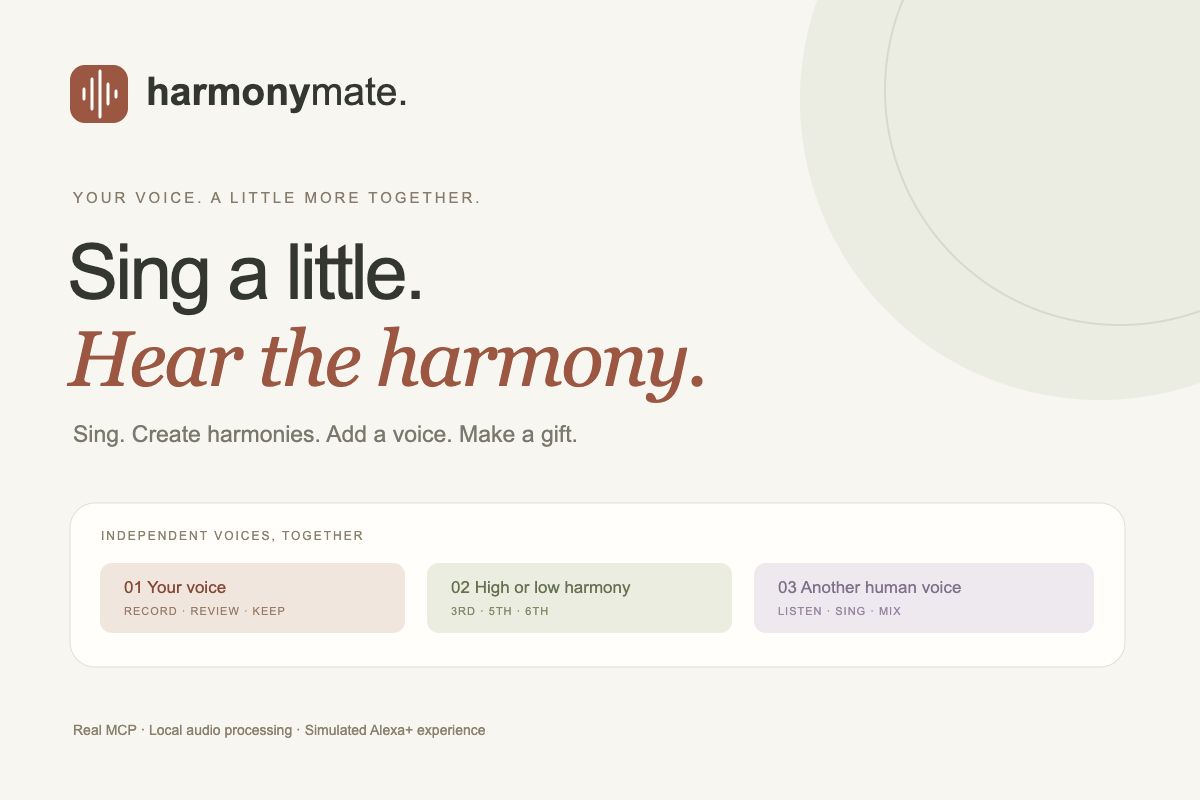
HarmonyMate: sing a phrase, create independent harmonies, add your own voice and make a musical gift. Alexa+ is simulated.
-
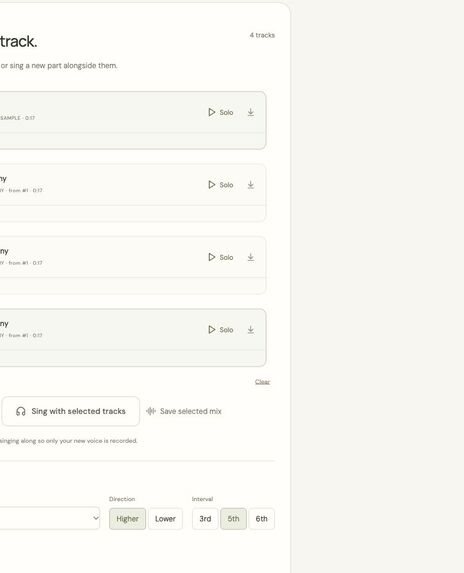
Independent numbered tracks with solo playback, gain, timing and selected-track mixing.
-
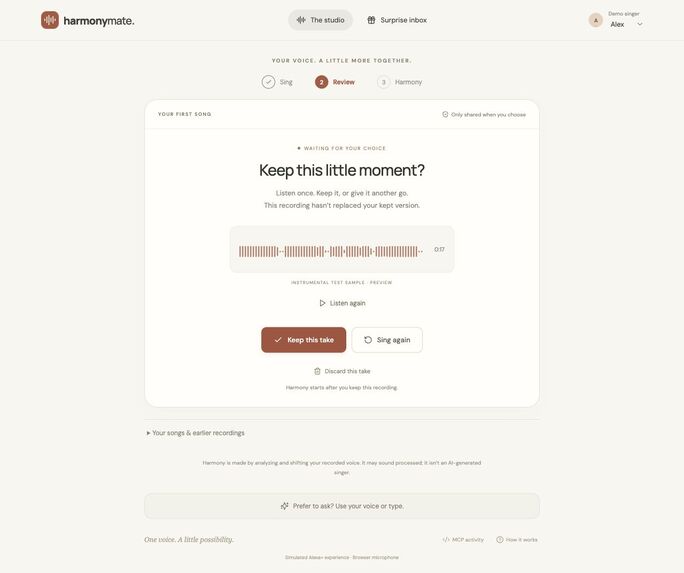
After recording, explicitly keep, retry or discard a draft. Earlier kept versions are preserved.
-
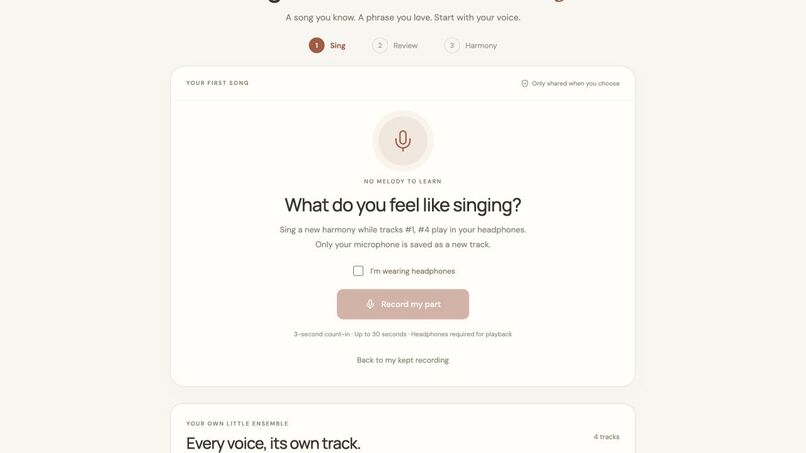
Record a new human harmony while selected reference tracks play through headphones.
Inspiration
A family song should begin with “let’s sing,” not with learning a recording workstation. We wanted to help people turn a small, familiar phrase into something they could make together and give to someone they love. HarmonyMate explores how a conversational assistant could guide that creative moment, while keeping each person in control of their recordings.
What it does
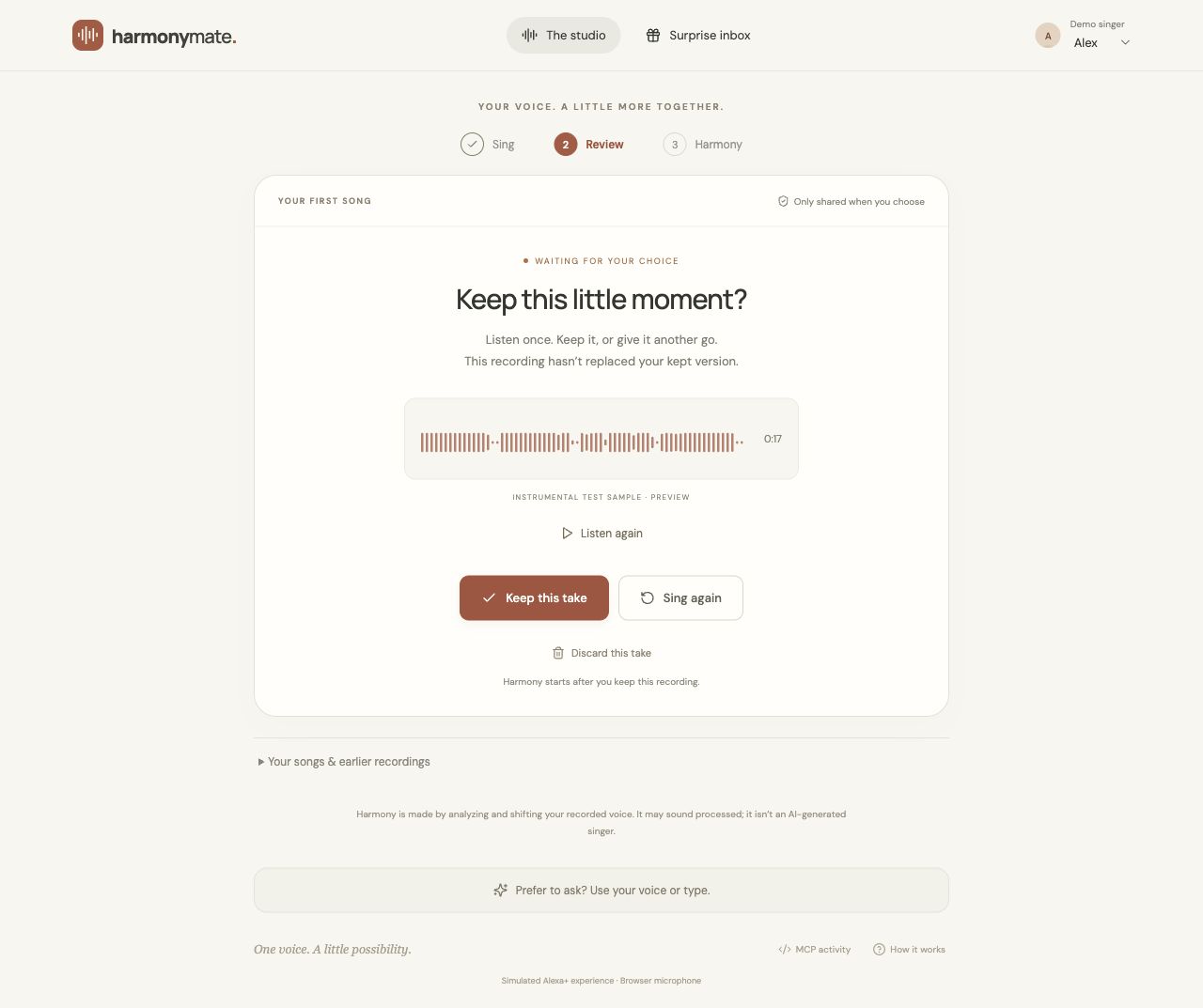
Sing an unaccompanied phrase for up to 30 seconds. Listen to the preview, then explicitly keep it, sing again, or discard it. A pending recording never replaces a kept version, and discarded drafts can be restored.
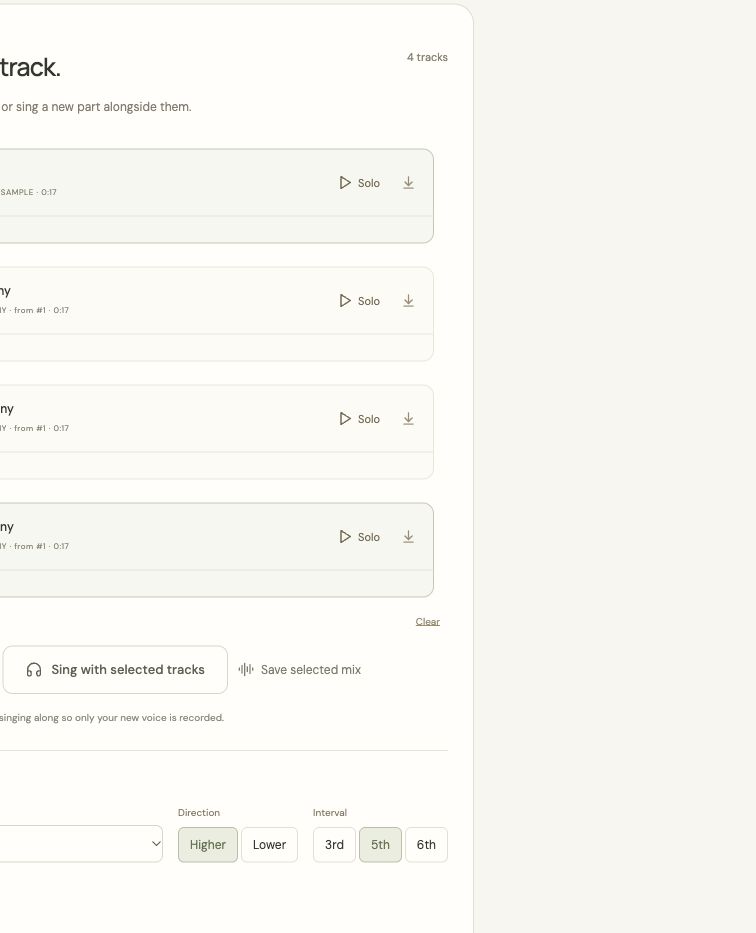
After a recording is kept, HarmonyMate can create a lower harmony. You can also choose higher or lower thirds, perfect fifths, and sixths. Every generated part becomes an independent, numbered track. Listen to any track alone, select up to eight to hear together, rename parts, adjust volume and timing, or save an exact combination as a mix.
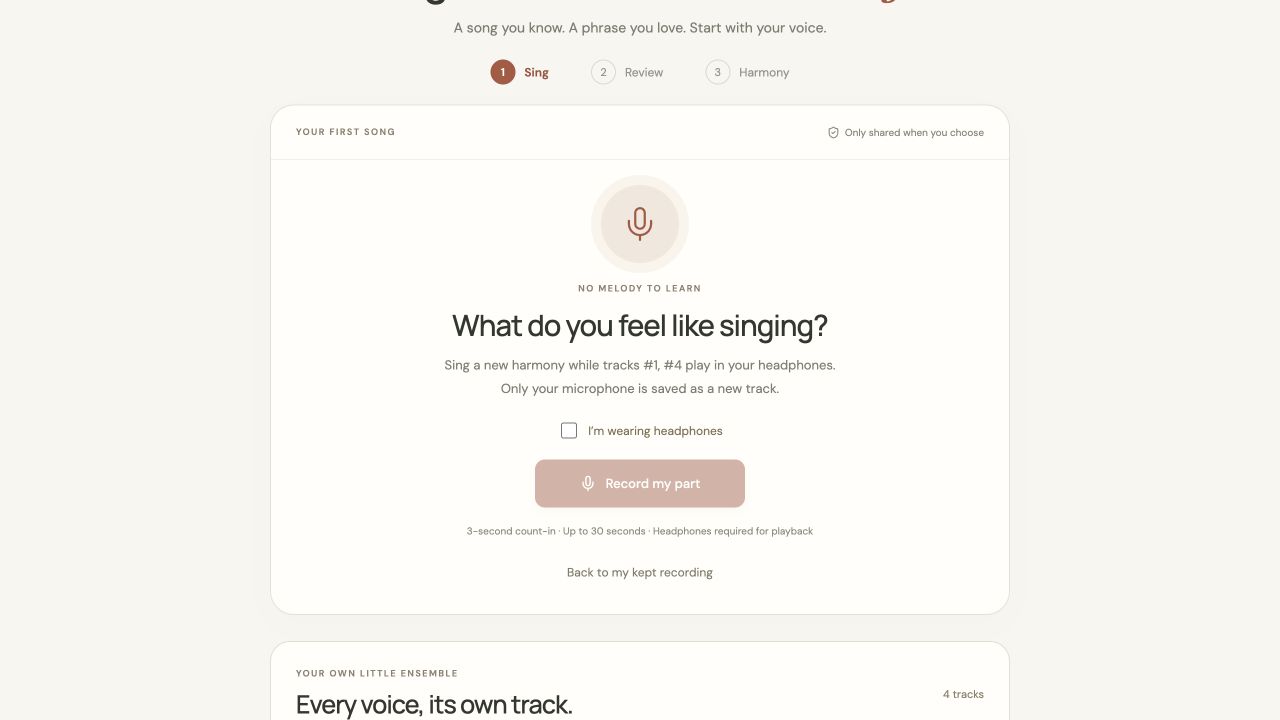
To add a real human harmony, select the tracks you want to hear, put on headphones, and record while they play. The microphone is captured separately from reference playback. Review and keep this new voice as its own track.
The conversational interface supports requests such as “what tracks do I have?”, “play tracks 1 and 3,” “sing with track 1,” and “make high sixth harmony from track 1.” Numbered requests and common Chinese equivalents work in the scripted simulator. Optional browser speech input and spoken responses complement the buttons and text input.
Finally, save a particular mix as a musical gift. The sender reviews its recipient, note, and fixed version before confirming. The recipient can open and play it in a separate demo inbox; later retakes do not change an already shared gift.
How we built it
The frontend uses React, TypeScript, Vite, Web Audio and an AudioWorklet. One AudioContext schedules reference playback and microphone capture against the same start time. A three-second count-in helps the singer begin.
An Express backend stores state in SQLite and audio in a private local directory. Thirteen tools use the official MCP TypeScript SDK over authenticated Streamable HTTP, negotiating protocol 2025-11-25. Even scripted conversational actions cross the real HTTP MCP client/server boundary. Tools cover track inventory and playback selection, recording preparation, explicit take review, harmony jobs, immutable mixes, and musical gifts.
Harmony generation is local digital signal processing. A YIN-style pitch detector estimates the sung notes and a major/minor key. Thirds and sixths follow that estimated scale; fifths use seven semitones. Stock ffmpeg transposes the recorded voice and restores its duration, then blends and mixes the generated part. Jobs are persisted and return immediately so processing can finish in the background. Generated audio has its own file, source reference, name and stable track number.
Challenges we ran into
The first version asked users to learn a prescribed melody and understand several studio controls at once. We replaced that with free singing and one clear decision after recording: keep, retry, or discard. We also removed a headphone gate from solo recording; headphones are required only when reference tracks actually play during overdubbing.
Audio timing, microphone permission cancellation, and non-destructive versioning required careful boundaries. Tests exercise late permission grants, AudioWorklet sample scheduling, draft privacy, exact track subsets, and preserving old mixes after retakes. We also fixed an Express file-serving issue involving the private .data directory.
Accomplishments and what we learned
The result is a working path from singing to independent harmonies, a human overdub, a saved mix and a confirmed gift, with real MCP calls visible in an activity view. Eight automated tests pass, including numerical checks for all six harmony variants, unchanged source audio, output duration, authorization, bilingual track commands, and simulated microphone-only overdub uploads. Production builds and a live MCP smoke test pass.
The main UX lesson was that accepting a recording is a meaningful user decision. Automatic upload should not imply approval, replacement, or sharing. Another lesson was to give conversational references a stable identity: track numbers make voice and text selection much less ambiguous than “the last one.”
What is real, simulated, and next
The recording pipeline, MCP transport, persistence, track selection, local harmony processing, mixing and confirmation checks are implemented. Alexa+ is simulated in the browser; this project does not connect to an Echo microphone, provide native Alexa notifications or implement production Alexa account linking. Demo profiles are freely switchable and intended for test material.
The harmony is pitch-shifted recorded voice, not a generative AI singer. It can sound processed, and short, clean, unaccompanied phrases work best. Key estimation is approximate. Synthetic tests verify the pipeline and musical intervals; microphone acoustics, singing quality and physical device latency still need device rehearsal. Optional Bedrock Converse integration is included but has not been validated with a live AWS account and is not claimed as demonstrated AWS runtime usage.
Next steps are listening tests with actual singers, better timbre preservation and key correction, production identity/invitations, and official Alexa+ onboarding when access is available.
Video walkthrough
Watch or download the 2:08 English introduction. This is an edited screenshot walkthrough with synthetic narration, not a continuous operation recording. It contains no audible singing or generated harmony. The source bundle attached for judges also includes the MP4 and English SRT captions.

Log in or sign up for Devpost to join the conversation.